Samsung Push Service
Samsung Electronics Co., Ltd.- EveryoneAge rating
- CommunicationCategory
- Sep 15, 2026Updated
- FreePrice
Links to the official Google Play listing of com.sec.spp.push. Last checked on Nov 17, 2026.

Screenshots
About this app
The Samsung push service provides the notification service on Samsung devices.
You can check the installation of the app in 'Settings > Application manager' after downloading the Samsung push service.
The Samsung push service provides the notification service only for Samsung services (Galaxy Apps, Samsung Link, Samsung Pay, etc.) on Samsung devices.
If you delete the Samsung push service, you may not receive the new notification messages.
The Samsung push service provides the below services.
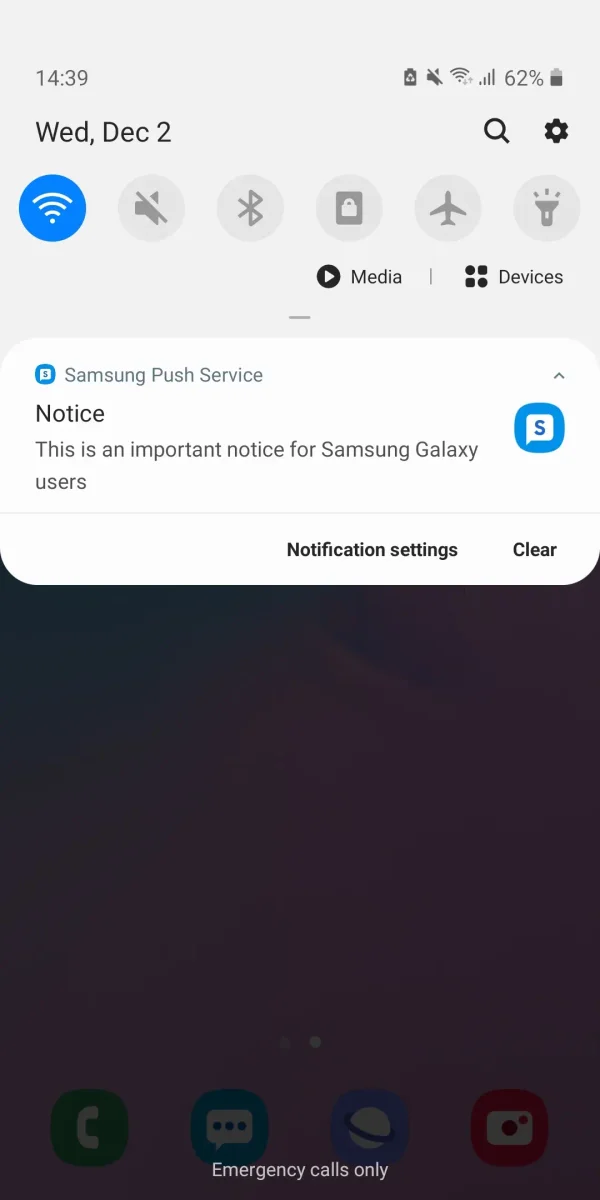
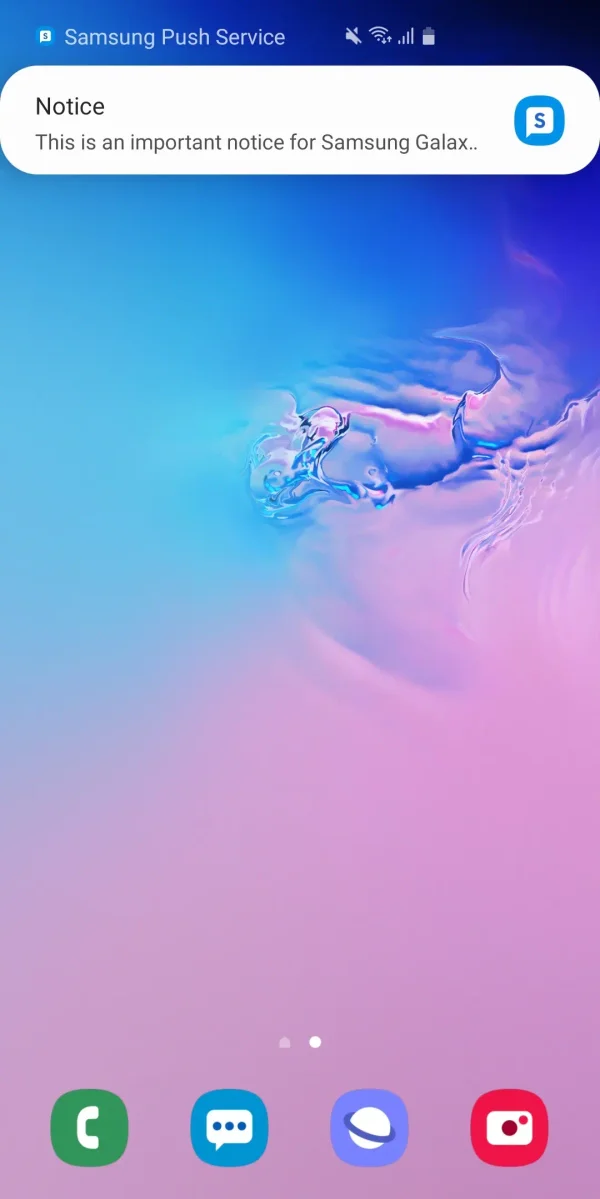
- New message is displayed in the pop-up window
- Display a badge on the application icon for a new message
- Display new message on the notification bar
Enjoy the fast and precise notification service with the Samsung push service.
* Notice of Permissions
The following permissions are required for the app service. For optional permissions, the default functionality of the service is turned on, but not allowed.
[Required permissions]
- Telephone : Required for device identification when service subscribing (Only required in Android N OS and below)
- Notifications : Required to display a new message on the notification bar
If your system software version is lower than Android 6.0, please update the software to configure App permissions.
Previously allowed permissions can be reset on Apps menu in device settings after software update.
* Open Source License
Copyright (C) The Android Open Source Project
http://www.apache.org/licenses/LICENSE-2.0
Data safety
What Samsung Electronics Co., Ltd. declares on Google Play about the data this app collects and shares.
- No data shared with third partiesLearn more about how developers declare sharing
- This app may collect these data typesDevice or other IDs
- Data is encrypted in transit
- Data can’t be deleted
What’s new
Sep 15, 2026
Enhance functional stability
Developer contact
- Emailnoreply.sec@samsung.com
- Privacy policyaccount.samsung.com
- Address대한민국 16677 경기도 수원시 영통구 삼성로 129 (매탄동)
Information
- Offered by
- Samsung Electronics Co., Ltd.
- Category
- Communication
- Updated
- Sep 15, 2026
- Released
- Mar 29, 2013
- Age rating
- Everyone
- Price
- Free
- Package name
- com.sec.spp.push