SBB Mobile
Schweizerische Bundesbahnen SBBContains ads
- EveryoneAge rating
- Maps & NavigationCategory
- Nov 17, 2026Updated
- FreePrice
Links to the official Google Play listing of ch.sbb.mobile.android.b2c. Last checked on Nov 19, 2026.

Screenshots
About this app
Your personal travel companion for public transport.
SBB Mobile: your personal travel companion for public transport.
Want to know ahead of time if your train will arrive on time? Want to have quicker access to your ticket during ticket inspection? Want to be able to find your way better at the station and have reliable map information? We have good news for you! SBB Mobile can do it all. And much more.
The heart of the app is the new navigation bar with the following menu points and content.
Plan
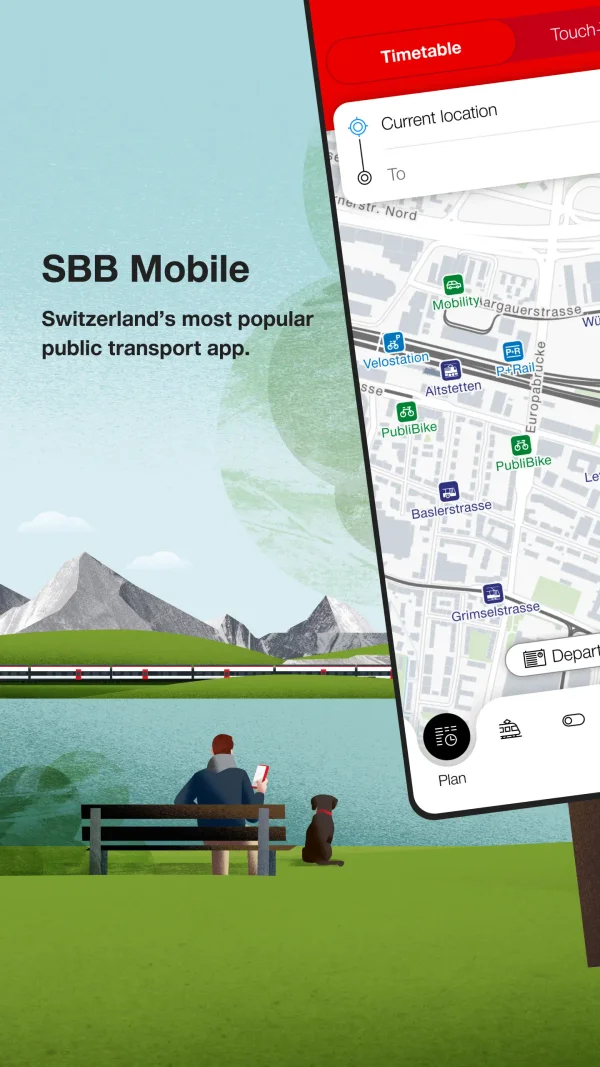
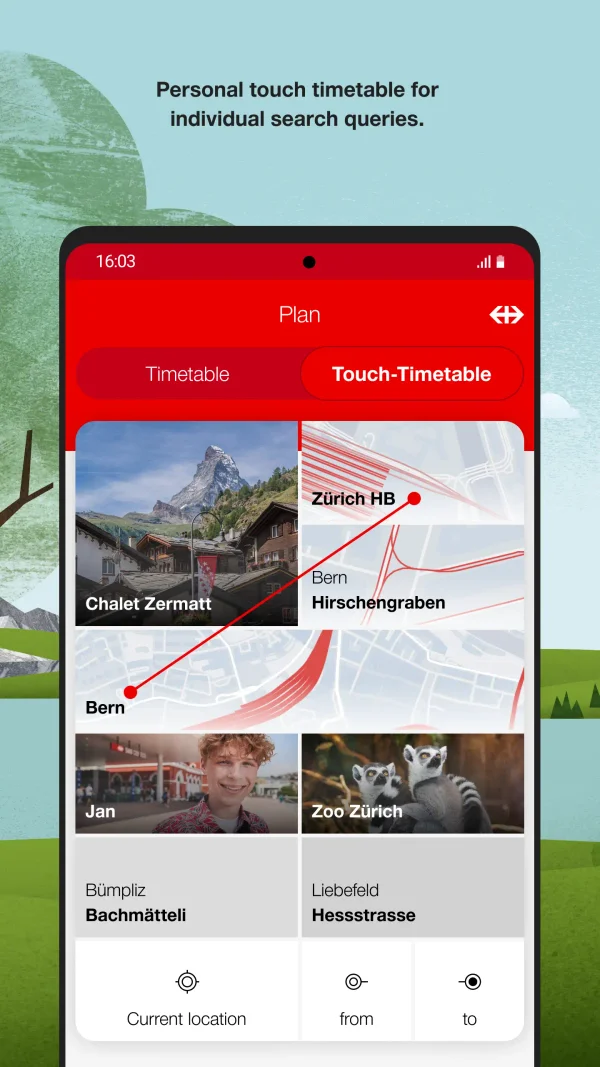
• Plan your journey with a simple timetable search via the touch timetable or use your current position as the origin or destination, locating it on the map.
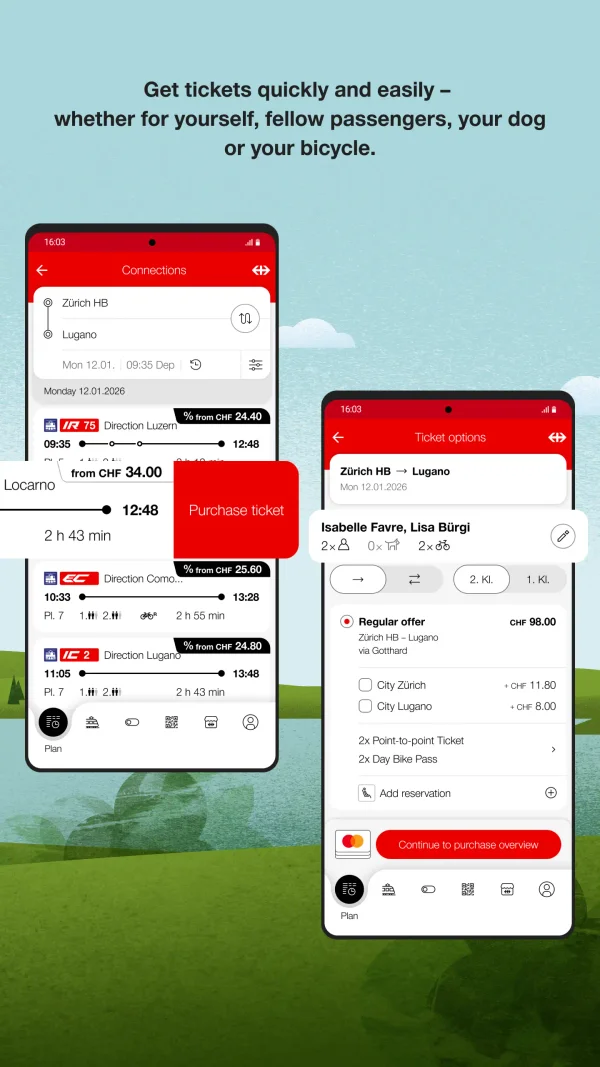
• Buy your ticket for the whole of Switzerland in just two clicks. Your travelcards on the SwissPass are applied.
• Travel particularly affordably with supersaver tickets or Saver Day Passes.
Trips
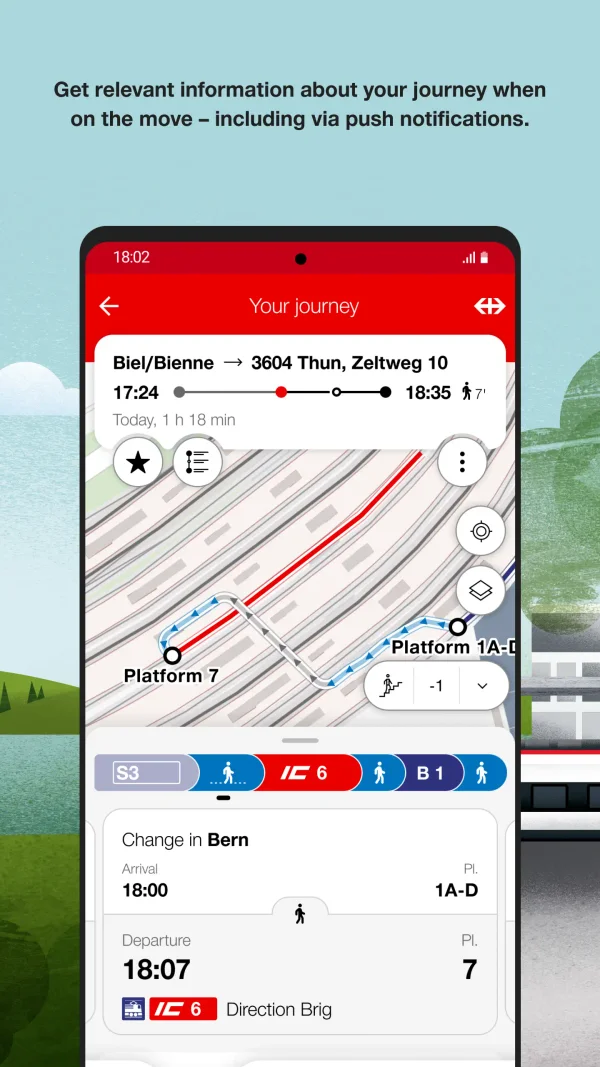
• Save your trip and we will provide you with all the information you need during your journey under ‘Single Trips’: everything from departure and arrival times, platform information and service disruptions to train formations and walking routes.
• Set up your personal commuter route under ‘Commuting’ and receive push notifications about rail service disruptions.
• The app accompanies you from door to door as you travel and you will receive information about delays, disruption and interchange times via push notification.
EasyRide
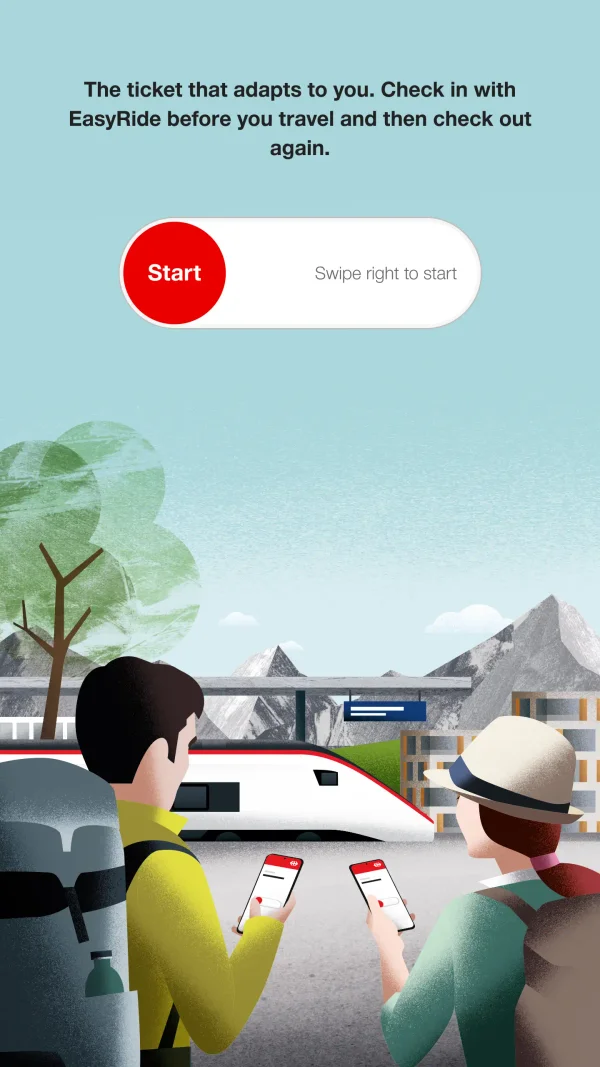
• Check in, hop on and head off – across the entire GA Travelcard network.
• EasyRide calculates the right ticket for your journey on the basis of the routes you travelled and charges you the relevant amount subsequently.
Tickets & Travelcards
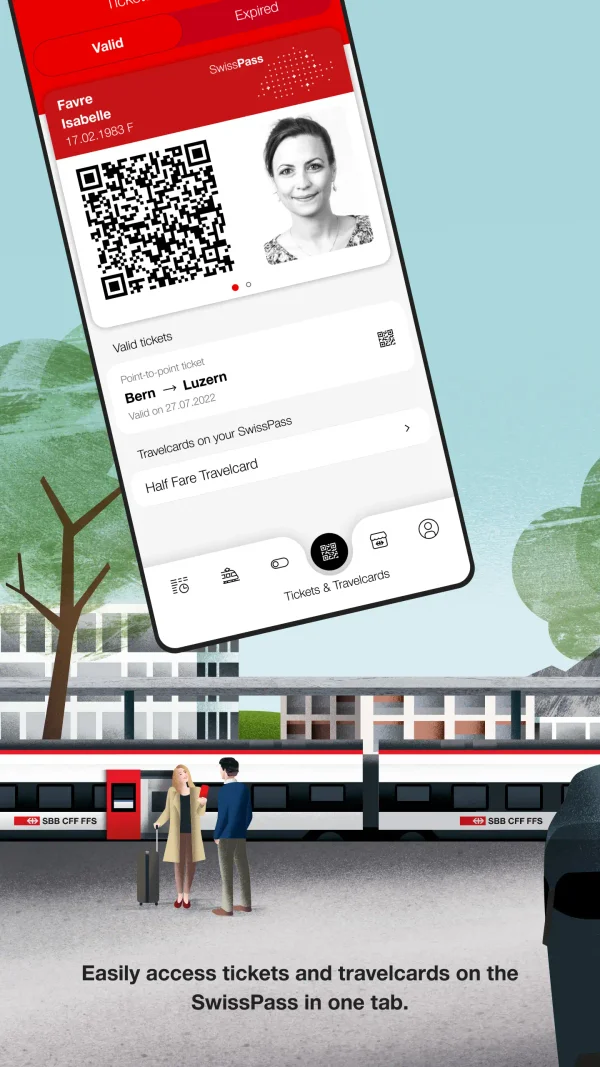
• Show your public transport travelcards digitally with SwissPass Mobile.
• It also gives you an overview of your valid and expired tickets and travelcards on the SwissPass.
Shop & Services
• Buy regional transport tickets and Day Passes for the GA Travelcard area of validity quickly and easily without searching the timetable.
• In the ‘Services’ section, you can find lots of useful links about travel.
Profile
• Straightforward access to your personal settings and our customer support.
Contact us.
If you have any questions, feel free to get in touch:
https://www.sbb.ch/en/timetable/mobile-apps/sbb-mobile/contact.html
Data security and authorisations.
What permissions does SBB Mobile need and why?
Location
For connections from your current location, the GPS function must be activated so that SBB Mobile can find the nearest stop. This also applies if you want to have the nearest stop displayed in the timetable.
Calendar and e-mail
You can save connections in your own calendar and send them by e-mail (to friends, an external calendar). SBB Mobile requires read and write permissions to be able to import your desired connection into the calendar.
Access to the camera
SBB Mobile requires access to your camera to take pictures directly in the app for your personalised touch timetable.
Internet access
SBB Mobile requires internet access to search the timetable as well as for ticket purchases.
Memory
To support offline functions, e.g. station/stop list, connections (history) and purchased tickets, SBB Mobile requires access to your device’s memory (saving app-specific settings).
Data safety
What Schweizerische Bundesbahnen SBB declares on Google Play about the data this app collects and shares.
- No data shared with third partiesLearn more about how developers declare sharing
- This app may collect these data typesLocation, Personal info and 6 others
- Data is encrypted in transit
- You can request that data be deleted
What’s new
Version 12.60.0.200.master · Nov 17, 2026
• General bug fixes.
Developer contact
- Websitesbb.ch
- Emailsbbmobile.android@sbb.ch
- Privacy policysbb.ch
- AddressHilfikerstrasse 1 3014 Bern Switzerland
Information
- Offered by
- Google Commerce Ltd
- Category
- Maps & Navigation
- Version
- 12.60.0.200.master
- Updated
- Nov 17, 2026
- Released
- Mar 7, 2011
- Requires
- Android 8.0 or later
- Age rating
- Everyone
- Price
- Free
- Package name
- ch.sbb.mobile.android.b2c
Similar apps
-
 Bonjour RATP
Maps & Navigation
-
 Learn German - Speak German
Education
-
 Polarsteps
Travel & Local
-
 Uptrip
Travel & Local
-
 GVB travel app
Travel & Local
-
 Citymapper
Maps & Navigation
-
 MSC for Me
Travel & Local
-
 Omio: Book Train, Bus, Flights
Travel & Local
-
 Gridio - smart charge your EV
Auto & Vehicles
-
 POPGuide
Travel & Local
-
 Go City: Travel Plan & Tickets
Travel & Local
-
 NS International
Maps & Navigation