Scientific Calculator Pro
Philip David Stephens- EveryoneAge rating
- ToolsCategory
- Nov 25, 2026Updated
- $8.99Price
Links to the official Google Play listing of stephenssoftware.scientificcalculatorprofadfree. Last checked on Nov 26, 2026.

Screenshots



About this app
A powerful scientific and graphing calculator with matrices and complex numbers.
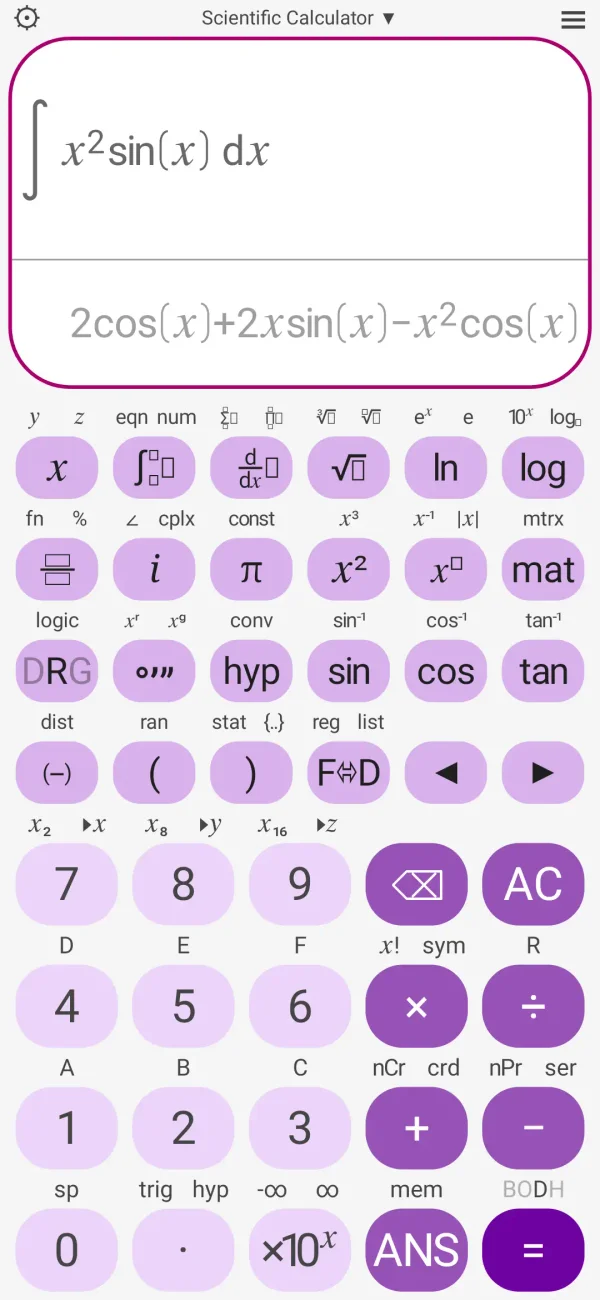
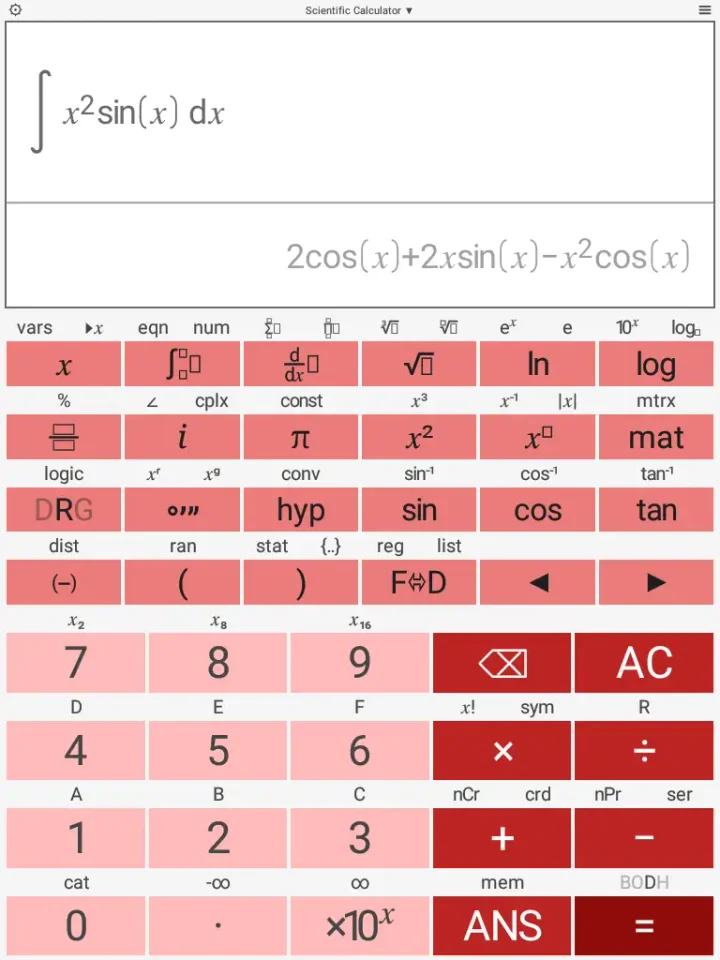
* This is the professional version of my scientific calculator. It includes symbolic algebra and is entirely free of any advertising.
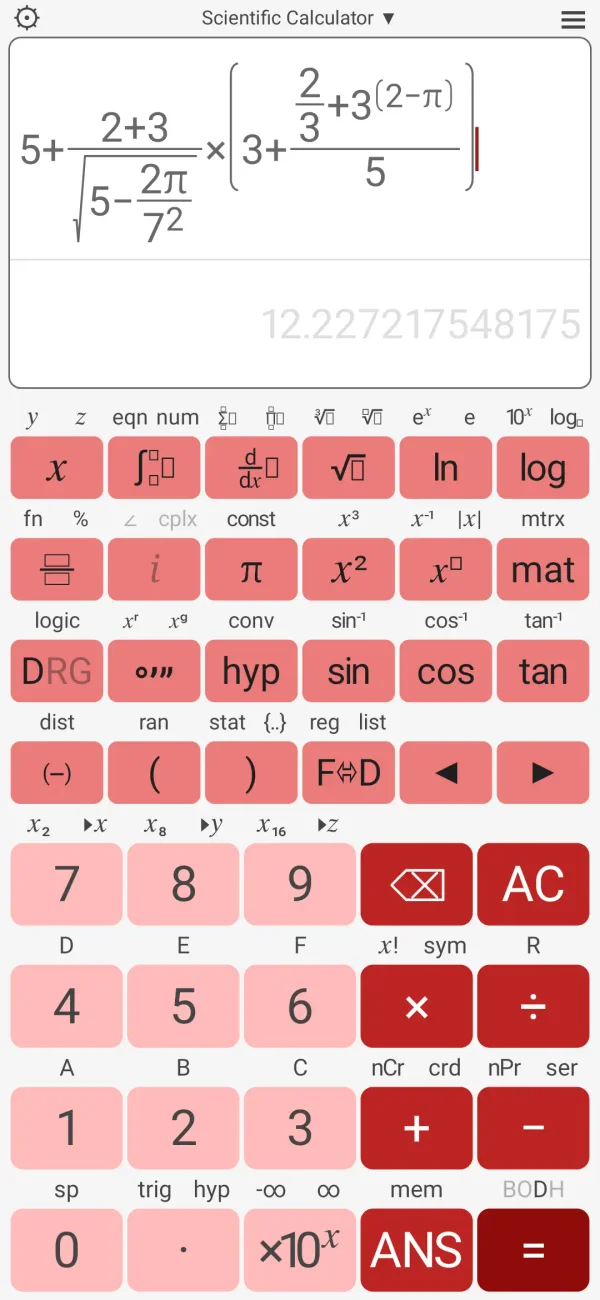
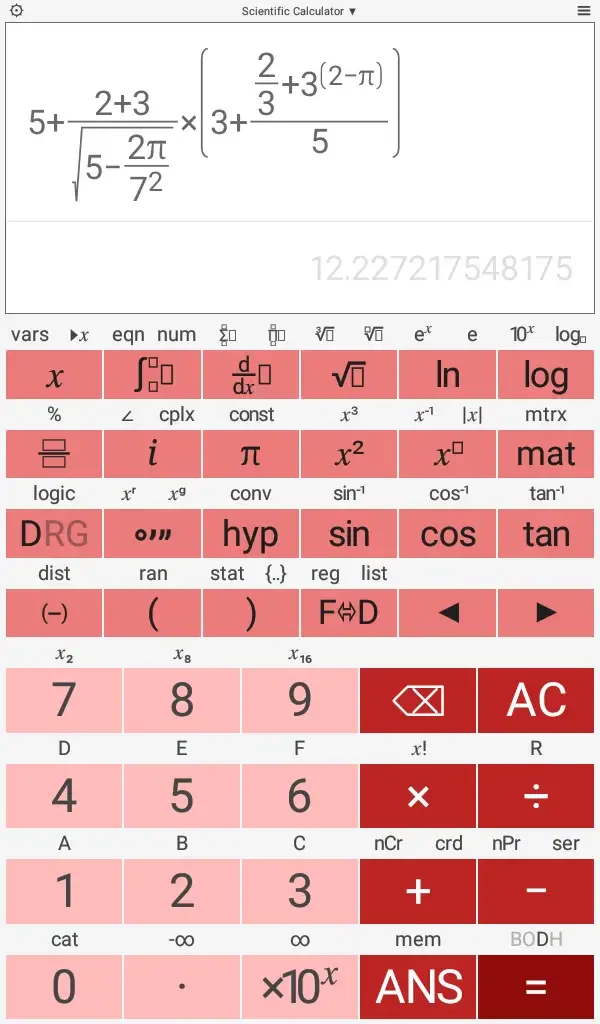
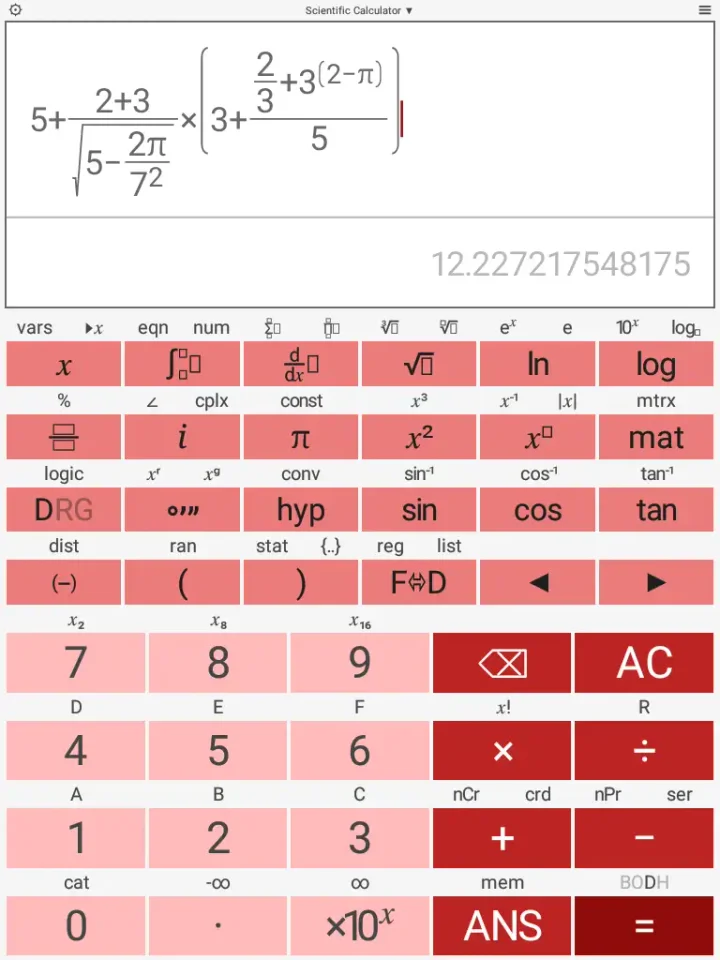
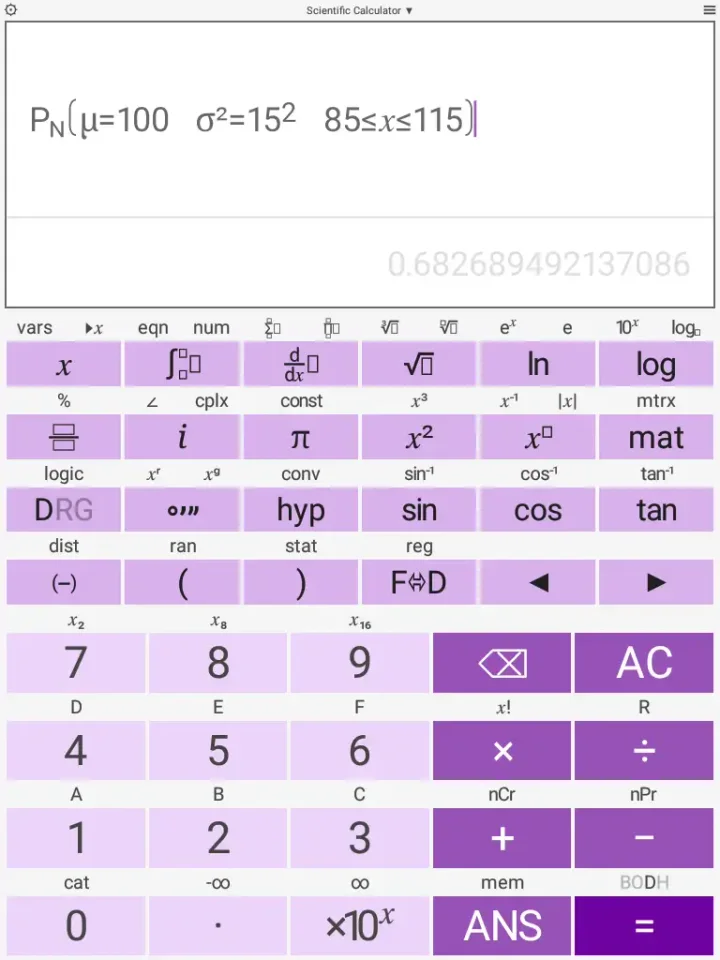
This scientific calculator offers a number of useful features allowing you to carry out advanced calculations. Its simple and intuitive design makes it a pleasure to use. The calculator has all the functions that would be expected of a scientific calculator and a number of more advanced features too, including complex numbers and matrices.
The super fast algorithms allow the scrolling and zooming of 2D and 3D graphs in real time, using the touch sensitive screen.
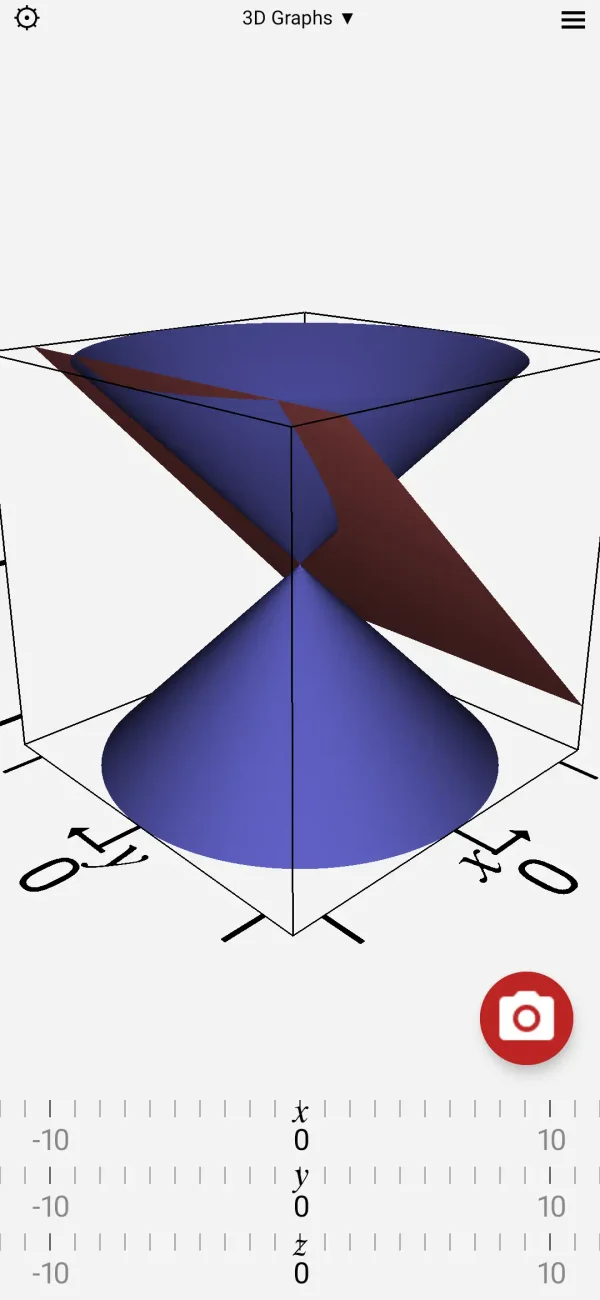
Graph implicit equations in 2 and 3 dimensions. e.g. x²+y²+z²=5².
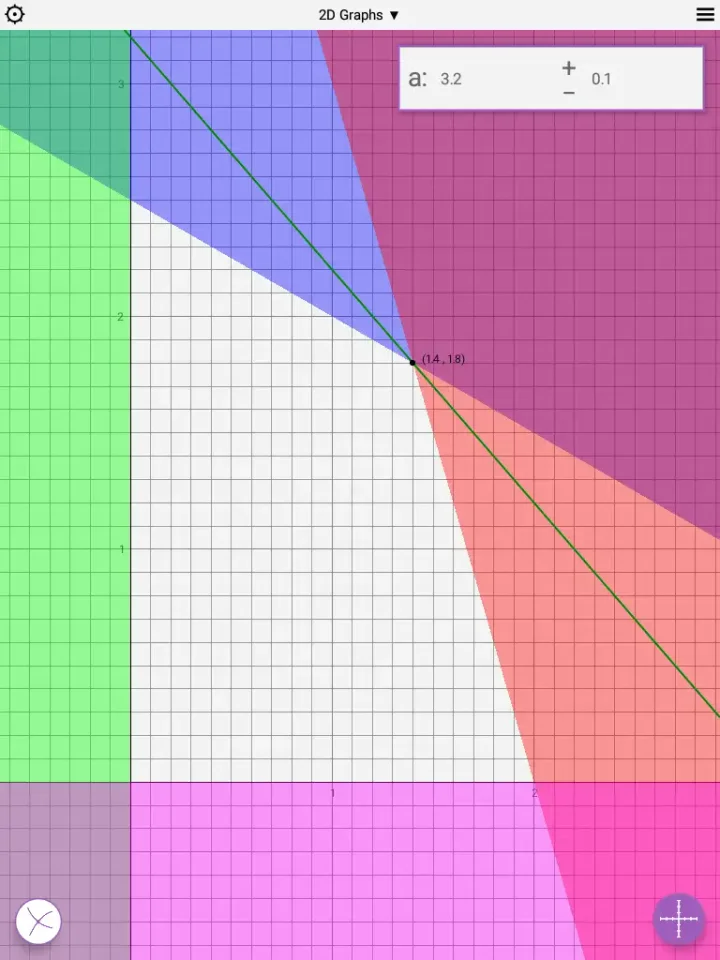
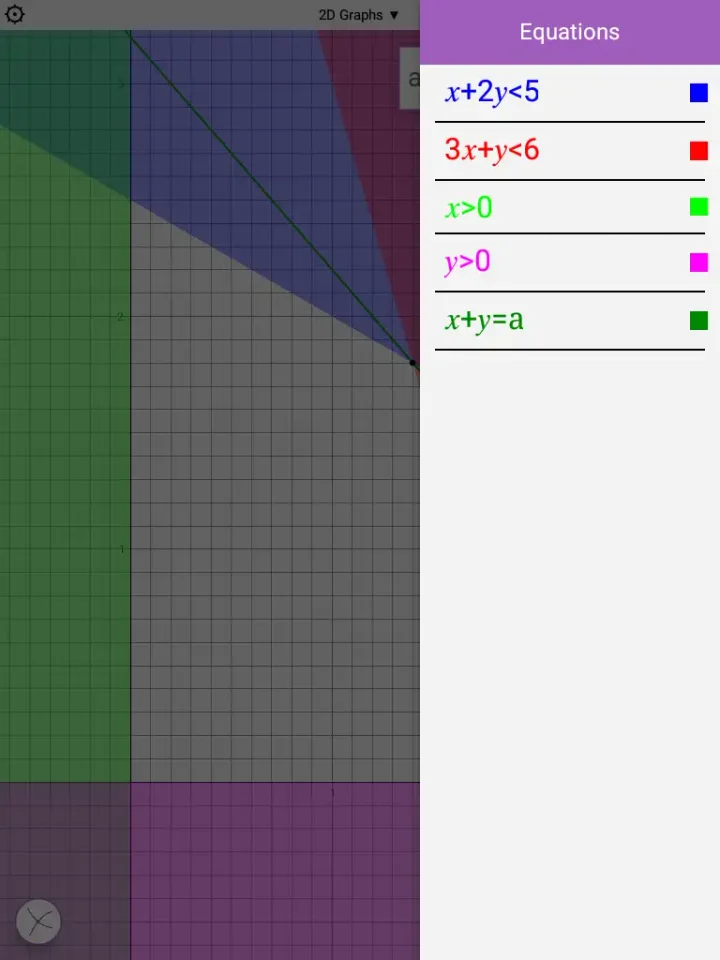
Graph inequalities in 2 dimensions. e.g. 2x+5y<20.
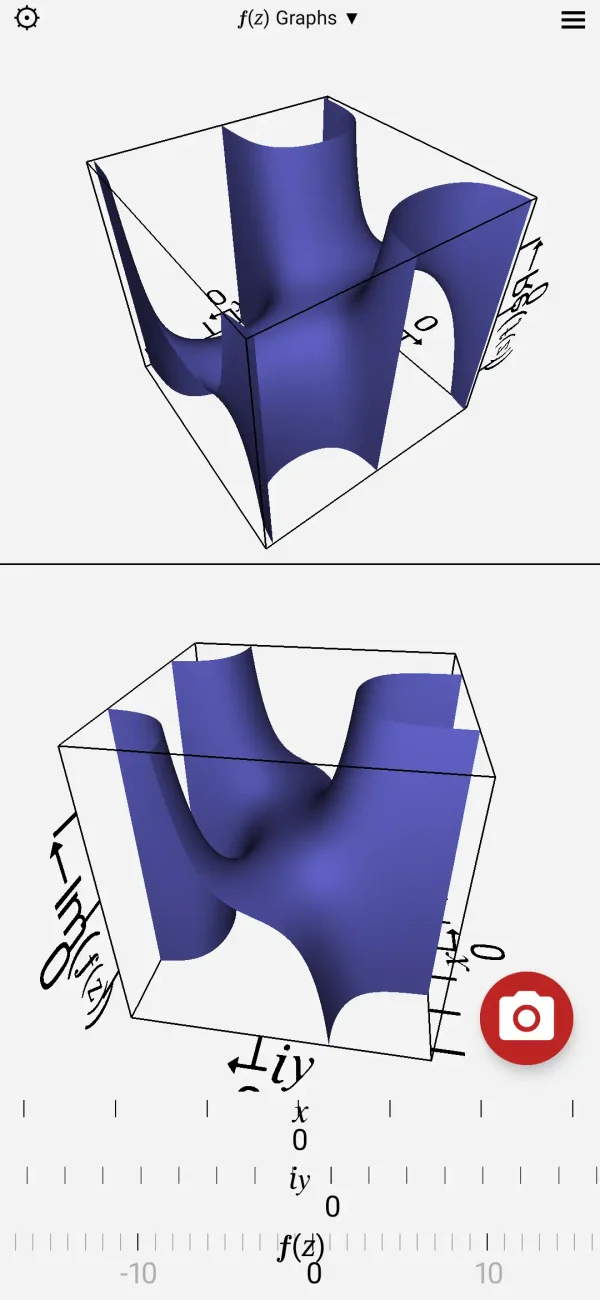
Graph functions of a complex variable.
Display up to 5 graphs on the same screen.
Active analysis of functions, for better graphing of 2D functions with singularity points. e.g. y=tan(x) or y=1/x.
Intersections on 2D graphs.
The calculator is customisable allowing you to change the colours of the screen, background and all the individual buttons, allowing you to personalize its appearance.
The Scientific Calculator's features include:
• polar, spherical and cylindrical graphs.
• basic mathematics operators addition, subtraction, multiplication, division, remainder and powers.
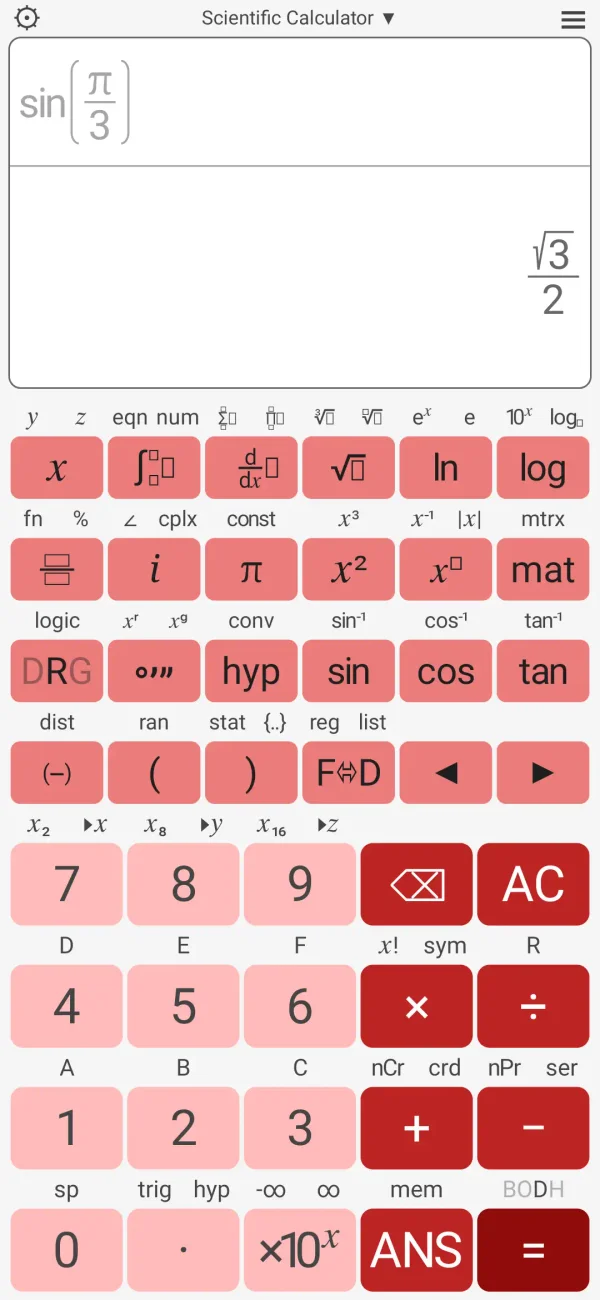
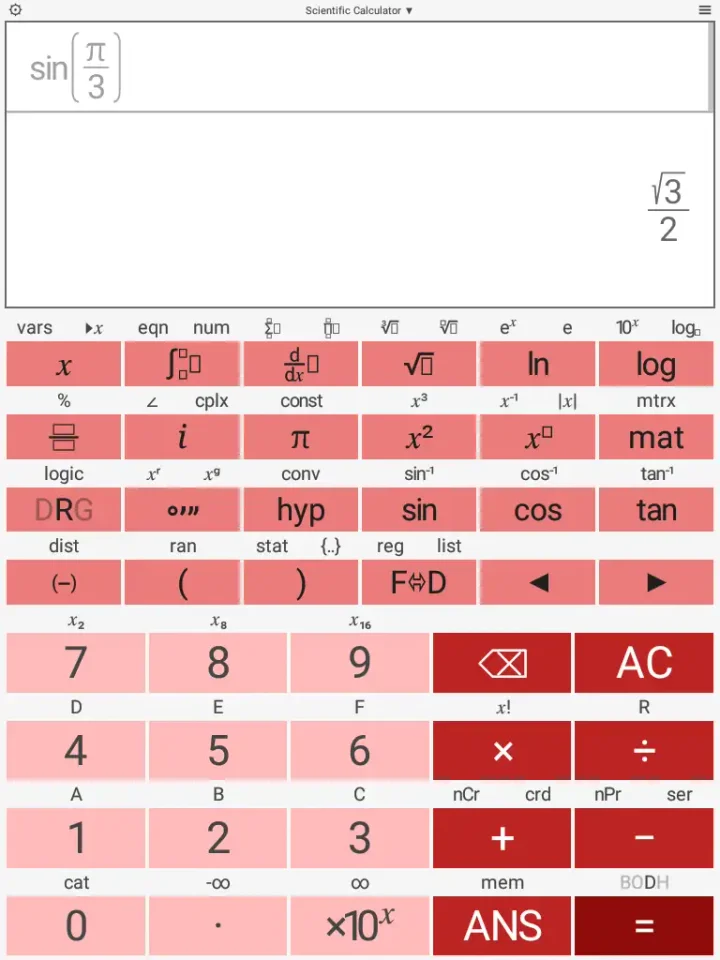
• conversion between decimal and surd answers.
• indices and roots.
• logarithms base 10, e (natural logarithm) and n.
• trigonometric and hyperbolic functions and their inverses.
• complex numbers can be entered and displayed in polar or component form.
• all valid functions work with complex numbers, including trigonometric and inverse trigonometric functions, when set to radians.
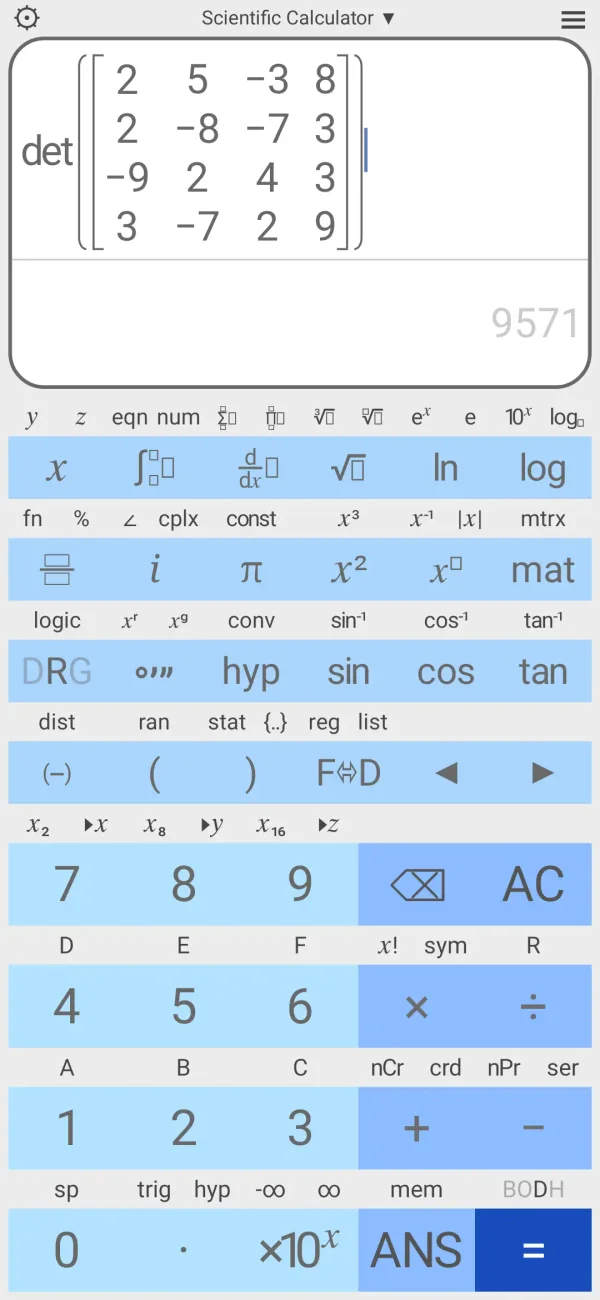
• calculate the determinant, inverse and transpose of a matrix.
• Matrices of up to 10×10.
• LU decomposition.
• vector and scalar product.
• Numerical integration.
• Double integrals and triple integrals.
• Differentiation.
• Second derivatives.
• Partial derivatives.
• Div, grad and curl.
• Choose the precedence (order of operations) for implied multiplication:
2÷5π → 2÷(5×π)
2÷5π → 2÷5×π
• 26 scientific constants.
• 12 Mathematical constants.
• unit conversions.
• factorials, combinations and permutations.
• double factorial.
• degrees, minutes, seconds, radians and gradians conversions.
• fractions and percentages.
• absolute function.
• Gamma function.
• Beta function.
• Floor, ceiling, Heaviside, sgn and rect functions.
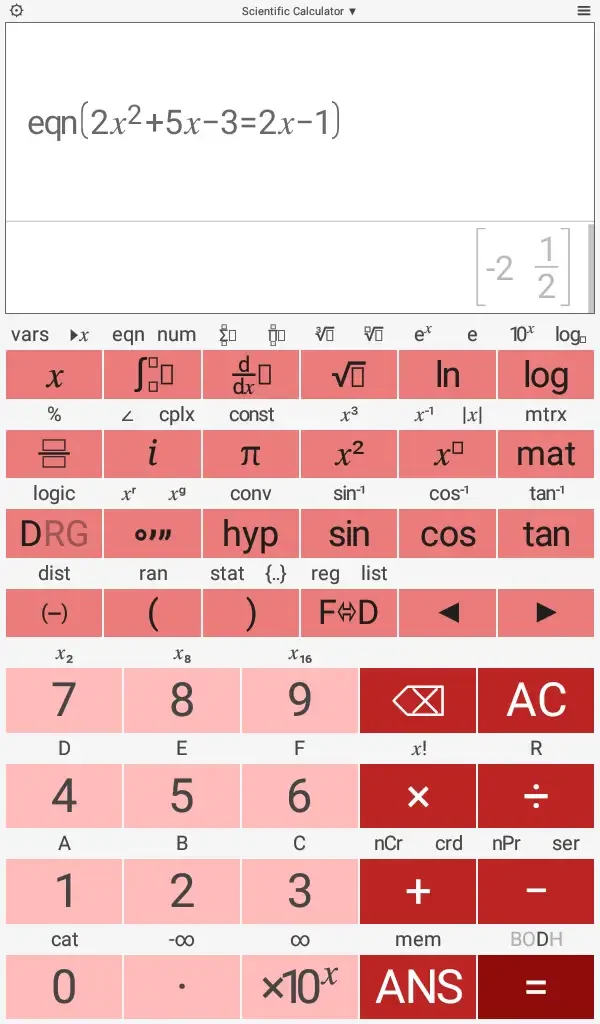
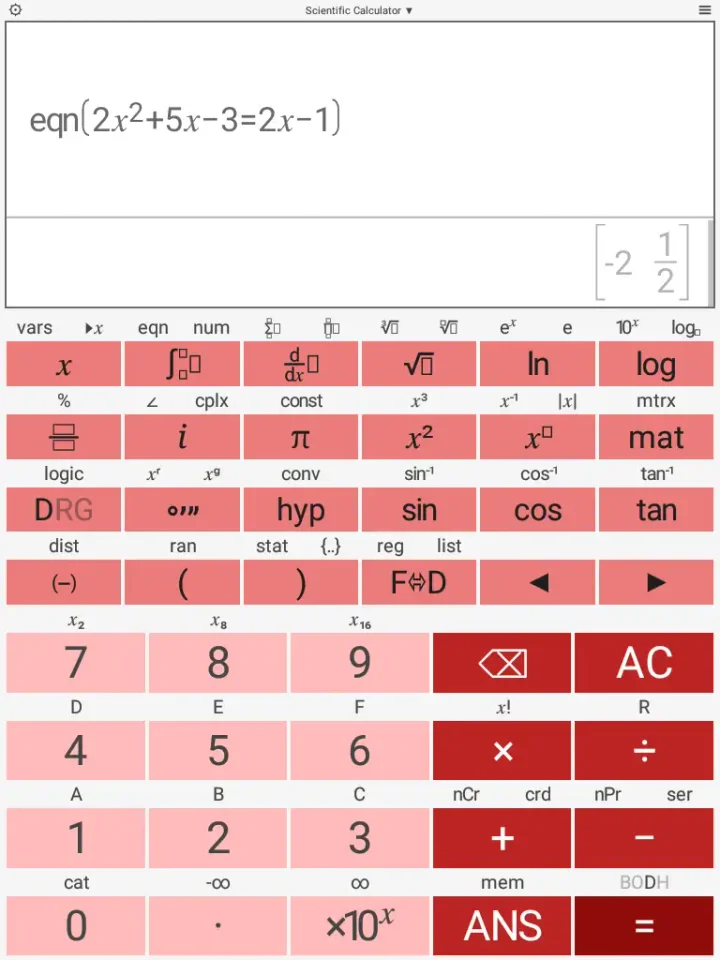
• Equation solver.
• Regressions.
• Prime number factorization.
• Base-n conversions and logic functions.
• previous 10 calculations stored and re-editable.
• last answer key (ANS) and five separate memories.
• random number generators including normal, poisson and binomial as well as uniform distributions.
• probability distribution calculator for normal, poisson, binomial, student-t, F, chi-squared, exponential and geometric distributions.
• One and Two variable statistics, confidence intervals and chi-squared tests.
• user definable decimal marker (point or comma).
• automatic, scientific or engineering output.
• optional thousands separator. Choose between space or comma / point (depends on decimal marker).
• variable precision up to 15 significant figures.
• scrollable screen allowing arbitrarily long calculations to be entered and edited.
Data safety
What Philip David Stephens declares on Google Play about the data this app collects and shares.
- No data shared with third partiesLearn more about how developers declare sharing
- No data collectedLearn more about how developers declare collection
What’s new
Version 19.1.0 · Nov 25, 2026
Updated physical constants to the latest CODATA values.
Added both the Compton wavelength and classical radius of the electron.
Developer contact
- Websitestephenssoftware.org
- Emailstephens278@btinternet.com
- Privacy policystephenssoftware.org
- AddressPlaza Constitucion 2C 18614 Gualchos Spain
Information
- Offered by
- Philip David Stephens
- Category
- Tools
- Version
- 19.1.0
- Updated
- Nov 25, 2026
- Released
- Mar 31, 2018
- Requires
- Android 7.0 or later
- Age rating
- Everyone
- Price
- $8.99
- Package name
- stephenssoftware.scientificcalculatorprofadfree
Similar apps
-
 Calistack: Calisthenics Skills
Health & Fitness
-
 Cymath - Math Problem Solver
Education
-
 Tooly Toolbox All Tools In One
Tools
-
 Pocket Prep Fitness 2027
Education
-
 IFTTT.ai: Automation made easy
Productivity
-
 Kahf Guard: Porn & App Blocker
Productivity
-
 Unit Converter
Tools
-
 Learn Java Programming: Java-X
Education
-
 GPA Calculator & Planner
Education
-
 Razer Cortex Games: Rewards
Entertainment
-
 Mathway
Education
-
 phyphox
Education