Screen Mirroring View: TV Cast
Tech 4 All AppsContains ads · In-app purchases
- EveryoneAge rating
- Video Players & EditorsCategory
- Jan 14, 2026Updated
- FreePrice
Links to the official Google Play listing of video.tv.cast.casttotv.screen.mirroring.screencastapp.screencast. Last checked on Nov 27, 2026.
Screenshots
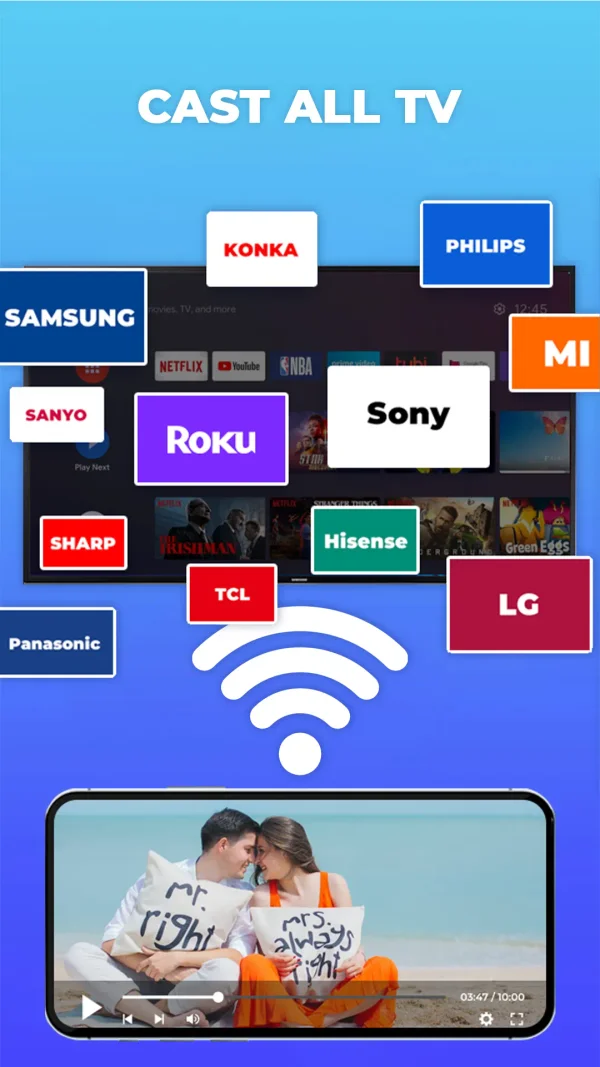
About this app
Screencast - Smart view with our screen mirroring app: Wireless display
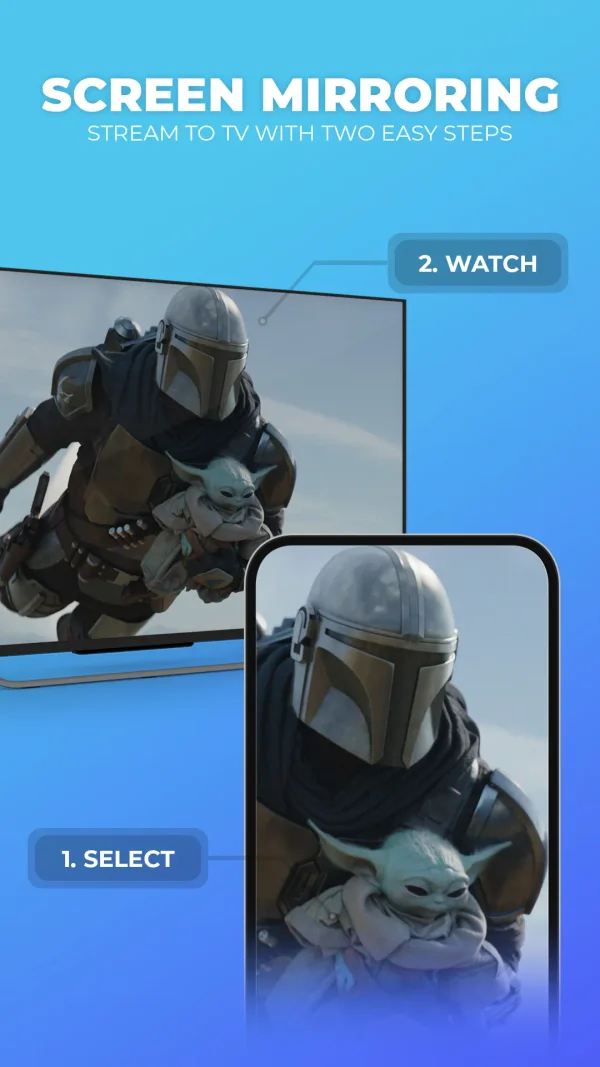
🖥 Screen Mirroring for All TV Cast smartphone screen in real-time with HD quality to any device.🖥
Screen Mirroring app works on your smart TV and play video from Mobile screen with share mobile screen video on TV display. Screen mirroring assistant app helps to open window in smart TV screen display from your phone.
In Screen mirroring app is also available new addition features as Whatsweb Scanner
With screen mirroring you can cast to second screen throw wireless and Wi-Fi network and connect phone dongles with smart TV mirroring assistant.
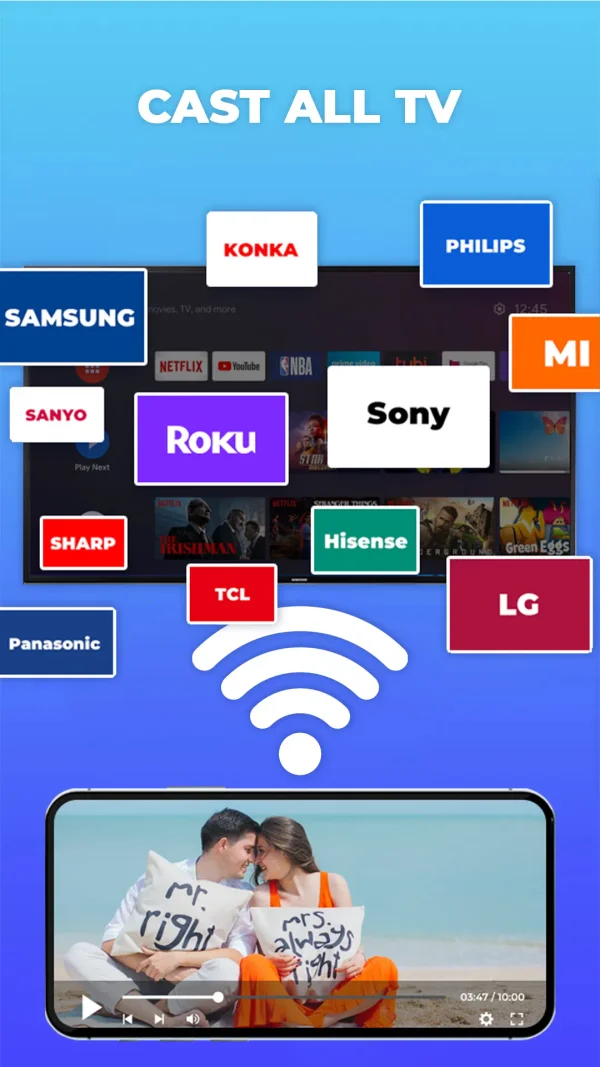
🌟 DEVICES SUPPORTED 🌟
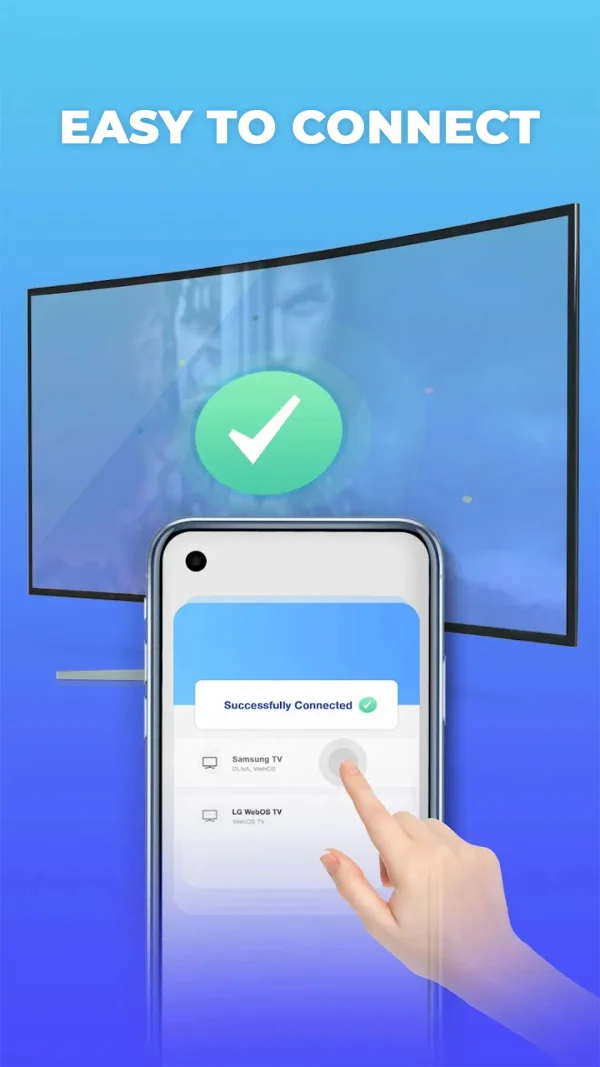
- Most smart TVs like Samsung, LG, Sony, TCL, etc.
- Google Chromecast, Amazon Fire Stick, Fire TV & Roku TV and other DLNA Receivers & wireless adapters.
🌟 FEATURES 🌟
◉ Your Android device and your web browser device must be connected to the same Wi-Fi network.
◉ Easily access your media files on the phone, including 📷 photos, music, video players…
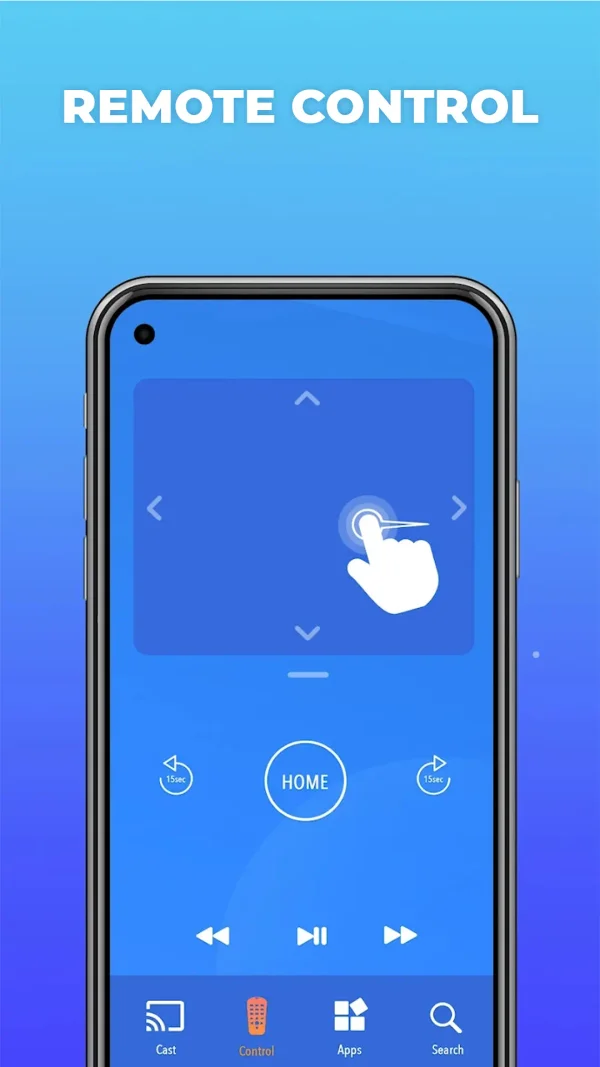
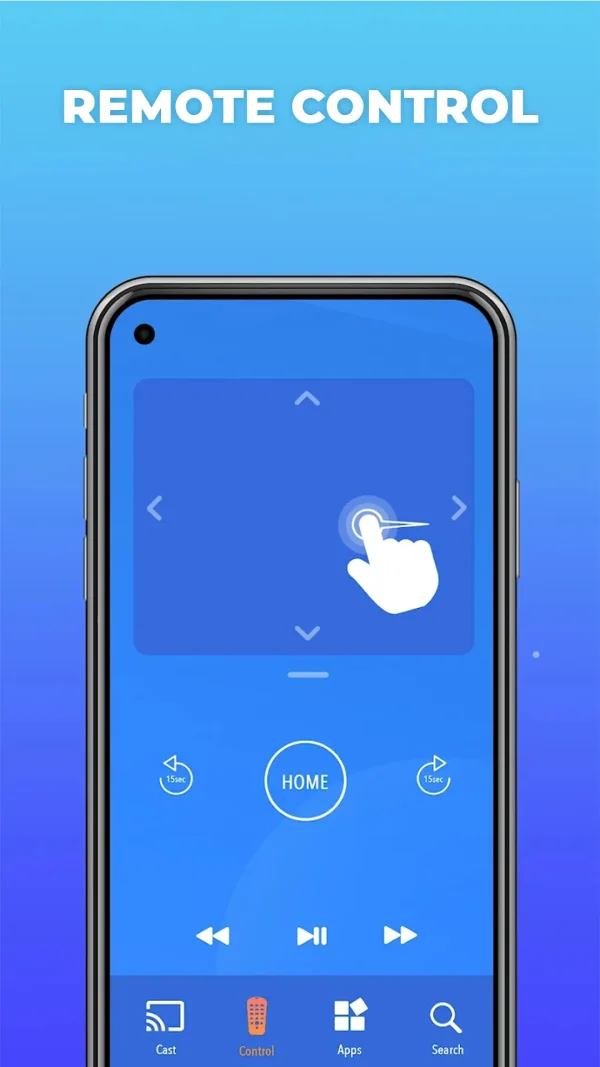
◉ Control TV remotely with your phone: adjust volume, pause, forward, rewind video with no delay.
◉ Small phone screen to big TV screen in HD.
◉ Screen Mirroring for All TV sharing with web browsers screen mirroring to play games.
◉ Screen Mirroring app is the easiest and most versatile screen sharing tool. 👫 Share your Photos, Videos, Games, YouTube videos, Websites, whatsweb Scanner. Any Apps, presentations and documents with your friends & family.
◉ Support video, music - audio cast and slideshow casting on your big TV screen display.
Please do not use VPN, Proxy, VLANS and Subnets.
⚡️ USE ⚡️
❶ TV and phone should be connected to the same WiFi network.
❷ Enable mirror cast Display on your Smart TV.
❸ Enable Wireless Display option on your phone.
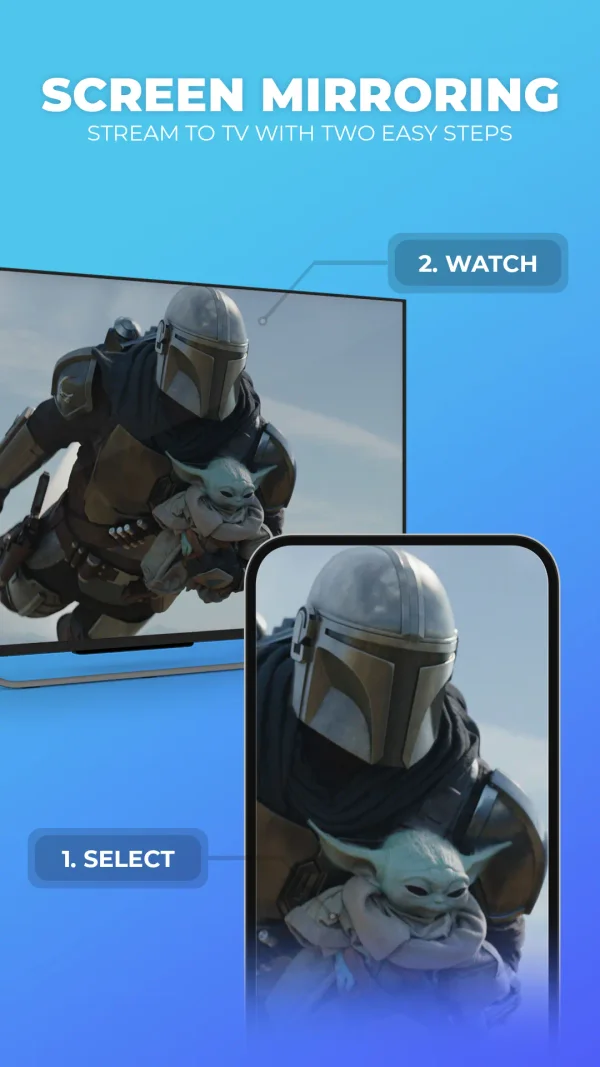
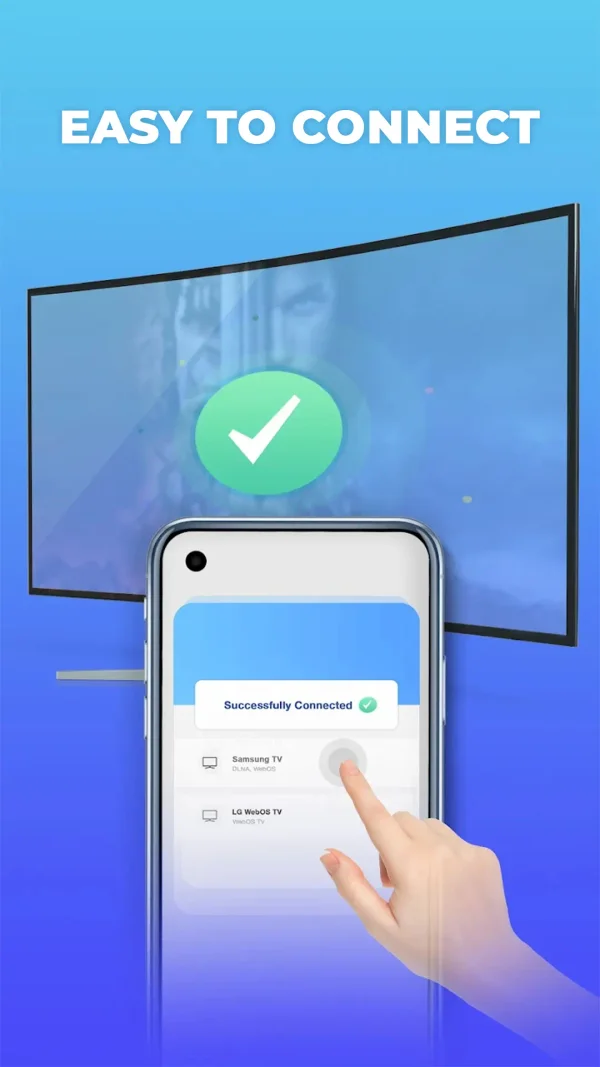
❹ Click Select button and choose your TV.
❺ Play video on your TV Screen.
❻ Enjoy!
👫 Share your screen on any Smart TV, gaming console,📲 smartphone or tablet. To stream web to tv from smart phone is very dependent on WiFi network and streaming device.
**Please ensure that your phone and streaming device are connected to the same WiFi. And the format of the media is supported by streaming device.
**This app always requires hardware/software supported phones to connect & work successfully.
If you have enjoyed your experience with this screen mirroring for smart TV, rate us on play store
🙏 Enjoy 🙏
Data safety
What Tech 4 All Apps declares on Google Play about the data this app collects and shares.
- This app may share these data types with third partiesLocation, App activity, and Device or other IDs
- No data collectedLearn more about how developers declare collection
- Data is encrypted in transit
- You can request that data be deleted
Developer contact
- Websitezedlatino.info
- Emailtechfourall.apps@gmail.com
- Privacy policyzedlatino.info
- AddressAVENIDA BRASIL, 17 - PISO 8 F 28020 MADRID Spain
Information
- Offered by
- Tech 4 All Apps
- Category
- Video Players & Editors
- Version
- 2.4.5
- Updated
- Jan 14, 2026
- Released
- Aug 18, 2020
- Requires
- Android 7.0 or later
- Age rating
- Everyone
- Price
- Free
- In-app purchases
- $1.99 - $54.99 per item
- Package name
- video.tv.cast.casttotv.screen.mirroring.screencastapp.screencast