Screen Recorder - Live Stream!
Atharva SystemContains ads · In-app purchases
- EveryoneAge rating
- ProductivityCategory
- Oct 29, 2026Updated
- FreePrice
Links to the official Google Play listing of com.atharvasystem.quickscreenrecorder. Last checked on Nov 23, 2026.

Screenshots
About this app
Live Now & Start streaming to YouTube, Facebook & more in HD quality with Audio!
Live Now: Stream, Record & Share with Pro-Level Tools
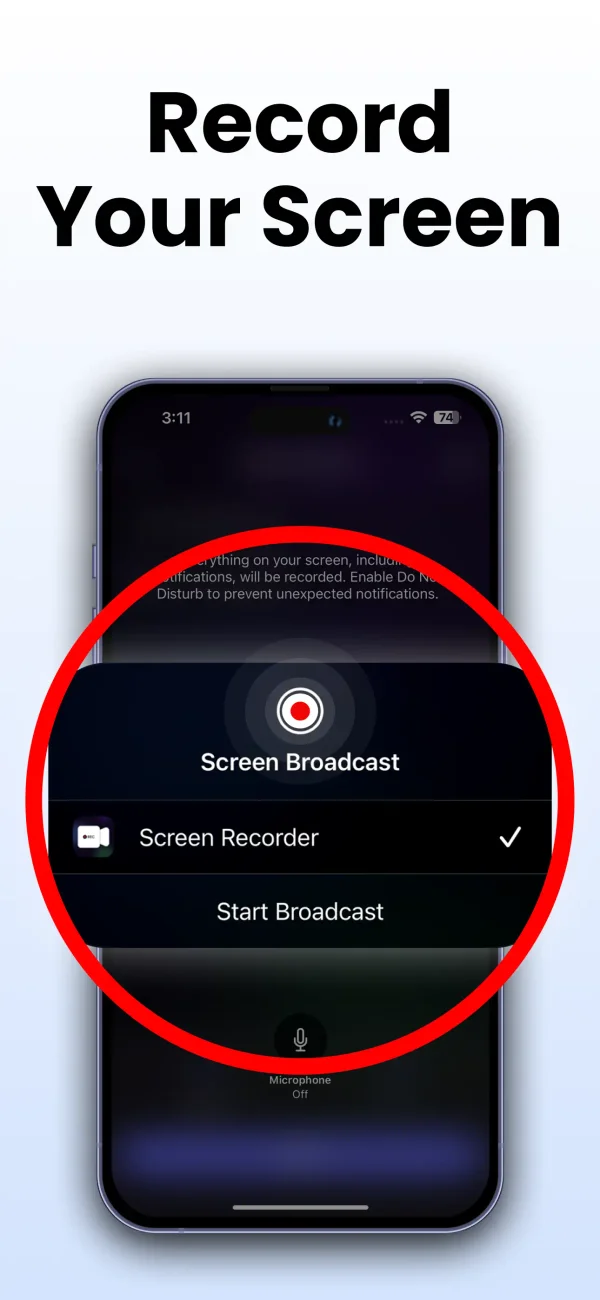
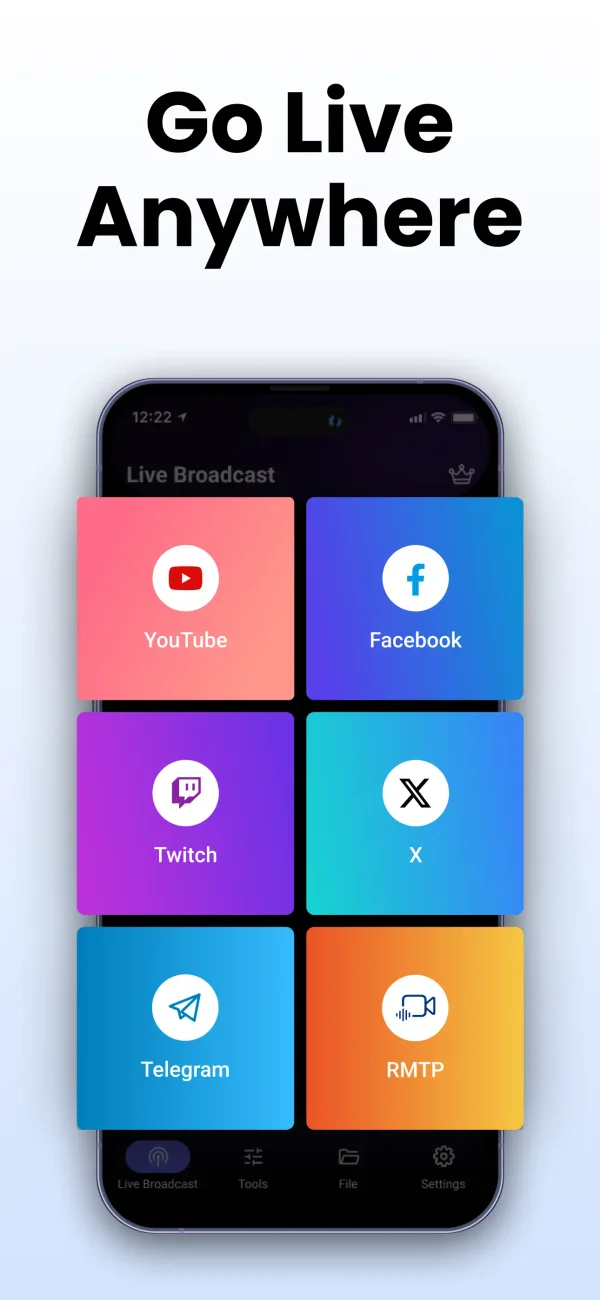
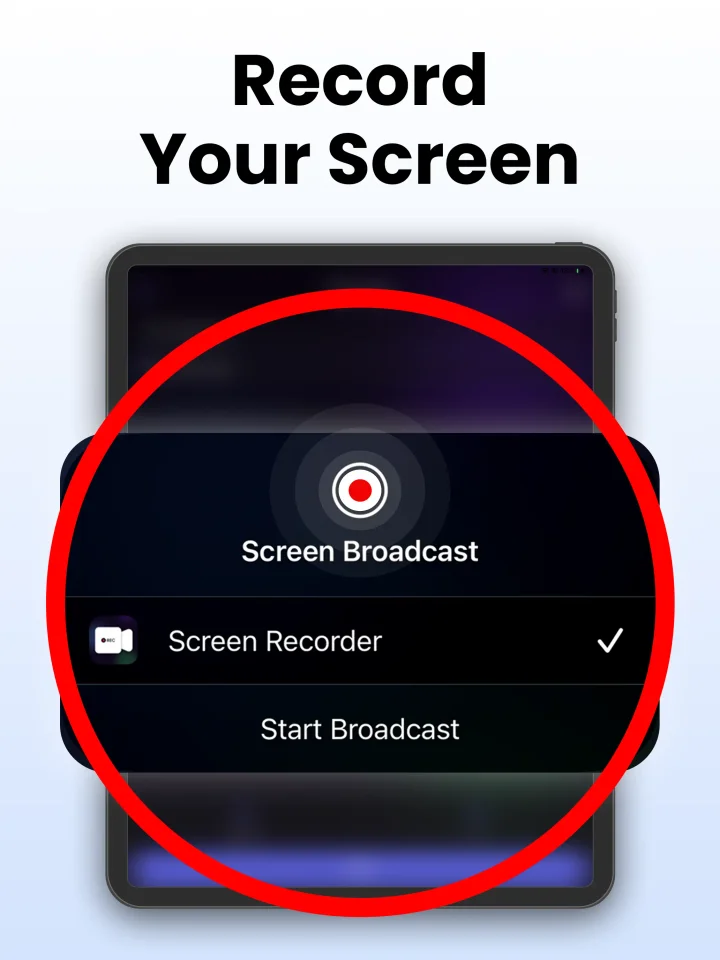
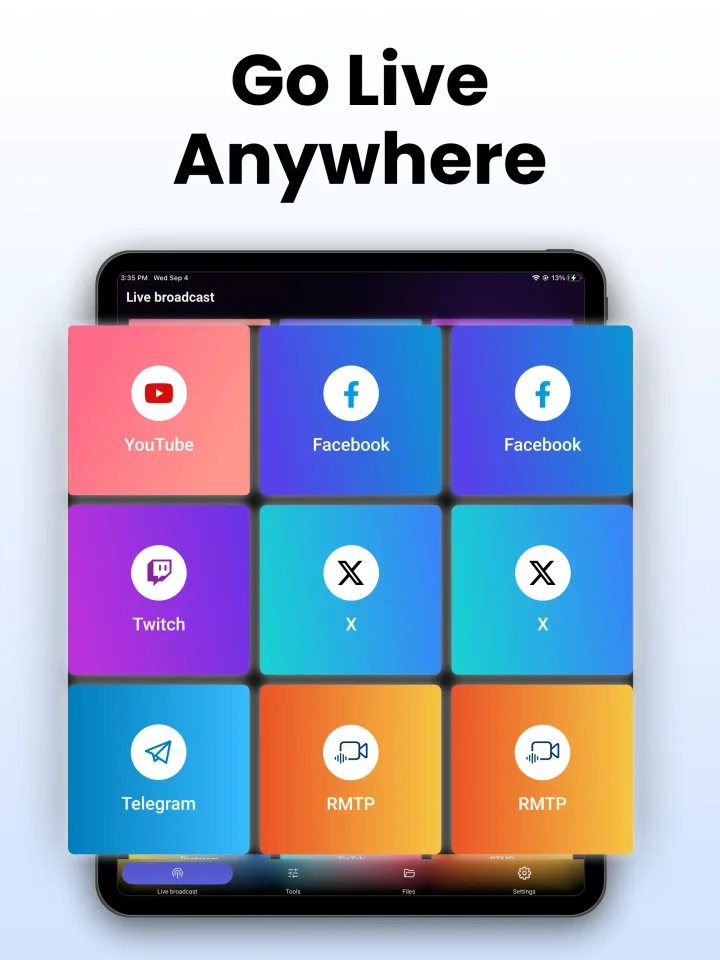
Welcome to Live Stream App, your all-in-one solution for seamless screen recording and live streaming. Whether you're a gamer, content creator, or educator, Live Stream this app supports live broadcasts to YouTube, Facebook, Twitch, X (formerly Twitter), Telegram, Vimeo, DLive, Trovo, Nimo TV, and any RTMP servers stream your iPhone or iPad screen effortlessly. Create professional-grade videos, stream to multiple platforms, and engage with your audience like never before. It's the only app you'll need to record, edit, and broadcast your best moments.
🚀 Stream to Multiple Platforms – Expand Your Reach!
• Multi-Platform Streaming: Stream live to YouTube, Twitch, Facebook Live, and other platforms all at the one place, with no extra setup required.
• Customizable Streaming Settings: Adjust video resolution, bitrate, and frame rate to ensure smooth, high-quality streams tailored to each platform's requirements.
• User-Friendly Interface: With an intuitive design, it's easy to select your streaming platforms, adjust video settings, and manage your streams.
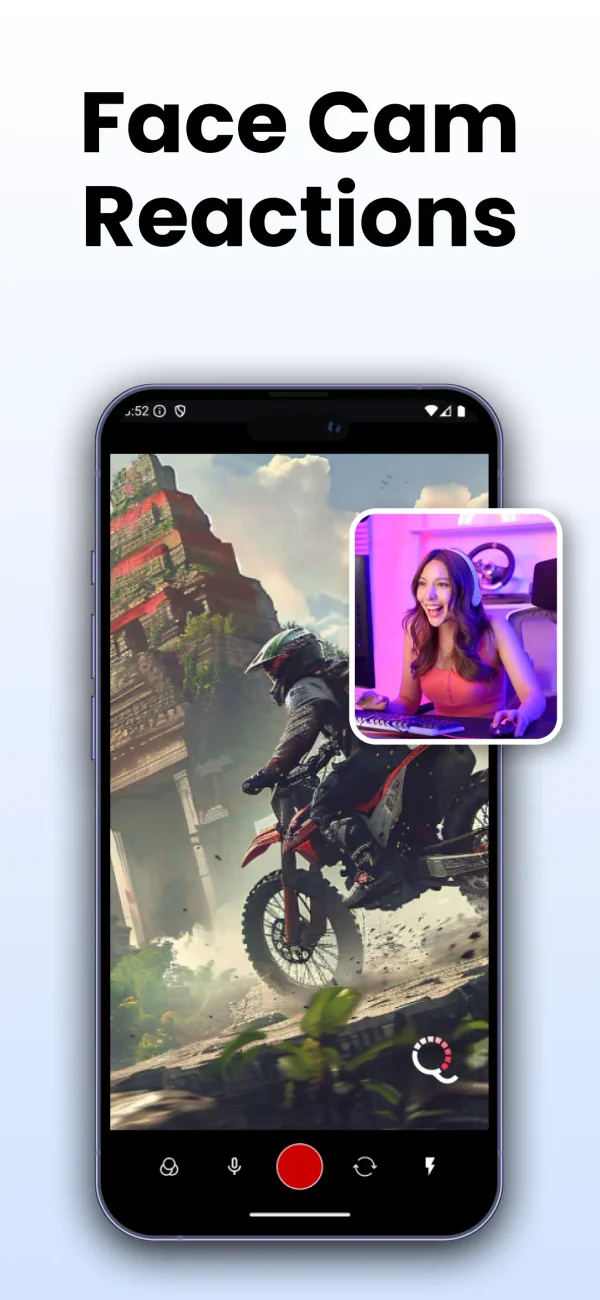
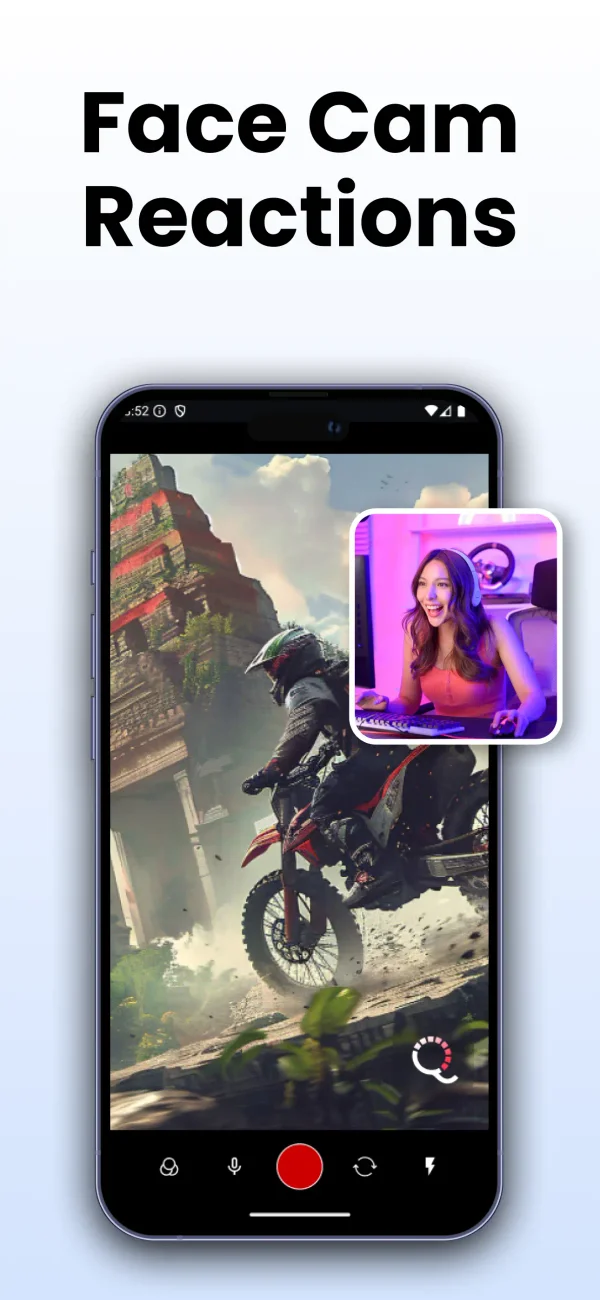
• Camera Integration: Stream live using your device’s front or back camera for personalized broadcasts.
• Pre-recorded Video Streaming: Stream pre-recorded videos directly to your favorite platforms.
• Customizable Filters: Enhance your live streams with a variety of filters.
• Torch Control: Enable torch functionality during your live streams for better visibility.
• Audio Controls: Mute and unmute audio effortlessly during live broadcasts.
• Easy Setup: Quick and hassle-free setup to start streaming in minutes.
• Multi-Language Support: Available in English, Filipino, French, Chinese, Russian, Italian, Japanese, Hindi, Spanish, German, and Portuguese.
• Capture your gameplay in stunning 1080p (Full HD) resolution at 60 FPS, ensuring smooth and crystal-clear recordings that showcase every detail of your in-game performance. Of course you can stream your gameplay with different resolution and FPS as per your preference.
• Adaptive Bitrate Streaming: Automatically adjusts video quality based on your network’s strength, ensuring smooth, uninterrupted streaming even on less stable connections.
🔄 Reversing Videos – Add a Creative Twist
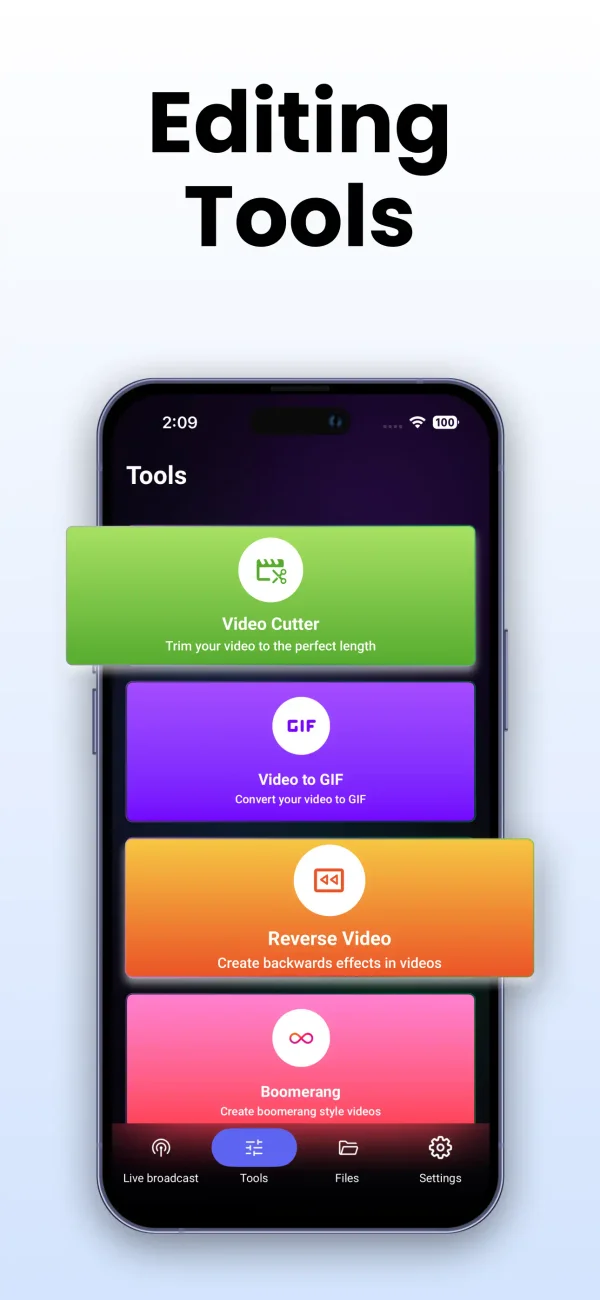
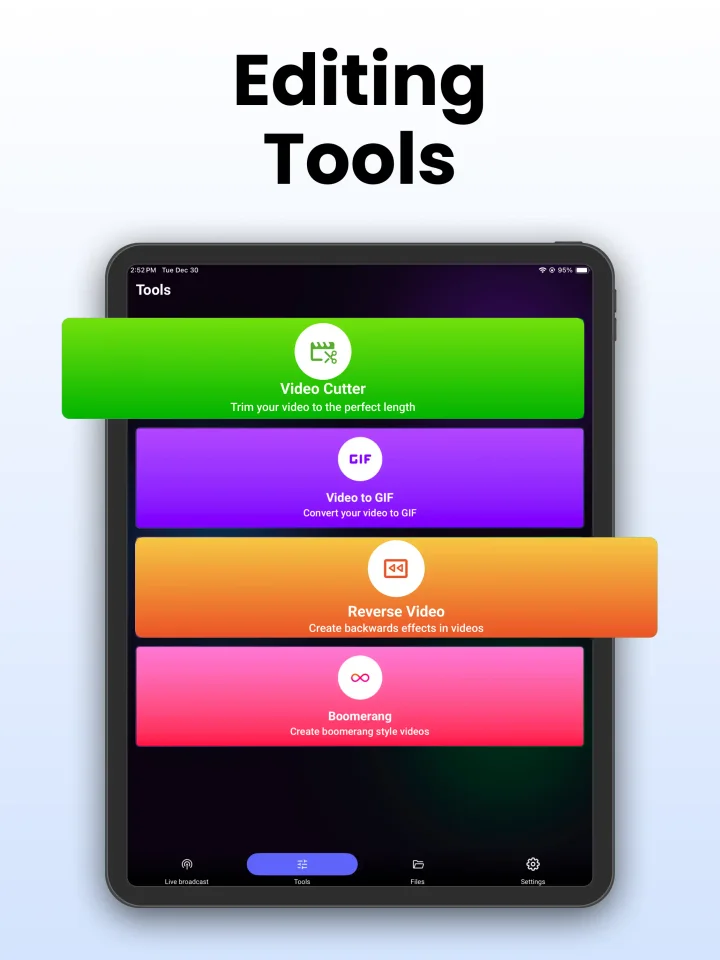
• Reverse Any Video: Select and reverse entire video clips or specific segments with just a tap for fun, engaging content.
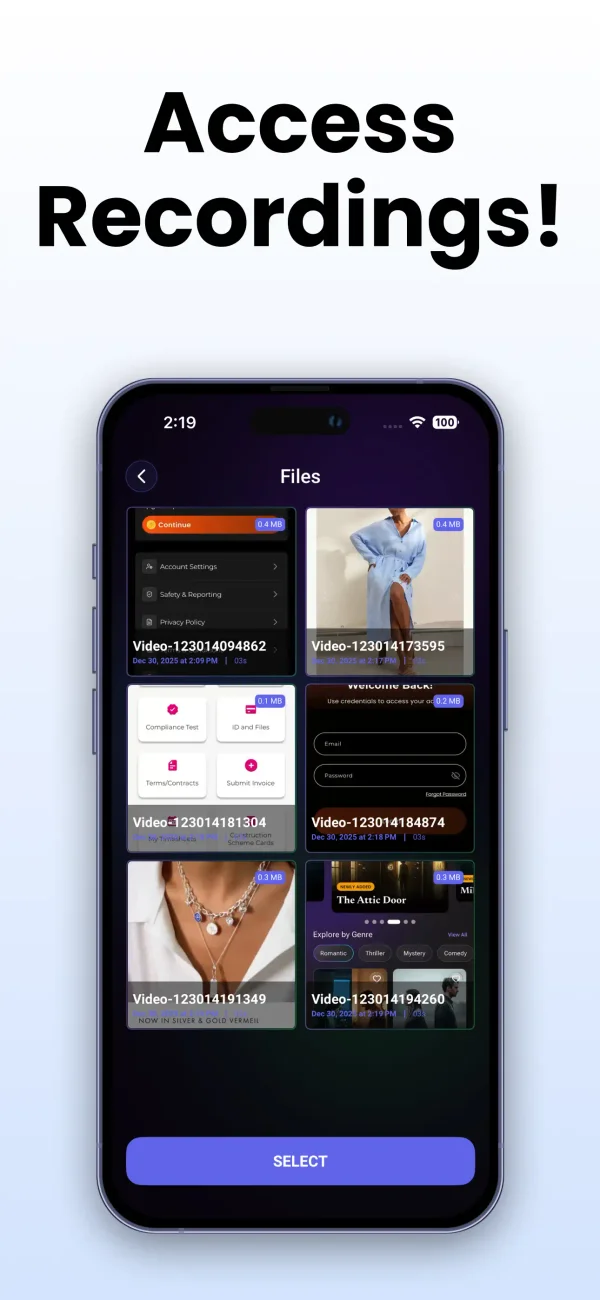
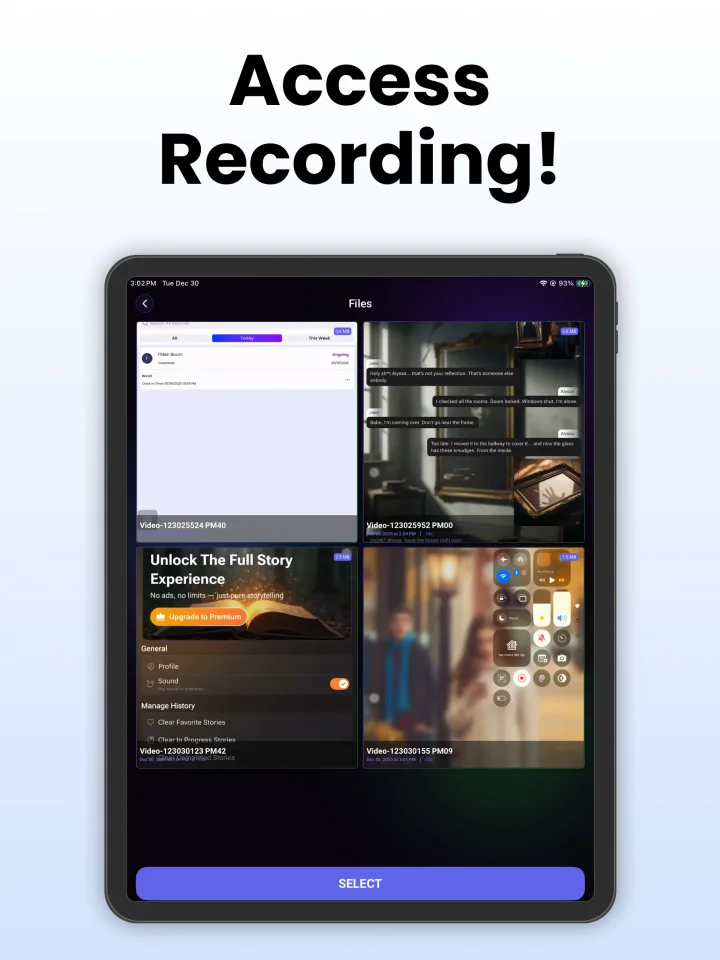
• Instant Export & Share: Easily Access the edited files within the app and share it to the any social media platform without any mess.
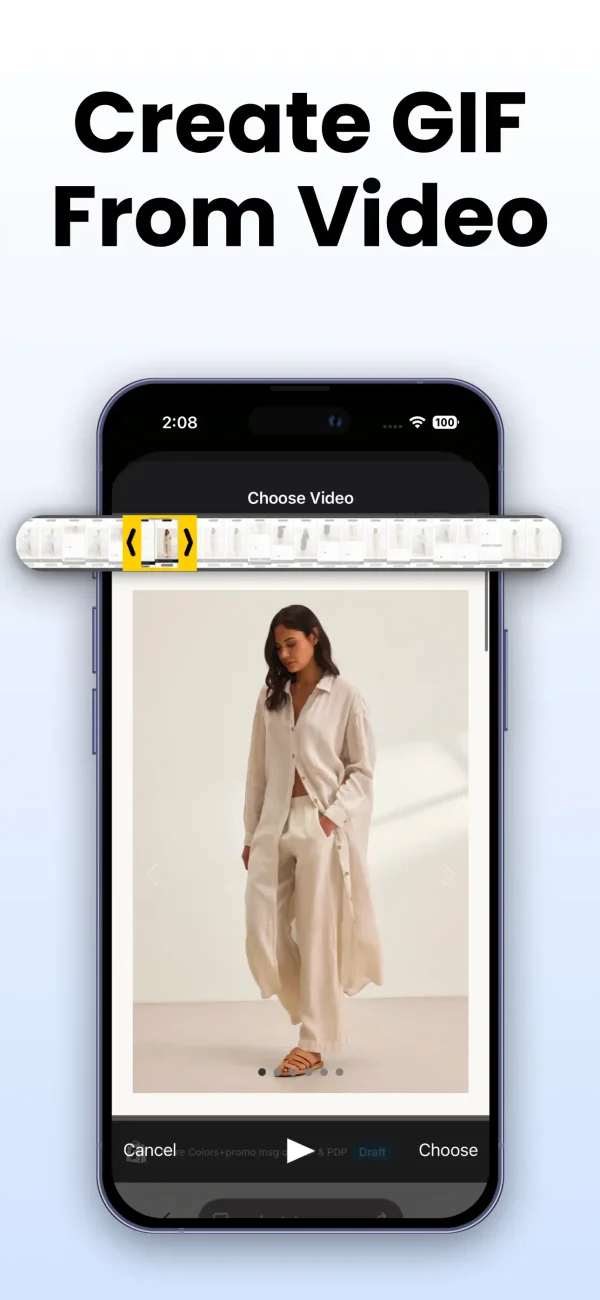
🎬 Convert Video to GIF – Shareable Content in Seconds
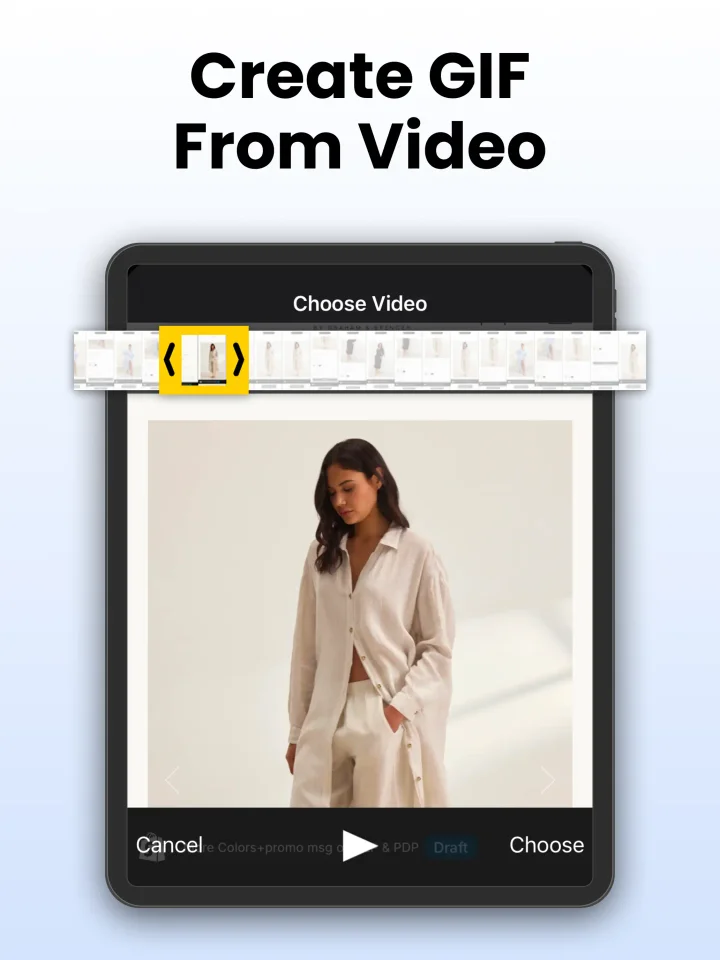
• Create GIFs from Videos: Select any part of your video and convert it into a GIF for easy sharing on social media and messaging platforms.
• Optimized File Size: Generate lightweight GIFs without compromising quality, making them quick to share and post online.
---> Why Choose Live Now?
Whether you're a social media influencer, a gamer, or just someone who loves to share moments in real-time, Live Now is built for everyone. Create captivating content with powerful tools that are simple to use—no complicated setup required!
💰 Subscription Pricing & Plans
Unlock the full power of Live Stream App with our flexible and affordable subscription options.
• Live Stream: Screen Recorder Offers auto renewing subscription for following to provide you with unlimited access to the application features while you maintain an active subscription. Privacy
• Monthly Subscription: $1.99 for unlimited recording and streaming.
• Quarterly Subscription: $3.99 with full access to premium features.
• Yearly Subscription: $9.99 for a full year of professional-grade tools at the best value!
Policy: https://atharva-system.github.io/screenrecorder.github.io/privacy-policy.html
Terms and conditions: https://atharva-system.github.io/screenrecorder.github.io/terms-and-condition.html
Data safety
What Atharva System declares on Google Play about the data this app collects and shares.
- No data shared with third partiesLearn more about how developers declare sharing
- This app may collect these data typesPersonal info
- Data is encrypted in transit
- You can request that data be deleted
What’s new
Version 7.0.1 · Oct 29, 2026
- Bug fixes and performance improvements
Developer contact
- Websiteqveedo.com
- Emailcontact@atharvasystem.com
- Privacy policyqveedo.com
- Address5000 Centre Green Way Ste 500 Cary, NC 27513-5821 United States
Information
- Offered by
- Atharva System
- Category
- Productivity
- Version
- 7.0.1
- Updated
- Oct 29, 2026
- Released
- Apr 30, 2024
- Requires
- Android 10 or later
- Age rating
- Everyone
- Price
- Free
- In-app purchases
- $0.99 - $12.99 per item
- Package name
- com.atharvasystem.quickscreenrecorder