Screenshot editor
Motorola Mobility LLC.- EveryoneAge rating
- ToolsCategory
- Jul 1, 2021Updated
- FreePrice
Links to the official Google Play listing of com.motorola.screenshoteditor. Last checked on Nov 27, 2026.

Screenshots
About this app
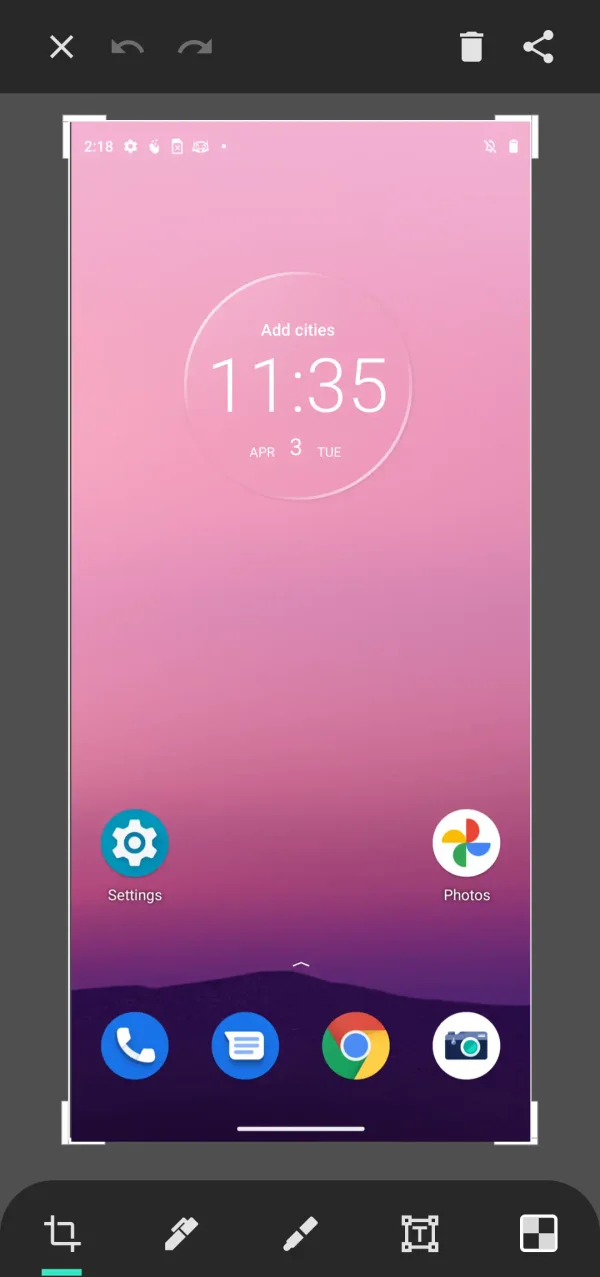
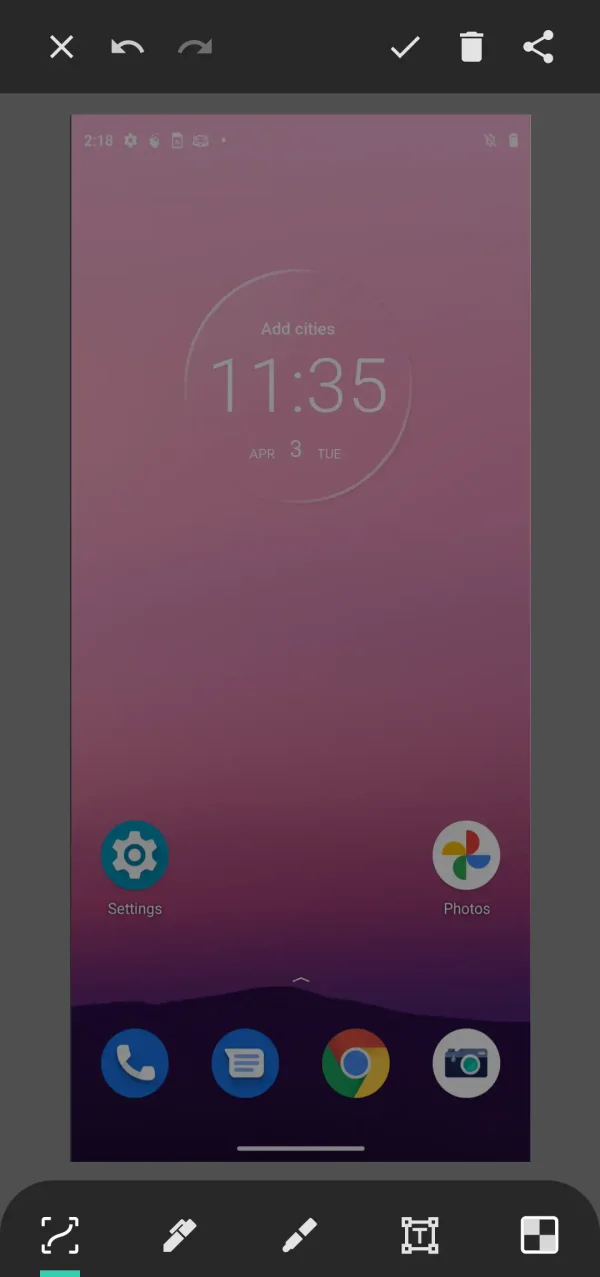
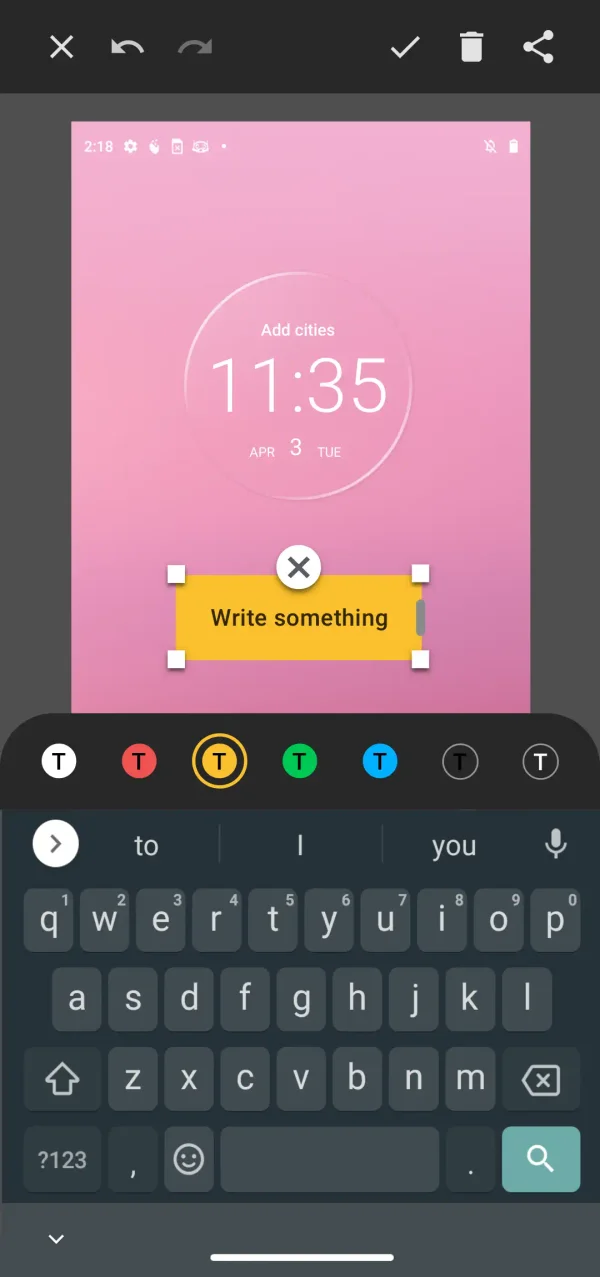
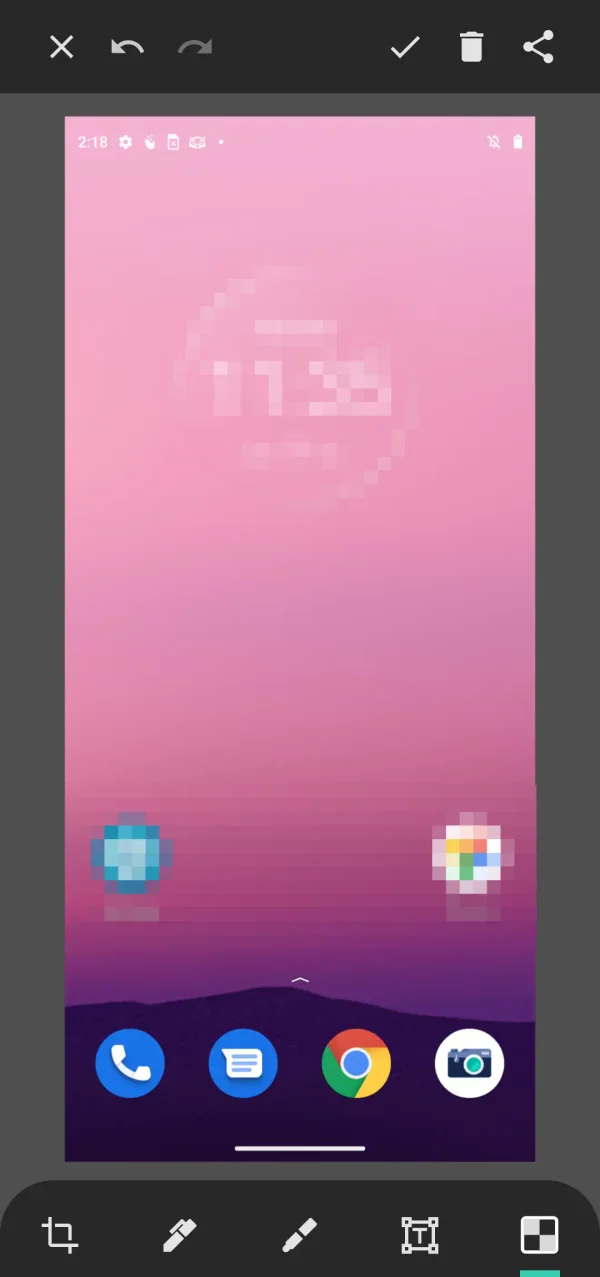
Screenshot editor is built for catching screenshots and recording GIFs.
Edit and share your screenshots right away, or take screenshots longer than your screen such as full web pages or articles with the Screenshot editor. On top of that you can also create an animated GIF by using the GIF Maker.
Data safety
What Motorola Mobility LLC. declares on Google Play about the data this app collects and shares.
- No data shared with third partiesLearn more about how developers declare sharing
- No data collectedLearn more about how developers declare collection
What’s new
Version 2.00.000017 · Jul 1, 2021
This initial launch for Moto Screenshot editor improves the application usability by providing the features:
• Crop mode automatic shrink - Automatically shrinks zoomed images in crop mode when user drags crop handles towards the screen border.
• Improve layer relationship - In pen edit mode, the user is now able to draw inside the text box.
• GIF maker feature and bug fixes
*Not all devices have the GIF maker feature, only devices that have preloaded can.
Developer contact
- Websitemotorola.com
- Emailplaystor@motorola.com
- Privacy policymotorola.com
- Address222 Merchandise Mart Plz Ste 1800 Chicago, IL 60654 United States
Information
- Offered by
- Motorola Mobility LLC.
- Category
- Tools
- Version
- 2.00.000017
- Updated
- Jul 1, 2021
- Released
- Jul 1, 2021
- Requires
- Android 11 or later
- Age rating
- Everyone
- Price
- Free
- Package name
- com.motorola.screenshoteditor