SD113
Speedydesign- EveryoneAge rating
- PersonalizationCategory
- Aug 11, 2026Updated
- $0.99Price
Links to the official Google Play listing of com.watchfacestudio.sd113. Last checked on Nov 15, 2026.

Screenshots

About this app
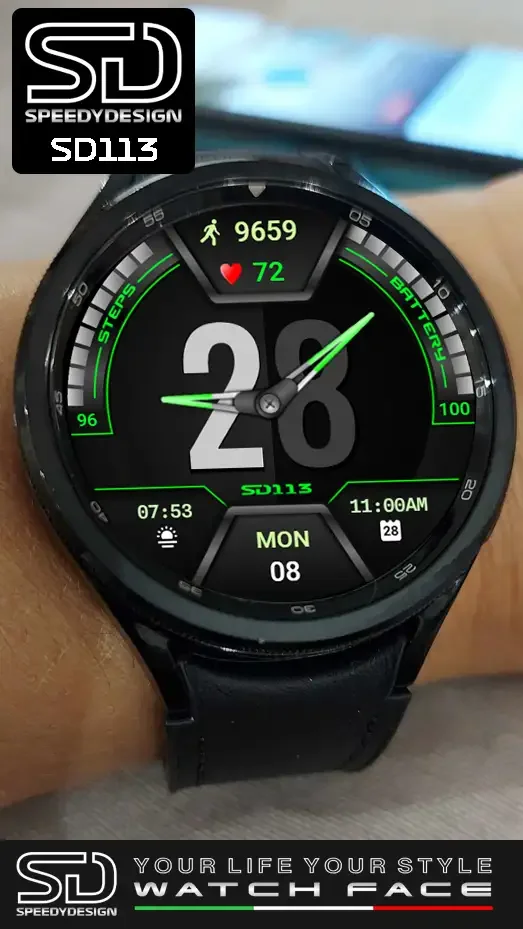
Analog Face by Speedydesign
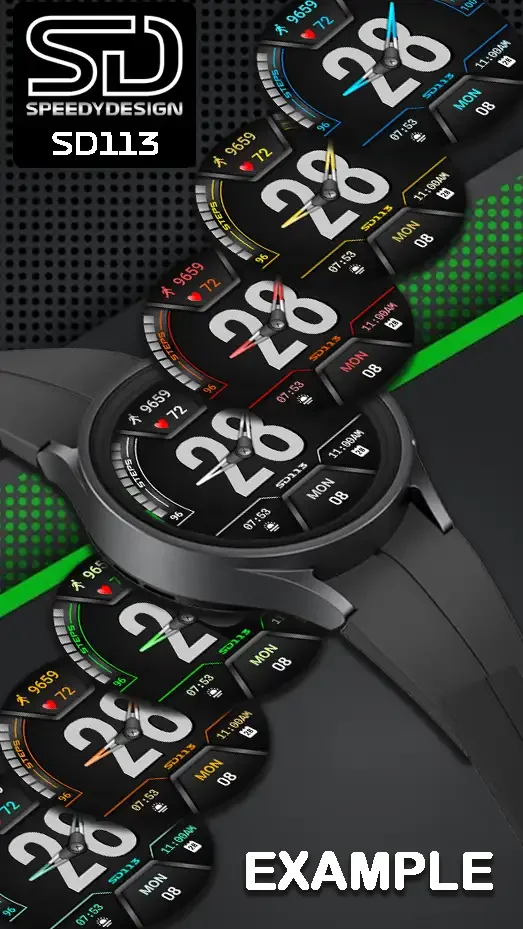
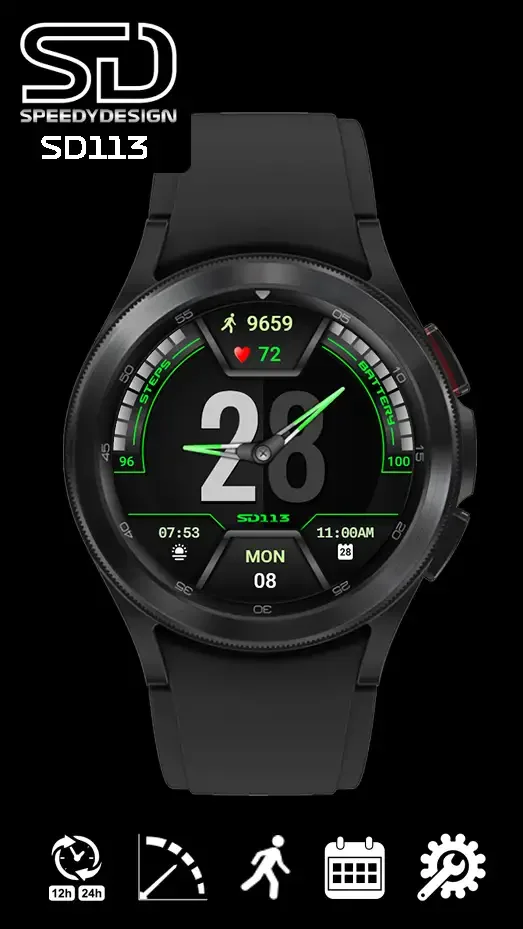
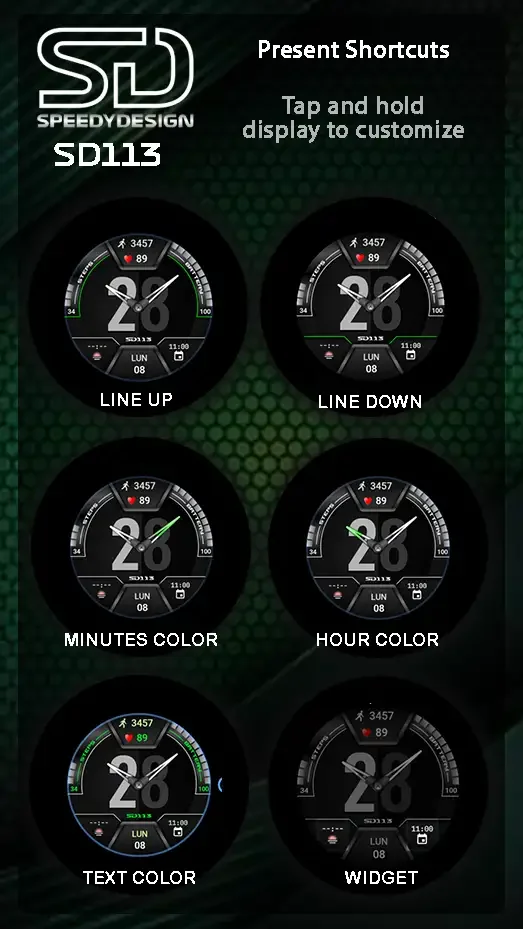
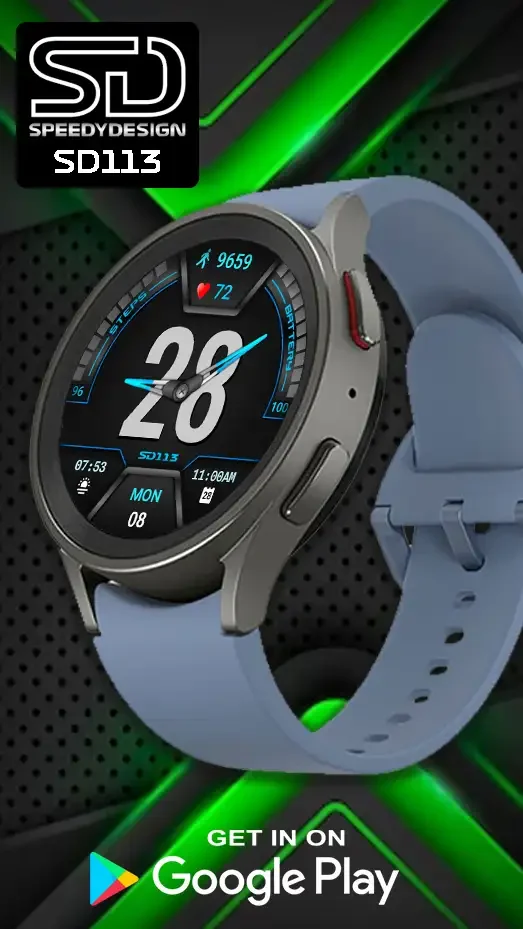
Simple analog face, with the ability to change the color of the hour and minute hands, the text and much more. It contains 2 customizable complications (where you can view your favorite data such as weather, barometer, clock, etc.). You can also monitor your heart rate, steps, battery and date.
This watch face supports all Wear OS devices
Description:
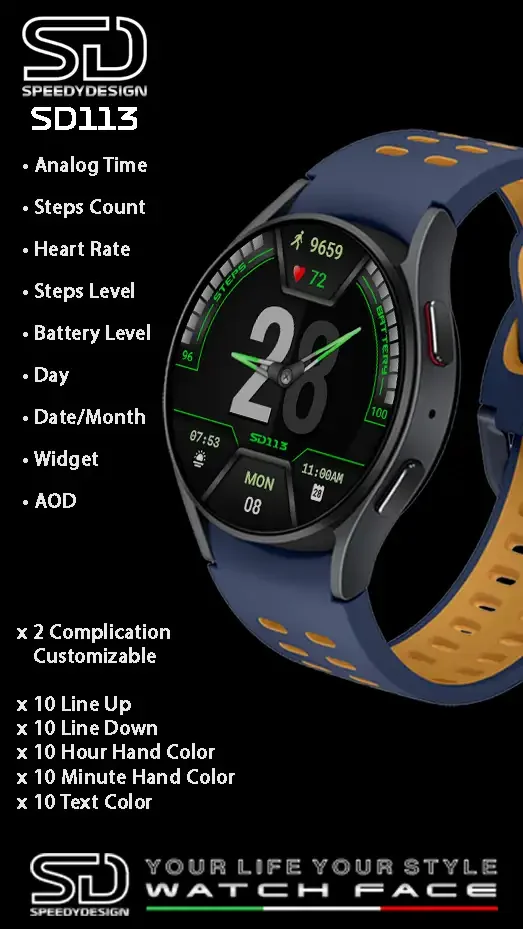
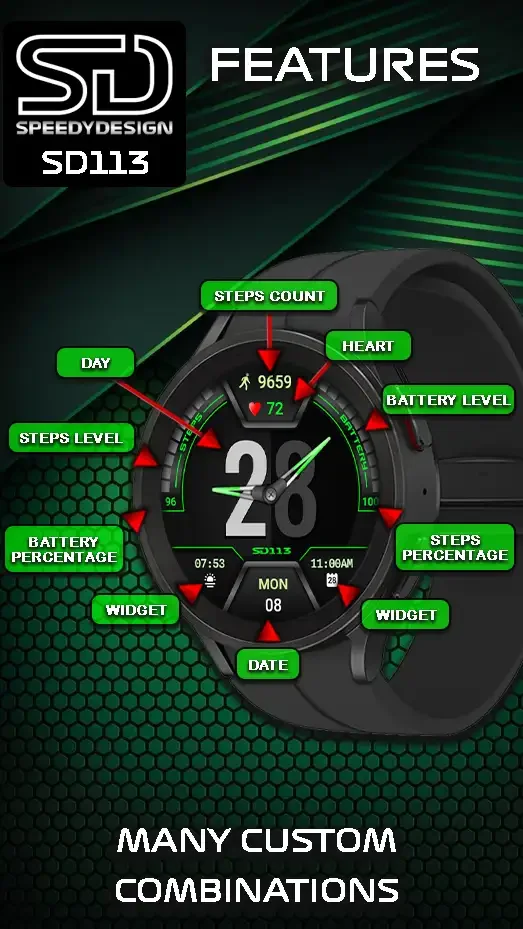
• Analog Time
• Steps Count
• Heart Rate
• Steps Level
• Steps Percentage
• Battery Level
• Battery Percentage
• Day
• Date
• Widget
• AOD
Customizable:
x 02 Complication Customizable
x 10 Line Up Color
x 10 Line Down Color
x 10 Hour Hand Color
x 10 Minute Hand Color
x 10 Text Color
Installation Notes:
If you're having trouble installing using the Play Store app, follow these steps:
1-) Go to the smartphone settings;
2-) Select “Applications”;
3-) Select “Google Play Store”;
4-) Select “Set as default”;
5-) Under "Open supported links" disable the blue check.
Please, any issues on this side are NOT caused by the developer/dial.
Write to “speedydesign.ita@gmail.com” if you need assistance.
Stay in contact!
SPEEDYDESIGN
https://www.speedydesign.it
FACEBOOK:
https://www.facebook.com/Speedy-Design-117708058358665
INSTAGRAM:
https://www.instagram.com/speedydesign.ita/
LNK BIO
https://lnk.bio/speedydesign
Thank you !
Data safety
What Speedydesign declares on Google Play about the data this app collects and shares.
- No data shared with third partiesLearn more about how developers declare sharing
- No data collectedLearn more about how developers declare collection
What’s new
Version 1.0.0 · Aug 11, 2026
- Initial release
Developer contact
- Websitespeedydesign.it
- Emailsupport@speedydesign.it
- Privacy policyspeedydesign.it
- AddressVia dell'Alpino, 33 33047 Remanzacco Italy
Information
- Offered by
- Speedydesign
- Category
- Personalization
- Version
- 1.0.0
- Updated
- Aug 11, 2026
- Released
- Aug 30, 2023
- Age rating
- Everyone
- Price
- $0.99
- Package name
- com.watchfacestudio.sd113