Simple Calculator
SIMPLE APPS DIGITALContains ads · In-app purchases
- EveryoneAge rating
- ProductivityCategory
- Nov 12, 2026Updated
- FreePrice
Links to the official Google Play listing of com.bng.calculator. Last checked on Nov 20, 2026.
Screenshots


About this app
The developer has not provided this text in your language.
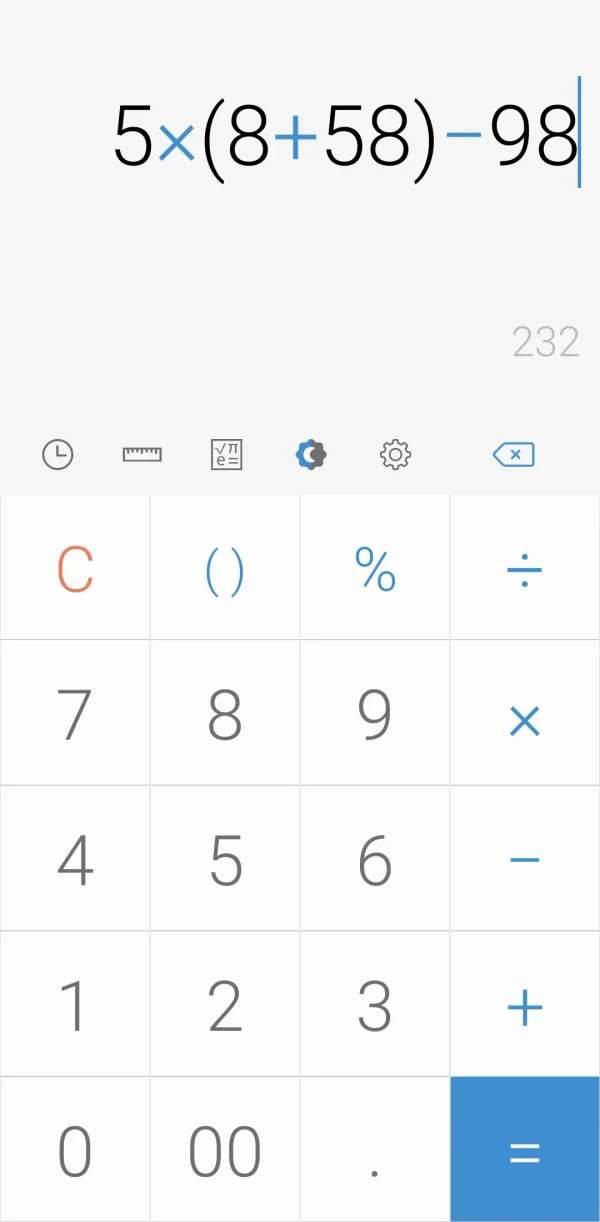
Do simple and scientific calculations easily.
[Key features]
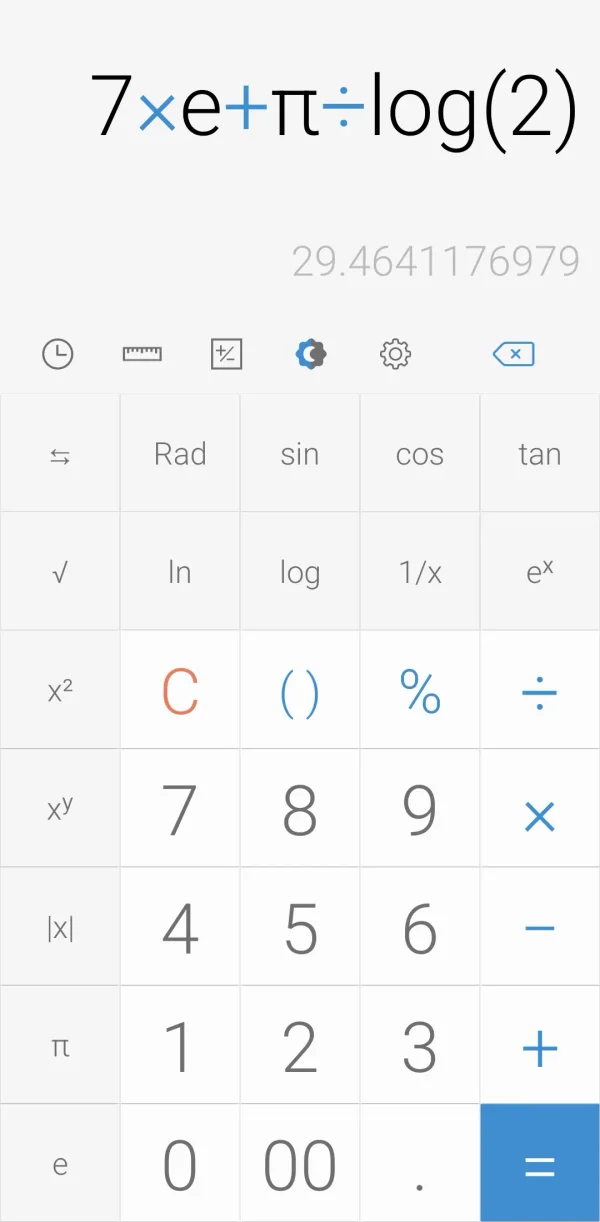
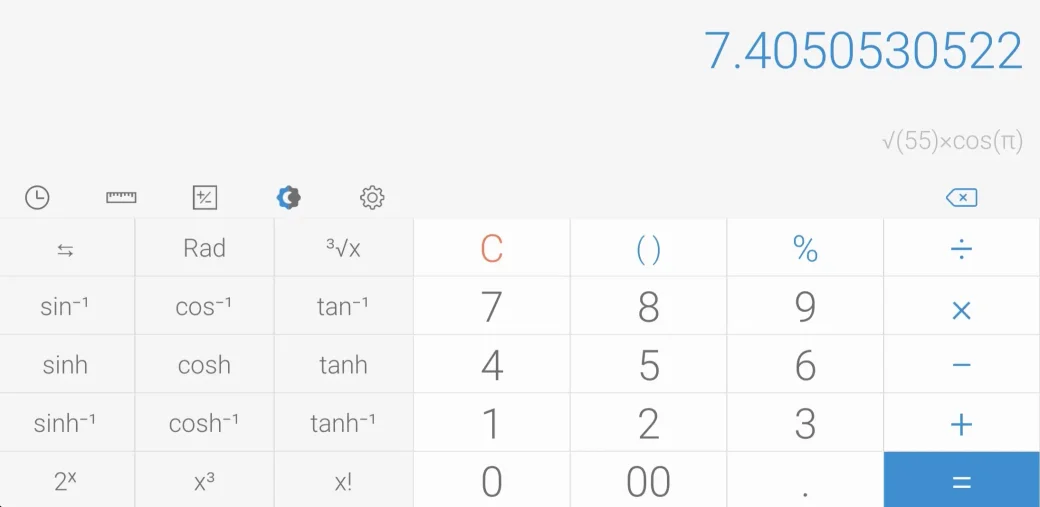
Perform four fundamental operations and engineering calculations.
To start the engineering calculator, tap the engineering calculator icon.
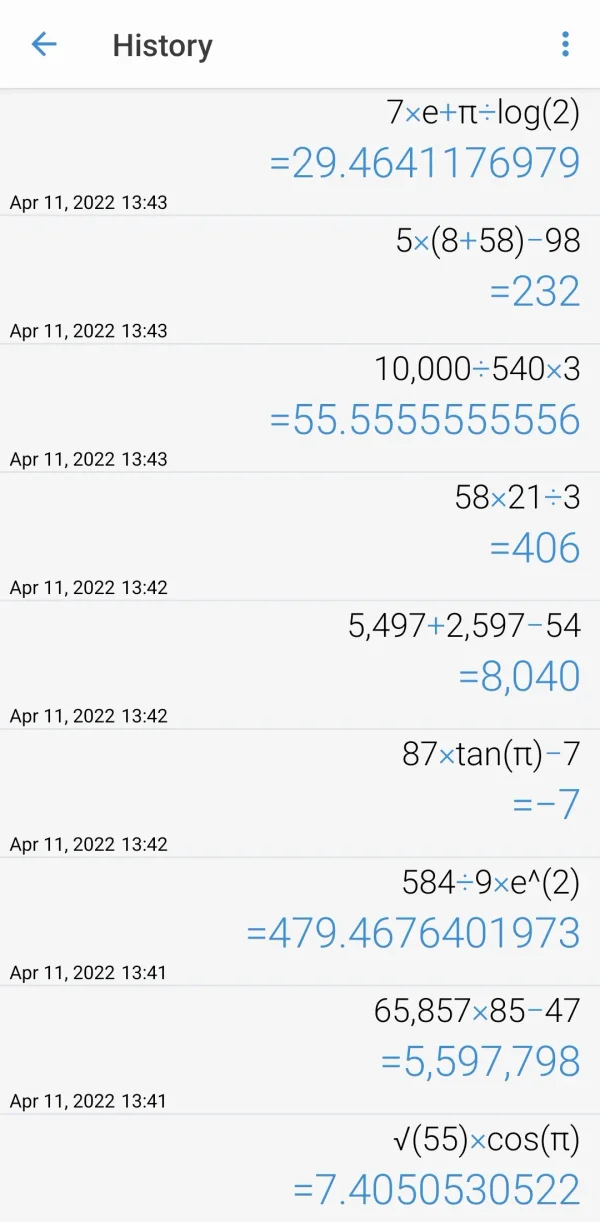
To check the calculation history, tap the calculation history icon.
You can use all the previously inputted formulas. Tap the formula you need from the calculation history.
[Additional features]
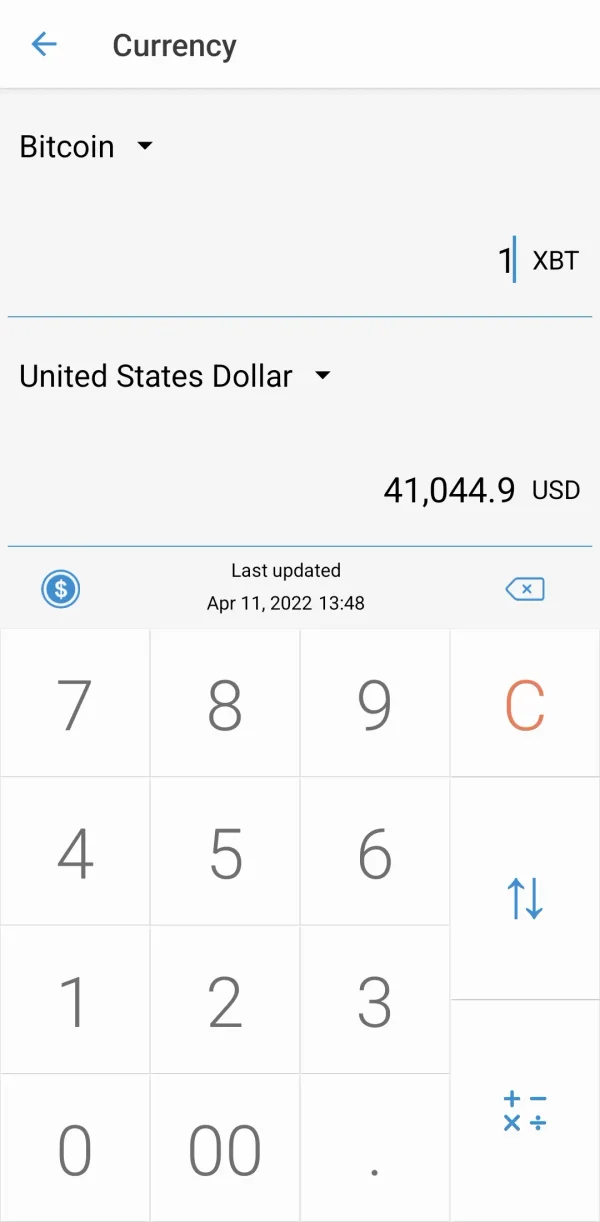
To convert units, tap the unit calculator button. You can easily convert various types of
Currency,
Area,
Length,
Temperature,
Volume,
Mass,
Data,
Speed,
Time,
Date,
BMI,
Discount,
Age,
Numeral System,
GST,
Split bill,
Frequency,
Fuel,
Angle,
Pressure,
Force,
Power,
Loan
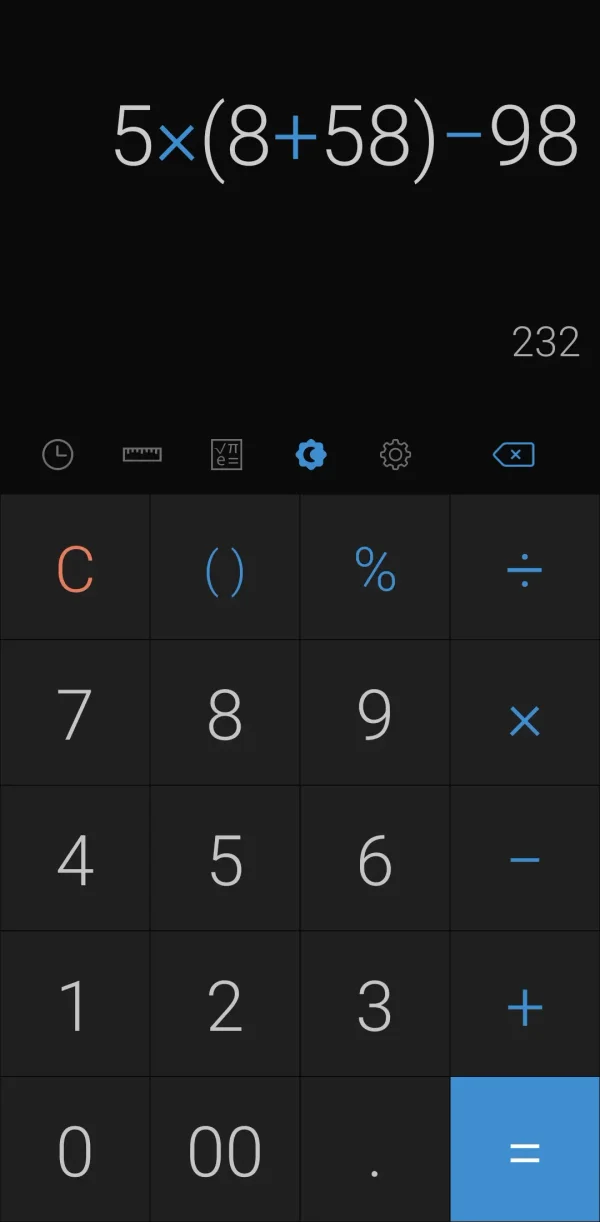
To change theme mode, tap the night mode icon.
To specify the time of night mode, select time range from settings.
To change color, chose the color you want from settings
To delete a history, long press on it in the history page
To change language, select preferred language from settings.
To play a beep or vibrate when pressing a button, go to settings.
To change numerals, select preferred numerals from settings (All numerals are supported)
To change number format, select the preferred format from settings
To change decimal places after the comma, select the number of decimal places from settings
To enable / disable full screen, enable / disable it from settings.
To keep calculation record, enable/disable it from settings.
To keep the screen on, enable/disable it from settings.
To hide an icon, go to settings.
*****
Last but not least, all of these features come in small size and it is completely free.
Data safety
What SIMPLE APPS DIGITAL declares on Google Play about the data this app collects and shares.
- This app may share these data types with third partiesLocation, App activity and 2 others
- This app may collect these data typesLocation, App activity and 2 others
- Data is encrypted in transit
- Data can’t be deleted
What’s new
Version 3.5.9 · Nov 12, 2026
We improved user experience and fixed known bugs.
Developer contact
- Websitesimple-apps-ltd.web.app
- Emailbng.official.contact@gmail.com
- Privacy policybngmobile.blogspot.com
- Address30 N Gould St Sheridan, WY 82801-6317 United States
Information
- Offered by
- SIMPLE APPS DIGITAL
- Category
- Productivity
- Version
- 3.5.9
- Updated
- Nov 12, 2026
- Released
- Dec 11, 2018
- Requires
- Android 6.0 or later
- Age rating
- Everyone
- Price
- Free
- In-app purchases
- $0.99 - $24.99 per item
- Package name
- com.bng.calculator
Similar apps
-
 Calculator Lock - Hide Photos
Tools
-
 Calculator
Tools
-
 Samsung Calculator
Tools
-
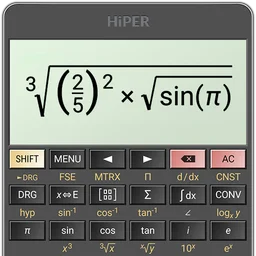 HiPER Scientific Calculator
Tools
-
 Calendar Widget: Month/Agenda
Productivity
-
 Calculator Hide Photo, Video
Tools
-
 Calculator
Tools
-
 Inkpad Notepad & To do list
Productivity
-
 Smart Calculator: Photo Math
Tools
-
 Calculator Pro: Calculator App
Tools
-
 Champ Scientific Calculator
Tools
-
 Smart Calc: Daily Calculator
Tools