Sketch Master: Draw & Paint
BariLabContains ads
- EveryoneAge rating
- Art & DesignCategory
- Nov 26, 2026Updated
- FreePrice
Links to the official Google Play listing of com.barilab.katalksketch.googlemarket. Last checked on Nov 26, 2026.

Screenshots

About this app
The easiest&most intuitive drawing app with advanced tools for all skill levels
Most drawing apps bury you in menus and settings. Sketch Master doesn't.
Sketch Master is the drawing app that stays out of your way: a simple, familiar interface, backed by tools made for real digital art — unlimited layers, smooth brushes, 3000% zoom and photo import. Open a canvas and start drawing in seconds. No account and no tutorial required.
Easy to start. Powerful when you need it. That is the whole idea.
DRAWING TOOLS
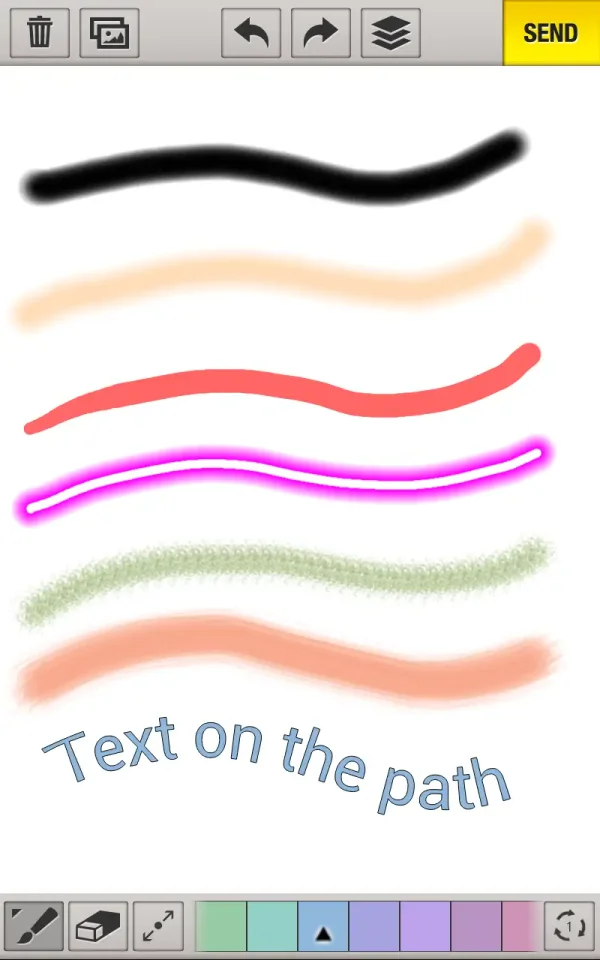
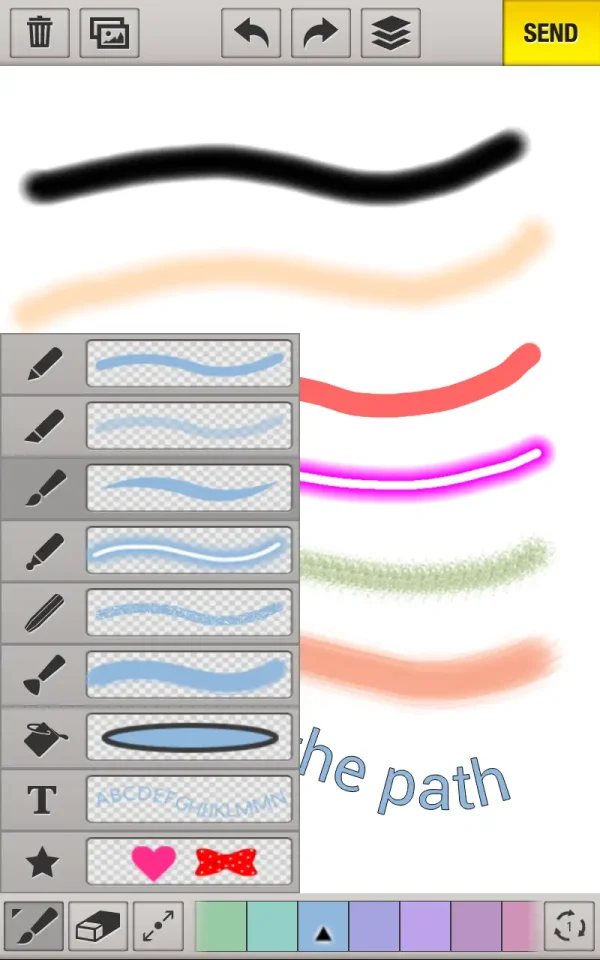
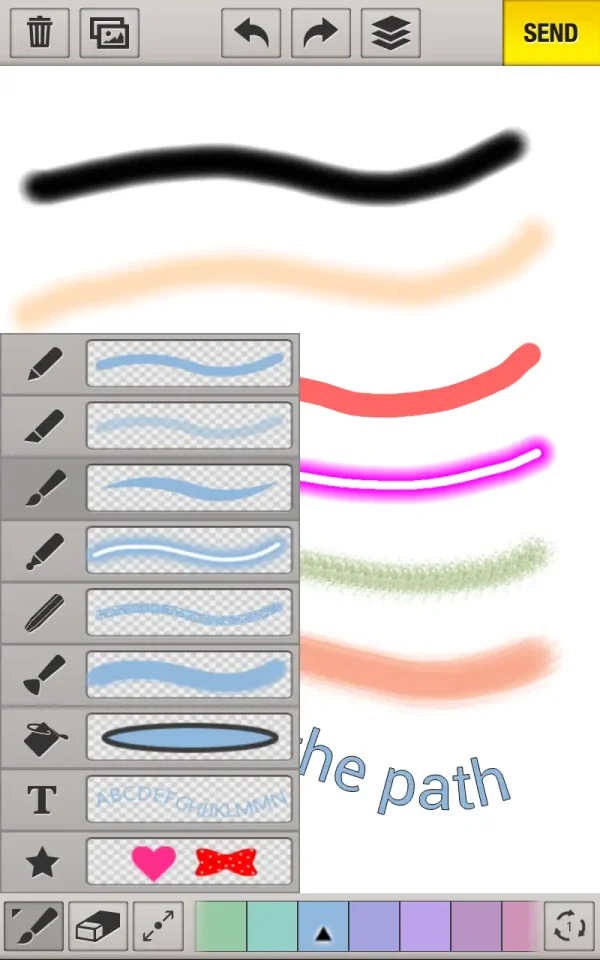
◆ 7 Versatile Brushes + Flood Fill
Pens, brushes and fill tools for every style — quick doodles, line art, coloring, and detailed illustration.
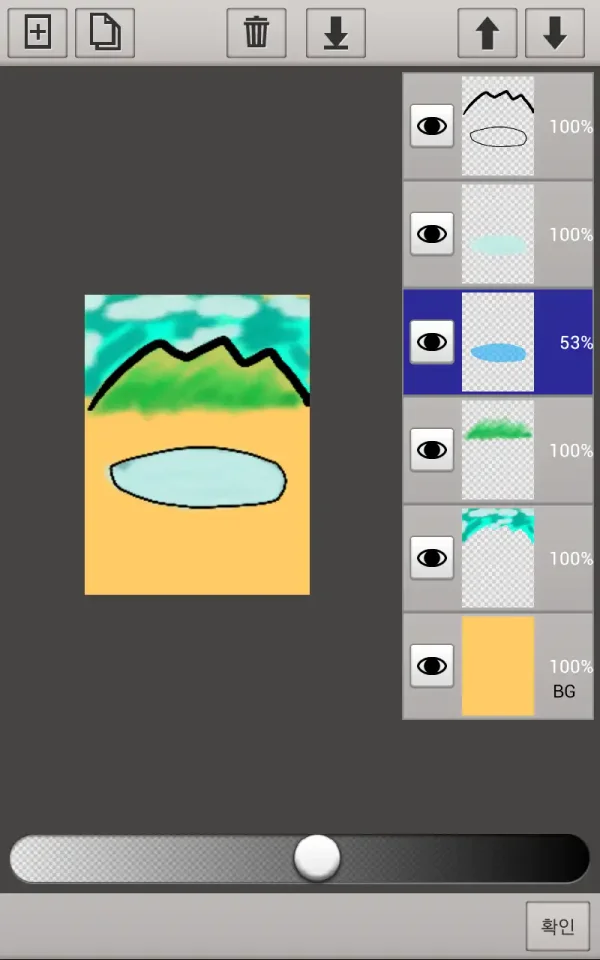
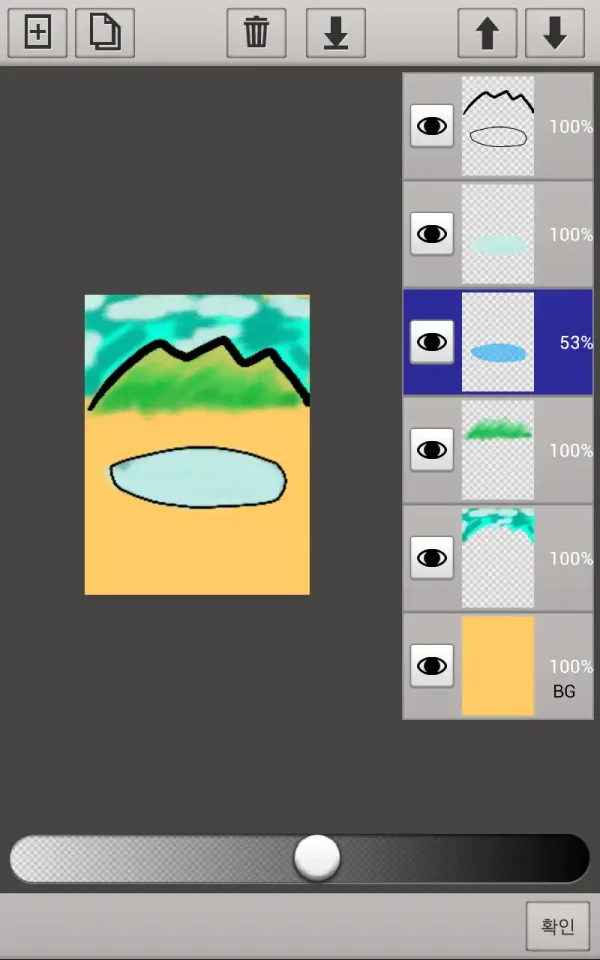
◆ Unlimited Layers
Add as many layers as your device allows. Duplicate, merge, reorder, hide, and adjust opacity with a few taps — real layer-based digital art on mobile.
◆ Hand Correction for Smooth Strokes
Shaky lines become clean, fluid strokes automatically. Great for beginners and precise line art alike.
◆ Zoom up to 3000%
Two-finger pan and zoom lets you work on the tiniest details of your drawing with total control.
◆ Text on a Path
Curve your text along any line for posters, cards, lettering and creative designs.
◆ Photo Import & Tracing
Load a picture from your gallery or camera and draw over it — trace, annotate, or turn photos into sketches.
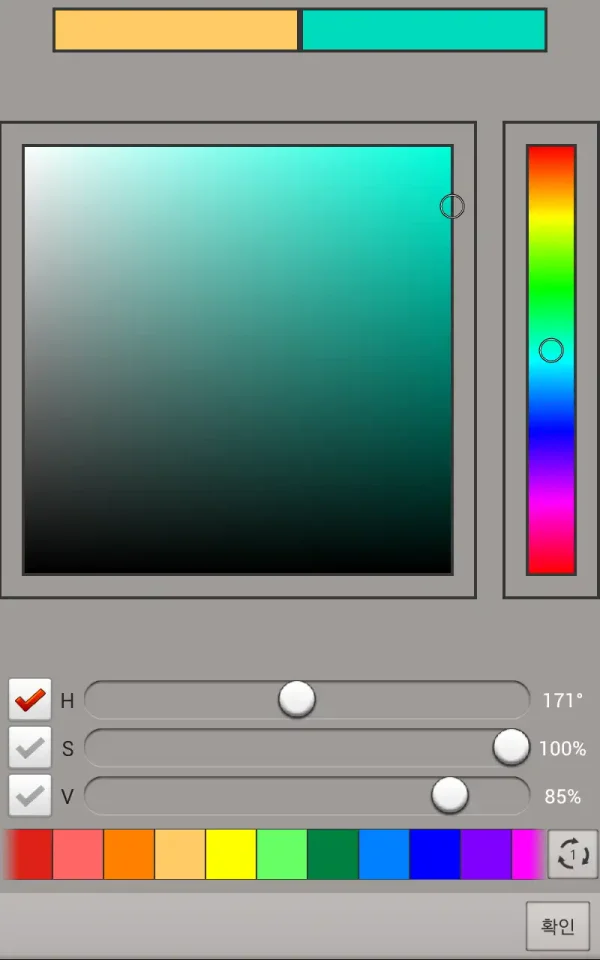
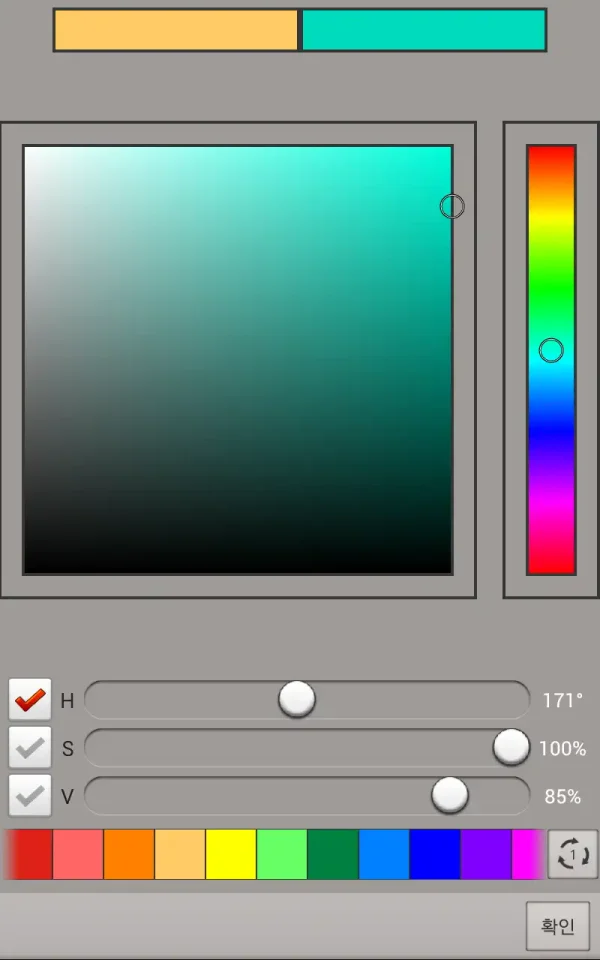
◆ Rich Color Tools
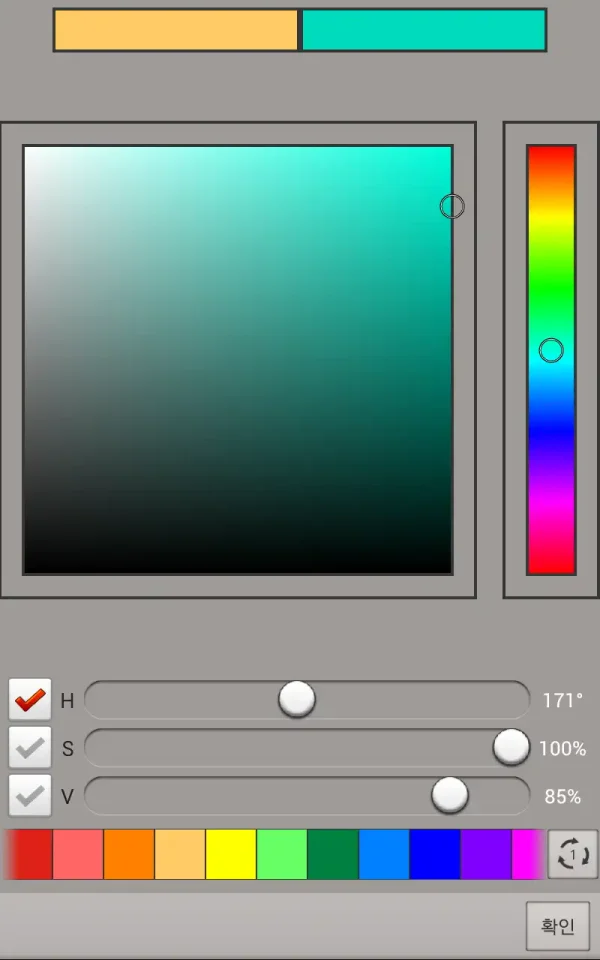
HSB color space, swatches and a color picker give you every color you need for painting and coloring.
◆ Stickers & Sharing
Decorate with stickers, then save and share your artwork in one tap.
PERFECT FOR
• Sketching & drawing practice anywhere — your sketchbook is always with you
• Digital art & illustration with layers, like a lightweight drawing studio
• Coloring & painting to relax
• Doodling for fun in spare moments
• Quick visual notes, diagrams and doodles
• Tracing photos to learn to draw
WORKS GREAT WITH
Phones, tablets and foldables — the canvas is created to match your screen resolution. Designed for comfortable finger drawing.
WE KEEP IMPROVING
We read your reviews and keep improving — recent updates added stickers and foldable phone support.
Whether you want a serious sketchbook app, a painting app for relaxing, or a fun drawing pad for quick doodles — download Sketch Master and start creating today. Everyone has an artist inside. Let yours out.
Data safety
What BariLab declares on Google Play about the data this app collects and shares.
- This app may share these data types with third partiesLocation, Photos and videos and 3 others
- This app may collect these data typesLocation, App activity and 2 others
- Data is encrypted in transit
- Data can’t be deleted
Developer contact
- Websitebarilab.github.io
- Emailsagomanda@gmail.com
- Privacy policybarilab.app
- Address대한민국 서울특별시 송파구 송파구 가락로 244, 3층 305-가29호(방이동, SW빌딩(에스더블유빌딩)) 05644
Information
- Offered by
- BariLab
- Category
- Art & Design
- Updated
- Nov 26, 2026
- Released
- May 18, 2012
- Age rating
- Everyone
- Price
- Free
- Package name
- com.barilab.katalksketch.googlemarket