Smallpdf: PDF Scanner & Editor
Smallpdf AGIn-app purchases
- EveryoneAge rating
- ProductivityCategory
- Oct 7, 2026Updated
- FreePrice
Links to the official Google Play listing of com.smallpdf.app.android. Last checked on Nov 20, 2026.

Screenshots



About this app
Scanner app, PDF converter, PDF compressor, & more to manage your documents
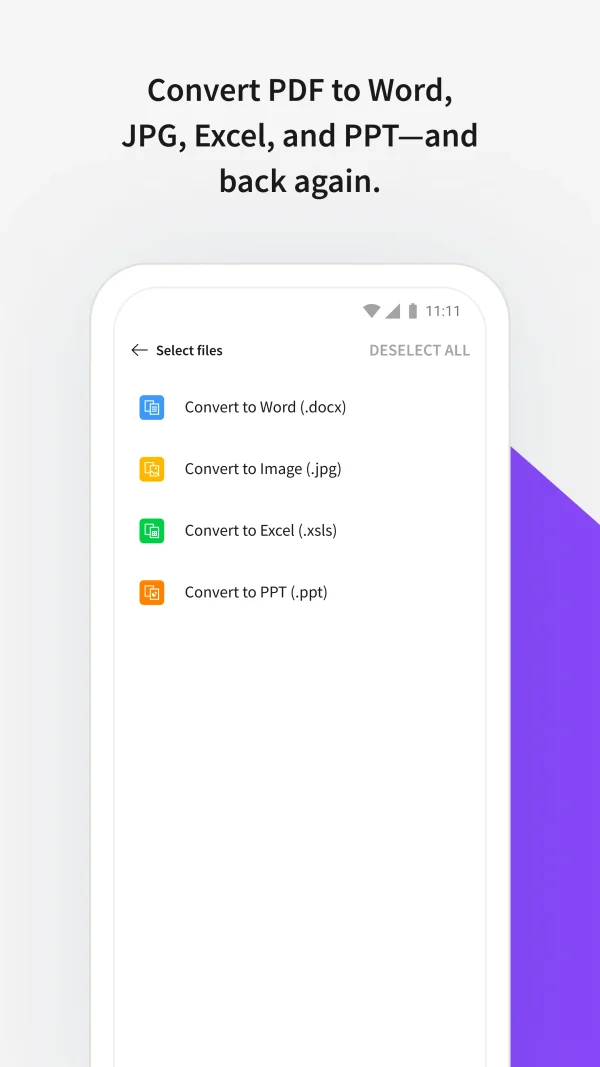
Get all-in-one PDF tools to read PDF, edit PDF, compress PDF, scan PDF, combine PDF, remove PDF pages, and convert PDF (Word to PDF, PDF to Word, PPT to PDF, PDF to PPT, JPG to PDF, PDF to JPG, Excel to PDF, and PDF to Excel).
Compress PDF
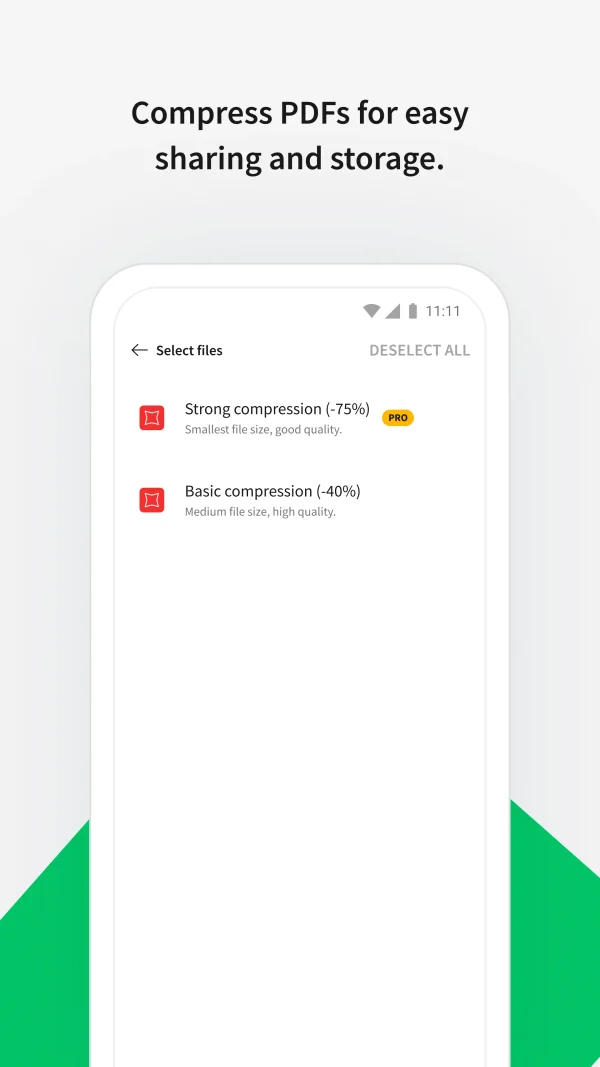
• Our file compressor reduces your PDF size and quickly shrinks your documents to an email-friendly format.
• Use basic compression to reduce file size by 40%.
• Use strong compression to reduce file size by 75%.
Convert PDF To Word
• PDF to Word is easy with our PDF to Word tool.
• Simply select the right PDF converter and transform your file from PDF to Word.
Convert PPT To PDF
• Quick and easy conversion with our PPT to PDF tool.
• Simply select the right PDF converter and transform your file from PPT to PDF.
Convert Word To PDF
• Word to PDF is easy with our Word to PDF tool.
• Select the right PDF converter and transform your file from Word to PDF.
Convert JPG To PDF
• JPG to PDF is quick and easy with our JPG to PDF tool.
• Simply select the right PDF converter and transform your file from JPG to PDF.
Convert Excel To PDF
• Excel to PDF is easy with our Excel to PDF tool.
• Select the right PDF converter and transform your file from Excel to PDF.
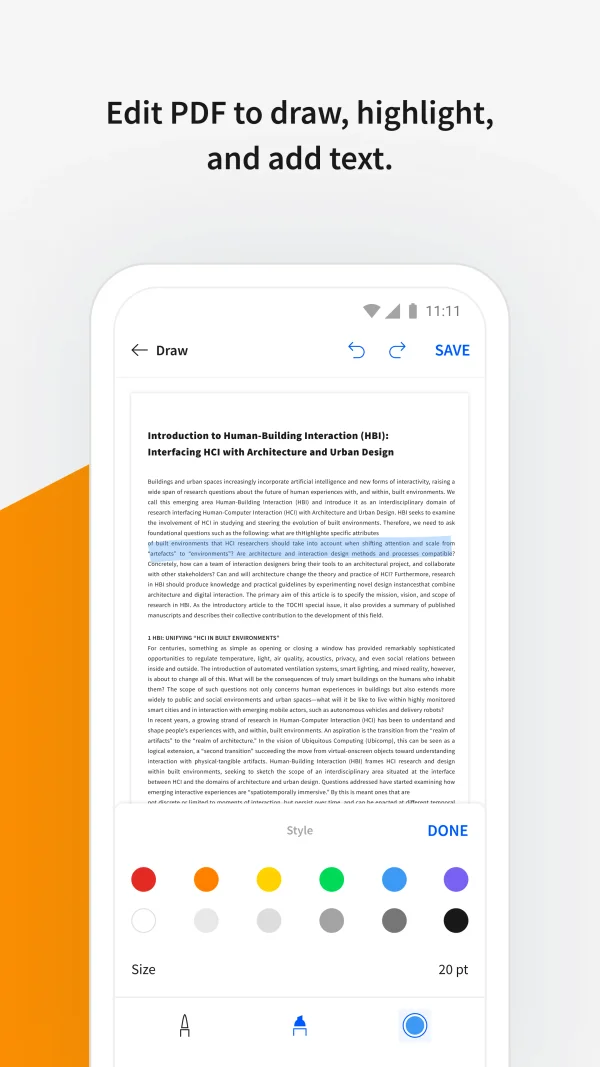
Edit a PDF
• Editing your PDF is easy with our Edit PDF tool.
• Simply select the Edit PDF tool to highlight, draw, or add text to your documents.
Rotate a PDF
• Simply open the tool, rotate PDF right, left, or upside down, and save your document.
Delete Pages From PDF
• With this tool you can rearrange, rotate or remove one or several pages with ease.
Merge PDF Files
• Simply open your document in our Merge PDF tool and combine PDF files—as many as you wish. Hit "save" to permanently merge PDF.
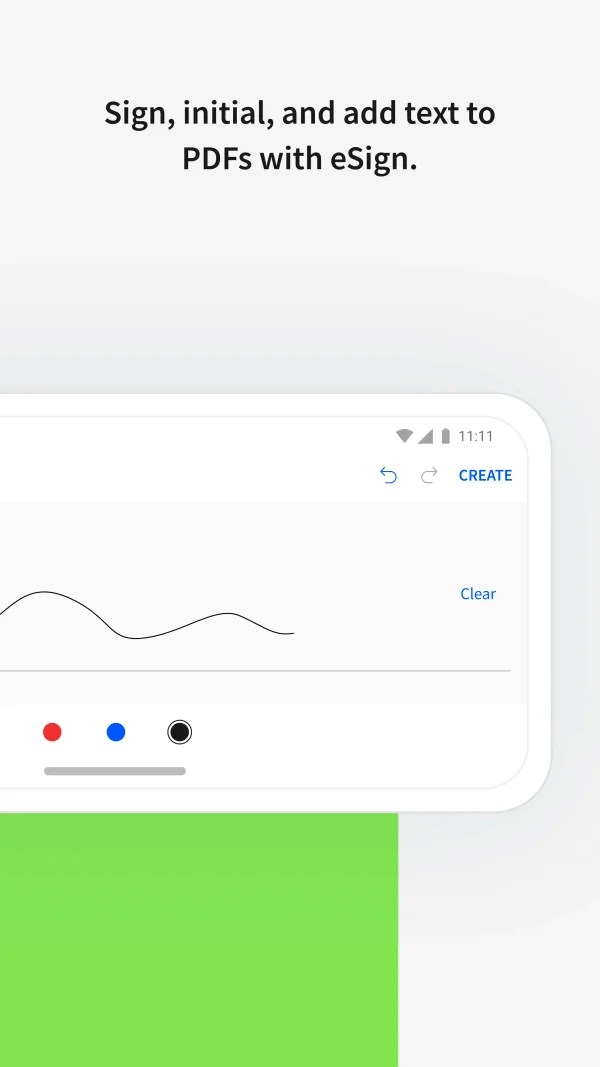
Sign a PDF
• Simply open your PDF in our eSign tool, add your signature, and save your signed document.
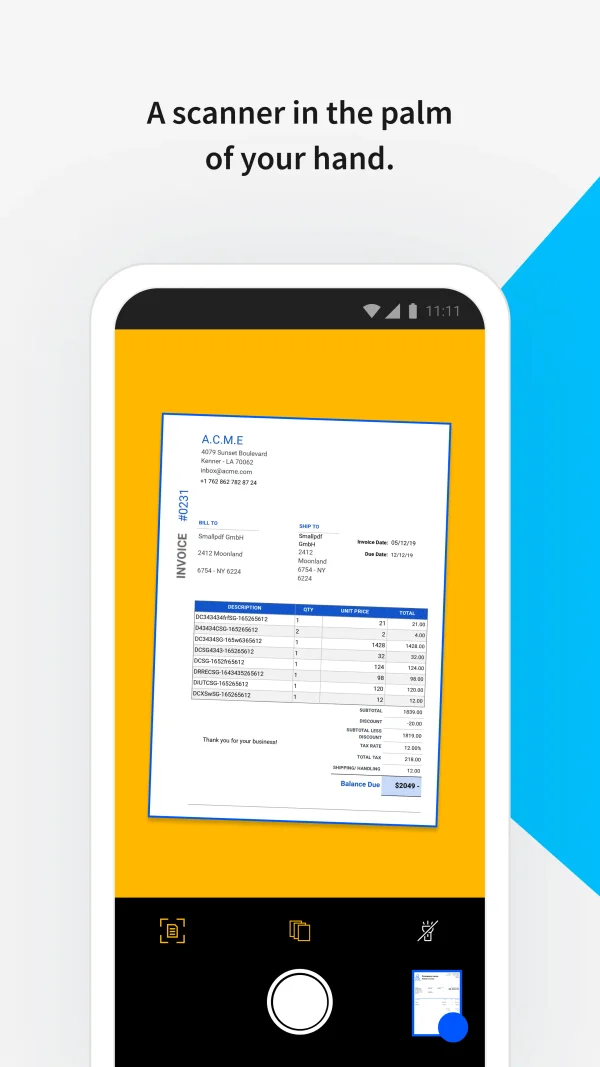
Create a Scanned PDF
• Take a photo of your document or import an existing file or image.
• Rename, rotate, crop, or adjust the colors of the file.
• You can scan several documents to a multi-page PDF.
With the Smallpdf Mobile App, You Can Also:
View & Read PDFs
• Seamlessly access the PDF on your other devices.
• Activate read mode for easier reading.
File Storage & Integrations
• Sync scans to the online Smallpdf file storage service.
• Email or send PDF scans to your other apps, e.g., WhatsApp, Viber, or Gmail.
Follow Smallpdf on social media:
LinkedIn
YouTube
Instagram
Facebook
Twitter
Ask a question or report a problem:
Email: support@smallpdf.com
Visit the homepage:
smallpdf.com
Data safety
What Smallpdf AG declares on Google Play about the data this app collects and shares.
- This app may share these data types with third partiesLocation, Personal info and 4 others
- This app may collect these data typesLocation, Personal info and 5 others
- Data is encrypted in transit
- You can request that data be deleted
What’s new
Version 3.7.0 · Oct 7, 2026
What's New
- We’ve squashed some bugs and improved app stability.
We're improving your experience with every new release, so stay tuned to get the most out of the Smallpdf Mobile App! :)
We love feedback, so feel free to send yours to support@smallpdf.com.
Developer contact
- Websitesmallpdf.com
- Emailsupport@smallpdf.com
- Privacy policysmallpdf.com
- AddressSteinstrasse 21 8003 Zürich Switzerland
Information
- Offered by
- Smallpdf AG
- Category
- Productivity
- Version
- 3.7.0
- Updated
- Oct 7, 2026
- Released
- Jan 6, 2020
- Requires
- Android 8.0 or later
- Age rating
- Everyone
- Price
- Free
- In-app purchases
- $7.99 - $119.99 per item
- Package name
- com.smallpdf.app.android
Similar apps
-
 CV Maker: CV & Resume Builder
Business
-
 Kickresume: AI Resume Builder
Tools
-
 pdfFiller Edit Sign & Fill PDF
Productivity
-
 GoPlaces - Job Search Abroad
Productivity
-
 StepUp Pedometer Step Counter
Health & Fitness
-
 Growlink
Productivity
-
 Wanderz - Travel Guides
Travel & Local
-
 Solo: Your Gig Business App
Business
-
 Lifeboost Coffee
Shopping
-
 tedee
House & Home
-
 Inventory Management App -Zoho
Business
-
 FlexiRoam: eSIM & Data Plans
Travel & Local