SoundID Tools
Sonarworks- EveryoneAge rating
- Music & AudioCategory
- May 7, 2026Updated
- FreePrice
Links to the official Google Play listing of com.sonarworks.soundid.reference.mobile. Last checked on Nov 24, 2026.

Screenshots



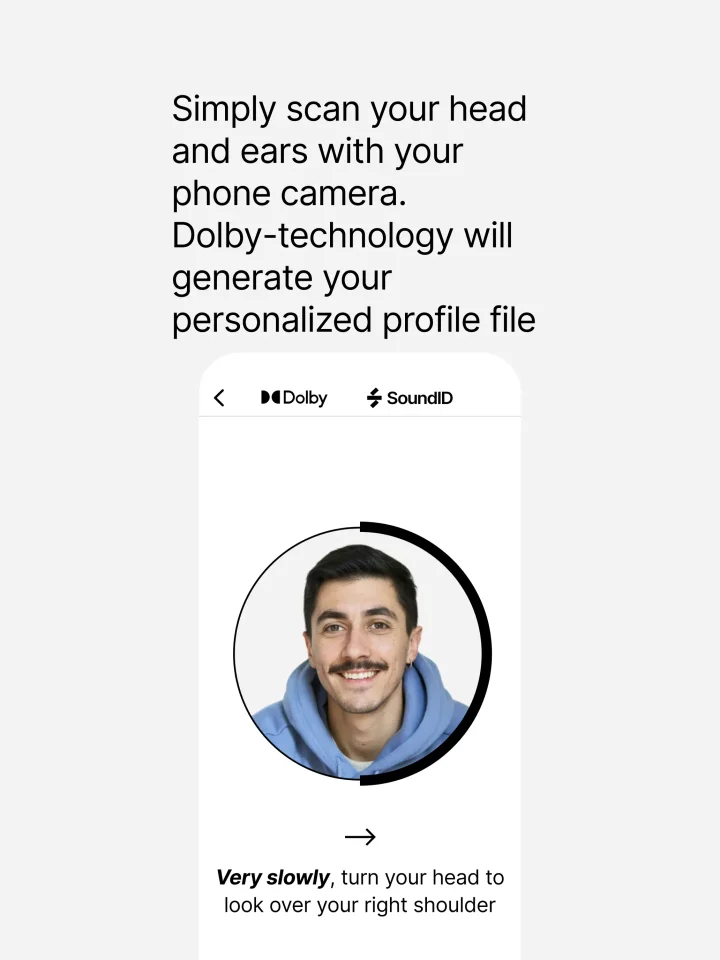

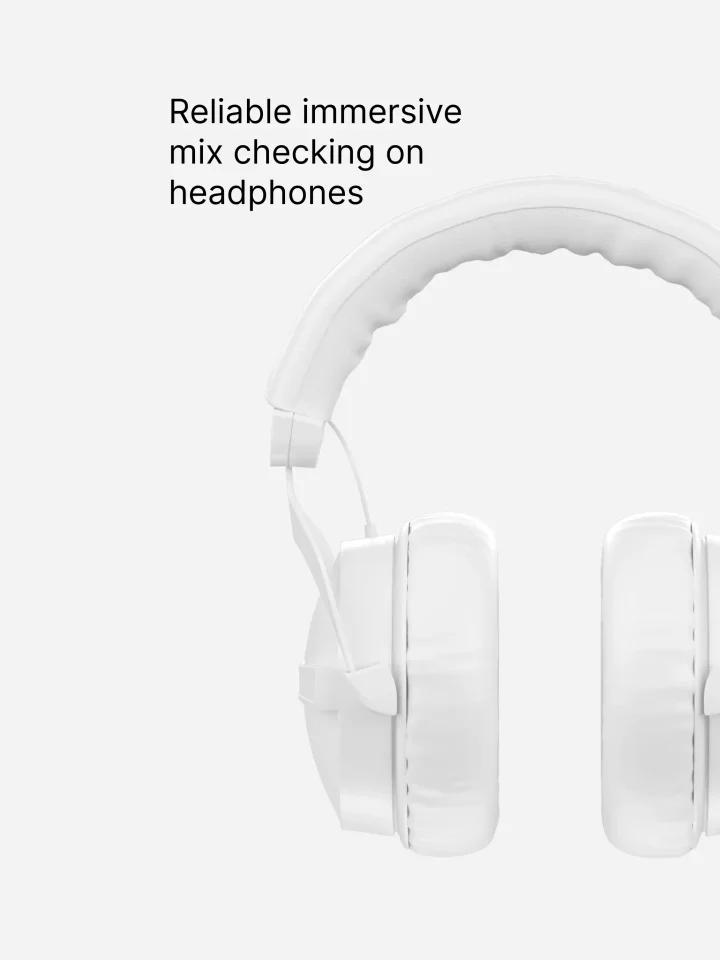
About this app
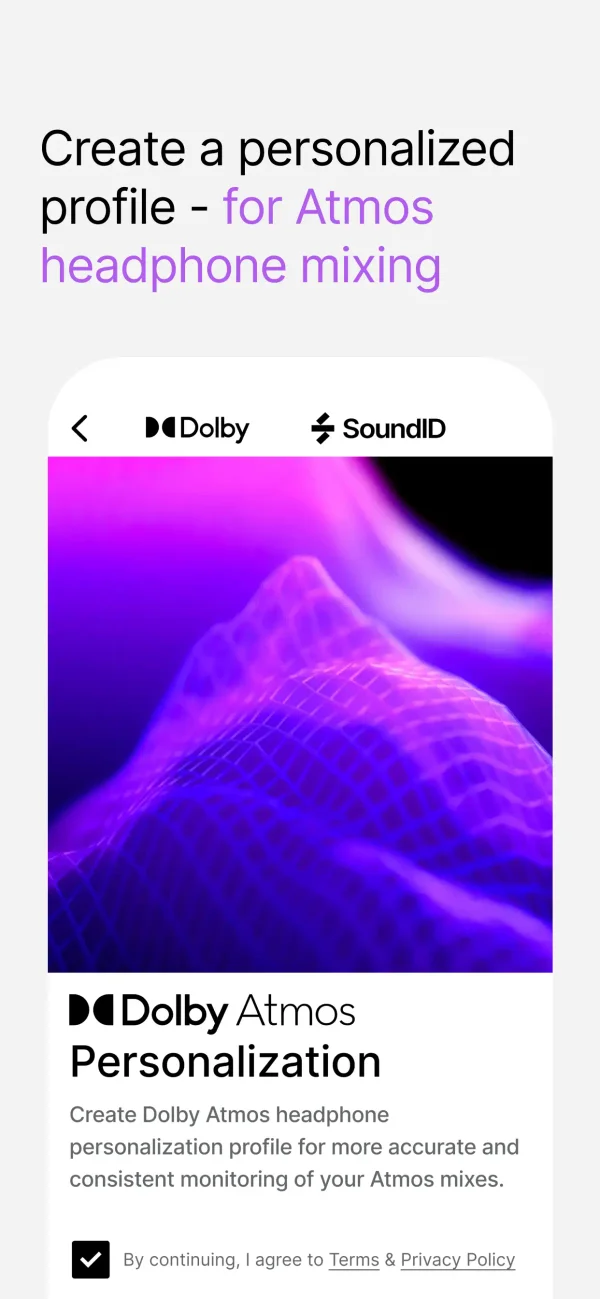
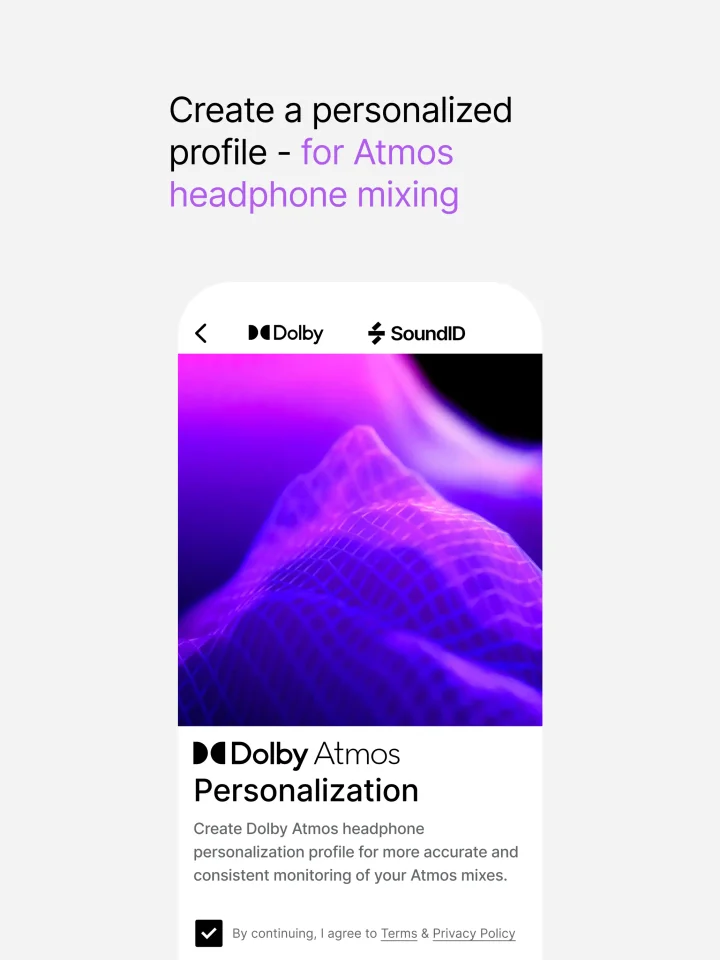
Create a personalized profile for Dolby Atmos headphone mixing and monitoring.
How It Works
1. Download the SoundID Tools mobile app.
2. Scan your head and ears using your phone’s camera to create your Dolby Headphone Personalization profile.
3. Apply your profile to supported Dolby Atmos rendering tools (standalone and supported DAWs) — personalized to you.
Your physical characteristics directly shape how you perceive immersive audio. A personalized profile helps ensure that what you hear on headphones accurately reflects your mix.
Benefits of Dolby headphone personalization
• Improved spatial accuracy, tonal clarity, and balance
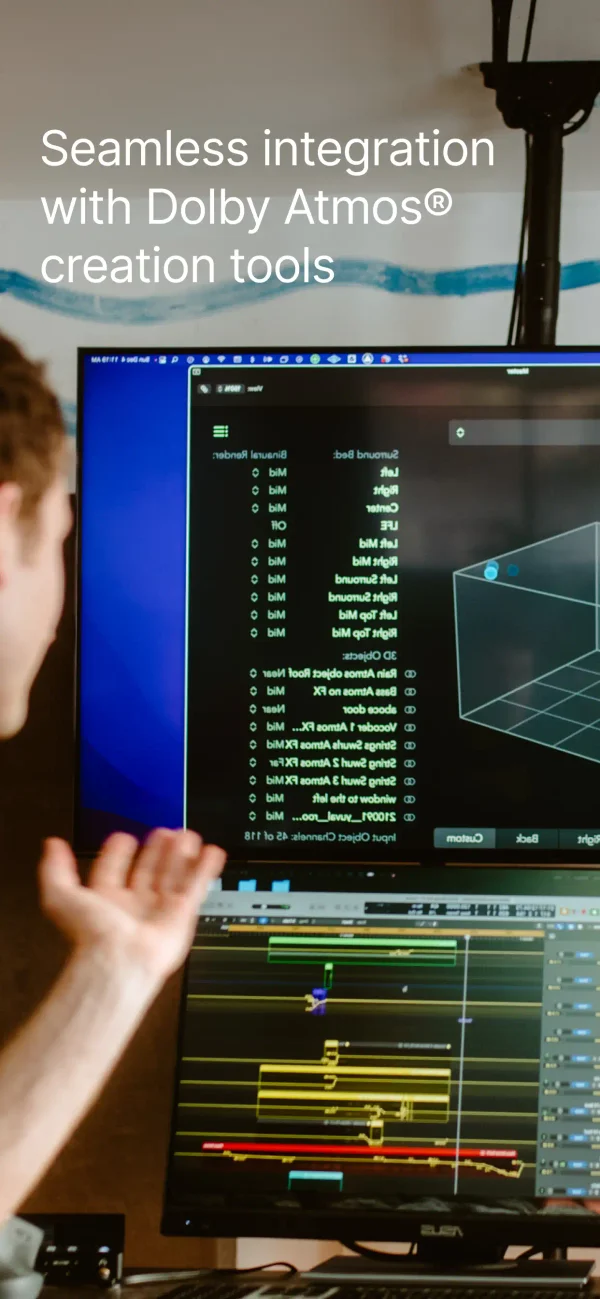
• Seamless integration with Dolby Atmos® creation tools
• Reliable immersive mix checking on headphones
• Greater confidence when mixing — and more consistent results across playback systems
Perfect for Dolby Atmos creators working in the studio or on the go.
Supports Dolby Atmos rendering workflows in compatible DAWs and the Dolby Atmos Renderer desktop app (see supported DAWs: https://link.sonarworks.com/sidr-tools-supported-daws ).
Create your free profile and take your immersive mixing further.
Data safety
What Sonarworks declares on Google Play about the data this app collects and shares.
- This app may share these data types with third partiesApp activity
- This app may collect these data typesApp activity, App info and performance, and Device or other IDs
- Data is encrypted in transit
- Data can’t be deleted
What’s new
Version 1.6.1-ci.480626 · May 7, 2026
Version 1.6.1:
* Fixed an issue where the “Export Profile” button on the All Set screen would sometimes not work.
Developer contact
- Websitesonarworks.com
- Emaileduards.zvejnieks@sonarworks.com
- Privacy policysonarworks.com
- Address3 Smerla iela Riga, LV-1006 Latvia
Information
- Offered by
- Sonarworks
- Category
- Music & Audio
- Version
- 1.6.1-ci.480626
- Updated
- May 7, 2026
- Released
- Mar 3, 2026
- Requires
- Android 10 or later
- Age rating
- Everyone
- Price
- Free
- Package name
- com.sonarworks.soundid.reference.mobile
Similar apps
-
 LK - Ableton & Midi Controller
Music & Audio
-
 djay - DJ App & AI Mixer
Music & Audio
-
 SongbookPro
Music & Audio
-
 LANDR - Master & Release Music
Music & Audio
-
 Solo - Fretboard Visualization
Music & Audio
-
 LAVA+
Music & Audio
-
 AmpMe - Speaker Booster
Music & Audio
-
 BANDPASS 3
Music & Audio
-
 DRC - Polyphonic Synthesizer
Music & Audio
-
 Tomplay Sheet Music
Music & Audio
-
 Pioneer Smart Sync
Music & Audio
-
 Groovepad - Music Maker
Music & Audio