Speaker Cleaner - Remove Water
Battery Stats SaverContains ads · In-app purchases
- EveryoneAge rating
- ToolsCategory
- Nov 2, 2026Updated
- FreePrice
Links to the official Google Play listing of com.mobiletrendyapps.speaker.cleaner.remove.water. Last checked on Nov 26, 2026.
Screenshots


About this app
Play speaker test sounds with automatic and manual frequency controls.
What is Speaker Cleaner - Remove Water?
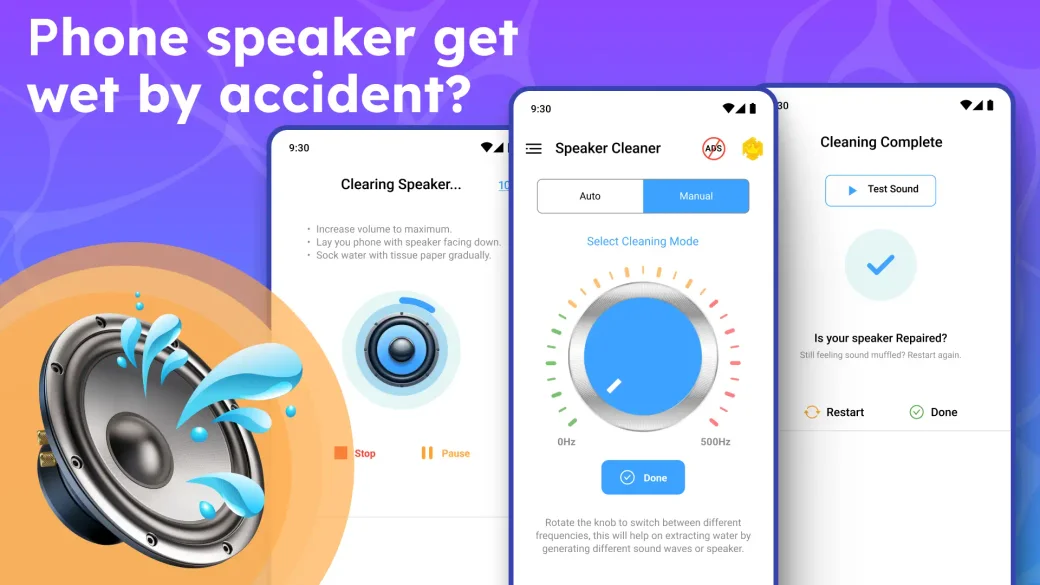
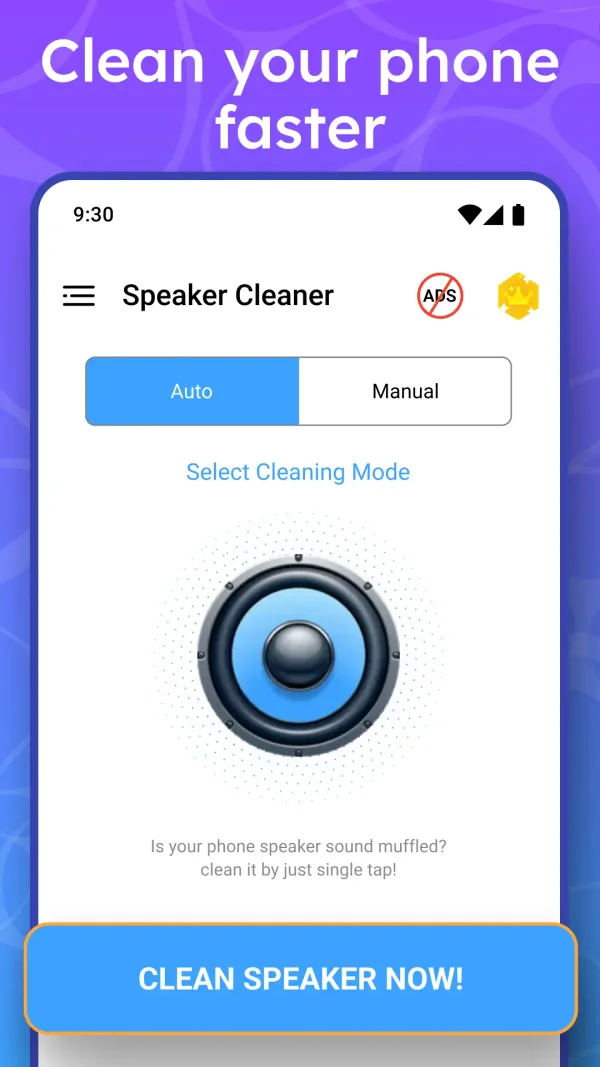
Play tones and test sounds through your Android device's speaker. Choose an automatic sequence or select a frequency manually, then listen to the output using the included test sounds. An illustrated guide helps you find your way through the app's playback tools.
Who is Speaker Cleaner - Remove Water for?
Use it when you want to hear how your speaker sounds with different tones or try a preset sequence without choosing a frequency yourself. Manual control gives you another way to explore playback, while the headphone option extends the sound tools to headphone output.
If your concern follows liquid exposure, sound playback cannot tell you whether the device is free from water damage. Follow your device manufacturer's care guidance for physical damage.
What does Speaker Cleaner - Remove Water do?
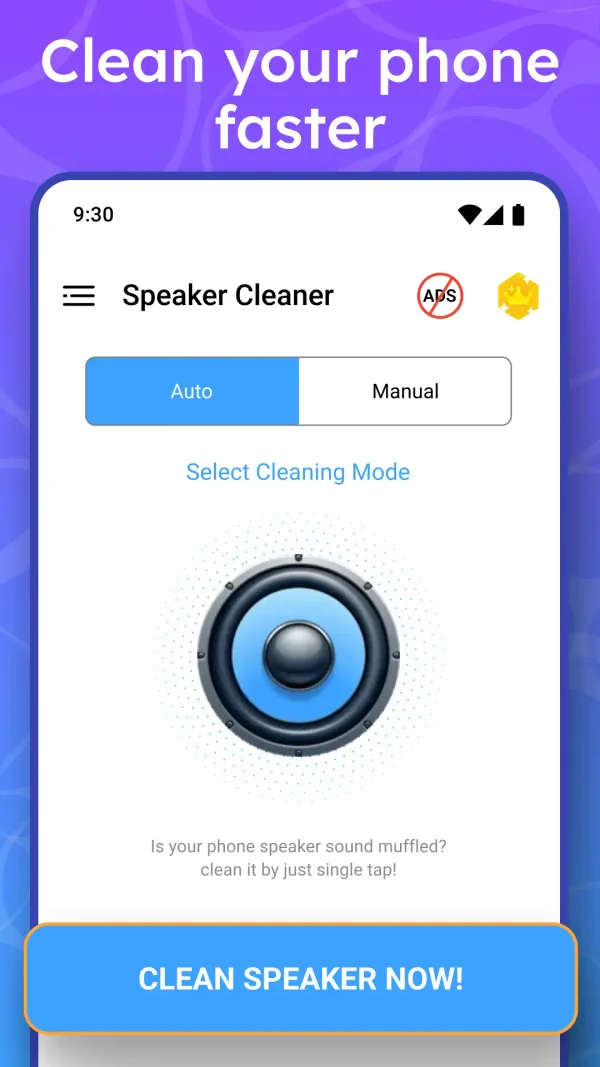
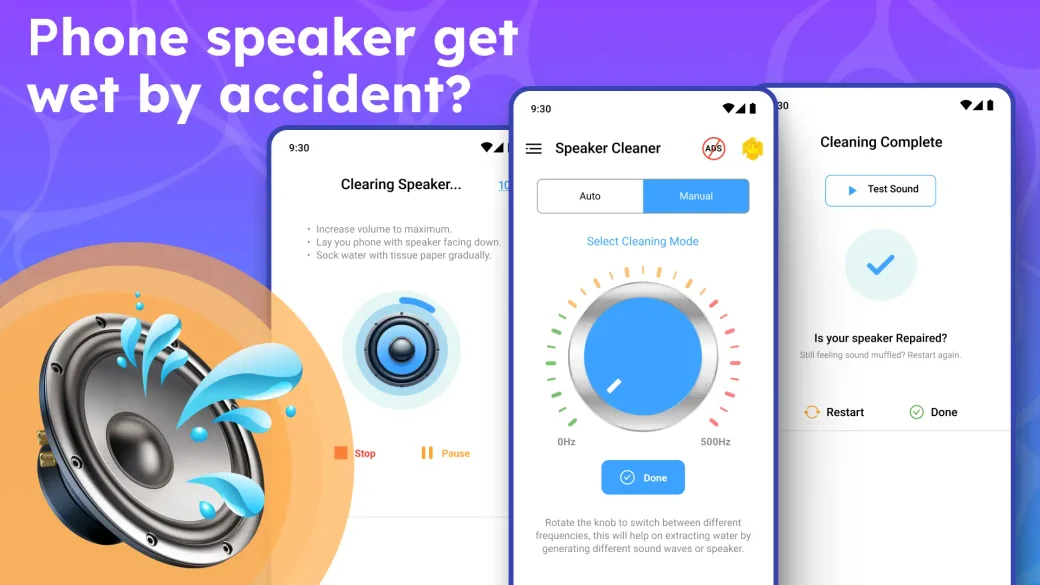
🔊 Automatic playback: start an 80-second tone sequence without selecting an individual frequency.
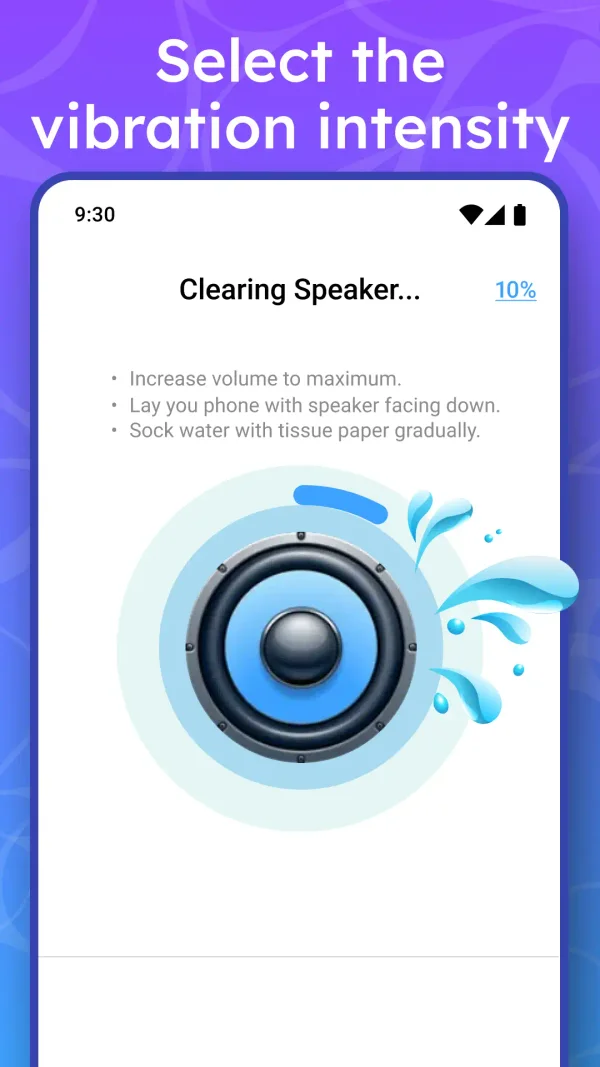
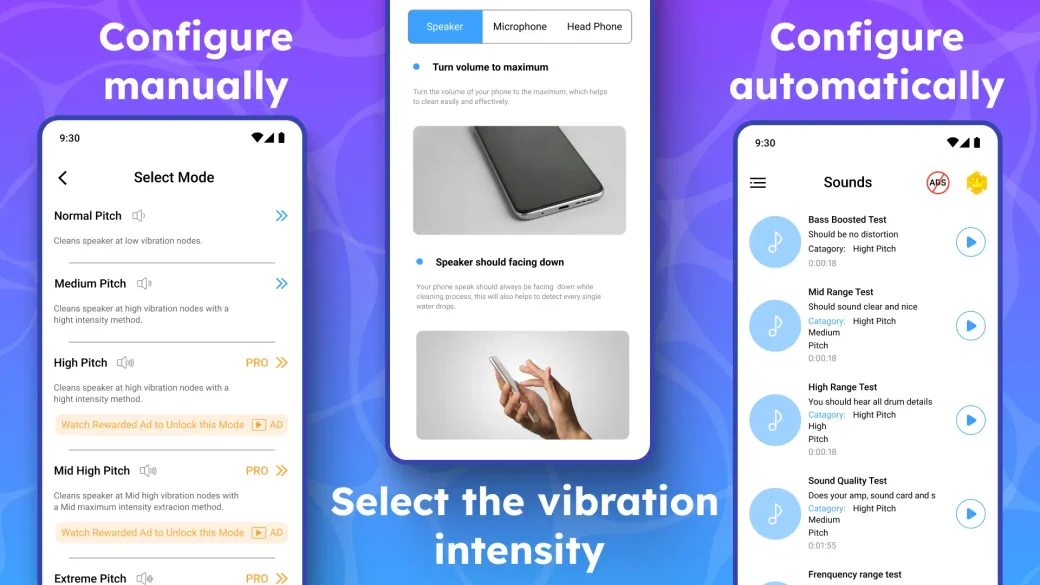
• Manual frequency control: choose a frequency setting for manual playback.
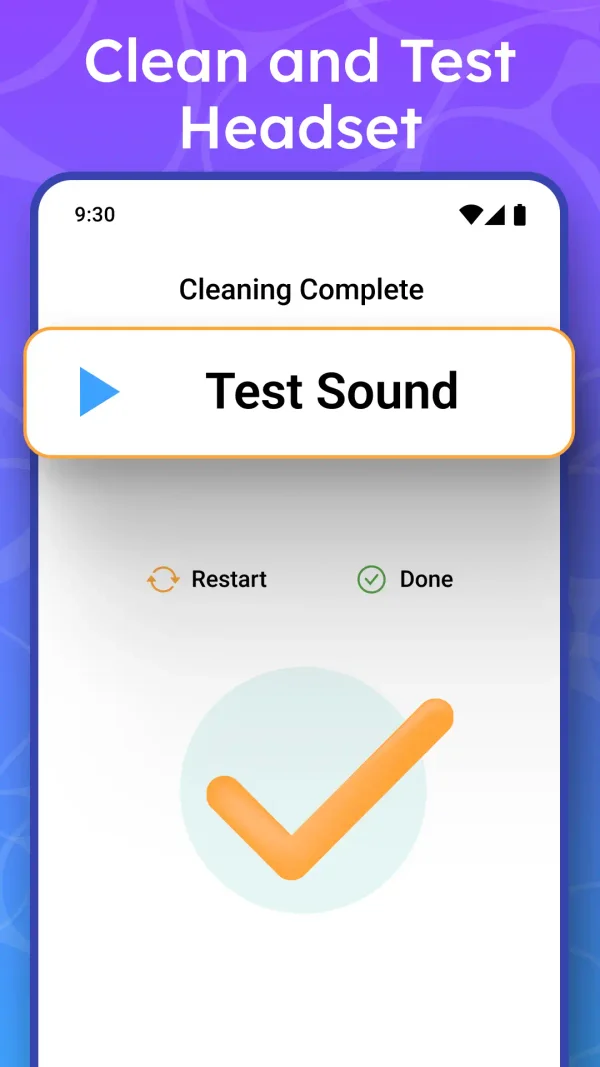
• Test sounds: listen to speaker output after a playback session.
• Illustrated guidance: use the picture-based guide to follow the app's tools.
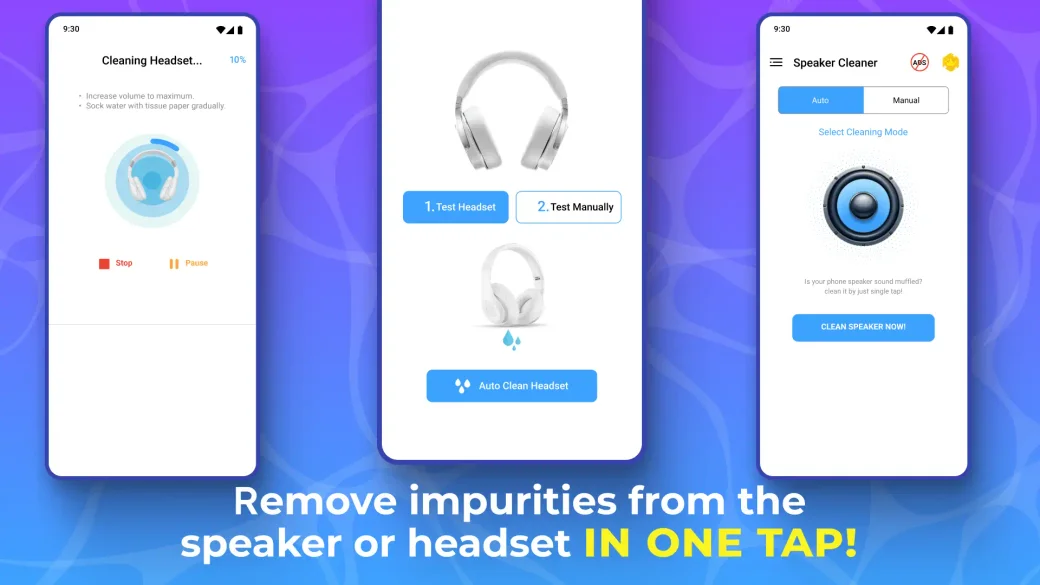
🎧 Headphone option: use the available headphone playback mode.
These are sound-playback tools. The frequency setting describes the app's control, not a guarantee that every speaker or headphone can reproduce that frequency.
How does Speaker Cleaner - Remove Water work?
Choose automatic mode to start the preset tone sequence. If you want to select a frequency yourself, use manual mode, choose a setting and start playback instead.
After a session, use the included test sounds to listen to the output. The illustrated guide is available to help you follow the available modes. Use the headphone option when working with headphone playback rather than the device speaker.
Compatibility and requirements
Sound output depends on your Android device and its audio hardware. A frequency selection is not a calibrated measurement of your speaker's response.
Playing tones does not diagnose or repair physical water damage. Water or dust removal, restored audio quality and a longer hardware lifespan are not guaranteed. The same limits apply to the headphone option.
The app contains ads and offers in-app purchases.
Speaker Cleaner - Remove Water brings automatic tones, manual frequency selection and test sounds together so you can listen to your device's audio output.
Data safety
What Battery Stats Saver declares on Google Play about the data this app collects and shares.
- No data shared with third partiesLearn more about how developers declare sharing
- No data collectedLearn more about how developers declare collection
- Data is encrypted in transit
- Data can’t be deleted
What’s new
Version 12.1.2 · Nov 2, 2026
📲 Boosted compatibility with newer devices
🧱 Increased stability under varying conditions
🧰 Updated internal libraries and dependencies
Developer contact
- Websiterepairbatterylife.com
- Emailsupport.speakercleaner@repairbatterylife.com
- Privacy policyrepairbatterylife.com
- Address16 Spinoza TEL AVIV-JAFFA, 6438422 Israel
Information
- Offered by
- Battery Stats Saver
- Category
- Tools
- Version
- 12.1.2
- Updated
- Nov 2, 2026
- Released
- Oct 31, 2019
- Requires
- Android 8.0 or later
- Age rating
- Everyone
- Price
- Free
- In-app purchases
- $0.99 - $99.99 per item
- Package name
- com.mobiletrendyapps.speaker.cleaner.remove.water
Similar apps
-
 Anker soundcore
Tools
-
 ReSound Smart 3D
Medical
-
 Charge Meter
Tools
-
 JBL Headphones
Music & Audio
-
 Volume Booster - Sound Booster
Music & Audio
-
 Samsung Print Service Plugin
Productivity
-
 HyperClean AI
Tools
-
 Extra Volume Booster, XBooster
Music & Audio
-
 Storage Analyzer: Disk Cleaner
Productivity
-
 Heart Rate: Heart Rate Monitor
Health & Fitness
-
 Equalizer- Bass Booster&Volume
Music & Audio
-
 CCleaner – Phone Cleaner
Tools