SpeedView Pro
Code Sector Pty Ltd.- EveryoneAge rating
- Maps & NavigationCategory
- Sep 6, 2016Updated
- $1.99Price
Links to the official Google Play listing of com.codesector.speedview.pro. Last checked on Nov 25, 2026.
Screenshots
About this app
Advanced speedometer application that offers lots of useful features.
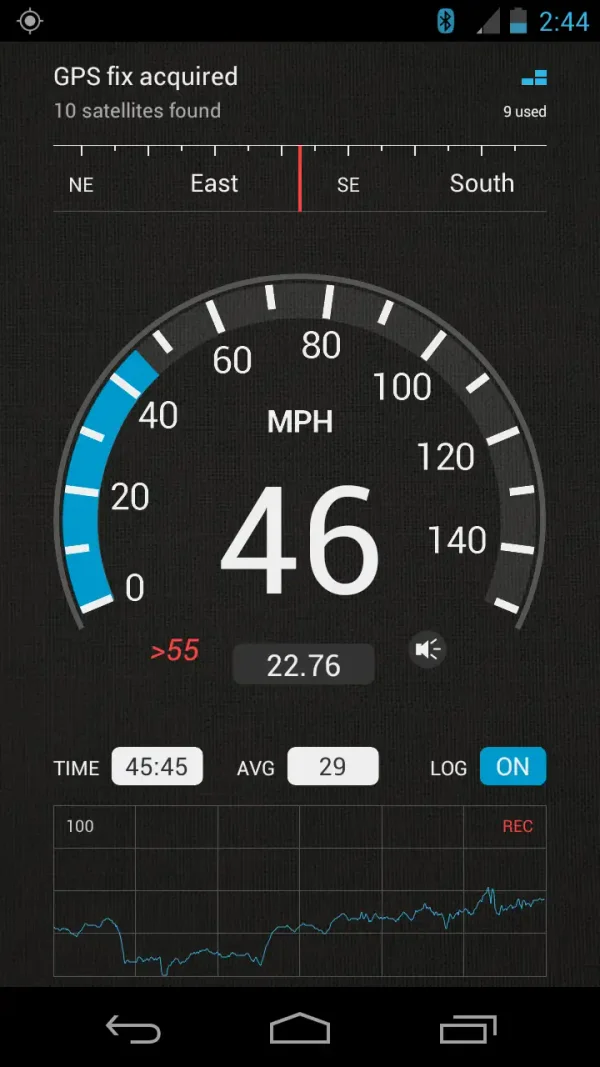
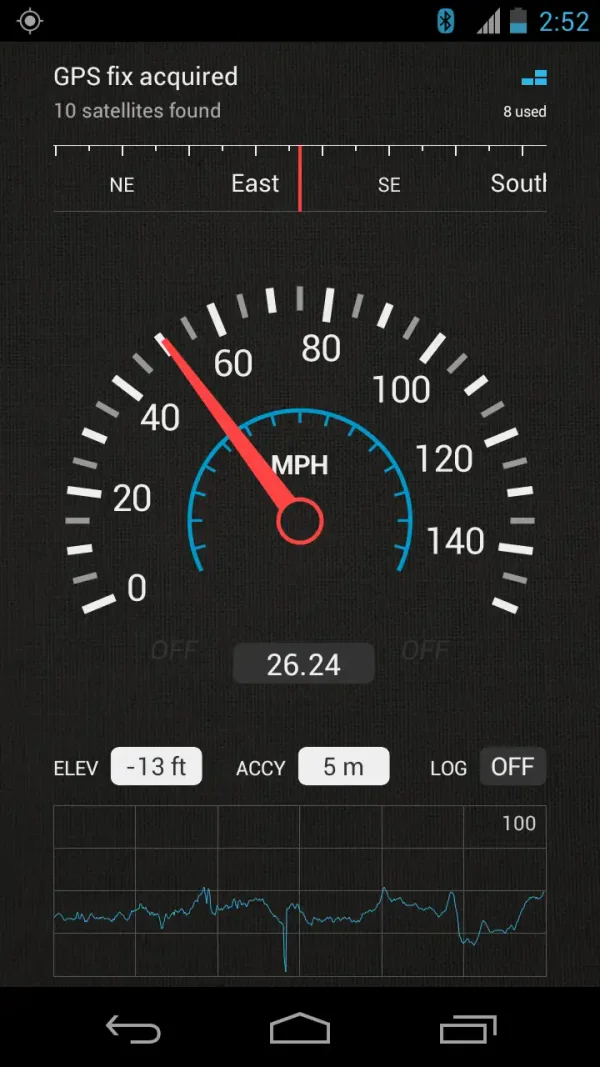
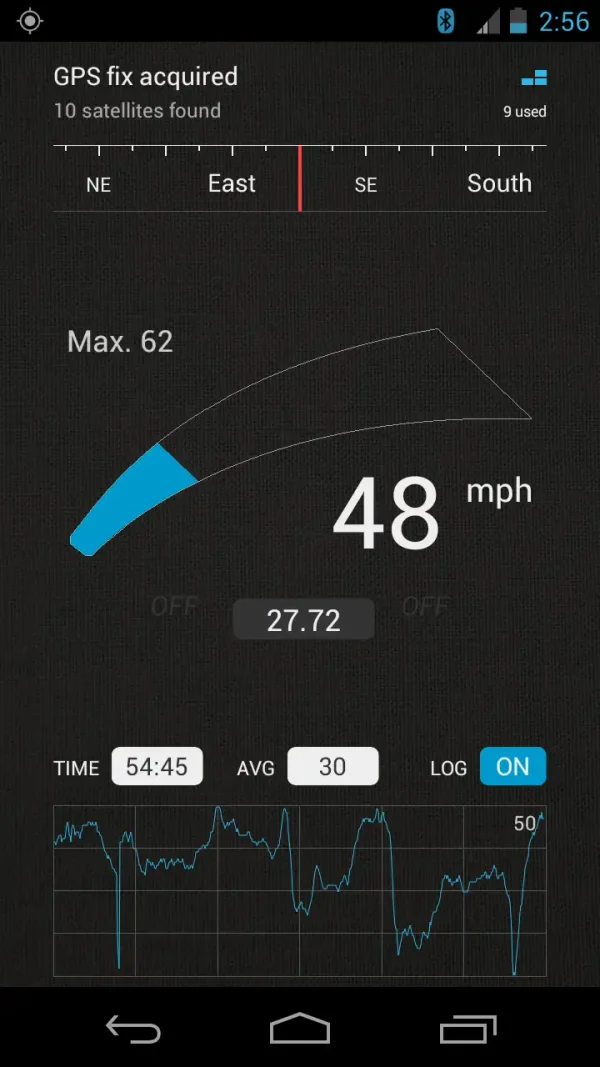
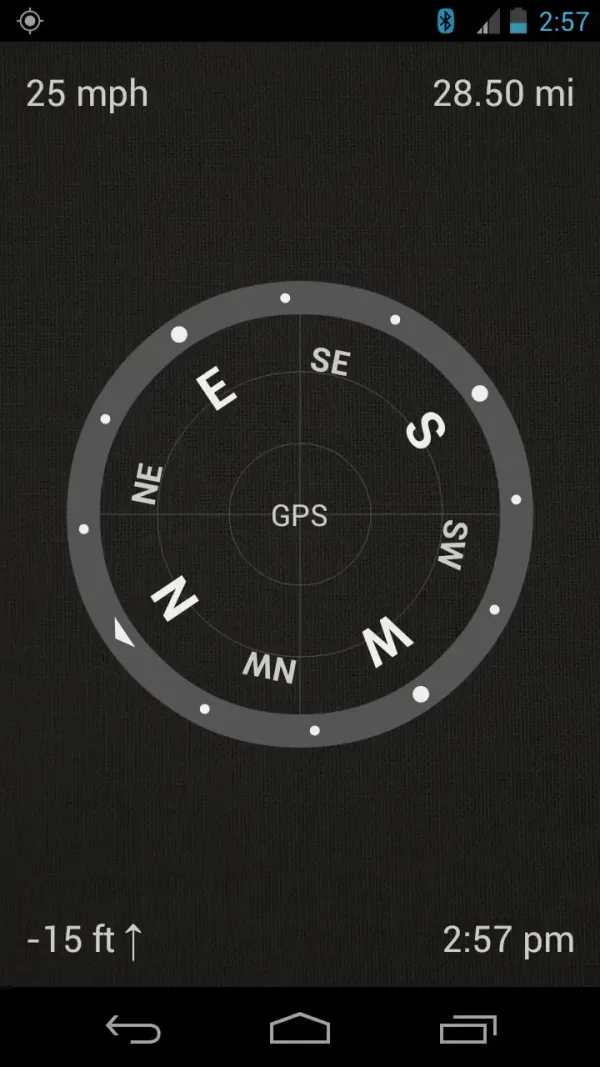
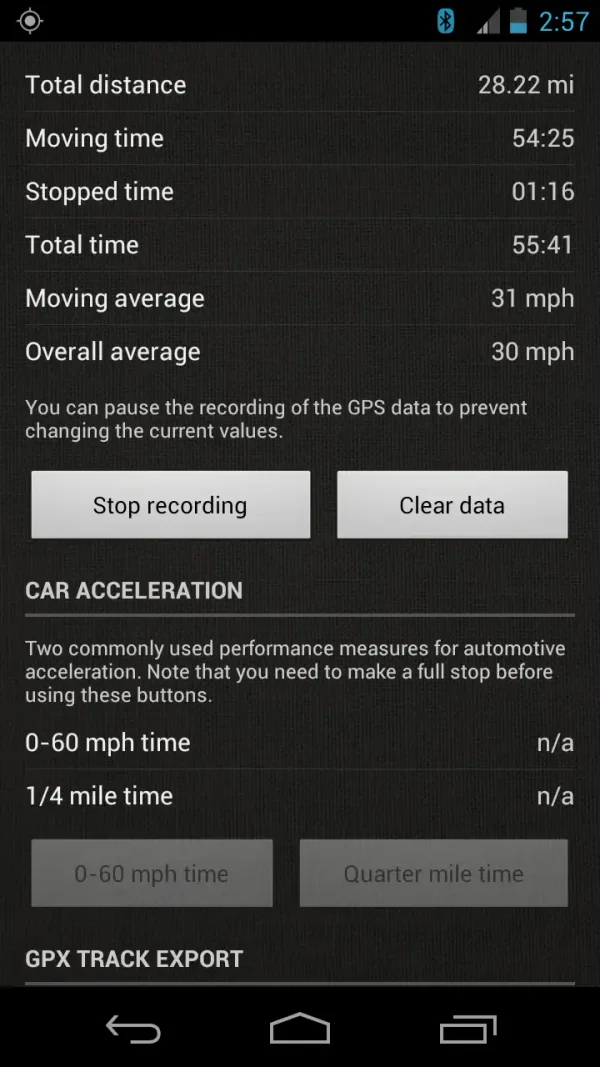
SpeedView is an advanced speedometer application that uses the phone's built-in GPS system to show your current, maximum and average speed, as well as the direction, total distance, and time traveled. Suitable for running, car driving, biking, or hiking.
• High accuracy
GPS-based speedometer that is more accurate than the one in your car.
• Linear compass
Shows your current direction of travel. A compass mode is also available.
• HUD mode
Mirrors the numbers so you can place your phone on your car's dashboard and see the speed reflected in the front glass. You can check out this video to see how it works: http://youtu.be/rzda7CQ-ZAU
• Speed graph
Displays a graph chart covering the last several minutes.
• Speed warning
You can set the speed limits for three different types of roads so that when you go too fast a visual alert or sound will notify you.
• Display units
Supports units such as miles, kilometers, and nautical miles.
• GPX track export
Enables you to save your current track to the SD card or email it to someone. The GPX format is supported by Google Earth and many other programs: http://www.topografix.com/gpx_resources.asp
• Background mode
You can minimize the program and keep it running in the background. It will work as usual and even notify you when you exceed the speed limit.
Please note that the accuracy of GPS measurements is affected by a number of factors including atmospheric conditions, obstructions and the visibility of satellites.
If you have any questions or comments, feel free to post them on our blog: http://blog.codesector.com/
Data safety
What Code Sector Pty Ltd. declares on Google Play about the data this app collects and shares.
- No data shared with third partiesLearn more about how developers declare sharing
- No data collectedLearn more about how developers declare collection
What’s new
Version 3.3.2 · Sep 6, 2016
- Final 3.x release
• Optimized for Android 6.0
• Support for Nexus 5X
Developer contact
- Websitecodesector.com
- Emailspeedview@codesector.com
- Privacy policycodesector.com
- AddressL 18 324 QUEEN ST BRISBANE CITY QLD 4000 Australia
Information
- Offered by
- Code Sector Pty Ltd.
- Category
- Maps & Navigation
- Version
- 3.3.2
- Updated
- Sep 6, 2016
- Released
- Sep 24, 2010
- Requires
- Android 4.0.3 or later
- Age rating
- Everyone
- Price
- $1.99
- Package name
- com.codesector.speedview.pro