Stylish Text - Cool Fonts
TarrySoftContains ads · In-app purchases
- EveryoneAge rating
- PersonalizationCategory
- Jul 23, 2026Updated
- FreePrice
Links to the official Google Play listing of instafont.instagramfonts.stylishfonts.fancyfonts. Last checked on Nov 16, 2026.

Screenshots




About this app
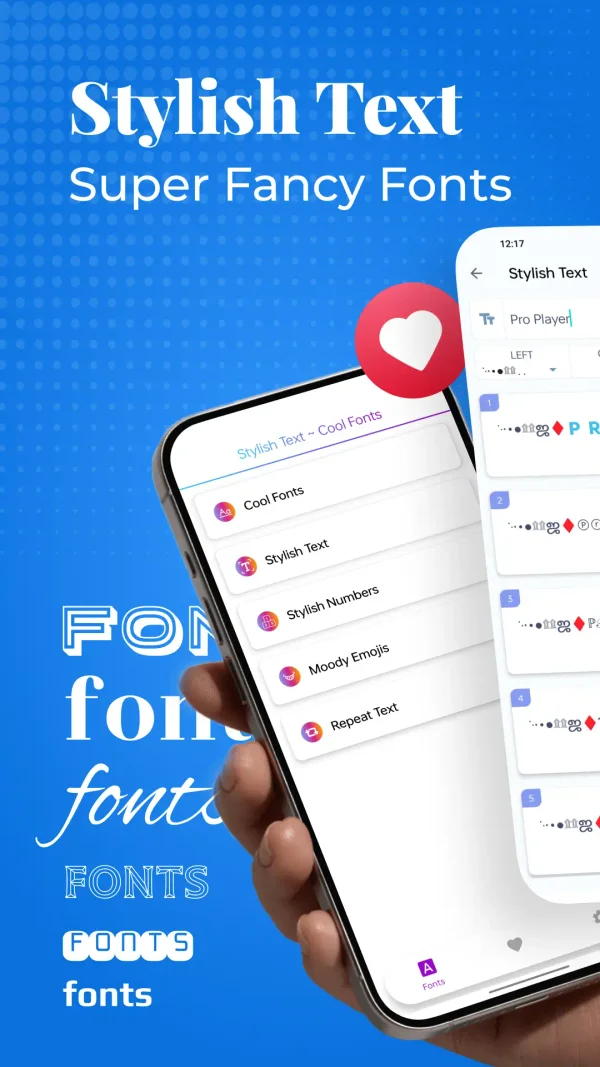
Quickly Repeat & convert your simple text into Stylish Text using the Cool Fonts
Stylish Text: Cool Fonts - Create Fancy Words In Seconds!
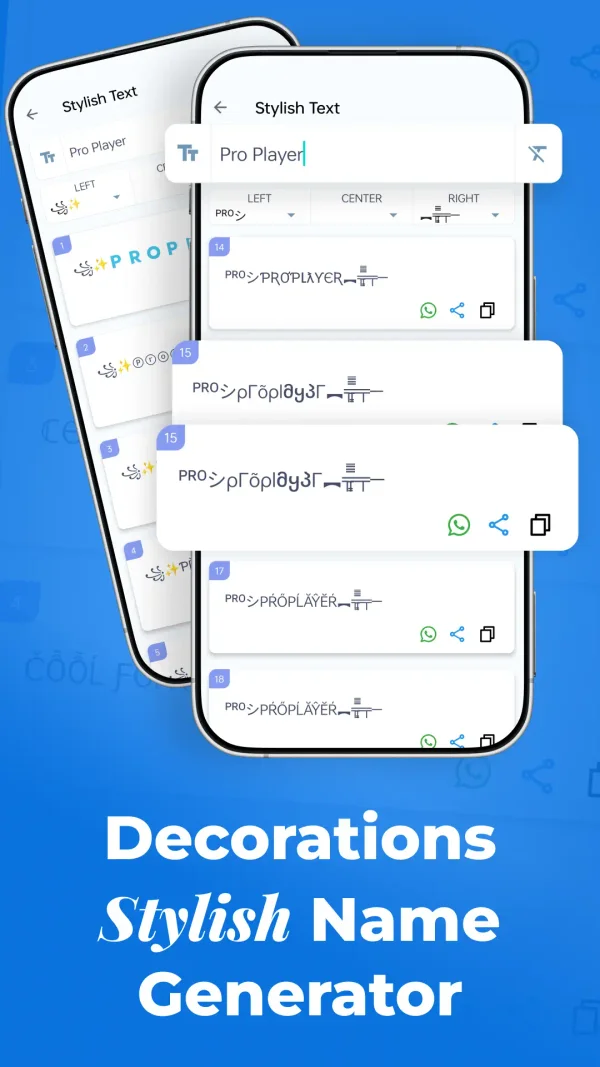
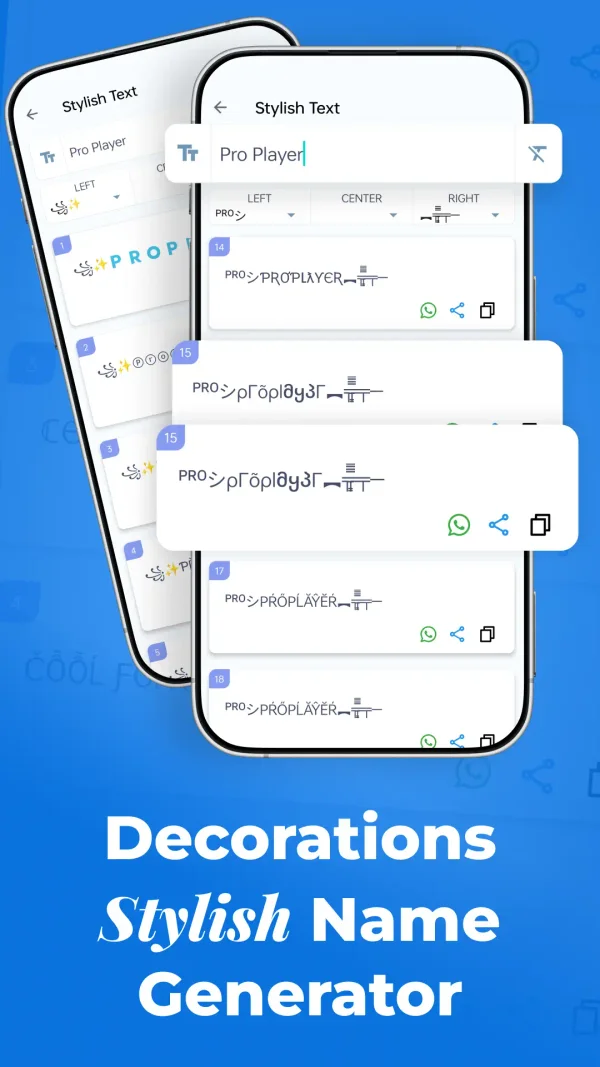
Stylish Text: Cool Fonts will assist you in turning plain words into creative messages, captions, bios, names, and decorative text styles. It is useful when you want your writing to look more expressive without spending time editing letters manually.Font Art: Text Changer gives you a quick way to transform normal letters into bold, cute, fancy, or eye-catching styles. You can type your phrase, choose a design, copy the result, and use it wherever text sharing is supported.
Creative Text Styling Tools:
✨Text Fonts Aesthetic - Create beautiful styles for captions, bios, and messages;
🔤Text Font Generator App - Generate different font looks from simple typed words;
💫Cool Text And Symbols - Add symbols, decorations, and creative characters;
🖋️Custom Fonts: Text Letter Style - Choose unique letter designs for a personal touch;
🎨Stylish Text: Cool Fonts - Turn basic letters into stylish writing with a few taps;
🔁Font Art: Text Changer - Change, copy, and reuse decorated text easily;
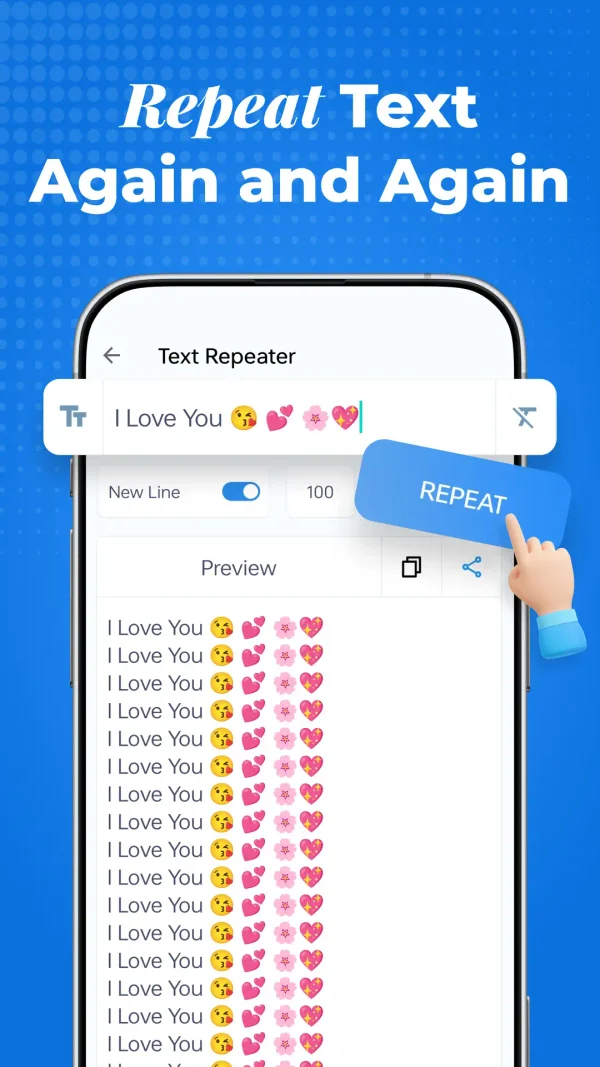
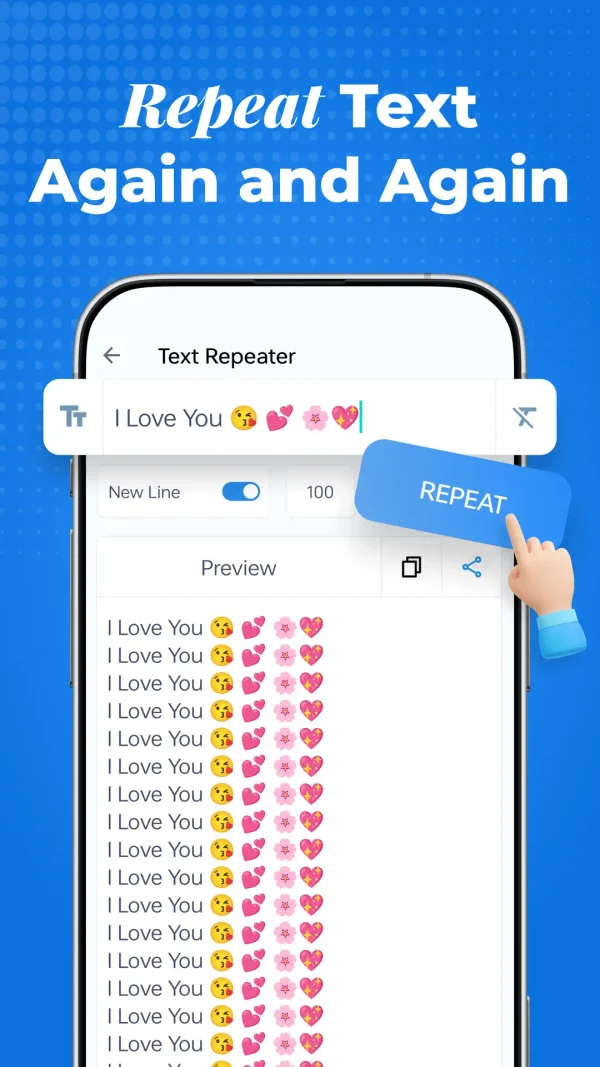
💬Repeat Text Tool - Duplicate words, phrases, or sentences for fun and design use;
Make captions, bios, messages, and names look more creative!
Text Fonts Aesthetic is helpful when regular writing feels too simple. Text Font Generator App keeps the process fast because you only type once, choose a style, and copy the final result.Simple Text Creation Flow:
📲Open Cool Text And Symbols, and enter the word or phrase you want to style;
🔤Use Custom Fonts: Text Letter Style to choose the letter design you like;
✨Try Stylish Text: Cool Fonts when you want a more decorative message;
🎨Open Font Art: Text Changer to transform plain letters into a new look;
💫Add symbols, accents, or creative characters if you needs more personality;
📋Copy the final result and paste it into your message, bio, caption, or project;
✨Fonts, Symbols, And Decorative Styles:
A small text change can make a message feel more personal and fun. Text Fonts Aesthetic gives you different looks for simple words, short greetings, names, or profile lines. Cool Text And Symbols adds extra decoration when you want stars, shapes, icons, or special characters around your writing.
🔤Fast Generator For Everyday Use:
Text Font Generator App is designed for quick styling without complicated tools. You can create it for messages, creative notes, gaming names, captions, bios, and personal projects in just a few taps. Custom Fonts: Text Letter Style also helps when you want your words to match a specific mood, from clean and elegant to playful and bold.
🎨Text Repeater For Fun And Design:
Sometimes a repeated phrase is useful for decoration, pattern-style, or playful writing. The repeat tool lets you duplicate a word, phrase, or sentence quickly, so you do not have to type it again and again. Font Art: Text Changer keeps those results easy to copy and reuse when your design is ready.
Give Plain Words A More Stylish Look!
Stylish Text: Cool Fonts gives you a simple way to create fancy writing, decorated phrases, repeated text, and expressive messages. Whether you want a unique bio, a fun caption, or creative symbols, Cool Text And Symbols helps your words stand out with less effort.Data safety
What TarrySoft declares on Google Play about the data this app collects and shares.
- This app may share these data types with third partiesDevice or other IDs
- No data collectedLearn more about how developers declare collection
- Data is encrypted in transit
- Data can’t be deleted
Developer contact
- Websitekigelapps.com
- Emailsupport.stylishcoolfonts@kigelapps.com
- Privacy policykigelapps.com
- Address8 The Grn Ste 4184 Dover, DE 19901-3618 United States
Information
- Offered by
- TarrySoft
- Category
- Personalization
- Version
- 2.1.0.1
- Updated
- Jul 23, 2026
- Released
- Jan 19, 2023
- Requires
- Android 8.0 or later
- Age rating
- Everyone
- Price
- Free
- In-app purchases
- $0.99 - $99.99 per item
- Package name
- instafont.instagramfonts.stylishfonts.fancyfonts