Table Notes: Spreadsheet Excel
Solution DevelopersContains ads · In-app purchases
- EveryoneAge rating
- ProductivityCategory
- Nov 12, 2026Updated
- FreePrice
Links to the official Google Play listing of vivekagarwal.playwithdb. Last checked on Nov 20, 2026.

Screenshots






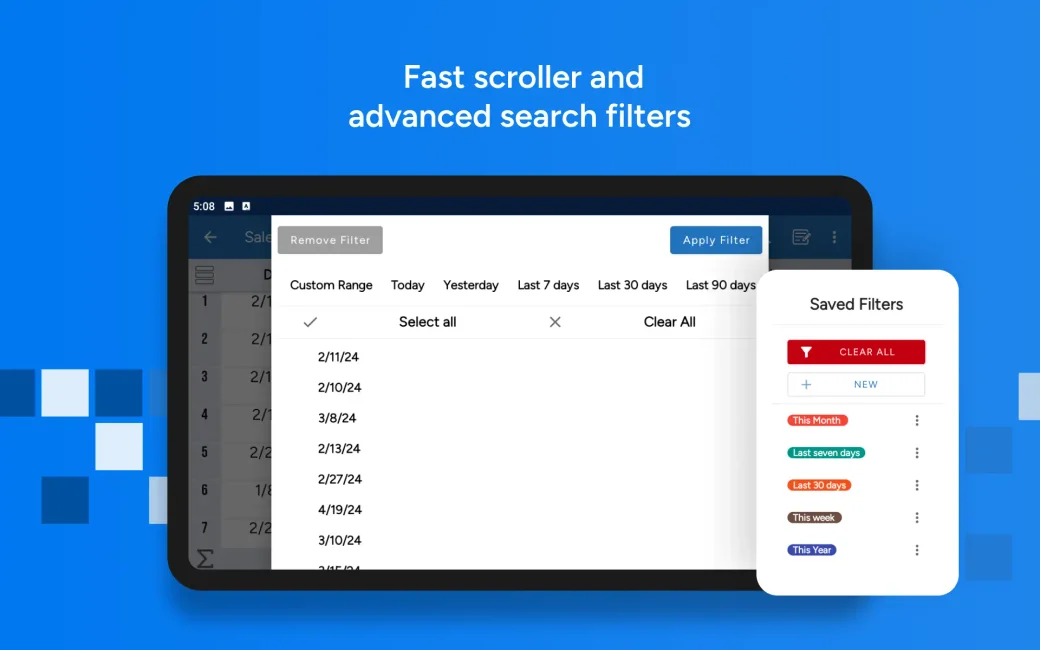


About this app
The simplest Excel-style app. Make tables, manage data, no laptop needed.
Stop struggling with messy notes and complicated desktop spreadsheets on your small screen. Table Notes - Mobile Excel is the easiest way to organise your life and business on the go.
We built Table Notes for professionals who feel the chaos of disorganised data. Whether you are tracking expenses, managing a team, or keeping an inventory list, our app gives you the structure you need with the simplicity you want.
WHY CHOOSE TABLE NOTES?
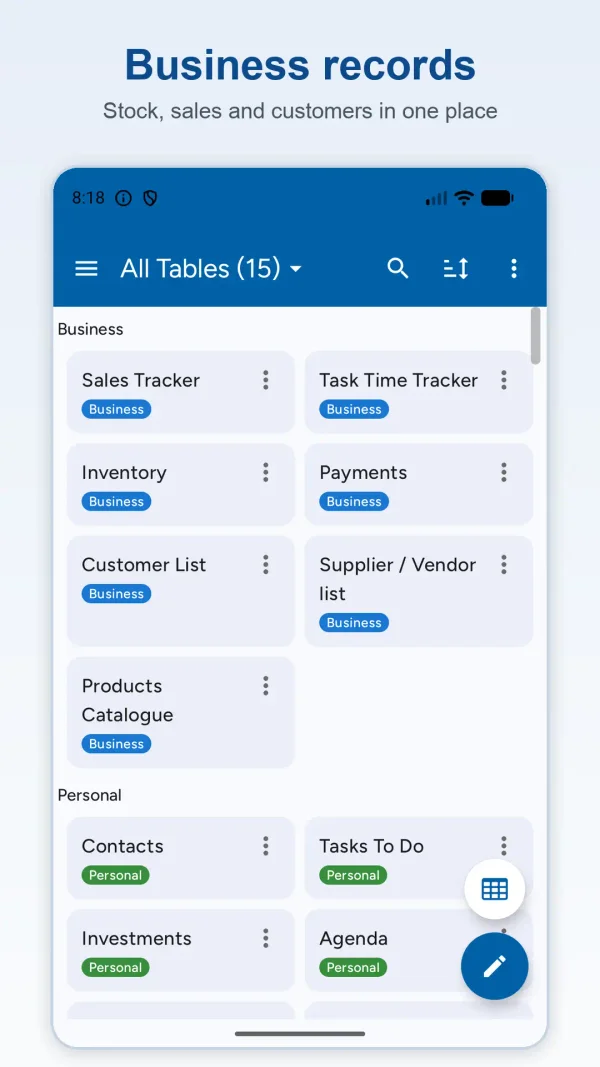
✅ Keep Business Records Organised
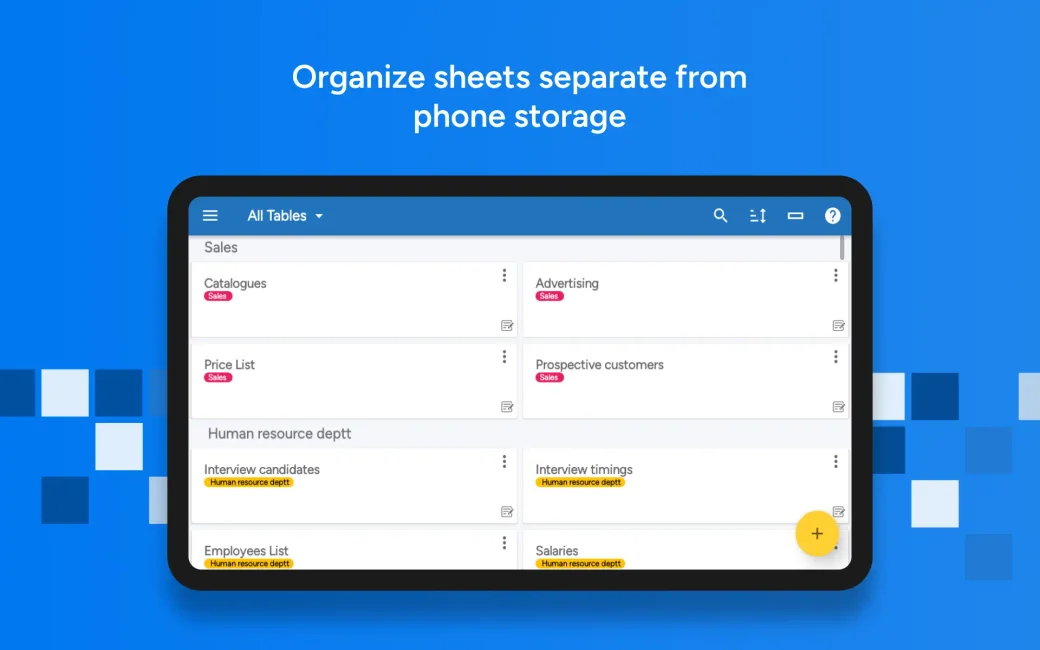
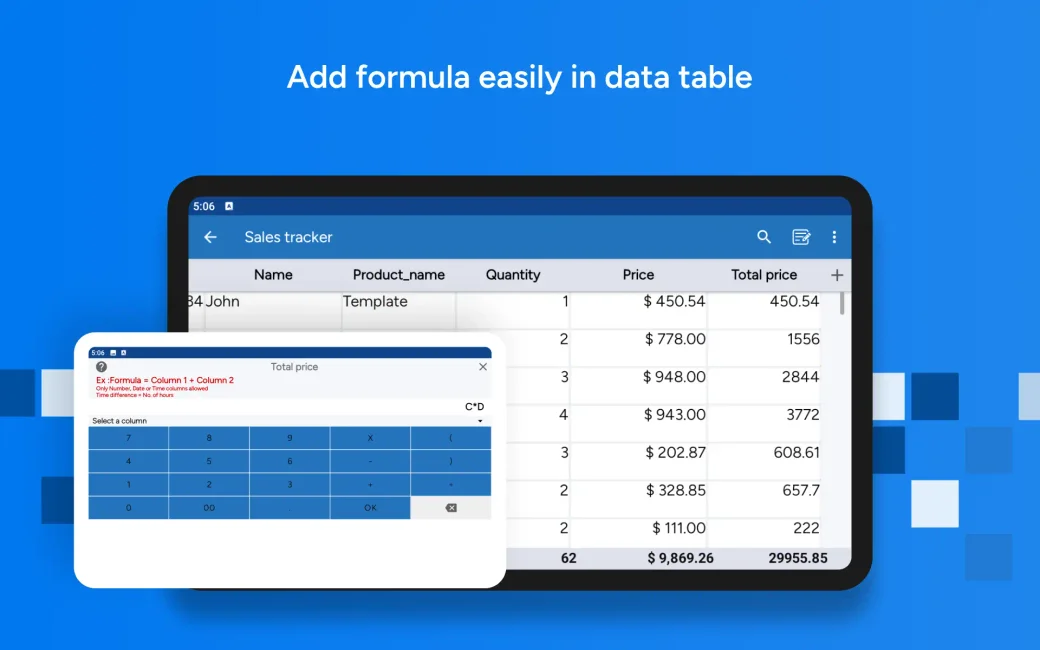
Don't lose track of important data. Store everything from client details to product inventories in clean, searchable tables.
✅ Simplify Data Entry
Forget typing everything out. Use our smart input tools:
📷 Photos: Snap a picture of a receipt or product.
✒️ Signature: Get clients to sign directly on screen.
🔊 Audio: Record voice notes into your spreadsheet.
📍 Location: Drop a pin via Google Maps.
✅ Look Professional
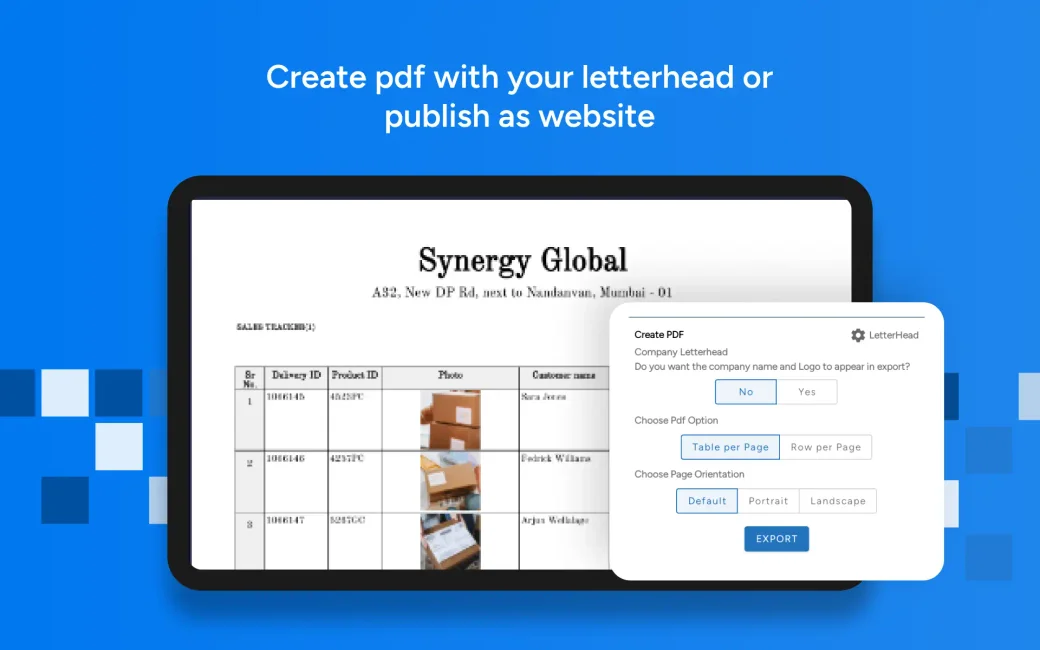
Impress your clients. Convert your mobile data into a polished PDF report complete with your company letterhead, logo, and footer. Send it via email or WhatsApp instantly.
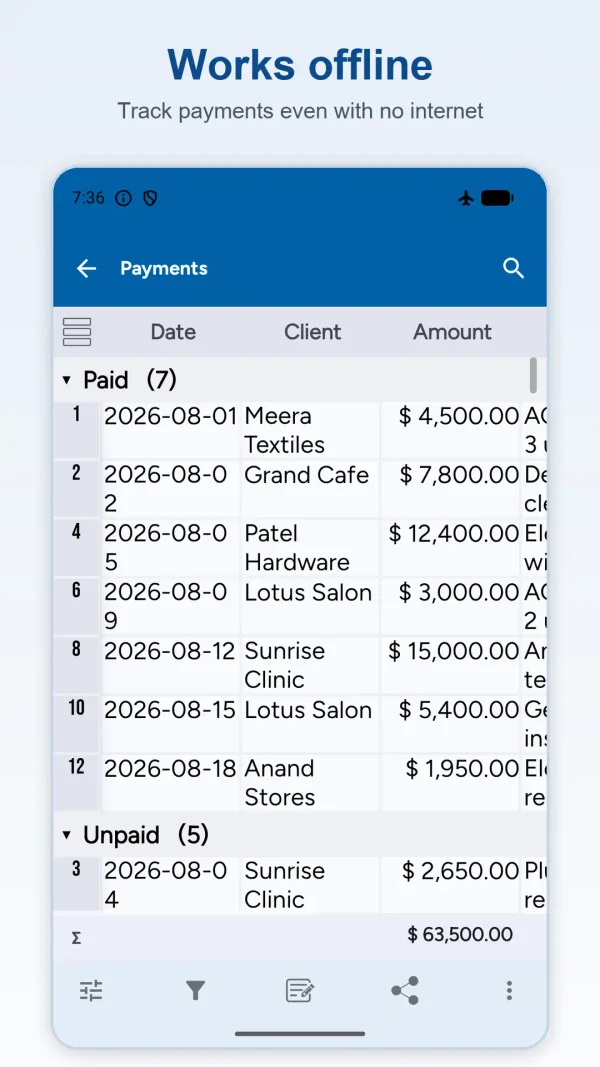
✅ Work Without Limits
No internet? No problem. Work completely offline. We sync your data to the cloud the moment you reconnect, ensuring you never lose a file.
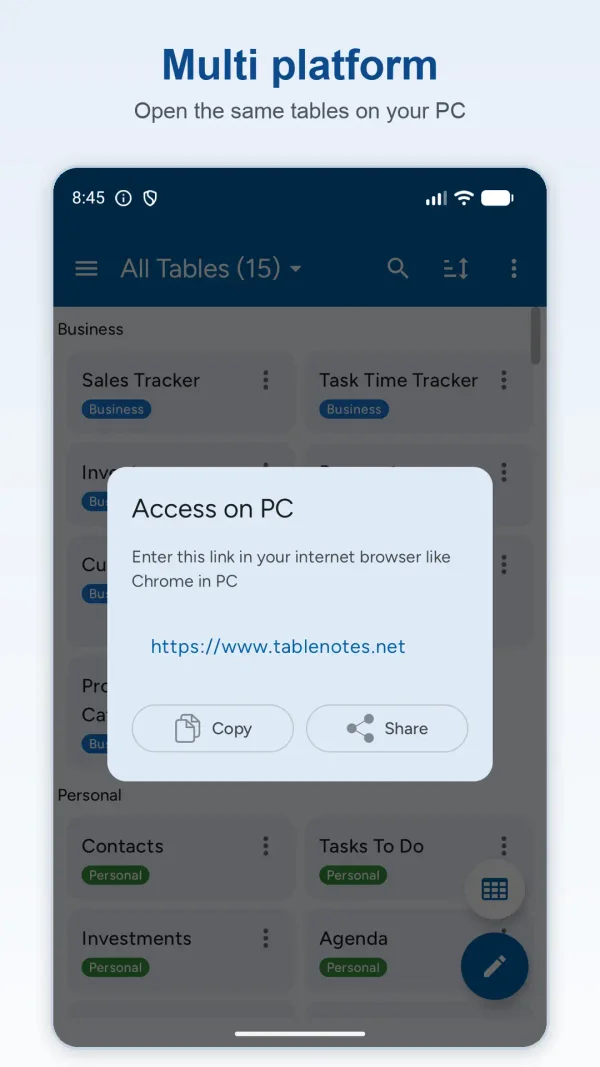
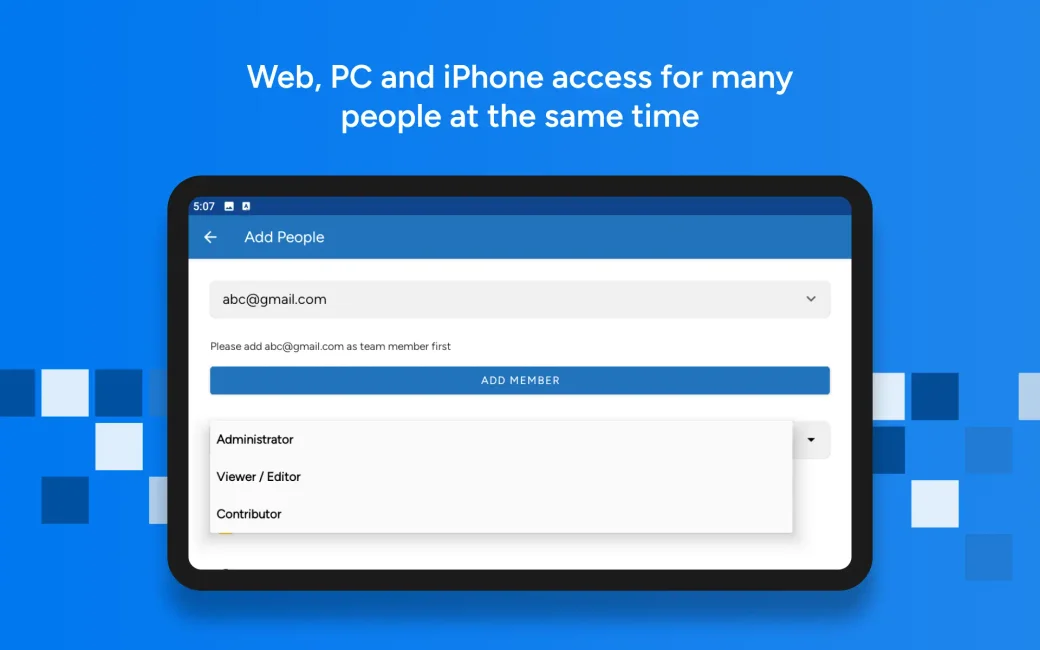
✅ Collaborate with Your Team
Bridge the gap between the field and the office. Your team can collect data on mobile while you view it instantly on your PC via https://www.tablenotes.net.
Perfect For:
Restaurant Owners: Waiters take orders that update instantly in the kitchen.
Doctors: Maintain patient databases and reports.
Freelancers: Track projects and expenses.
Everyone: From students making timetables to taxi drivers logging trips.
Get Started Today:
Join thousands of users who have moved from chaos to clarity.
Important Links:
Help & FAQ: https://www.support.tablenotes.net
Twitter: http://twitter.com/table_notes
Rate Us: If you love the app, please leave a 👍!
Data safety
What Solution Developers declares on Google Play about the data this app collects and shares.
- This app may share these data types with third partiesApp activity, App info and performance, and Device or other IDs
- This app may collect these data typesPersonal info, Photos and videos and 2 others
- Data is encrypted in transit
- You can request that data be deleted
What’s new
Version 20261111 · Nov 12, 2026
Pick A4 pages to print your table PDFs neatly
Column names repeat on every PDF page
Tap images, maps and links inside your PDF
Screen readers now read your table cells aloud
Developer contact
- Websitetablenotes.net
- Emailhelp@tablenotes.net
- Privacy policyhtml-translator.firebaseapp.com
- Address1103, Raja Tower, Asha Nagar, Phase-1 Mulund West Mumbai, Maharashtra 400080 India
Information
- Offered by
- Solution Developers
- Category
- Productivity
- Version
- 20261111
- Updated
- Nov 12, 2026
- Released
- Oct 21, 2016
- Requires
- Android 8.0 or later
- Age rating
- Everyone
- Price
- Free
- In-app purchases
- $1.49 - $219.00 per item
- Package name
- vivekagarwal.playwithdb
Similar apps
-
 Nested Folder Notes - Folino
Productivity
-
 Notes : Color Folders & To-dos
Productivity
-
 Notepad Notes
Productivity
-
 Inkpad Notepad & To do list
Productivity
-
 Week Planner - Diary, Calendar
Productivity
-
 Ailit: inventory&invoice
Productivity
-
 Daily Planner Organizer: Brite
Productivity
-
 Stock & Inventory Simple:StoDo
Business
-
 Notepad - simple notes
Productivity
-
 Notepad, Notebook, Notes app
Productivity
-
 Income Expense- daily expenses
Finance
-
 Day One Diary: Daily Journal
Lifestyle