Takeaway.com Courier
Takeaway.com- EveryoneAge rating
- BusinessCategory
- Nov 6, 2026Updated
- FreePrice
Links to the official Google Play listing of com.takeaway.delivered4all. Last checked on Nov 19, 2026.
Takeaway.com Courier may not be available on Google Play right now
The store listing could not be reached the last time we checked. The link still leads to the official Google Play page.
Screenshots



About this app
Food delivery made easy
Ready to experience the smartest delivery service yet?
The Courier App is an intuitive tool for couriers and restaurants to work together more efficiently and effectively.
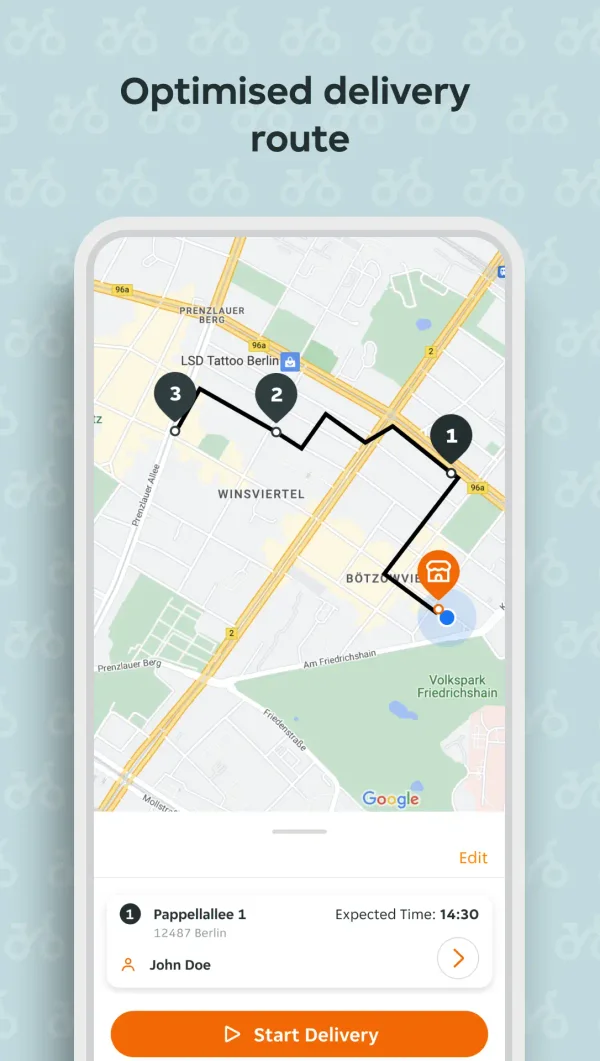
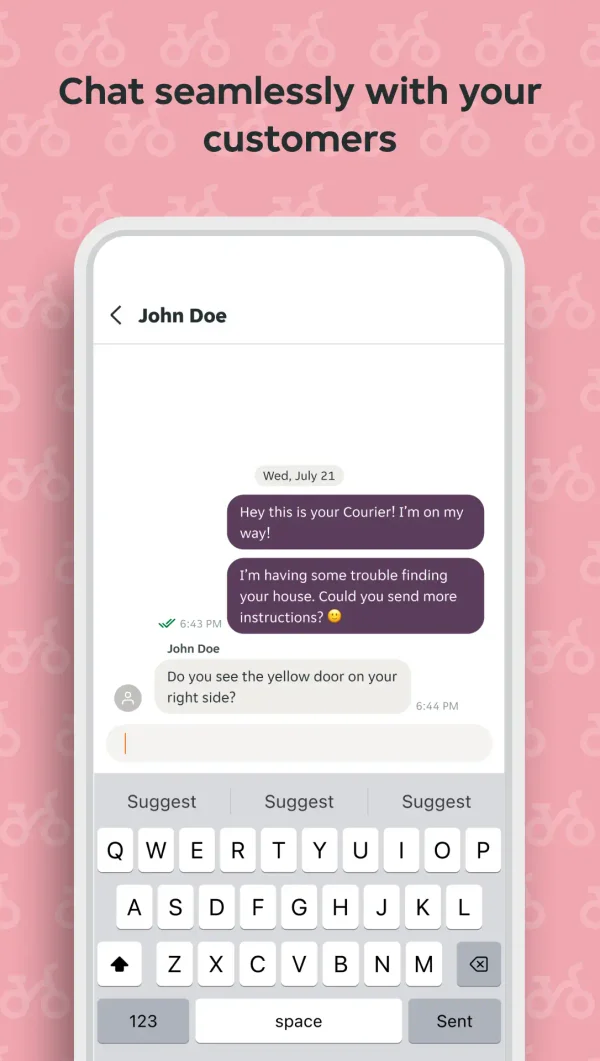
The app helps couriers pick up orders from the restaurant, have all the relevant customer information such as name, address and order details handy, find their way to the customer’s location, contact the customer if required, and complete their delivery in an efficient manner.
It helps customers know exactly where their order is at all times giving them peace of mind, It makes meal planning easy for your restaurants and delivery is made super easy for you.
Some key benefits are:
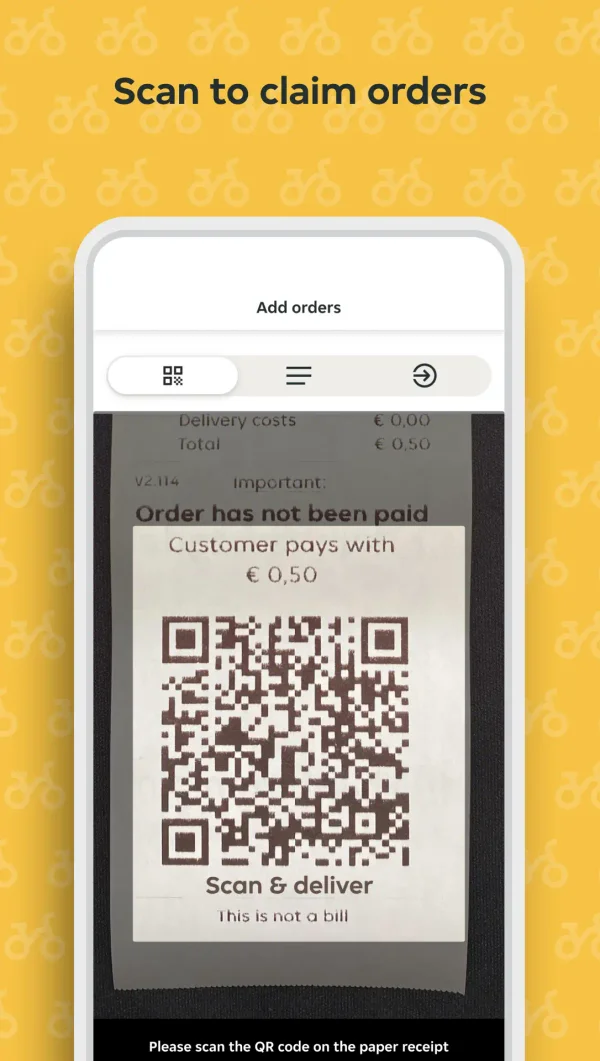
You can Claim orders: Scan the QR code which can be found on the order receipt to claim delivery of that order. Don’t have the app yet? No problem! Scanning the QR code will take you through the download process.
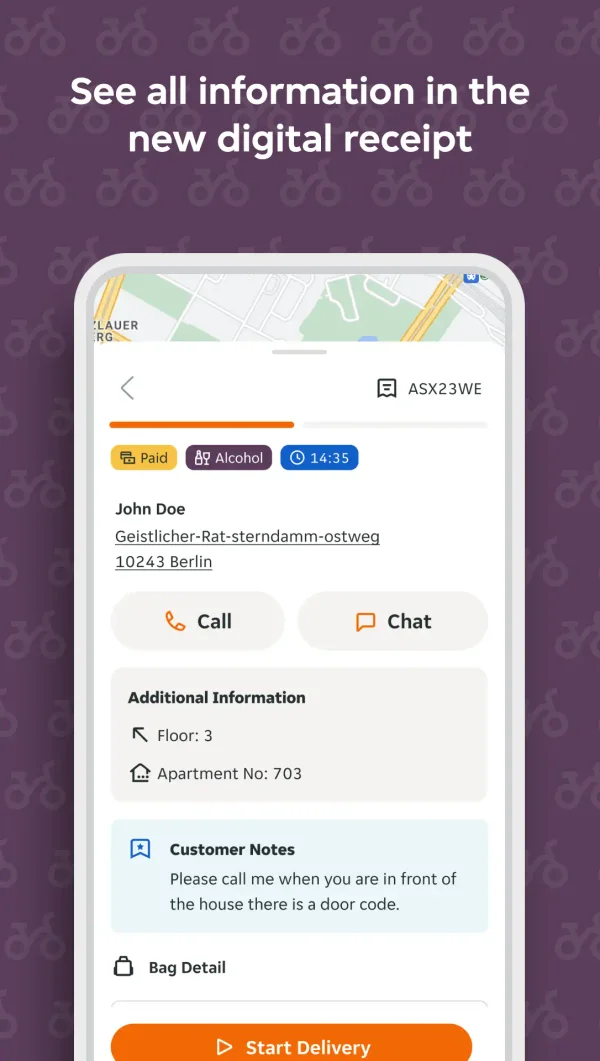
You now see a Digital Receipt: Know everything from the customer’s name and address to what’s in the bag from the Order Details page on the receipt.
Contact the customer: Call the customer any time with just the tap of a button.
Full Transparency for everyone: Both the restaurant and the customer will know exactly where you are so they can be aware of when to expect you.
Guest access: Not sure about the app? Try it as a guest! By Scanning the QR Code on the receipt, you can use the App to deliver orders as a guest and sign up when you’re convinced.
Get many other benefits like accurate directions, customer location information, ability to deliver multiple orders in one go, among others.
Steps to get started
With a Restaurant Invitation
1- Download the Takeaway.com Courier App from your App store. iOS or Android
2- Sign up with your email
3- Accept the Invite from your Restaurant Manager
4- Claim one or multiple orders and start delivering
As a Guest
1- Scan the QR Code on the Order receipt
2- Get the order details on the app and complete delivery
3- Sign up with your email and send an interest to the restaurant if you’d like to deliver for them
4- Ask the Restaurant Manager to accept your invite so you can start working
The app comes with a Courier App Portal which gives full visibility to restaurants through a detailed dashboard. It’s packed with features to help all parties involved have all the information they need at any point in time.
Privacy Statement: https://courierapp.takeaway.com/privacy
Legal Terms: https://courierapp.takeaway.com/terms-of-use
Have questions: Feel free to contact us at CourierApp-Support@takeaway.com
Data safety
What Takeaway.com declares on Google Play about the data this app collects and shares.
- No data shared with third partiesLearn more about how developers declare sharing
- This app may collect these data typesLocation, Personal info and 3 others
- Data is encrypted in transit
- You can request that data be deleted
What’s new
Version 2.55.0 · Nov 6, 2026
"Better, faster, stronger. We’ve cleaned up behind the scenes to boost the app."
Developer contact
- Websitelieferando.de
- Emaildriver@takeaway.com
- Privacy policycourierapp.takeaway.com
- AddressPiet Heinkade 61 1019 GM Amsterdam Netherlands
Information
- Offered by
- Google Commerce Ltd
- Category
- Business
- Version
- 2.55.0
- Updated
- Nov 6, 2026
- Released
- Jun 23, 2021
- Requires
- Android 7.0 or later
- Age rating
- Everyone
- Price
- Free
- Package name
- com.takeaway.delivered4all
Similar apps
-
 Freenow for drivers
Productivity
-
 ShiftFlow - Track Team Hours
Business
-
 Sellpy: Buy & sell second hand
Shopping
-
 TheFork Manager
Business
-
 Givt
Finance
-
 hvv switch – Mobility Hamburg
Travel & Local
-
 Holvi – Business banking
Finance
-
 bitiba
Shopping
-
 CityBee shared mobility
Travel & Local
-
 bgood: goodbag
Shopping
-
 Deliveroo Rider
Business