Talking Alarm Clock & Sounds
ZipoAppsContains ads · In-app purchases
- EveryoneAge rating
- ProductivityCategory
- Sep 11, 2026Updated
- FreePrice
Links to the official Google Play listing of alarm.clock.night.watch.talking. Last checked on Nov 16, 2026.
Screenshots

About this app
Create an alarm for every day with the digital alarm clock! waking up easy!
What is Talking Alarm Clock & Sounds?
This Android alarm app combines personalized spoken messages, alarm sounds, and a digital clock display. Set a morning wake-up time, add a message to your alarm, or schedule a reminder for later in the day. Hearing what an alarm is for gives its sound a useful meaning, whether it is time to get up or leave the house.
Who is Talking Alarm Clock & Sounds for?
Use it for mornings with a regular start time, reminders on selected days, or a bedside display that shows the time in large digits. Personalized messages suit routines where a ringtone alone does not explain what you need to do.
If you prefer a gradual start to your morning, choose the setting that raises the volume slowly. For a recurring routine, select the days you need instead of creating a separate reminder for each weekday.
What does Talking Alarm Clock & Sounds do?
• Add spoken messages: personalize an alarm with words that tell you what it is for, such as a reminder to get ready or start a task.
• Choose alarm sounds: customize the ringtone and use nature sounds for your wake-up routine.
• Increase volume gradually: the Slow Wake Up setting raises the sound level over time instead of starting at full volume.
• Set repeating alarms: choose the time and days of the week for each alarm, with separate schedules for different routines.
• Adjust alarm controls: use snooze when you need a little more time and choose your vibration preference.
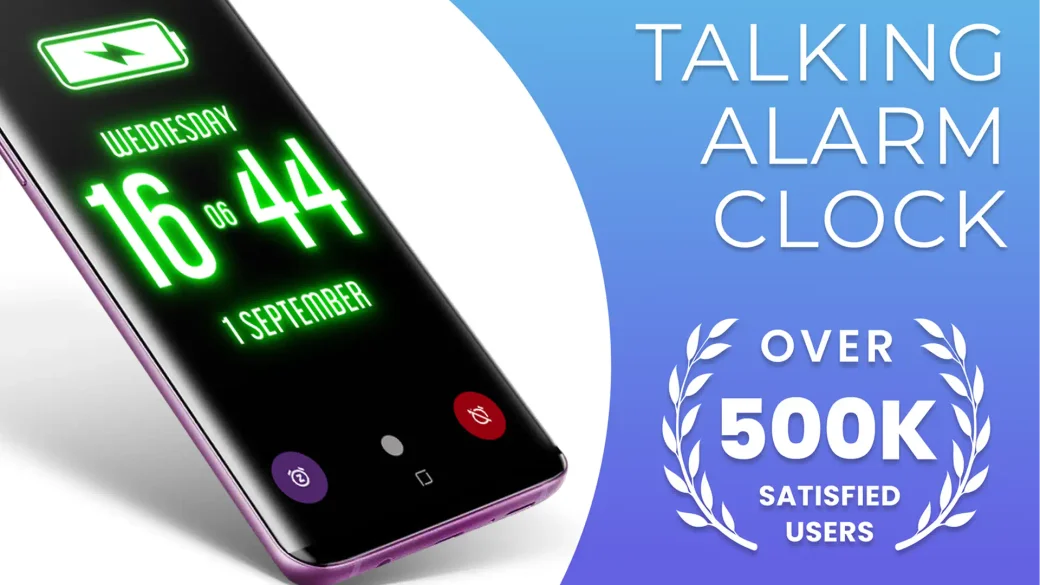
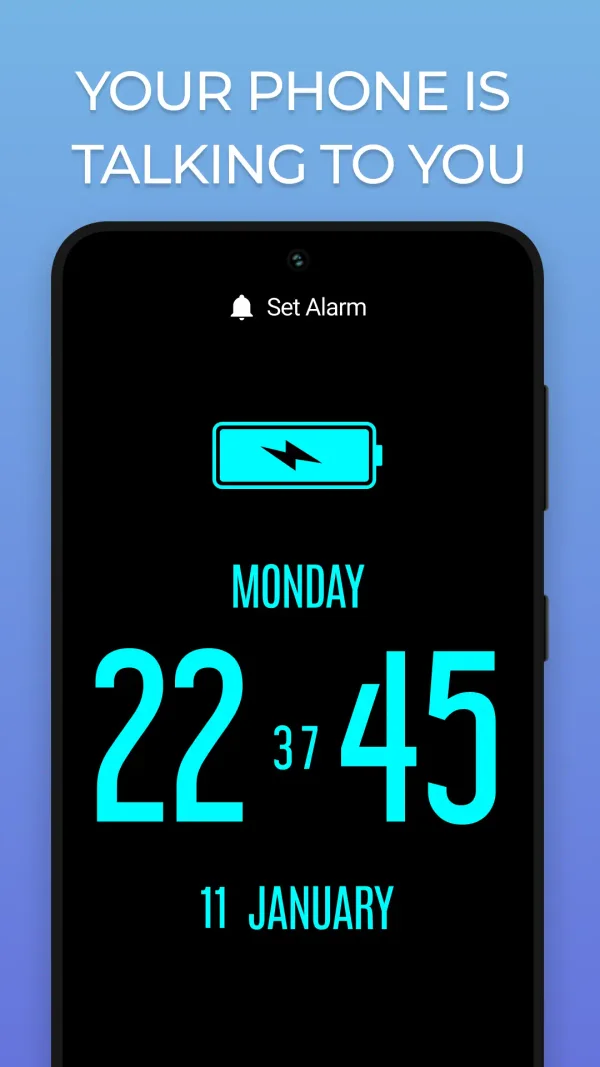
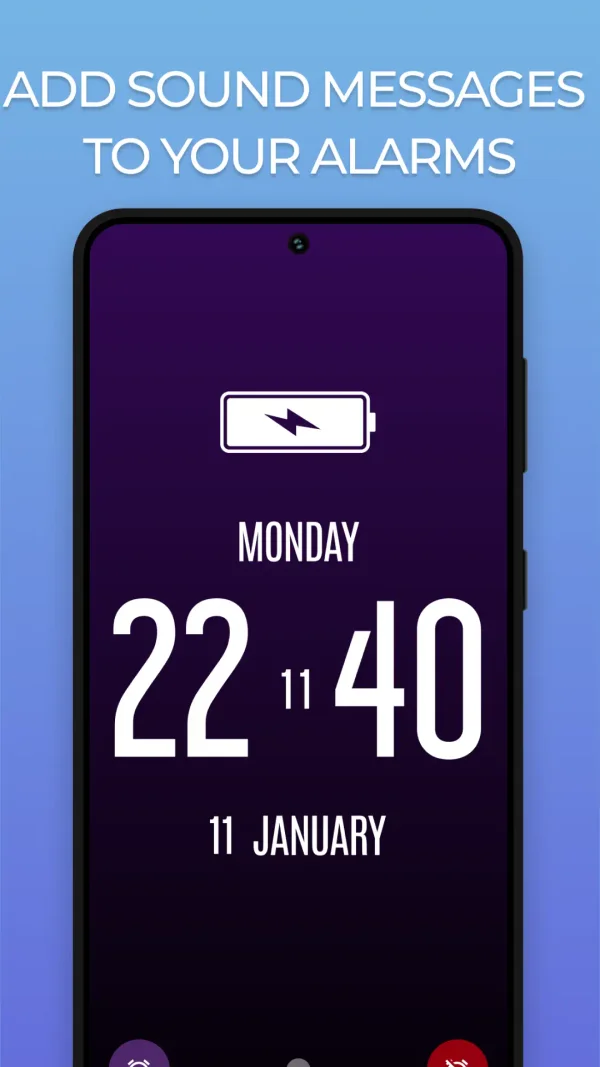
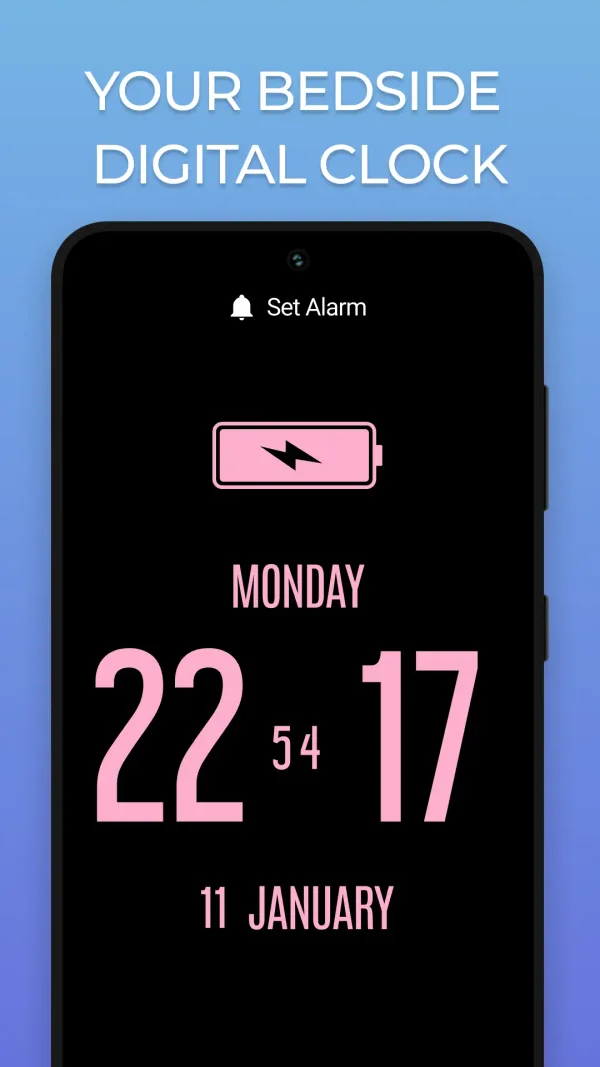
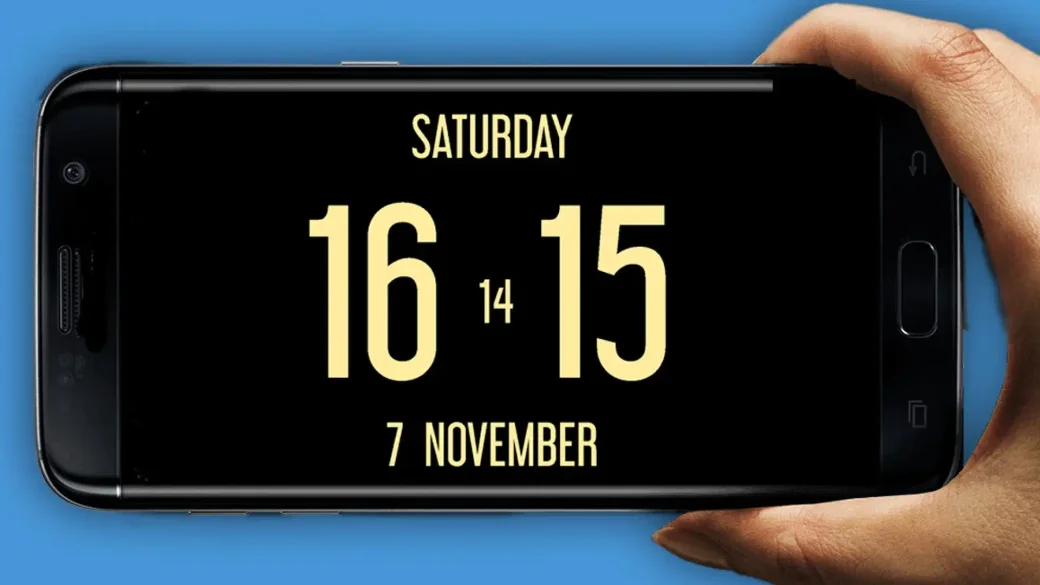
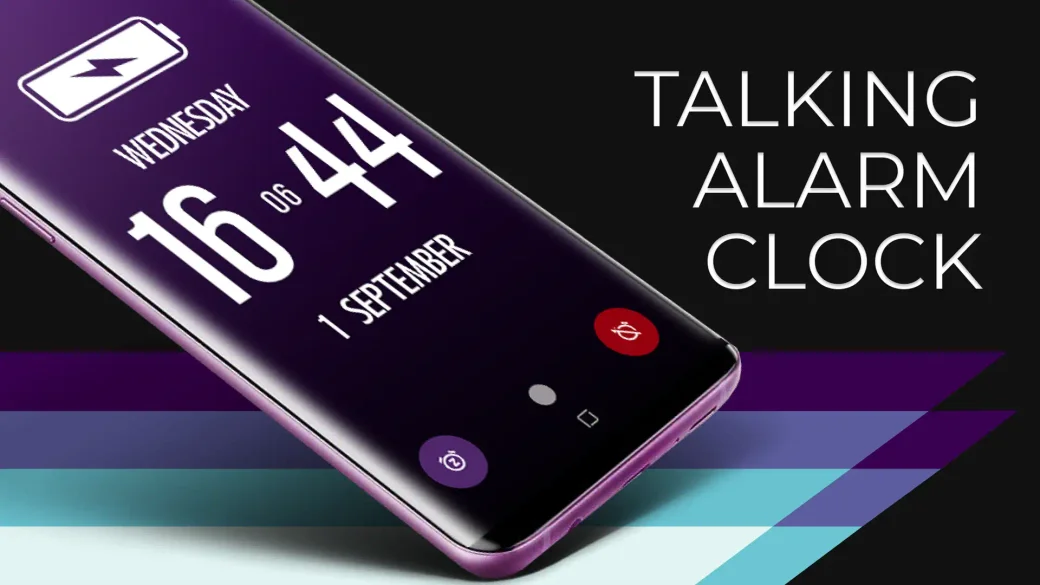
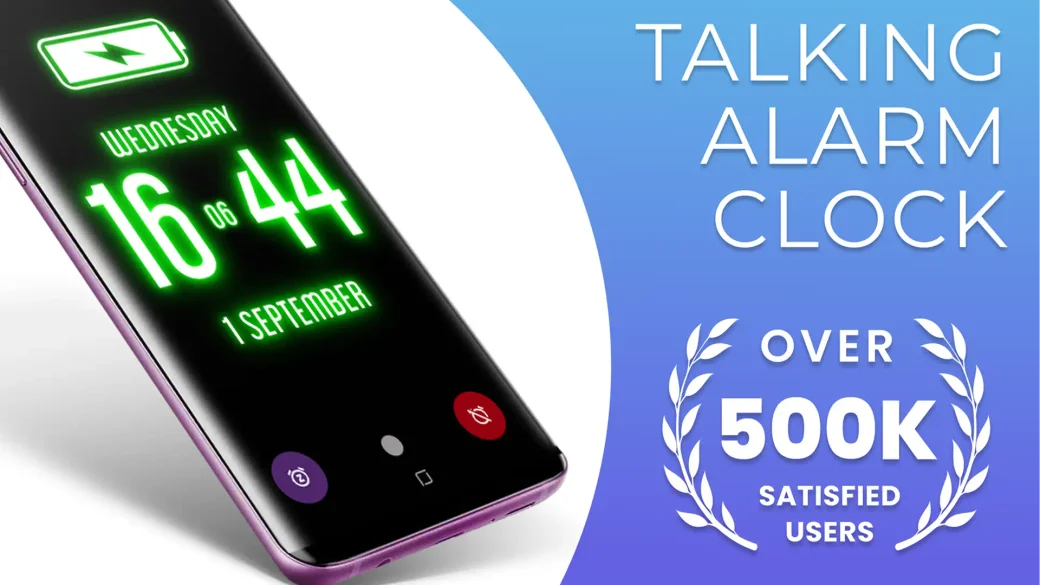
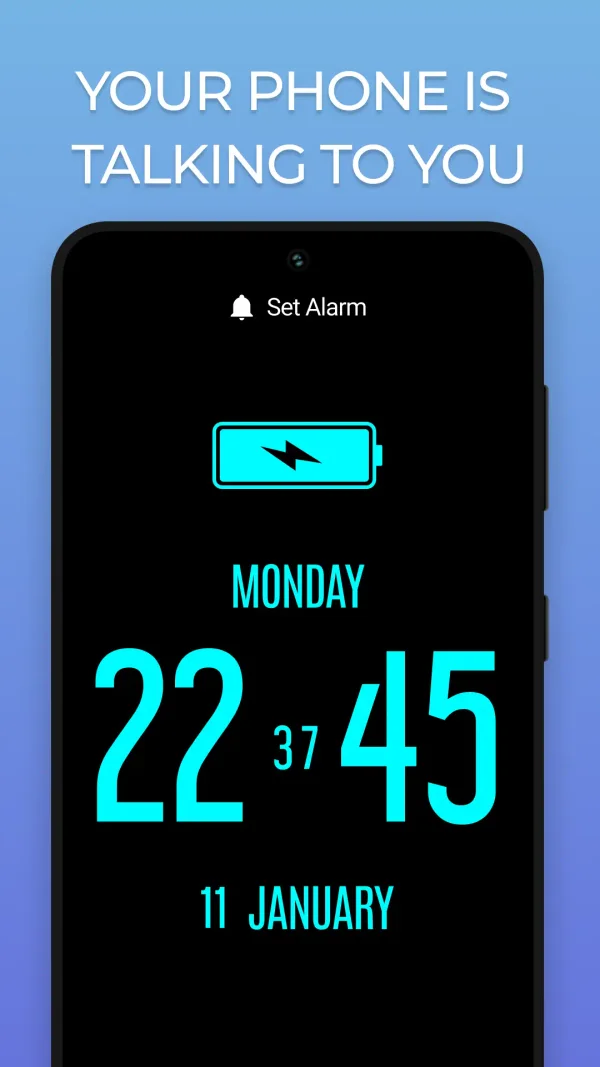
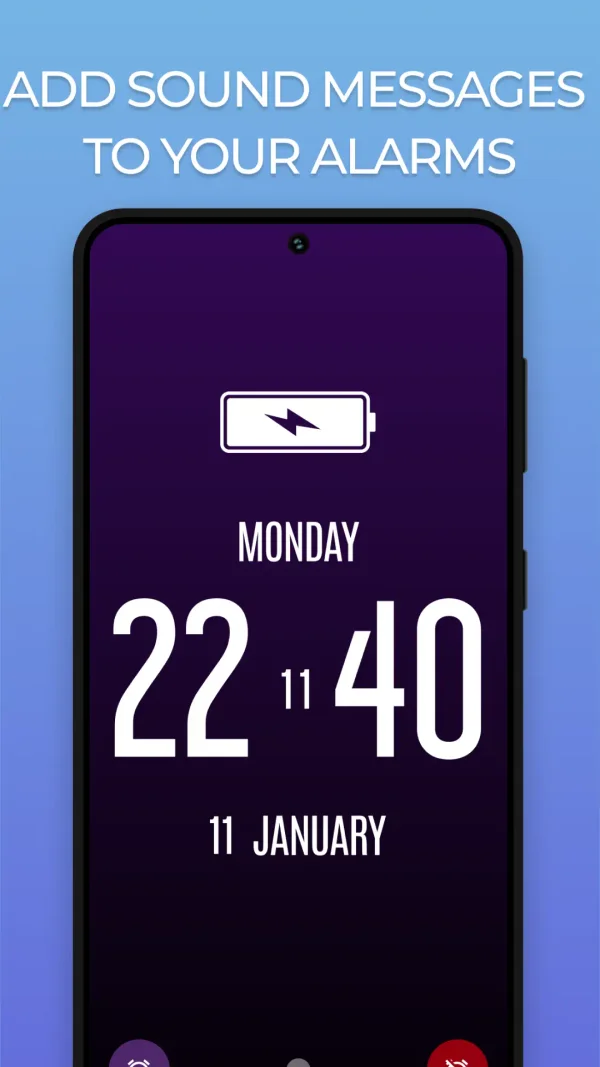
• Use a night clock: view the time in oversized digits, with the date, day of the week, and display color choices.
• See charging status: the nightstand screensaver shows the current time and battery charging status when your phone is connected to a charger.
The digital clock gives you a visual way to check the time alongside the app's audible reminders.
How does Talking Alarm Clock & Sounds work?
Create an alarm and choose its time. Select the days it should repeat, then customize the ringtone, vibration, and message to match the routine you want to remember.
For example, use selected weekdays for your morning schedule and another alarm for a daytime reminder. Give each one a message that explains its purpose so you can tell them apart when they sound.
Choose gradual volume increase for a slower start, and use snooze when the alarm rings if you want to postpone it. For bedside use, set up the nightstand screensaver and choose the display colors you prefer.
Compatibility and requirements
The app is designed for Android devices, including phones and tablets. The nightstand screensaver displays charging status when the phone is charging. For nighttime use with the screen kept on, keep your device connected to a charger.
Privacy
The app contains ads and offers in-app purchases. It may collect and share app information, performance data, and device or other identifiers with third parties.
Talking Alarm Clock & Sounds combines spoken alarm messages, adjustable wake-up sounds, and a bedside time display to help you keep track of your daily routines.
Permissions Required:
- Display over other apps allows the alarm screen to appear when needed.
- Audio file access lets you use sounds stored on your device for alarms.
Data safety
What ZipoApps declares on Google Play about the data this app collects and shares.
- This app may share these data types with third partiesApp info and performance and Device or other IDs
- This app may collect these data typesApp info and performance and Device or other IDs
- Data is encrypted in transit
- Data can’t be deleted
Developer contact
- Websitezipoapps.com
- Emailsupport.alarmclock@zipoapps.com
- Privacy policyzipoapps.com
- Address24/1 Mapu TEL AVIV-JAFFA, 6343423 Israel
Information
- Offered by
- ZipoApps
- Category
- Productivity
- Version
- 3.2.0
- Updated
- Sep 11, 2026
- Released
- Nov 7, 2020
- Requires
- Android 8.0 or later
- Age rating
- Everyone
- Price
- Free
- In-app purchases
- $0.99 - $99.99 per item
- Package name
- alarm.clock.night.watch.talking