Text Editor Plus
AppAspect Technologies Pvt. Ltd.Contains ads
- EveryoneAge rating
- ToolsCategory
- Mar 23, 2026Updated
- FreePrice
Links to the official Google Play listing of com.notepad.text.editor. Last checked on Nov 26, 2026.
Screenshots
About this app
Text Editor app is an effective tool to handle text files easily
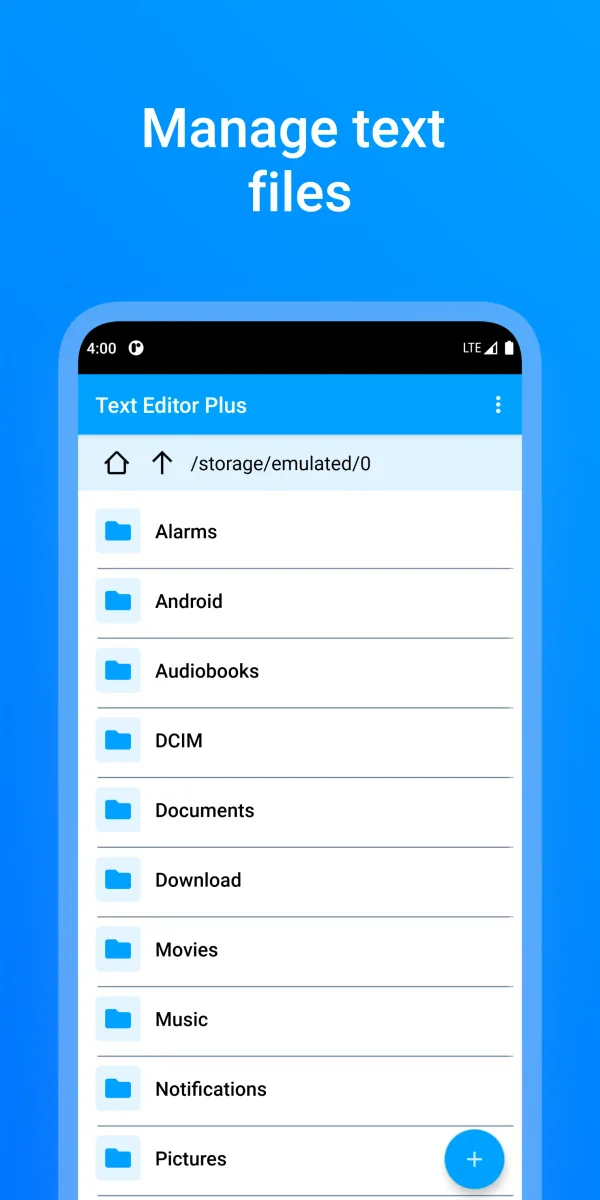
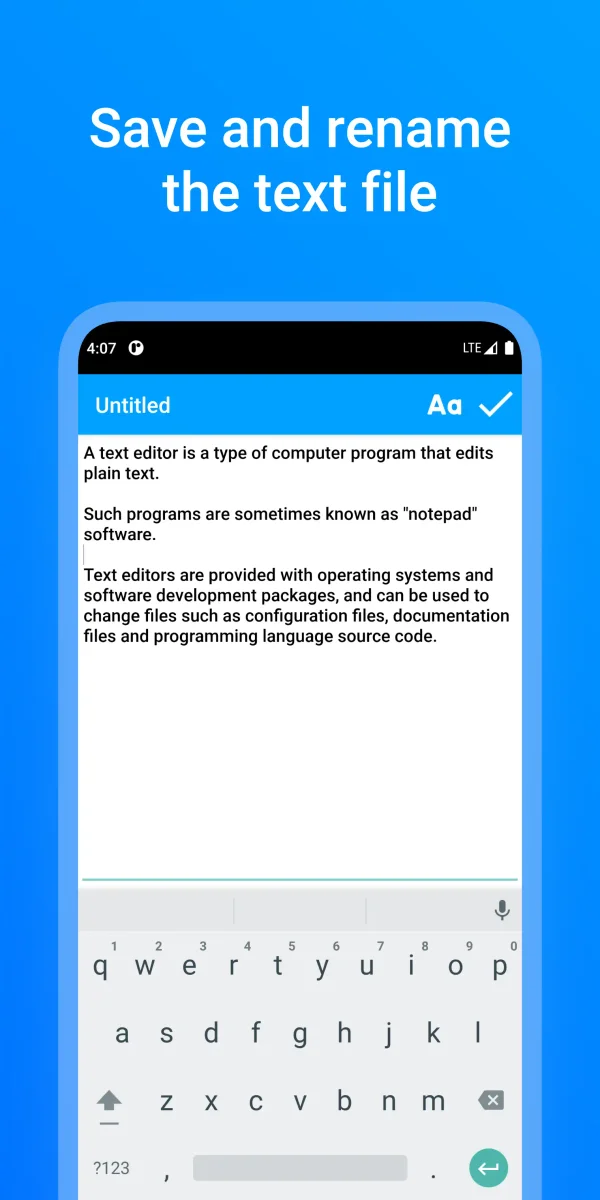
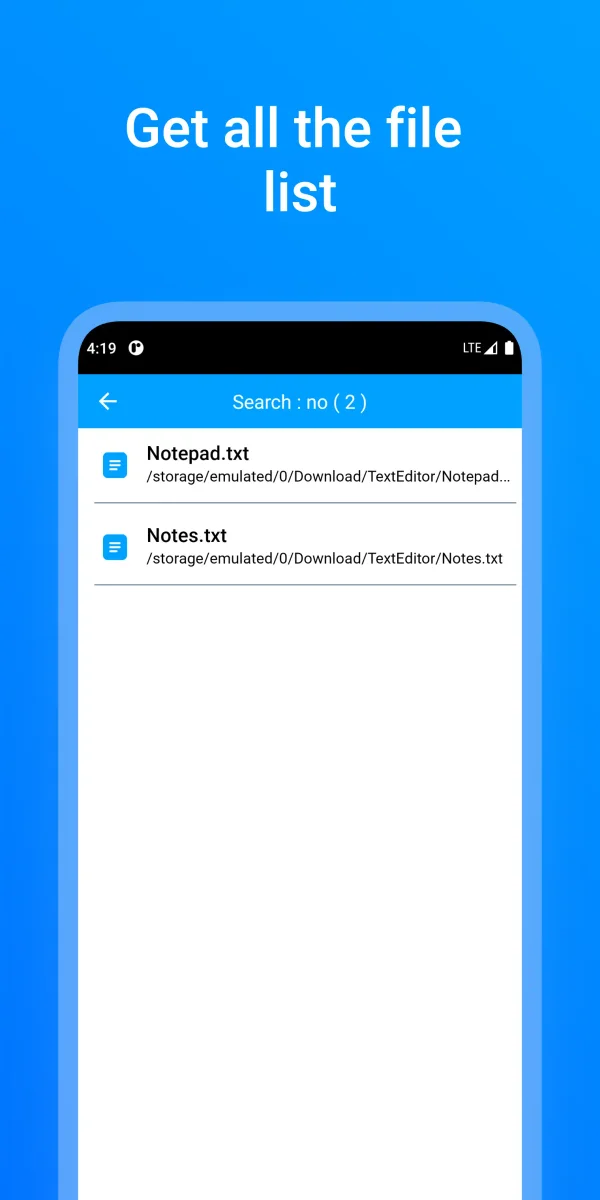
Simple Text Editor app to open, edit, delete, rename, and save text files to and from the SD card.
Features:
- Simple Notepad app to manage text files effectively.
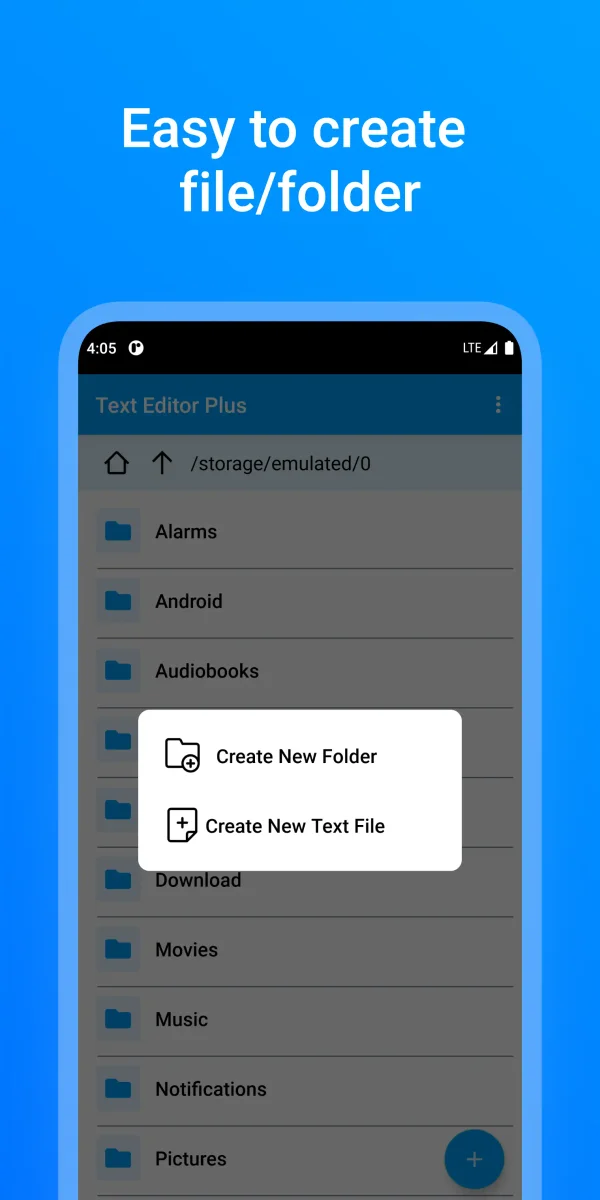
- Create a new folder in the application.
- Create, edit, and rename text files easily.
- In the editor user can cut, copy or paste the content that worked like notepad.
- Delete unwanted files and folders.
- Directly open a text file from any other app
- Can send a file as an attachment via Email instantly.
- Keep the screen in the awake state so you can read for a longer time.
- Supported file formats like .txt, .html, .xml, .php .java, and .css
- User can save files to any folders in the file system
- Can open text files directly via mail application attachment
- Also working like a File Manager
Data safety
What AppAspect Technologies Pvt. Ltd. declares on Google Play about the data this app collects and shares.
- This app may share these data types with third partiesDevice or other IDs
- No data collectedLearn more about how developers declare collection
- Data isn’t encrypted
- Data can’t be deleted
What’s new
Version 6.9 · Mar 23, 2026
Improvements in app functionality and solved minor issues
Developer contact
- Websiteappaspecttechnologies.com
- Emailinfo@appaspecttechnologies.com
- Privacy policyappaspect.com
- AddressA/8, Shakti Vijay Society, Nr Vijay Park Brts Stand N.H.8 Krishnanagar Ahmedabad, Gujarat 382345 India
Information
- Offered by
- AppAspect Technologies Pvt. Ltd.
- Category
- Tools
- Version
- 6.9
- Updated
- Mar 23, 2026
- Released
- Dec 26, 2014
- Requires
- Android 6.0 or later
- Age rating
- Everyone
- Price
- Free
- Package name
- com.notepad.text.editor