Text Expander: Fast Typing
Life & TechIn-app purchases
- EveryoneAge rating
- ProductivityCategory
- Sep 10, 2026Updated
- FreePrice
Links to the official Google Play listing of app.text_expansion.octopus. Last checked on Nov 21, 2026.

Screenshots
About this app
Text Expander expands keyword with long phrases. Type fast like an octopus!
Text Expander: Fast Typing
Text expander expands keyword with long phrases. Type fast like an octopus!
Have to type the same phrases again and again, everyday?
Fast Typing text expander can do the job for you.
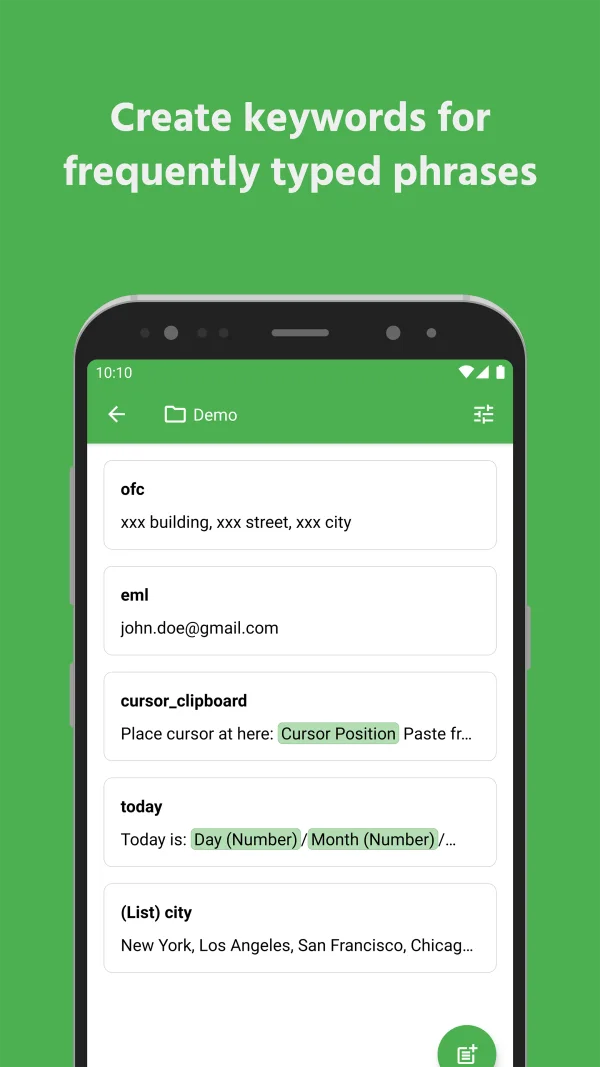
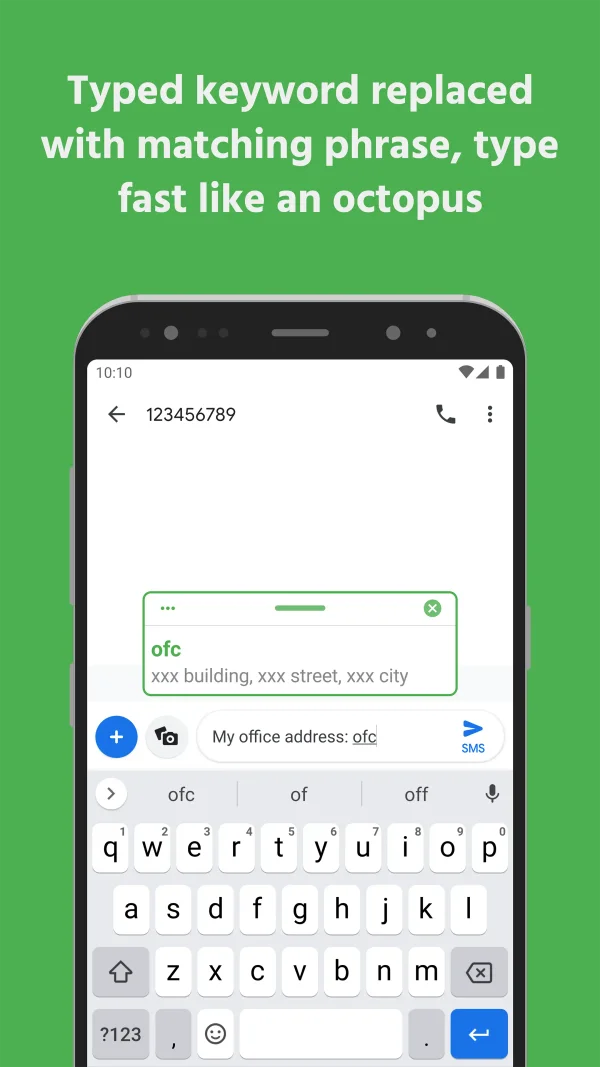
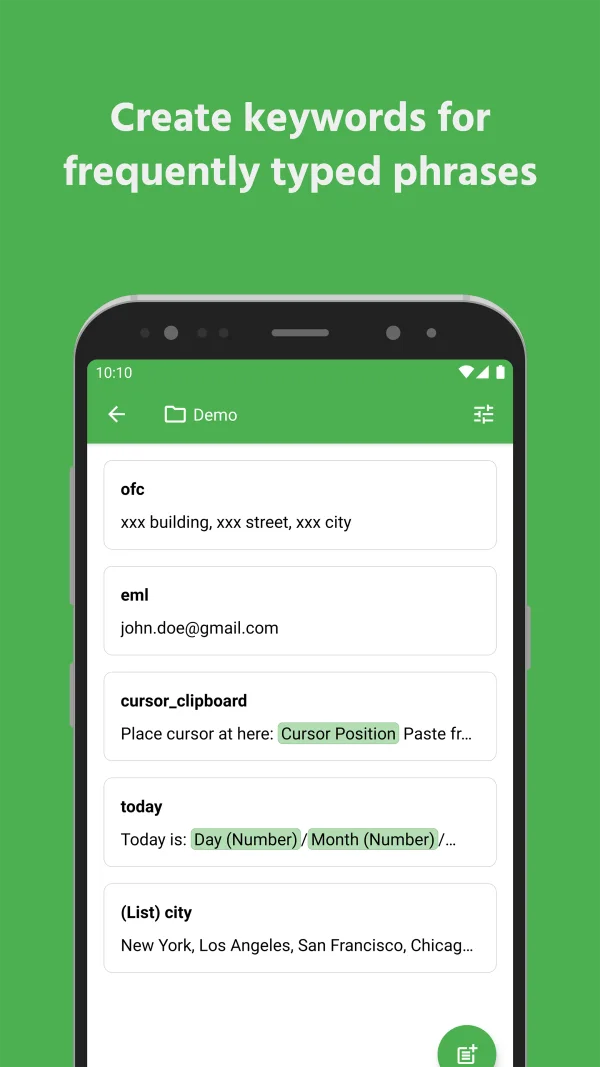
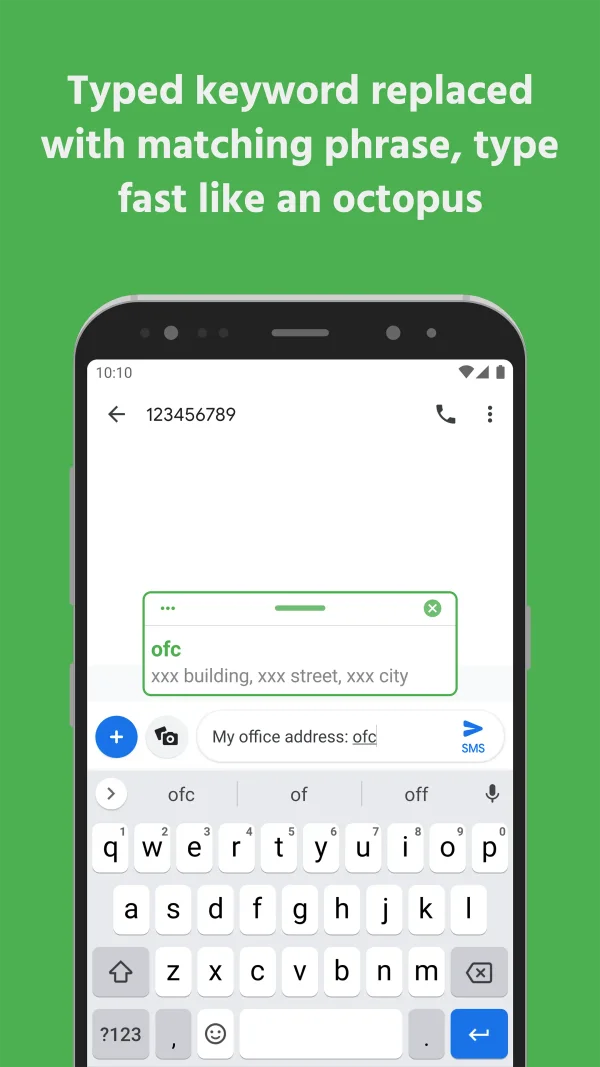
Create a short keyword for long phrase, anytime you type the keyword, text expander will replace it with corresponding full phrase.
No matter how long the sentence is, text expander will type it for you.
Save time for inputing words, sentences, emojis, date time, or anything!
Features
✔️ Text expander
✔️ Folder grouping
✔️ Show keyword suggestion when you type
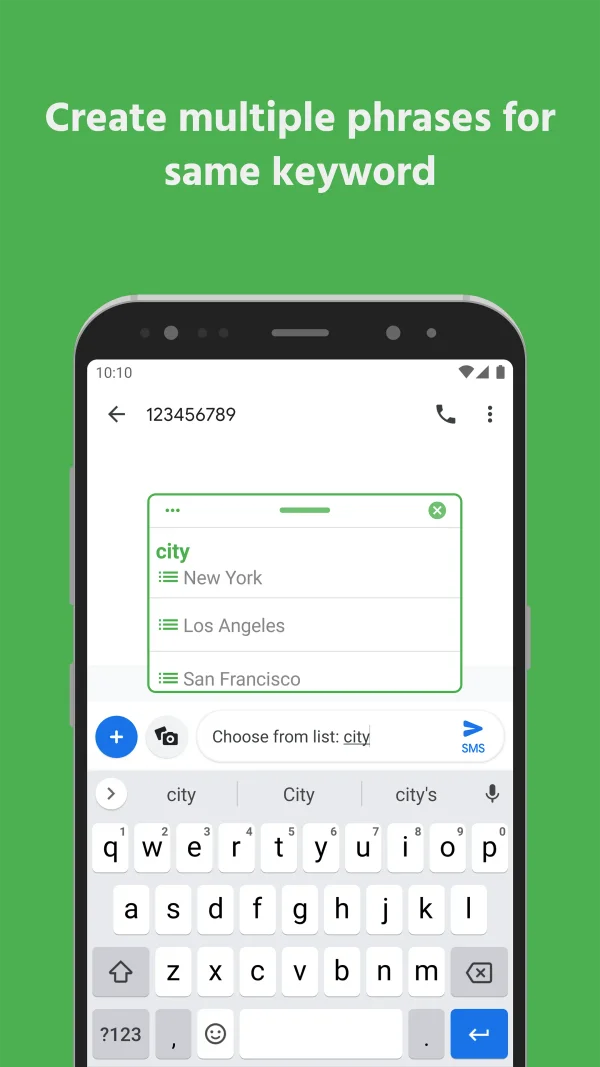
✔️ Phrase list: multiple phrases for one keyword
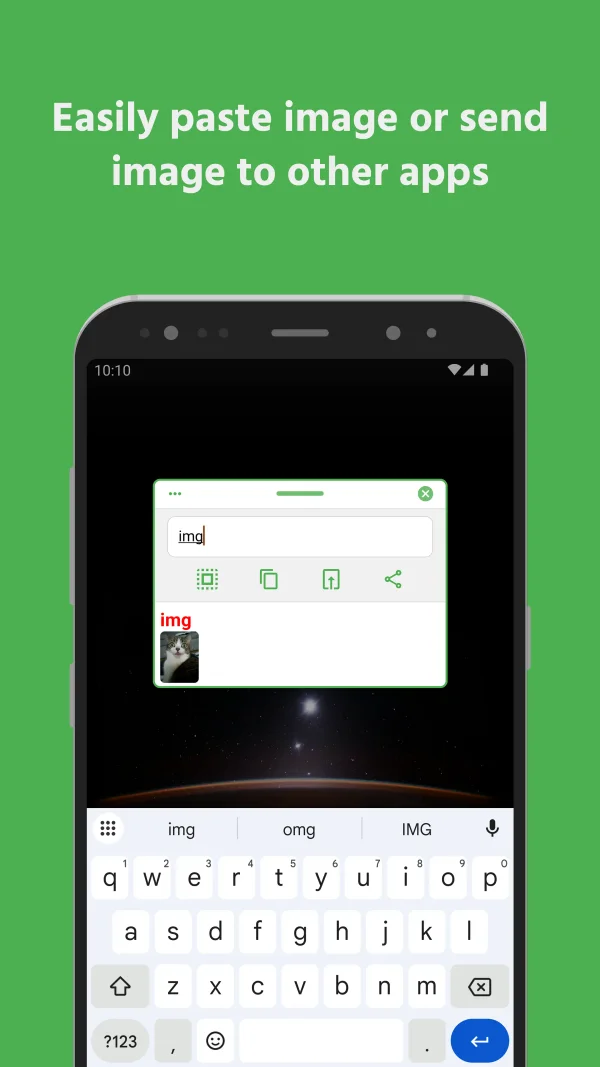
✔️ Easily paste image or send image to other apps. (Vary by app, depending on the app's capabilities.)
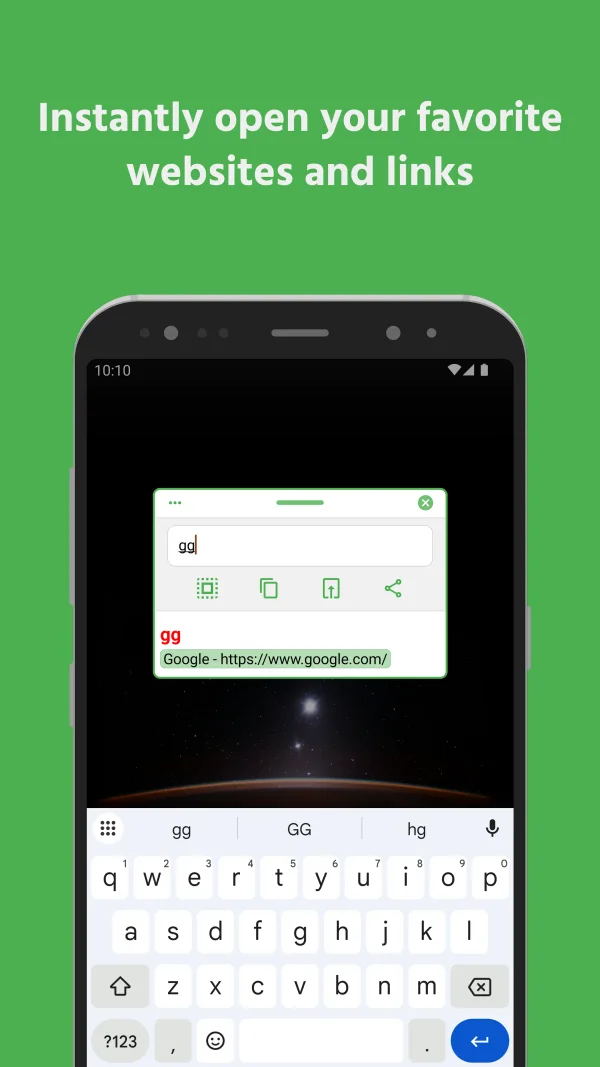
✔️ Instantly open your favorite websites and links. No need to open a browser or type in URLs
✔️ Change phrase case based on keyword case
✔️ Insert date & time
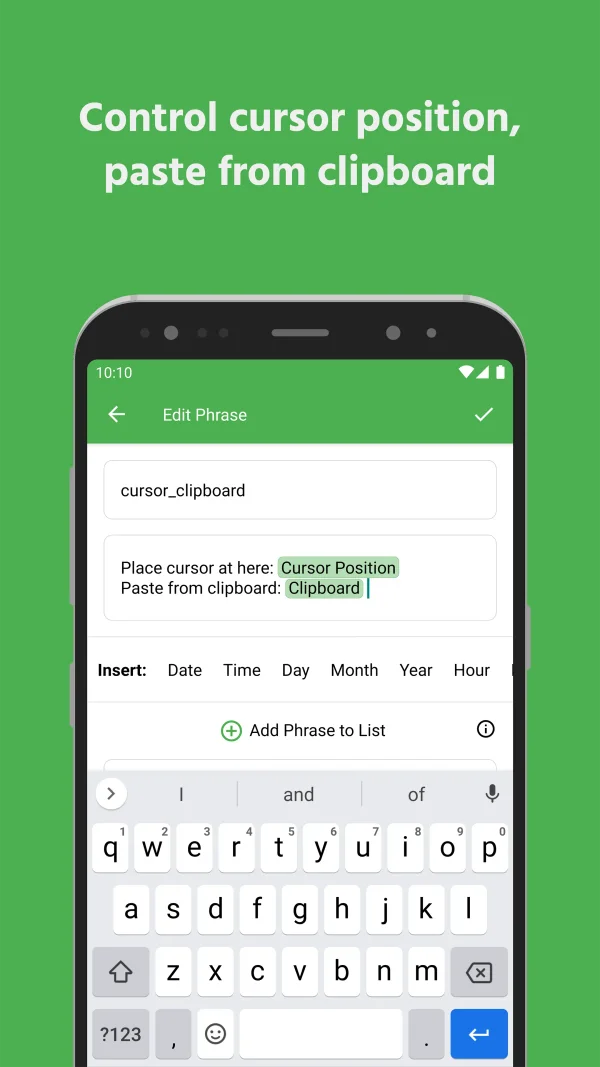
✔️ Cursor position
✔️ Paste from clipboard
✔️ Dark mode
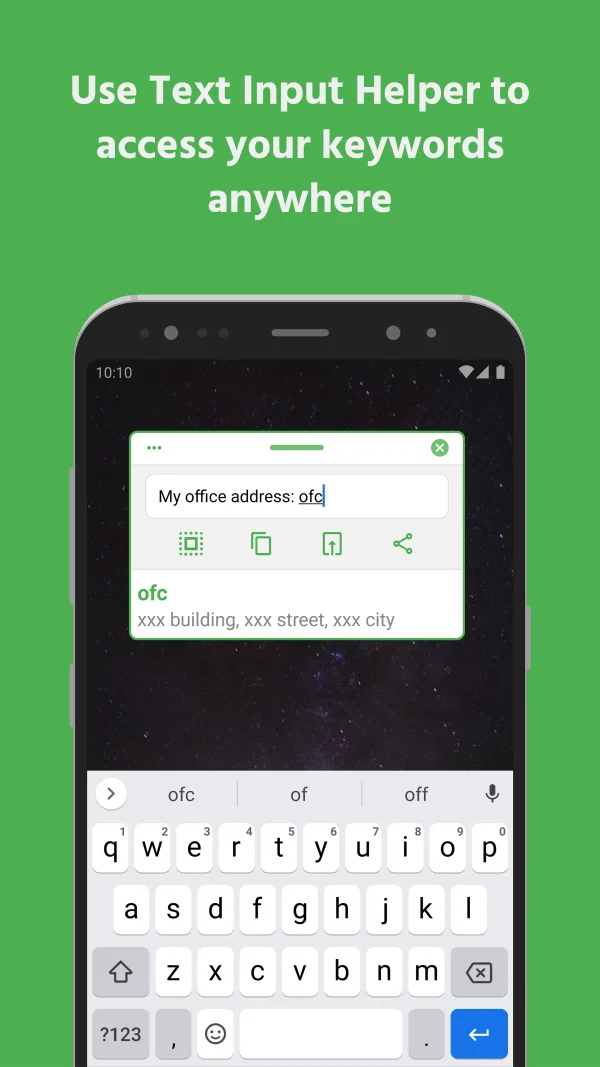
✔️ Text input helper
✔️ Backup & restore
✔️ App blacklist or whitelist
✔️ Pause service when necessary
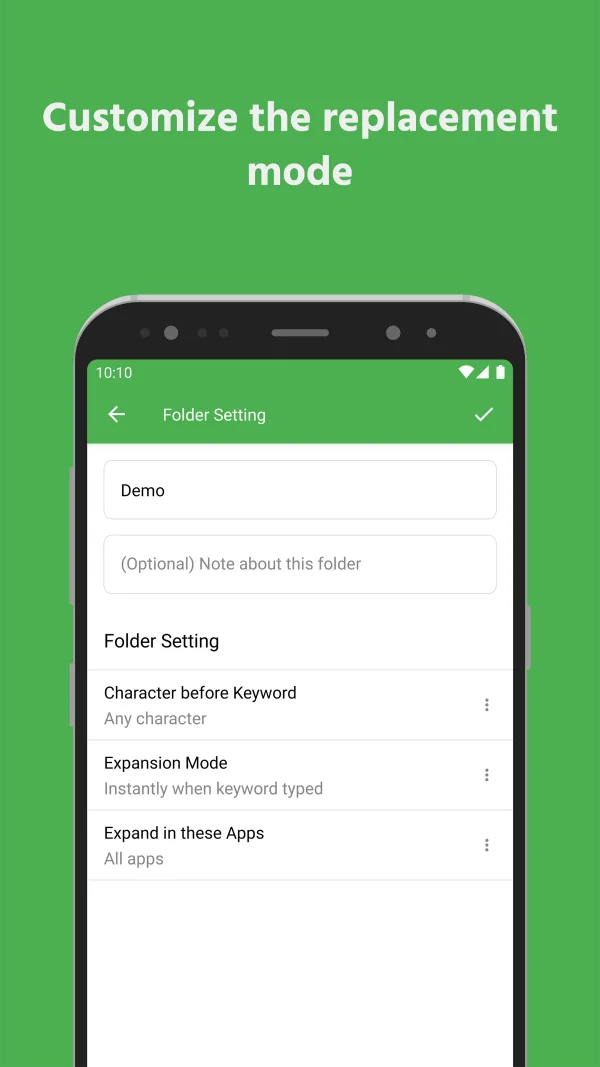
✔️ Trigger replacement instantly or after delimiter typed
✔️ Undo replacement
Important
Accessibility service is required to replace keywords with phrases in other apps.
All usage of accessibility service privileges is exclusively for the purpose of providing Accessibility features to users.
Text expander cannot detect keyword in incompatible apps. Use text input helper to help inputing in incompatible apps.
Useful Links
🔗 Documentation: https://text-expander-app.pages.dev/
🔗 Privacy policy: https://octopus-typing.web.app/privacy_policy.html
🔗 Terms of use: https://octopus-typing.web.app/terms.html
Icon originally created by Freepik - Flaticon: https://www.flaticon.com/free-icons/computer-hardware
Data safety
What Life & Tech declares on Google Play about the data this app collects and shares.
- No data shared with third partiesLearn more about how developers declare sharing
- No data collectedLearn more about how developers declare collection
- Data is encrypted in transit
- Data can’t be deleted
- Committed to follow the Play Families Policy
What’s new
Version 5.3.0 · Sep 10, 2026
- Easier search and sorting for keywords, making it faster to find exactly what you're looking for.
Developer contact
- Emailaslinfei@gmail.com
- Privacy policyoctopus.page.link
- Address博颂路37号院12号楼73号 金水区, 郑州市, 河南省 China 450000
Information
- Offered by
- Life & Tech
- Category
- Productivity
- Version
- 5.3.0
- Updated
- Sep 10, 2026
- Released
- Nov 12, 2022
- Requires
- Android 6.0 or later
- Age rating
- Everyone
- Price
- Free
- In-app purchases
- $0.99 - $29.99 per item
- Package name
- app.text_expansion.octopus