Text on Photo
CoolexpContains ads · In-app purchases
- EveryoneAge rating
- PhotographyCategory
- Oct 26, 2026Updated
- FreePrice
Links to the official Google Play listing of image.text.addtext.textonphoto. Last checked on Nov 20, 2026.
Screenshots





About this app
Text art, add text to photo
You want to put words on pictures?
You want to create beautiful cards to send to friends and relatives on special occasions such as birthdays, new year, International Women's Day,...?
And you are looking for a free application to add text to photos?
Our Text on Photo app is all you need.
To add text to photos, you only need a few simple steps:
- Select a beautiful image
- Add a special message
- Edit color, font, size, and position of the message
- Save and you have a beautiful card
Outstanding features of Text on Photo app:
- Easy to use: simple design and intuitive operation
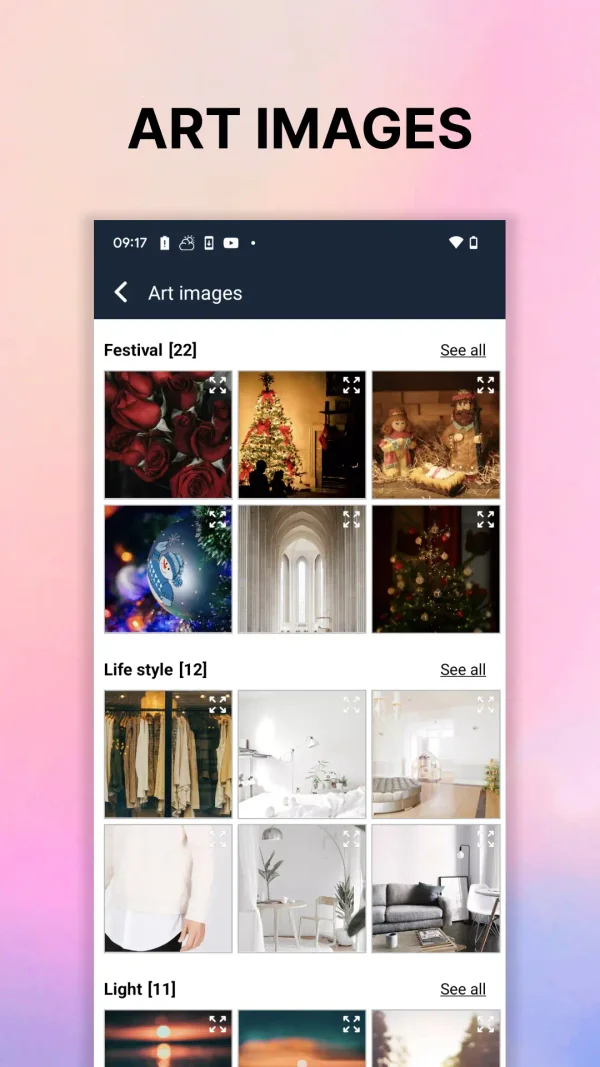
- Texts can be added to a photo, gradient or solid color. The application has many art images available by category: nature, love, light,...
- Predefined gradients: edit start/end colors and gradient angle
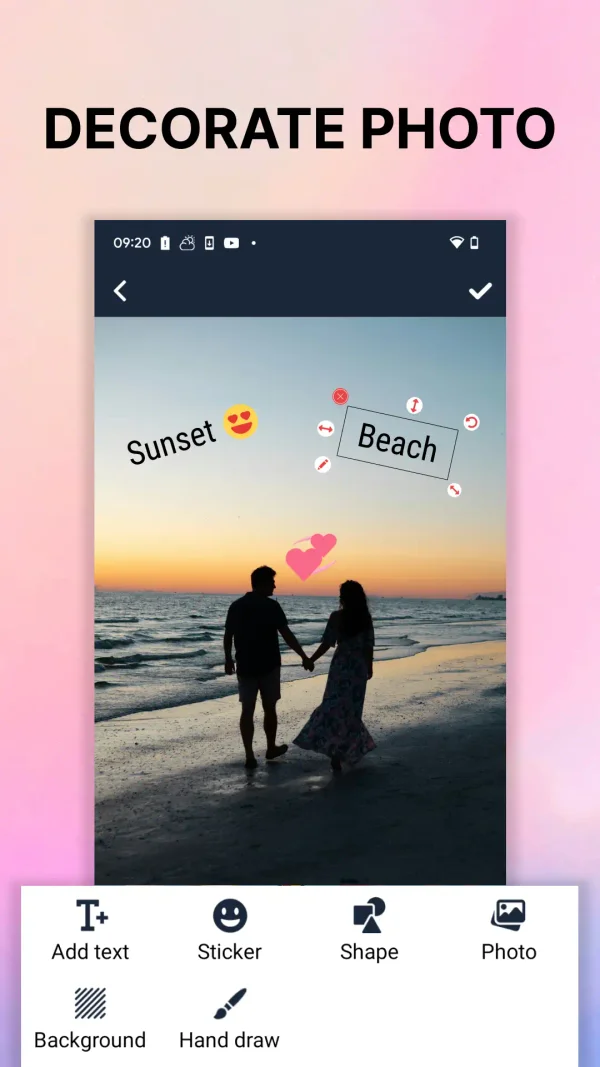
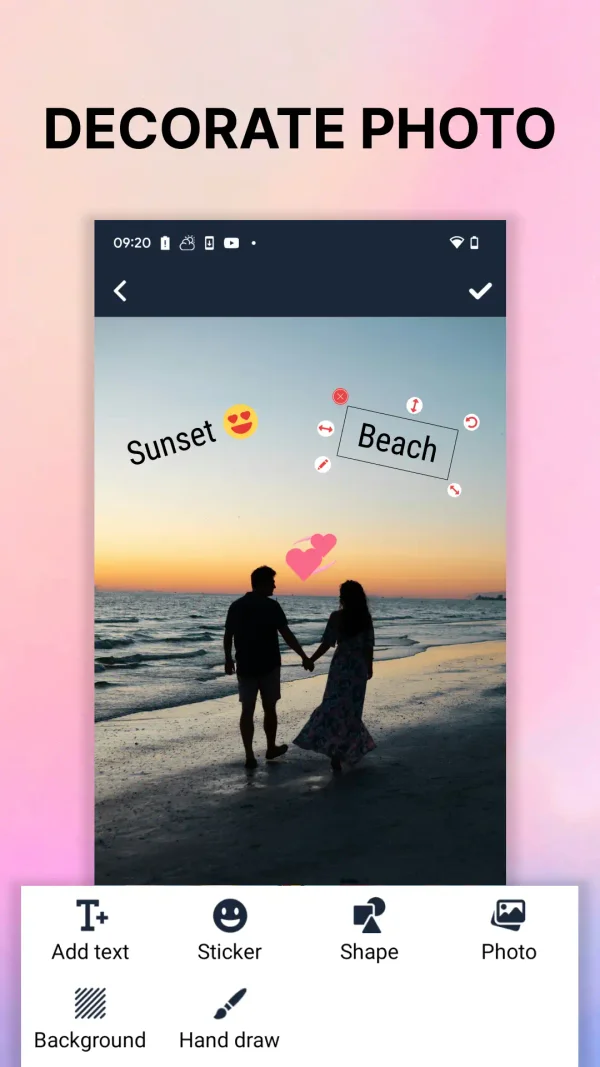
- Move, scale, rotate, edit, delete the text by text-box handles
- Edit text: customize the font, color, border, style, position, size and shadow effect of the text.
- Letter & line spacing
- More than 80 fonts. Continuously added.
- In addition to adding text, you can add other things such as stickers, shapes, frames, images
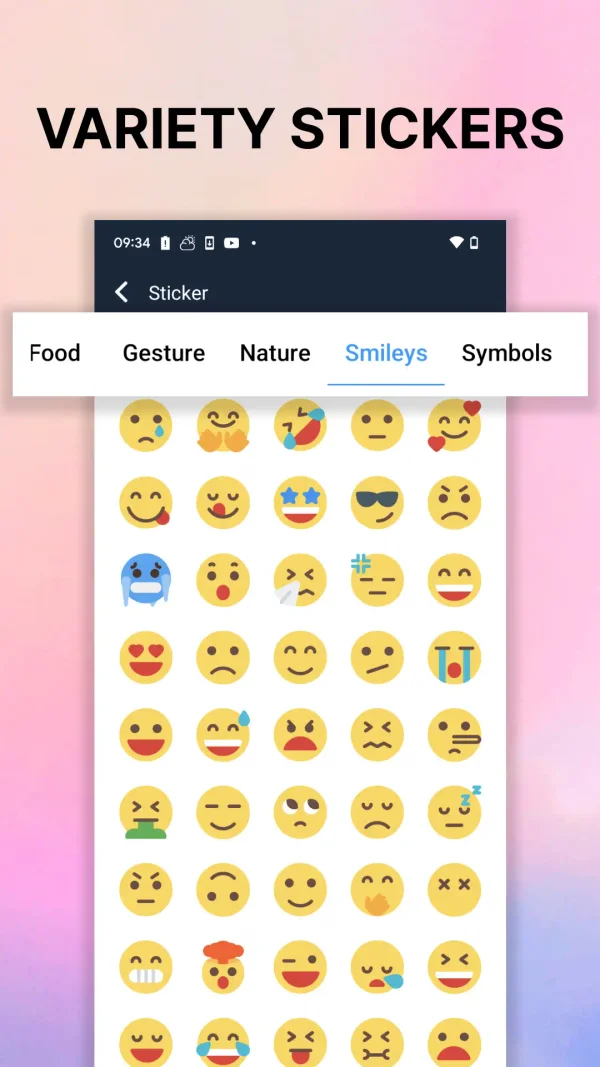
- Many many beautiful stickers. All divided into different subjects so that you can find them easily
- Support hand drawing: you can adjust stroke size and color. With the hand drawing feature, you can quickly take notes on photos in a freestyle.
- Clone added objects (texts, stickers, ...)
- Tools for background: crop, flip, rotate, blur, adjust brightness, effects.
- Fit: change ratio of the background image by adding margins to match requirement of a certain system.
- Save image as JPEG, PNG or WebP file
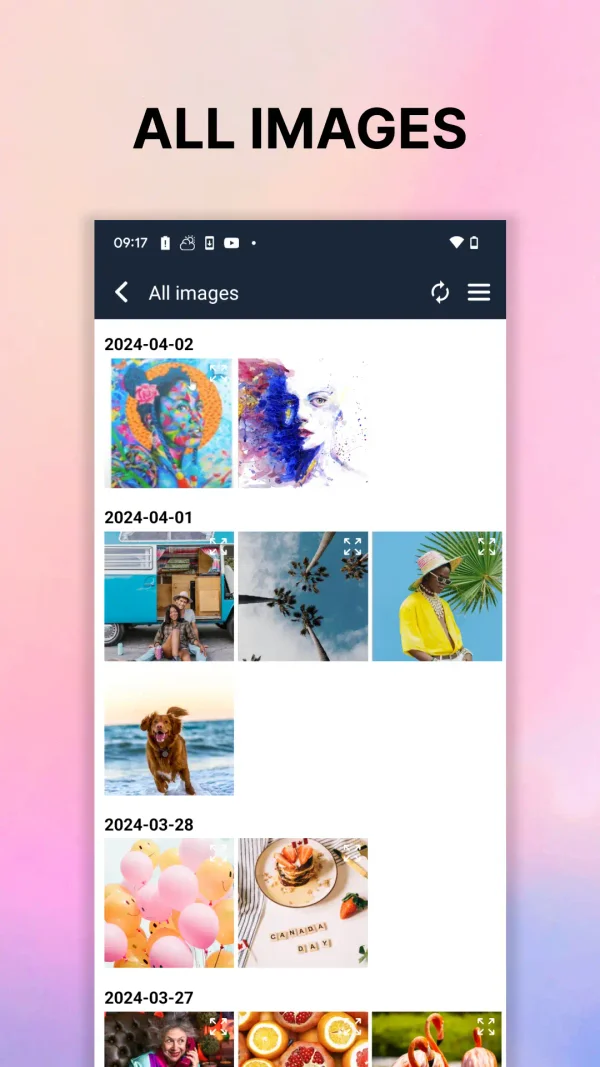
- Manage your created images: share, delete, set wallpaper.
Our free Text on Photo has all the features you need to add words to pictures. Download and start creating impressive images and greetings cards in your own style.
If you have any questions or suggestions, please write to alonecoder75@gmail.com. We are always listening to your feedback.
Data safety
What Coolexp declares on Google Play about the data this app collects and shares.
- This app may share these data types with third partiesLocation, App activity, and Device or other IDs
- This app may collect these data typesLocation, App activity and 2 others
- Data is encrypted in transit
What’s new
Version 2.1 · Oct 26, 2026
Compatible with devices running Android 16
Improved app performance
Fixed minor bugs
Tunning UI
Developer contact
- Websitecoolexpapps.com
- Emailalonecoder75@gmail.com
- Privacy policysites.google.com
- Address27/192 Giải Phóng, Phương Liệt, Thanh Xuân, Hà Nội Hà Nội 10000 Vietnam
Information
- Offered by
- Coolexp
- Category
- Photography
- Version
- 2.1
- Updated
- Oct 26, 2026
- Released
- Aug 6, 2024
- Requires
- Android 6.0 or later
- Age rating
- Everyone
- Price
- Free
- In-app purchases
- $2.99 per item
- Package name
- image.text.addtext.textonphoto
Similar apps
-
 Photo Video Maker - InSlide
Photography
-
 Photo Lab Picture Editor & Art
Photography
-
 Collage Maker - Grid & Frames
Photography
-
 Logo Maker - Logo Creator App
Art & Design
-
 Logo Maker - Ai Logo Generator
Art & Design
-
 Film Maker Pro - Movie Maker
Photography
-
 Photo Collage Maker,Pic Editor
Photography
-
 Logo maker Design Logo creator
Business
-
 Poster Maker - AI Flyer Design
Art & Design
-
 Blend Photos - Photo Blender
Photography
-
 Photo Retouch-Object Removal
Photography
-
 Cut Cut: Photo Editor & CutOut
Photography