Text Scanner – Image to Text
Galaxy studio appsContains ads · In-app purchases
- EveryoneAge rating
- ProductivityCategory
- Oct 23, 2026Updated
- FreePrice
Links to the official Google Play listing of com.image.text.ocr.texttranslation. Last checked on Nov 26, 2026.
Screenshots


About this app
Convert images to editable text with a simple OCR scanner
Text Scanner – Image to Text app
Transform your smartphone into a powerful productivity tool!🔍📝✨📱The OCR image to text app converts images into editable text.
Key Features of Text Scanner – Image to Text app:
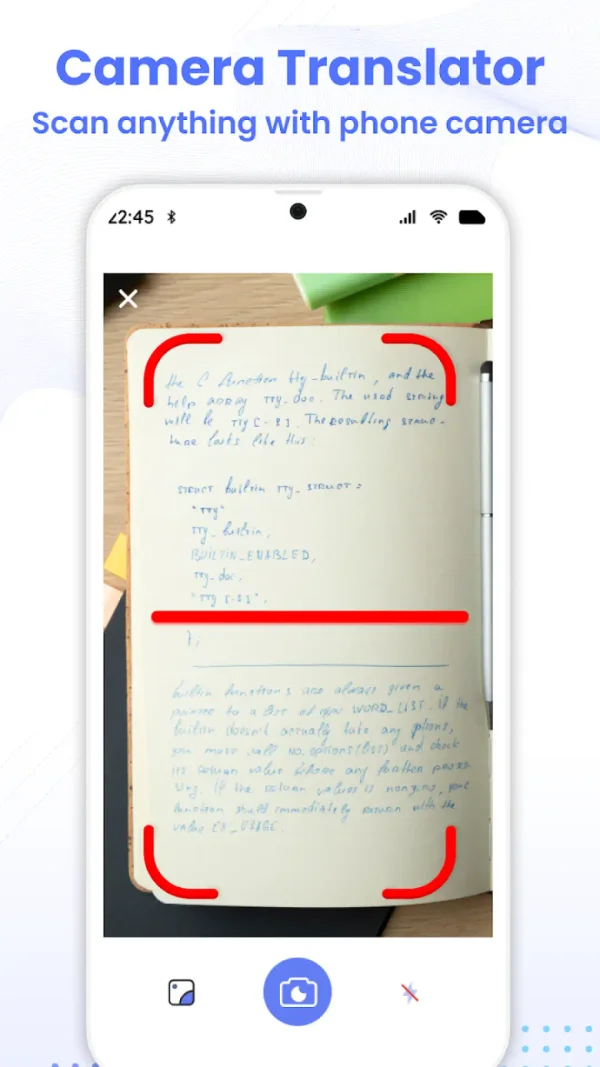
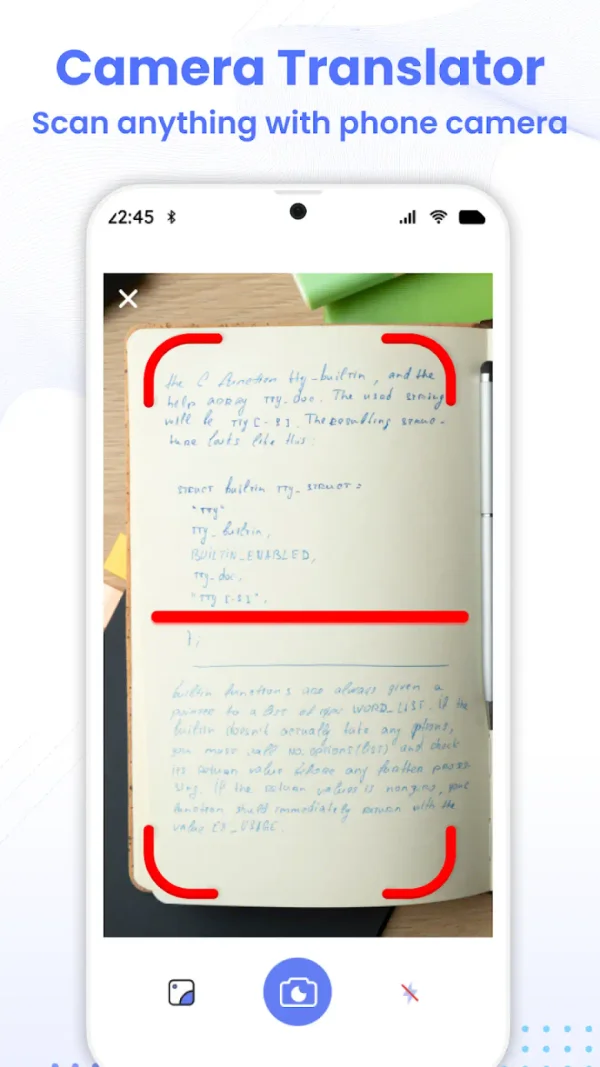
📝✨Camera Scanner: Utilize your phone's camera to scan documents, notes, receipts, and more. Our advanced camera scanner ensures high-quality scans every time.
📝✨Document Scanner: Easily digitize your important papers. The document scanner feature lets you keep all your documents organized and accessible.
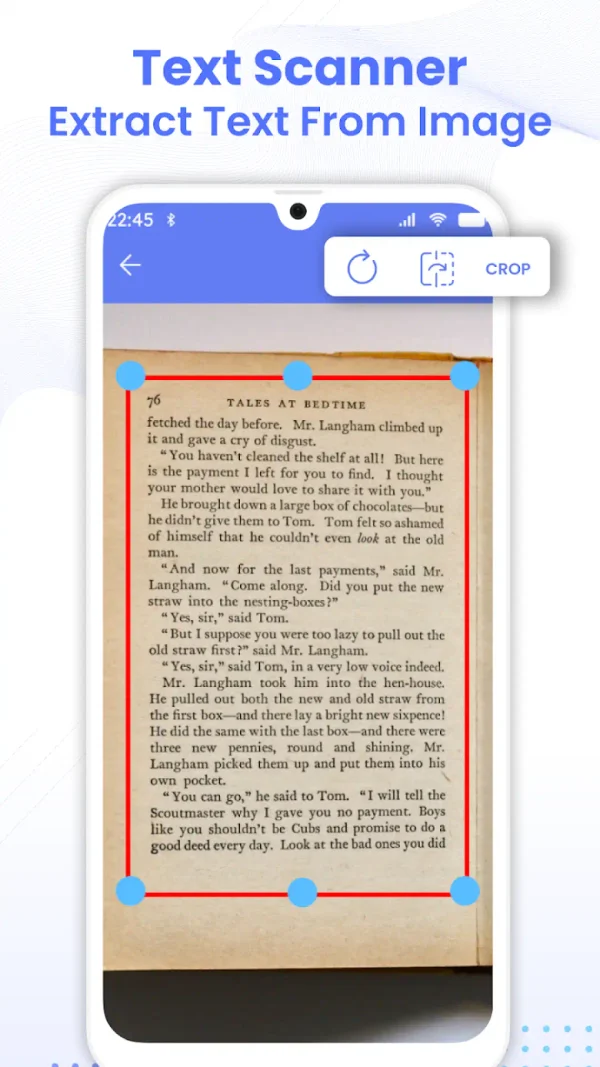
📝✨Image to Text Conversion: Extract text from any image precisely. The image to text function supports multiple languages and handwriting recognition.
📝✨OCR Image to Text: Powered by Optical Character Recognition (OCR) technology, the app accurately converts images into text, making data extraction seamless.
📝✨Photo Scanner: Scan photos and convert them into editable text. Perfect for preserving and editing old photographs.
📝✨Picture to Text: Capture text from pictures effortlessly. The picture to text feature ensures you get all the important information.
📝✨Text Scanner: Quickly scan and extract text from any source. The text scanner is fast, reliable, and easy to use.
Why Choose Text Scanner – Image to Text?
In today's fast-paced world, efficiency is critical. With Text Scanner – Image to Text, you can:
Save Time: No more manual typing. Scan and convert the text in seconds.
Enhance Productivity: Manage your documents and notes effectively.
Improve Accuracy: Reduce errors associated with manual data entry.
How to Use Text Scanner – Image to Text app:
Open the App: Launch Text Scanner – Image to Text on your device.
Capture or Upload Image: Use the camera scanner to take a photo or upload an existing image.
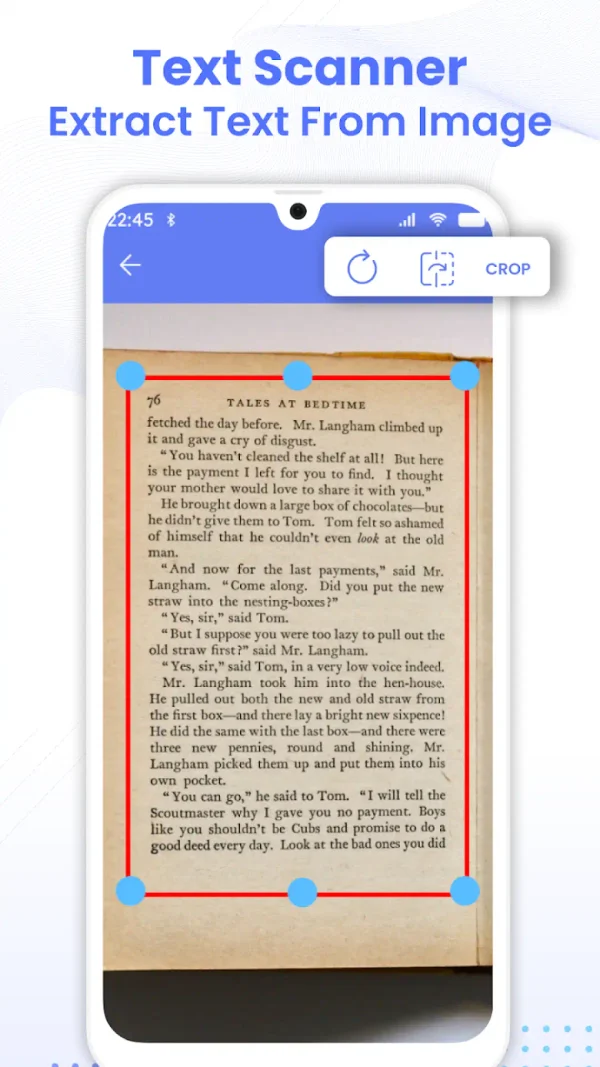
Crop and Adjust: Select the area of the image you want to scan.
Scan and Convert: Tap the scan button to extract text using OCR image to text technology.
Edit and Share: Edit the extracted text as needed and share it via email or social media or save it for later.
Additional Features:
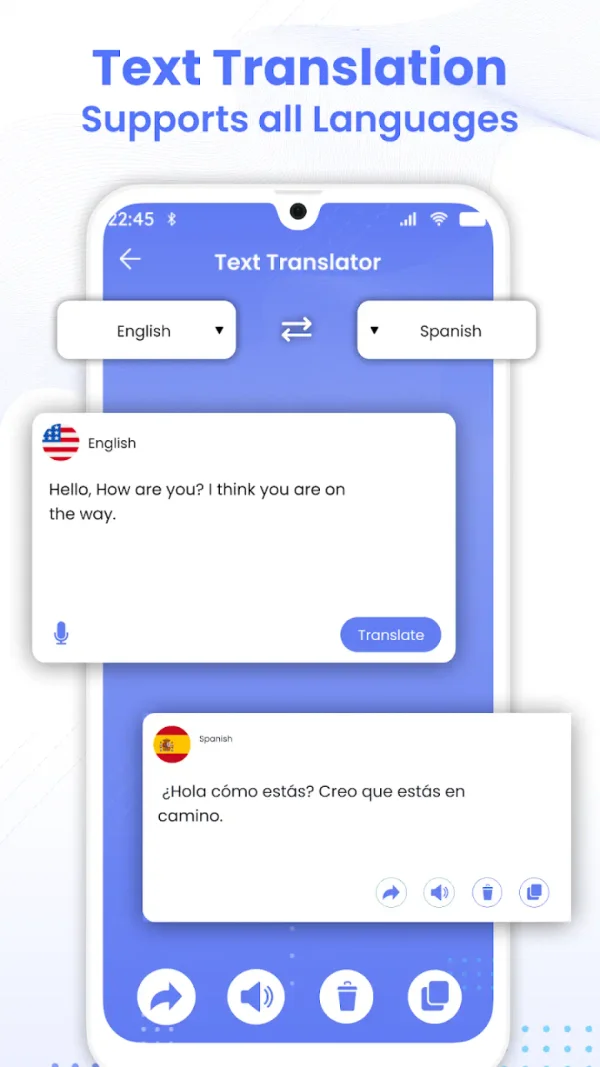
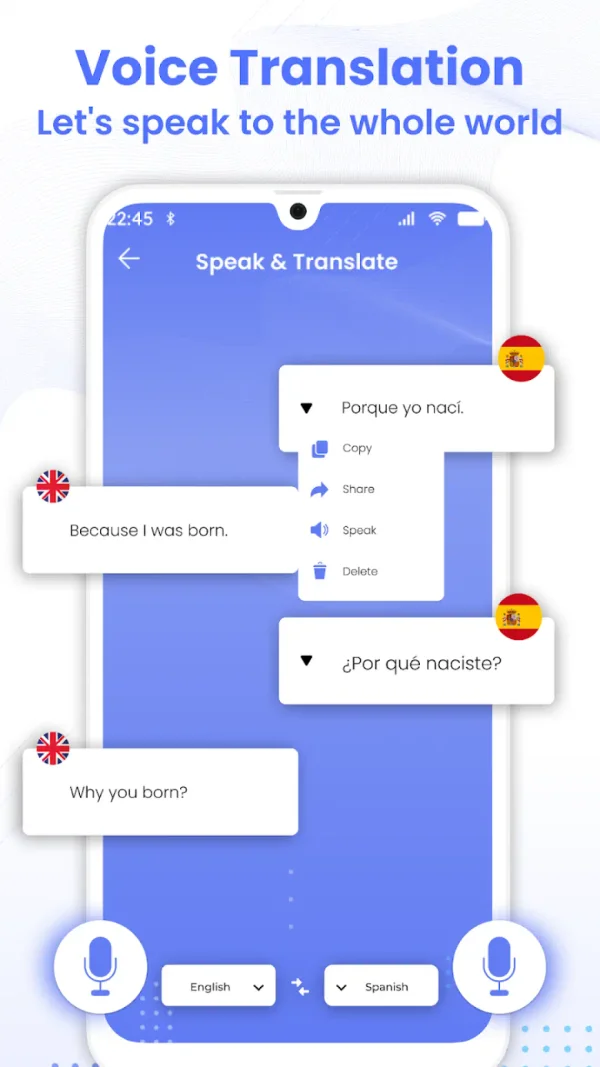
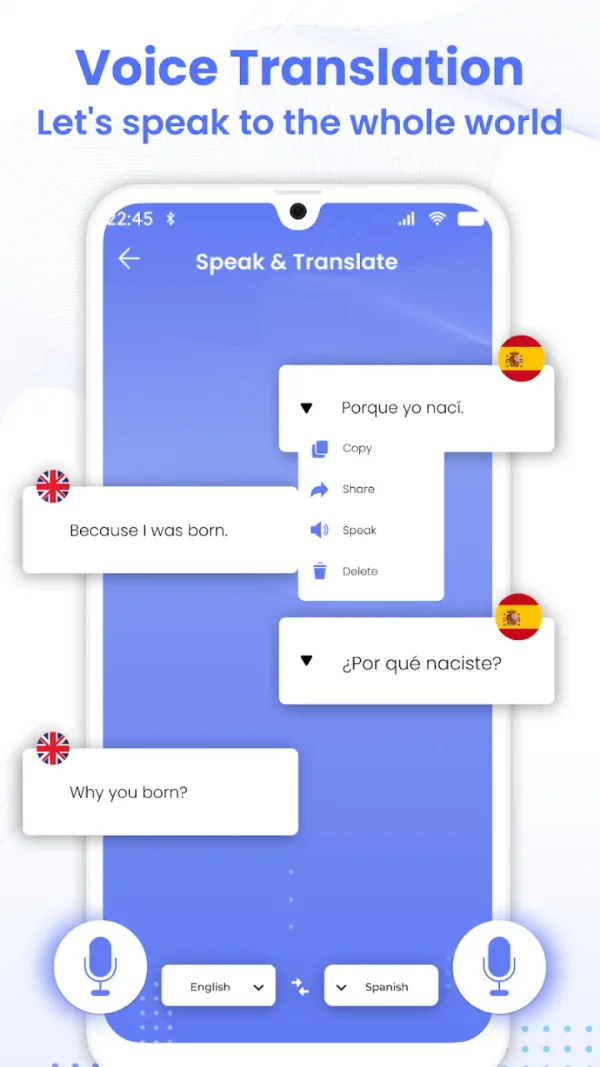
Voice Translator: Translate scanned text into multiple languages with the integrated voice translator.
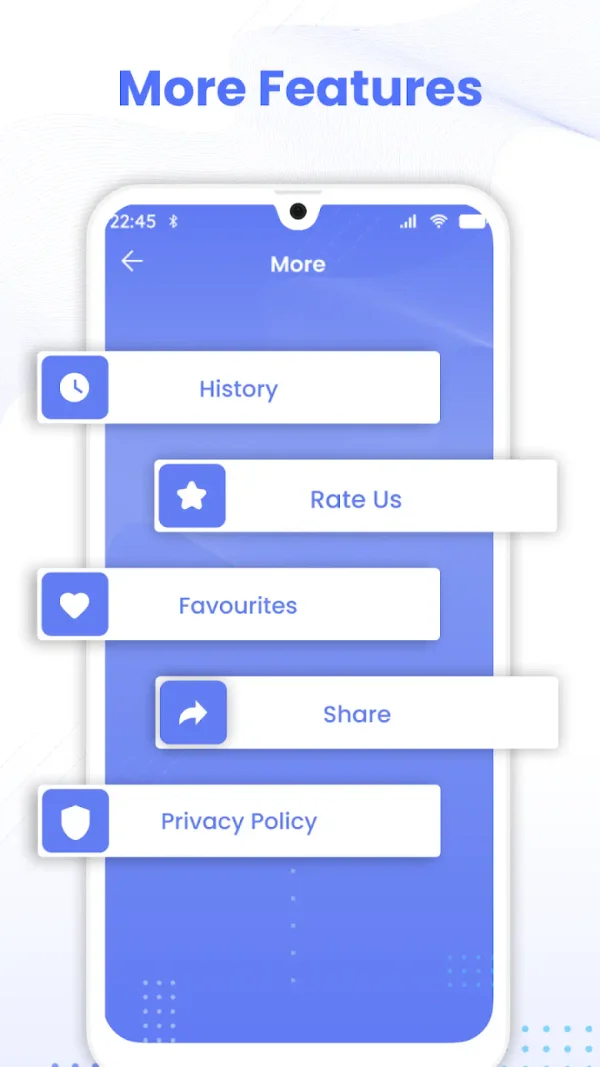
Text History: Access your scanned texts anytime with the history feature.
Favorites: Mark necessary scans as favorites for quick access.
Download Now:
Don't let important information slip away. Download Text Scanner – Image to Text today and experience the convenience of having a powerful text and document scanner in one app.
Join Millions of Satisfied Users:
Join a global community of users who trust Text Scanner – Image to Text for their scanning needs. Experience the difference today!
Privacy and Security:
We value your privacy. All scans are processed on your device, ensuring your data remains secure.
Text Scanner: This photo scanner app is more than just a picture to text app; it's a comprehensive camera scanner designed to enhance productivity and simplify life. With its features, it's the only text scanner app you'll need.
Download now and transform the way you handle documents!
Data safety
What Galaxy studio apps declares on Google Play about the data this app collects and shares.
- This app may share these data types with third partiesDevice or other IDs
- No data collectedLearn more about how developers declare collection
- Data is encrypted in transit
- Data can’t be deleted
Developer contact
- Websitegalaxystudioapps.me
- Emailsupport.textscanner@galaxystudioapps.me
- Privacy policygalaxystudioapps.me
- Address8 The Grn Ste 4184 Dover, DE 19901-3618 United States
Information
- Offered by
- Galaxy studio apps
- Category
- Productivity
- Version
- 2.1.0
- Updated
- Oct 23, 2026
- Released
- Dec 19, 2022
- Requires
- Android 6.0 or later
- Age rating
- Everyone
- Price
- Free
- In-app purchases
- $0.99 - $99.99 per item
- Package name
- com.image.text.ocr.texttranslation