TextArt: Cool Text creator
Quarzo AppsContains ads · In-app purchases
- EveryoneAge rating
- Art & DesignCategory
- Oct 5, 2026Updated
- FreePrice
Links to the official Google Play listing of com.jdpapps.textt1. Last checked on Nov 20, 2026.
Screenshots



About this app
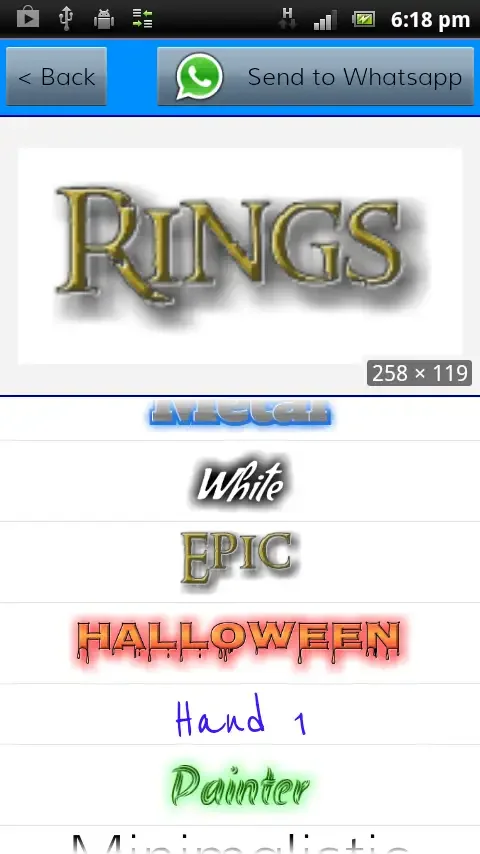
TextArt allows you to create incredible text effects, easily and share it!
TextArt allows you to create incredible text effects, easily and quickly, and share it with your favorite chat app: Twitter, WhatsApp, Line, Talk, WeChat, ChatON, Telegram, or any other chat application.
Amaze all your contacts !!!
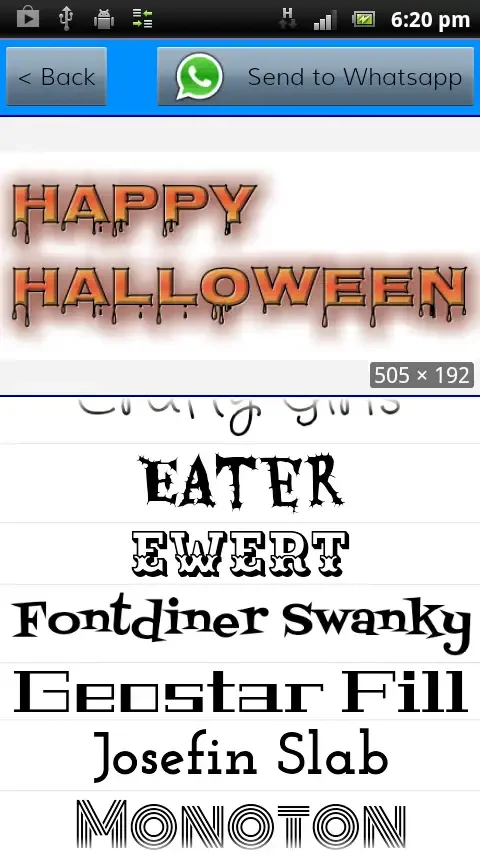
NOTE: TextArt is sent as an optimized image (.jpg compressed or .png). Size in pixels of the resulting images is shown.
USE
○ Step 1: Enter the text to send. Use the [Edit Text] button or just double-click the preview area.
○ Step 2: Select the preset/design that you like.
○ Step 3: Customize the design by changing the font from those available.
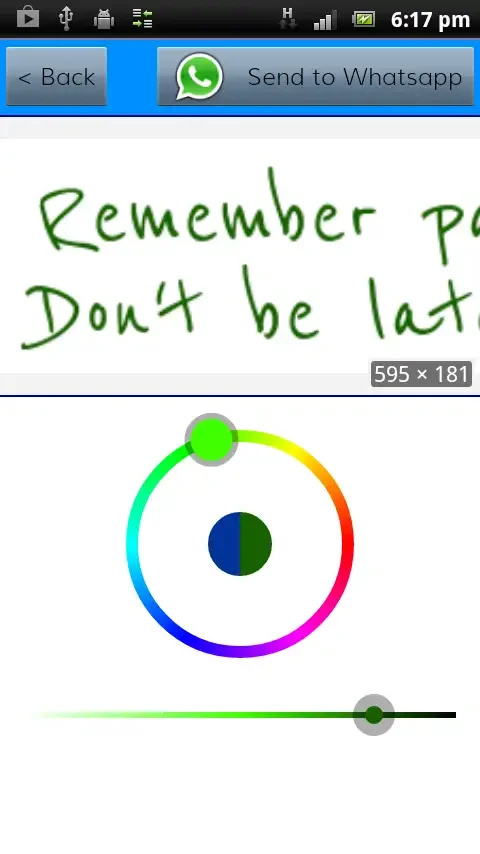
○ Step 4: Change the color of the new design (text and background).
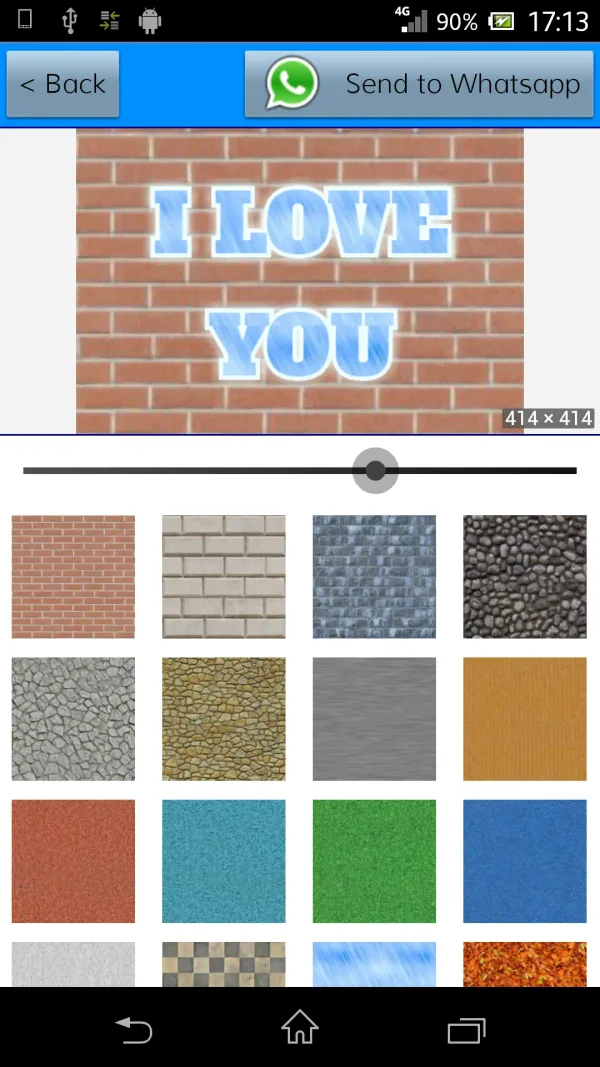
○ Step 5: Set a cool background (built-in textures, solid color, or a custom image)
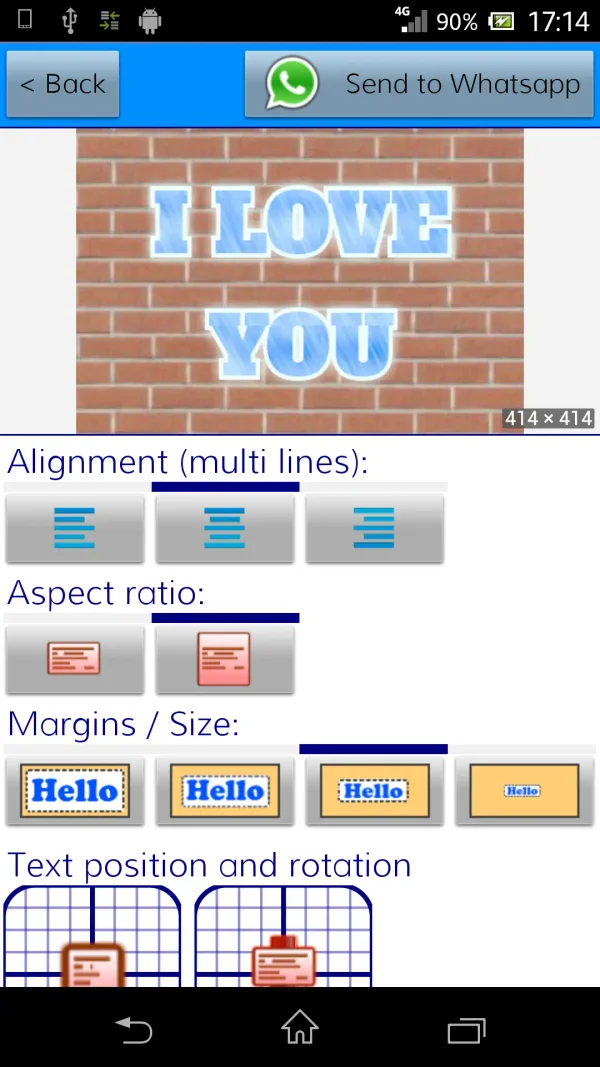
○ Step 6: Change other layout settings: margins, aspect ratio, alignment,...
At any time you can share with your contacts. It will be shared as an image picture.
TIPS AND TRICKS
✔ The preview image allows you to zoom / pan using pinch / drag.
✔ Double-click on the preview image to edit the text
✔ From the settings you can change the configuration of the break-lines and the size of the resulting images.
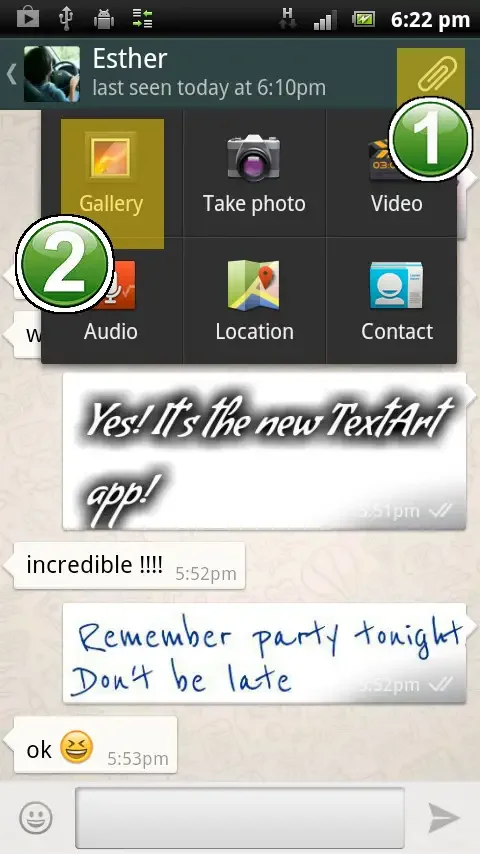
✔ From your favorite chat program, click on the "clip" to attach files, select TextArt and quickly send that creative text to impress your contacts.
✔ Now you can create square images to fit in the profile photo of your favourite chat app: Twitter, Whatsapp, Instagram, ChatON,...
✔ You can create transparent background images.
✔ Tiled back textures available (+35).
✔ In addition to the 37 fonts provided you can add custom fonts (.ttf and .otf files).
CUSTOM FONTS
You must create a folder named \fonts\ inside the existing folder \TextArt\ located in your internal memory or external SD. There you must place all the typeface files.
Supported the .ttf and .otf formats.
LEGAL NOTE:
This application complies with the policies of Google Play content.
This app is created just for the purpose of entertainment, its free and supported only by advertising.
Permissions required :
- INTERNET : To access the advertising banners (Google AdMob)
- EXTERNAL MEMORY SD : Used to save and share the images created. Images are saved in the [TextArt] folder of the external memory.
Fonts used:
All fonts used in the app comply the following open license: SIL OPEN FONT LICENSE Version 1.1.
If the owner of any of the fonts included en the application wants to remove it, just send us an e-mail and we will do it as soon as possible.
★★★★★
Enjoy!
For any comments or suggestions, please send an e-mail to:
jdpapps@gmail.com
@jdpapps
Data safety
What Quarzo Apps declares on Google Play about the data this app collects and shares.
- This app may share these data types with third partiesApp activity, App info and performance, and Device or other IDs
- This app may collect these data typesApp activity, App info and performance, and Device or other IDs
- Data is encrypted in transit
- Data can’t be deleted
What’s new
Version 1.3.6 · Oct 5, 2026
◉ Support for new Android devices.
◉ Increased resolution.
◉ Bugfixes.
Developer contact
- Websitequarzoapps.com
- Emailhola@quarzoapps.com
- Privacy policyquarzoapps.com
- AddressCALLE JUPITER 16 28229 VILLANUEVA DEL PARDILLO Spain
Information
- Offered by
- Google Commerce Ltd
- Category
- Art & Design
- Version
- 1.3.6
- Updated
- Oct 5, 2026
- Released
- Aug 6, 2013
- Requires
- Android 7.0 or later
- Age rating
- Everyone
- Price
- Free
- In-app purchases
- $4.49 per item
- Package name
- com.jdpapps.textt1
Similar apps
-
 Fonty - Draw and Make Fonts
Art & Design
-
 Hitext: Add Text & Story Font
Art & Design
-
 Lensa: AI photo editor, camera
Photography
-
 Fluer: AI Design, Photo, Video
Productivity
-
 Retro — Photos with Friends
Photography
-
 AI Photo Editor: AI Expand
Art & Design
-
 Photone - Grow Light Meter
Tools
-
 Logo Maker : Easy Logo Creator
Art & Design
-
 PicWish: AI Photo Editor
Photography
-
 GuruShots: Photo Game
Photography
-
 Logo Maker Shop : Generator
Art & Design
-
 Poster Maker - AI Flyer Design
Art & Design