Time Clock: Work Time Tracker
Time Squared (TSQ Publishing Corp.)In-app purchases
- EveryoneAge rating
- BusinessCategory
- Nov 22, 2026Updated
- FreePrice
Links to the official Google Play listing of co.timesquared.timetracker. Last checked on Nov 23, 2026.

Screenshots

About this app
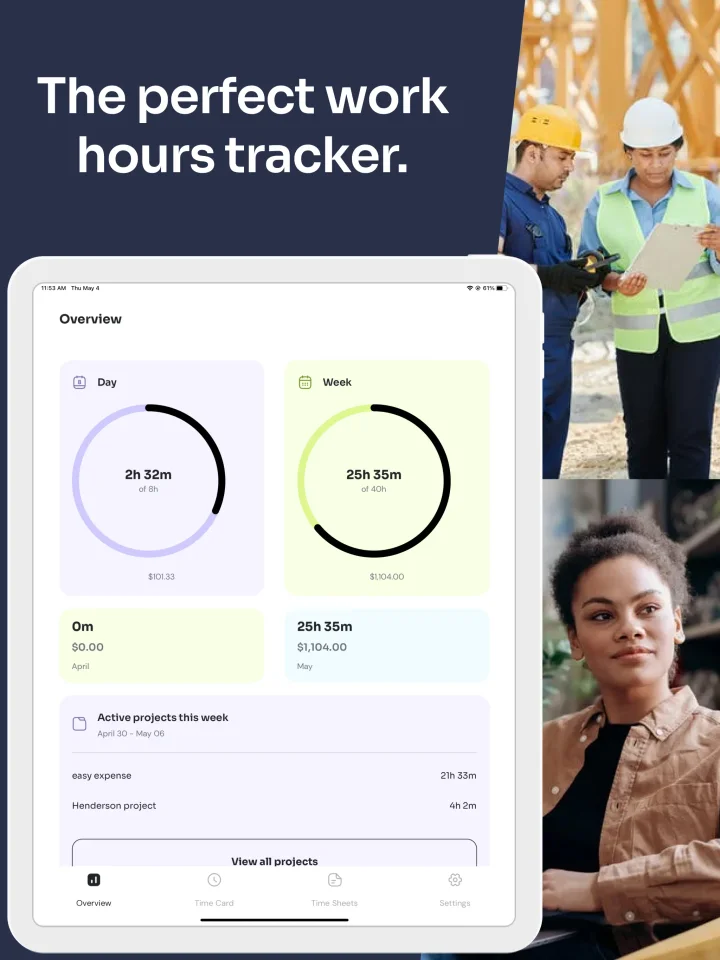
Clock in with work hours tracker or simply add your time cards. Nice & easy
Track Your Time Efficiently with Time Squared Work Hours Tracker
😁 Streamline paperwork and focus on what matters – getting compensated for your efforts!
⏱ Seamlessly log your work hours with our efficient tracker for both single and multiple jobs.
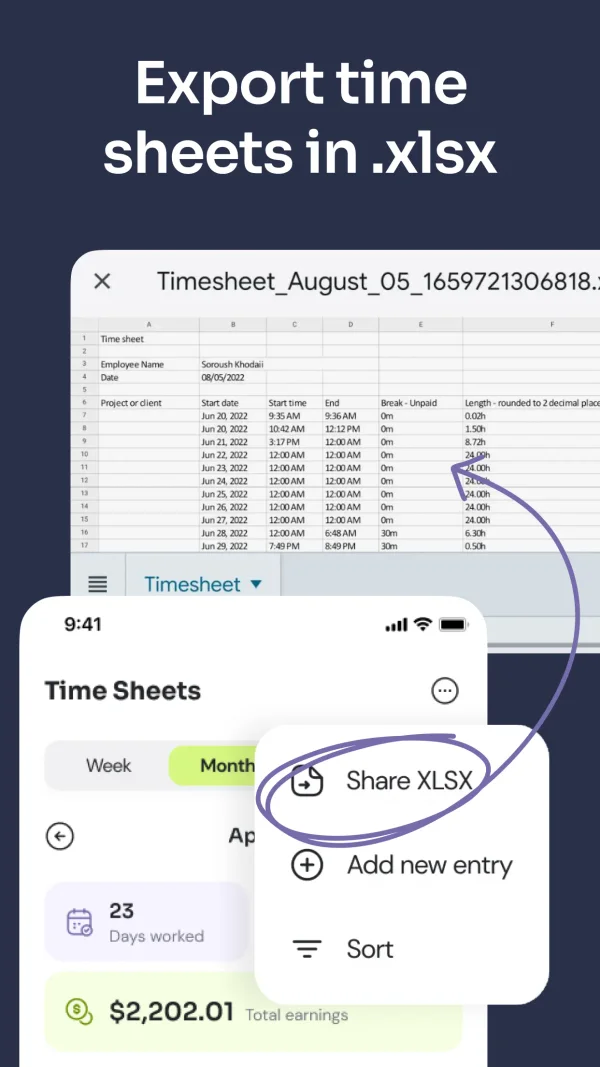
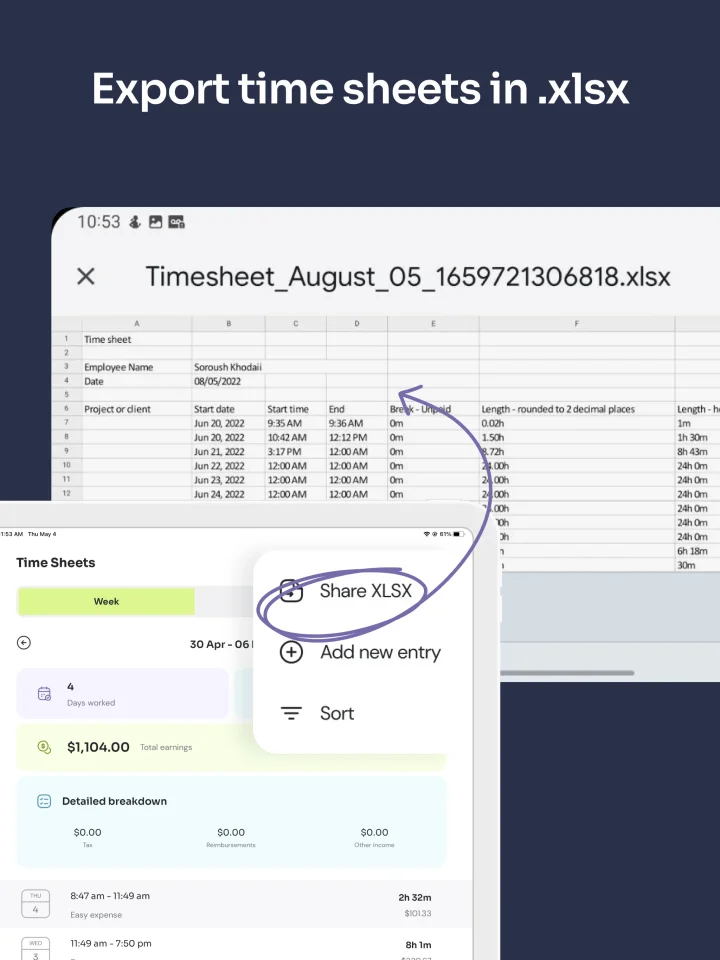
📅 Create and share timesheets in a matter of seconds, conveniently in CSV format.
⛅ Enjoy peace of mind with secure backups through cloud synchronization.
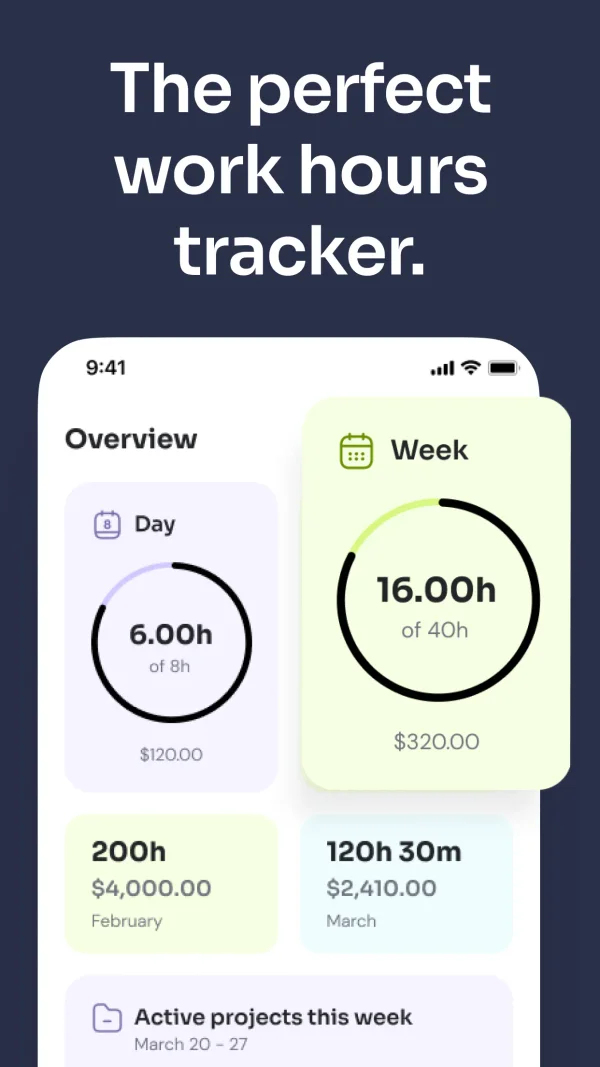
💰 Gain clarity on your earnings with real-time estimates as you track your time.
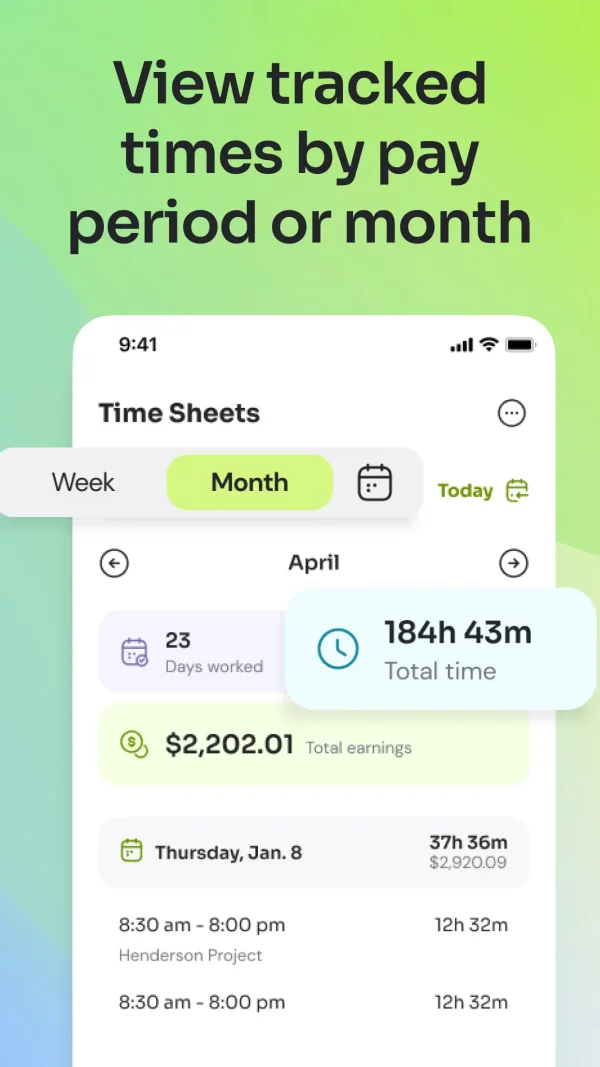
📚 Stay organized with instant access to weekly and monthly reports.
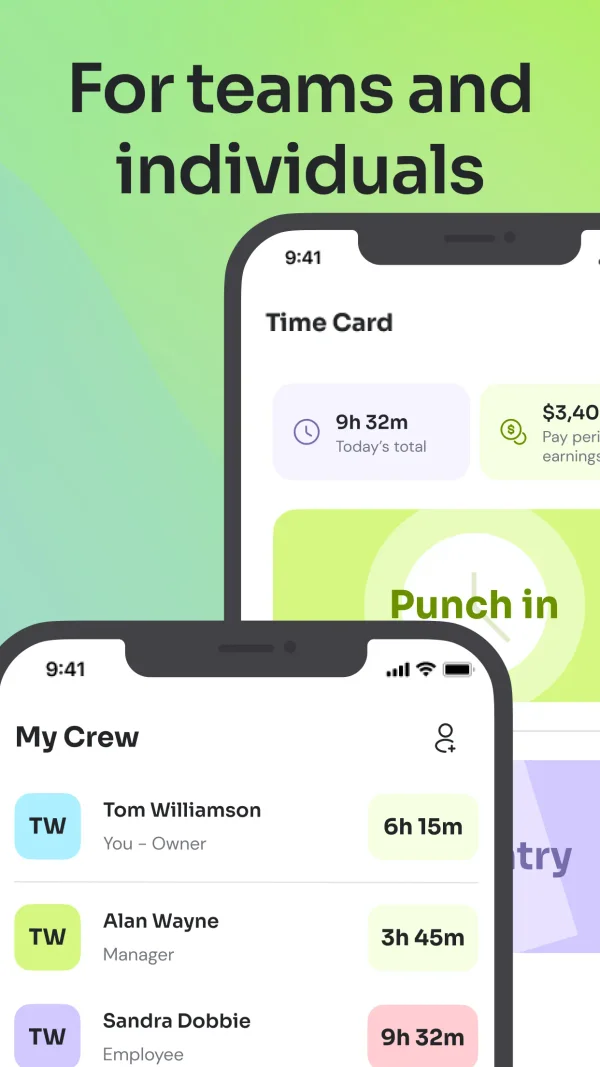
Designed for Small Businesses and Individuals
Small Business Solutions
Simplify payroll and billing with Time Squared:
- Access employee times anytime, eliminating the need for paper time sheets.
- Slash bi-weekly payroll hours by transitioning to Time Squared.
- Safeguard historical records with easy-to-retrieve time entries and change history.
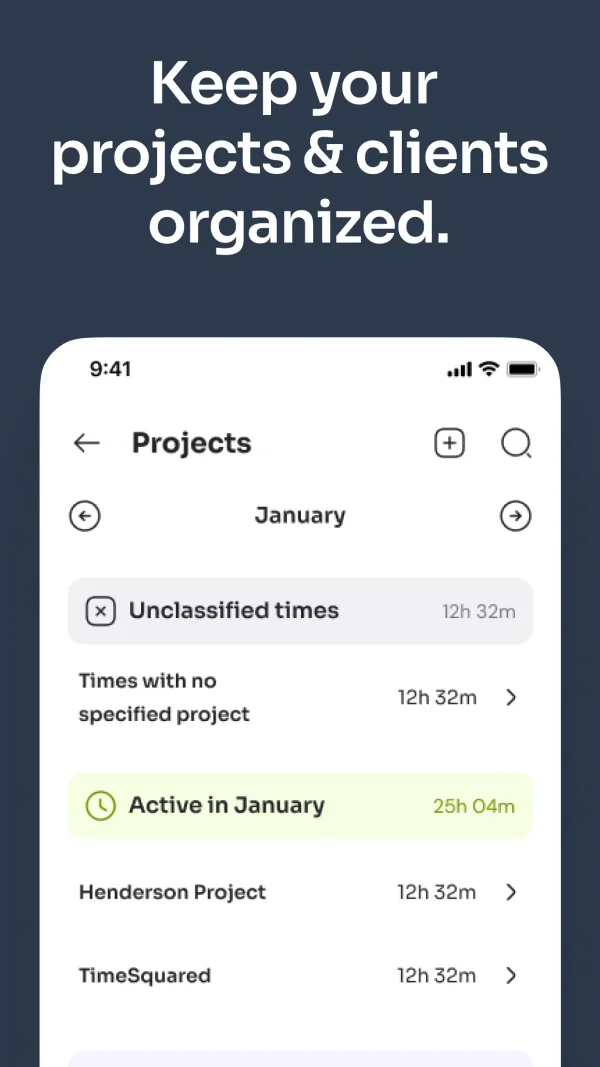
- Simplify billing by tracking detailed job-specific time spent.
- Enable GPS location logging for clock-ins and clock-outs.
For Individuals
The ultimate work hours tracker for:
- Employees monitoring their work hours.
- Freelancers and sole proprietors tracking hourly work.
- Say goodbye to cumbersome paper timesheets.
- Preview your projected earnings.
- Share timesheets effortlessly with clients or employers.
Perfect for professionals with multiple clients or jobs, such as tradespeople, self-employed individuals, and small business owners, enabling accurate invoicing.
The Ultimate Work Time Keeper
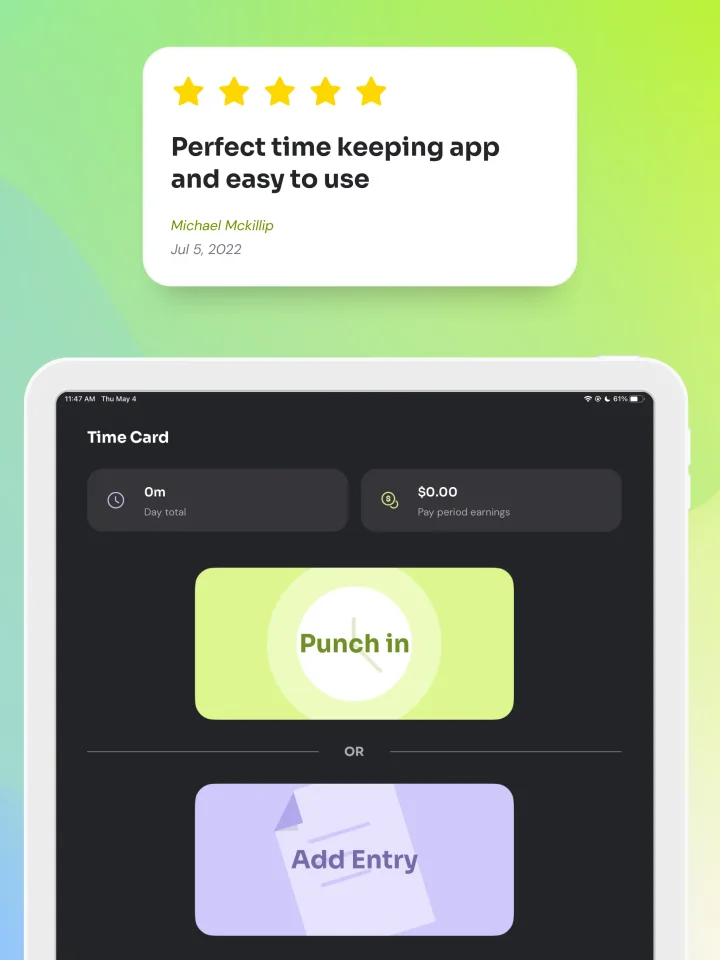
Time Squared offers two time tracking methods: the time clock (hours tracker) and manual time card entries.
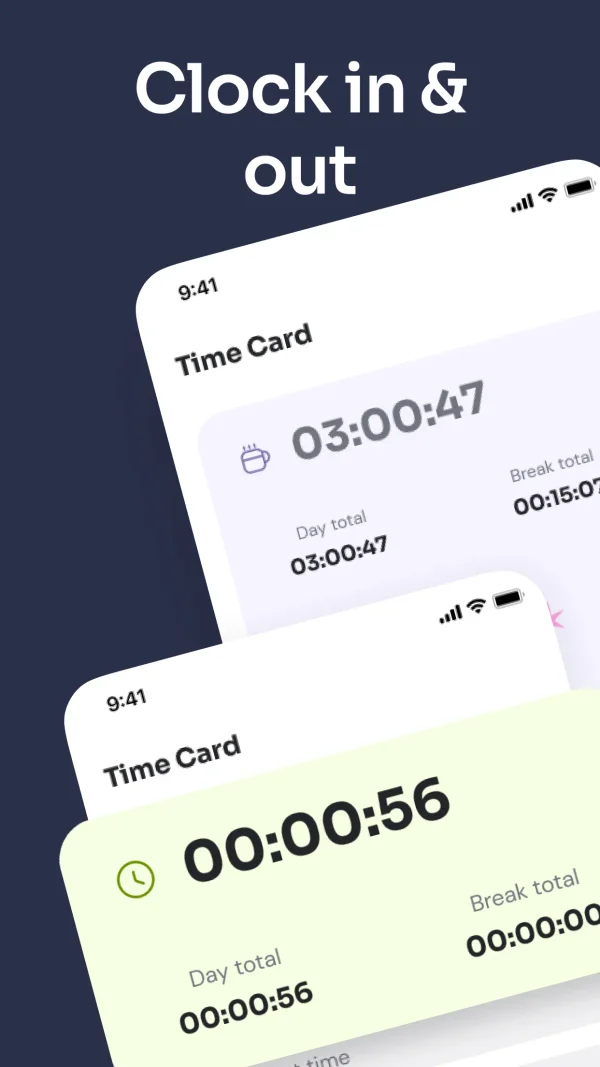
Time Clock
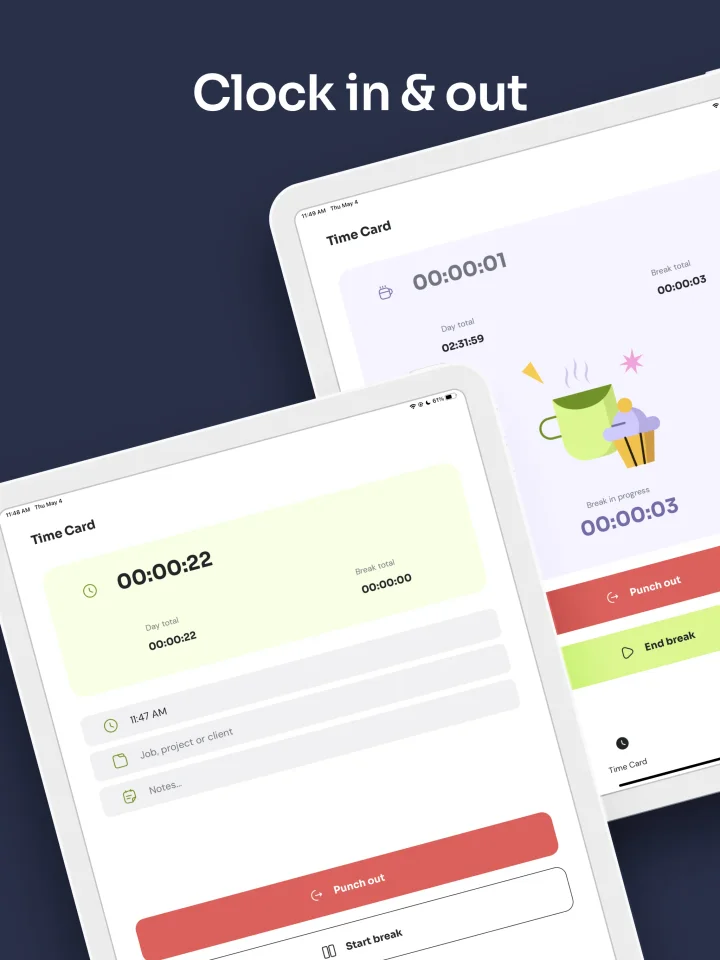
Clock in and out effortlessly with a single tap. Add tags, notes, and breaks on-the-fly.
Even adjust clock-in times – we understand the occasional morning rush!
Access the widget for quick clock-ins, no app launch needed.
Set up reminder notifications 🔔 for added convenience.
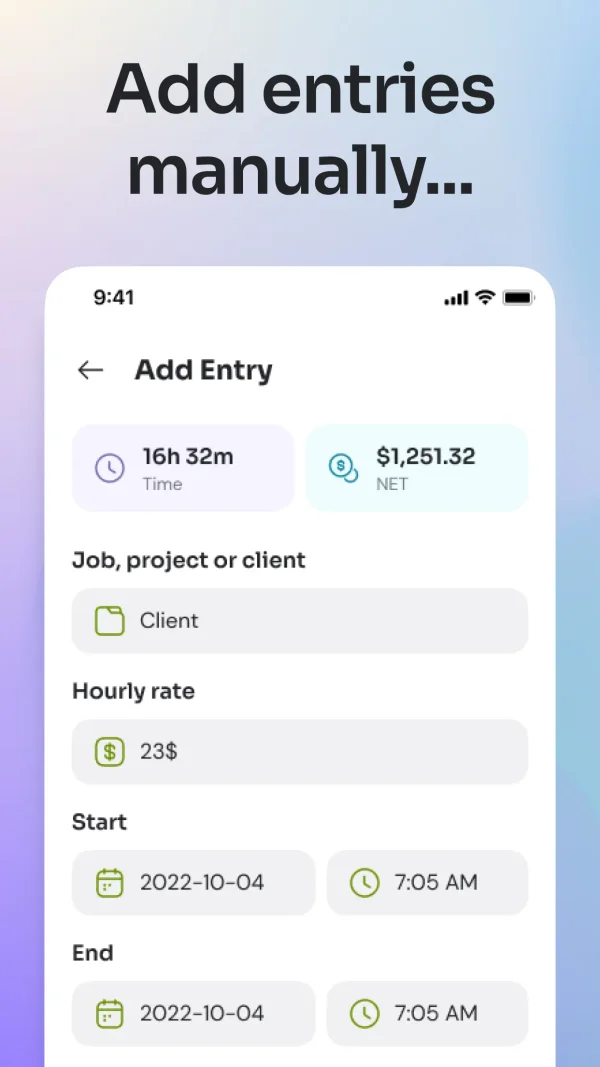
Time Cards
Prefer adding hours at the end of the day or week? Or planning ahead with time cards?
No worries!
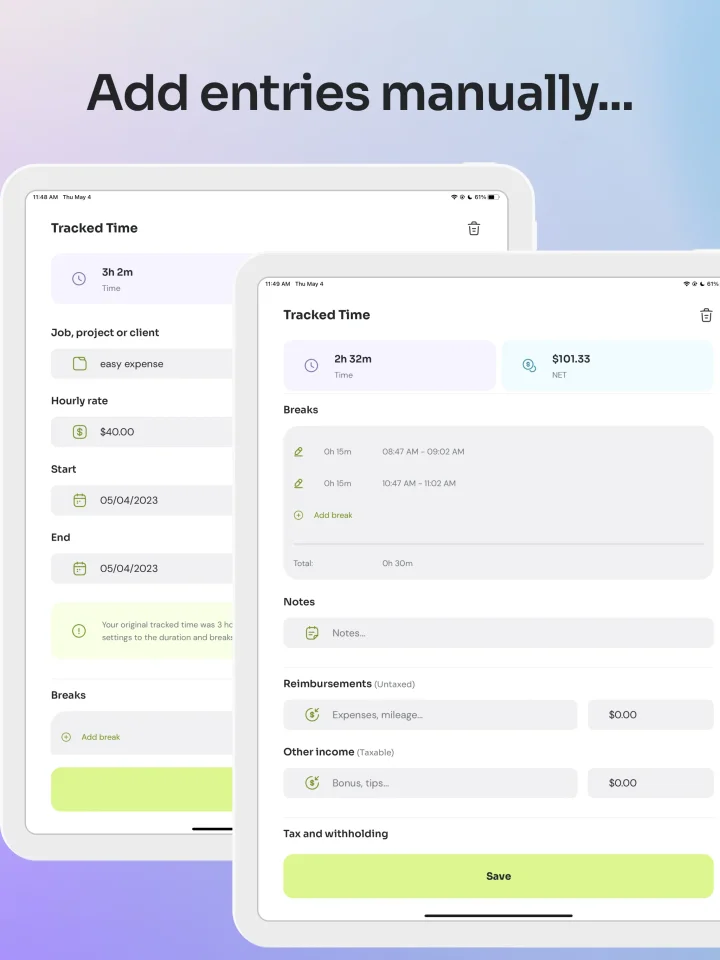
Simply enter time manually 📄.
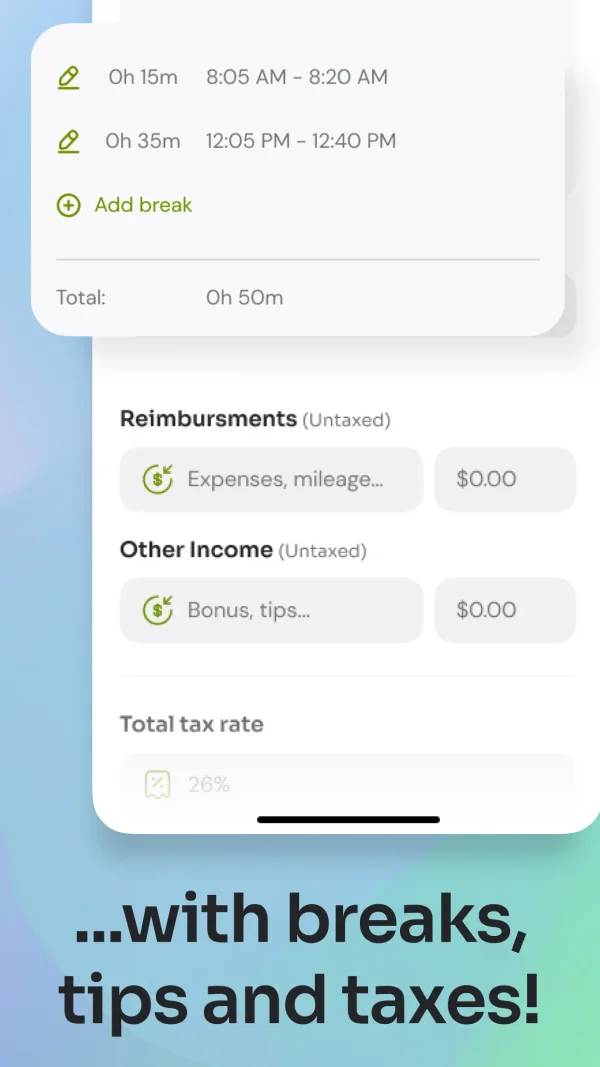
Customize all aspects, including:
➖ Start and end times
➖ Breaks
➖ Reimbursements and deductions
➖ Notes
➖ Taxes and deductions
Effortless Time Saving and Information Reuse
Save clients, projects, and hourly rates for automatic reuse.
Opt for a default break on new time cards.
Your Ideal Timesheet Solution 💘
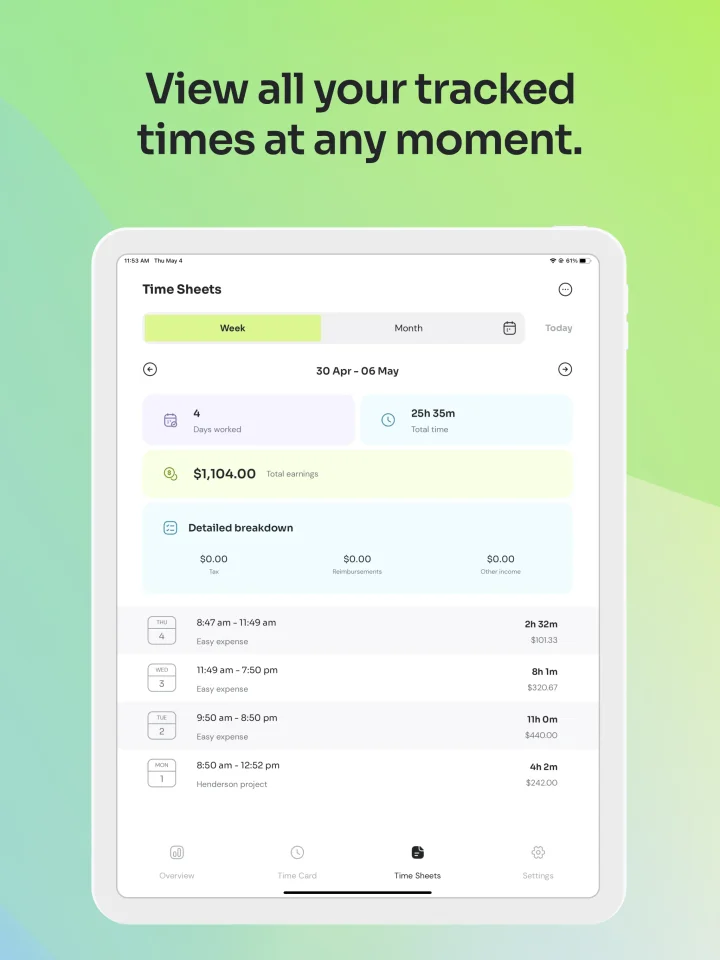
As you log hours, automated weekly and monthly reports are prepared.
If you've set overtime or a pay period, reports adjust accordingly.
Select a period, click 'Generate Report,' and receive a spreadsheet timesheet – perfect for payroll, invoicing, or record keeping.
Share as an attachment via email, text, or messaging apps. Also compatible with Excel, Sheets, and OpenOffice.
For Google Drive or Dropbox users, save timesheets directly to your cloud services.
Effortless and Secure Time Tracking
Your time cards are securely stored and cloud-backed.
Access your data across devices, including iOS.
👌 Stay worry-free about your work and payment!
Unexpected phone restarts or battery drain while tracking? No problem – your clocked-in status and time tracking remain unaffected!
This data is retained solely for your timesheet reference and isn't used for any other purpose by us.
Data safety
What Time Squared (TSQ Publishing Corp.) declares on Google Play about the data this app collects and shares.
- This app may share these data types with third partiesDevice or other IDs
- This app may collect these data typesLocation, Personal info and 4 others
- Data is encrypted in transit
- You can request that data be deleted
What’s new
Version 3.5.1841 · Nov 22, 2026
New: Schedule & Calendar
• See your tracked times on a calendar and add or edit shifts
• Managers can assign shifts; the team gets email and push alerts
• Settings is now at the top right of Overview
• Invite teammates with a QR code
• Export entries to PDF
• Show entries in your current time zone
• Fixes for offline tracking, geofencing, automatic breaks, widgets and log-in
• Security updates
Developer contact
- Websitetimesquared.co
- Emailsuccess@timesquared.co
- Privacy policytimesquared.co
- Address250-997 Seymour St Vancouver, BC V6B 3M1 Canada
Information
- Offered by
- Time Squared (TSQ Publishing Corp.)
- Category
- Business
- Version
- 3.5.1841
- Updated
- Nov 22, 2026
- Released
- Jan 15, 2019
- Requires
- Android 7.0 or later
- Age rating
- Everyone
- Price
- Free
- In-app purchases
- $0.99 - $179.99 per item
- Package name
- co.timesquared.timetracker
Similar apps
-
 Halter
Business
-
 Zenze- Block Apps,Stay Focused
Health & Fitness
-
 AppClose: Co-Parent Essentials
Parenting
-
 149 Live Calendar & To-Do List
Productivity
-
 Map My Ride With GPS Tracker
Health & Fitness
-
 CrowdHealth
Health & Fitness
-
 Roomvu
Productivity
-
 Daypad - Simple Time Tracker
Productivity
-
 Authenticator App - OneAuth
Tools
-
 Atto: Time Tracking & Shifts
Productivity
-
 Toggl Track - Time Tracking
Productivity
-
 King Soopers
Shopping