TIME TIMER for ANDROID
Time Timer LLCIn-app purchases
- EveryoneAge rating
- EducationCategory
- Mar 18, 2026Updated
- FreePrice
Links to the official Google Play listing of com.timetimer.android. Last checked on Nov 13, 2026.

Screenshots
About this app
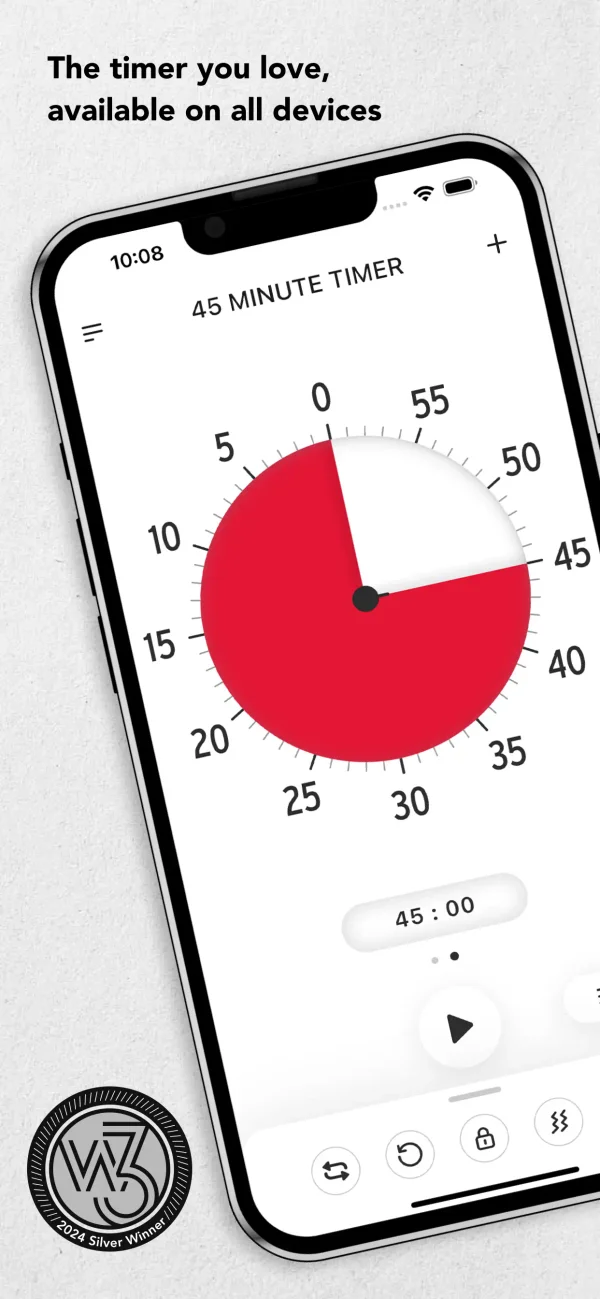
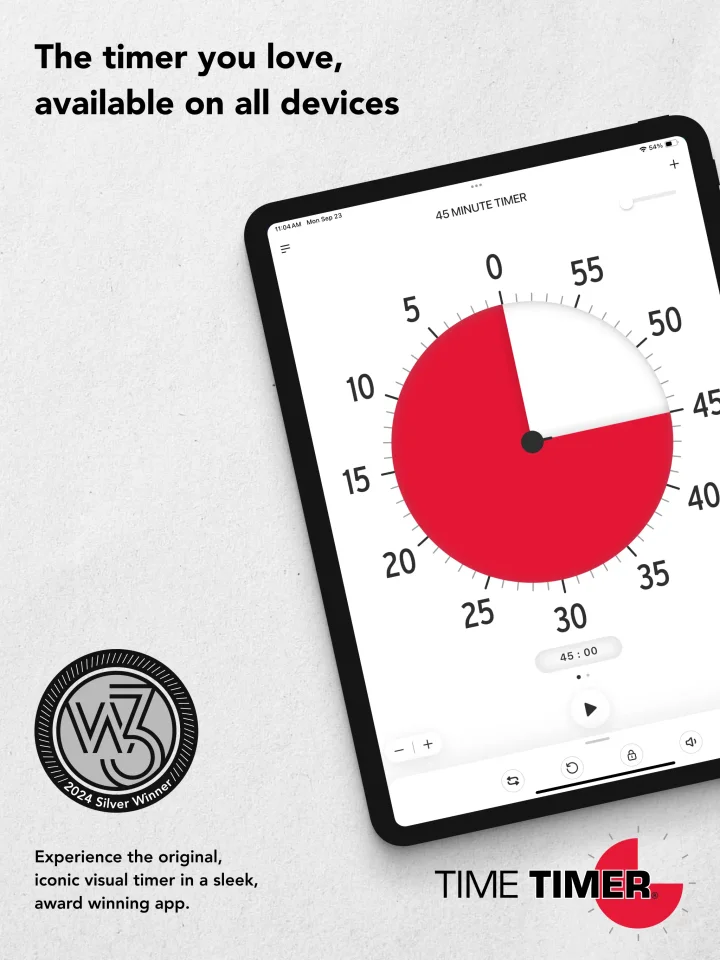
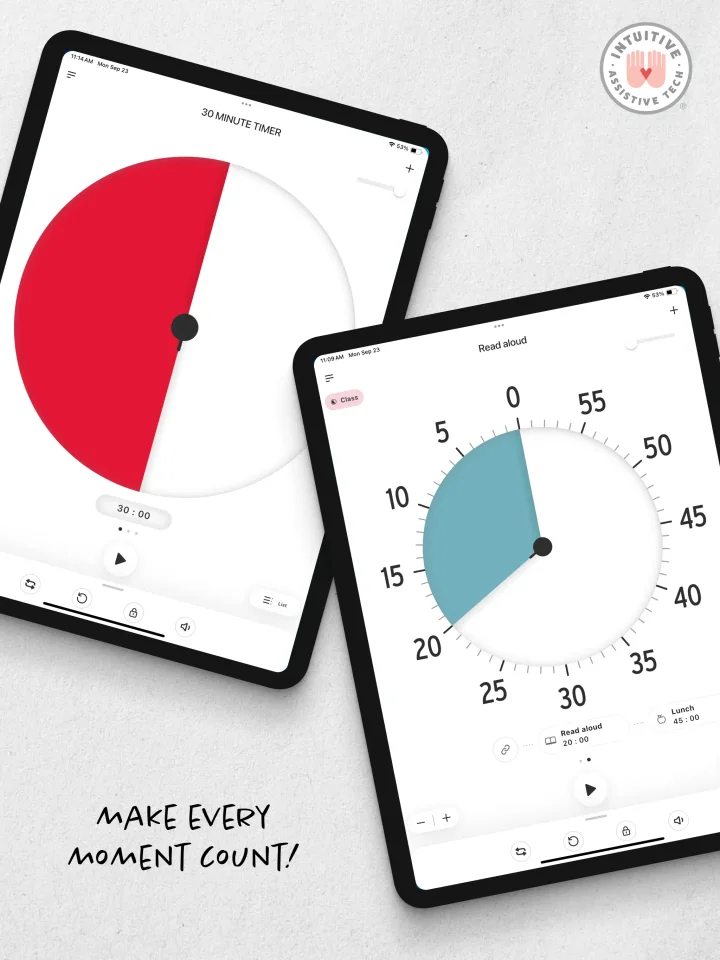
A unique visual timer that helps people better understand the passage of time.
*NEW & IMPROVED* - The Time Timer for Android App is finally stable! We listened and delivered a rebuilt app. It now has the same levels of quality, performance and function that have helped define the award-winning Time Timer brand for nearly 20 years. We sincerely appreciate your feedback, loyalty and patience! Thank you.
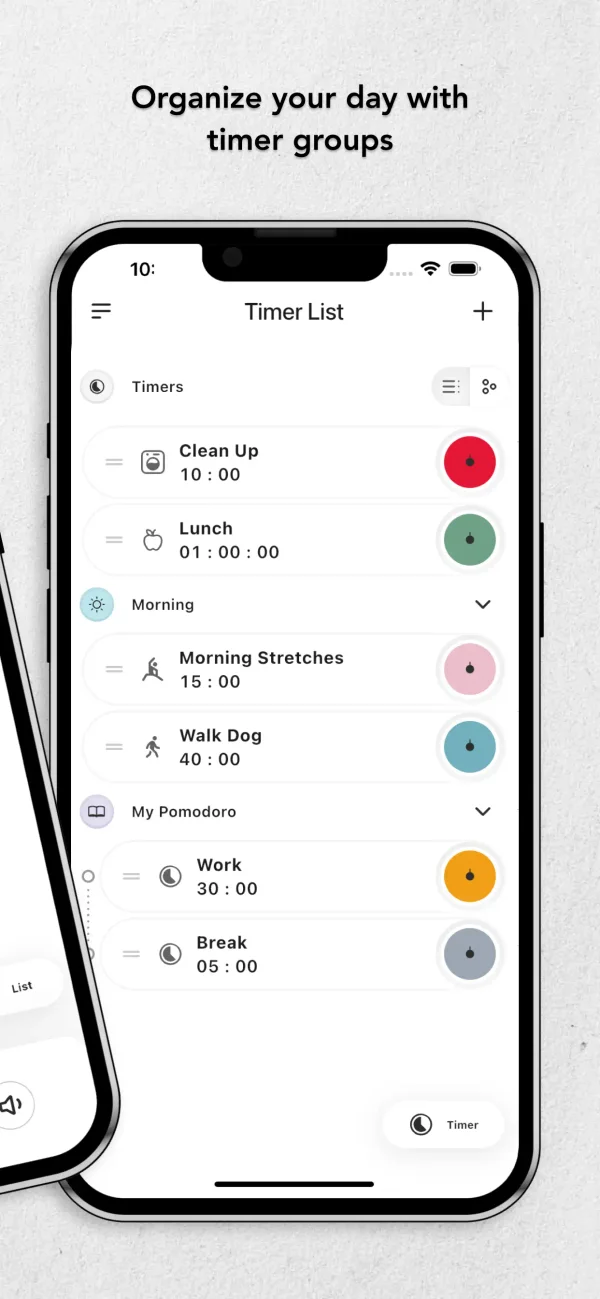
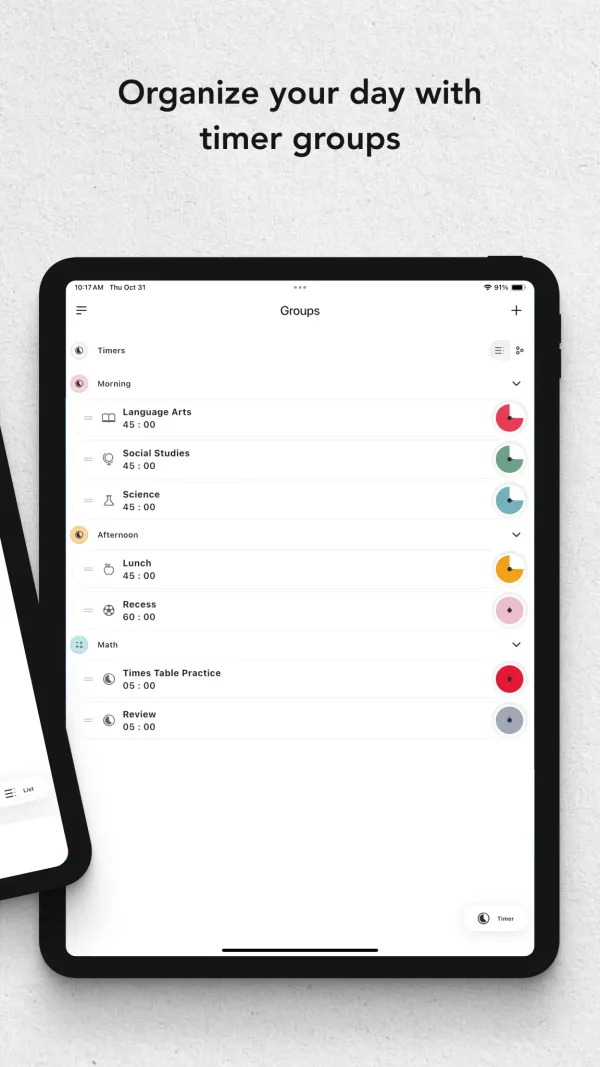
Use the Time Timer for Android App to create and save timers for the activities you do every day, like morning routines, meetings, projects and children's activities, or quickly customise a new Timer whenever you need it.
Recommended by experts in education, professional organising, healthcare, ADHD/ Autism and parenting, this App is packed with features:
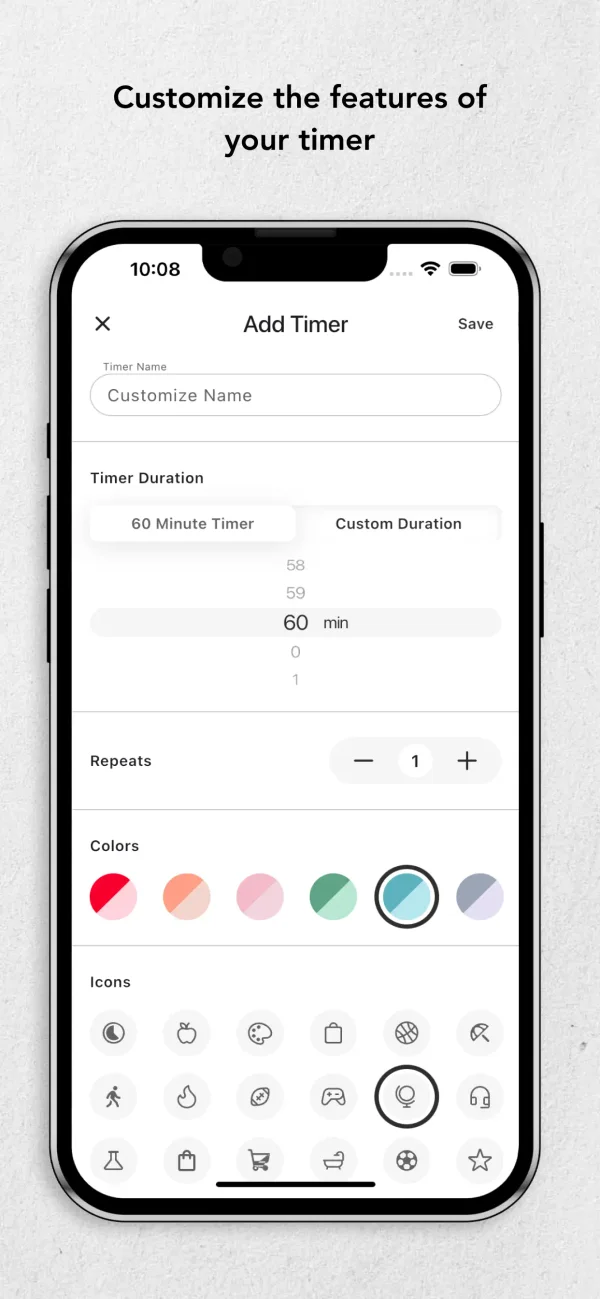
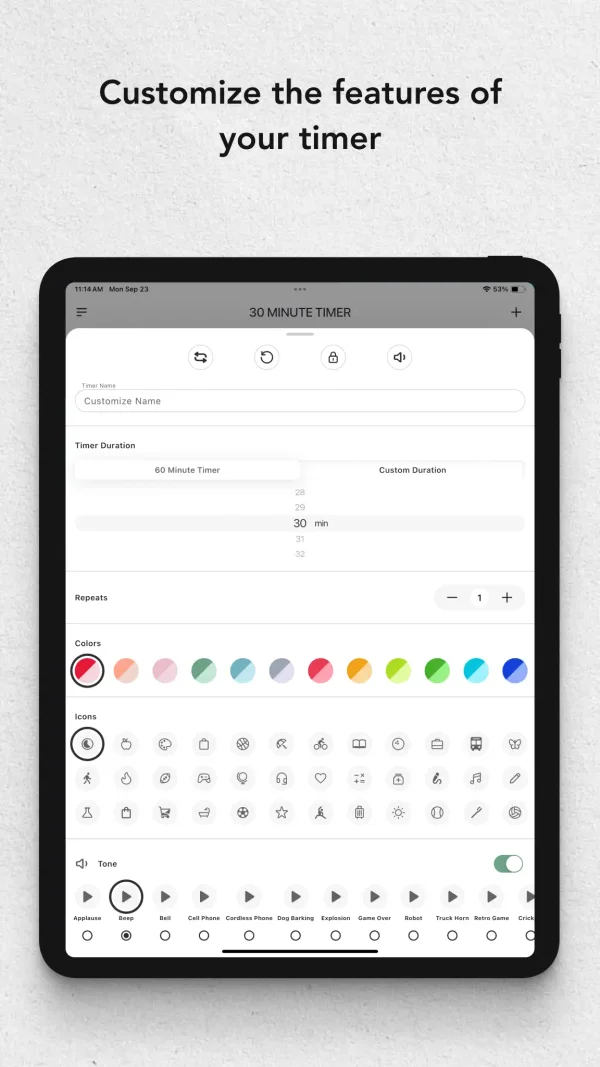
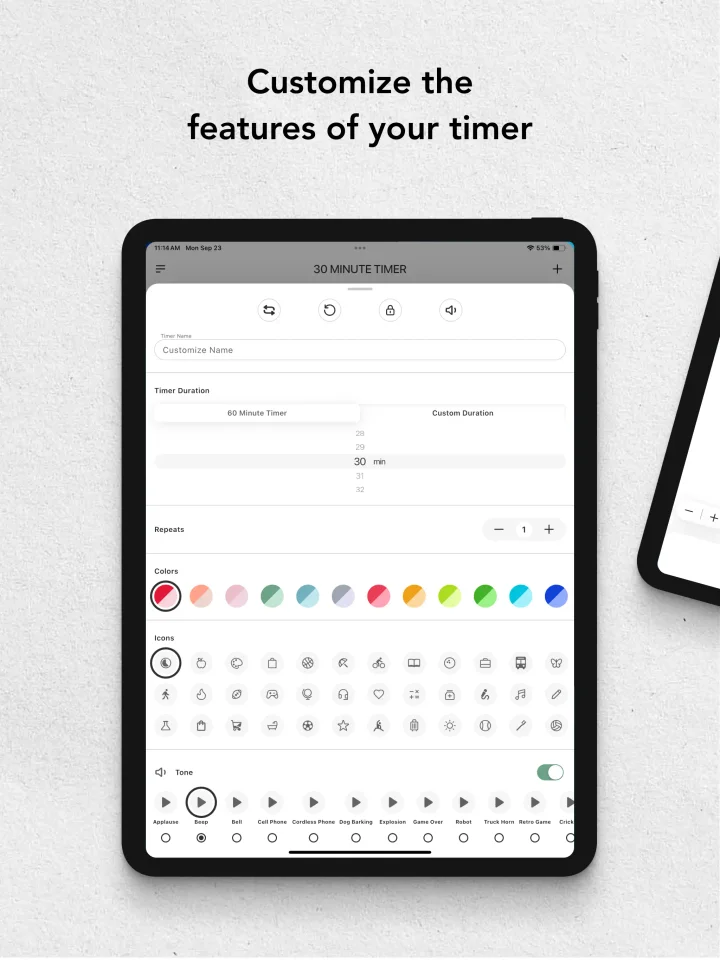
--Name and customise your Timers.
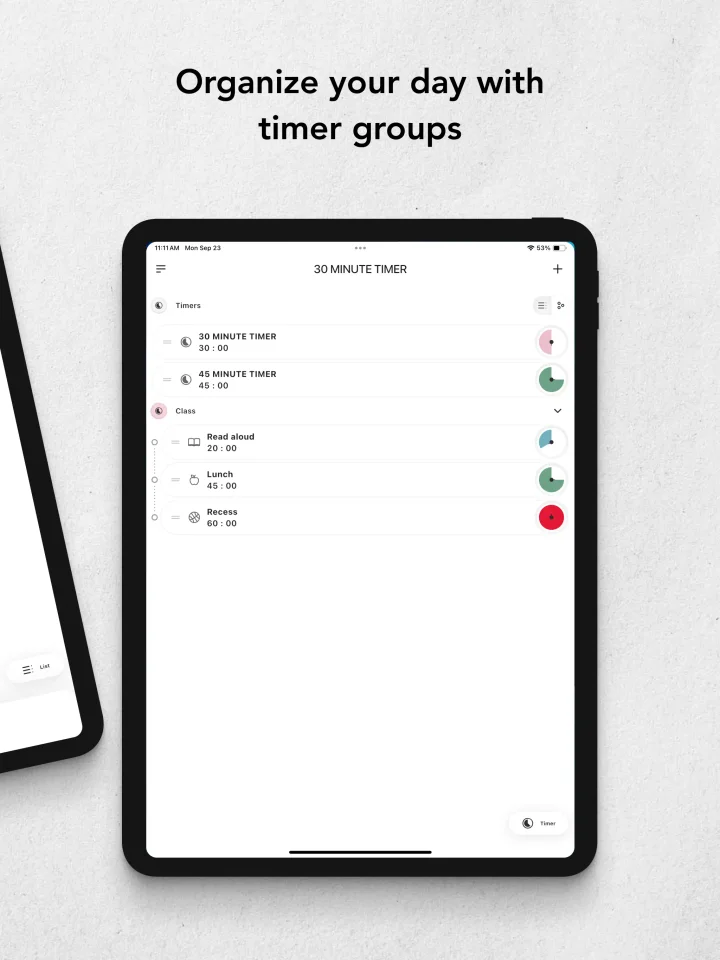
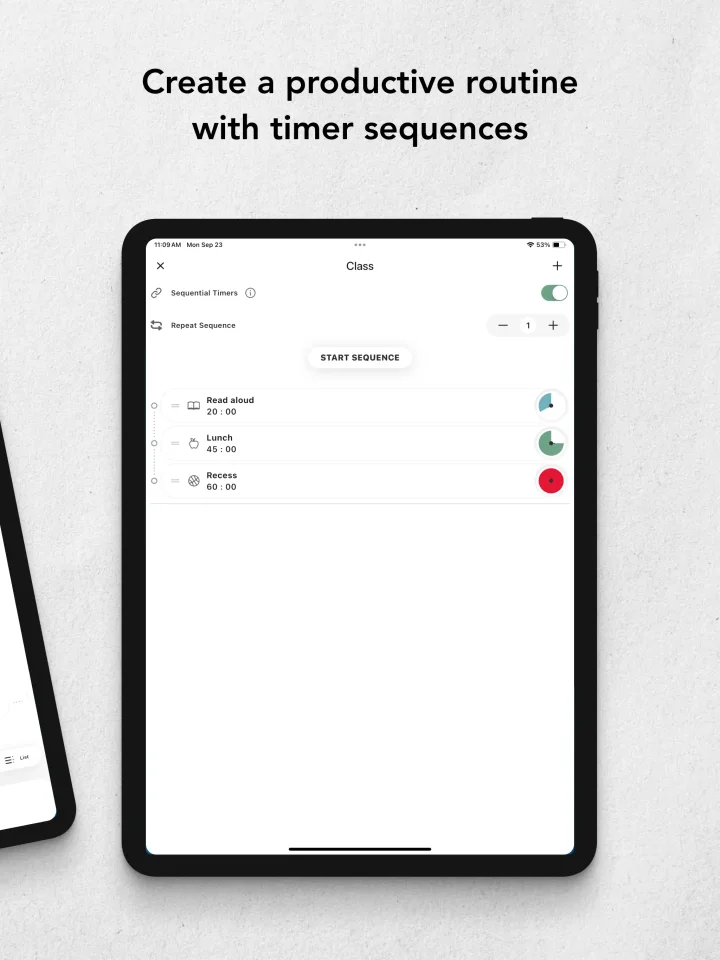
--Save Timers to use again.
--Use Quick Start to create a Timer in seconds.
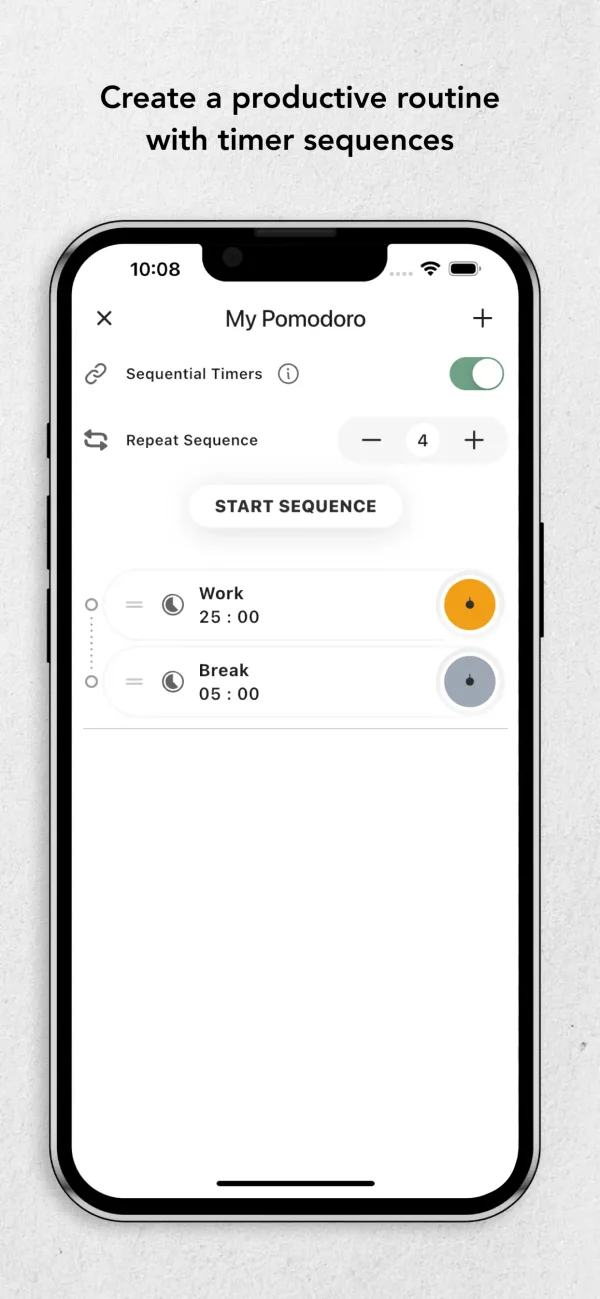
--Automatically repeat timers up to 16 times.
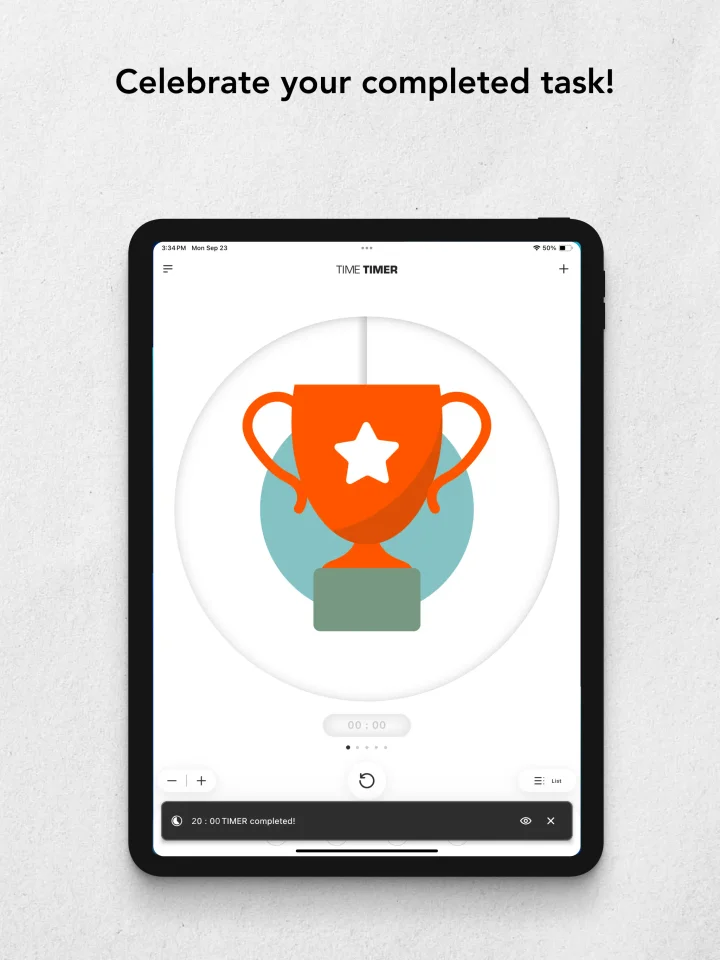
--Choose alarm or vibrate to signal time is up.
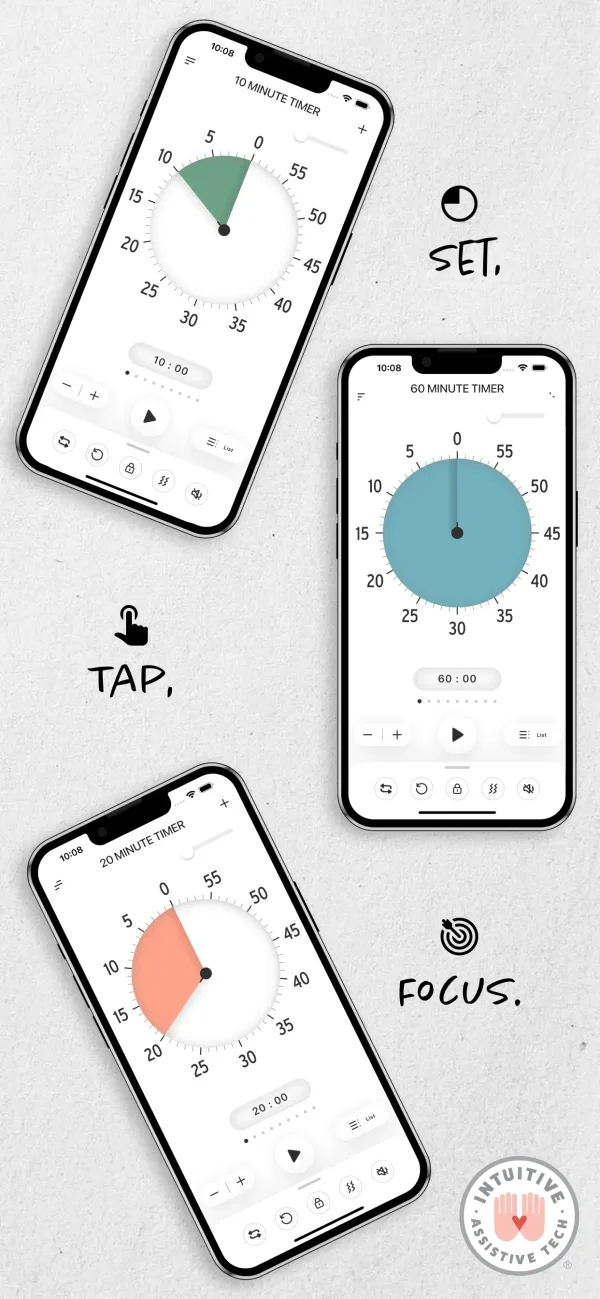
--View each Timer full-screen – or see up to four at once.
--Ability to display time digitally.
--Awake Mode prevents device falling asleep while Timers are running!
There are Three Timer Modes:
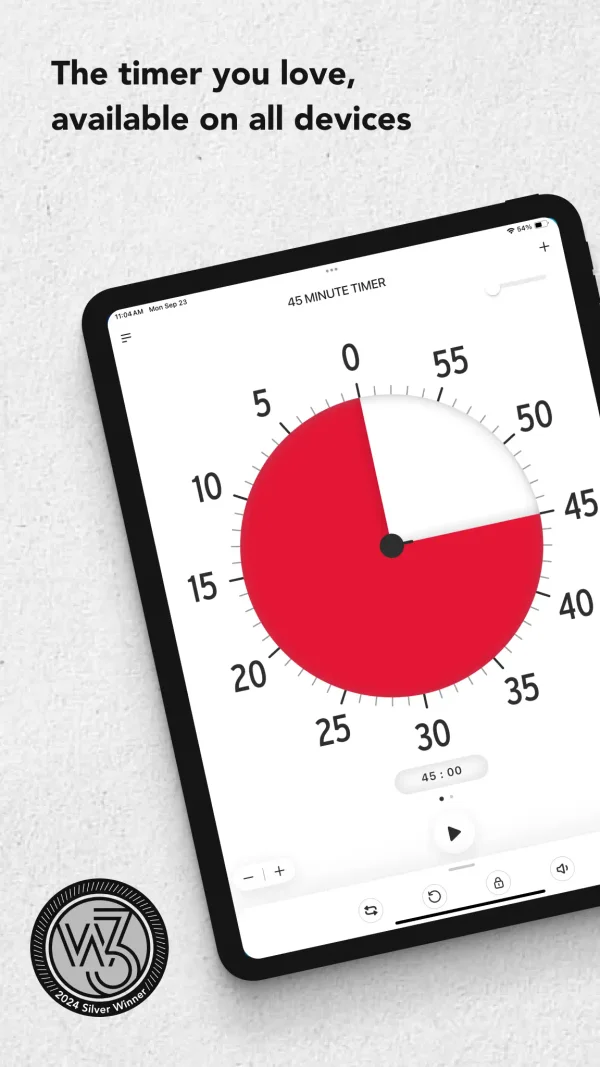
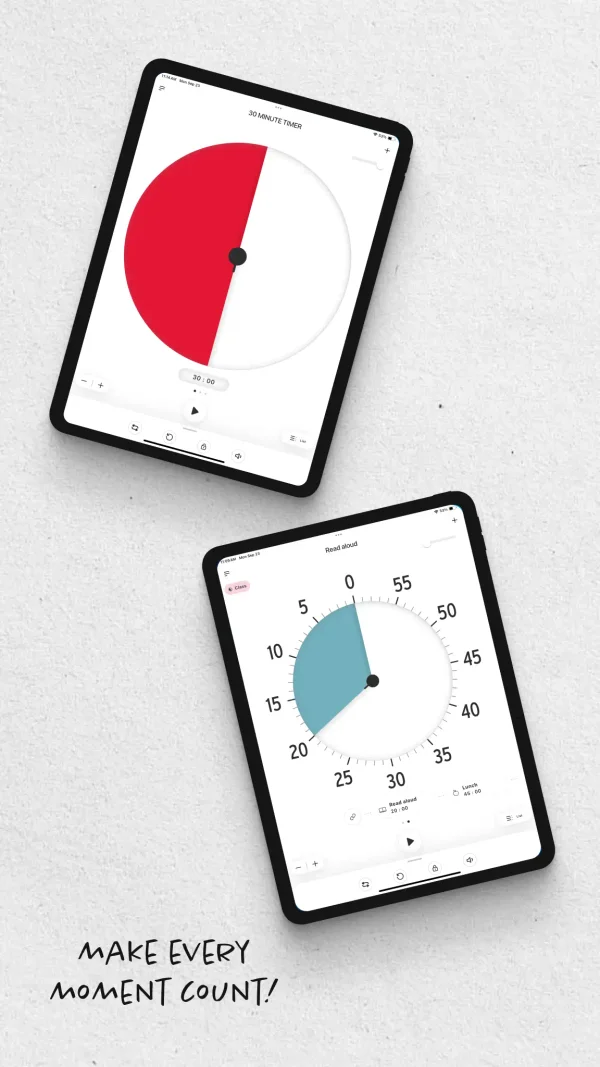
--Original (60-minute) Timer: The red disk represents 60 minutes.
--Custom Timer: The disk represents any amount of time – seconds, minutes or hours. (Perfect for interval sessions!)
--Clock: The disk appears on a clock face.
Use the Time Timer App in: + BUSINESS: time your meetings, projects and presentations. Use Clock Mode to see your whole working day! + EDUCATION: teach a child what "five minutes" looks like with this visual timer. Help older students manage homework & tests without the stress of a numerical countdown. + FAMILY: keep the family moving by timing housework, gardening, homework, time-outs and computer/TV time. + HEALTHCARE: time your medications and workouts! Comfort a child during a medical procedure by showing how much time is left. + SPECIAL NEEDS: discover the profound impact that the Time Timer can have on ADHD, Autism, Dyslexia and diverse special needs. + LIFE: beat the clock! Motivate yourself to keep going until the red disk has gone and time is up!
Special Note:
Time Timer would like to thank everyone who has shared their reviews of our app – both the positive and the negative. We took that feedback and delivered a dramatically improved Time Timer for Android App that fixes the problems that you have experienced in the past. We want to have great reviews of our app on Google Play…this is our first step to earning those types of reviews. Please try this significantly improved version – and then we want to hear from you again about how we did. Thank you.
Questions? support@timetimer.com
Find more Time Timer products at http://timetimer.com
Data safety
What Time Timer LLC declares on Google Play about the data this app collects and shares.
- No data shared with third partiesLearn more about how developers declare sharing
- This app may collect these data typesApp activity and App info and performance
- Data is encrypted in transit
- You can request that data be deleted
What’s new
Version 4.3.4 · Mar 18, 2026
Bug fixes.
Developer contact
- Websitetimetimer.com
- Emailsupport@timetimer.com
- Privacy policytimetimer.com
- Address6703 Madison Rd Cincinnati, OH 45227-2029 United States
Information
- Offered by
- Time Timer LLC
- Category
- Education
- Version
- 4.3.4
- Updated
- Mar 18, 2026
- Released
- Aug 2, 2012
- Requires
- Android 10 or later
- Age rating
- Everyone
- Price
- Free
- In-app purchases
- $9.95 per item
- Package name
- com.timetimer.android