To Do List
Splend AppsContains ads · In-app purchases
- EveryoneAge rating
- ProductivityCategory
- Nov 10, 2026Updated
- FreePrice
Links to the official Google Play listing of com.splendapps.splendo. Last checked on Nov 20, 2026.

Screenshots
About this app
The developer has not provided this text in your language.
Easy to use To-Do List. Remember everything and get things done!
What is SplenDO?
SplenDO is smart task list for everyday use.
It is truly usable with great user experience.
No matter who you are and what you do - you will be better organized!
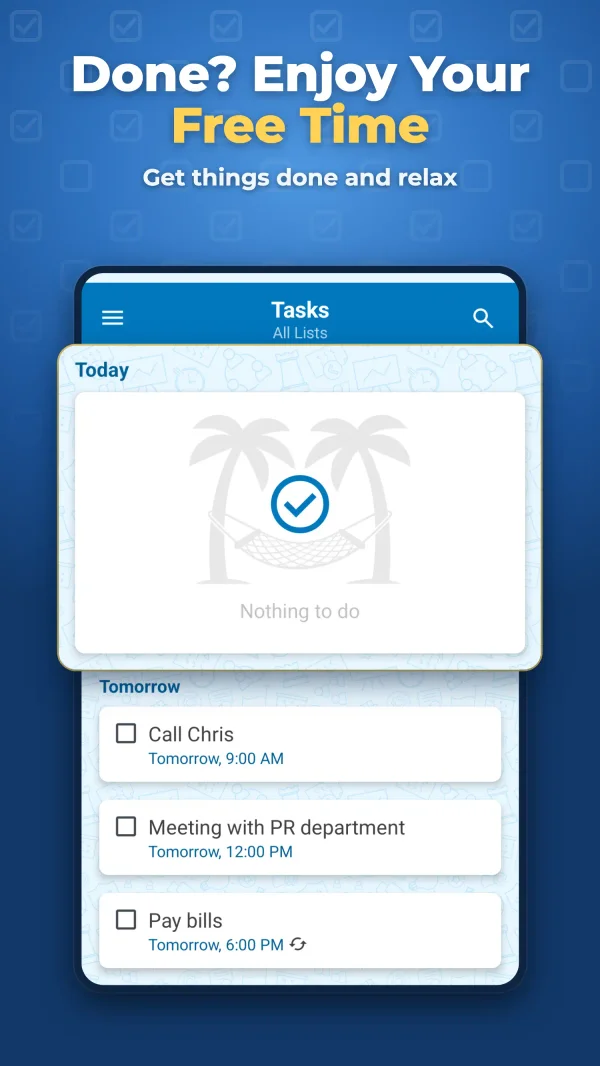
At home, at work and in your free time - you will focus on really important things!
SplenDO is powerful in its simplicity and convenience of use.
Key Features
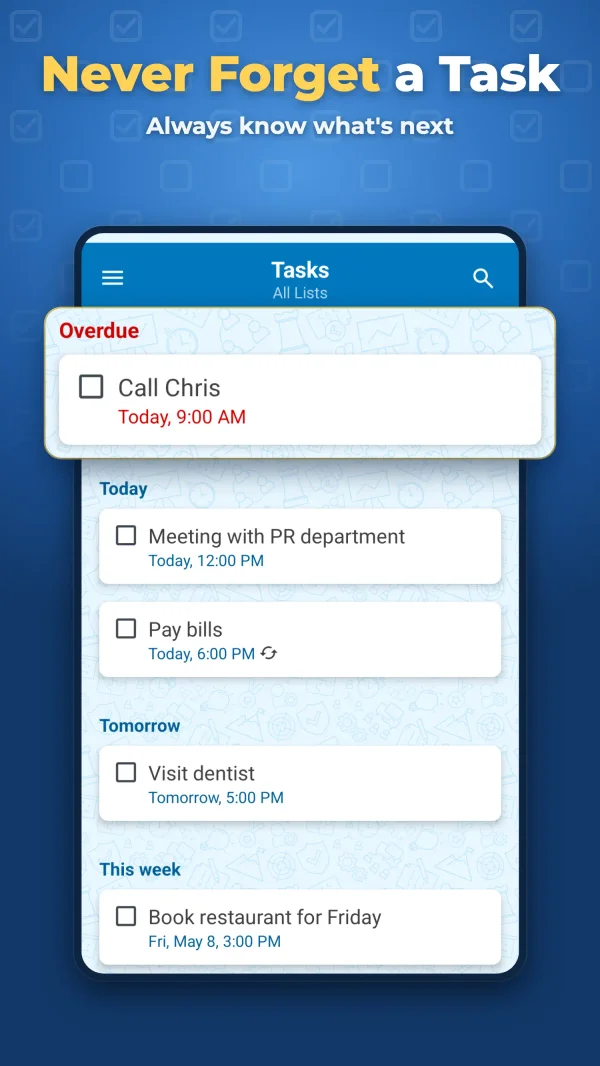
• User friendly task management
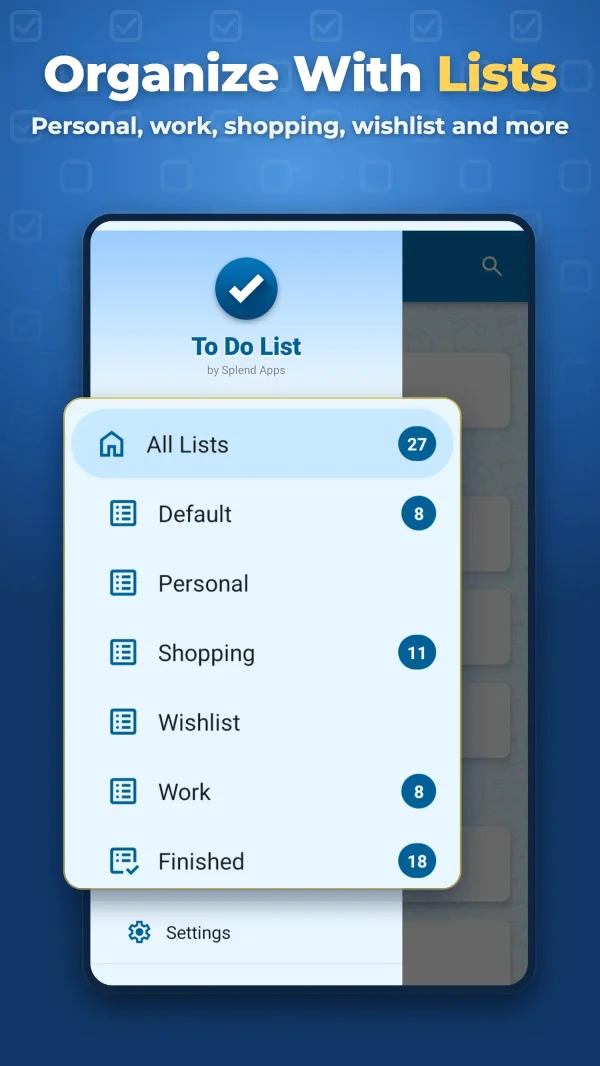
• Grouping tasks in handy task lists
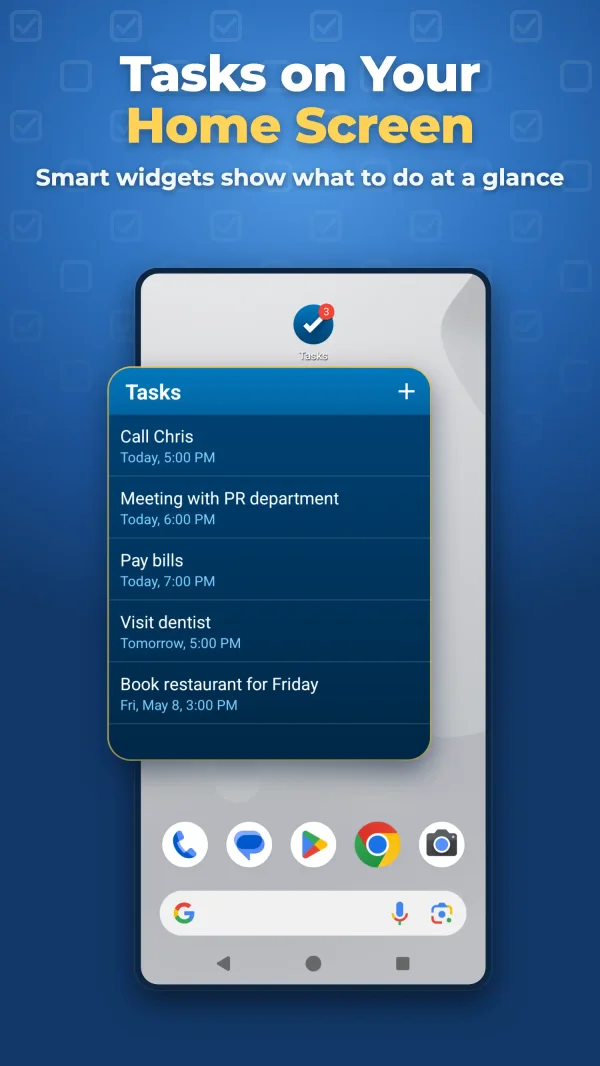
• Smart home screen widgets show instantly what to do
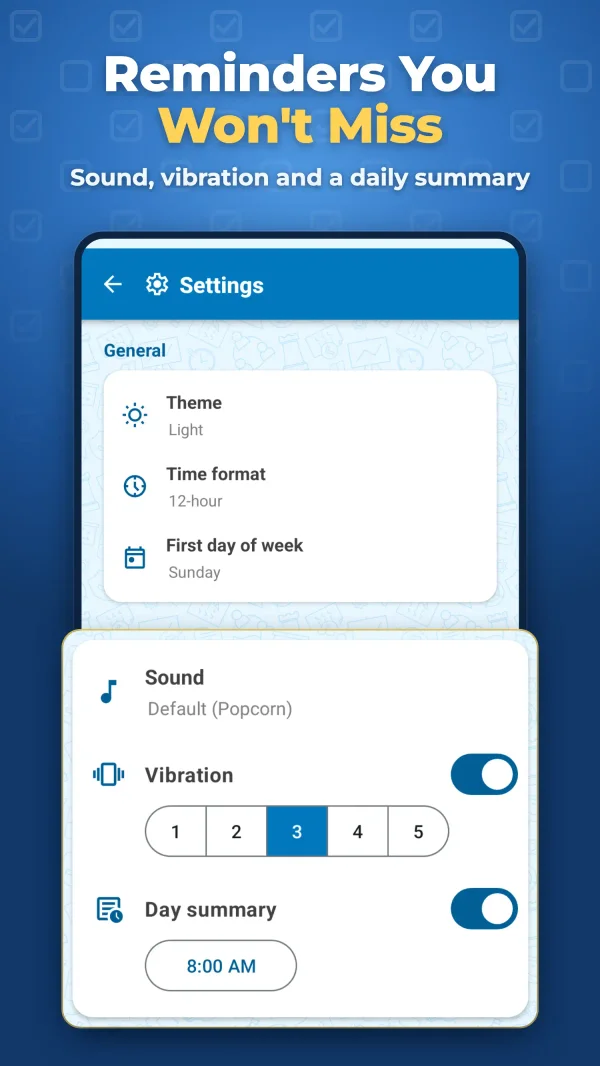
• Intelligent notifications exactly when you need them
• Syncing with Google that just works
More Details
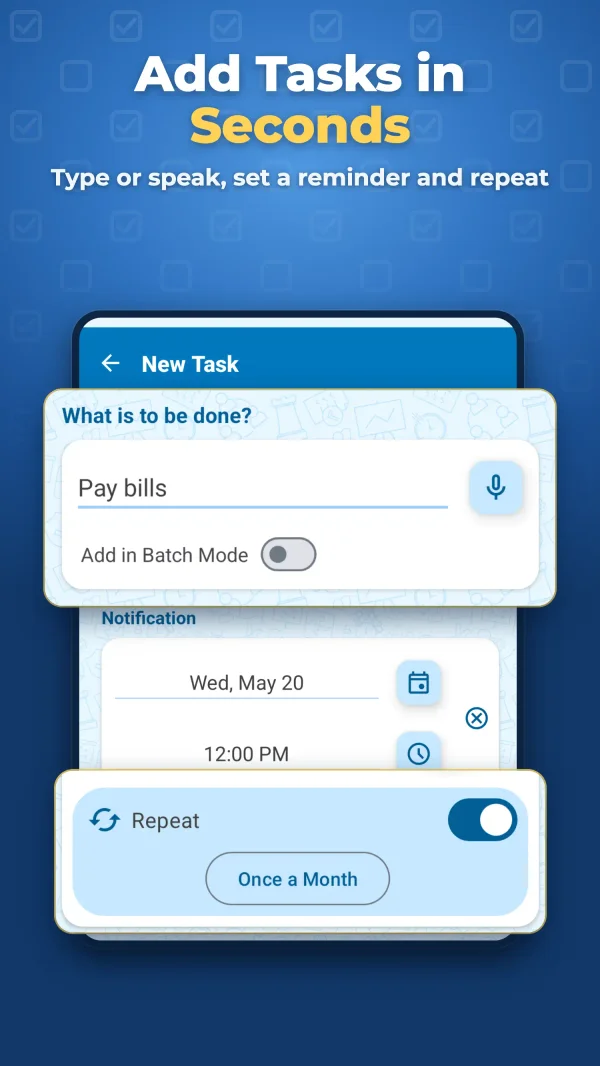
• Adding tasks via voice
• Notifications use sounds, vibrations and built-in speech synthesizer (TTS)
• Icon widget - icon with optional today's and overdue tasks counter
• List Widget - resizable widget displays upcoming tasks
• Status bar - component (in the notifications area) keeping you up to date
• Quick Task Bar - to add something hot quickly
• Support for recurring tasks
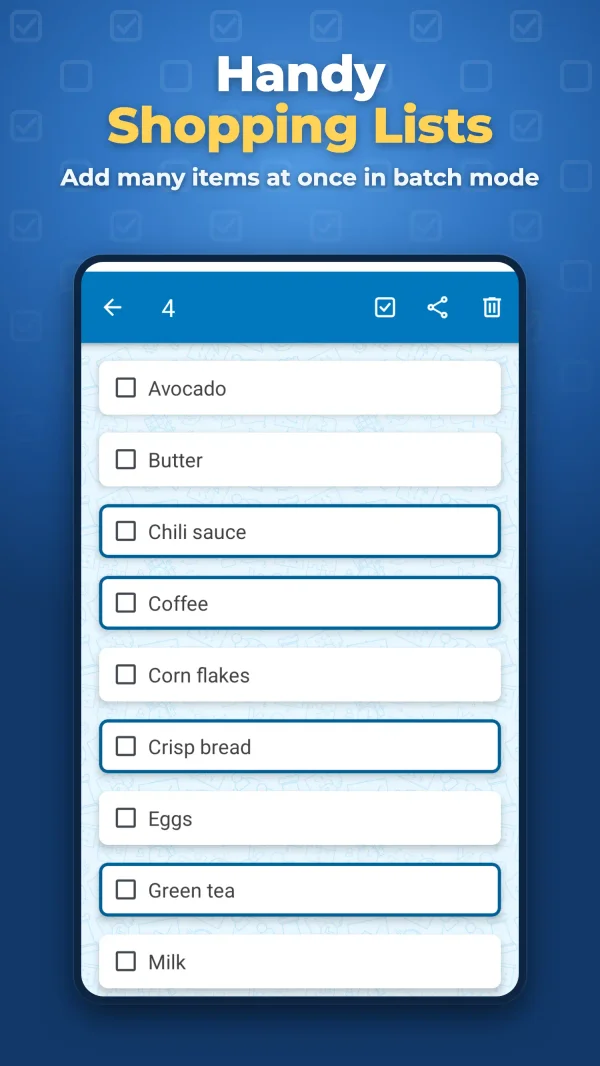
• Time for shopping? Need to add many tasks at one go? Great, batch mode is on-board!
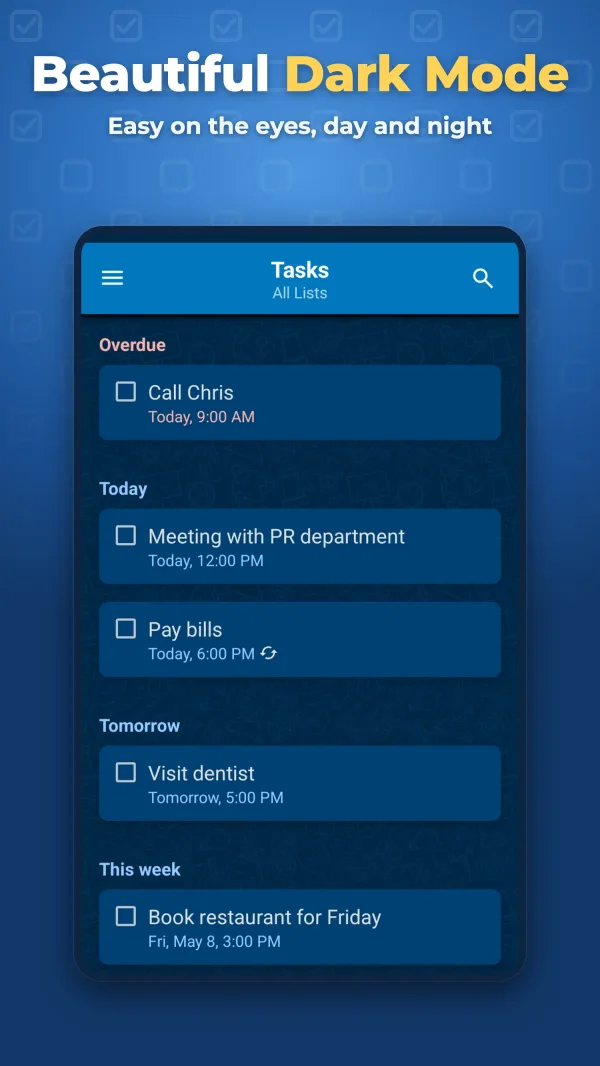
• Support for tasks without a due date, all-day-long tasks and tasks at a specific hour of the day
• Bidirectional synchronization with Google Tasks
• Many useful configuration options
• Predefined task lists
• Actions on group of tasks (bulk actions, long-click selection support)
• Integration with sharing on Android - sharing tasks with other apps and receiving shared data
• Creating tasks from the content of system clipboard
• SplenDO is free to download and use
• Splend Apps support and more!
About Us
• Visit SplendApps.com: http://splendapps.com/
• Our Privacy Policy: http://splendapps.com/privacy-policy
• Contact Us: http://splendapps.com/contact-us
• Refund Policy: https://splendapps.com/refunds
Follow Us
• Facebook: https://www.facebook.com/SplendApps/
• Instagram: https://www.instagram.com/splendapps/
• Twitter: https://twitter.com/SplendApps
Data safety
What Splend Apps declares on Google Play about the data this app collects and shares.
- No data shared with third partiesLearn more about how developers declare sharing
- No data collectedLearn more about how developers declare collection
- Data is encrypted in transit
- Data can’t be deleted
What’s new
Version 5.1.16 · Nov 10, 2026
Usability improvements and minor bug fixes
Developer contact
- Websitesplendapps.com
- Emailsupport@splendapps.com
- Privacy policysplendapps.com
- Address20-11 Al. Śliwowa 54-106 Wrocław Poland
Information
- Offered by
- Splend Apps
- Category
- Productivity
- Version
- 5.1.16
- Updated
- Nov 10, 2026
- Released
- Nov 14, 2013
- Requires
- Android 7.0 or later
- Age rating
- Everyone
- Price
- Free
- In-app purchases
- $2.99 per item
- Package name
- com.splendapps.splendo
Similar apps
-
 Notepad, Notebook, Notes app
Productivity
-
 Daily Planner, To Do List
Productivity
-
 Rise: Habit List
Productivity
-
 Todoery: To Do List & Planner
Productivity
-
 All-In-One Calculator
Productivity
-
 Disciplined - Habit Tracker
Productivity
-
 Any.do - To do list & Calendar
Productivity
-
 Journal: Notes, Planner, PDFs
Productivity
-
 To-Do List & Daily Planner
Productivity
-
 Calendar Planner - CalendPal
Productivity
-
 MultiNotes - Reminder Notes
Tools
-
 SupaTask - Daily Task Planner
Productivity