To Do List with Reminder
tactContains ads · In-app purchases
- EveryoneAge rating
- ProductivityCategory
- Oct 12, 2026Updated
- FreePrice
Links to the official Google Play listing of com.mg.smplan. Last checked on Nov 20, 2026.

Screenshots



About this app
Day planner and tasks scheduler app, including to do list and reminder.
SmPlan is a flexible to-do list, task planner, and reminder app that helps you manage your routines, plan your schedule, and organise your daily tasks in a clear and simple way. Stay productive and keep track of your completed and pending tasks.
Tasks and Organisation
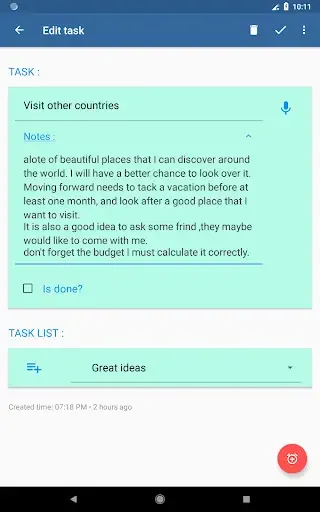
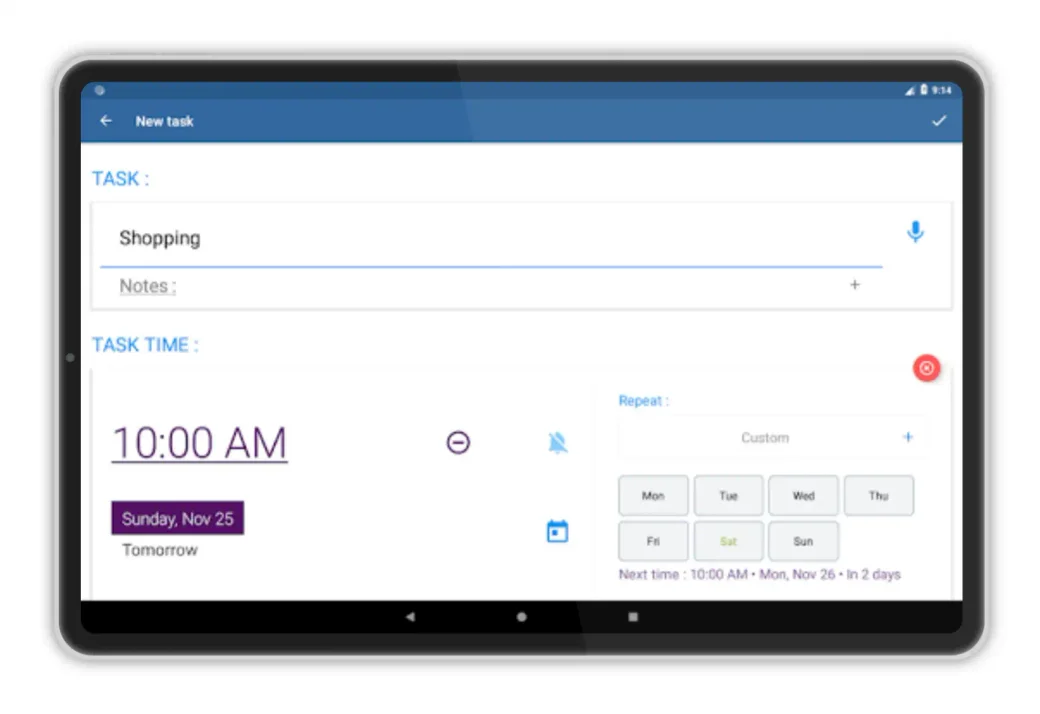
Create tasks with no date or time, set a date without a time, or schedule a specific date and time. Add notes and reminders, or quickly add multiple tasks.
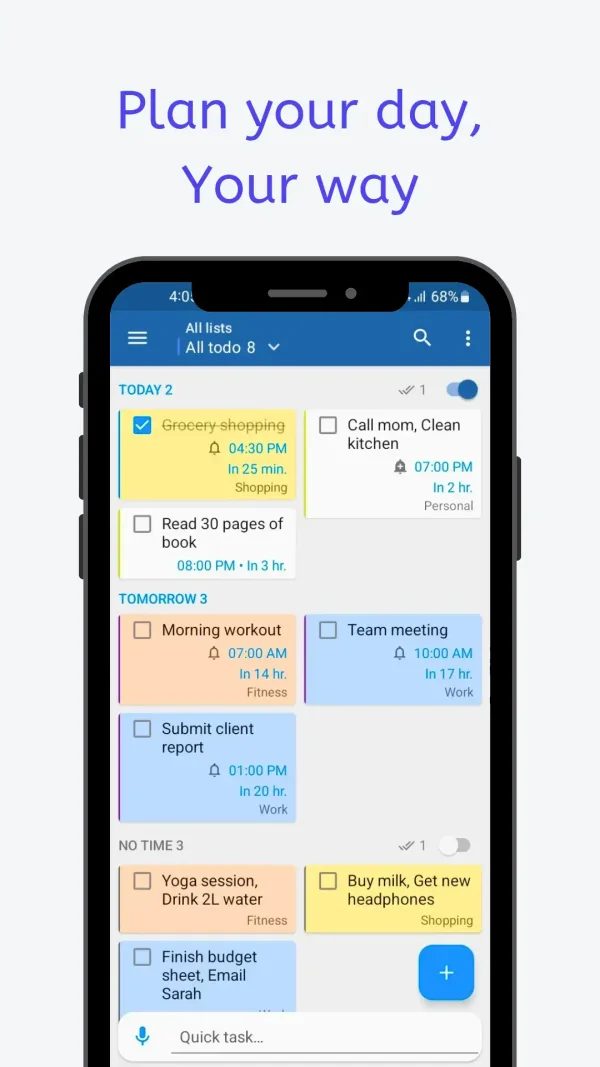
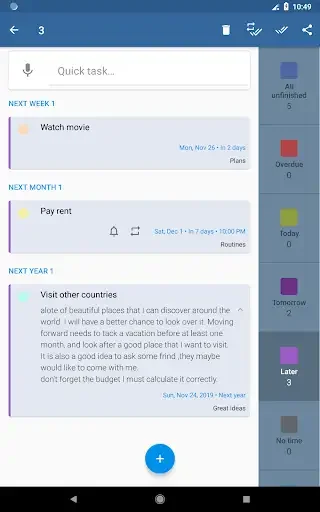
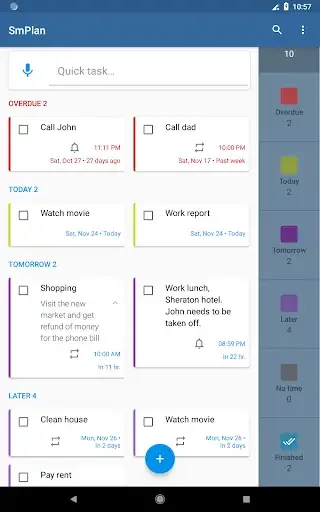
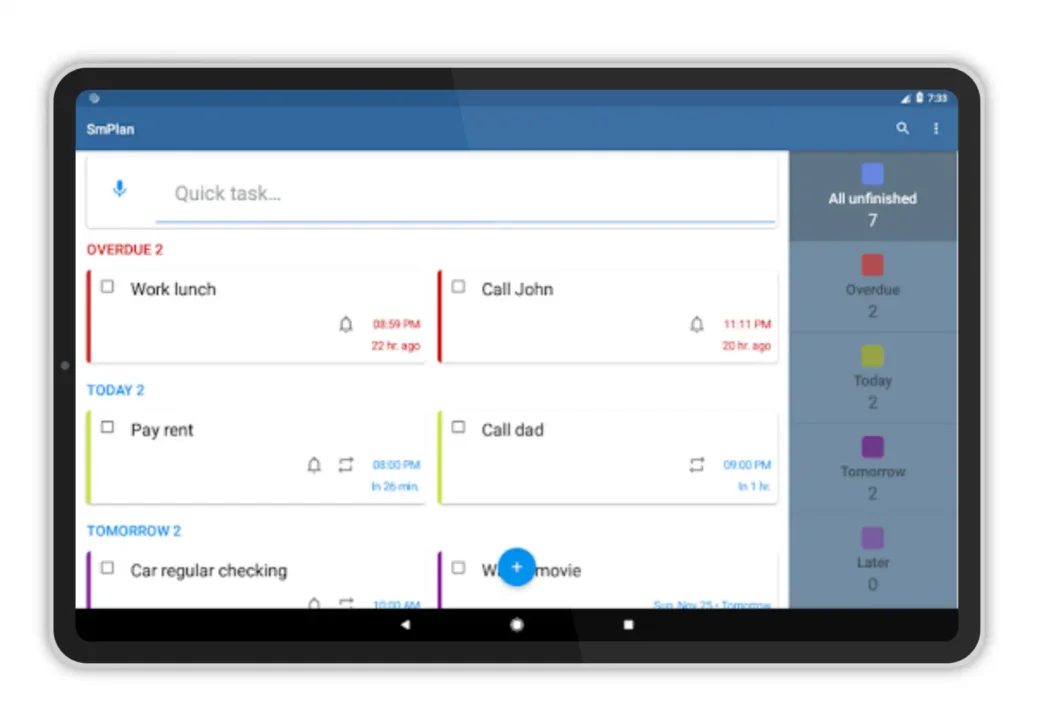
Tasks are organised by Overdue, Today, Tomorrow, Later, and No Time, making it easy to see what needs your attention. Completed tasks are clearly distinguished from pending tasks.
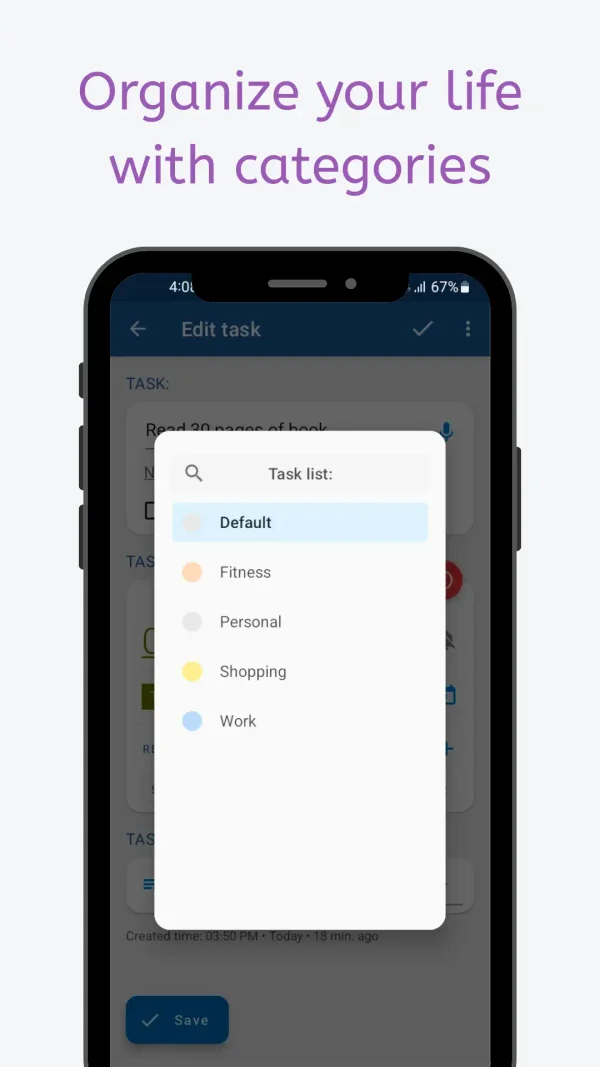
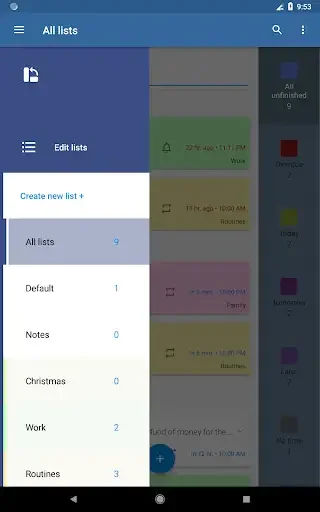
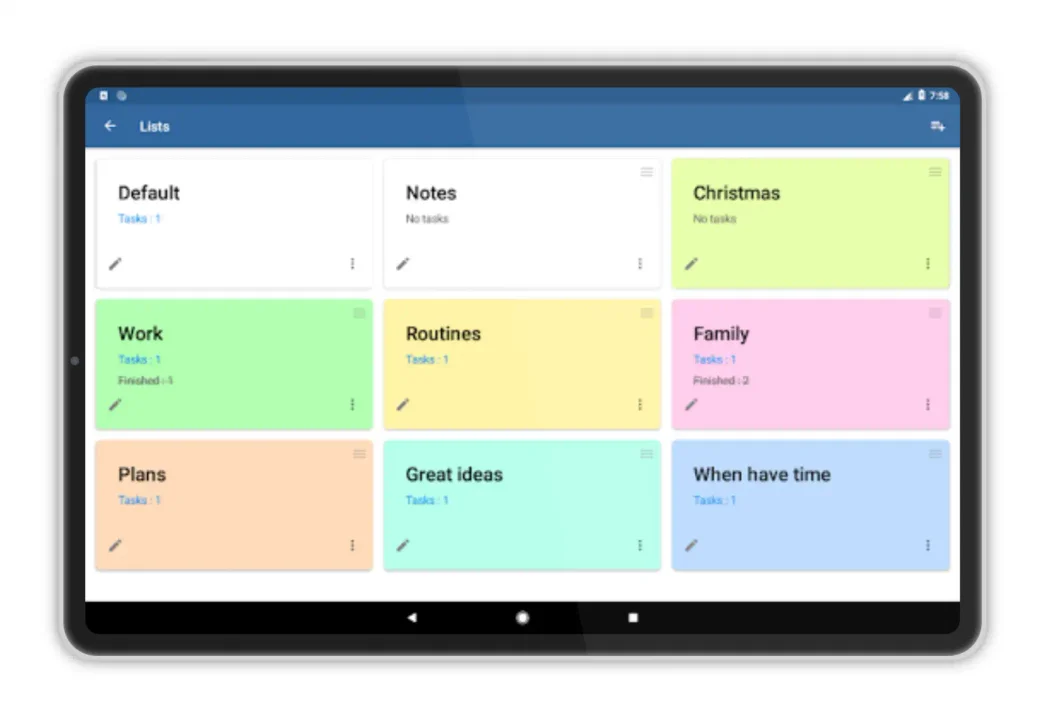
Organise your tasks into coloured lists, archive lists when needed, and easily search, filter, sort, move, share, complete, or delete tasks.
You can also track the number of Today and Overdue tasks in the status bar.
Reminders, Alarms and Routines
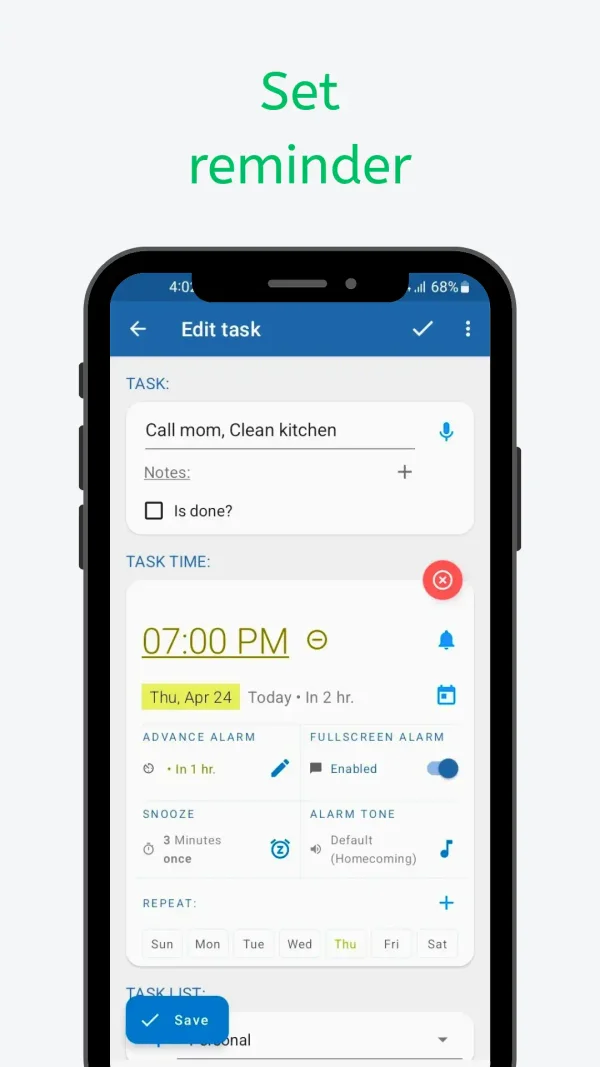
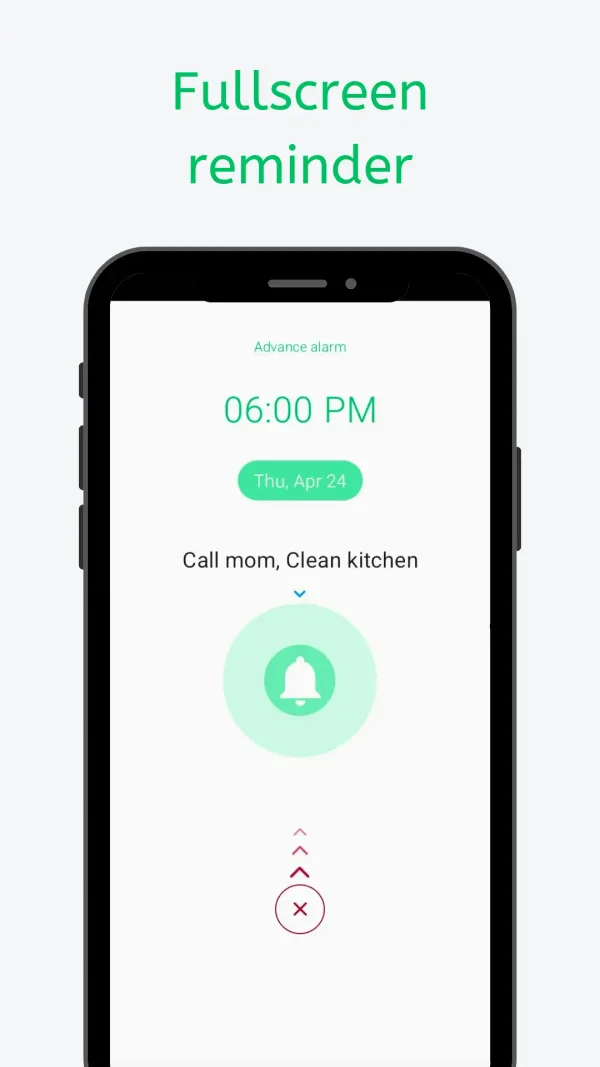
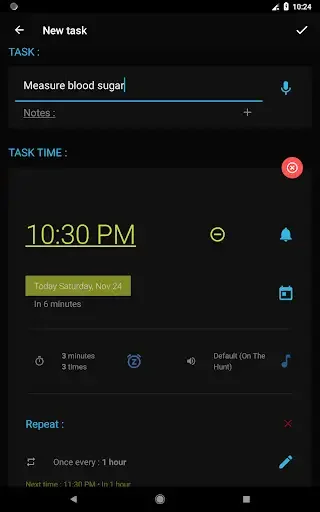
Set one-time or repeating reminders so you don't miss important tasks. SmPlan includes advanced alarm options, snooze, custom ringtones, vibration, adjustable alarm settings, and full-screen alarms. You can also configure alarms to work even when your phone is in silent mode.
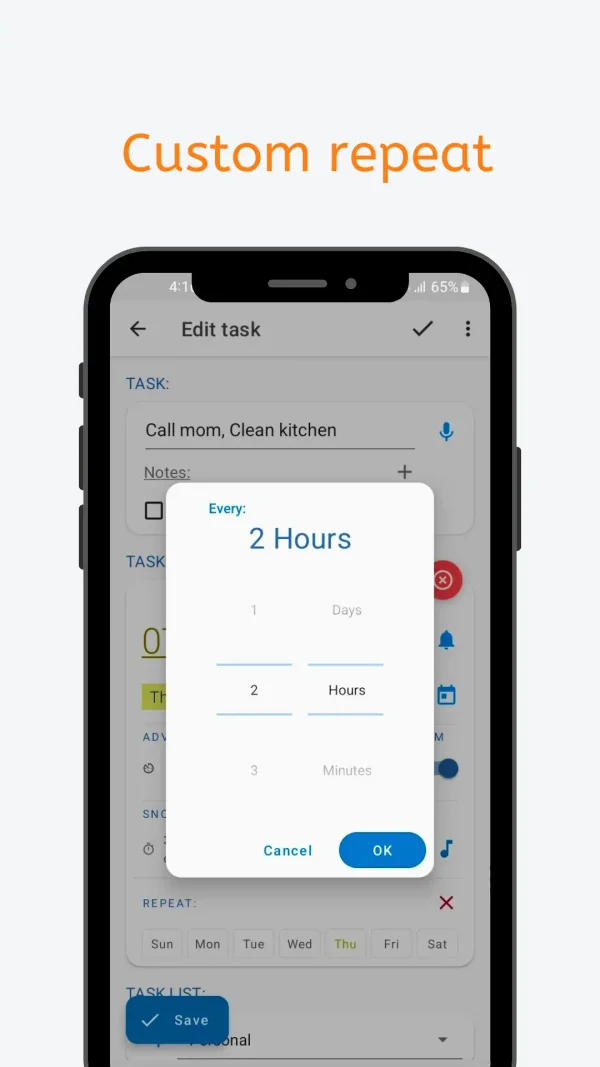
Create recurring tasks for your routines on selected weekdays or at flexible repeat intervals in minutes, hours, days, weeks, months, or years. You can also set an end date for recurring tasks.
Quick Task Management
Manage your tasks quickly with the Quick Task Bar and voice input. Select multiple tasks at once to move, share, complete, or delete them together. You can also filter tasks by list, time period, or status and browse all your tasks in a single list.
Google Tasks and Local Backup
Optionally sync your tasks with Google Tasks.
You can also export your data to a local backup file and import it later to restore your data or transfer it to another device.
Customise SmPlan
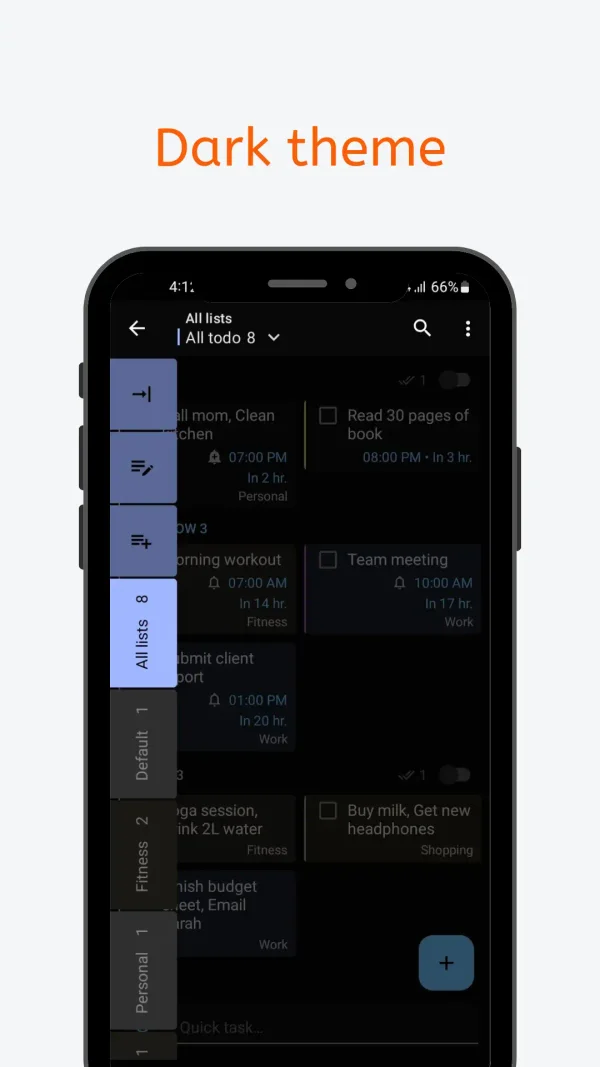
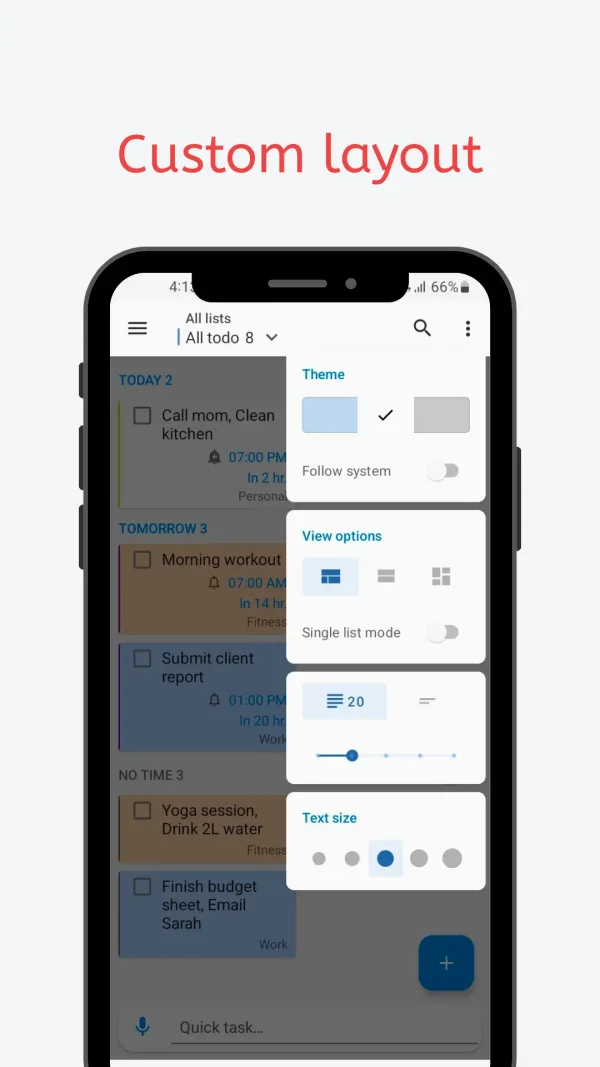
Choose a light, blue, or dark theme, adjust task text size and display options, and view your lists and tasks in list or grid mode. Arrange your lists in a custom order and choose how they are displayed.
Home Screen Widget
Add a customisable home screen widget to quickly view your tasks. Display tasks from specific lists or different time periods, group them by time period, and customise the widget's appearance.
SmPlan gives you a simple and flexible way to manage tasks, set reminders, build routines, and stay organised.
Data safety
What tact declares on Google Play about the data this app collects and shares.
- This app may share these data types with third partiesApp activity and Device or other IDs
- No data collectedLearn more about how developers declare collection
- Data is encrypted in transit
- Data can’t be deleted
What’s new
Version 3.2.2 · Oct 12, 2026
New: Export list tasks to PDF.
Improvements to alarms, notifications, and widgets.
Translation fixes and a smoother experience.
Bug fixes and other improvements.
Developer contact
- Websitesmplan.web.app
- Emailtact.techno@gmail.com
- Privacy policysites.google.com
- AddressSanaa Taiz Street Sana'a Yemen
Information
- Offered by
- tact
- Category
- Productivity
- Version
- 3.2.2
- Updated
- Oct 12, 2026
- Released
- May 29, 2017
- Requires
- Android 7.0 or later
- Age rating
- Everyone
- Price
- Free
- In-app purchases
- $4.99 per item
- Package name
- com.mg.smplan
Similar apps
-
 Interval Timer & Tabata Timer
Health & Fitness
-
 Notepad Notes
Productivity
-
 Daily Planner Organizer: Brite
Productivity
-
 Simple Alarm Clock
Productivity
-
 To-Do Adventure: Task Tracker
Productivity
-
 Alarm Clock - Timer, Stopwatch
Productivity
-
 To-Do List & Daily Planner
Productivity
-
 Timelog - Goal & Time Tracker
Productivity
-
 Timesheet - Work Time Tracker
Productivity
-
 Habit Tracker, Routine Planner
Productivity
-
 To Do List: Daily Planner
Productivity
-
 Week Planner - Diary, Calendar
Productivity