tpMiFi
TP-LINK SYSTEMS INC.- EveryoneAge rating
- ToolsCategory
- Oct 13, 2026Updated
- FreePrice
Links to the official Google Play listing of com.tplink.tpmifi. Last checked on Nov 20, 2026.

Screenshots
About this app
tpMiFi provides the easiest way to manage your TP-LINK Mobile Wi-Fi.
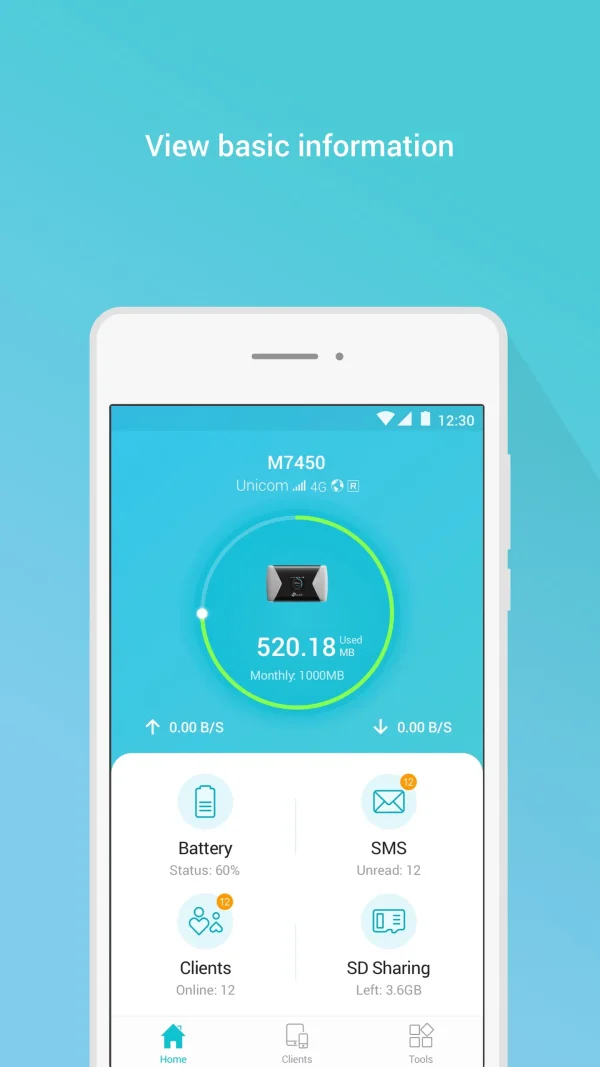
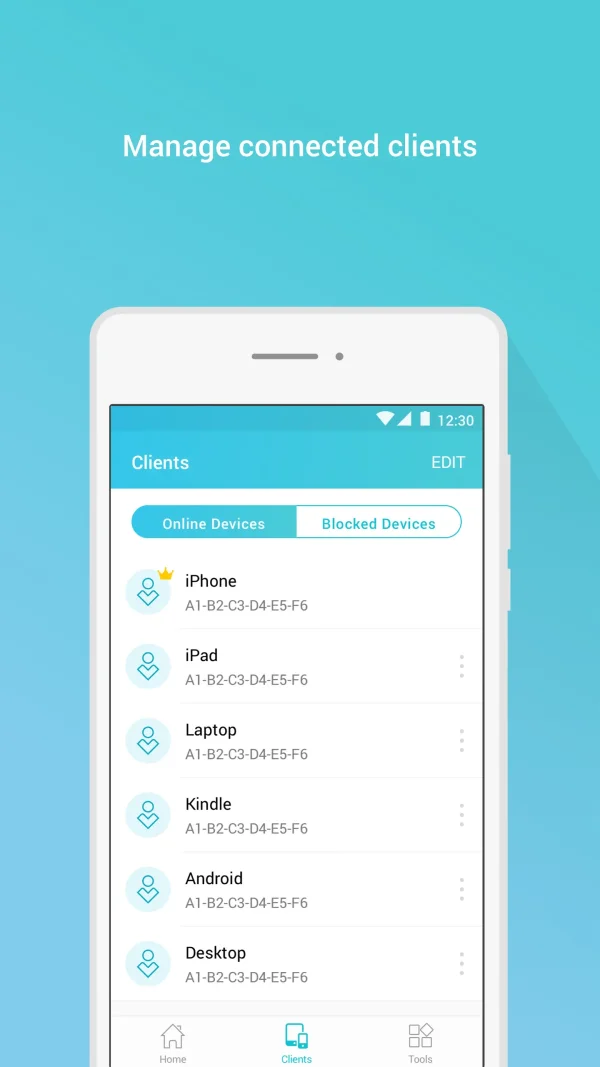
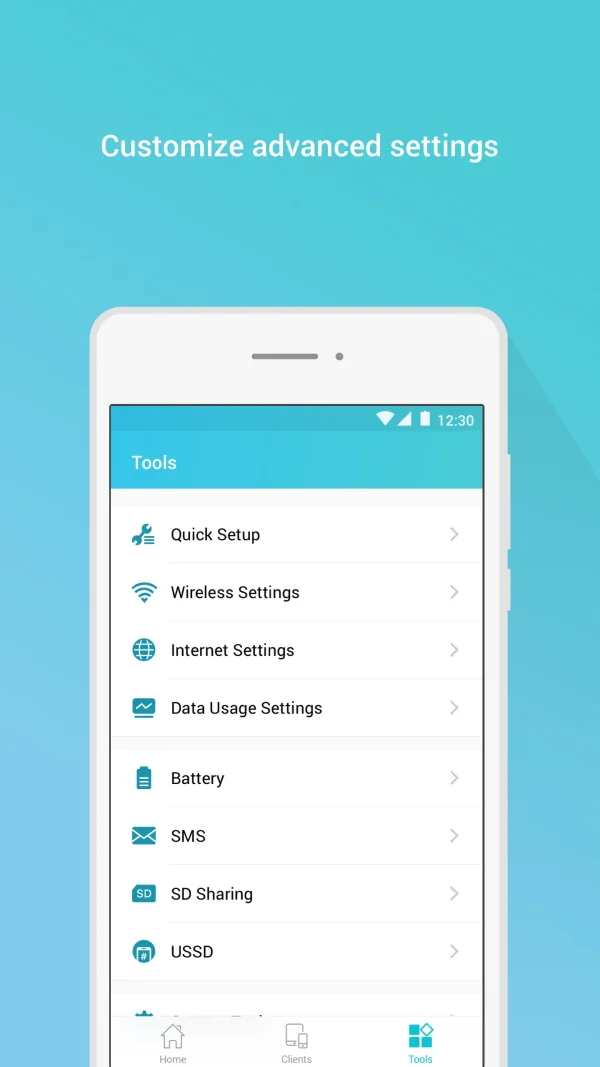
tpMiFi provides the easiest way to manage your TP-LINK Mobile Wi-Fi via the connected Android devices. It allows you to manage your Mobile Wi-Fi's data usage, battery life and connected devices with a few taps.
tpMiFi management is available only after the Android device is connected to the Wi-Fi network of TP-LINK Mobile Wi-Fi. Disconnected from the MiFi will appear on the interface if the device is not connected to the Mobile Wi-Fi. All features are available when the Android device logs in. The login username and password are the same as the administrator username and password of the Mobile Wi-Fi.
This app only supports M7200,M7350, M7310, M7300, M7650, M7450
Data safety
What TP-LINK SYSTEMS INC. declares on Google Play about the data this app collects and shares.
- No data shared with third partiesLearn more about how developers declare sharing
- No data collectedLearn more about how developers declare collection
What’s new
Version 2.4.61 · Oct 13, 2026
Fixed some bugs and improved the stability.
Developer contact
- Websitetp-link.com
- Emailfeedback.app@tp-link.com
- Privacy policyprivacy.tp-link.com
- Address10 Mauchly Irvine, CA 92618-2306 United States
Information
- Offered by
- TP-LINK SYSTEMS INC.
- Category
- Tools
- Version
- 2.4.61
- Updated
- Oct 13, 2026
- Released
- Oct 10, 2015
- Requires
- Android 7.0 or later
- Age rating
- Everyone
- Price
- Free
- Package name
- com.tplink.tpmifi
Similar apps
-
 Wi-Fi Toolkit
Tools
-
 Collectibles.com: Scan + Value
Tools
-
 WiFiman
Tools
-
 Deye Cloud
Tools
-
 Ajax PRO: Tool For Engineers
Tools
-
 CuboAi Smart Baby Monitor
Parenting
-
 TP-Link Omada
Tools
-
 Nokia WiFi
Lifestyle
-
 AeroGuest
Travel & Local
-
 Opensignal - 5G, 4G Speed Test
Tools
-
 ASUS Router
Tools
-
 PureVPN: Secure VPN & Proxy
Tools