Trace Anything: Tracing Paper
DictionaryAndTranslatorContains ads · In-app purchases
- EveryoneAge rating
- Art & DesignCategory
- Aug 18, 2026Updated
- FreePrice
Links to the official Google Play listing of ar.artprojector.trace.drawing.paint.sketch. Last checked on Nov 25, 2026.

Screenshots



About this app
Use Trace Anything: Tracing Paper For Easy Sketching And Drawing.
Trace Anything: Sketching Projector - Turn Photos Into Easy Guides For Paper Art!
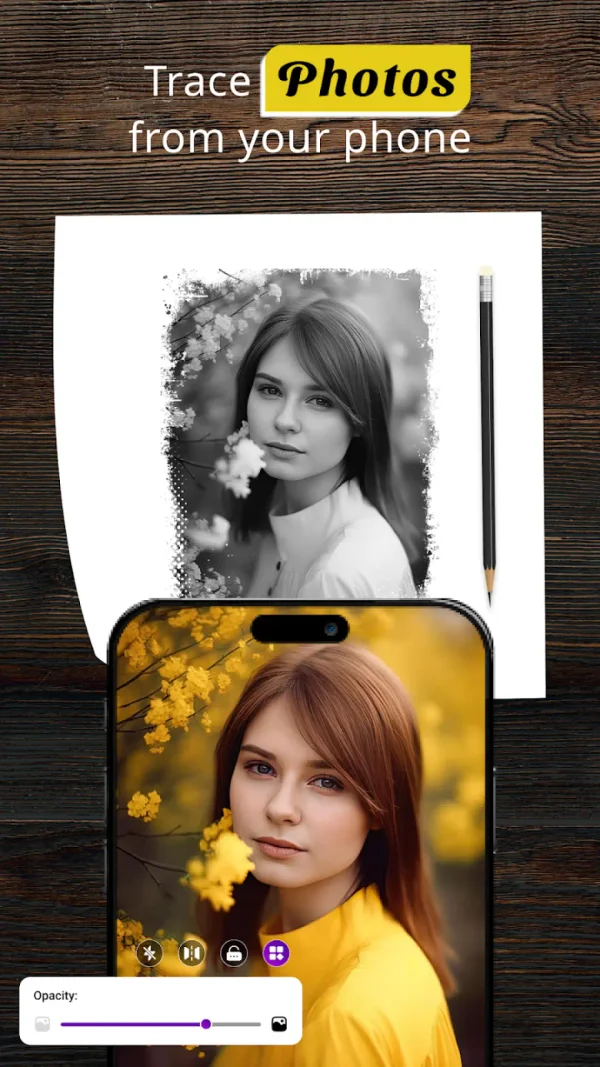
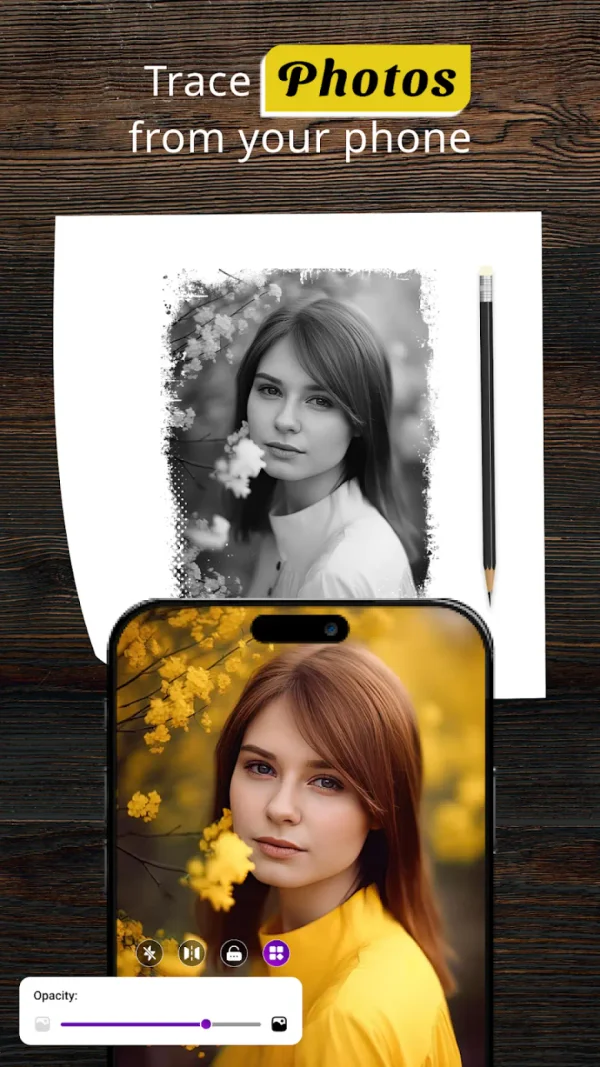
Use your phone as a visual guide for creating artwork on paper. Choose a picture, position the device above the page, adjust the image, and follow the outline at your own pace.Sketch Trace Table App gives beginners and experienced artists a simple way to practice proportions, shapes, and line work. Draw Easy Trace To Sketch helps turn gallery pictures into cleaner guides that are easier to follow by hand.
Creative Sketching Features:
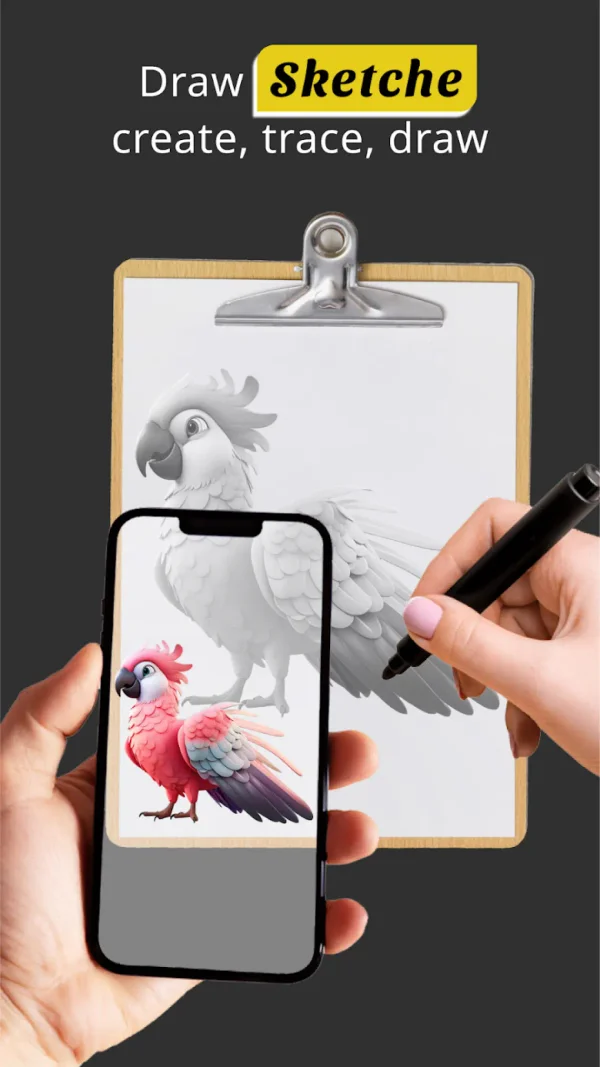
📷Tracing Paper Sketching App - Use your phone above paper as a helpful visual reference;
✏️Trace Drawing Tool - Follow outlines from photos, templates, and prepared artwork;
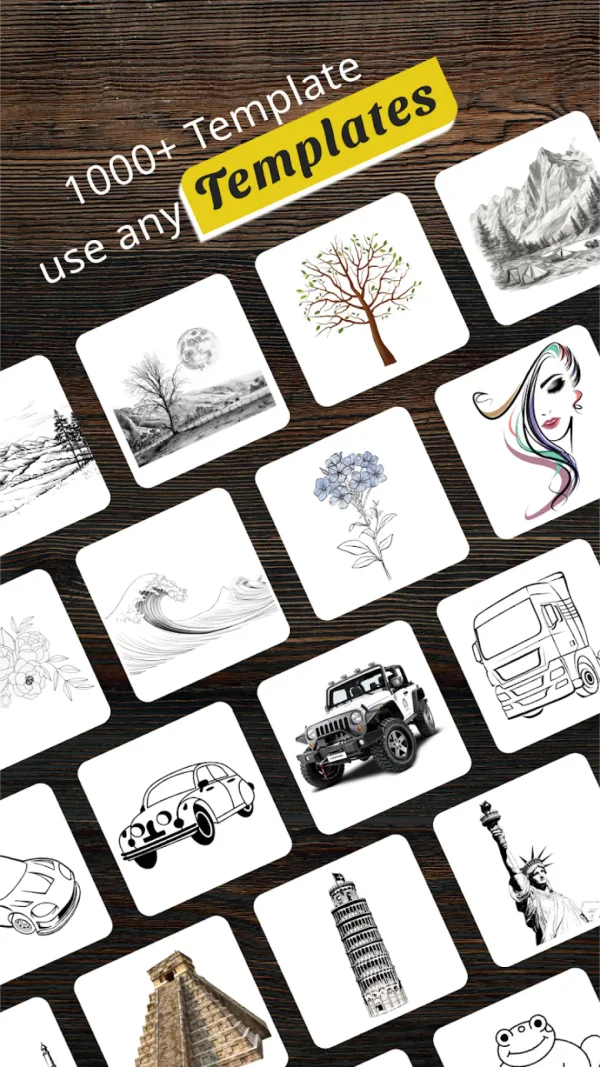
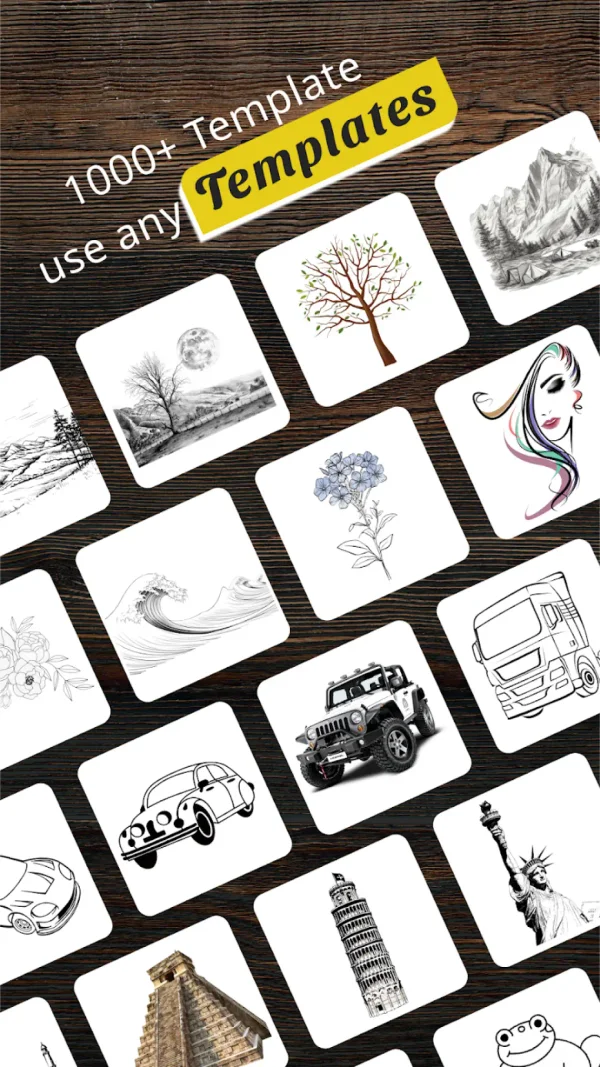
🎨Trace Art Sketching - Practice line work with more than 100 creative ideas;
📱Draw And Trace Camera - Position an image over your page using the camera view;
🖼️Tracing Drawing App - Import a favorite picture and prepare it for manual sketching;
✨Trace Anything: Sketching Projector - Resize, move, and align the reference;
📐Sketch Trace Table App - Keep the source visible while your hand works underneath;
📝Draw Easy Trace To Sketch - Build confidence with approachable practice;
Choose an image, place your phone securely, and create one line at a time!
Tracing Paper Sketching App is useful when a complex picture feels difficult to copy by eye. Keep the reference in position while you work through the main shapes and details.Trace Drawing Tool supports practice with portraits, animals, nature, food, fantasy ideas, objects, and simple forms. Your finished result still comes from your own pencil, pen, or coloring tools.
How To Use:
📲Open Draw And Trace Camera and choose a picture from the gallery or built-in collection;
🖼️Use Tracing Drawing App to adjust the source so it fits your paper;
📐Place the phone on a stable stand above the work area;
✏️Start Trace Art Sketching by following the visible contours slowly;
🔍Resize or reposition the reference when finer details need more room;
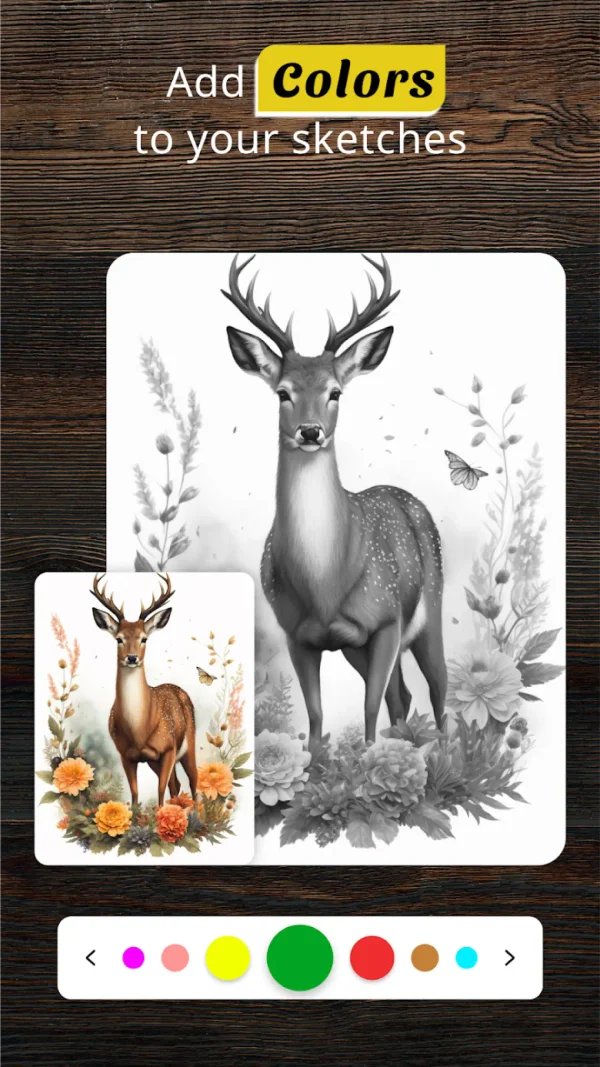
🎨Add your own shading, color, or finishing touches;
💾Keep a history of projects so earlier practice is easy to revisit;
📷Turn Favorite Pictures Into Art Guides:
Draw Easy Trace To Sketch helps transform personal photos into references for hand-made artwork. Instead of guessing every proportion from scratch, focus on the lines and shapes that build the picture. It works well for learning, casual creativity, and craft projects.
🎨Templates And Ideas For Practice:
Trace Art Sketching includes creative subjects for moments when you are not sure what to make next. Explore categories, try easier outlines first, and move toward more detailed compositions. Sketch Trace Table App keeps the process approachable without requiring professional equipment.
✏️Simple Tools For Different Skill Levels:
Trace Drawing Tool offers an easy interface for both beginners and practiced artists. Resize, align, and fine-tune the source before beginning. Draw And Trace Camera keeps the real page visible so your hand and reference stay coordinated.
🖼️Keep Practicing And Develop Your Style:
Tracing Drawing App can be used for a first attempt, a quick creative break, or regular practice. Save previous projects, compare progress, and experiment with different subjects. Tracing Paper Sketching App gives you a way to turn digital inspiration into something created by hand.
Bring More Ideas From Your Screen Onto Paper!
Trace Anything: Sketching Projector makes photo-based practice easier with adjustable guides, camera support, templates, and project history. Keep exploring new subjects and enjoy creating artwork one page at a time.Data safety
What DictionaryAndTranslator declares on Google Play about the data this app collects and shares.
- This app may share these data types with third partiesDevice or other IDs
- No data collectedLearn more about how developers declare collection
- Data is encrypted in transit
- Data can’t be deleted
Developer contact
- Websitedictionarytranslator.app
- Emailsupport.traceanything@dictionarytranslator.app
- Privacy policydictionarytranslator.app
- Address16 Kampinsky RISHON LEZION, 7546350 Israel
Information
- Offered by
- DictionaryAndTranslator
- Category
- Art & Design
- Version
- 2.1.0
- Updated
- Aug 18, 2026
- Released
- May 23, 2024
- Requires
- Android 8.0 or later
- Age rating
- Everyone
- Price
- Free
- In-app purchases
- $0.99 - $99.99 per item
- Package name
- ar.artprojector.trace.drawing.paint.sketch
Similar apps
-
 MathSpace - Math App for Kids
Education
-
 Drawify - Photo to Sketch
Photography
-
 Drawing Desk: Learn to Draw
Art & Design
-
 AR Paint and Sketch
Art & Design
-
 PaperColor
Art & Design
-
 KawaiiQ: Brain Adventure
Education
-
 Kids Workout & Fitness
Sports
-
 ClayLab
Productivity
-
 Recolor -Anti-Stress Colouring
Entertainment
-
 Sketchar AR Drawing Sketchpad
Art & Design
-
 Learn Drawing
Art & Design
-
 InColor™ : Coloring & Drawing
Entertainment