TV Remote: Universal Remote
Global Mobile AppContains ads · In-app purchases
- EveryoneAge rating
- ToolsCategory
- Nov 20, 2026Updated
- FreePrice
Links to the official Google Play listing of com.tvremote.starnest. Last checked on Nov 21, 2026.
Screenshots

About this app
Universal remote for smart TVs, screen mirroring, and media casting.
TV Remote: Universal Remote is a multifunctional remote-control app designed to simplify your entertainment experience. Its seamless functionality allows you to switch between supported devices and manage multiple electronics with one convenient, user-friendly remote.
Connect your mobile device to a compatible TV via Wi-Fi to control essential functions such as volume, channels, input sources, and more. In addition to remote-control functionality, the app also supports screen mirroring and TV casting, providing an all-in-one solution for a more convenient viewing experience.
KEY FEATURES
TV REMOTE CONTROL
Control supported television functions directly from your mobile device. The app replicates the essential functions of a physical remote, allowing you to change channels, adjust the volume, power your TV on or off, navigate menus, manage playback, and access available settings from your smartphone or tablet.
ENTERTAINMENT ACCESS
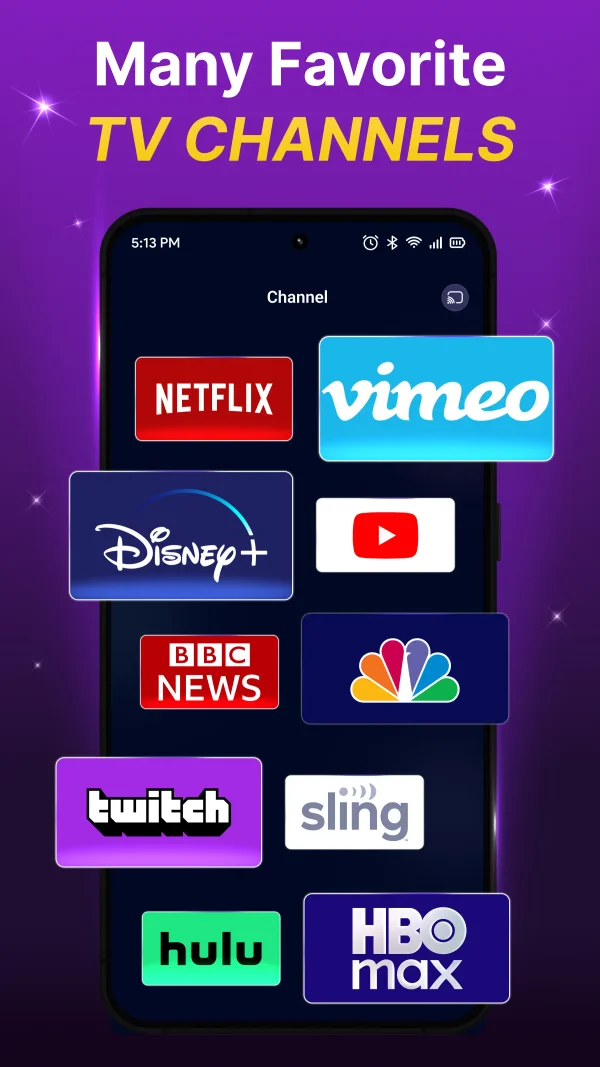
Access and switch between supported entertainment apps and channels with just a few taps. Manage your favorite content conveniently from one easy-to-use interface.
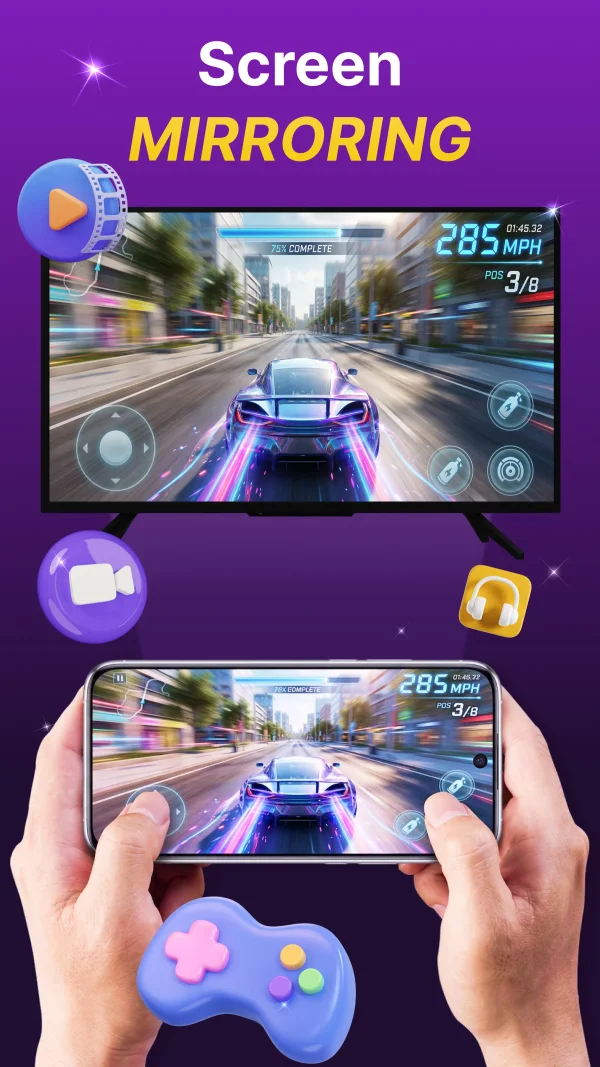
SCREEN MIRRORING
Display your mobile device’s screen on a compatible TV. Screen mirroring makes it convenient to view photos, videos, presentations, and other supported content from your phone or tablet on a larger screen.
Using Wi-Fi or another compatible connection method, the app provides smooth, real-time screen mirroring from your mobile device to your TV.
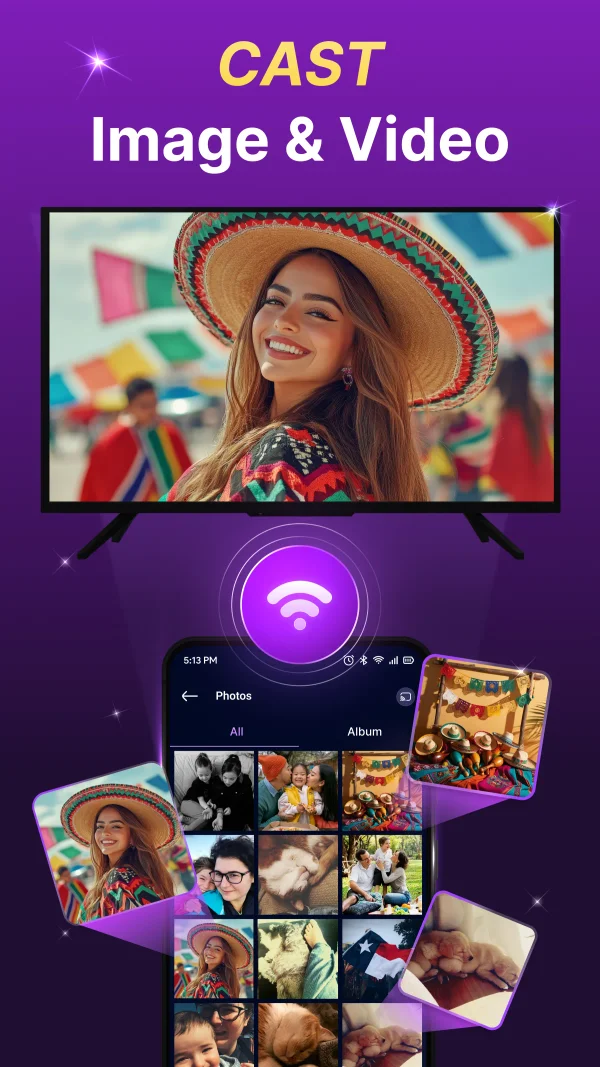
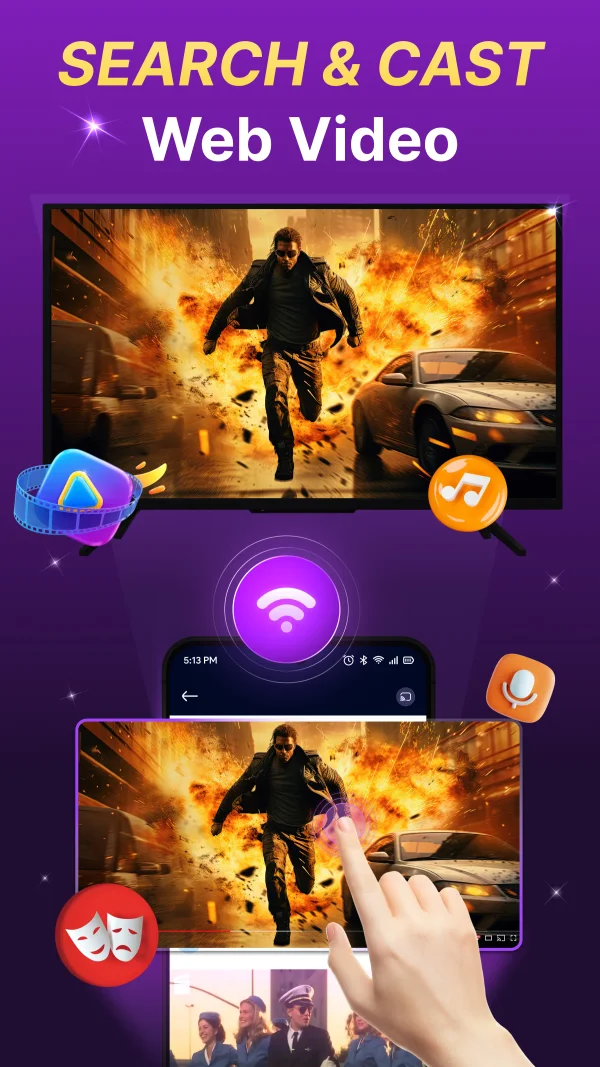
TV CASTING
Cast supported content from your mobile device to your TV. Easily share photos, videos, and online content from a web browser or supported mobile apps on a larger screen.
TV Remote: Universal Remote transforms your smartphone into a powerful and convenient TV controller. Its intuitive interface gives you easy access to essential controls and entertainment features directly from your mobile device.
Change channels, adjust the volume, navigate menus, manage content, mirror your screen, and cast supported media—all from the palm of your hand. Whether you are relaxing in your living room or using the app anywhere within connection range, TV Remote: Universal Remote helps you take control of your entertainment experience.
Data safety
What Global Mobile App declares on Google Play about the data this app collects and shares.
- No data shared with third partiesLearn more about how developers declare sharing
- No data collectedLearn more about how developers declare collection
- Data is encrypted in transit
- Data can’t be deleted
What’s new
Version 73.0 · Nov 20, 2026
Bug fixes and performance improvements
Developer contact
- Websitestarnestsolution.com
- Emailngocttbstarnest@gmail.com
- Privacy policyglobalmobileapp.com
- AddressRm C 7/F WORLD TRUST TWR 50 STANLEY ST 中環 香港島 Hong Kong
Information
- Offered by
- Global Mobile App
- Category
- Tools
- Version
- 73.0
- Updated
- Nov 20, 2026
- Released
- Dec 21, 2023
- Requires
- Android 9 or later
- Age rating
- Everyone
- Price
- Free
- In-app purchases
- $0.99 - $29.99 per item
- Package name
- com.tvremote.starnest
Similar apps
-
 Roku Remote (Official)
Entertainment
-
 HappyLighting
Personalization
-
 HD Camera 2026 for Android
Photography
-
 Magic Lantern
Entertainment
-
 Trumpet Lessons - tonestro
Education
-
 Home V
Tools
-
 Home + Control
Lifestyle
-
 Nest
Lifestyle
-
 Universal Remote for Smart TV
Tools
-
 Blynk IoT
Tools
-
 Manual Camera DSLR (Lite)
Photography
-
 Skoove: Learn Piano
Education