Verizon Home
Verizon Consumer Group- EveryoneAge rating
- ToolsCategory
- Nov 18, 2026Updated
- FreePrice
Links to the official Google Play listing of com.verizon.homeapp. Last checked on Nov 20, 2026.

Screenshots

About this app
Manage and Optimize Your Fios, 5G Home, or LTE Home Network with Ease
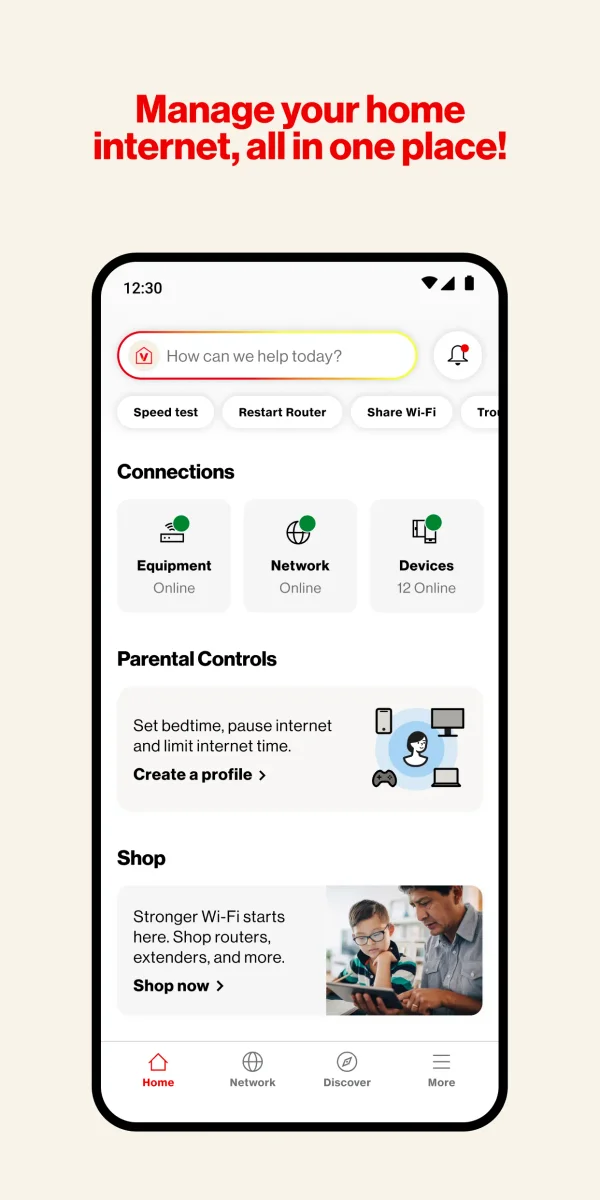
Verizon Home is your all-in-one solution for managing and optimizing your network. With a suite of powerful features and functionalities, you can take full control of your Verizon equipment and connected devices, ensuring a seamless and secure internet experience for your entire household. The app is only available to active subscribers of Verizon's Fios Home Internet, 5G Home Internet, or LTE Home Internet Service.
Key Features:
Network Management:
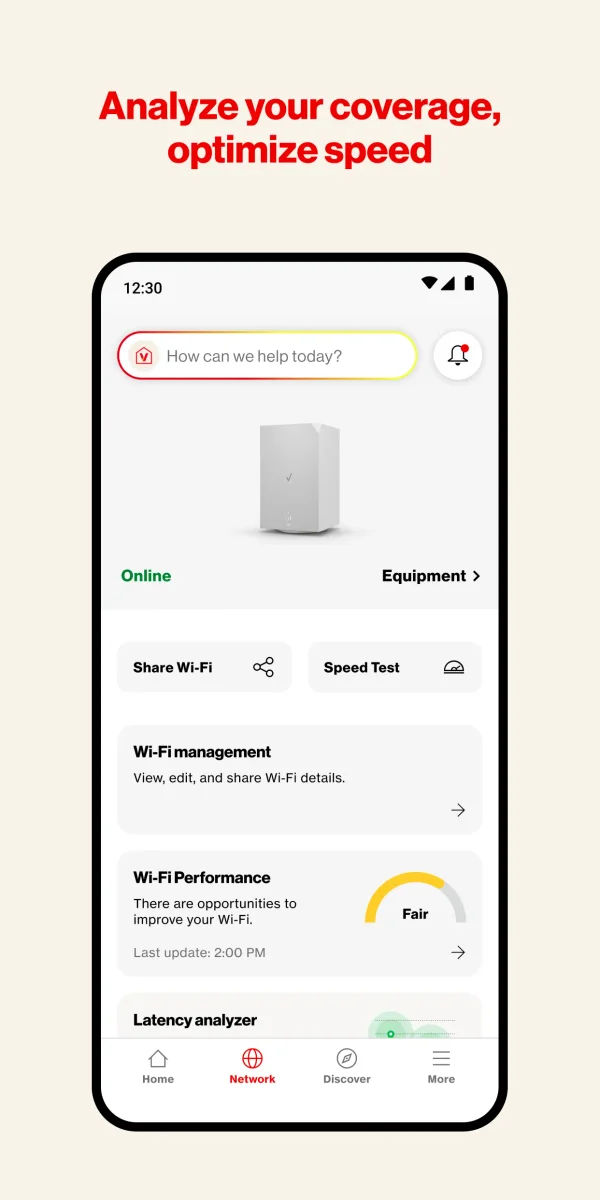
- View Equipment Details: Access information about your Verizon routers and extenders.
- Connected Devices: See details of all devices connected to your network.
- Network Control: Enable or disable individual networks (primary, guest, IoT).
- SSID & Password: View and change your network name (SSID), password, and encryption type.
- Advanced Settings: Enable/disable SON, 6 GHz (for applicable routers), and more.
- Wi-Fi Sharing: Easily share your Wi-Fi credentials.
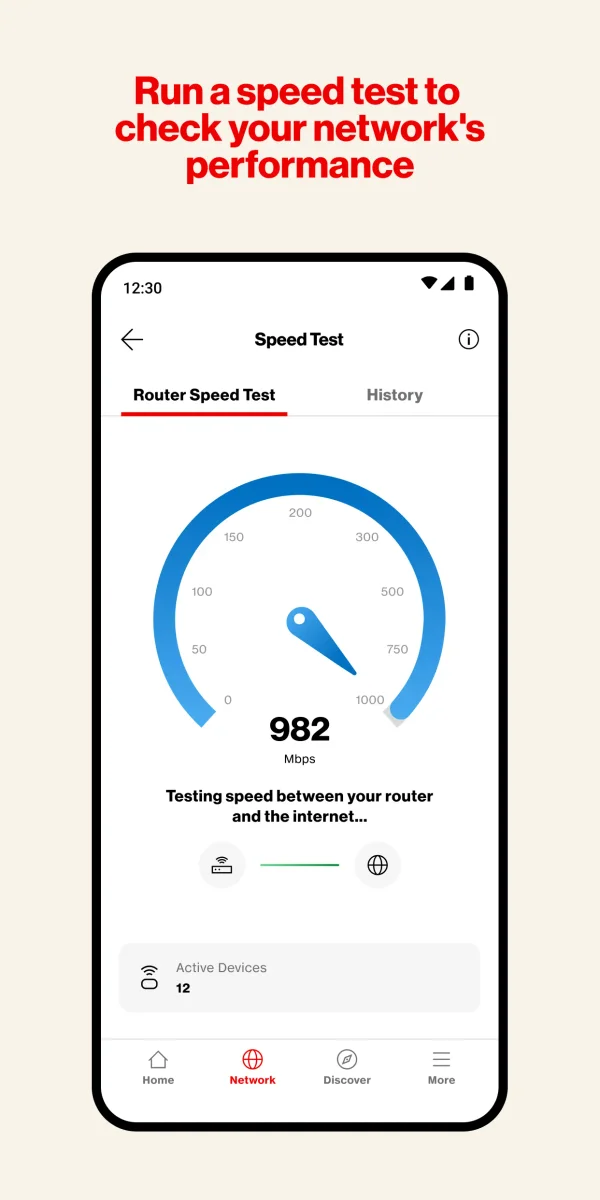
- Speed Test: Run speed tests and view your speed test history.
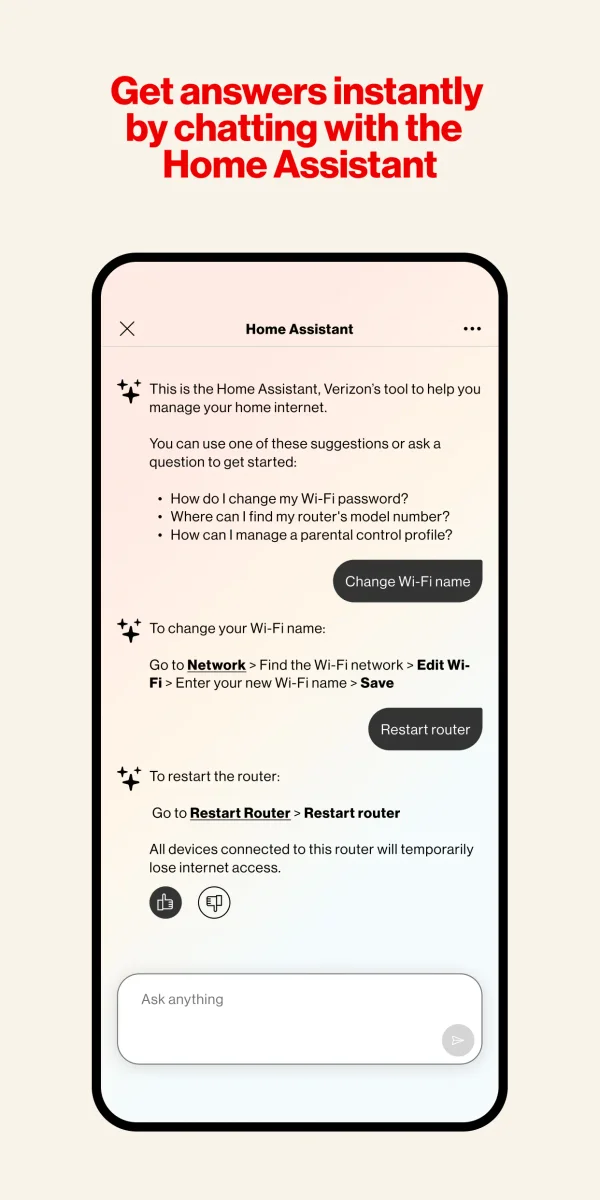
- Router Management: Restart your router, adjust LED brightness, use WPS for easy device setup, and save/restore settings or factory reset to default.
Troubleshooting:
- Diagnose and resolve network issues step-by-step using our guided troubleshooting flows
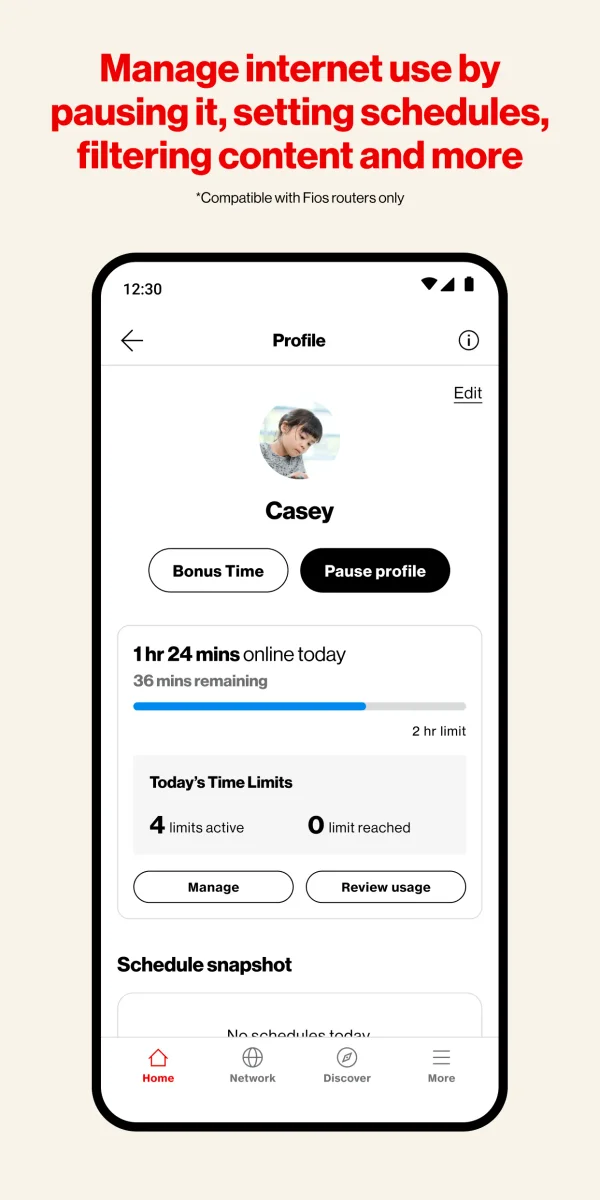
Parental Controls:
- Device Grouping: Group devices for easier management.
- Pause & Schedule: Pause internet access or schedule access times for multiple devices.
Discover:
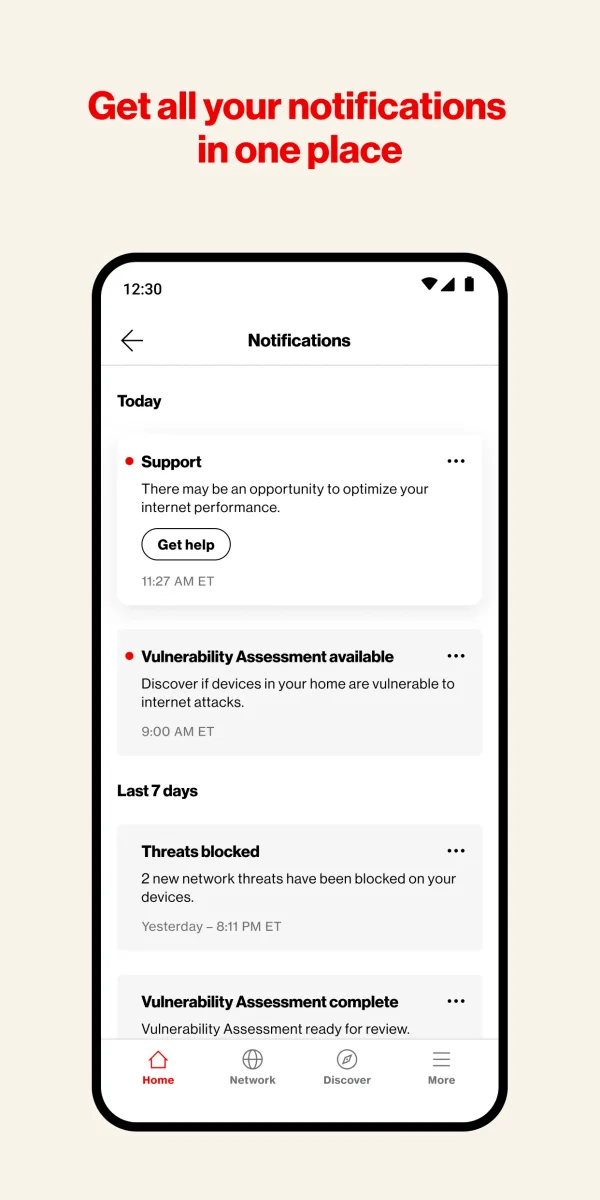
- New Features: Stay updated with new features and functionalities.
- Video Tips: Learn more about your network with helpful video tips.
Account Management:
- Profile Settings: Update your user ID, password, and contact information.
Support & Feedback:
- Contact Verizon: Reach out via chatbot or phone for assistance.
- Report Issues: Submit issues and get support.
- Feedback: Provide feedback to help us improve the app.
Verizon Home is designed to give you complete control over your home network, making it easy to manage, troubleshoot, and optimize your internet experience. Download now and take the first step towards a smarter, more efficient home network.
Download Verizon Home Today!
Data safety
What Verizon Consumer Group declares on Google Play about the data this app collects and shares.
- No data shared with third partiesLearn more about how developers declare sharing
- This app may collect these data typesPersonal info, Messages and 4 others
- Data isn’t encrypted
- You can request that data be deleted
What’s new
Version 2.6.0.23584 · Nov 18, 2026
Improvements
• UI enhancements and bug fixes.
Developer contact
- Websiteverizonwireless.com
- Emailvztpdhomeappsupport@verizon.com
- Privacy policyverizon.com
- Address1 Verizon Way Basking Ridge, NJ 07920-1025 United States
Information
- Offered by
- Verizon Consumer Group
- Category
- Tools
- Version
- 2.6.0.23584
- Updated
- Nov 18, 2026
- Released
- Aug 12, 2024
- Requires
- Android 10 or later
- Age rating
- Everyone
- Price
- Free
- Package name
- com.verizon.homeapp
Similar apps
-
 Robokiller - Spam Call Blocker
Communication
-
 Smart Home Manager
Productivity
-
 MyFrontier
Communication
-
 AT&T Personal Cloud
Tools
-
 Xfinity
Productivity
-
 MySudo - Identity Protection
Productivity
-
 PDK Access by ProdataKey
Lifestyle
-
 Verizon Call Filter
Communication
-
 IRS
Finance
-
 Credit Sesame: Grow your score
Finance
-
 Benefits Pro
Health & Fitness
-
 Grifols Plasma Donor Hub
Medical