Video Fixer - VFixer
AZ Screen RecorderIn-app purchases
- EveryoneAge rating
- Video Players & EditorsCategory
- Oct 20, 2026Updated
- FreePrice
Links to the official Google Play listing of videofixer.fixvideo.repairvideo. Last checked on Nov 27, 2026.

Screenshots

About this app
Repair videos corrupted by shutdowns, dead batteries, or memory shortages.
Video Fixer - VFixer
Is your favorite video corrupted and refusing to play? VFixer is here to help! Whether your video files are damaged due to sudden device shutdowns, dead batteries, or memory shortages, VFixer can repair them quickly and efficiently.
Key Features:
🔧 Comprehensive Video Repair: Fix videos corrupted by unexpected shutdowns, power failures, or storage issues.
🎥 Wide Format Support: Supports a wide range of video formats including MP4, AVI, MOV, and more.
⚡ Fast and Efficient: Quickly restores your videos to their original quality.
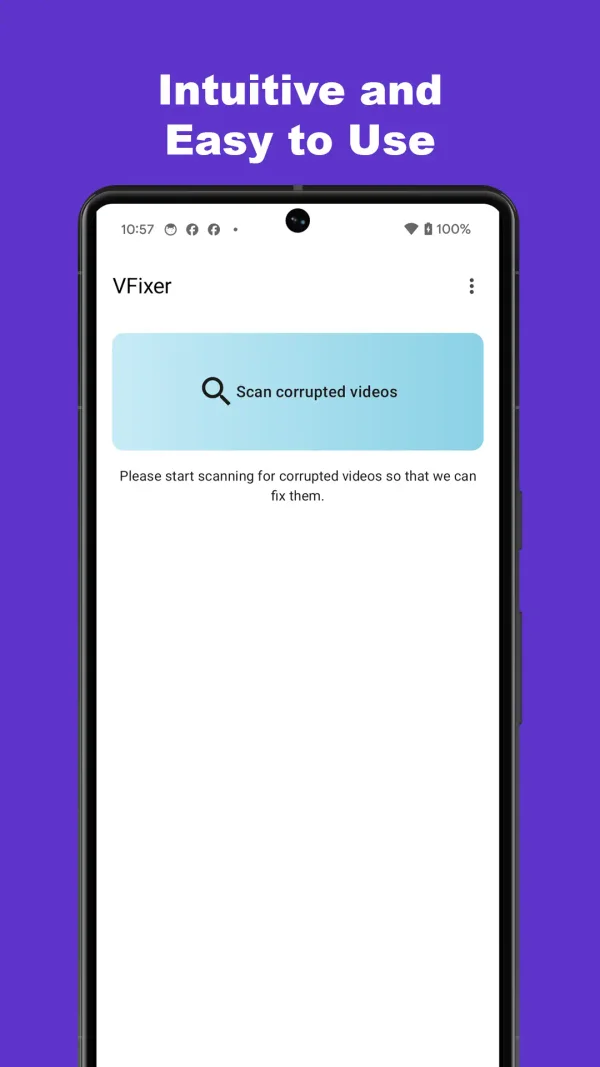
👌 User-Friendly Interface: Simple and intuitive interface for easy navigation and use.
👁️ Preview Function: Preview repaired videos before saving them.
🔒 Secure and Reliable: Your data is secure with VFixer, ensuring no loss of video quality.
How to Use:
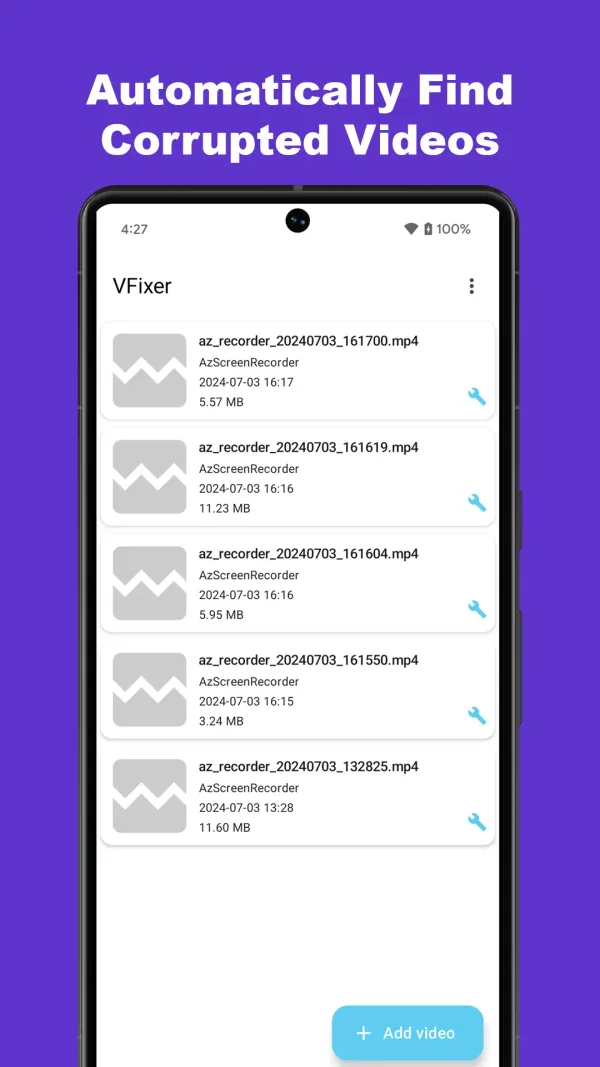
1. 📂 Select the corrupted video file from your device.
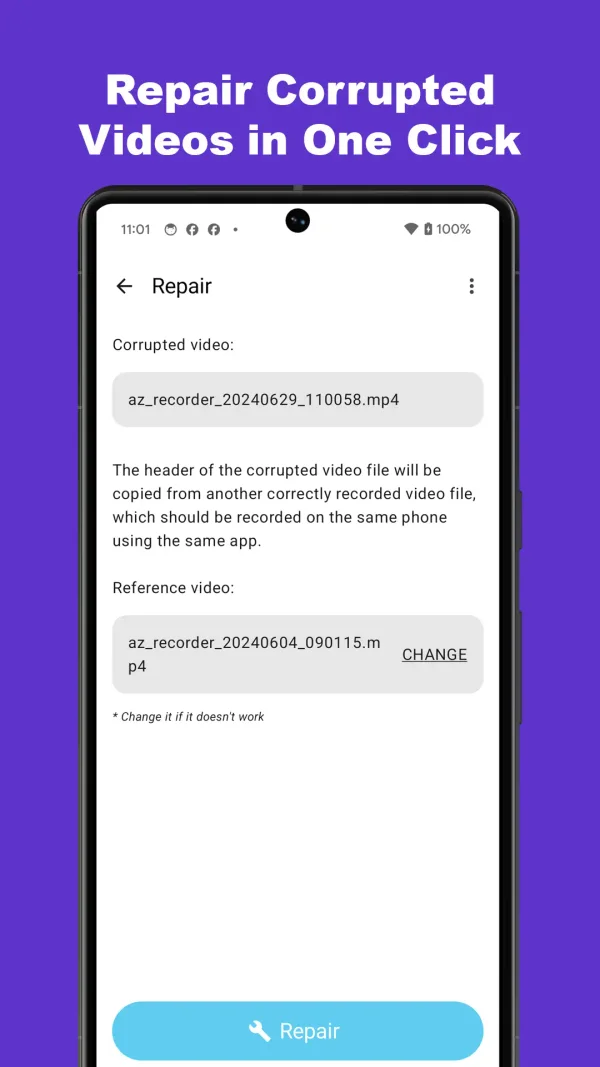
2. 🛠️ Click on the “Repair” button.
3. 🎬 Preview the repaired video to ensure quality.
4. 💾 Save the repaired video back to your device.
Don’t let corrupted videos ruin your memories. Download VFixer - Video Fixer now and bring your videos back to life with just a few taps!
Data safety
What AZ Screen Recorder declares on Google Play about the data this app collects and shares.
- This app may share these data types with third partiesLocation, App activity and 2 others
- This app may collect these data typesLocation, App activity and 2 others
- Data is encrypted in transit
What’s new
Version 1.8.1 · Oct 20, 2026
Bug fixes and performance improvements.
Developer contact
- Websiterisenapps.com
- Emailrisenapps.support@gmail.com
- Privacy policysites.google.com
- Address9, ngõ 61, Nguyễn Đức Cảnh, Tương Mai, Hoàng Mai Hà Nội 100000 Vietnam
Information
- Offered by
- AZ Screen Recorder
- Category
- Video Players & Editors
- Version
- 1.8.1
- Updated
- Oct 20, 2026
- Released
- Jun 29, 2024
- Requires
- Android 7.0 or later
- Age rating
- Everyone
- Price
- Free
- In-app purchases
- $5.99 per item
- Package name
- videofixer.fixvideo.repairvideo