VIZIO
VIZIOContains ads
- TeenAge rating
- EntertainmentCategory
- Oct 22, 2026Updated
- FreePrice
Links to the official Google Play listing of com.vizio.vue.launcher. Last checked on Nov 19, 2026.
Screenshots
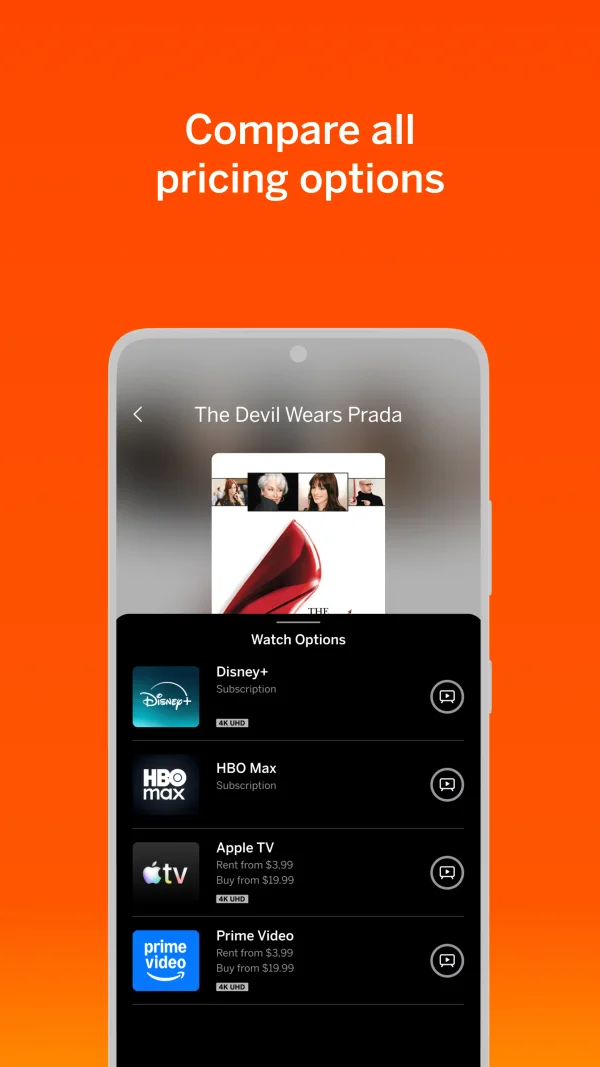
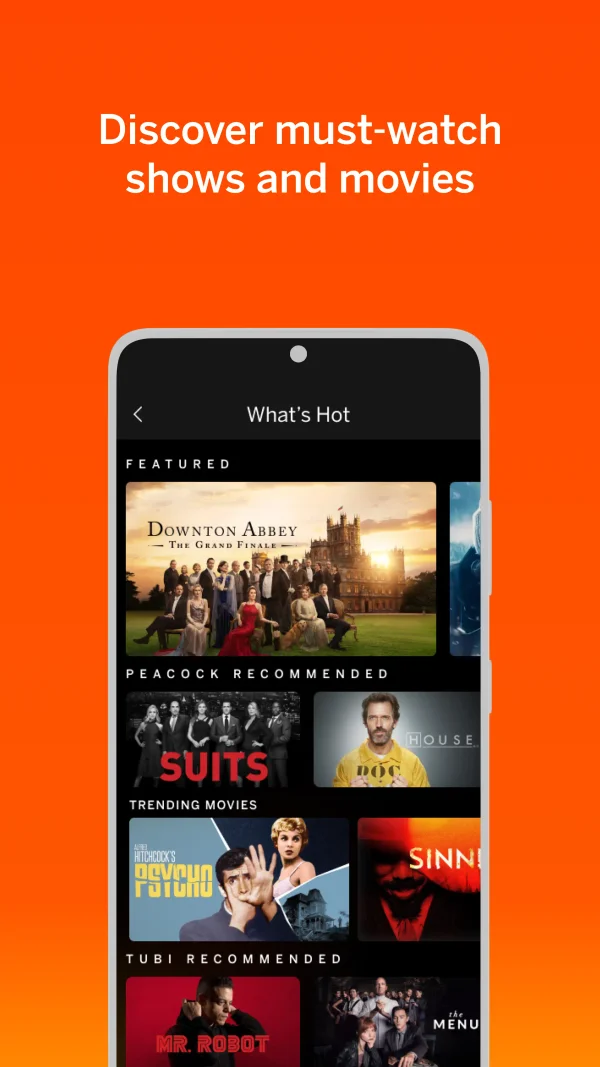
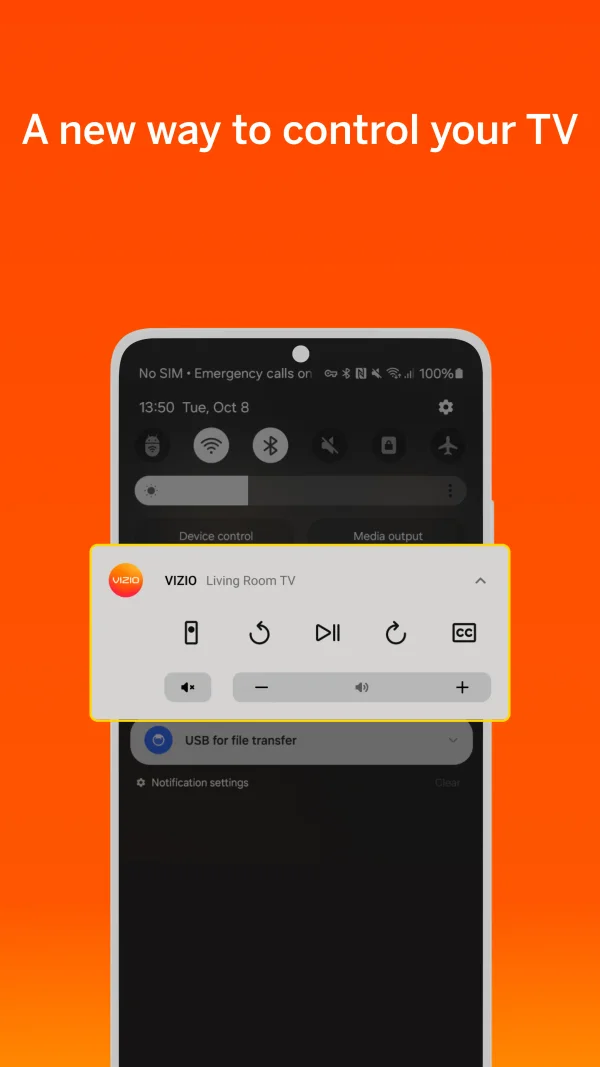
About this app
Entertainment Discovery and Device Control
VIZIO Device Control
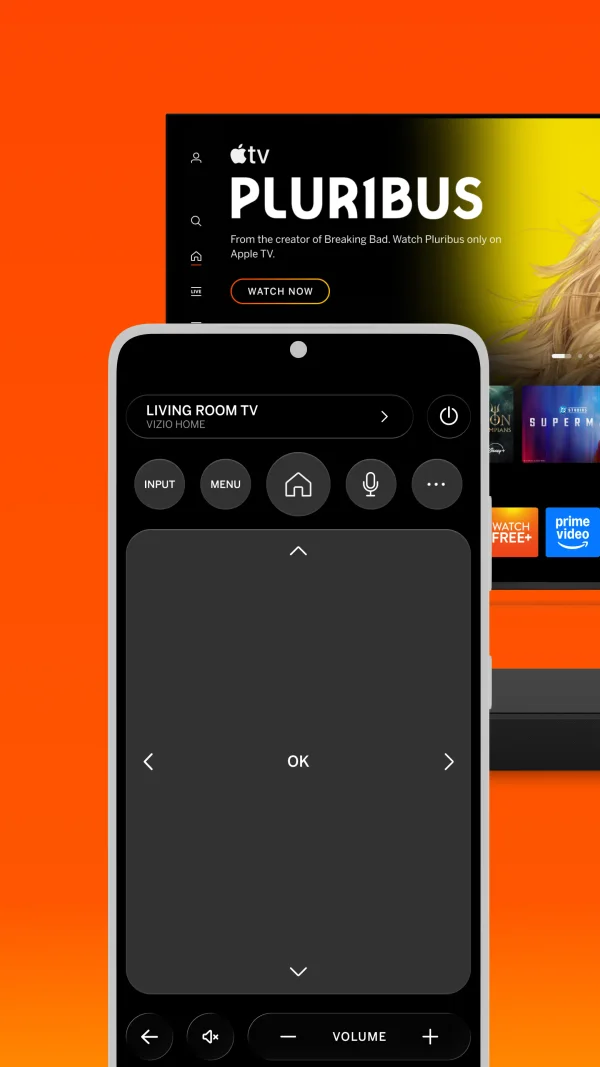
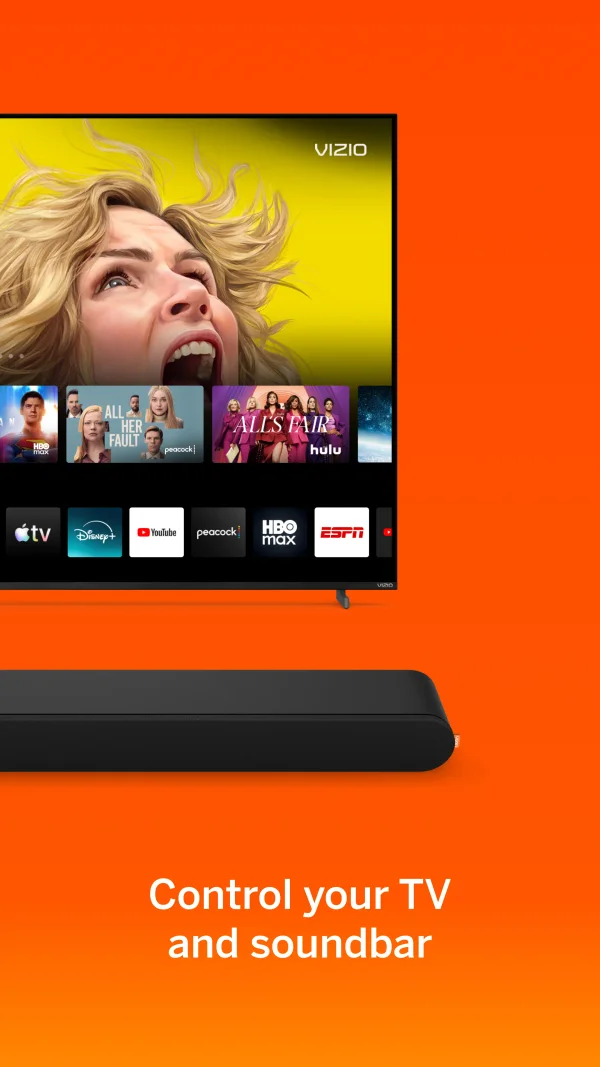
Control your VIZIO devices and discover entertainment, all through the VIZIO Mobile app.
TV and ENTERTAINMENT CONTROL: Transform your phone into a powerful entertainment hub.
• Smart Recommendations: Discover new shows and movies based on your interests
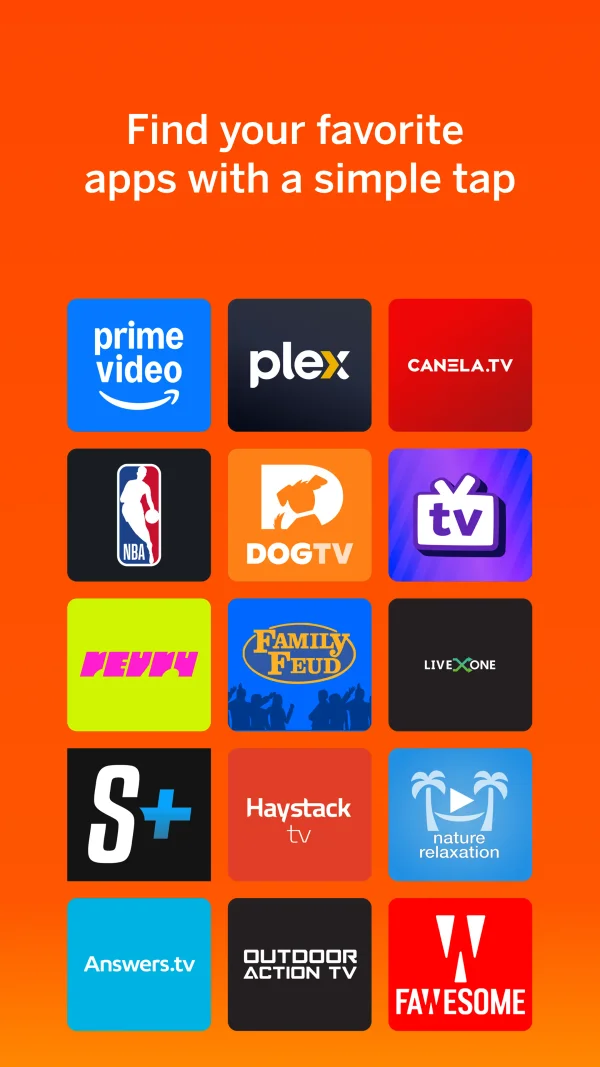
• Save Time. Stream More: Organize apps in one location
SOUNDBAR CONTROL: Fine-tune your audio experience right from your phone.
• Quick Audio Adjustments: Customize volume, bass, and treble with easy controls
• Preset Sound Modes: Optimize audio for movies, shows, music, and more
• Enhanced Listening: Enable features like ClearDialog and Night Mode for the perfect sound
———————————————————————
VIZIO Crave Speakers cannot output audio from TVs/displays or be connected as an additional channel to an existing sound bar or sound system. Additional supported SmartCast or Chromecast-enabled audio products are required (not included) for Multi-Room feature. Streaming different songs to different speakers at the same time is not supported when using a single app running on a single mobile device. To stream a different song to different speakers at the same time, you’ll need to stream from a different app or a separate mobile device.
The applications and content pictured herein or described on this page may only be available in certain countries and languages, may require additional fees or subscription charges, and may be subject to future updates, modifications, interruption and/or discontinuation of service without notice. VIZIO has no control over third party applications or content and assumes no responsibility for the availability or interruption of such applications or content. Additional third-party terms, conditions and restrictions apply. High-speed/broadband Internet service and access equipment are required and are not provided by VIZIO. Not all Google Cast-enabled apps are integrated with VIZIO SmartCast and may require additional steps to cast.
For help, please visit our Customer Help Center: support.vizio.com
Terms of Use: https://www.vizio.com/en/terms/account-terms
Privacy Policy: https://www.vizio.com/en/terms/privacy-policy
Data safety
What VIZIO declares on Google Play about the data this app collects and shares.
- This app may share these data types with third partiesFinancial info and App activity
- This app may collect these data typesPersonal info, Financial info and 5 others
- Data is encrypted in transit
- You can request that data be deleted
What’s new
Version 5.4.0.rc-4.20261019.20.release · Oct 22, 2026
- Bug fixes and performance enhancements
Developer contact
- Websitevizio.com
- Emailcustomersupport@vizio.com
- Privacy policyvizio.com
- Address39 Tesla Irvine, CA 92618 United States
Information
- Offered by
- VIZIO
- Category
- Entertainment
- Version
- 5.4.0.rc-4.20261019.20.release
- Updated
- Oct 22, 2026
- Released
- Mar 21, 2016
- Requires
- Android 10 or later
- Age rating
- Teen
- Price
- Free
- Package name
- com.vizio.vue.launcher
Similar apps
-
 Telemundo: Series y TV en vivo
Entertainment
-
 My Spectrum
Tools
-
 Movies Anywhere
Entertainment
-
 AMC Theatres: Movies & More
Entertainment
-
 Tubi: Free Movies & TV
Entertainment
-
 Pandora - Music & Podcasts
Music & Audio
-
 Six Flags
Travel & Local
-
 Ford Credit
Finance
-
 Fuse+
Entertainment
-
 Sling: Live TV + Freestream
Entertainment
-
 NBC Sports
Sports
-
 HISTORY: Shows & Documentaries
Entertainment