Volume Styles - Custom control
Tom BayleyContains ads · In-app purchases
- EveryoneAge rating
- PersonalizationCategory
- Aug 24, 2026Updated
- FreePrice
Links to the official Google Play listing of com.tombayley.volumepanel. Last checked on Nov 19, 2026.
Screenshots
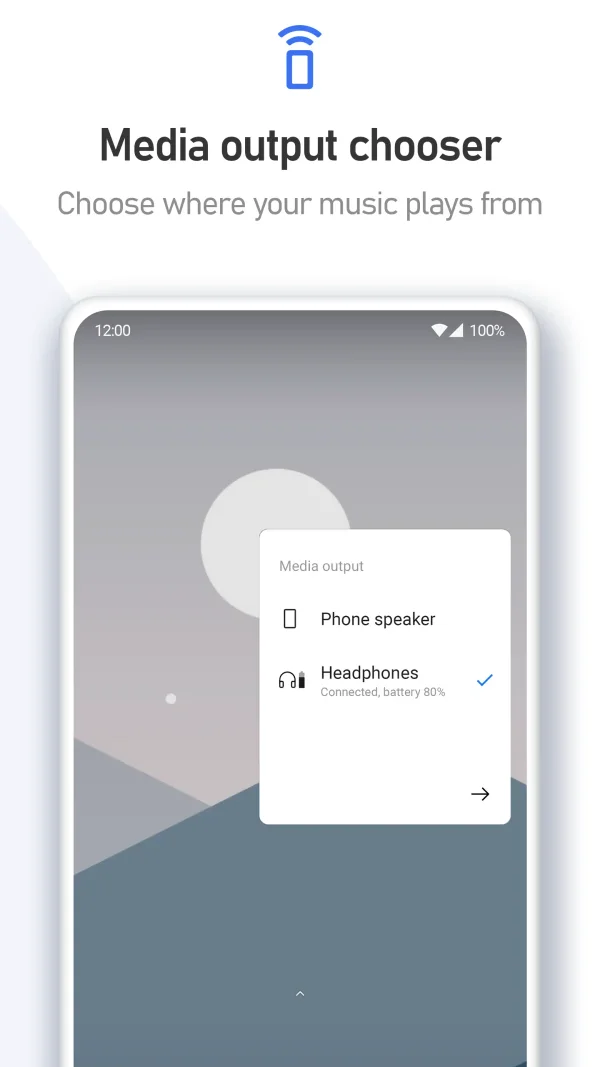
About this app
Custom volume panel control — stunning themes, sliders, iOS, Samsung & more.
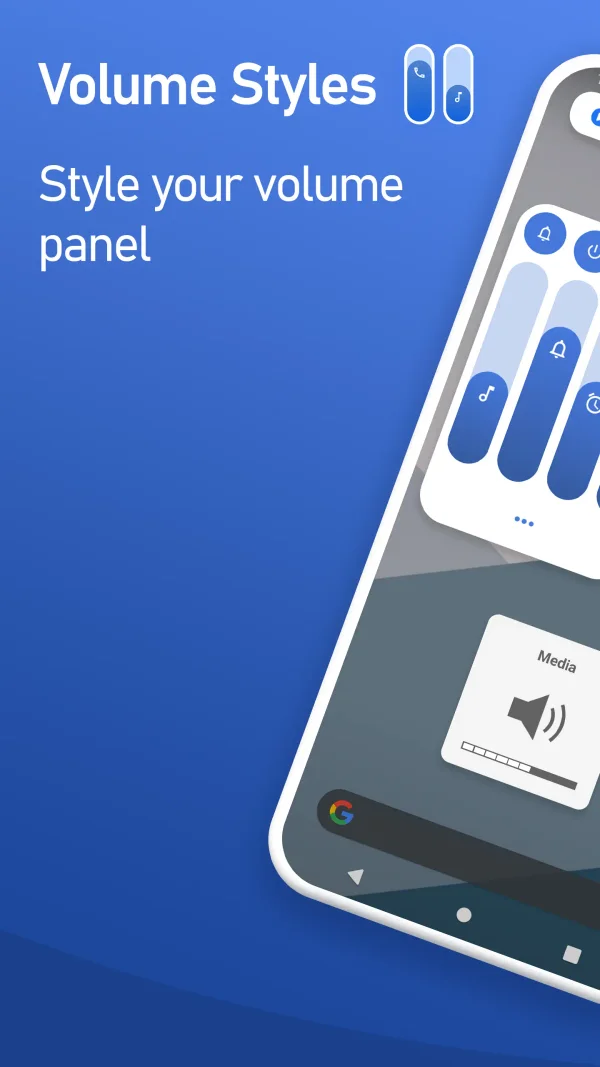
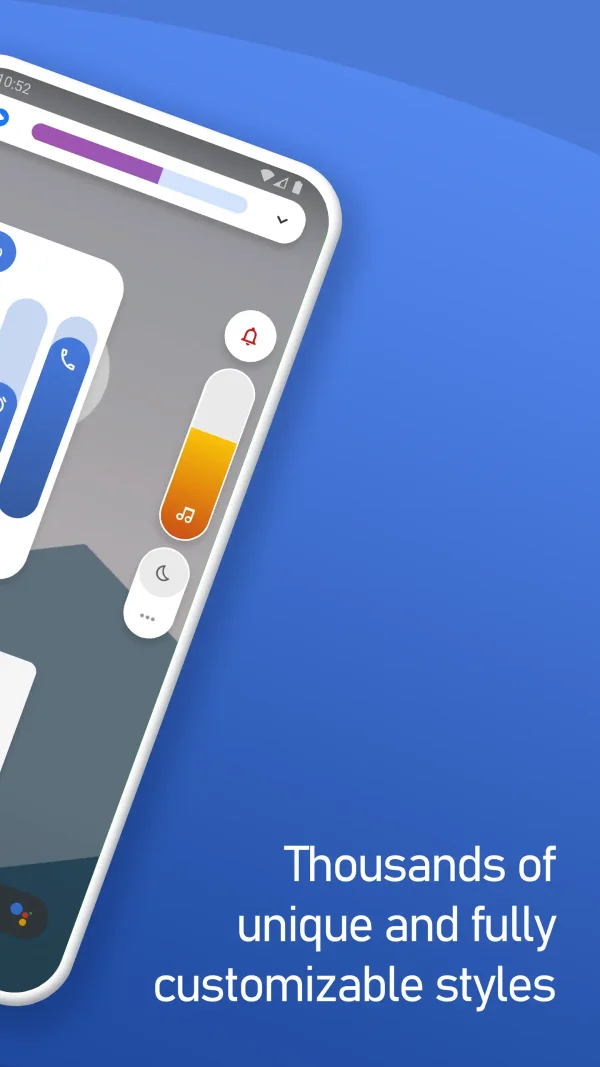
Volume Styles replaces your stock volume panel with a stunning custom design — pick from thousands of themes, apply iOS or HyperOS styles, and take complete control of every slider and shortcut.
The most powerful volume panel customization app on Android.
⭐ Trusted by 25+ million Android users worldwide ⭐
🎨 VOLUME PANEL THEMES
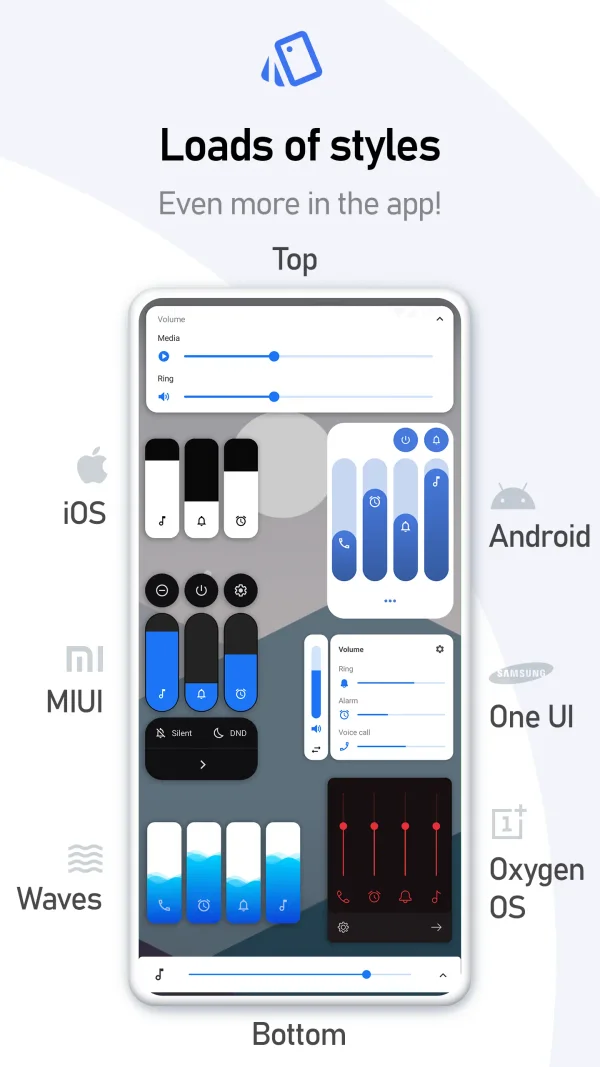
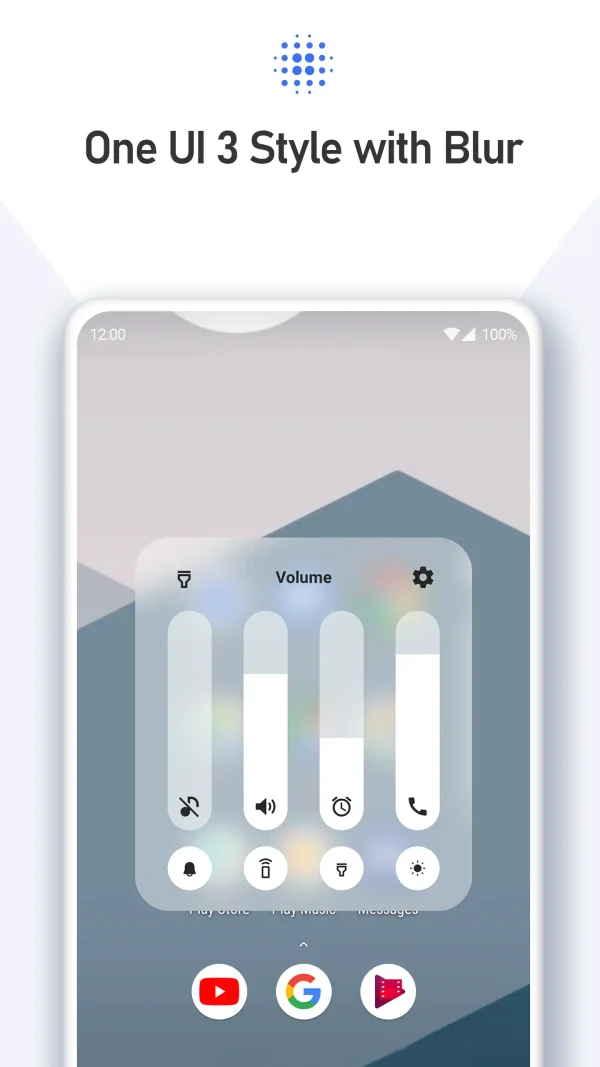
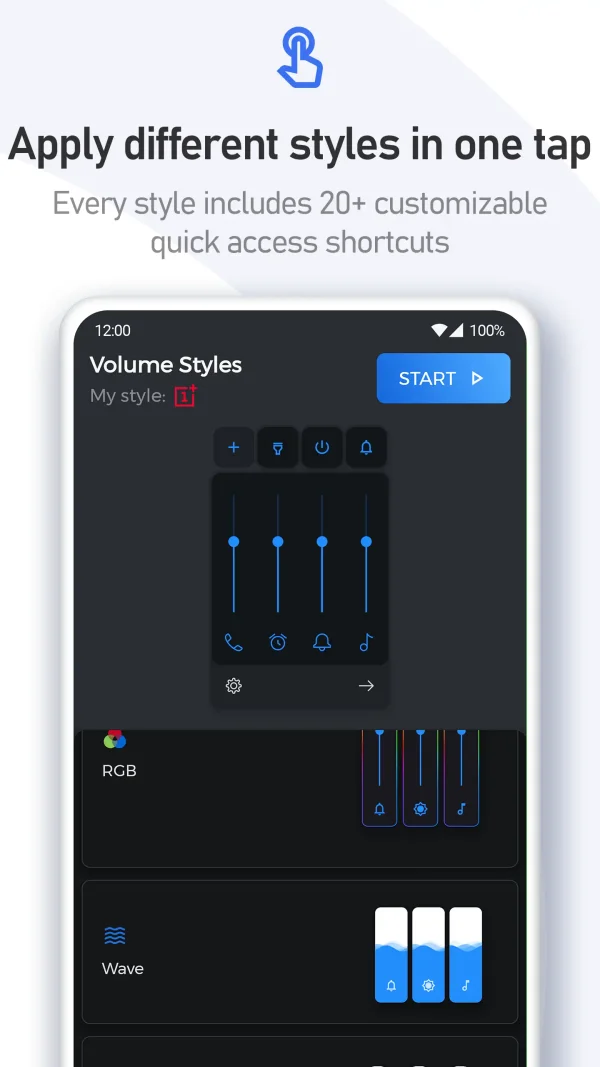
Transform your Android volume panel in one tap. Iconic styles from the world's most popular UIs — or discover thousands of community-made designs:
• iOS
• Xiaomi HyperOS / MIUI
• Samsung One UI
• OnePlus OxygenOS
• Huawei EMUI, Color OS, Realme UI, Vivo Funtouch OS
• Horizontal sliders
• Windows 10, Windows Phone
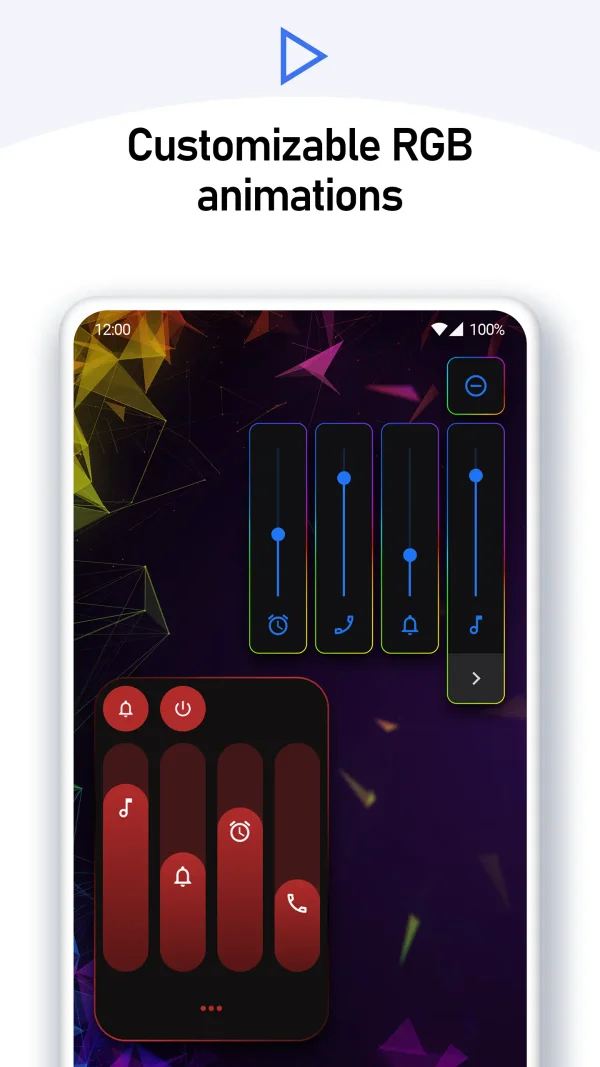
• Ocean Wave, Fire, RGB, Volume Knob
• ... and thousands more inside the app
✨ STYLE CREATOR & COMMUNITY FEED
Want something truly unique? Build your own volume panel theme from scratch with the Style Creator. Dial in colors, corner radius, transparency — every last detail.
Share your design in the Style Feed, a live community gallery of user-made volume panel themes. Browse, favorite, and apply any style with a single tap.
🔊 VOLUME SLIDERS & AUDIO CONTROL
Choose exactly which audio sliders appear in your panel — add or remove any stream:
• Media volume
• Ring volume
• Notification volume
• Alarm volume
• Voice call volume
• System volume
• Bluetooth volume
• Cast volume
• Brightness slider
🖌️ DEEP CUSTOMIZATION
Fine-tune your custom volume panel down to the last pixel:
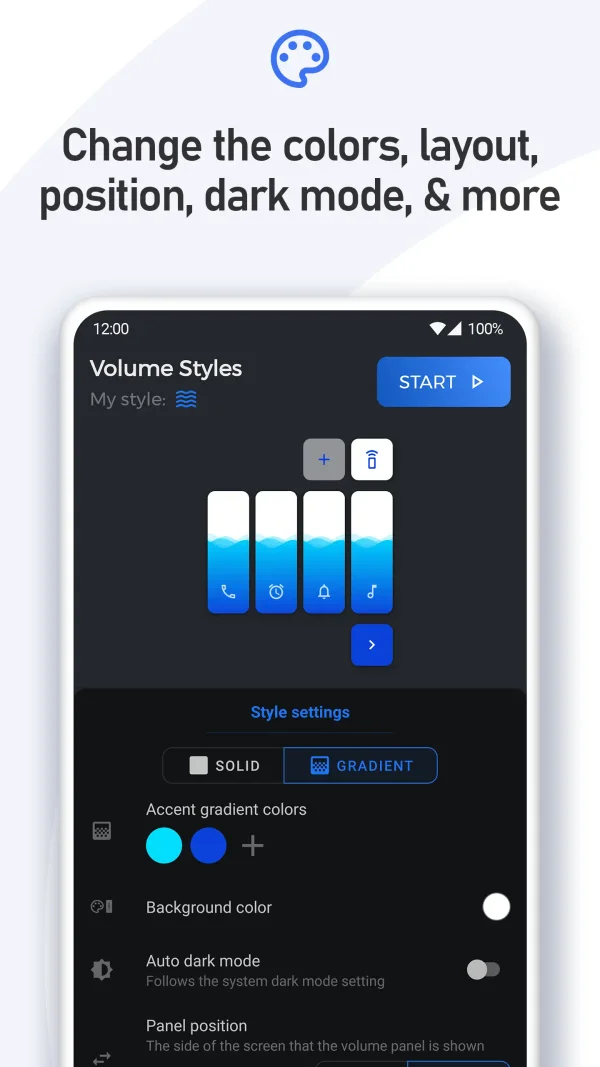
• Custom colors & gradients
• Auto dark mode
• Adjustable corner radius
• Panel position — left, center, or right
• Panel show duration
• And much more
⚡ VOLUME PANEL SHORTCUTS
Add powerful quick-action shortcuts directly inside your volume panel — no need to open settings:
• Live Caption
• Flashlight / Torch
• Toggle rotation
• Screenshot
• Split screen
• Do Not Disturb toggle
• Sound mode toggle (silent / vibrate / ring)
• Auto brightness toggle
• Open Settings
• Turn off screen
• Toggle media, notification, alarm, call & system volume
Volume Styles uses Accessibility Services to override volume buttons and display your custom volume panel.
Data safety
What Tom Bayley declares on Google Play about the data this app collects and shares.
- No data shared with third partiesLearn more about how developers declare sharing
- No data collectedLearn more about how developers declare collection
- Data is encrypted in transit
- You can request that data be deleted
What’s new
Version 5.2.2 · Aug 24, 2026
Bug fixes and enhancements
Developer contact
- Websitetombayley.dev
- Emailsupport@tombayley.dev
- Privacy policytombayley.dev
- Address31 Glastonbury Drive POYNTON SK12 1EN United Kingdom
Information
- Offered by
- Google Commerce Ltd
- Category
- Personalization
- Version
- 5.2.2
- Updated
- Aug 24, 2026
- Released
- Mar 30, 2020
- Requires
- Android 7.0 or later
- Age rating
- Everyone
- Price
- Free
- In-app purchases
- $1.99 - $9.49 per item
- Package name
- com.tombayley.volumepanel
Similar apps
-
 EDGE Lighting -LED Borderlight
Personalization
-
 Super S9 Launcher for Galaxy S
Tools
-
 SuperBattery & Charge Monitor
Tools
-
 Strip Hi-tech Launcher 2025
Personalization
-
 Battery Charging Animation App
Personalization
-
 Hi-tech Circuit Launcher
Personalization
-
 Edge Lighting - Borderlight
Personalization
-
 Speedometer: GPS Speedometer
Maps & Navigation
-
 Battery Widget % Level Plus
Tools
-
 Extra Volume Booster, XBooster
Music & Audio
-
 3D Live Wallpapers 4D video 4K
Personalization
-
 Music Equalizer - Bass Booster
Personalization