Wallet Cards | Digital Wallet
DOSA AppsContains ads · In-app purchases
- EveryoneAge rating
- Travel & LocalCategory
- Nov 17, 2026Updated
- FreePrice
Links to the official Google Play listing of io.walletcards.android. Last checked on Nov 26, 2026.
Screenshots





About this app
Manage your Digital Cards with the compatible Wallet Cards app
What is Wallet Cards | Digital Wallet?
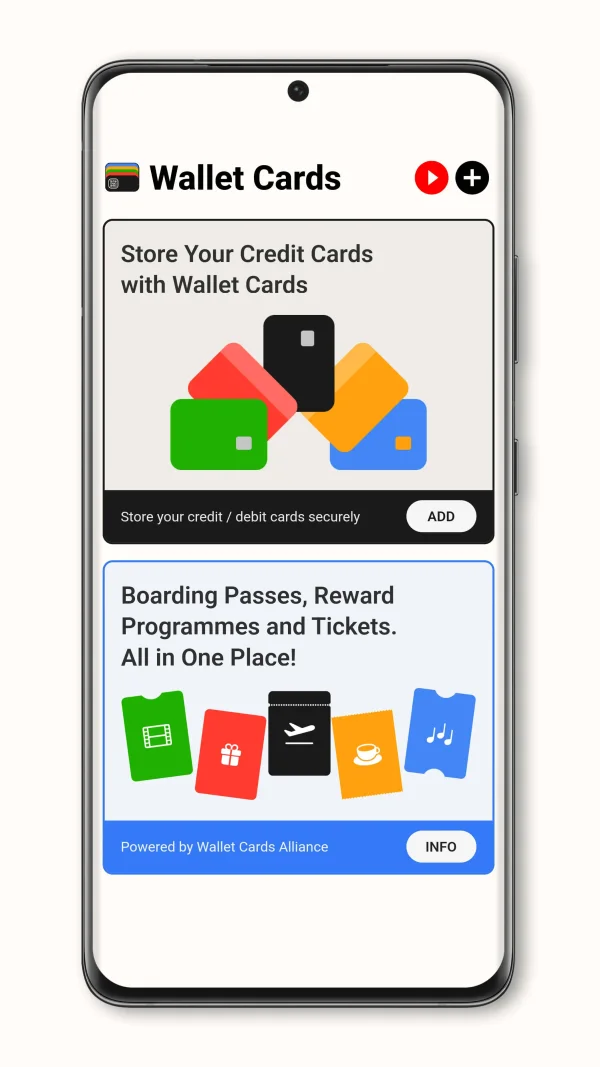
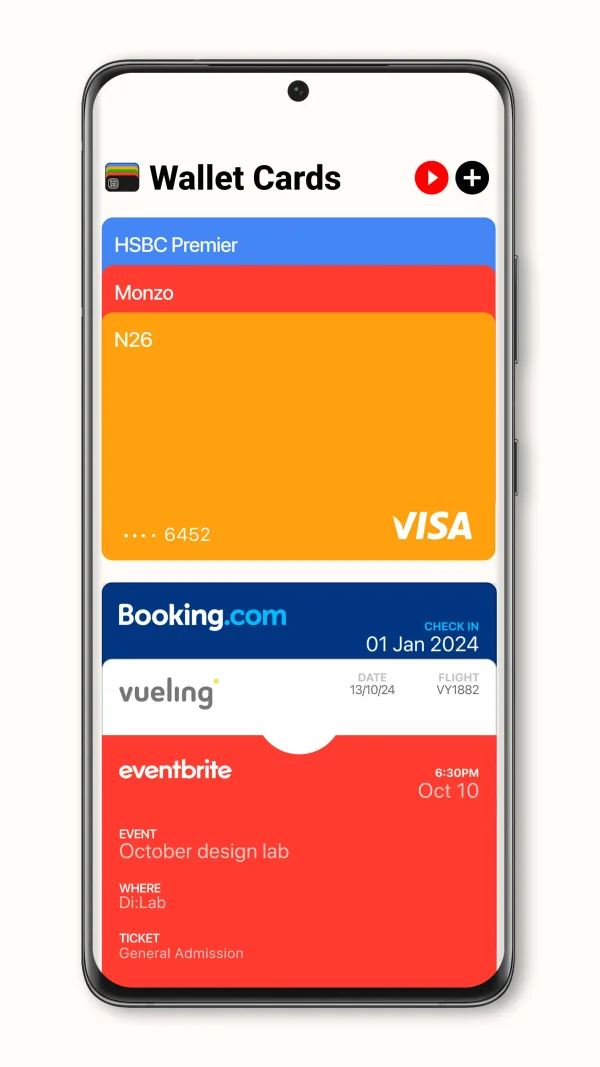
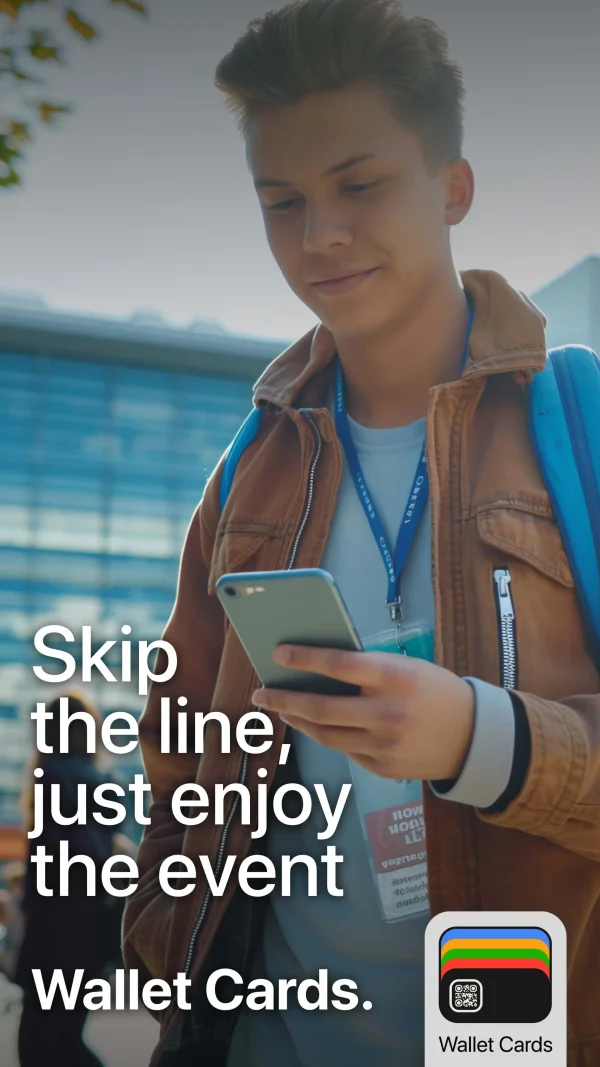
A wallet app for Android that keeps compatible digital passes together on your phone. Add boarding passes, event tickets, and loyalty cards, then open the pass you need at the airport, venue, or store. Support for .pkpass files helps you manage passes issued in this format on Android.
Who is Wallet Cards | Digital Wallet for?
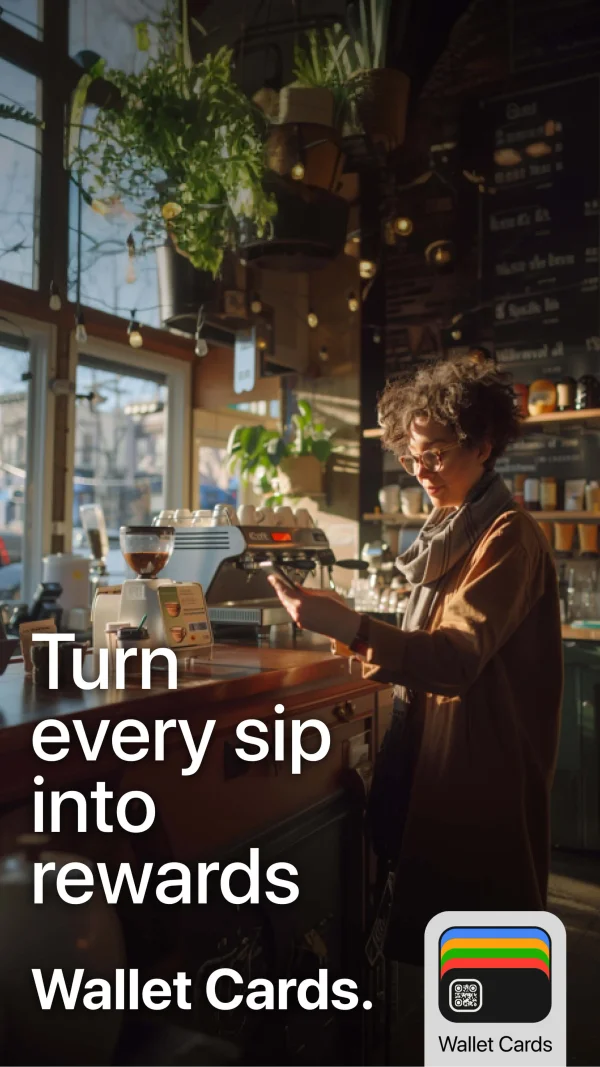
Use it when you want one place for flight passes, admission tickets, and rewards passes. Keep a boarding pass ready for a flight, find a concert ticket before entry, or bring up your coffee shop's rewards card at the counter.
If you have moved to Android and receive .pkpass files, you can use this wallet app to manage compatible passes. It is also useful for everyday loyalty cards, coupons, and QR-based student IDs supplied by participating providers.
What does Wallet Cards | Digital Wallet do?
• Keep digital passes together: manage boarding passes, event tickets, rewards cards, and coupons in one app.
• Open .pkpass files: add compatible passes provided by airlines, event organizers, stores, or other issuers.
• Scan to add passes: use the built-in QR scanner and browser to access supported pass links and registration forms.
• Display supported barcodes: use passes with QR, PDF417, Aztec, or Code128 codes where the issuer accepts them.
• Receive pass updates and notifications: get changes for supported passes when the issuer provides updates through the service.
How does Wallet Cards | Digital Wallet work?
Start with a compatible pass from its issuer. Import the pass file into the app, or use the scanner to open a supported pass link. The built-in browser can open registration forms used by pass providers.
Once added, open the relevant pass when you need it and present its barcode at a supported checkpoint, entrance, or store. A boarding pass, admission ticket, and rewards card each serve the purpose set by their issuer.
Pass updates depend on the issuer's service and integration. A stored pass does not create a booking, buy a ticket, or enroll you in a rewards program by itself.
Compatibility and requirements
Designed for Android and compatible with the .pkpass pass format. The pass must be available in a supported format, and its use depends on the issuing provider and the place accepting it. Barcode support does not mean every airline, ticketing service, or store accepts every pass.
NFC is not supported. You cannot add credit or debit cards for payment, and the app does not provide tap-to-pay purchases. Digital passes and rewards cards are separate from bank payment cards.
The app contains ads and offers in-app purchases.
Privacy
Allow camera access when you choose to scan a barcode. The scanner uses the camera to read the code for that action.
Wallet Cards | Digital Wallet keeps your compatible passes together so you can find the ticket, travel pass, or rewards card you need for the moment.
Data safety
What DOSA Apps declares on Google Play about the data this app collects and shares.
- No data shared with third partiesLearn more about how developers declare sharing
- No data collectedLearn more about how developers declare collection
- Data is encrypted in transit
- Data can’t be deleted
Developer contact
- Websitedosaapps.com
- Emailsupport.walletcards@dosaapps.com
- Privacy policywalletcards.io
- Address26 Leshem MEVASSERET ZION, 9077520 Israel
Information
- Offered by
- DOSA Apps
- Category
- Travel & Local
- Version
- 2.5.20
- Updated
- Nov 17, 2026
- Released
- Jan 14, 2021
- Requires
- Android 8.0 or later
- Age rating
- Everyone
- Price
- Free
- In-app purchases
- $0.99 - $99.99 per item
- Package name
- io.walletcards.android
Similar apps
-
 ONEWallet: Loyalty Card Wallet
Tools
-
 Samsung Wallet (Samsung Pay)
Lifestyle
-
 DEGIRO: Investing & Trading
Finance
-
 Currency Converter Plus Live
Travel & Local
-
 Daily budget planner: Spendee
Finance
-
 AstroPay
Finance
-
 Uphold: Buy Bitcoin, KAS & XRP
Finance
-
 Square Team
Finance
-
 Blockchain Wallet: Buy BTC
Finance
-
 Western Union Send Money Now
Finance
-
 Netspend
Finance
-
 Coinbase Wallet: Trade to Win
Finance