WellsOne Expense Manager
Wells Fargo Mobile- EveryoneAge rating
- FinanceCategory
- Nov 20, 2026Updated
- FreePrice
Links to the official Google Play listing of com.wf.wellsone.app. Last checked on Nov 21, 2026.

Screenshots




About this app
Track your business expenses.
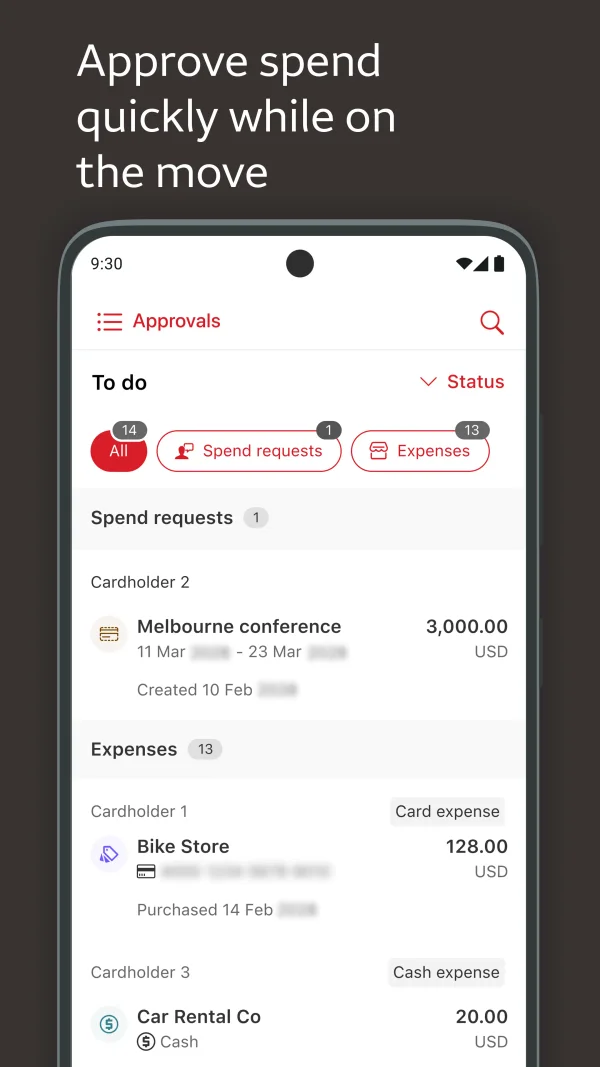
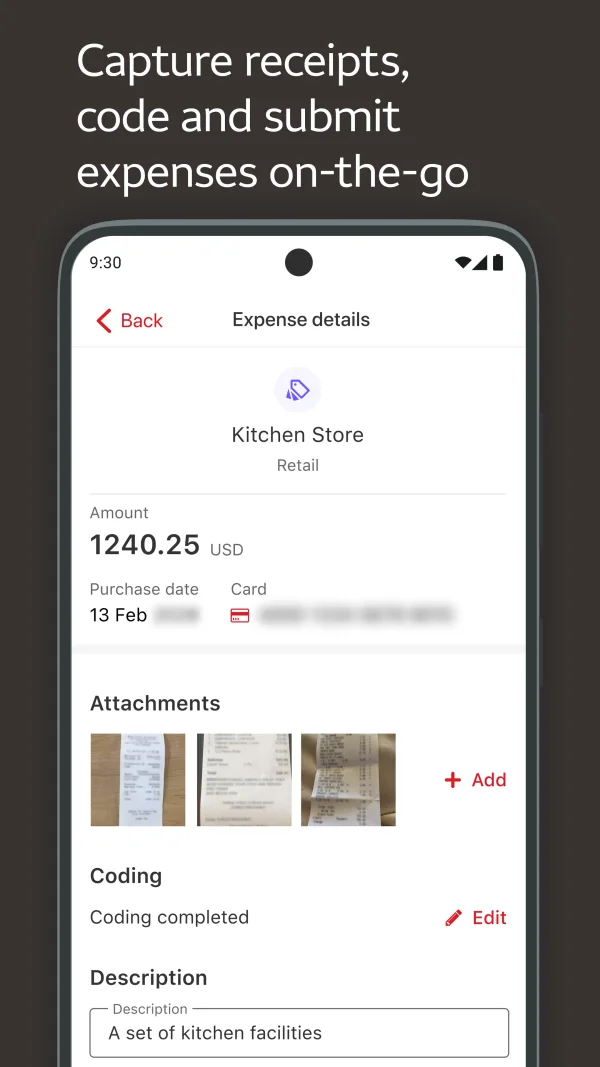
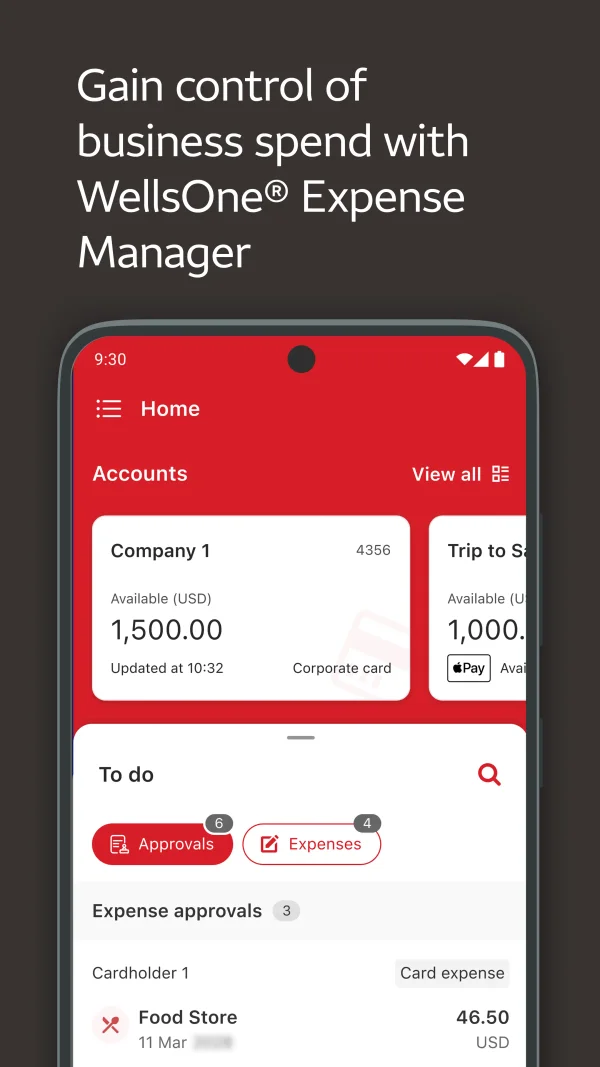
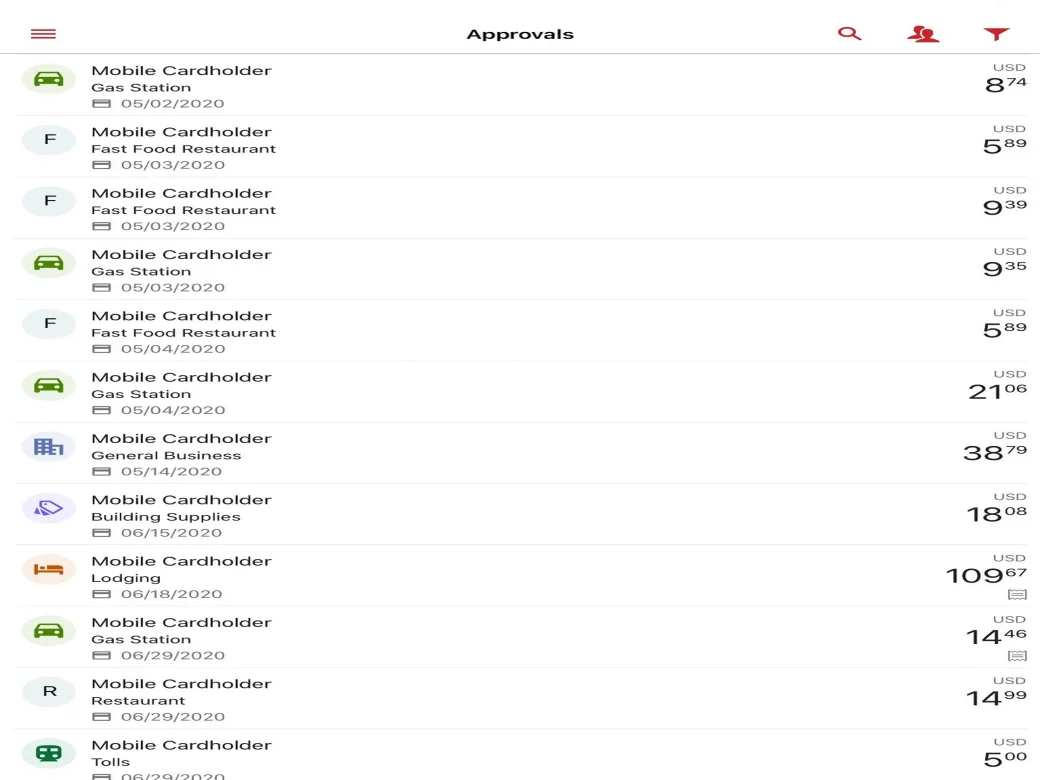
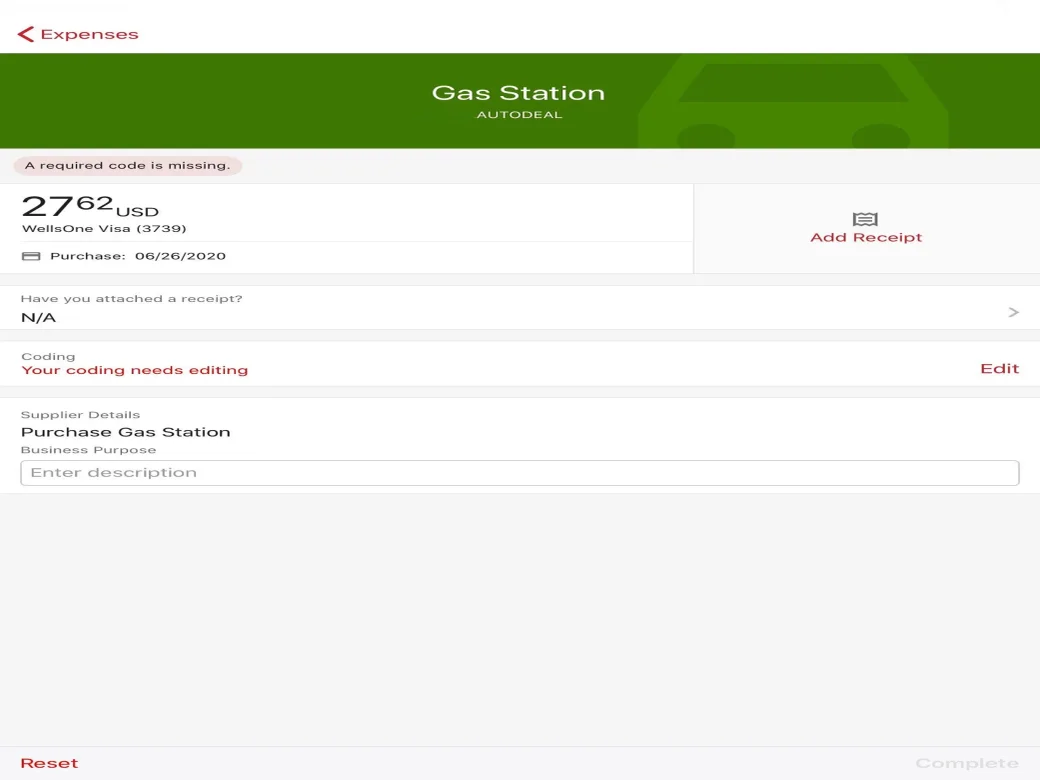
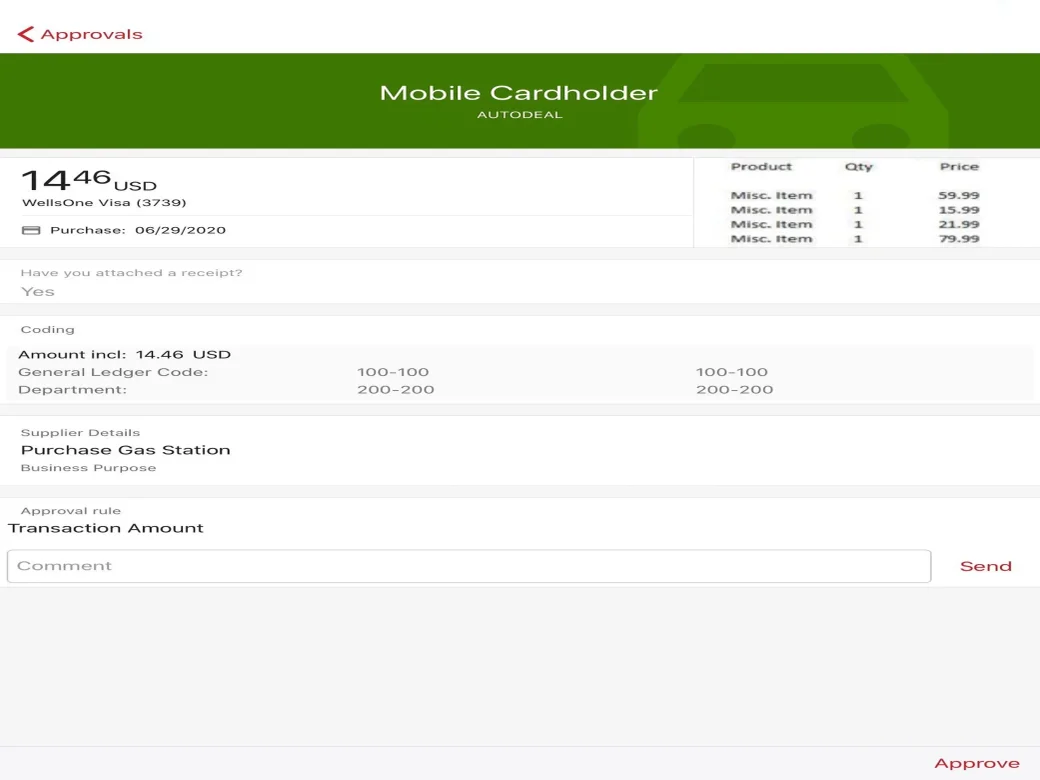
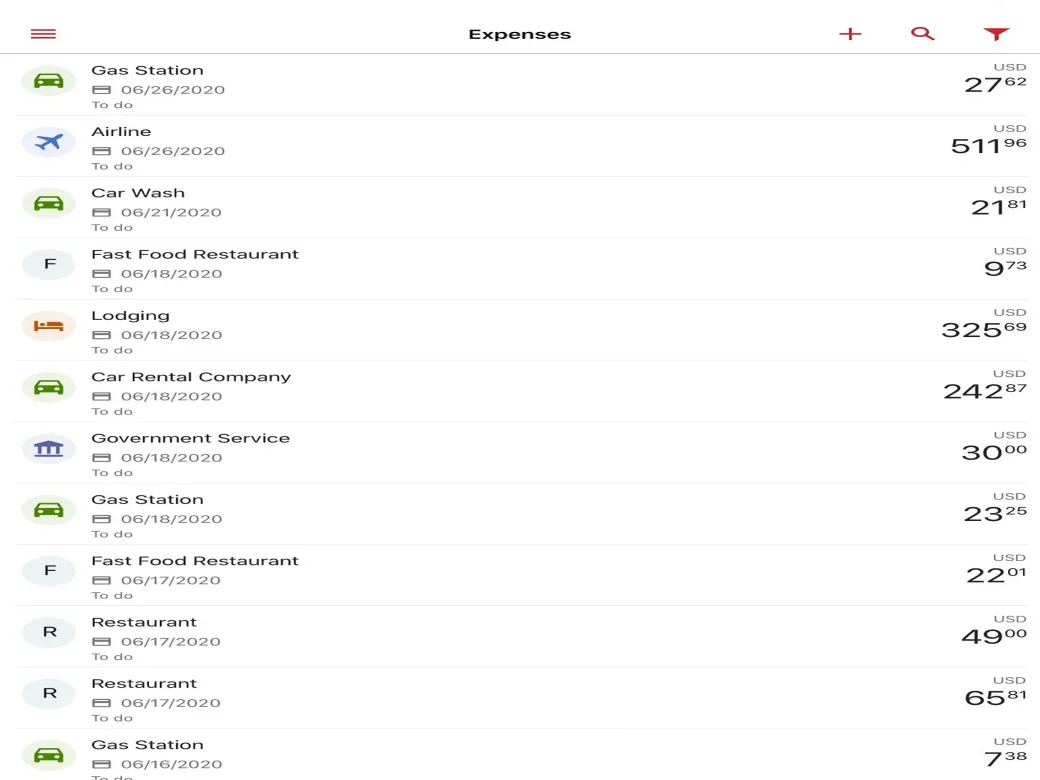
The WellsOne® Expense Manager app is designed to help you keep track of your business expenses and complete core tasks associated with approvals and transaction submissions with your mobile device. From receipt capture and coding, to approvals and reimbursement, the WellsOne Expense Manager app helps you securely complete your expense tasks on the go.
Key features:
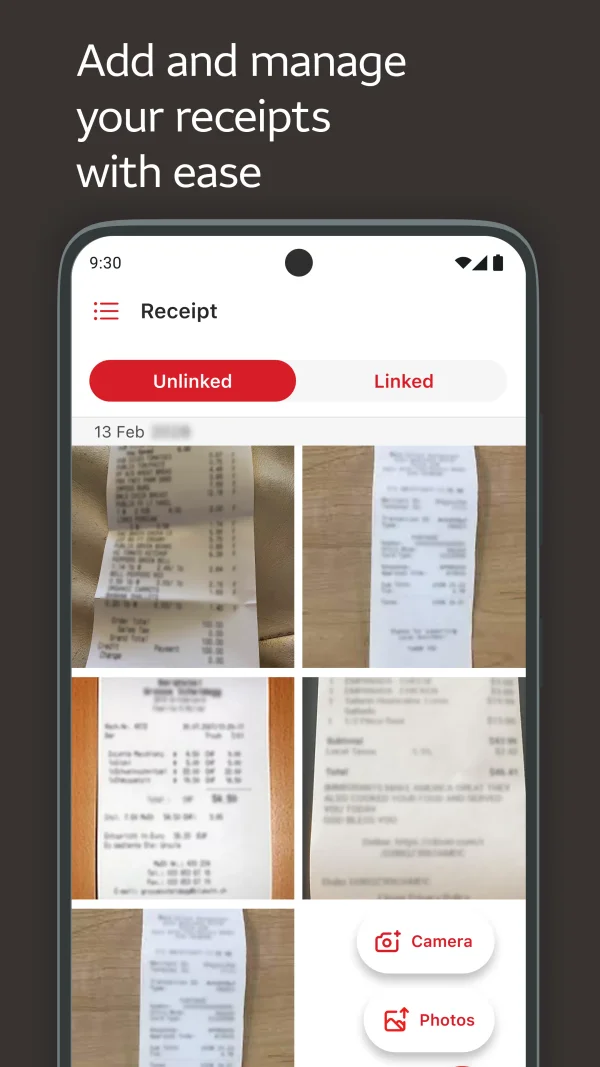
• Capture and manage receipts
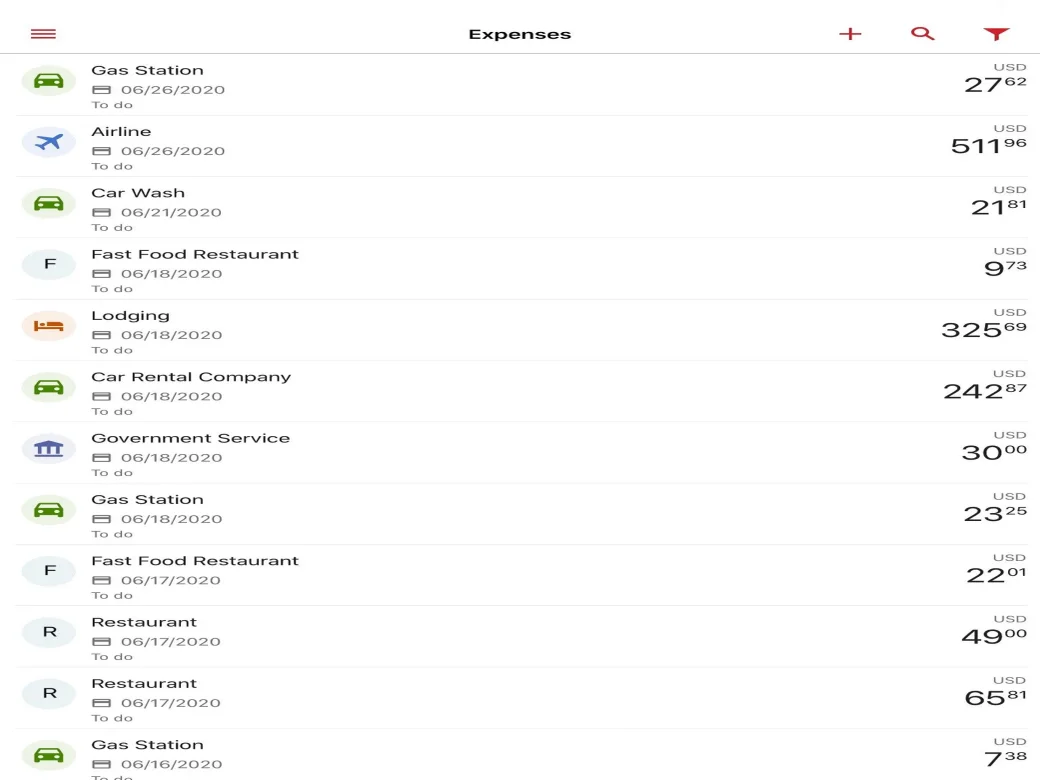
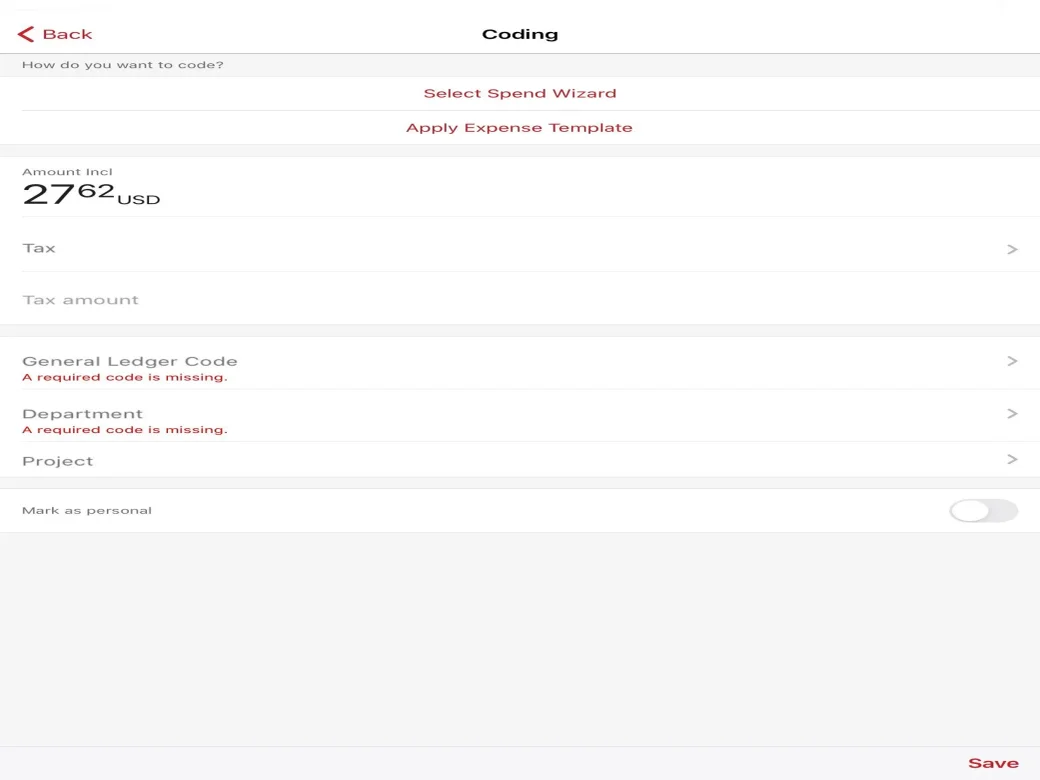
• Add required information to transactions and submit for approval
• Apply spend wizards (itemization)
• Apply expense templates to a transaction
• Request and submit reimbursement for cash expenses
• View card account information
• View credit limit information
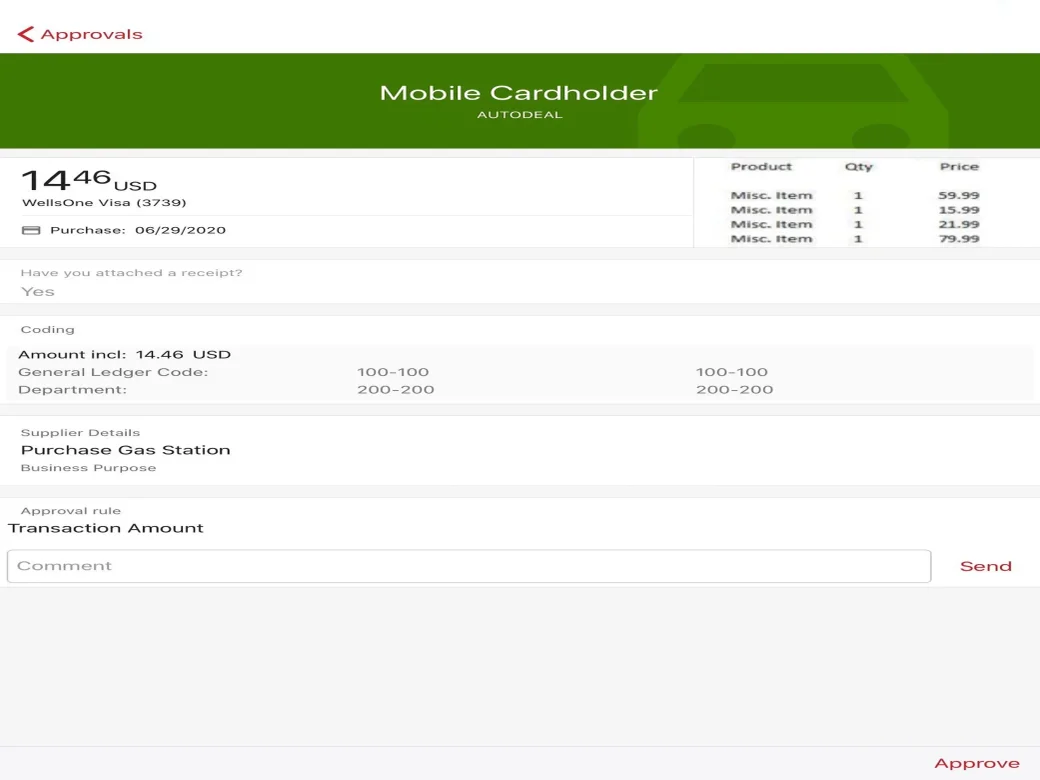
• Approve submitted card transactions
• Return transactions to submitter for additional information
To use the app, you must have:
• A Wells Fargo issued WellsOne® commercial card and use WellsOne Expense Manager
• Access to the Commercial Electronic Office®(CEO®)
To get started, download and install the WellsOne Expense Manager app on your mobile device.1
For the best experience, download the latest version of the WellsOne® Expense Manager Mobile app available for your device from Google Play™ store.
1 Availability may be affected by your mobile carrier’s coverage area. Your carrier’s message and data rates may apply.
Android and Google Play are trademarks of Google LLC.
© 2024 Visa. All Rights Reserved.
Data safety
What Wells Fargo Mobile declares on Google Play about the data this app collects and shares.
- No data shared with third partiesLearn more about how developers declare sharing
- No data collectedLearn more about how developers declare collection
What’s new
Version 263.0 · Nov 20, 2026
Minor Performance improvements and bug fixes.
Developer contact
- Emailwellsfargomeetingsandevents@wellsfargo.com
- Privacy policywellsfargo.com
- Address420 Montgomery St San Francisco, CA 94104 United States
Information
- Offered by
- Wells Fargo Mobile
- Category
- Finance
- Version
- 263.0
- Updated
- Nov 20, 2026
- Released
- Oct 28, 2020
- Age rating
- Everyone
- Price
- Free
- Package name
- com.wf.wellsone.app
Similar apps
-
 Arro: Credit Card & Cash Back
Finance
-
 Fold: Bitcoin Personal Finance
Finance
-
 Chapp - The Charity App
Events
-
 Zip | Buy now, pay later
Shopping
-
 Mercury Cards
Finance
-
 Box Tops for Education™
Shopping
-
 Citizens Bank Mobile Banking
Finance
-
 Wasatch Peaks Credit Union
Finance
-
 Credit Union 1 Mobile Banking
Finance
-
 LollicupStore
Shopping
-
 OneMain Financial
Finance
-
 FutureMoney: Early Investing
Finance