Weston TV Remote
DictionaryAndTranslatorContains ads · In-app purchases
- EveryoneAge rating
- ToolsCategory
- Jan 4, 2026Updated
- FreePrice
Links to the official Google Play listing of in.remotify.www.dishtvs7070rremote. Last checked on Nov 24, 2026.
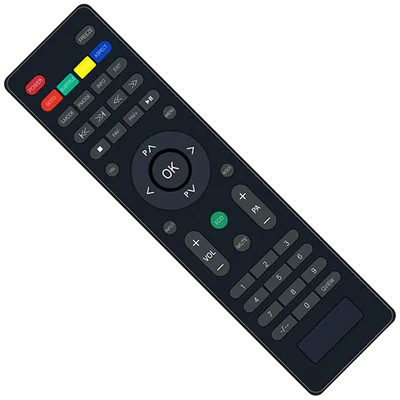
Screenshots
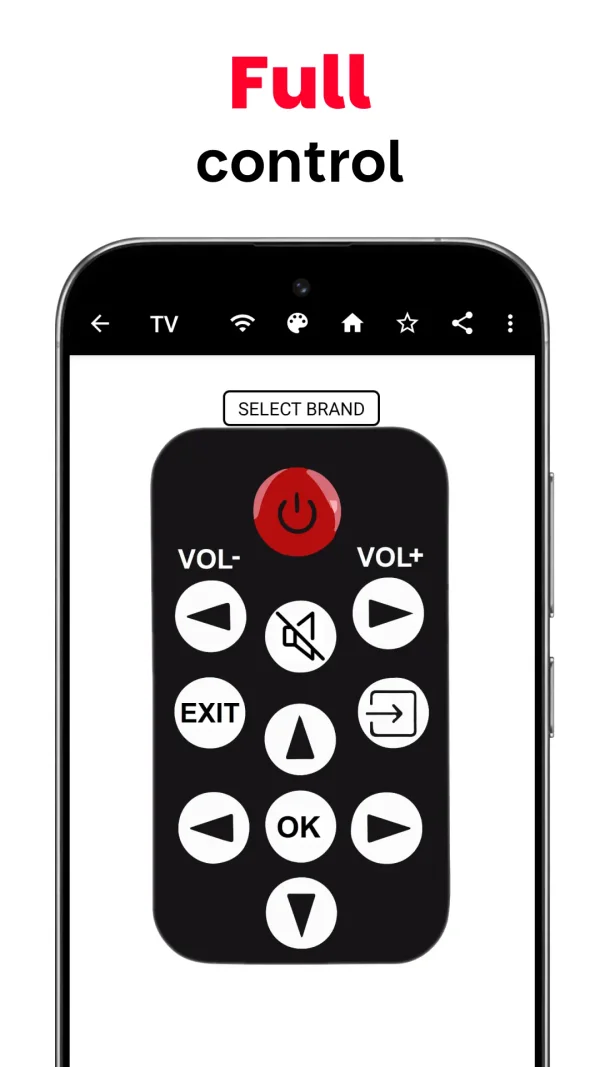
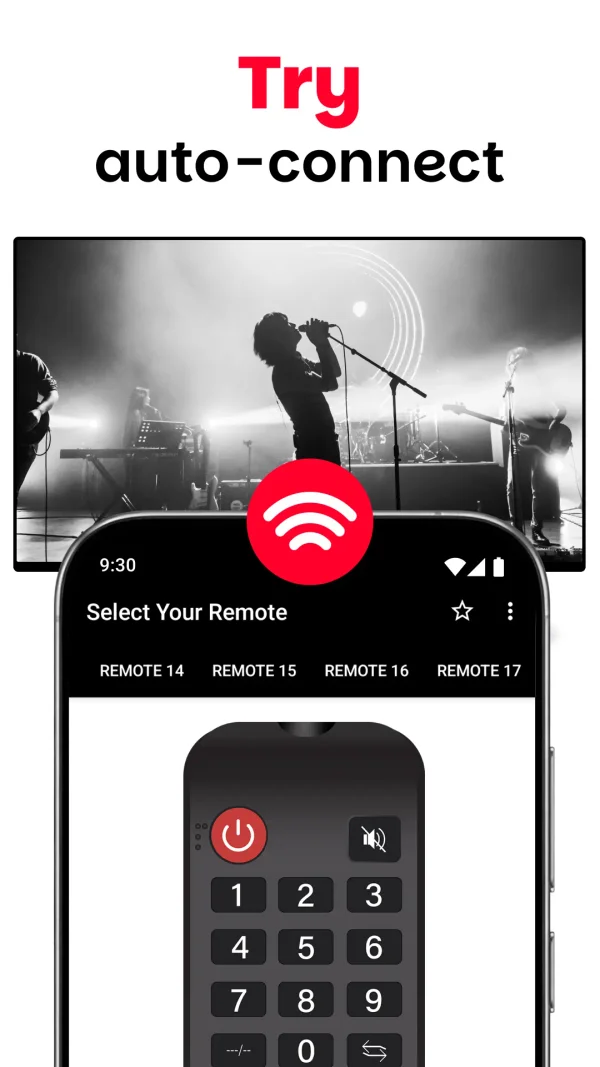
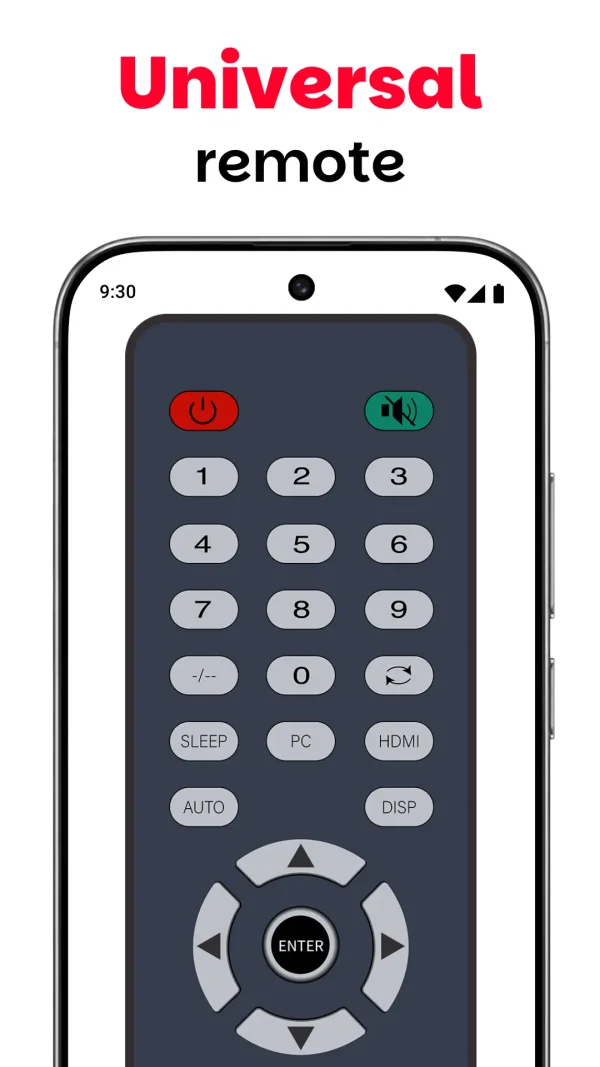
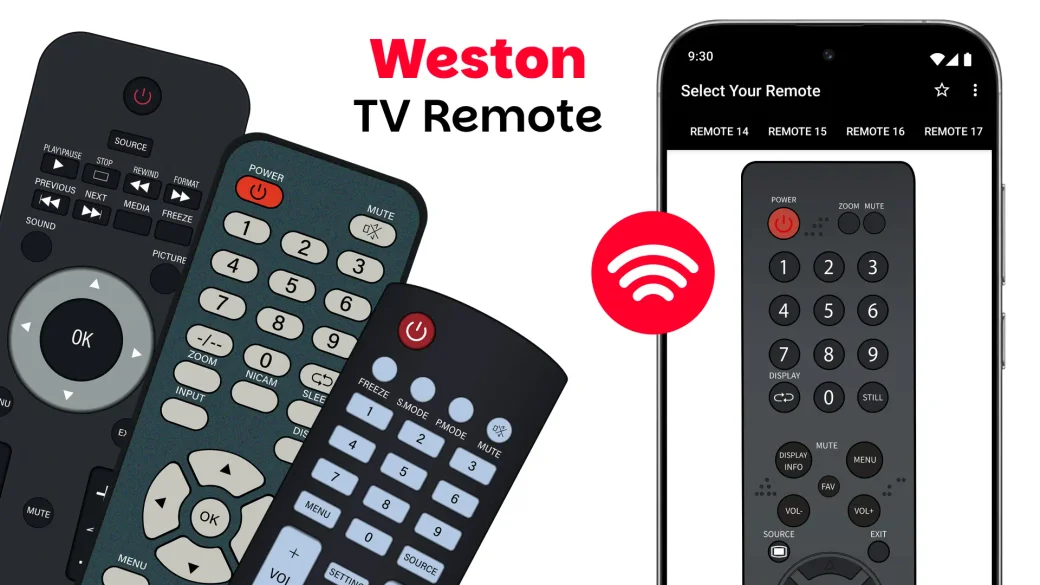
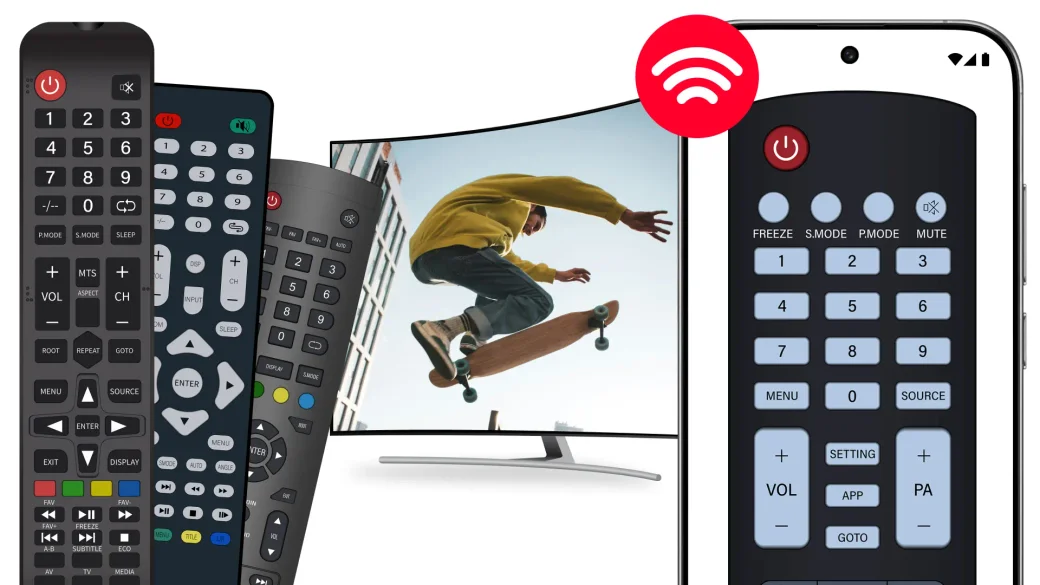
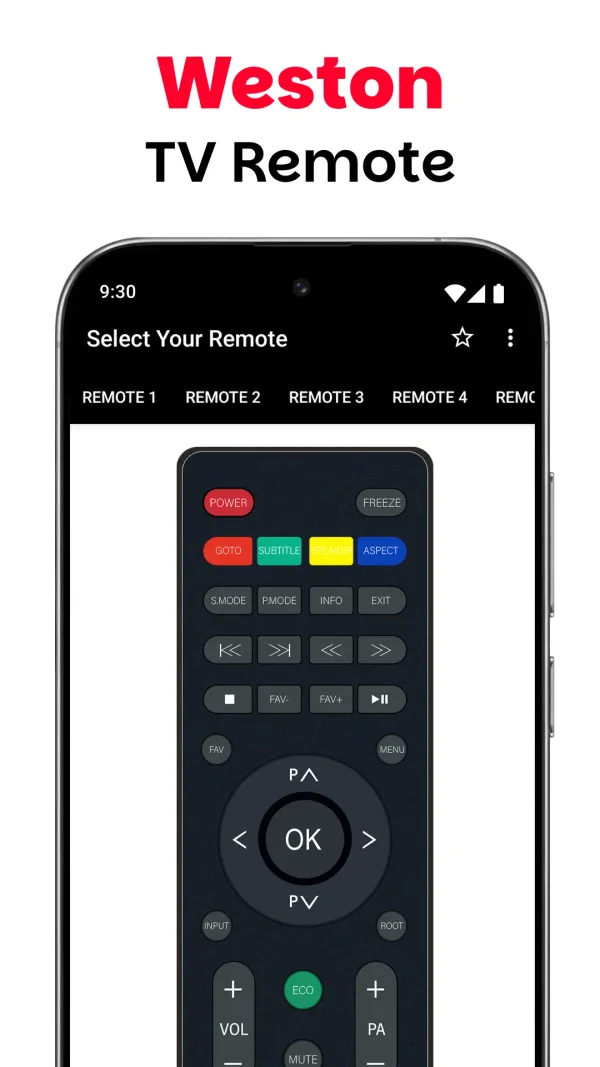
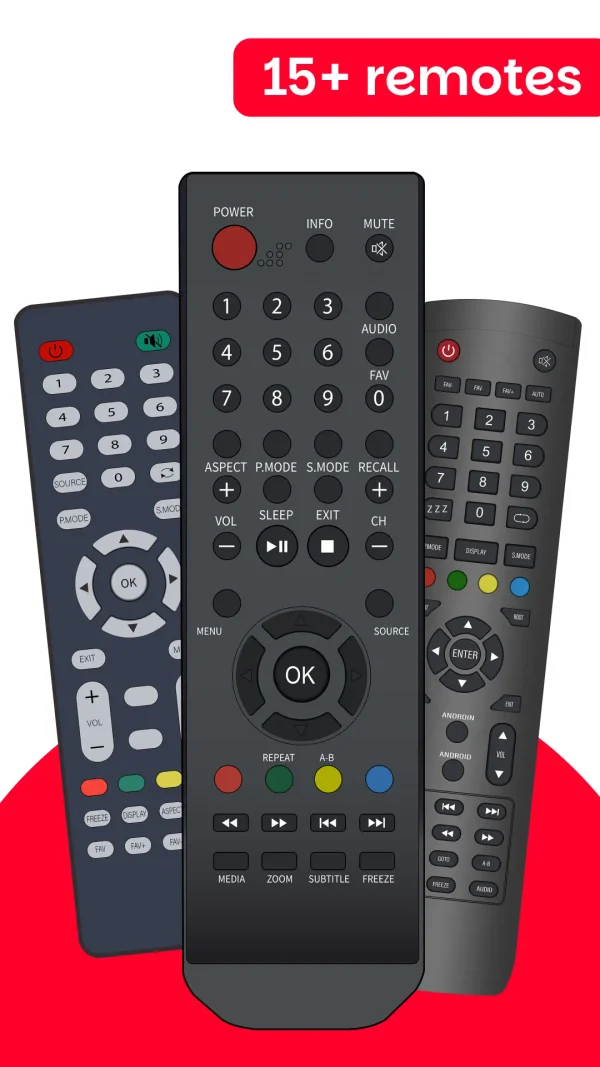
About this app
Change channels fast with the Weston TV Remote Controller!
What is Weston TV Remote?
This Android infrared remote-control app lets you use a compatible phone to operate supported Weston televisions. Use common TV controls to change channels, adjust volume, enter channel numbers, open menus, and navigate on-screen options when a physical remote is unavailable.
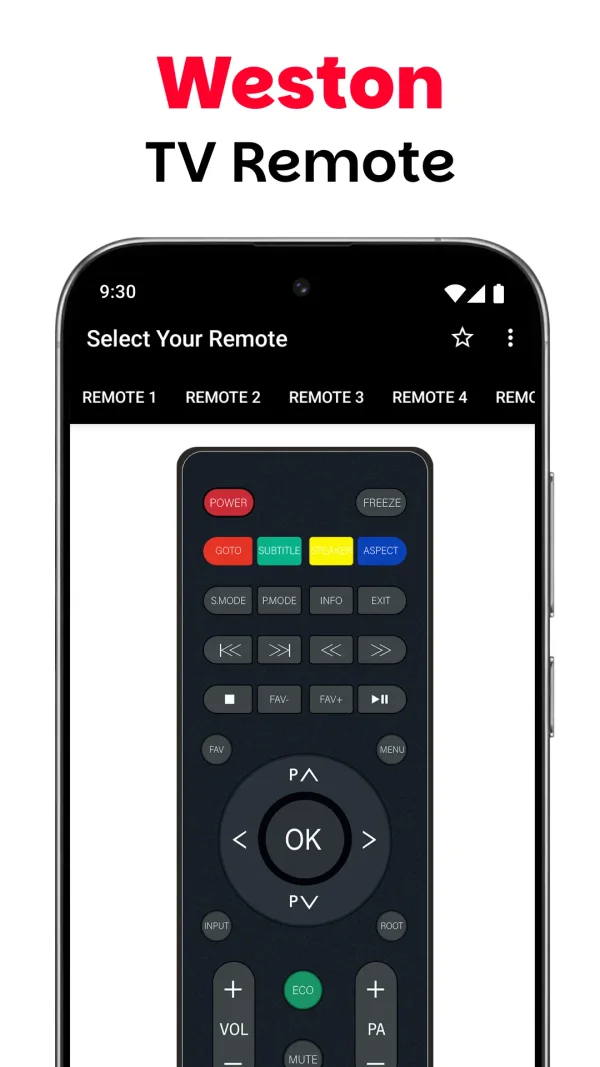
The app provides several remote layouts with familiar buttons. It communicates through your phone's built-in infrared sensor, so the required IR hardware must already be present.
Who is Weston TV Remote for?
Use the app with a supported Weston television and an Android phone that has an infrared sensor. It can help when the original remote is misplaced, its batteries are empty, or you want a spare controller on your phone.
Handle everyday tasks such as power, channels, volume, menu navigation, and number entry. Compatibility depends on both the phone and television, so this is not a universal remote for every TV model.
What does Weston TV Remote do?
• Control power: use the on-screen power button with a compatible TV.
• Change channels: move up or down through available channels.
• Adjust volume: increase or decrease the TV sound from the remote screen.
• Enter numbers: use the numeric keypad when selecting a channel directly.
• Navigate menus: use the directional controls and confirmation button.
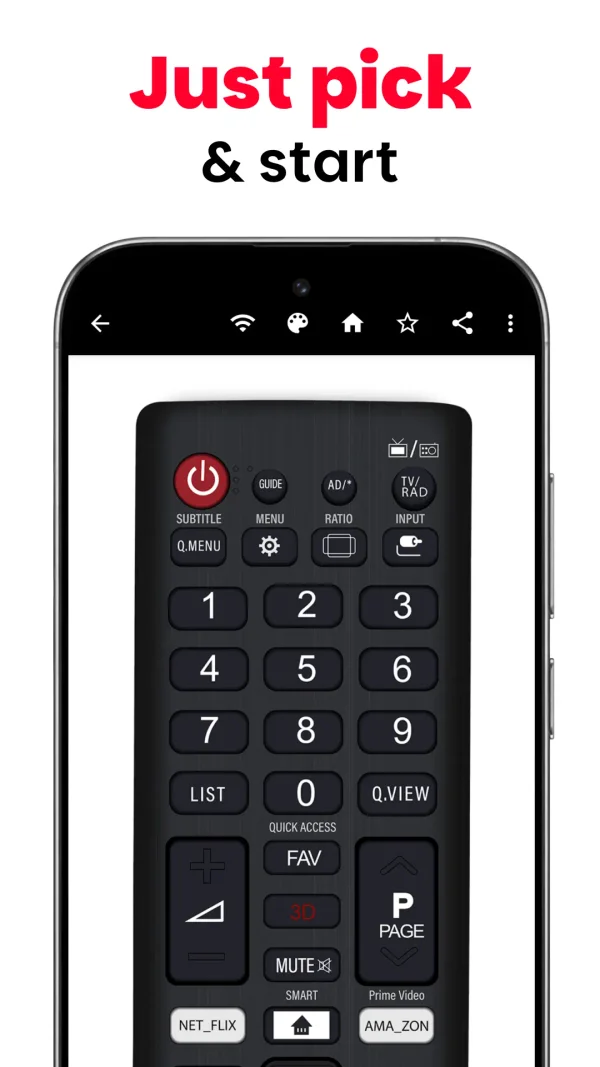
• Access familiar functions: use menu, back, mute, input, and colored buttons where supported.
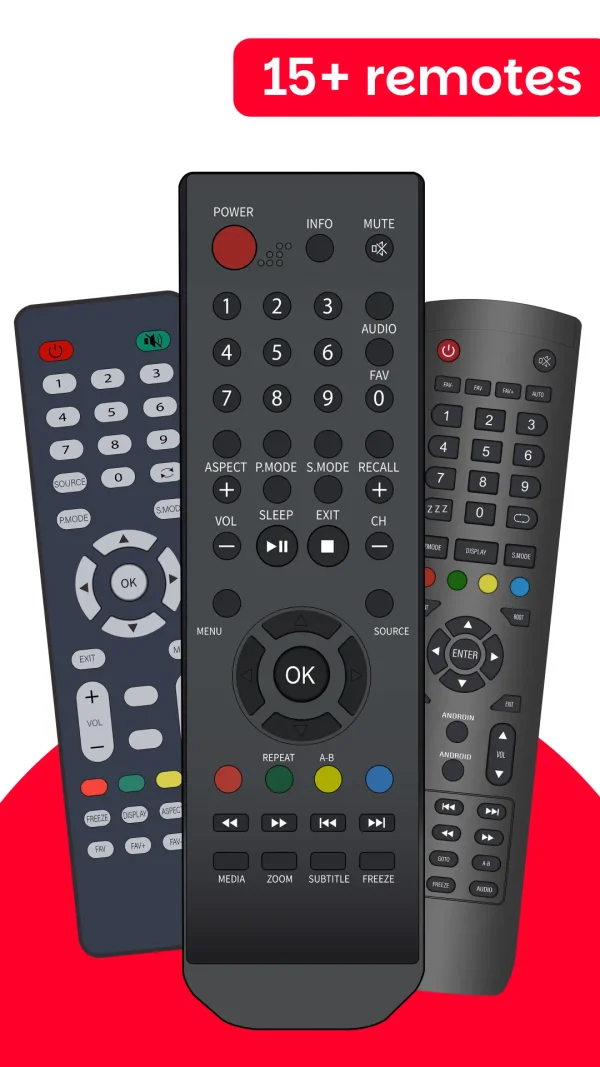
• Choose a remote layout: try the available designs to find one that responds to your TV.
• Keep controls on your phone: use the mobile interface when the physical controller is unavailable.
Buttons and functions can differ between layouts. A displayed button may not perform the same action on every TV model.
How does Weston TV Remote work?
Confirm that your Android phone includes an infrared sensor or IR blaster. Open the app, choose a remote layout, point the phone toward the television, and test a command such as power or volume.
If the TV does not respond, return to the selection and try another layout. Keep the phone aimed toward the TV while pressing a button. Physical objects between the phone and television can interfere with the signal.
After finding a compatible layout, use its number pad, volume and channel keys, directional pad, and other controls. Response depends on the phone's IR hardware, TV model, distance, angle, and layout.
Compatibility and requirements
The app requires Android 8.0 or later and a phone with a working built-in infrared sensor. It cannot add infrared hardware. Phones without an IR sensor cannot use its remote-control function.
Compatibility is limited to supported Weston televisions and layouts. An infrared sensor does not guarantee that every TV model or button will work. Wi-Fi, Bluetooth, and voice control are not supported features in this description.
The app contains ads and offers in-app purchases. It is an independent remote app and is not affiliated with, authorized by, or endorsed by the television manufacturer. Product names are used only to identify compatibility.
Privacy
Device or other identifiers may be shared with third parties. No data is declared as collected. Data is encrypted in transit and cannot be deleted. Privacy practices may vary by use, region, and age.
Weston TV Remote gives compatible phones a practical set of infrared TV controls for everyday channel, volume, power, number-entry, and menu navigation tasks.
Data safety
What DictionaryAndTranslator declares on Google Play about the data this app collects and shares.
- This app may share these data types with third partiesDevice or other IDs
- No data collectedLearn more about how developers declare collection
- Data is encrypted in transit
- You can request that data be deleted
What’s new
Version 13.1.0 · Jan 4, 2026
New Remotes Added
High-Definition Graphics
Support 100+ Languages
UI Improvements
Many More....
Developer contact
- Websitedictionarytranslator.app
- Emailsupport.westontv@dictionarytranslator.app
- Privacy policydictionarytranslator.app
- Address16 Kampinsky RISHON LEZION, 7546350 Israel
Information
- Offered by
- DictionaryAndTranslator
- Category
- Tools
- Version
- 13.1.0
- Updated
- Jan 4, 2026
- Released
- May 1, 2019
- Requires
- Android 8.0 or later
- Age rating
- Everyone
- Price
- Free
- In-app purchases
- $0.99 - $99.99 per item
- Package name
- in.remotify.www.dishtvs7070rremote
Similar apps
-
 Setgraph: Workout Log
Health & Fitness
-
 Mens Hairstyles App
Art & Design
-
 IFSTA Instructor 9
Education
-
 arboleaf
Health & Fitness
-
 Transparent Language Online
Education
-
 Roping.com
Sports
-
 Satellite Director
Tools
-
 Mileage Tracker by MileageWise
Finance
-
 SharkClean
Lifestyle
-
 Gym Workout - Build Muscle
Health & Fitness
-
 Valamar
Travel & Local
-
 DREO
Lifestyle