Wi-Fi Navi
TP-LINK SYSTEMS INC.- EveryoneAge rating
- ToolsCategory
- Oct 19, 2026Updated
- FreePrice
Links to the official Google Play listing of com.tplink.wifinavi. Last checked on Nov 14, 2026.

Screenshots

About this app
Wi-Fi Navi offers a range of efficient, convenient network diagnostic tools.
Wi-Fi Navi offers a range of efficient, convenient network diagnostic and remote access tools, aiding network administrators and system engineers in troubleshooting issues, optimizing performance, and enhancing internet experiences. The free tools in the Wi-Fi Navi app allow you to:
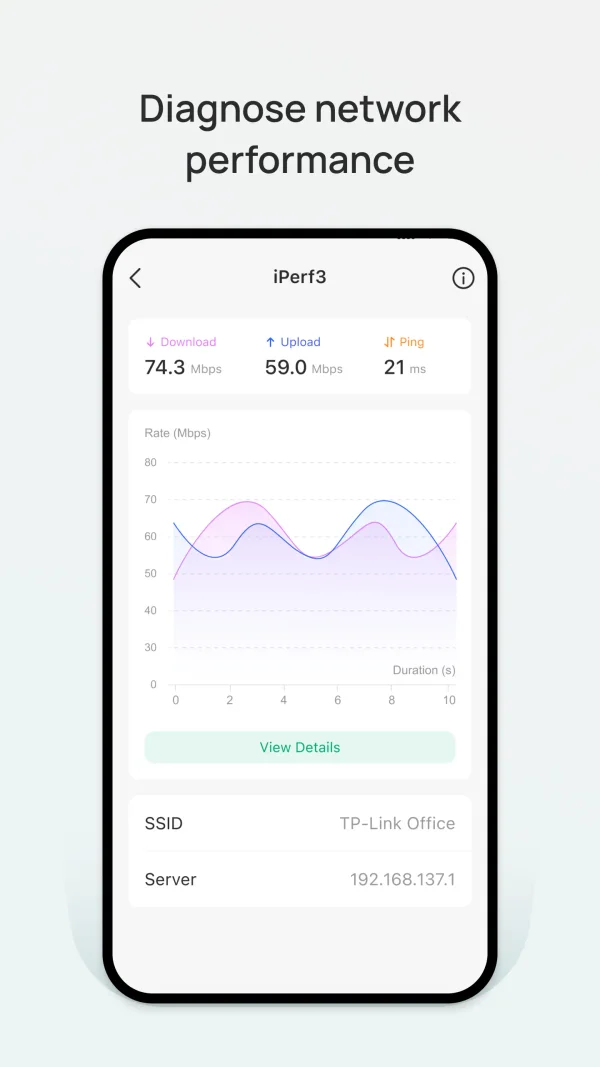
- Test internet upload and download speeds and analyze network latency.
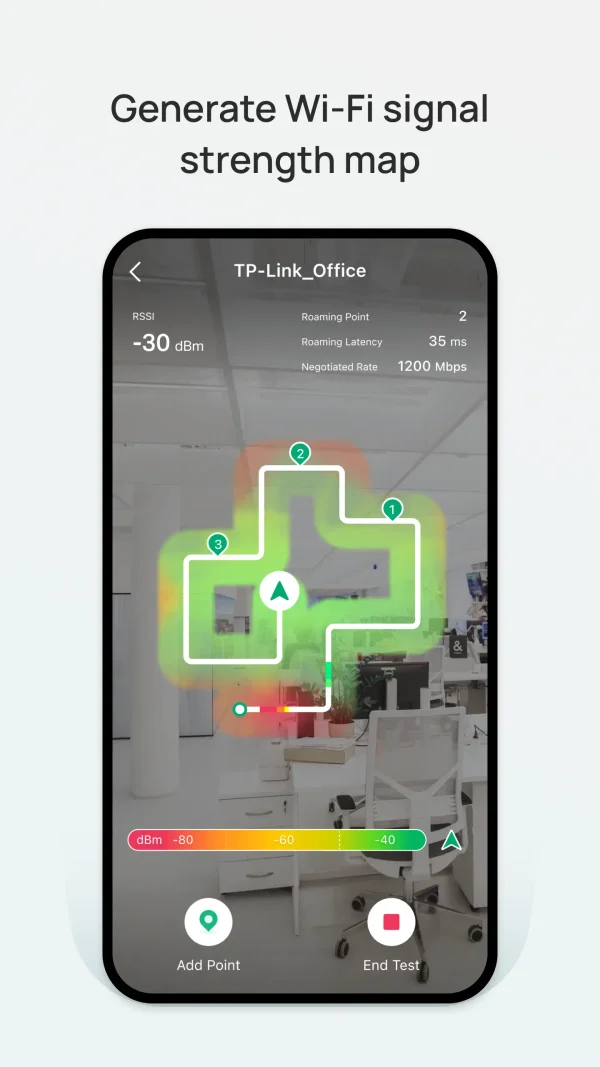
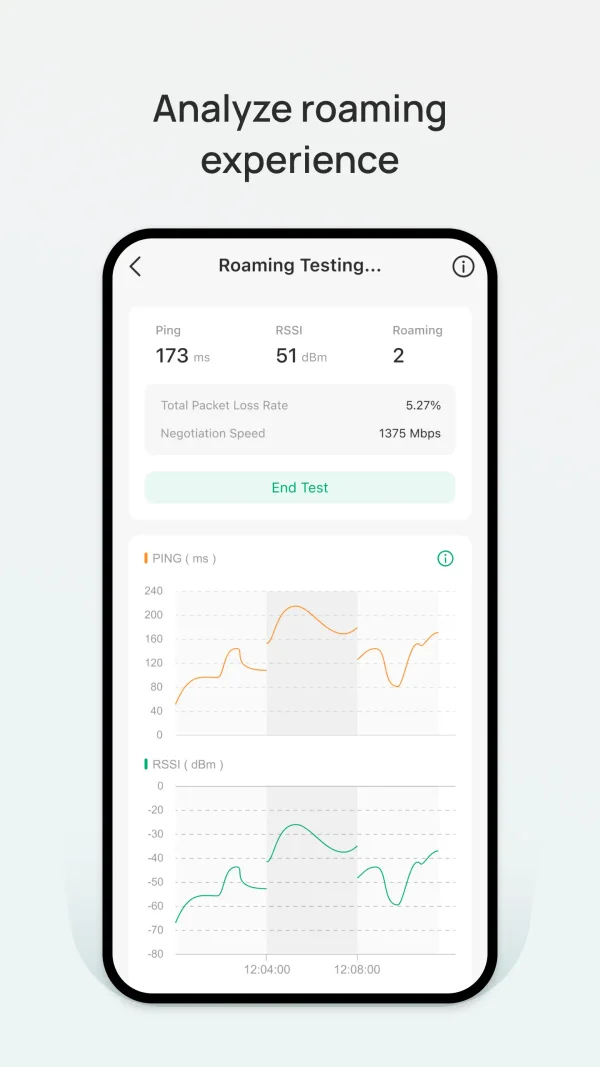
- Enhance wireless network deployment for improved roaming through comprehensive tests.
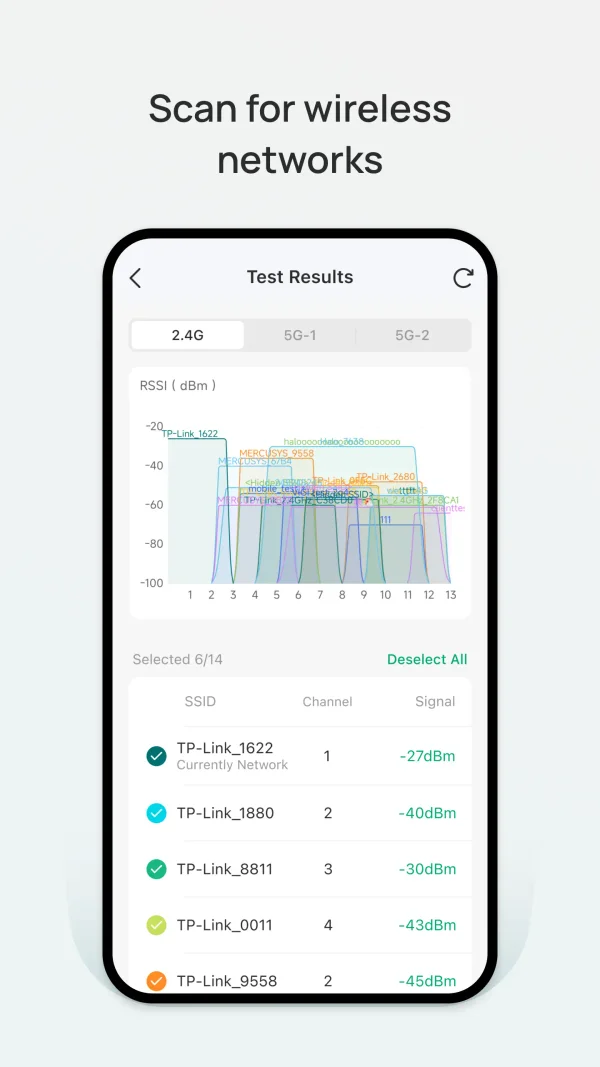
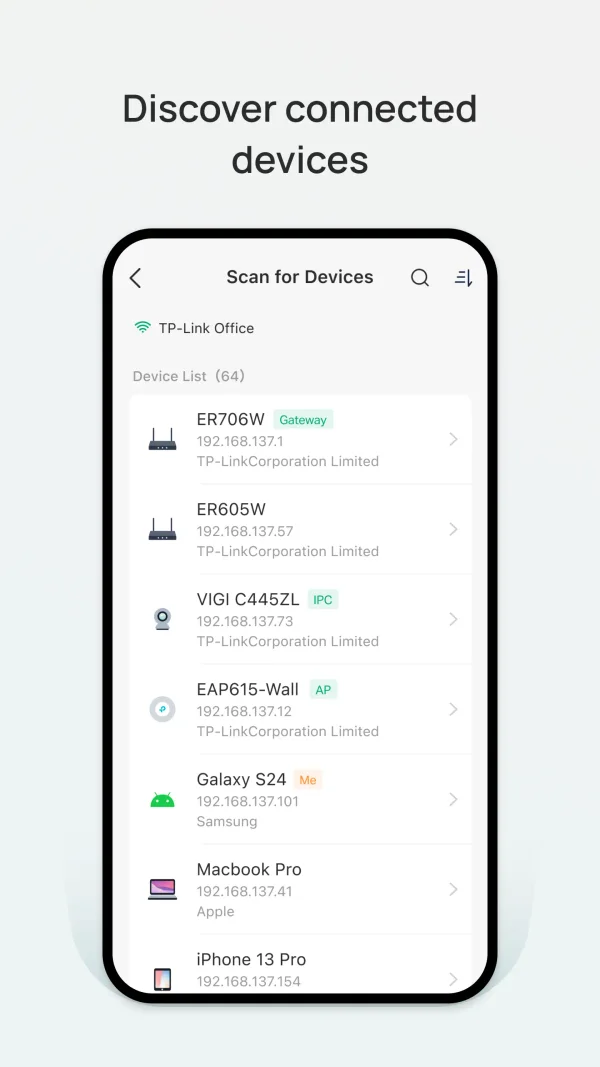
- Quickly find all devices on the same network and identify their IP addresses, MAC addresses, device names, and other information.
- Test your connection to the target service through Ping and Trace Route.
- Connect to your Omada network remotely via Lightlink VPN — a zero-configuration, encrypted VPN for secure remote access to your network devices and resources.
Data safety
What TP-LINK SYSTEMS INC. declares on Google Play about the data this app collects and shares.
- No data shared with third partiesLearn more about how developers declare sharing
- No data collectedLearn more about how developers declare collection
- Data is encrypted in transit
- You can request that data be deleted
What’s new
Version 1.7.7 · Oct 19, 2026
1. Fixed an issue where the app could crash on launch after updating from an earlier version.
Developer contact
- Emailomada_feedback@tp-link.com
- Privacy policyprivacy.tp-link.com
- Address10 Mauchly Irvine, CA 92618-2306 United States
Information
- Offered by
- TP-LINK SYSTEMS INC.
- Category
- Tools
- Version
- 1.7.7
- Updated
- Oct 19, 2026
- Released
- Jul 5, 2024
- Requires
- Android 9 or later
- Age rating
- Everyone
- Price
- Free
- Package name
- com.tplink.wifinavi