Wolf Face
Prime Design- EveryoneAge rating
- PersonalizationCategory
- Sep 27, 2026Updated
- $1.99Price
Links to the official Google Play listing of com.primedesign.wolfwatchface. Last checked on Nov 14, 2026.
Screenshots
About this app
Wolf Face, a premium watch face for Wear OS smartwatches by Prime Design
Wolf Face, a premium watch face for Wear OS smartwatches by Prime Design
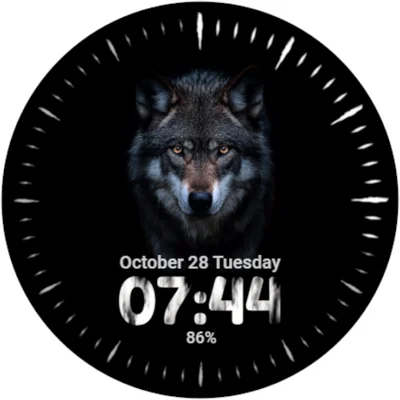
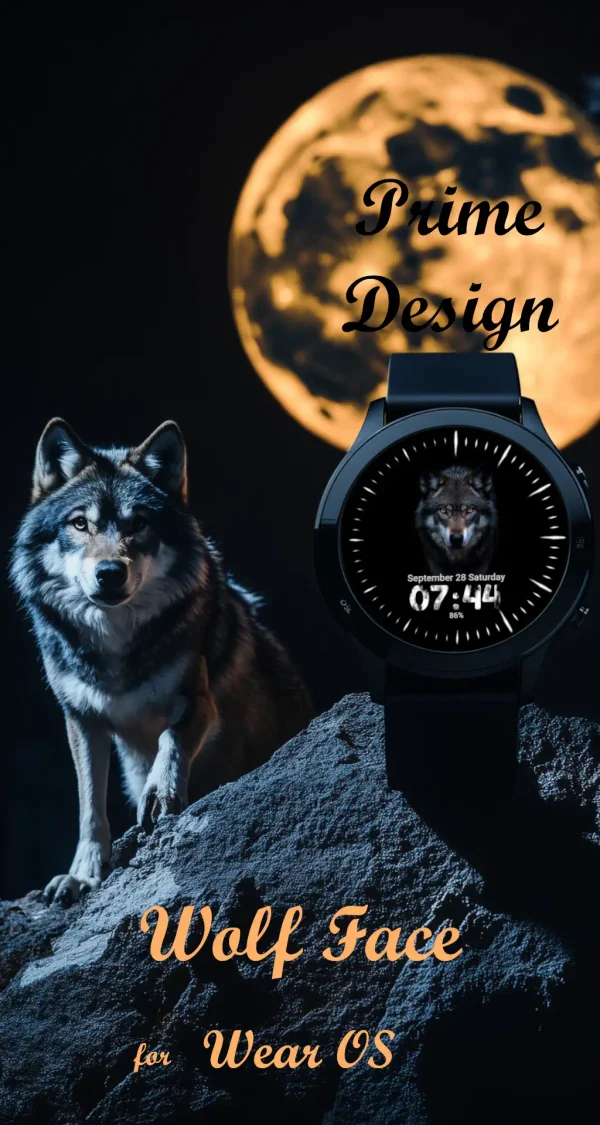
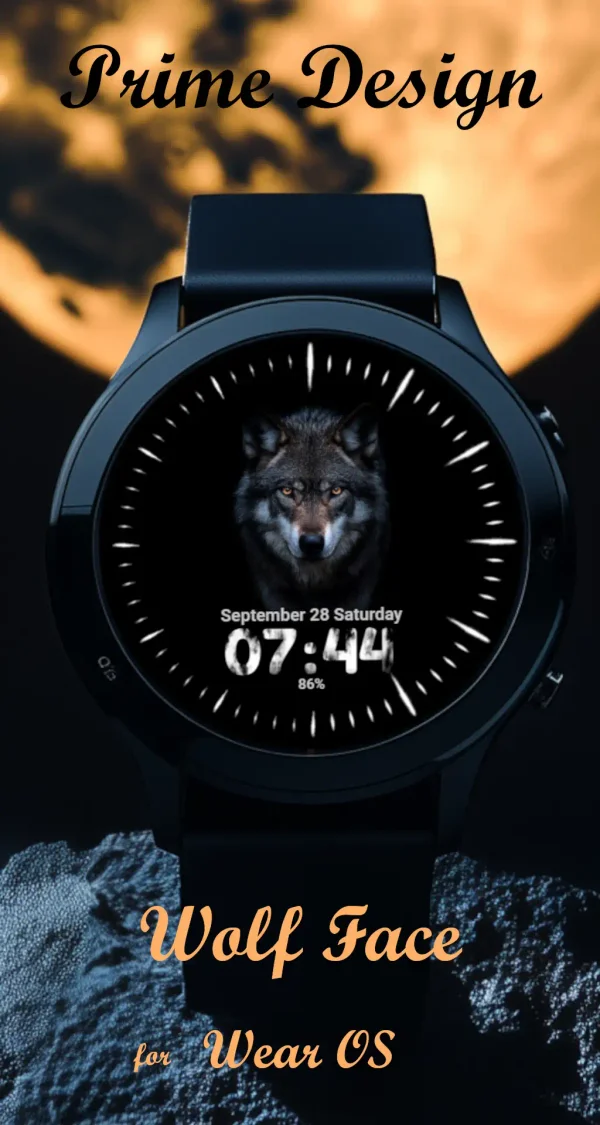
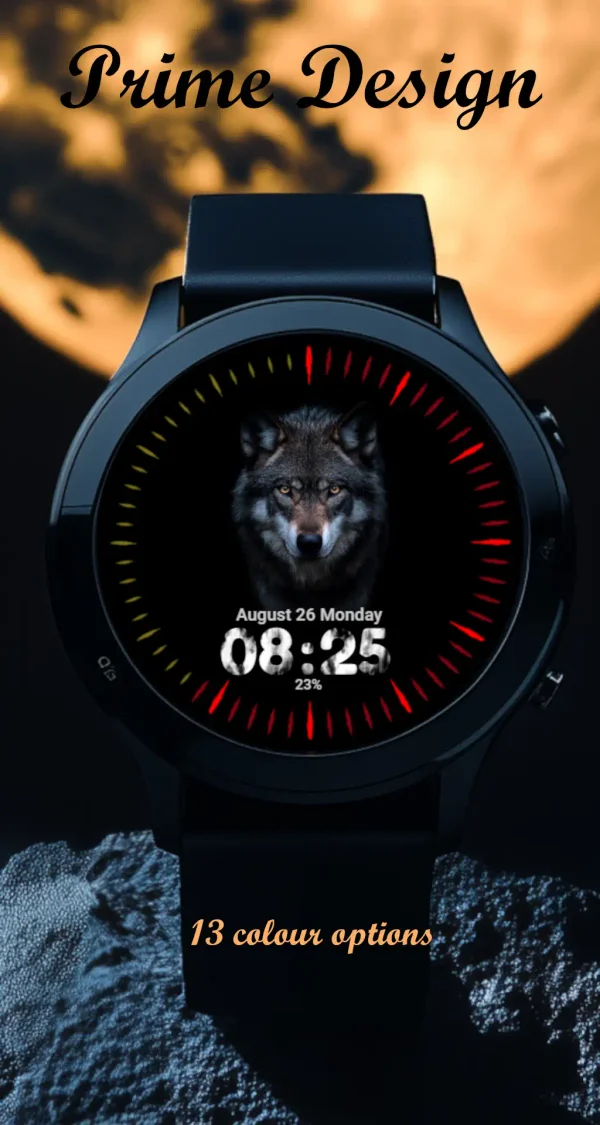
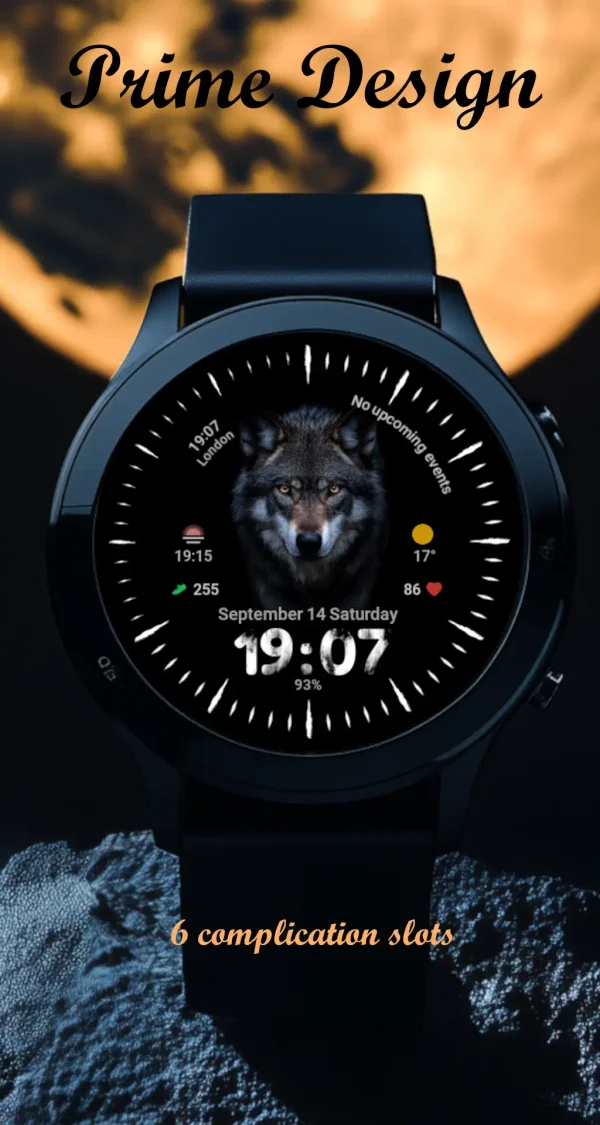
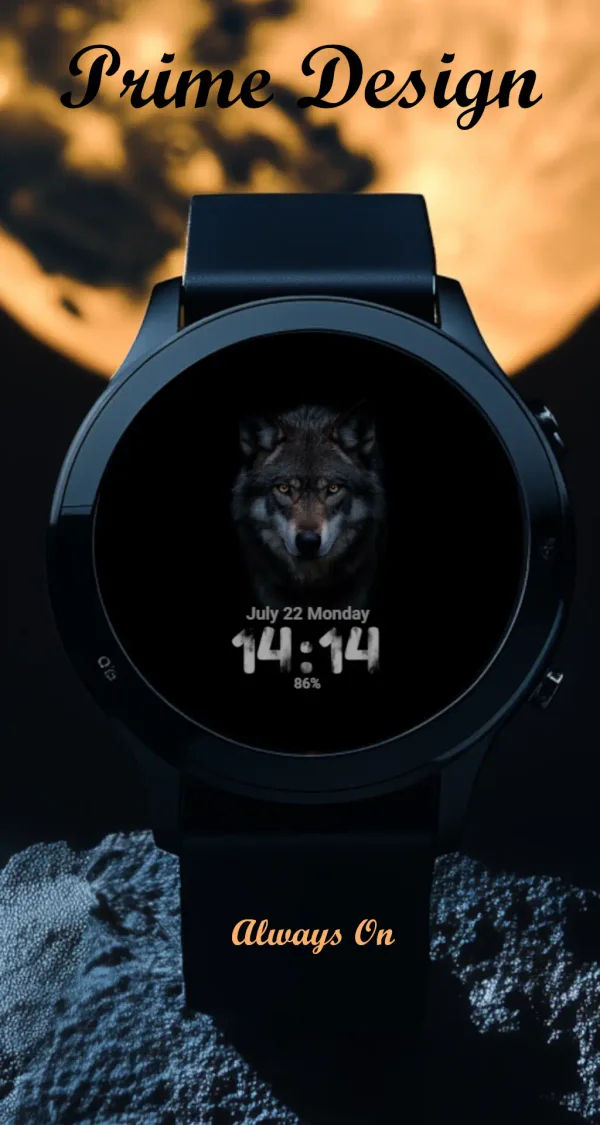
Unleash your style with Wolf Face, a unique and customizable watch face for Wear OS smartwatches. Featuring a beautiful and fierce wolf theme, this watch face offers a perfect blend of aesthetics and functionality. The wolf emerges from the darkness, adding a striking and mysterious element to your display. Designed by Prime Design, Wolf Face is crafted to make your smartwatch as bold and distinctive as you are.
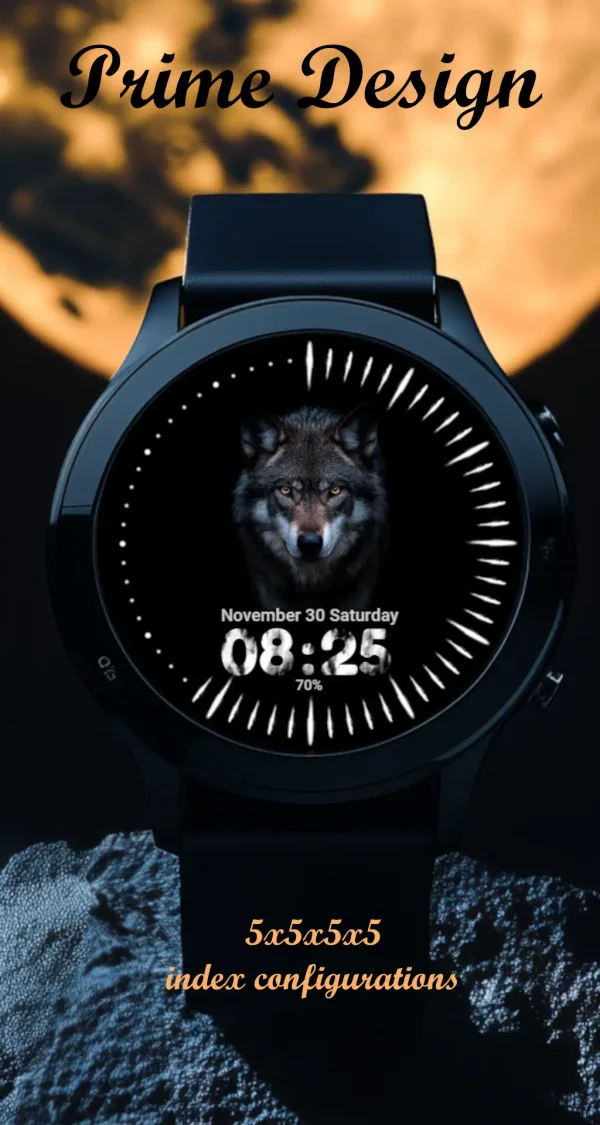
Seconds are displayed through a disappearing and reappearing index, with an incredible 5x5x5x5 configuration of settings and colour options, giving your watch face a modern and fluid look. Match your mood, outfit, or occasion with ease, and create the perfect look every time.
Minutes and hours are displayed as a sleek digital clock with a subtle mist mask, adding an element of mystery and sophistication.
Wolf Face comes equipped with six complication slots to help you stay connected and informed. The curved left and right complication slots pull data from different sources, providing you with unique and varied information across your display.
With the ability to modify colours, styles, and complications to suit your personal style and needs, Wolf Face has you covered—whether you prefer a minimalist design or something more intricate.
Please note that our watch faces are exclusively tailored for Wear OS smartwatches.
If you're uncertain about compatibility or what to expect, we recommend starting with our Free Watch Face, rest assured that the watch faces available in the Prime Design Store should operate in the same manner.
Free Watch Face:
https://play.google.com/store/apps/details?id=com.primedesign.galaxywatchface
The best way to install a watch face is directly from your smartwatch. This method allows you to verify compatibility with your device.
After installation, your newly acquired watch face may not automatically become your default option. To set it as your primary watch face, you'll need to add it manually.
Installation Manual:
https://drive.google.com/file/d/1zYXbffizBuoX3ryJjqMGuPGtOfeH73m0
Should you encounter any difficulties with our watch faces, we kindly ask you to inform us via email. Your feedback helps us address any issues promptly.
If you appreciate our watch faces, please consider rating our app.
Data safety
What Prime Design declares on Google Play about the data this app collects and shares.
- No data shared with third partiesLearn more about how developers declare sharing
- No data collectedLearn more about how developers declare collection
What’s new
Sep 27, 2026
New helper app for easier watch face installation on Wear OS
Developer contact
- Emailprimedesignideas@gmail.com
- Privacy policydocs.google.com
- Address210A FRANCIS ROAD LONDON E10 6PR United Kingdom
Information
- Offered by
- Prime Design
- Category
- Personalization
- Updated
- Sep 27, 2026
- Released
- Sep 14, 2024
- Age rating
- Everyone
- Price
- $1.99
- Package name
- com.primedesign.wolfwatchface