XB controller X for Xbox
Hetko AppsContains ads · In-app purchases
- EveryoneAge rating
- ToolsCategory
- Nov 24, 2026Updated
- FreePrice
Links to the official Google Play listing of eu.hetko.controller.xbox. Last checked on Nov 25, 2026.
Screenshots
About this app
Xbox controller for your phone or tablet. Your own Xbox console is required.
Your own Xbox One or Xbox Series X|S console is required.
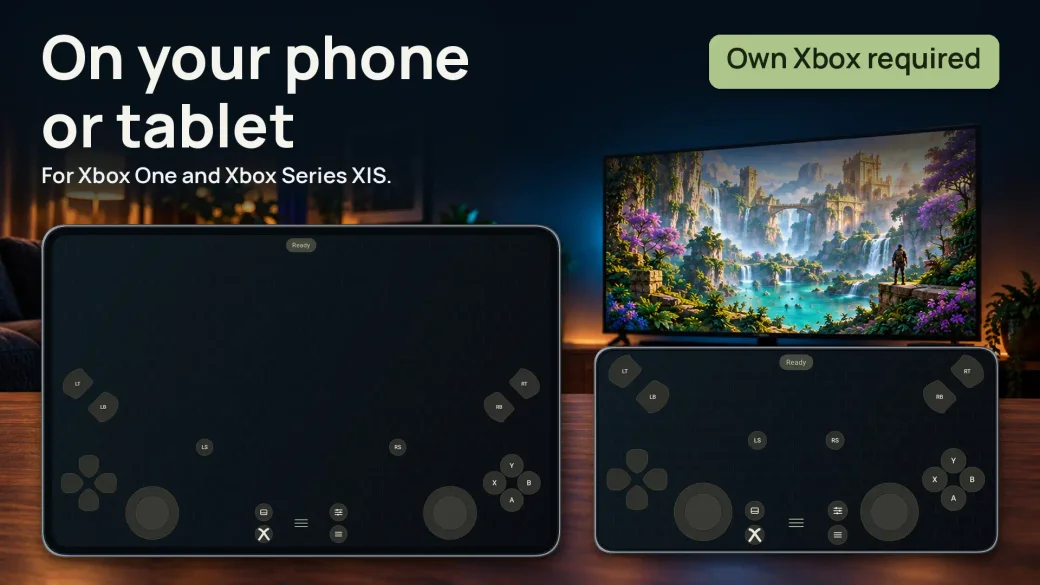
Make your phone or tablet your Xbox controller. Play with familiar touch controls, browse console menus, pause a video and type without selecting every letter with the D-pad. Keep a handy backup for when your regular controller is charging, plus an everyday remote for your console.
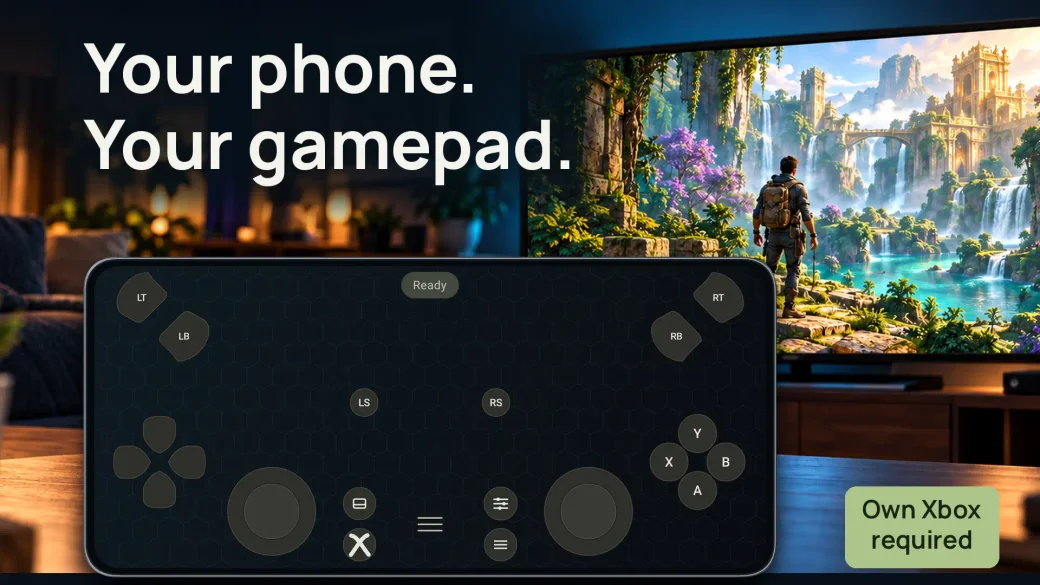
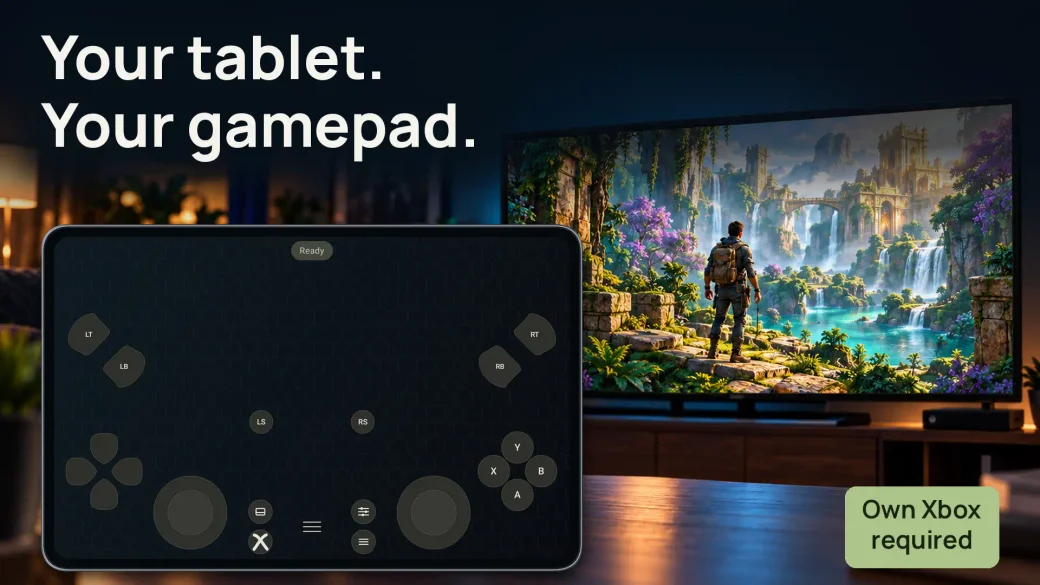
Touch controls for your games
Use two sticks, the D-pad, triggers, bumpers, stick-click buttons, ABXY and system buttons on your phone or tablet. Gamepad mode connects through Xbox Remote Play. The game picture stays on the display connected to your Xbox; it is not shown in this app.
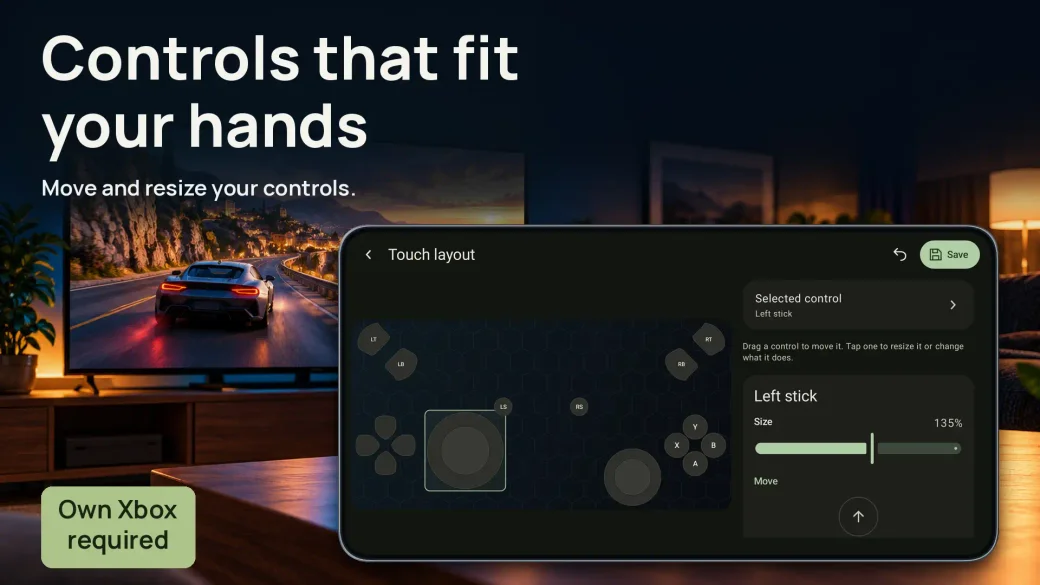
A layout that fits your hands
Move and resize the controls to put them where you want them. Save separate layouts for the gamepad and local remote, and make the most of the space on your phone or tablet.
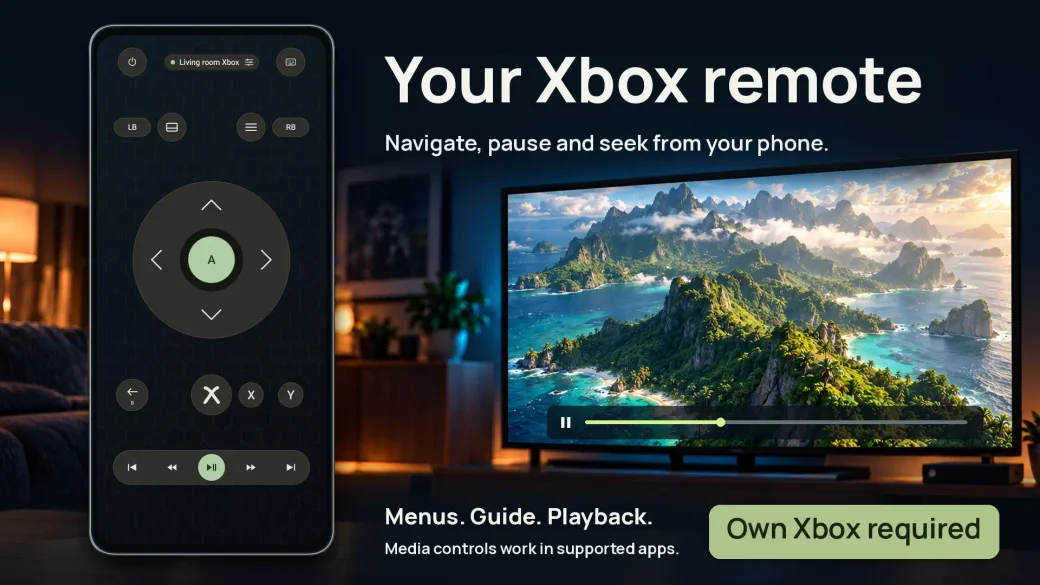
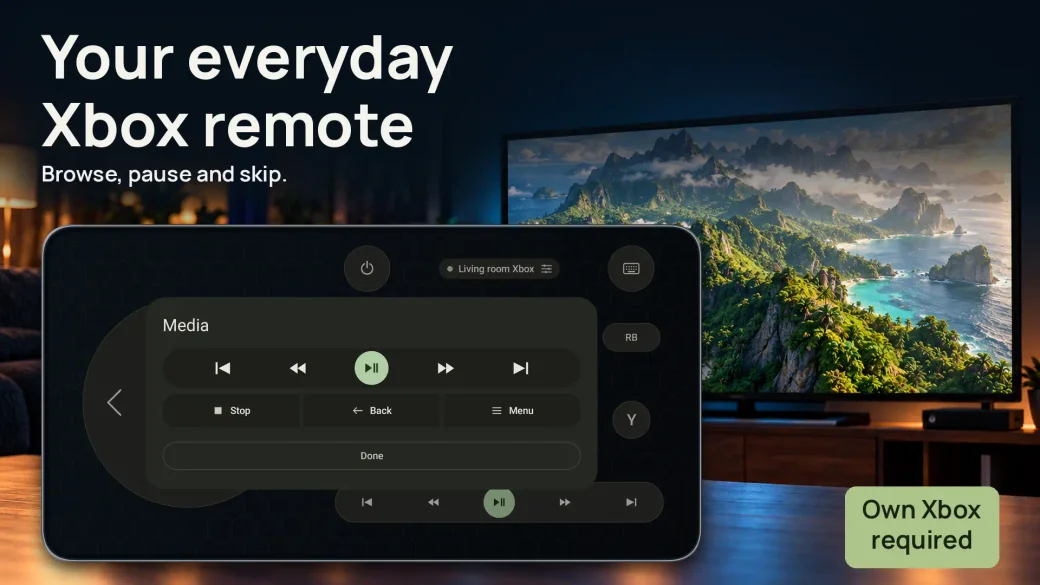
Your everyday Xbox remote
Browse menus, return to Home, open the Guide and control playback in compatible media apps. Play, pause, skip or seek from your device. Local remote mode works when your device and console are on the same home network, including when the Xbox uses Ethernet. This mode does not require Microsoft sign-in and does not provide gameplay controls.
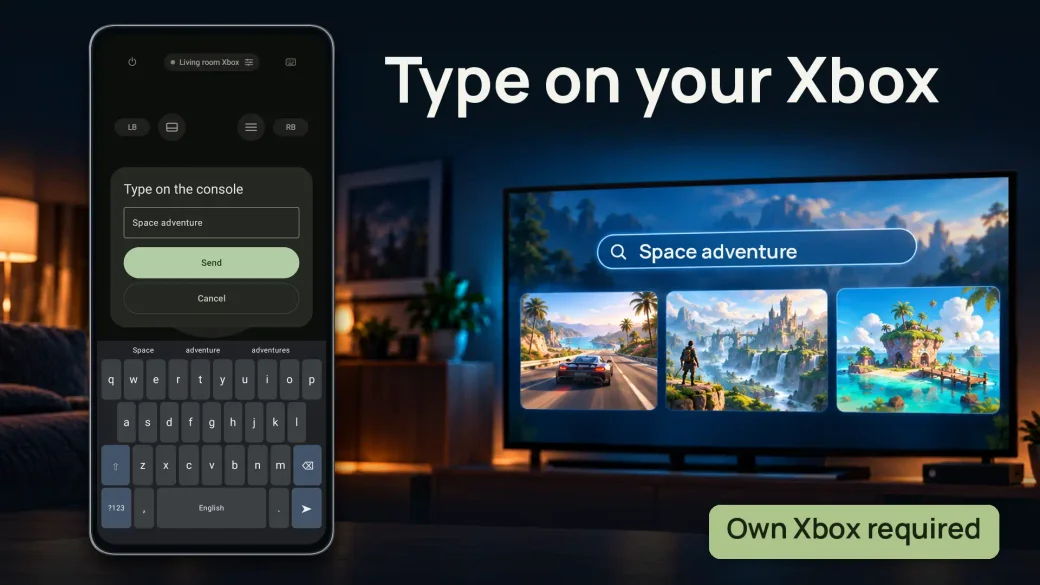
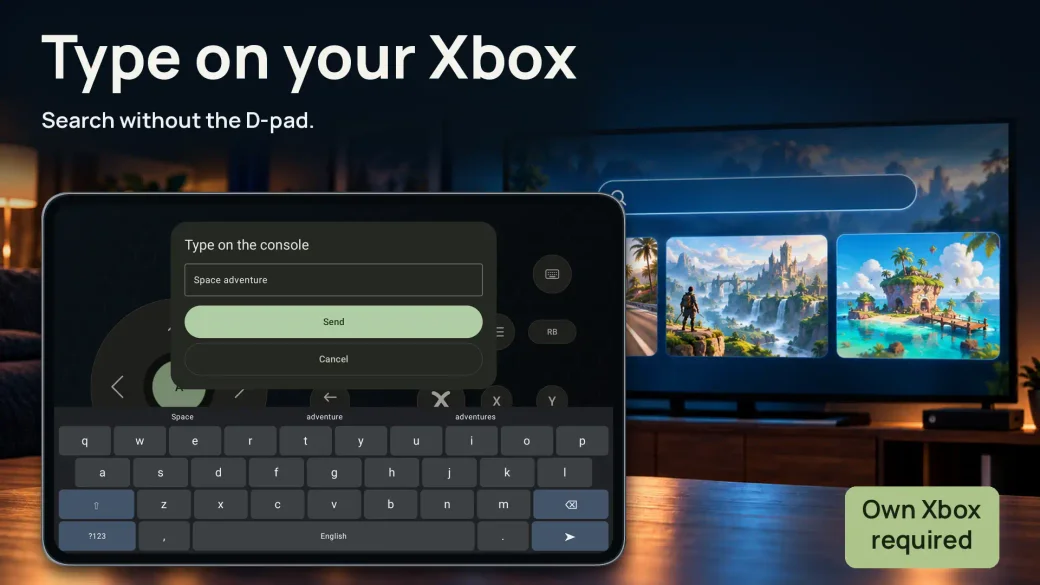
Type with your phone or tablet
Use the on-screen keyboard to send text to supported Xbox text fields. Open the text field on your console first, then enter your search or message from your device. Text entry depends on the app and field; it is not supported everywhere.
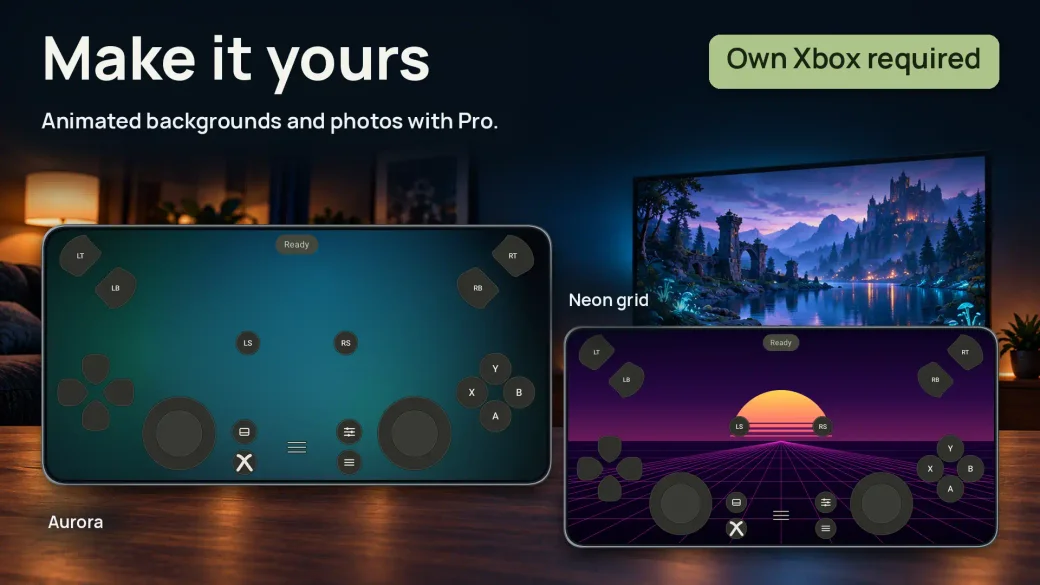
Make it yours
Choose from the included static backgrounds. Pro adds animated backgrounds and your own photos, with positioning, zoom and dimming controls.
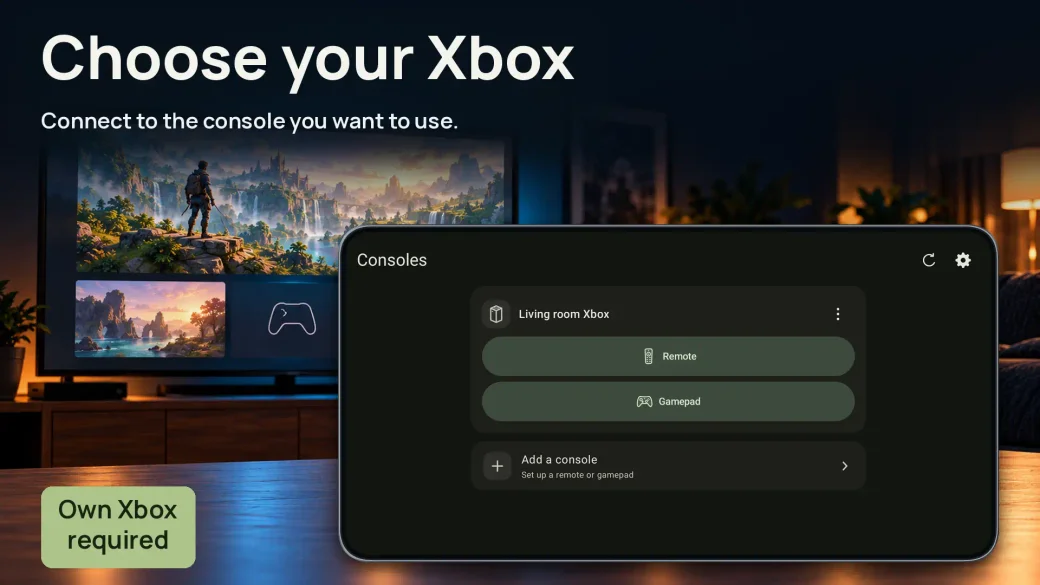
Choose how to connect
- Gamepad mode requires an internet connection, Microsoft sign-in and a console linked to your account with remote features enabled.
- Local remote mode requires your phone or tablet and Xbox to be on the same local network. Allow connections from other devices in your Xbox remote settings. Microsoft sign-in is not required for this mode.
- Set up the required console settings before using the app as a backup controller.
Know what you need
Supported consoles: Xbox One and Xbox Series X|S. Xbox 360 is not supported. The app requires your own physical Xbox console. It does not include games, cloud gaming access or Game Pass. It does not display console video on your phone or tablet.
XB controller X is an independent app and is not affiliated with or endorsed by Microsoft. Xbox and related trademarks belong to Microsoft.
Data safety
What Hetko Apps declares on Google Play about the data this app collects and shares.
- This app may share these data types with third partiesLocation, Personal info and 4 others
- This app may collect these data typesLocation, Personal info and 4 others
- Data is encrypted in transit
- You can request that data be deleted
What’s new
Version 26.11.1 · Nov 24, 2026
More reliable Microsoft sign-in, with clearer messages when it can't reach Microsoft.
Better reconnection when the console closes a connection, and a fix for a crash behind a mistyped Wi-Fi proxy.
The Pro row in Settings opens your subscription page in the store.
More of the app is translated into your language.
Developer contact
- Websitehetko.eu
- Emailhi@hetko.eu
- Privacy policyhetko.eu
- AddressTartu mnt 67/1-13b 10115 Tallinn Estonia
Information
- Offered by
- Hetko Apps
- Category
- Tools
- Version
- 26.11.1
- Updated
- Nov 24, 2026
- Released
- Oct 27, 2026
- Requires
- Android 10 or later
- Age rating
- Everyone
- Price
- Free
- In-app purchases
- $1.69 - $4.99 per item
- Package name
- eu.hetko.controller.xbox