XLS File Viewer
TarrySoftContains ads · In-app purchases
- EveryoneAge rating
- ProductivityCategory
- Sep 18, 2026Updated
- FreePrice
Links to the official Google Play listing of com.fileviewer.sheets.officereader.officedocument.pdfreder.xls.viewer.excelviewer.excelreader.xlsxfilereader. Last checked on Nov 25, 2026.
Screenshots





About this app
Open workbooks and review sheets with XLSX File Viewer
XLS File Viewer - Keep Workbooks Within Reach!
Open spreadsheet documents on your phone and review the information you need. View sheets, copy data and use the available editing tools without relying on a computer for every document check.With XLSX File Viewer, you can work with supported spreadsheets from your device storage or email attachments. Check important figures and formatting before sharing an edited file, since document compatibility and presentation can vary.
App Features:
📄XLS File Viewer - Open and read supported spreadsheet workbooks;
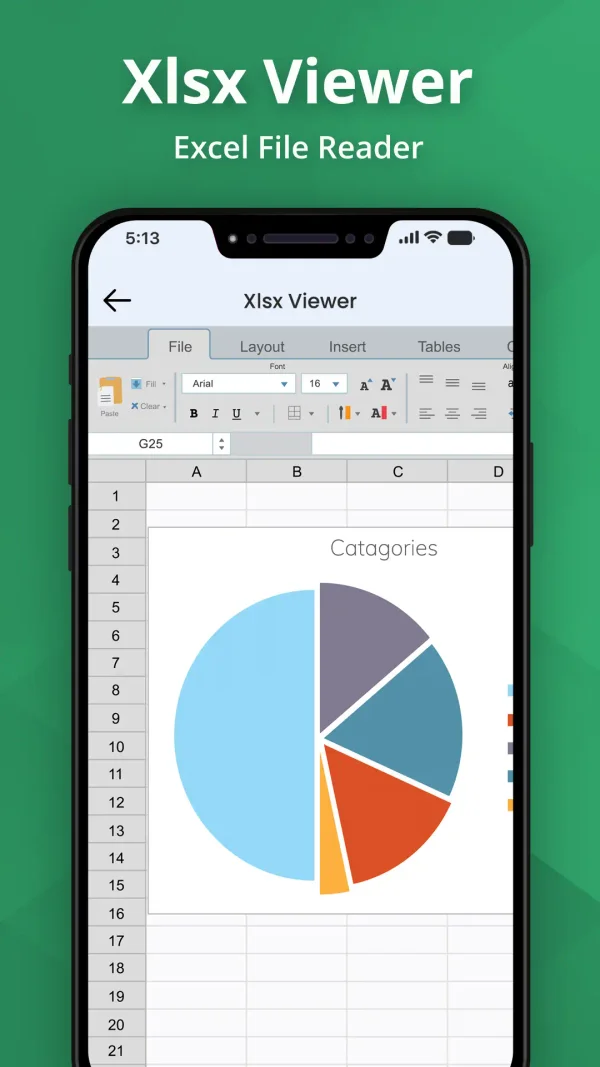
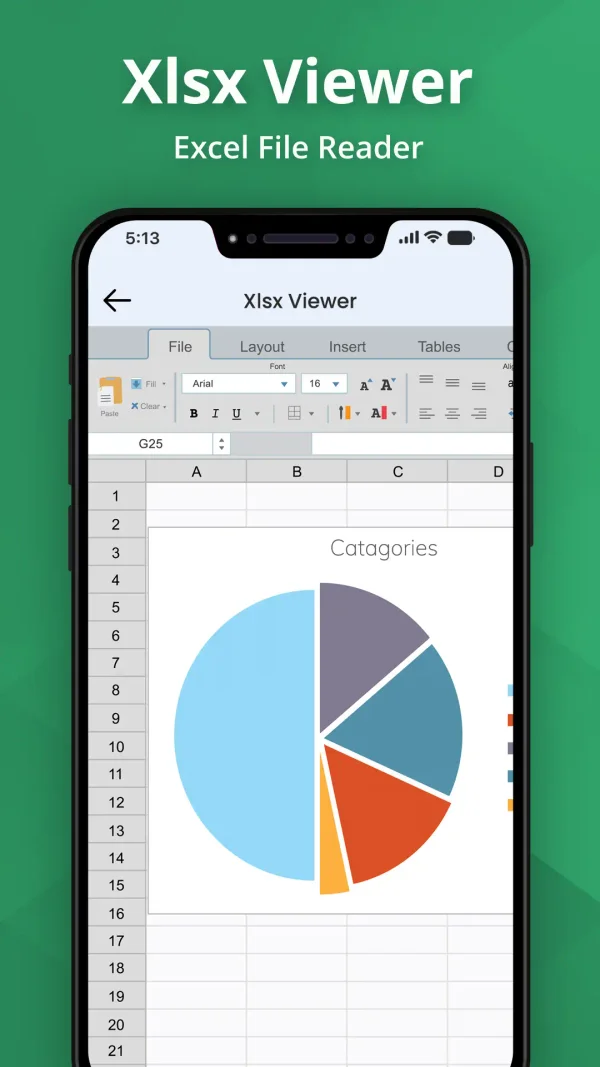
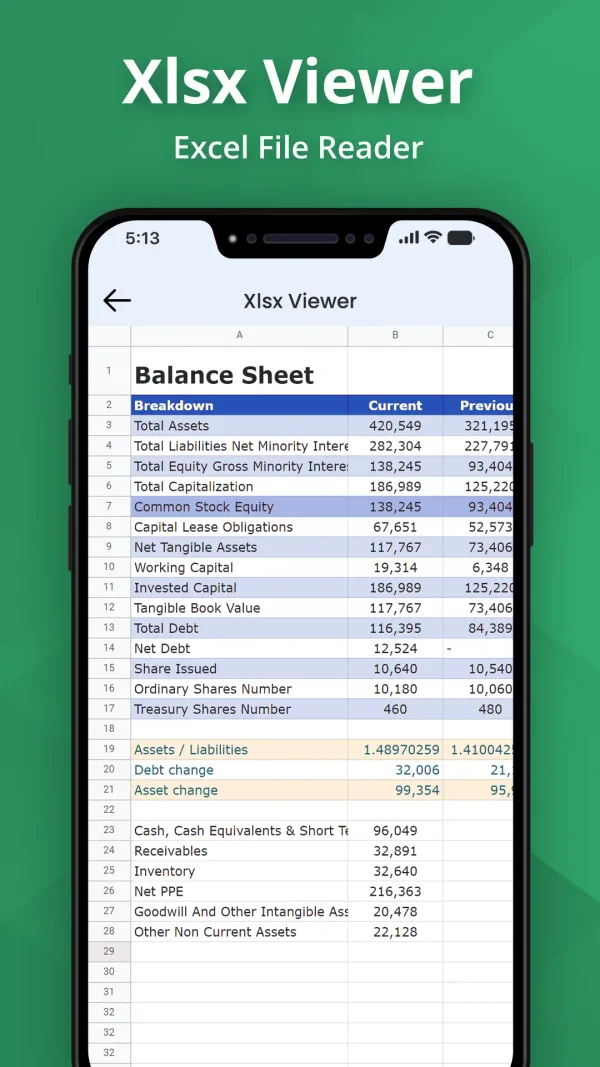
📊XLSX File Viewer - Review sheet data and charts;
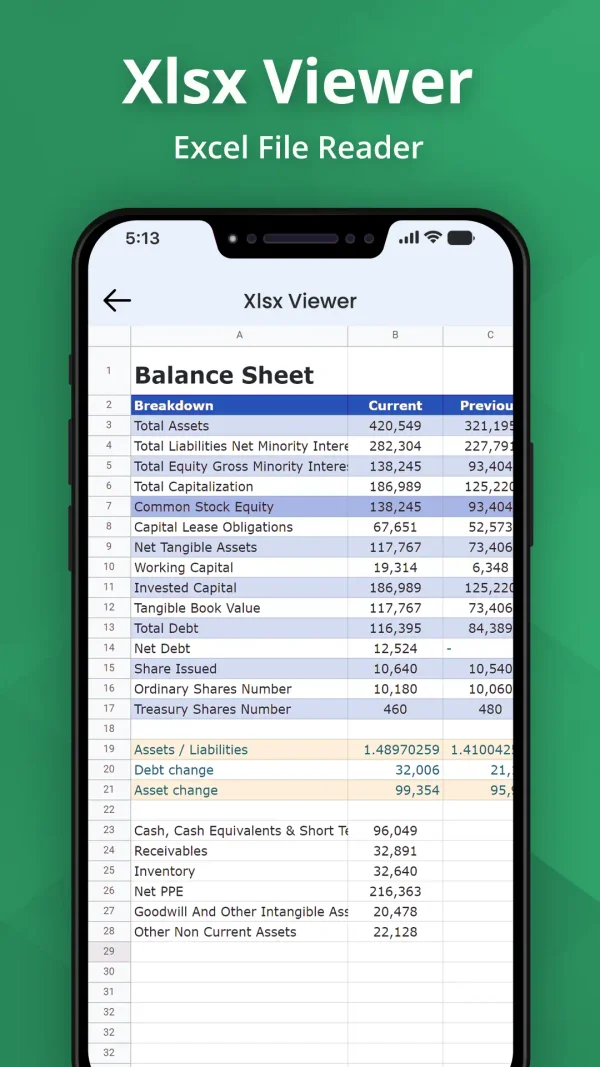
🔎XLS Reader - Zoom in or out to inspect details;
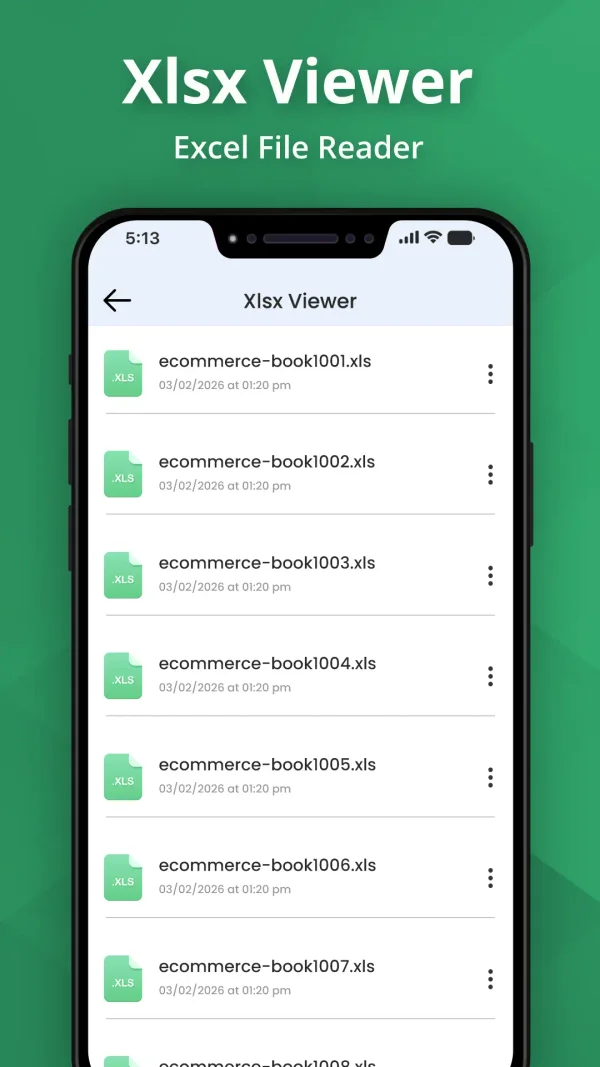
📁XLS Viewer App - Browse documents from internal or available external storage;
🗂️Read XLSX App - Filter files by details such as date, time or size;
📤XLS File Opener - Copy data and share documents using available options;
✏️XLS Editor - Create or edit supported spreadsheets and formulas;
📚Other documents - Read PDFs and other supported document formats;
Review Information Where You Are!
Use XLS Reader to check a workbook when you are away from your desk. Zoom into cells, review the displayed information and compare the entries you need before deciding what to do next.A clear file list can help you find the right version. XLS Viewer App provides browsing and filtering options, so check a document's details rather than assuming that similarly named files contain the same information.
How To Use:
📲Open XLS File Viewer and locate a document;
📁Choose a supported file with XLS File Opener;
🔎Review the workbook in XLS Reader and adjust the zoom;
📊Use Read XLSX App to inspect the sheets and available chart content;
✏️Make supported changes with XLS Editor if editing is needed;
✅Check figures, formulas and the resulting layout;
📤Save or share through the available options after reviewing your work;
📁Find the Right Document:Use Read XLSX App to narrow the file list by the available details. Documents may come from different folders or attachments, so confirm that you have opened the intended file before editing or sharing it.
✏️Work With Your Sheets:XLS Editor offers spreadsheet creation and editing tools described in the app. Use them for budgets, data tables and other workbook tasks, then review the outcome. Avoid treating an unchecked formula or chart as a verified result.
📚More Than One Format:Alongside spreadsheets, the reader handles PDFs and other supported document types. Files can differ in structure and formatting; check the displayed result and use a compatible source document if something does not appear as expected.
⚙️Organize With Care:XLS Viewer App includes sharing and deletion options for documents. Confirm your selection before removing files or sharing a group of them. Keep important originals when trying edits, and check the selected destination before sending anything.
Make Your Next File Check Easier!
Return to XLSX File Viewer for a workbook review on your phone. Use XLS File Opener to find the document, inspect its contents and continue with the tools available.-Disclaimer
All product names, logos, brands, trademarks, and registered trademarks, which are not owned by us, are the property of their respective owners.
All company, product, and service names used in this app are for identification purposes only. Use of these names, trademarks, and brands does not imply endorsement.
This app is owned by us and we are not affiliated, associated, authorized, endorsed by, or in any way officially connected with any third-parties or official brands.
Data safety
What TarrySoft declares on Google Play about the data this app collects and shares.
- This app may share these data types with third partiesDevice or other IDs
- No data collectedLearn more about how developers declare collection
- Data is encrypted in transit
- Data can’t be deleted
Developer contact
- Websitekigelapps.com
- Emailsupport.xlsxfileviewer@kigelapps.com
- Privacy policykigelapps.com
- Address8 The Grn Ste 4184 Dover, DE 19901-3618 United States
Information
- Offered by
- TarrySoft
- Category
- Productivity
- Version
- 3.1.1
- Updated
- Sep 18, 2026
- Released
- Apr 16, 2021
- Requires
- Android 8.0 or later
- Age rating
- Everyone
- Price
- Free
- In-app purchases
- $0.99 - $99.99 per item
- Package name
- com.fileviewer.sheets.officereader.officedocument.pdfreder.xls.viewer.excelviewer.excelreader.xlsxfilereader