Xmas Tree Watch Face
Filmmotion StudioContains ads
- EveryoneAge rating
- PersonalizationCategory
- Oct 4, 2026Updated
- FreePrice
Links to the official Google Play listing of com.christmas.xmas.holiday.winter.santa.snowflake.christmastree4.watchface.wear. Last checked on Nov 23, 2026.
Screenshots

About this app
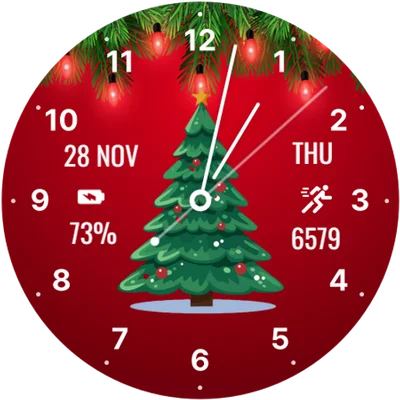
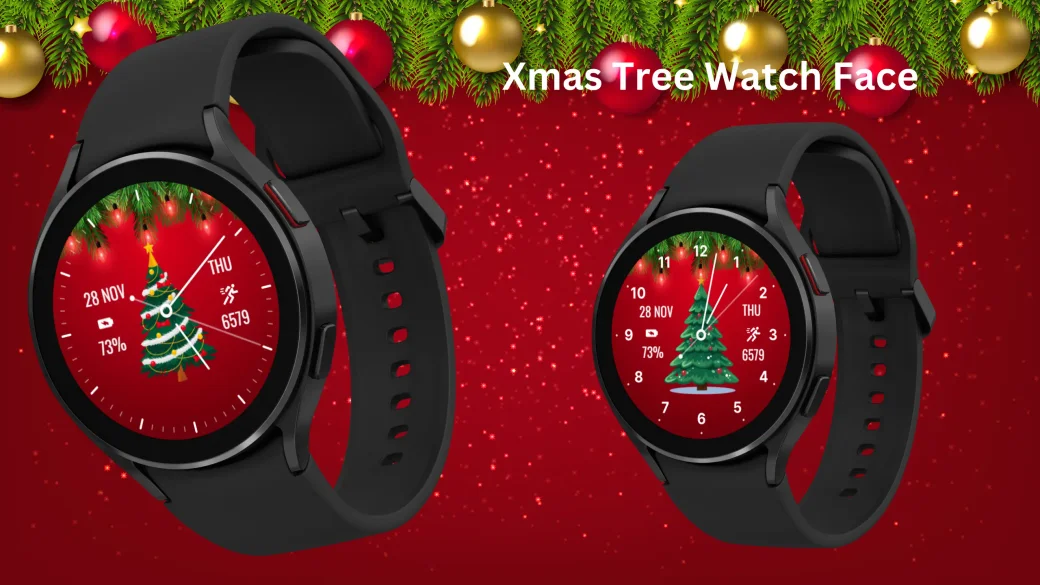
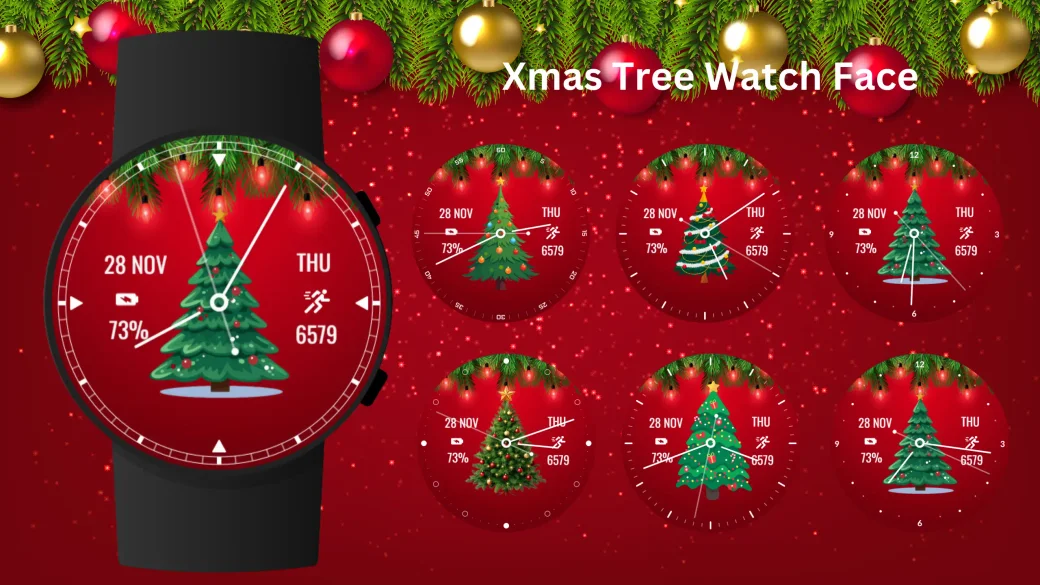
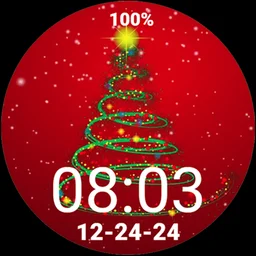
Celebrate Christmas with a festive tree , lights, date, and step count !
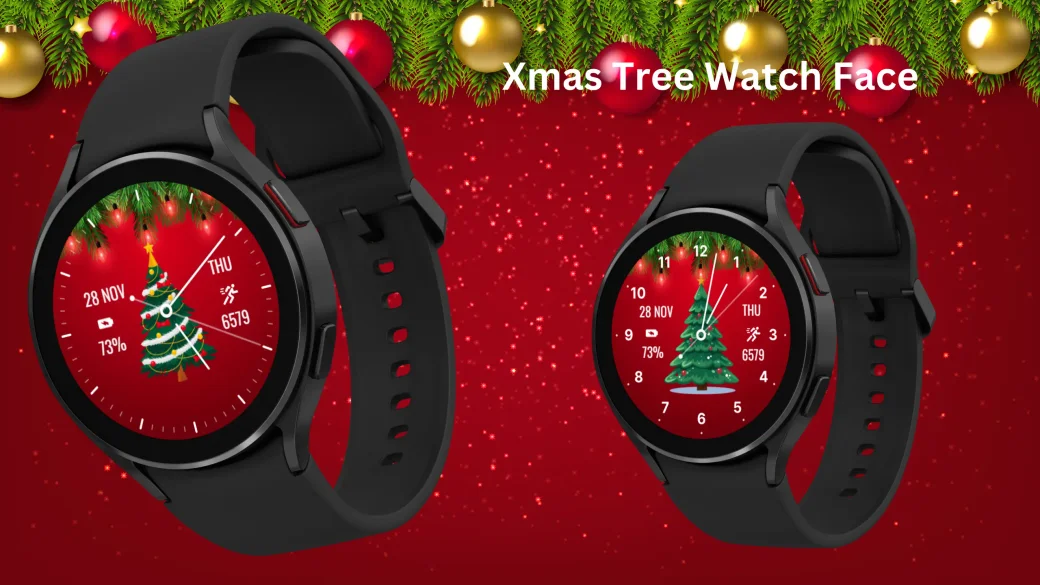
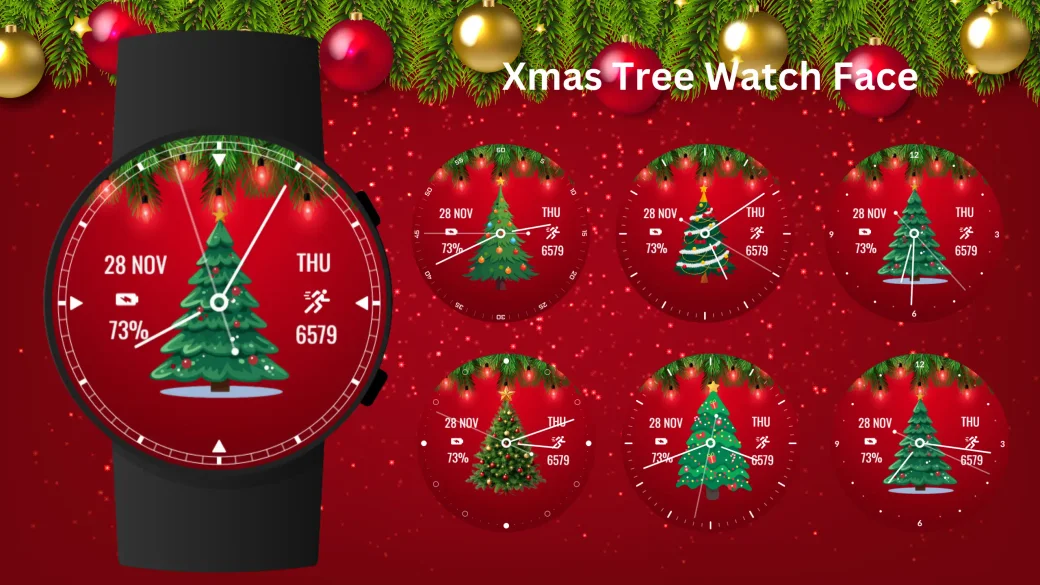
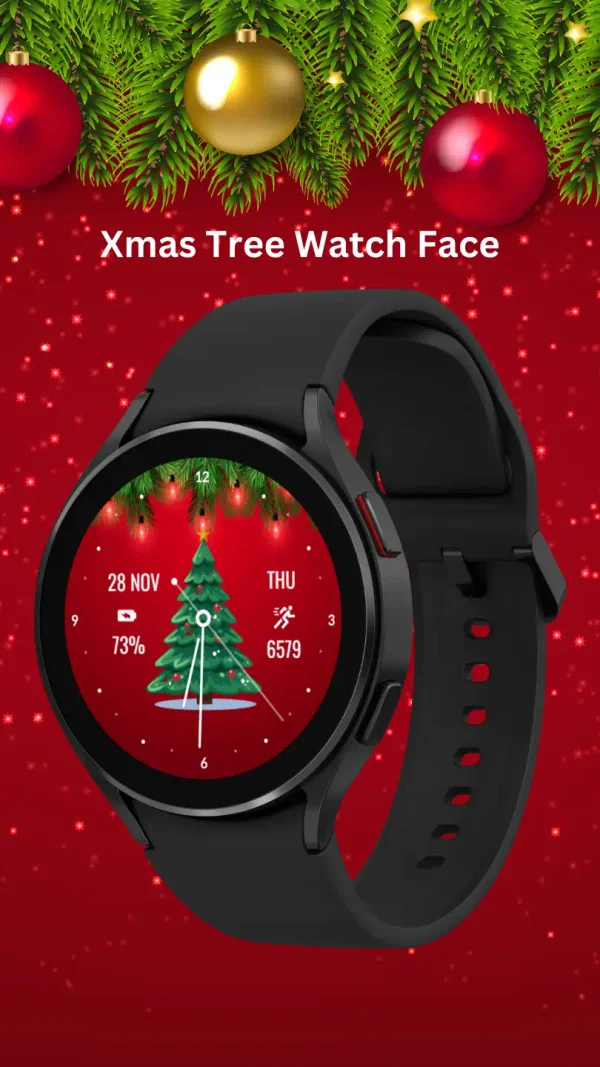
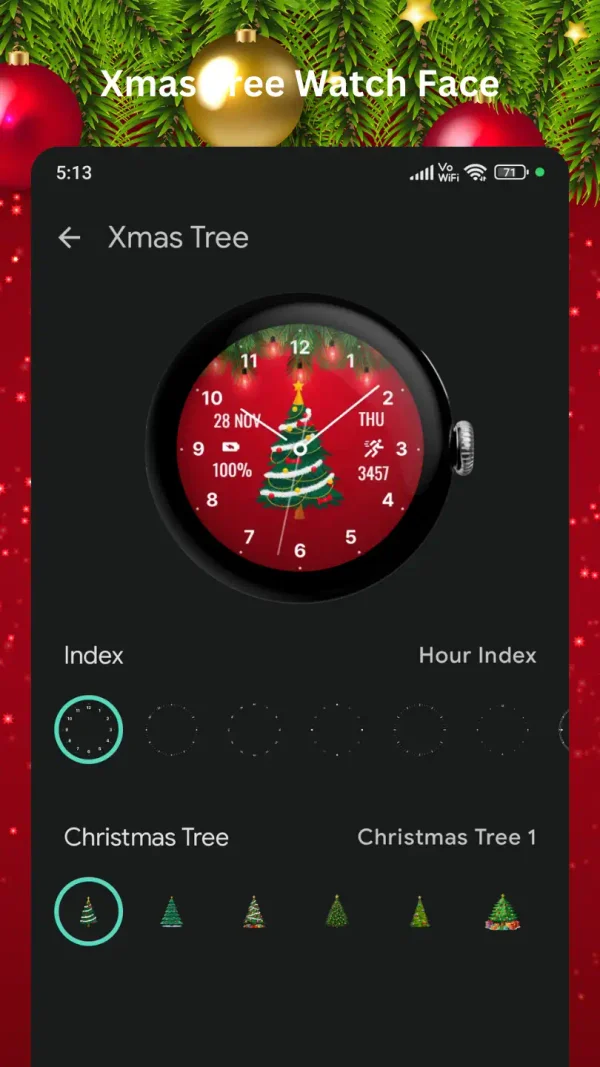
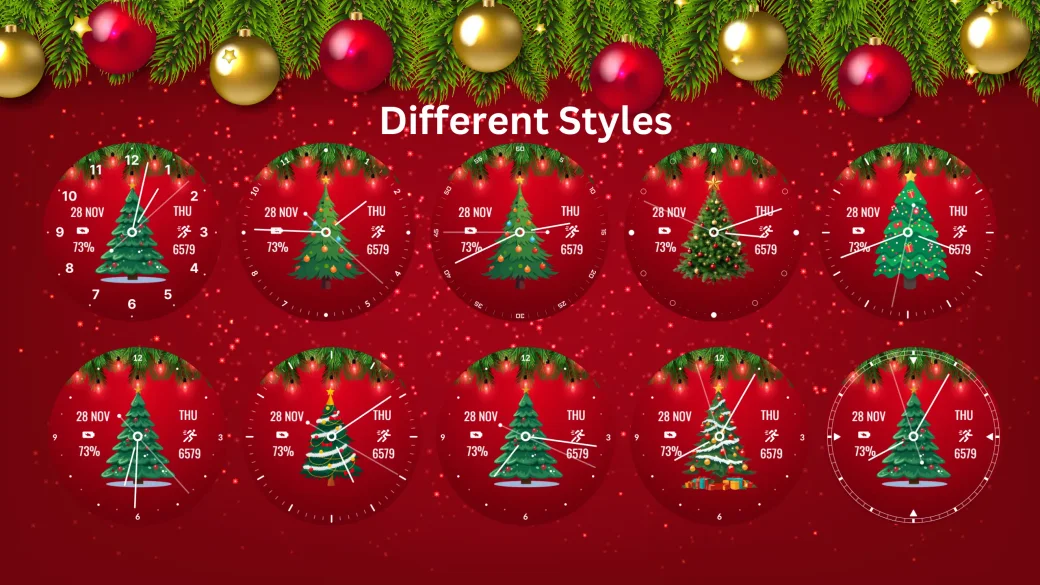
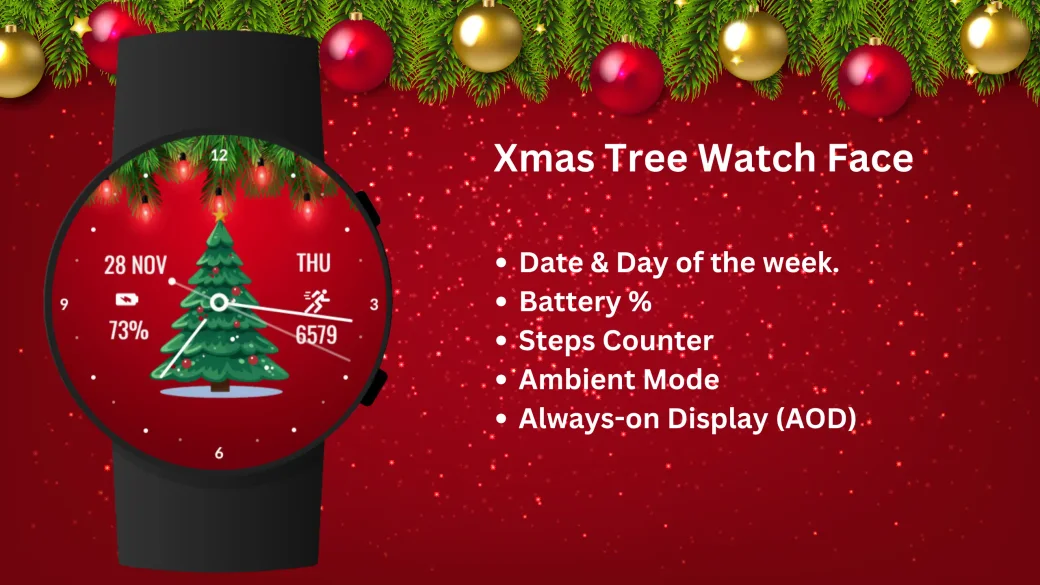
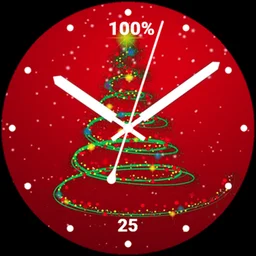
Brighten your holiday season with the Xmas Tree Watch Face! This beautifully designed watch face brings the spirit of Christmas right to your wrist with a festive tree, glowing holiday lights, and a clean analog display. Enjoy useful features such as the date, day, battery percentage, and step count, all displayed around the holiday-themed background.
🎄 Christmas tree design with glowing lights 📅 Displays date and day 🔋 Shows battery percentage 🚶 Step count for your daily activity ✅ Compatible with all Wear OS devices API 30+, including Google Pixel Watch, Samsung Galaxy Watch, and others.
⚙️ Watch Face Features
• 🎄 Christmas tree design with glowing lights
• Date, month and day of the week.
• Battery %
• Steps Counter
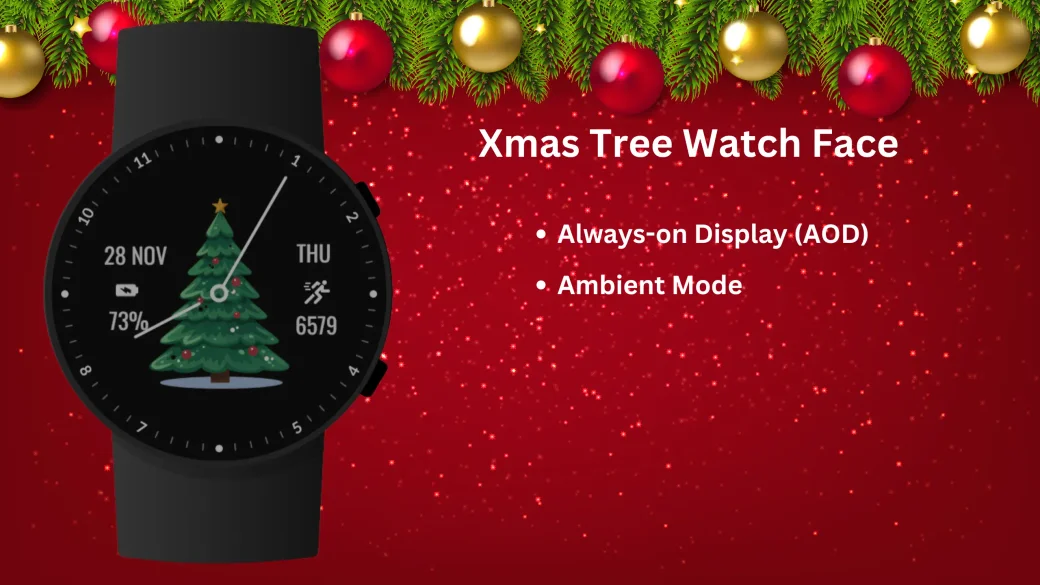
• Ambient Mode
• Always-on Display (AOD)
🔋 Battery
For better battery performance of the watch, we recommend disabling the "Always On Display" mode.
After installing the Xmas Tree Watch Face, follow these steps:
1.Open the Companion App on your phone.
2.Tap "Install on Watch".
3.On your watch, select the Xmas Tree Watch Face from your settings or watch face gallery.
Your watch face is now ready to use !
✅ Compatible with all Wear OS devices API 33+ including such as Google Pixel Watch, Samsung Galaxy Watch etc.
Not suitable for rectangular watches.
Thank you !
Data safety
What Filmmotion Studio declares on Google Play about the data this app collects and shares.
- This app may share these data types with third partiesApp activity and Device or other IDs
- This app may collect these data typesApp activity, App info and performance, and Device or other IDs
- Data is encrypted in transit
- Data can’t be deleted
Developer contact
- Websitefilmmotionstudiophoto.blogspot.com
- Emailhelpfilmmotionstudio@gmail.com
- Privacy policyfilmmotionstudio.wordpress.com
- Address18 VITTHALNAGAR SOC NR BAPASITARAM CHOWK KATARGAM SURAT CITY SURAT, Gujarat 395005 India
Information
- Offered by
- Filmmotion Studio
- Category
- Personalization
- Updated
- Oct 4, 2026
- Released
- Dec 2, 2024
- Age rating
- Everyone
- Price
- Free
- Package name
- com.christmas.xmas.holiday.winter.santa.snowflake.christmastree4.watchface.wear
Similar apps
-
 Christmas wreath Watch Face
Personalization
-
 Christmas Tree Clock WatchFace
Personalization
-
 Christmas Animated Watch 087
Personalization
-
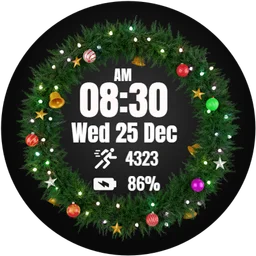 Christmas Frames Watch
Personalization
-
 U057 Santa Clause Watch Face
Personalization
-
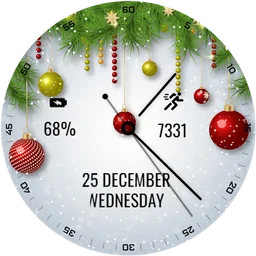 Merry Xmas Watch Face
Personalization
-
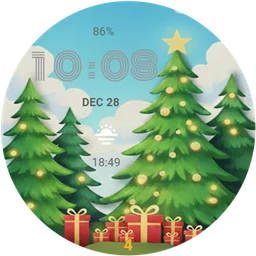 D0031 Pro Christmas
Personalization
-
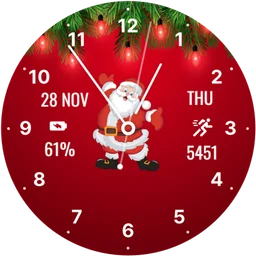 Christmas Holiday Watch Face
Personalization
-
 Xmas Watch Face ULTRA SGW7
Personalization
-
 Twinkle Twinkle Christmas Tree
Personalization
-
 Merry Christmas Glitter Tree
Personalization
-
 Merry Christmas Glitter Tree
Personalization