Xmind: Mind Map & Brainstorm
Xmind Ltd.In-app purchases
- EveryoneAge rating
- ProductivityCategory
- Nov 10, 2026Updated
- FreePrice
Links to the official Google Play listing of net.xmind.doughnut. Last checked on Nov 19, 2026.

Screenshots






About this app
Brainstorm ideas, Mind Mapping, Outline, and Present mind maps as slides.
Major Update: Collaboration Now Supported!
From real-time collaboration to cloud storage and cross-device syncing, Xmind redefines productivity for every team member.
Mind map: Your Productivity Booster for Smarter Thinking and Collaboration
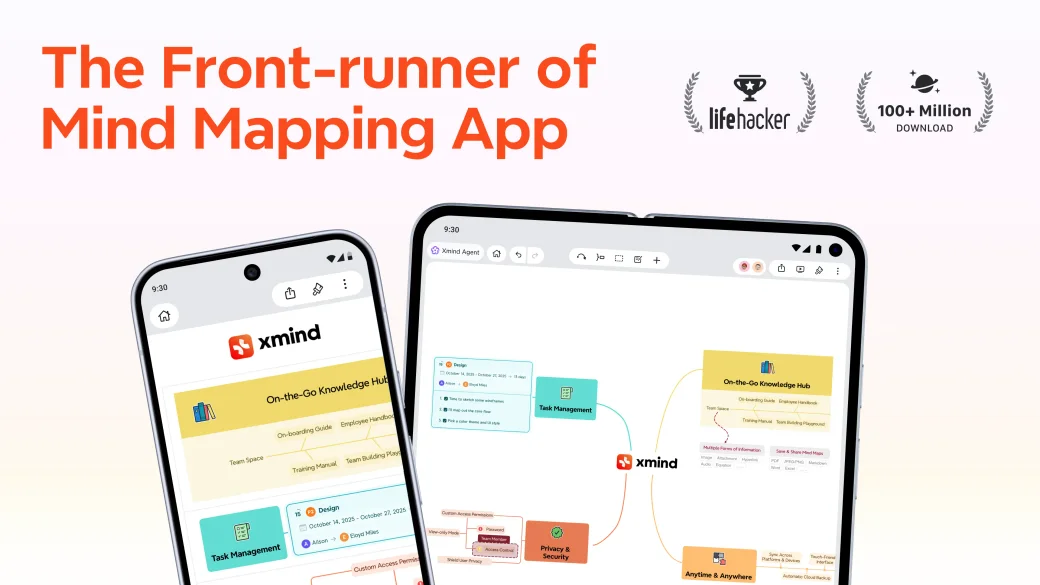
As a front-runner in mind mapping apps, Xmind has been continuously refining and innovating to craft this all-in-one thinking tool for over 19 years. Our commitment to delivering unprecedented efficiency in mind mapping experiences has earned the loyalty of hundreds of millions of users worldwide.
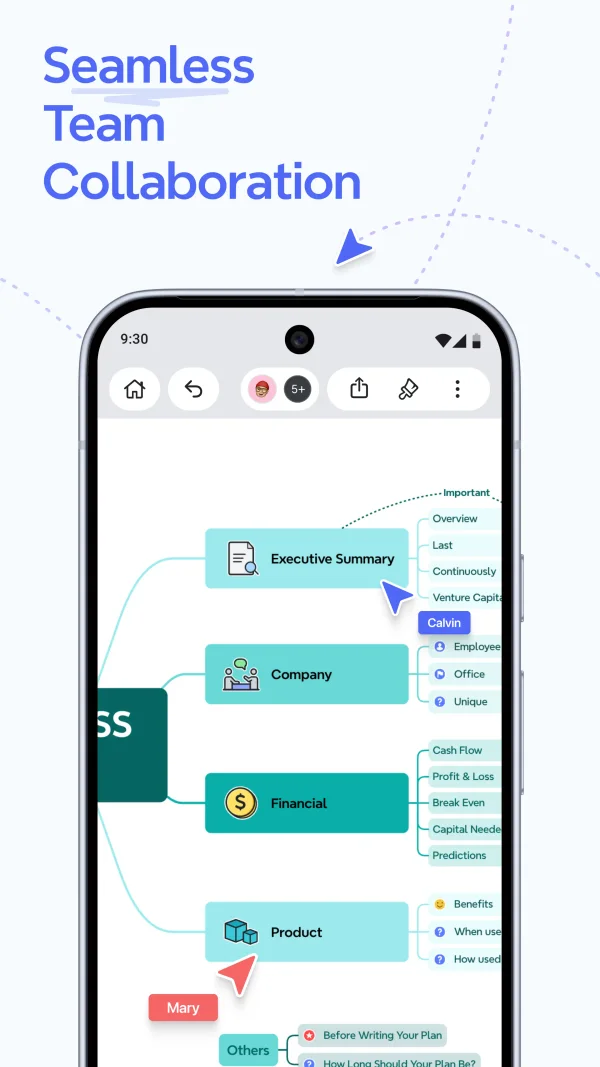
REAL-TIME COLLABORATION: IGNITE TEAM-WIDE PRODUCTIVITY
• Online edit and comment: Efficiently boosts productivity in teamwork, such as departmental brainstorming, agile project management, and group assignments.
• Cloud storage: Automatically saves updates, allows historical version tracking, enables cross-device access to all ideas and creations anytime, anywhere, while safeguarding your privacy.
• Customized permission controls: Set files to view-only mode, assign specific editing privileges, or apply password protection.
CLARIFY THOUGHTS WITH MIND MAPS: SIMPLE & EASY
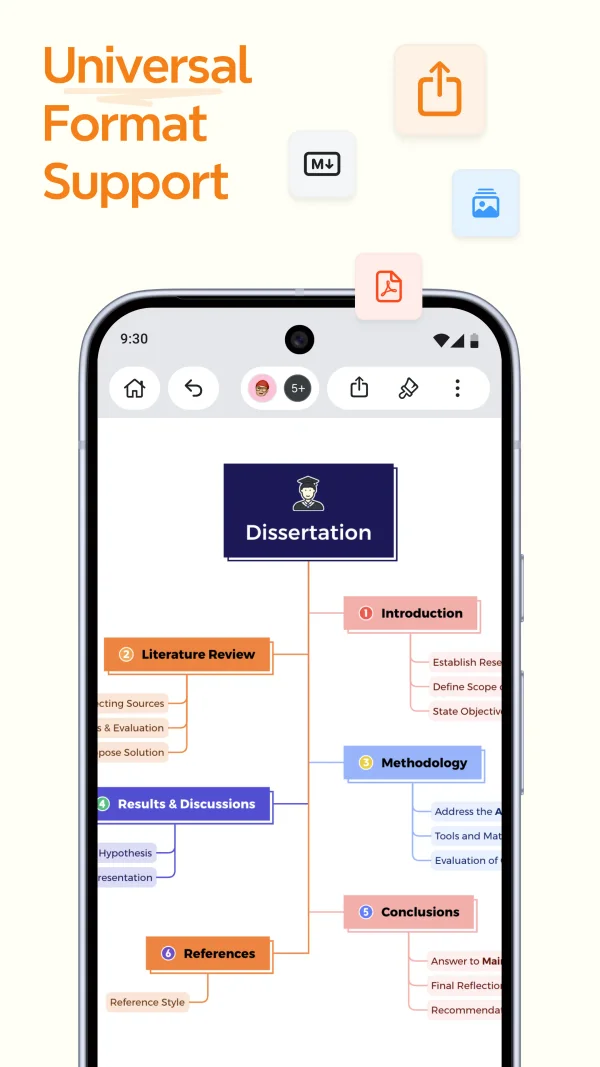
• Structures + Multi-Structure Combination (Exclusive to Xmind): Explore 10+ specialized structures — including Mind Map, Logic Chart, Brace Map, Tree Chart, Org Chart, Timeline, Fishbone, Tree Tables, Matrix, Grid, and more — to seamlessly empower your ideas and accurately present even the most complex projects.
• Templates & Smart Color Themes: Kick-start any mind map with 100+ specially designed templates and aesthetic color themes, powered by a smart algorithm that ensures your creations stay stylish.
• Multiple Organizers: Connect any two topics with "Relationship", group ideas with "Boundary", and conclude each part with "Summary".
CONTENT AND PRESENTATION: WHERE POSSIBILITIES MULTIPLY
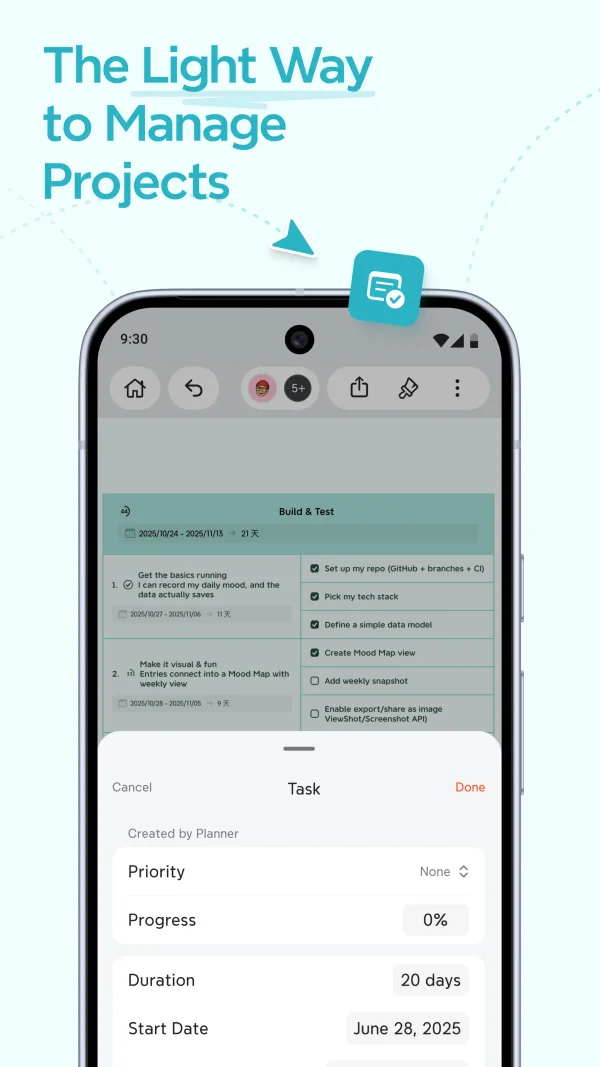
• Insert: Elaborate and enrich a topic with images, audio notes, equations, labels,web links, topic links, attachments, drawings, tasks and jot down mathematics and chemical equations with LaTeX.
• Search and Replace: Search, locate and replace any content within the mind map.
• Outliner: One-click switch to outline your thoughts and sharpen thinking focus.
• Pitch Mode: Present mind map as a slideshow with auto-generated transitions and layouts based on your content with just a click.
• ZEN Mode: A full-screen and distraction-free mode built to help you focus on the content and leave everything behind.
• Filters: Tag topics using markers & labels to quickly locate and filter topics.
LET THINKING BE A VIBRANT JOURNEY: WHERE CREATIVITY KNOWS NO BOUNDS
• Stickers & Illustrations: 400+ illustrations crafted by senior designers & AI, 200+ stickers for your mind map mastery.
• Hand-drawn Style: Turn your maps into playful doodles in one tap, injecting whimsical charm into your ideas.
• Colored Branch: Color-adaptive branches that fuel your creative brilliance.
SUBSCRIBE TO XMIND
• Products: All Platforms Xmind Premium (Yearly), All Platforms Xmind Premium (Monthly), All Platforms Xmind Pro (Yearly), All Platforms Xmind Pro (Monthly).
• Type: Auto-Renewable Subscriptions.
• Cancel Subscription:
Open the Google Play Store app.
Click your profile icon > "Payments & Subscriptions" > "Subscriptions"
Select Xmind Pro/Premium and click "Cancel Subscription"
• Terms of Service: https://www.xmind.app/terms/
• Privacy Policy: https://www.xmind.app/privacy/
Contact Xmind
* To explore more Xmind tips and unlock exclusive fan benefits by following Xmind's official YouTube, Instagram, and X: @Xmind
* Let us know if you have any feedback or if we can help in any way: support@xmind.app
Data safety
What Xmind Ltd. declares on Google Play about the data this app collects and shares.
- This app may share these data types with third partiesApp activity and App info and performance
- No data collectedLearn more about how developers declare collection
- Data is encrypted in transit
- You can request that data be deleted
What’s new
Version 27.01.05467 · Nov 10, 2026
This update includes:
• New: Link previews and embedded content, viewable right in your map
• New: Map link cards to open linked maps in-app and return to your original map
• Fixed: Drag previews remaining after moving multiple topics and incorrect topic positions on the next drag
• Improved: The Xmind Agent experience
• Improved: Searching large maps
• Other fixes and stability improvements
Developer contact
- Websitexmind.app
- Emailxmind-android-support@xmind.net
- Privacy policyxmind.net
- AddressSuite 1650,26th Floor,Beautiful Group Tower 77 Connaught Road 中環 香港島 Hong Kong
Information
- Offered by
- Google Commerce Ltd
- Category
- Productivity
- Version
- 27.01.05467
- Updated
- Nov 10, 2026
- Released
- Jul 9, 2018
- Requires
- Android 8.0 or later
- Age rating
- Everyone
- Price
- Free
- In-app purchases
- $3.99 - $99.99 per item
- Package name
- net.xmind.doughnut
Similar apps
-
 Chaos Control 2: AI Organizer
Productivity
-
 Memento: Database & AI Apps
Productivity
-
 Trello: Daily Task Tracker
Productivity
-
 Mind Map Maker - Mindomo
Productivity
-
 MindMeister - Mind Mapping
Productivity
-
 Disciplined - Habit Tracker
Productivity
-
 Writecream - AI Content Writer
Productivity
-
 Nice Mind Map - Mind mapping
Productivity
-
 Meeting.ai: Note Taker Agent
Productivity
-
 Sider: Chat & Work with All AI
Productivity
-
 Replit: AI for Work
Productivity
-
 VisualMind: AI MindMap/Chatbot
Education