YouTube Kids
Google LLCContains ads
- EveryoneAge rating
- EntertainmentCategory
- Nov 23, 2026Updated
- FreePrice
Links to the official Google Play listing of com.google.android.apps.youtube.kids. Last checked on Nov 24, 2026.

Screenshots







About this app
An app made just for children
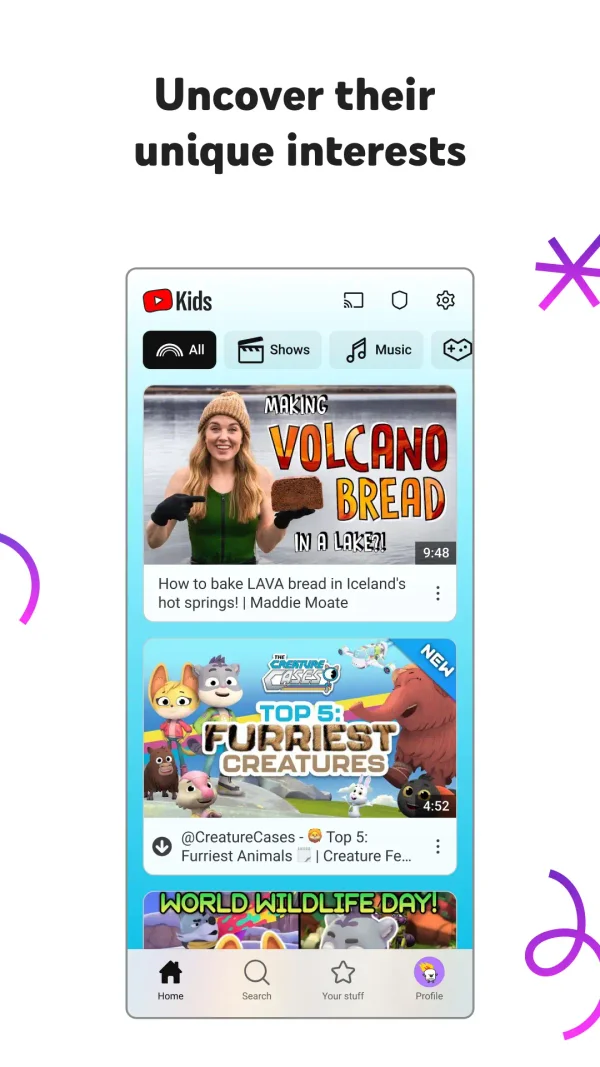
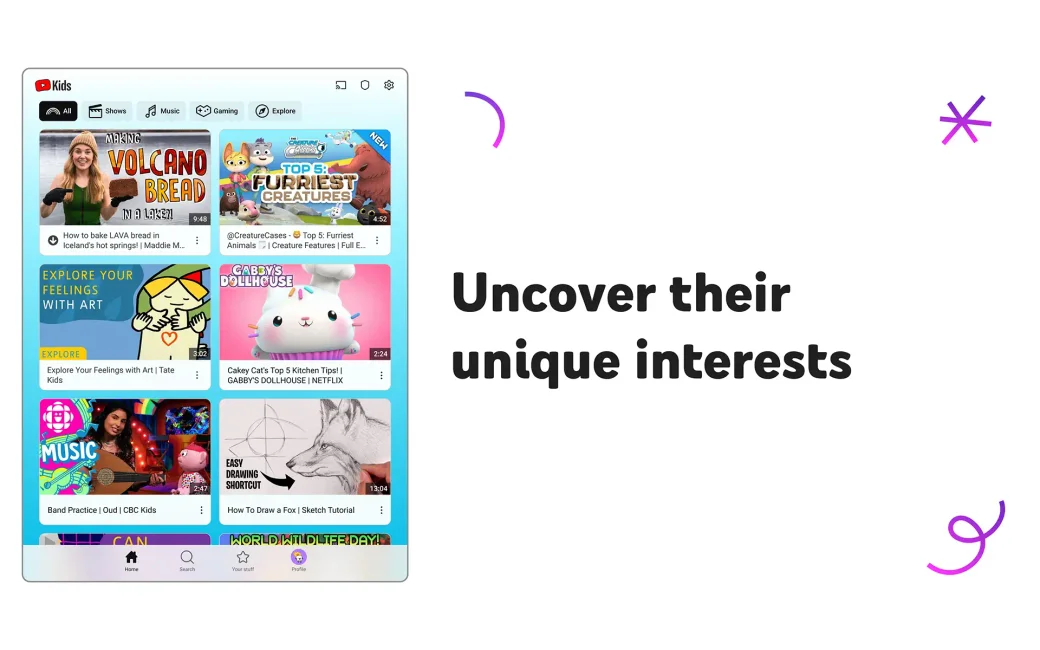
Inspire your children to uncover their unique interests
Help your children explore video content that they love and that parents trust, in an app made just for children. With easy navigation tools and a suite of features, you can help your children spend time online uncovering new interests, unleashing their imagination and building their confidence in their own unique world.
Help your children grow at their own pace
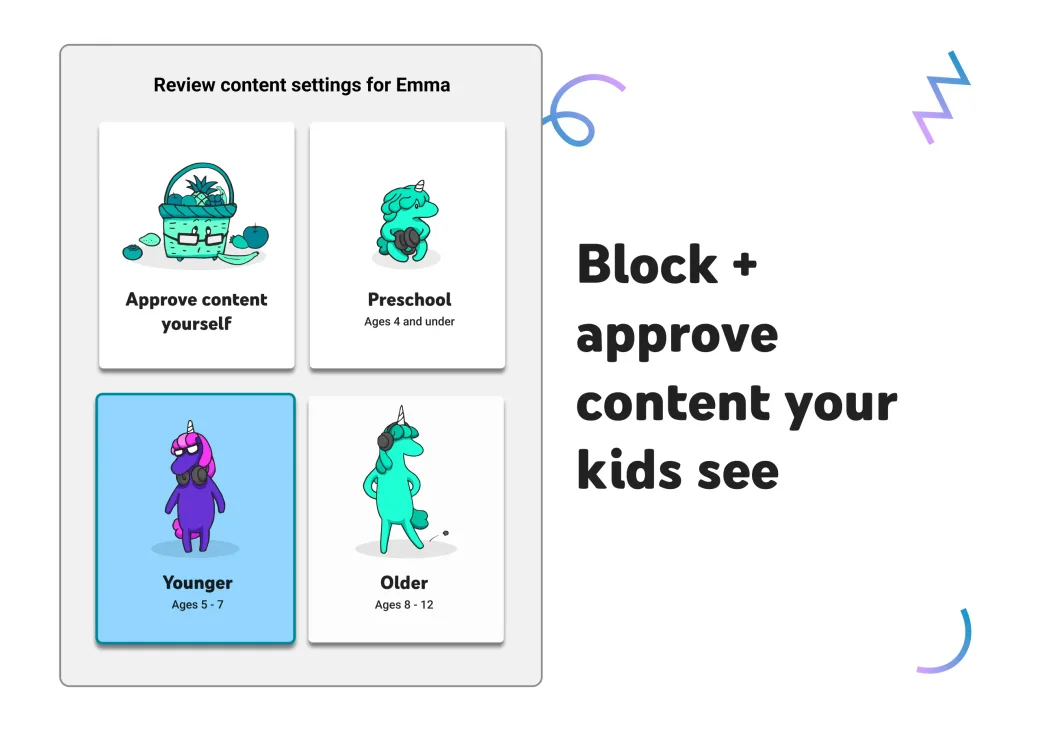
Your children are unique, so they should only see content that they're ready to explore. Decide what videos will help them make the most of their time online, then personalise individual profiles using custom content filters as they grow.
– Help your youngest children learn their ABCs, nurture their curiosity and more in 'Preschool' mode.
– Expand your children's interests to songs, cartoons or DIY crafts in 'Younger' mode.
– Give your older children the freedom to search popular music and gaming videos in 'Older' mode.
– Or, hand-pick the videos, channels and collections that your children can see in 'Approved content only' mode.
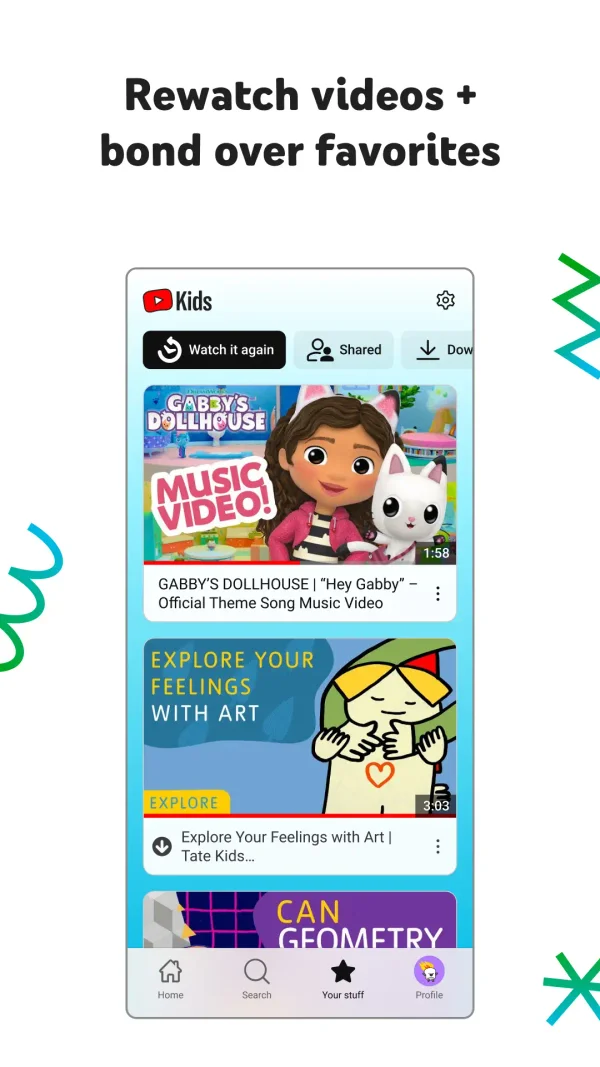
Rewatch videos and bond over favourites
Quickly find your children's favourite videos and the content that you've shared with them in the 'Watch it again' tab.
Shape your children's viewing experience with parental controls
Parental control features help you limit what your children watch, and better guide their viewing experience. Our blocking process aims to help keep videos on YouTube Kids family-friendly and safe – but each family's preferences are unique. Don't like a video or channel, or see inappropriate content? Flag it for our team to review.
Set a screen-time limit
Encourage your children to take a break in between exploring content. Use the 'Timer' feature to freeze the app when screen time is up so that your children can apply their new skills to the real world.
See important information
– Parental setup is needed to ensure the best experience for your family.
– Children may see commercial content from YouTube creators that are not paid ads.
– See the Privacy Notice for Google Accounts managed with Family Link for information on our privacy practices for signing in with a Google Account.
– If your children use the app without signing in with their Google Account, the YouTube Kids Privacy Notice applies.
Data safety
What Google LLC declares on Google Play about the data this app collects and shares.
- No data shared with third partiesLearn more about how developers declare sharing
- This app may collect these data typesLocation, Personal info and 4 others
- Data is encrypted in transit
- You can request that data be deleted
- Committed to follow the Play Families Policy
- Independent security review
What’s new
Nov 23, 2026
Bug fixes and stability improvements
Developer contact
- Websitesupport.google.com
- Emailytkids-support@google.com
- Privacy policygoogle.com
- Address1600 Amphitheatre Pkwy Mountain View, CA 94043 United States
Information
- Offered by
- Google LLC
- Category
- Entertainment
- Updated
- Nov 23, 2026
- Released
- Feb 23, 2015
- Age rating
- Everyone
- Price
- Free
- Package name
- com.google.android.apps.youtube.kids
Similar apps
-
 Vlad and Niki: Games & Videos
Entertainment
-
 Learn to Read - Duolingo ABC
Education
-
 Lingokids: Games & Shows
Education
-
 LEGO® DUPLO® Marvel
Education
-
 Baby Shark: Wash Your Hands
Education
-
 ABCmouse: Kids Learning Games
Education
-
 Baby Shark ABC Phonics: Games
Education
-
 Diana and Roma: Videos & Games
Entertainment
-
 Baby Shark World for Kids
Education
-
 Buddy.ai: Kids Learning Games
Education
-
 Super Simple - Kids Songs
Education
-
 Bebefinn Baby Care: Kids Game
Education