YSR049 Earth
YSR Watch Face- EveryoneAge rating
- PersonalizationCategory
- Oct 29, 2026Updated
- FreePrice
Links to the official Google Play listing of com.YSR.watchface.app.earth.hybrid. Last checked on Nov 17, 2026.
Screenshots


About this app
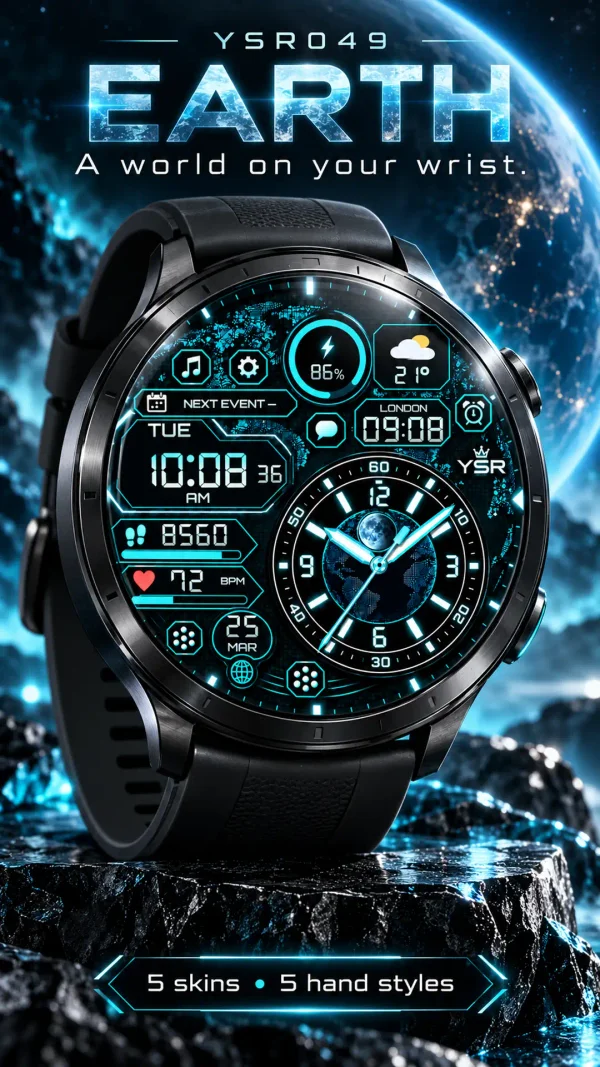
An illuminated world map, bold time, useful panels and five distinctive looks.
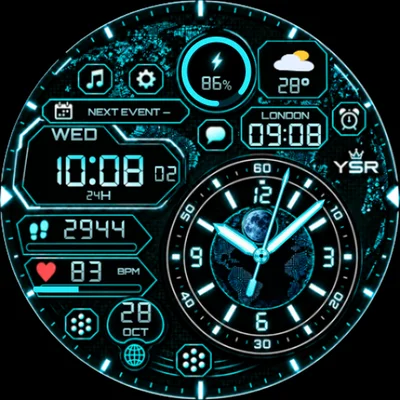
YSR049 Earth brings an illuminated world map and icy-blue moon to your Wear OS watch. Its sculpted instrument panels keep everyday information close, with a look you can make your own.
FEATURES AT A GLANCE
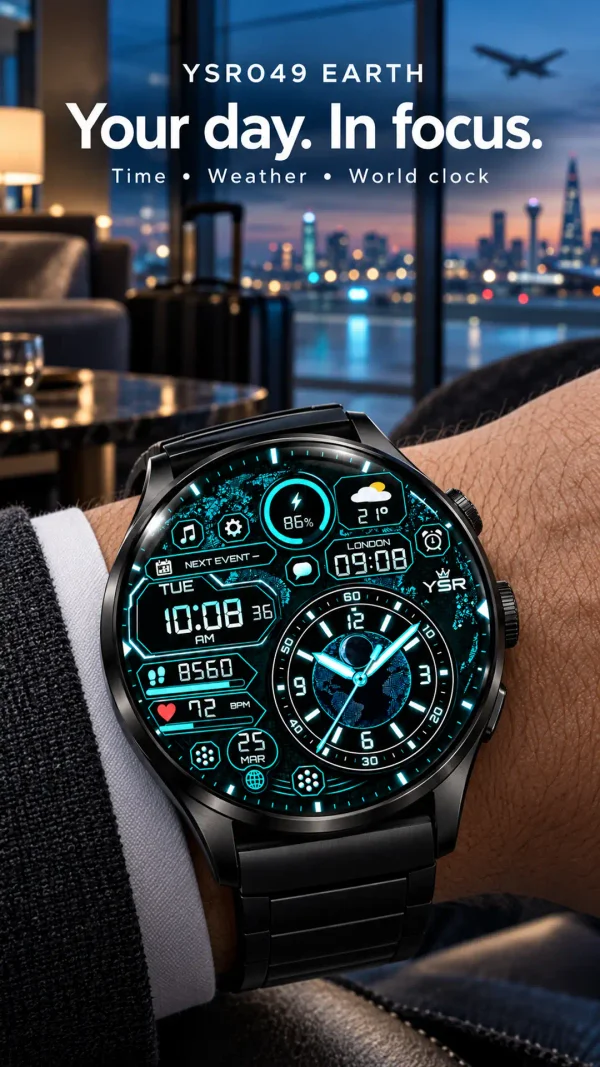
• Live time and date, with the watch’s 12/24-hour setting.
• Battery percentage and progress ring.
• Current moon phase and next calendar event.
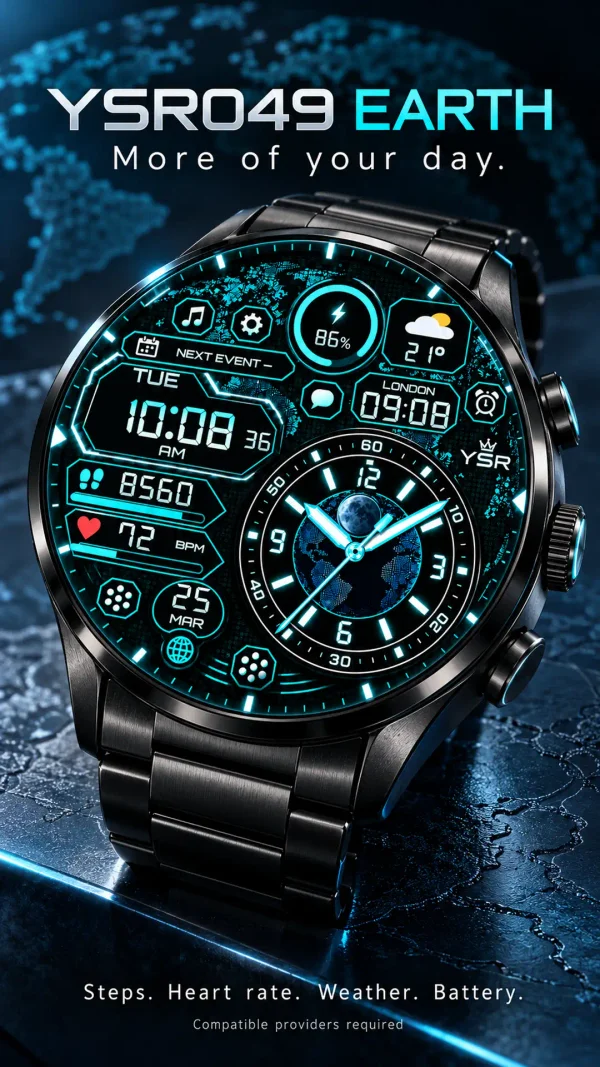
• Steps and available daily-goal progress; heart-rate information from a compatible provider.
• Weather and other selected provider information.
PERSONALIZE YOUR LOOK
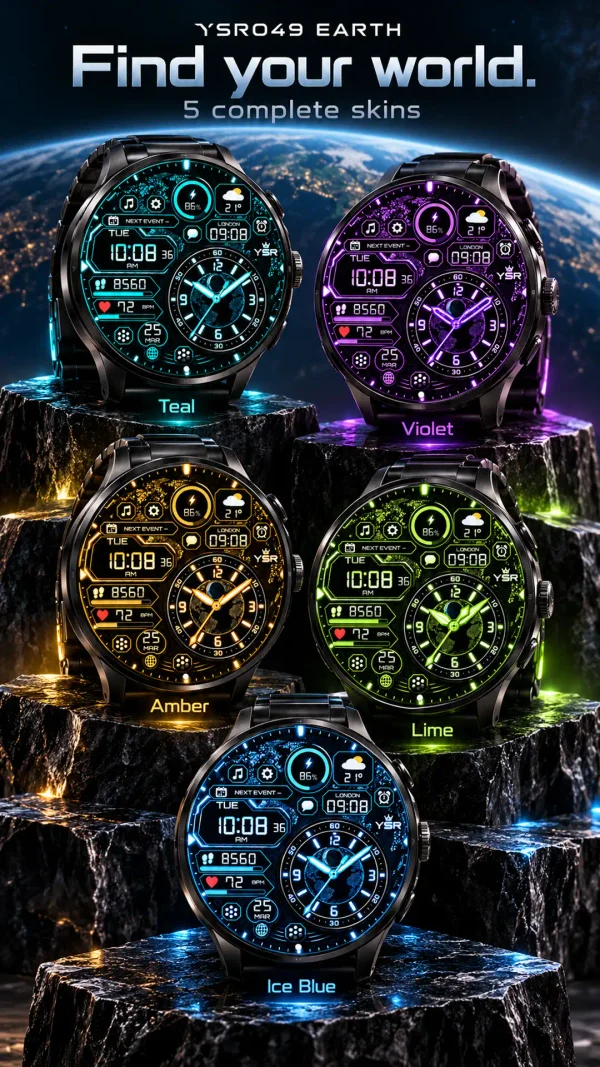
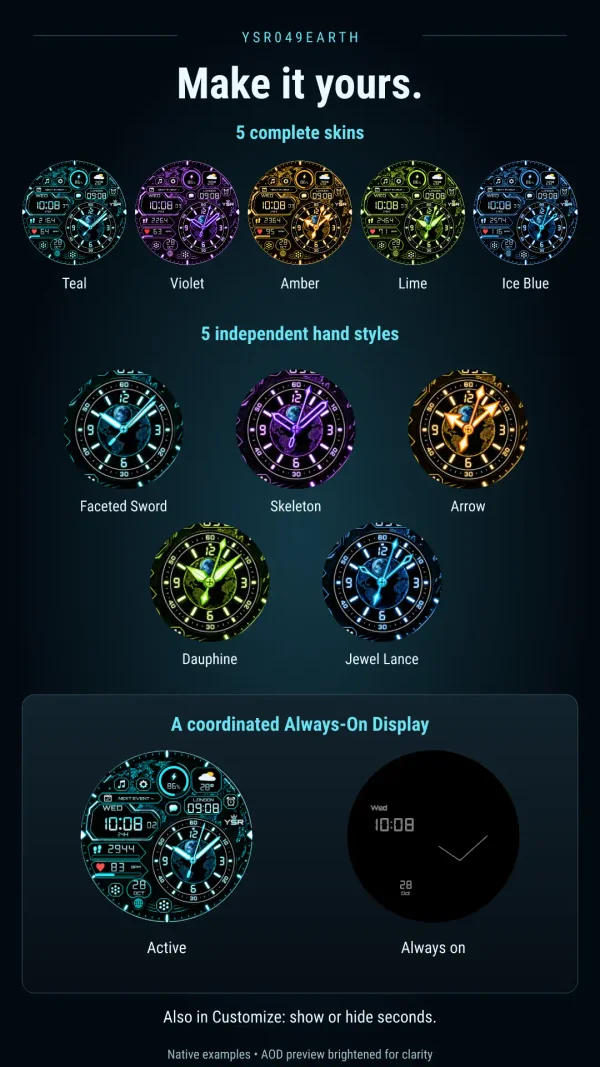
Choose 5 complete skins: Teal, Violet, Amber, Lime and Ice Blue. Select 5 hand styles: Faceted Sword, Skeleton, Arrow, Dauphine and Jewel Lance. Show or hide seconds. The map and frames follow your skin while the moon keeps its icy-blue appearance.
YOUR APPS AND INFORMATION
Assign preferred apps to 3 customizable shortcuts: the crowned YSR logo and two seven-dot buttons. Their original symbols stay in place.
Personalize 4 editable panels, initially showing Steps, Heart rate, Weather and a London clock when no other information is assigned there. Compatible selections can change provider icons and text inside the existing frames. Available choices depend on your watch and installed providers.
The 4 fixed buttons open Music, Settings, Messages and Alarm through available watch apps. The Steps bar uses the available real goal. The Heart bar uses an explicit 0–200 BPM display scale, not a health target; other information may use its own supplied range.
ALWAYS-ON DISPLAY
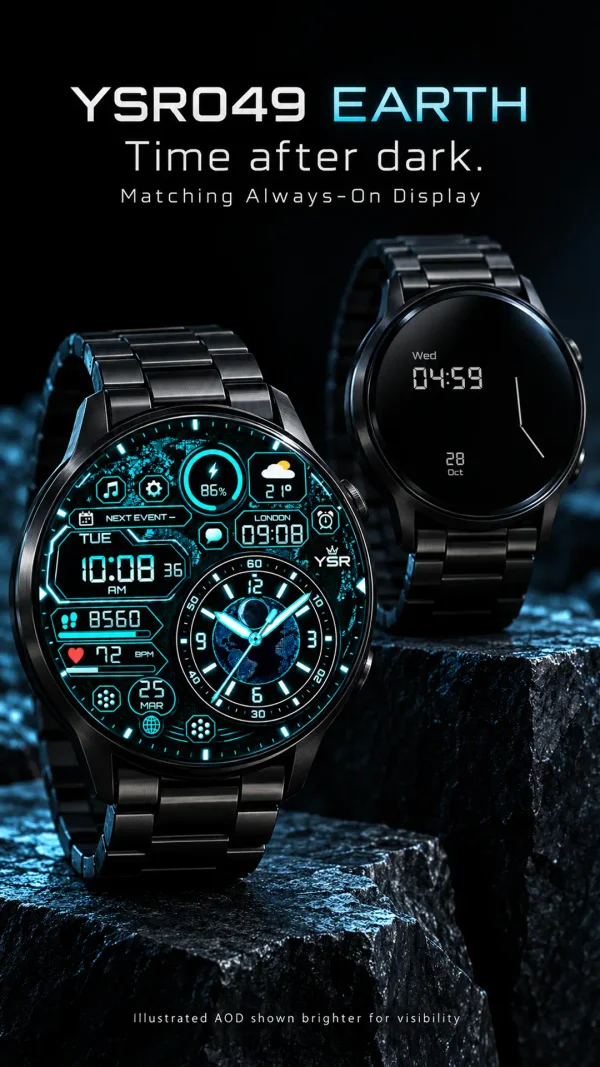
The coordinated AOD keeps the weekday, time, hour/minute hands, day and abbreviated month on black. It hides seconds, maps, shortcuts and information panels. Battery usage varies with your watch and settings.
COMPATIBILITY AND SETUP
Requires Wear OS 5 or later with Watch Face Format 2 support.
1. Install the watch face from Google Play on the watch.
2. Open your watch-face picker and select YSR049 Earth.
3. Touch and hold the face, then choose Customize or Edit.
Adjust skins, hands, seconds, app destinations and information providers. The optional phone companion helps open the watch listing; it does not confirm installation or purchases.
SUPPORT AND MORE FROM YSR
Contact support@ysrapp.com with your watch model, software version and a brief description of the issue. Your feedback helps guide future improvements.
Explore more YSR designs:
https://play.google.com/store/apps/dev?id=5544021929995608447
Data safety
What YSR Watch Face declares on Google Play about the data this app collects and shares.
- No data shared with third partiesLearn more about how developers declare sharing
- No data collectedLearn more about how developers declare collection
Developer contact
- Websiteysrapp.com
- Emailsupport@ysrapp.com
- Privacy policyysrapp.com
- Address30 N Gould St Ste R Sheridan, WY 82801-6317 United States
Information
- Offered by
- YSR Watch Face
- Category
- Personalization
- Version
- 1.2.0
- Updated
- Oct 29, 2026
- Released
- Oct 29, 2026
- Age rating
- Everyone
- Price
- Free
- Package name
- com.YSR.watchface.app.earth.hybrid