ABN AMRO
ABN AMRO Bank N.V.- USK ab 0 JahrenAltersfreigabe
- FinanzenKategorie
- 16.11.2026Aktualisiert
- KostenlosPreis
Verlinkt auf den offiziellen Google Play-Eintrag von com.abnamro.nl.mobile.payments. Zuletzt geprüft am 27.11.2026.

Screenshots

Über diese App
Automatische Übersetzung von Google. Originalsprache: Niederländisch (Niederlande).
Die ABN AMRO-App ist für alle.
Für Anfänger, aber auch für erfahrene Nutzer und Profis. Selbst Kinder finden sich schnell in der App zurecht. Geschäftskunden können viele Dinge ganz einfach in der App erledigen. Mit der App haben Sie Ihre täglichen Bankgeschäfte immer im Blick und können überall bequem, schnell und sicher Bankgeschäfte erledigen.
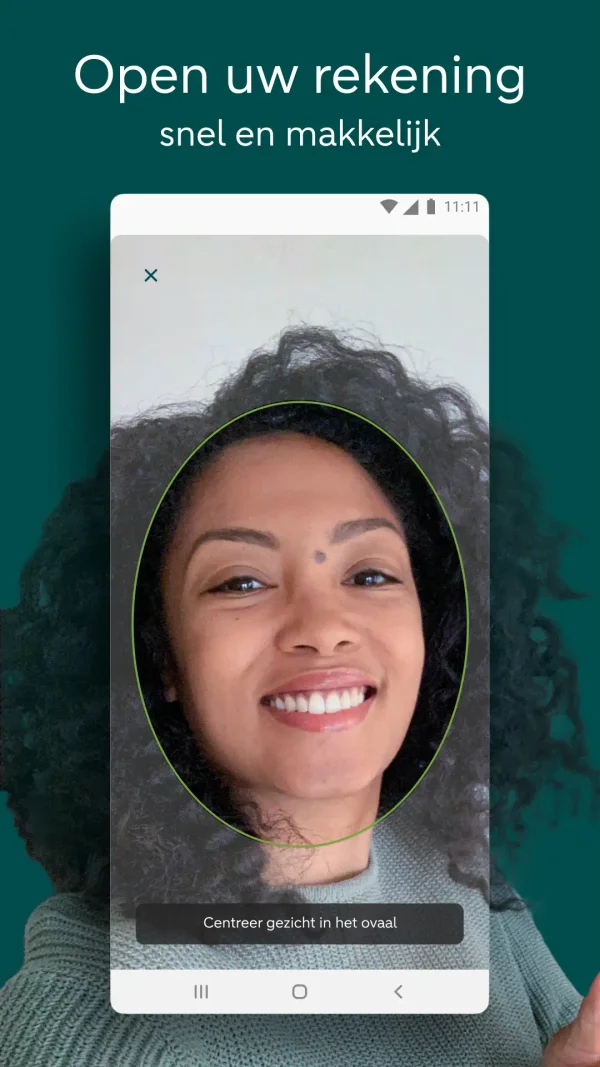
Starten Sie mit ABN AMRO. Eröffnen Sie ganz einfach ein Privatkonto mit der App. Selbst mit einem internationalen Reisepass können Sie oft ein Girokonto eröffnen, ohne eine Filiale aufzusuchen.
Mit der App können Sie mehr tun, als Sie vielleicht schon wissen:
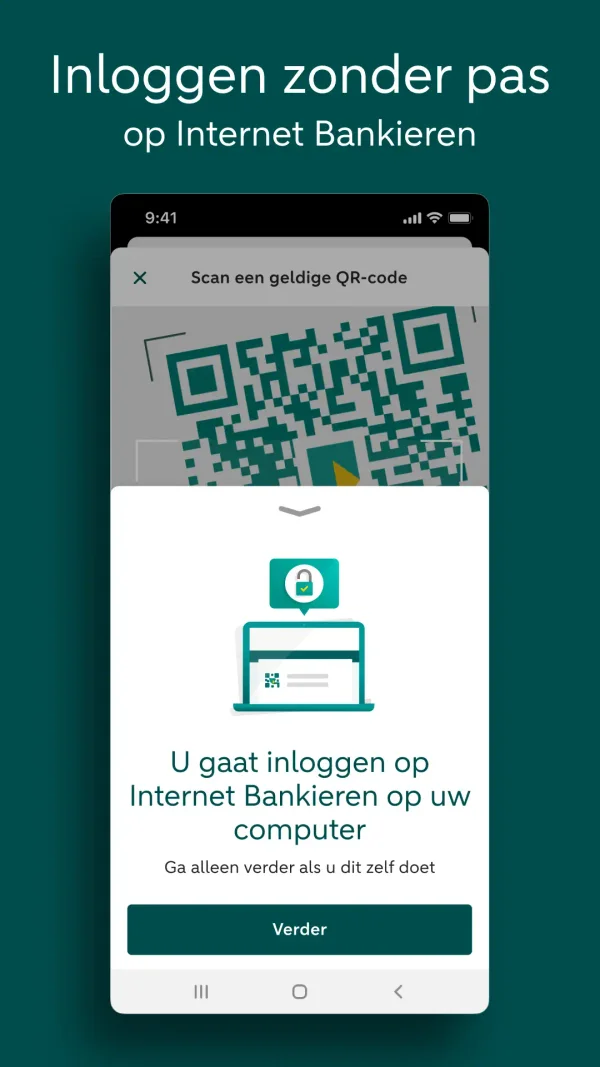
• Sicheres Anmelden und Bestätigen von Aufträgen im Online-Banking
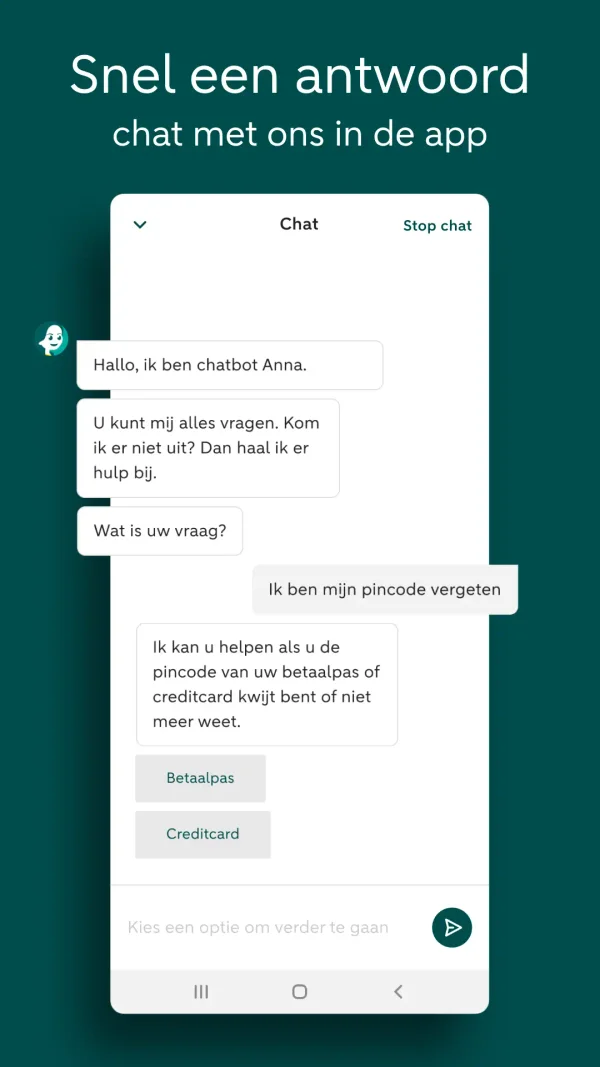
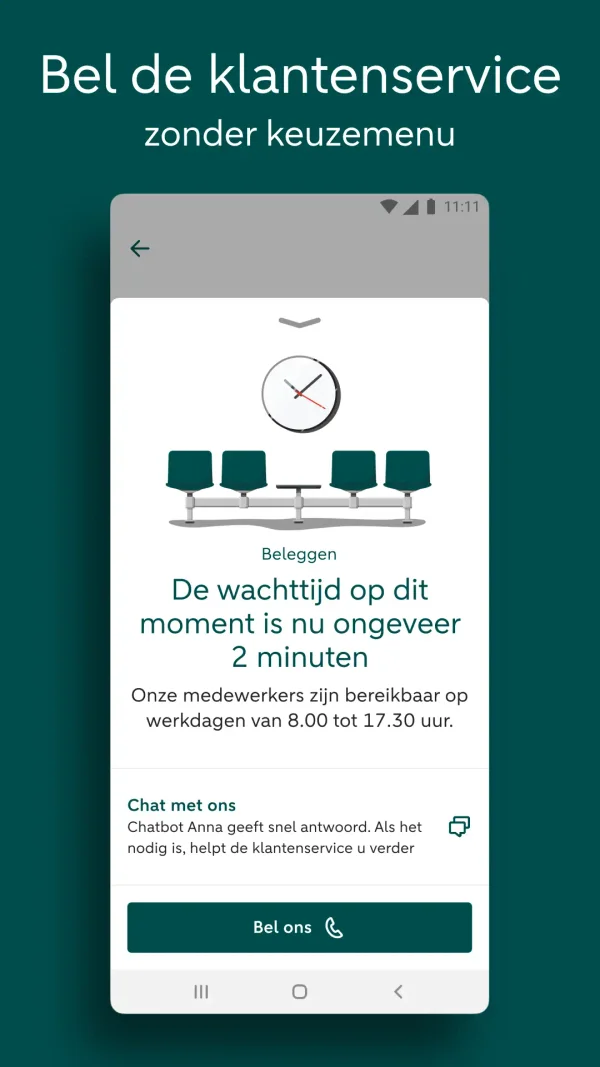
• Direkt mit dem richtigen Kundenservice sprechen
• Ihre Daten und Einstellungen ändern
• Ihre Debitkarte sperren, entsperren oder ersetzen
• Debitkarten verwalten
• Tikkie senden
Natürlich können Sie auch:
• Bankgeschäfte in der App erledigen und mit iDEAL bezahlen
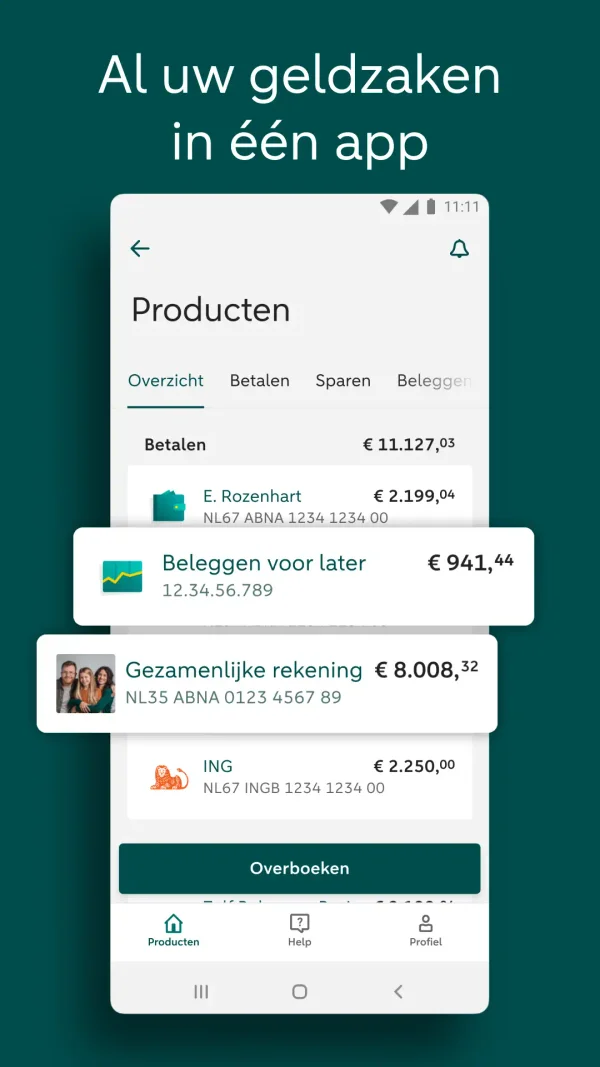
• Ihre Ein- und Auszahlungen, Ihren Kontostand und Ihre Bankkonten einsehen
• Geld überweisen und Zahlungsaufträge planen
• Benachrichtigungen für Gutschriften, Lastschriften oder Lastschriften erhalten
• Anlagen, Sparkonten, Hypotheken und Versicherungen einsehen und abschließen
So nutzen Sie die ABN AMRO App zum ersten Mal:
Wenn Sie bereits ein Privat- oder Geschäftskonto bei ABN AMRO haben, können Sie die App sofort nutzen.
Sicheres Banking:
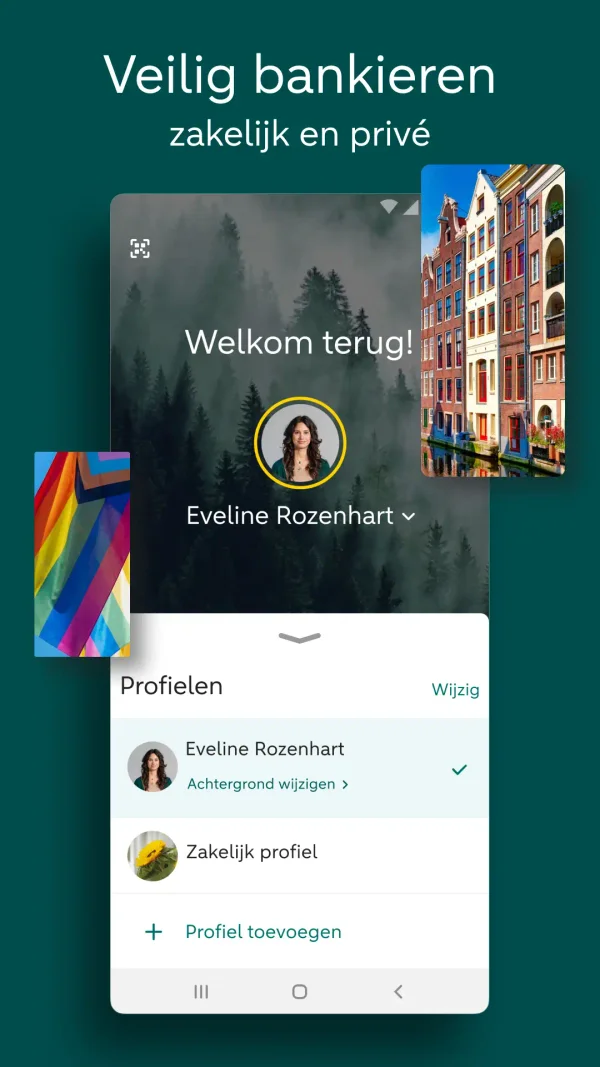
In der App können Sie sich mit Ihrem gewählten 5-stelligen Identifikationscode anmelden und Aufträge bestätigen. Dies ist in der Regel auch mit Ihrem Fingerabdruck oder Face ID möglich. Halten Sie Ihren Identifikationscode, genau wie Ihre PIN, geheim. Diese sind ausschließlich für Ihren Gebrauch bestimmt. Registrieren Sie auf Ihrem Gerät nur Ihren Fingerabdruck oder Ihr Gesicht. Weitere Informationen zum sicheren Banking finden Sie unter abnamro.nl.
Originaltext anzeigen
Make the move towards digital banking.
The ABN AMRO app is for everyone, beginners and professionals alike. Children are able to use the app, and business clients can easily use it to do lots of their banking. Thanks to the app, you can always see all your everyday banking affairs at a glance and you can bank quickly and securely, wherever you are.
Get started with ABN AMRO too. Open a personal account in the app - it’s a breeze! You can even open a current account in the app using your international passport in many cases. No need to go to a branch.
You can do more with the app than you may know, like:
• log in to Internet Banking and confirm orders securely there
• get connected immediately with the right customer service representative
• change your personal details and settings
• block or unblock your debit card or request a replacement
• manage your digital debit cards
• send a Tikkie payment request
And of course you can also:
• do your banking right in the app and pay using iDEAL
• view your transactions, balance and bank accounts
• transfer money and schedule payment orders
• get notifications about deposits, withdrawals and direct debit transactions
• make investments, add to your savings, and view and take out a mortgage or insurance
• add accounts held at other banks to your overview
Doing your banking using the ABN AMRO app for the first time
If you already have a personal or business ABN AMRO current account, you can start using the app right away.
Secure banking
Once you’re logged in to the app, you can confirm transactions using the 5-digit ID code, and often with your fingerprint or Face ID. Be sure to keep your personal ID code secret. Just like your PIN it’s meant for you alone. Also only register your own fingerprint or face on your device. You can read more about secure mobile banking at abnamro.nl/veiligmb.
Datensicherheit
Was ABN AMRO Bank N.V. bei Google Play zu den Daten angibt, die diese App erfasst und weitergibt.
- Keine Daten werden mit Drittunternehmen oder -organisationen geteiltWeitere Informationen dazu, wie Entwickler Angaben zur Weitergabe von Daten machen
- Diese App kann die folgenden Datentypen erhebenPersonenbezogene Daten, Finanzdaten und 6 weitere
- Daten werden bei der Übertragung verschlüsselt
- Du kannst das Löschen der Daten beantragen
Neue Funktionen
Version 13.36 · 16.11.2026
Both visual and technical improvements have been made. This keeps the app working properly.
Kontakt zum Entwickler
- Websiteabnamro.nl
- E-Mailservice@nl.abnamro.com
- Datenschutzerklärungabnamro.nl
- AdresseGustav Mahlerlaan 10 1082 PP Amsterdam Netherlands
Informationen
- Angeboten von
- ABN AMRO Bank N.V.
- Kategorie
- Finanzen
- Version
- 13.36
- Aktualisiert
- 16.11.2026
- Veröffentlicht
- 15.12.2010
- Erfordert
- Android 12 oder höher
- Altersfreigabe
- USK ab 0 Jahren
- Preis
- Kostenlos
- Paketname
- com.abnamro.nl.mobile.payments
Ähnliche Apps
-
 AT&T ActiveArmor®
Tools
-
 Realtor.com Real Estate & Rent
Haus & Garten
-
 EasyPark – deine Park App
Reisen & Lokales
-
 UBS & UBS key4
Finanzen
-
 ING Netherlands
Finanzen
-
 Gusto Mobile
Finanzen
-
 Nickel - Das Alles-Klar-Konto
Finanzen
-
 myTU – Mobile Banking
Finanzen
-
 Millennium bcp
Finanzen
-
 LemFi: Senden, sparen, wachsen
Finanzen
-
 MyLebara App
Kommunikation
-
 Apartments & Rentals - Zillow
Haus & Garten