Bloom Digital Watch Face
Monkey's Dream- USK ab 0 JahrenAltersfreigabe
- PersonalisierungKategorie
- 31.08.2026Aktualisiert
- 0,99 €Preis
Verlinkt auf den offiziellen Google Play-Eintrag von com.watchfacestudio.bloomdigitalwatchface. Zuletzt geprüft am 14.11.2026.
Screenshots

Über diese App
Automatische Übersetzung von Google. Originalsprache: Englisch (Vereinigte Staaten).
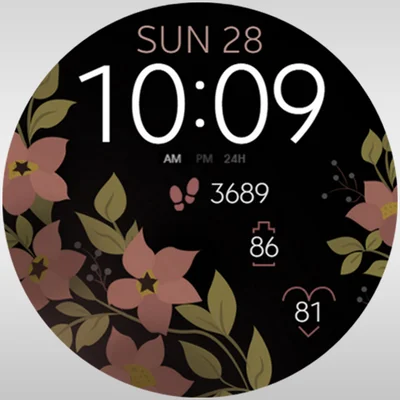
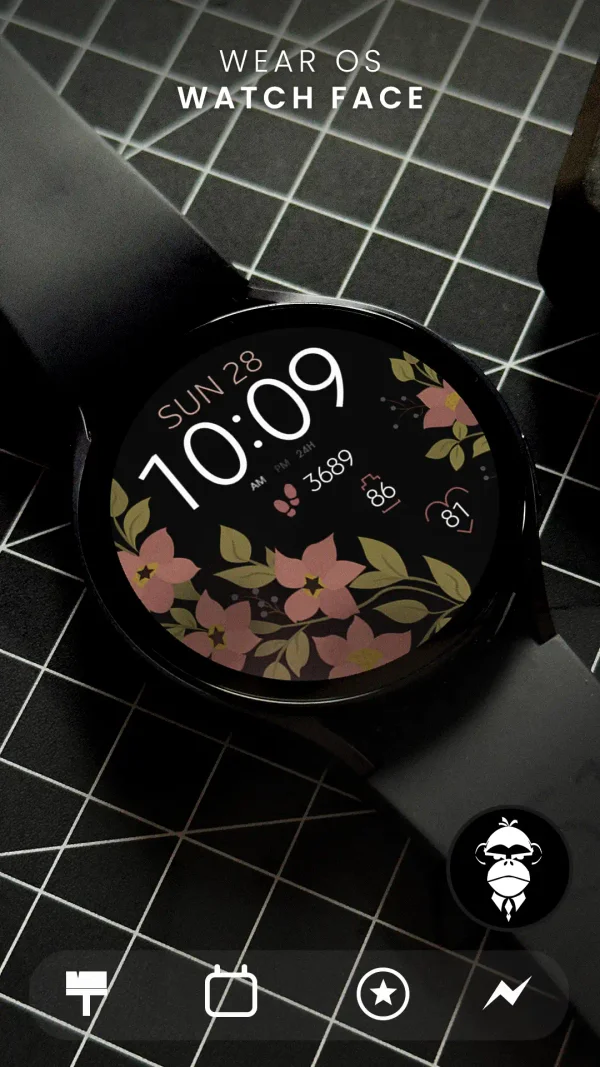
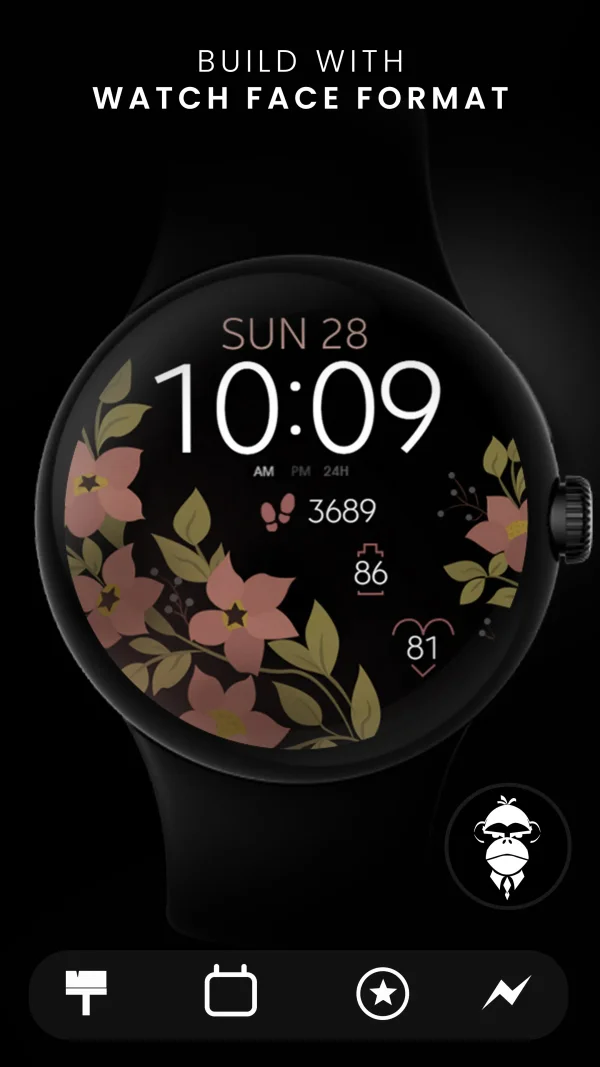
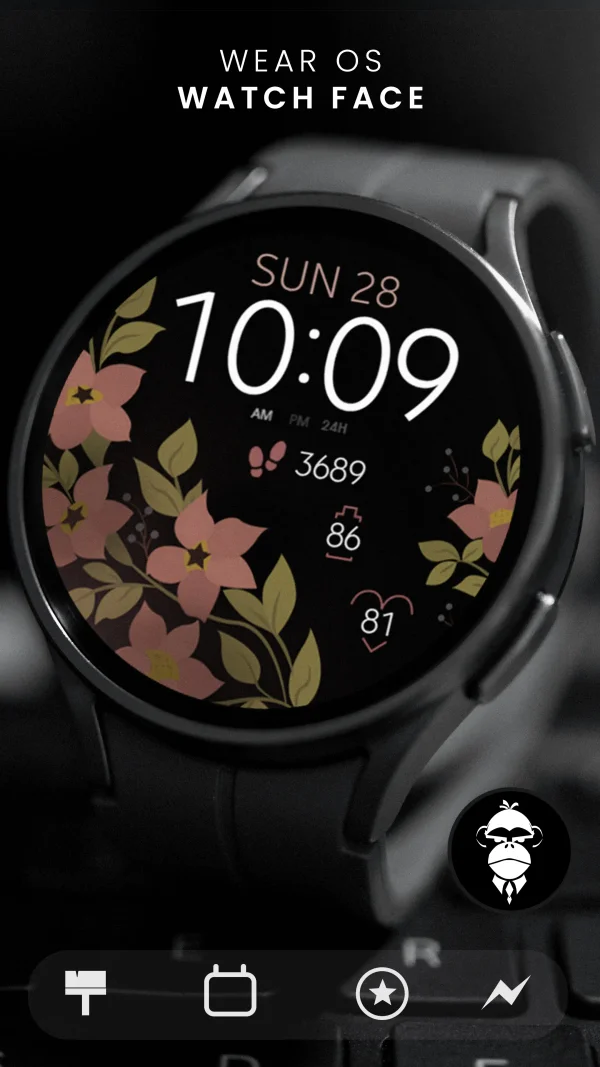
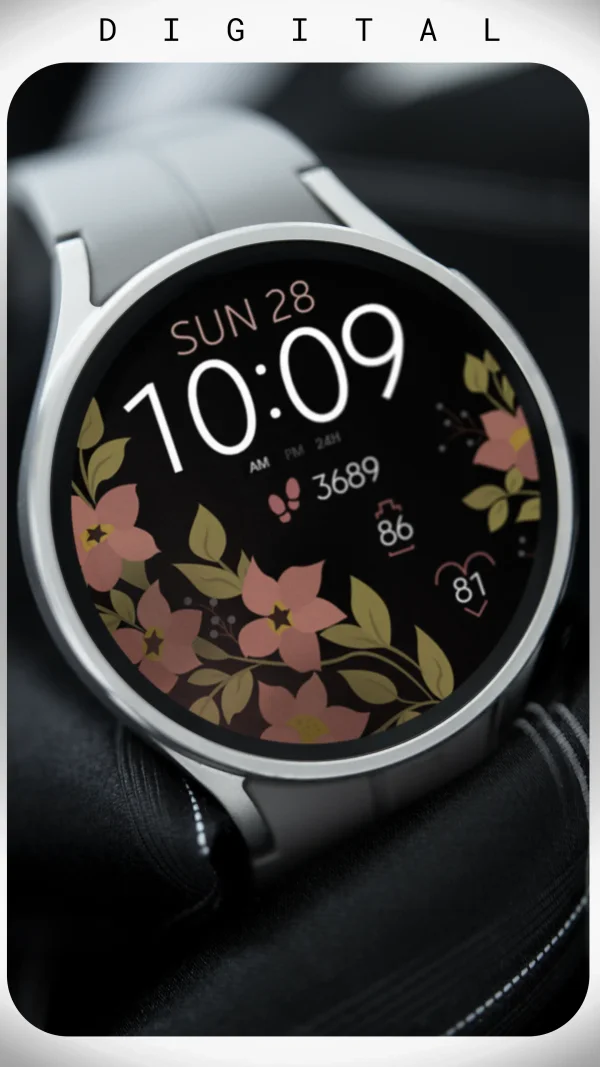
Bloom, Flowers, Pink Digitales Zifferblatt für Wear Os
Genießen Sie die Eleganz und Schlichtheit dieses rosafarbenen, floralen Digitalzifferblatts.
Übersicht
- Tag und Datum
- Zeitformat 12/24 (automatische Umschaltung)
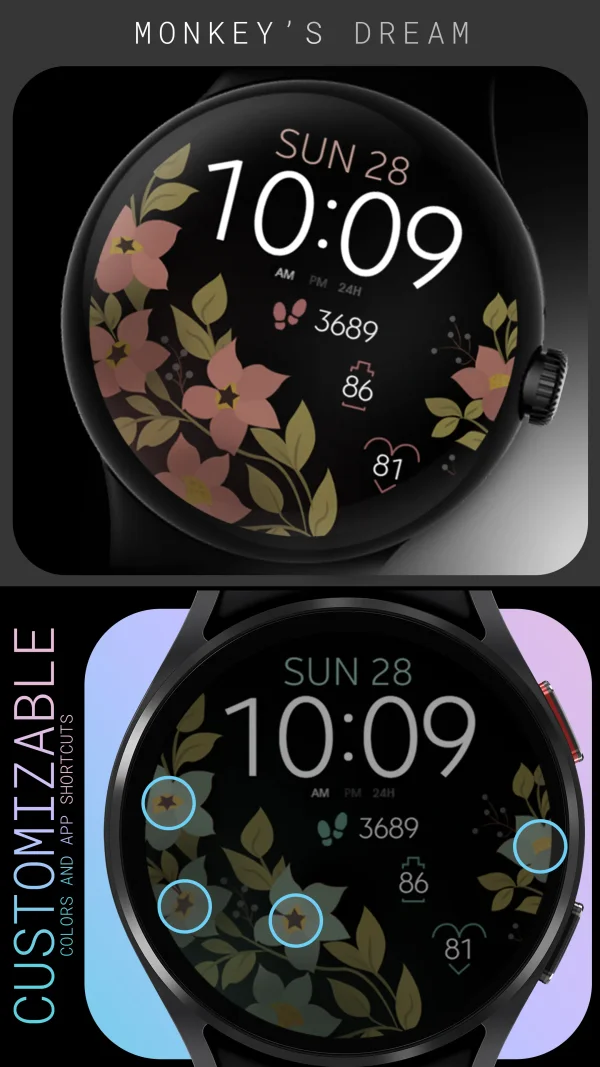
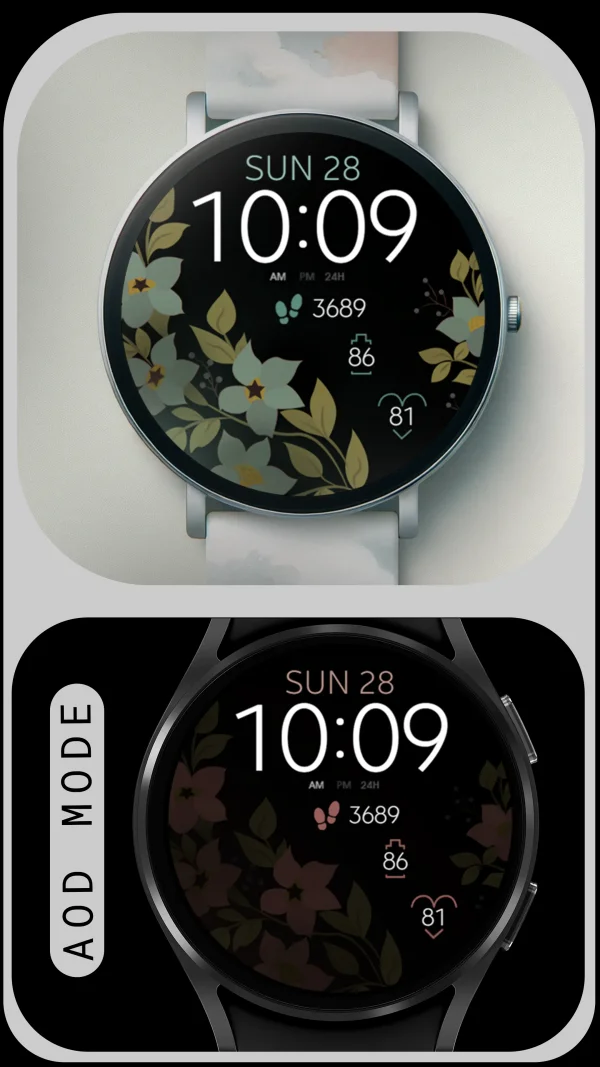
- Anpassbare Farben
- Schritte
- Herzfrequenz
- Akkuanzeige
- App-Verknüpfungen
- 4 benutzerdefinierte App-Verknüpfungen (Komplikationsplätze)
- Always-on-Display-Modus
Kompatibel mit Samsung Galaxy Watch 4-9, Ultra, Google Pixel Watch und allen Wear OS Smartwatches mit API 33+.
Nicht geeignet für rechteckige Uhren
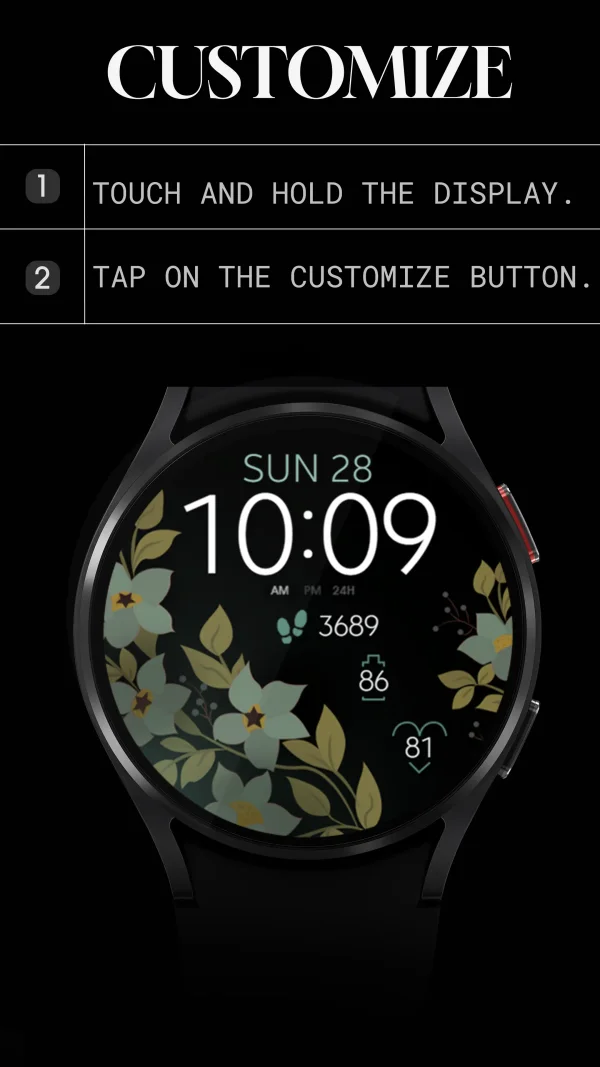
So passen Sie Ihr Zifferblatt an: Halten Sie die Mitte des Zifferblatts gedrückt. Tippen Sie auf „Anpassen“.
Benötigen Sie Hilfe?
- Installationsanleitung: https://www.monkeysdream.com/install-watch-face-wear-os
- Support: info@monkeysdream.com
Bleiben Sie in Kontakt:
- Website: https://www.monkeysdream.com
- Instagram: https://www.instagram.com/monkeysdreamofficial
- Newsletter: https://www.monkeysdream.com/newsletter
Originaltext anzeigen
Embrace the elegance and simplicity of this pink floral digital watch face.
Overview
- Day and Date
- Time Format 12/24 (Auto Change)
- Changeable colors
- Steps
- Heart Rate
- Battery Indicator
- App Shortcuts
- Custom App Shortcuts x4 (Complication slots)
- AOD Mode
Built for Samsung Galaxy Watch 4-9, Ultra, Google Pixel Watch, and all round Wear OS smartwatches running API 33+.
Not Suitable for Rectangular Watches
How to Customize:
Long press the watch face center
Tap "Customize"
Need Assistance?
- Installation Guide: https://www.monkeysdream.com/install-watch-face-wear-os
- Support: info@monkeysdream.com
Stay Connected:
- Website: https://www.monkeysdream.com
- Instagram: https://www.instagram.com/monkeysdreamofficial
- Newsletter: https://www.monkeysdream.com/newsletter
Datensicherheit
Was Monkey's Dream bei Google Play zu den Daten angibt, die diese App erfasst und weitergibt.
- Keine Daten werden mit Drittunternehmen oder -organisationen geteiltWeitere Informationen dazu, wie Entwickler Angaben zur Weitergabe von Daten machen
- Keine Daten erhobenWeitere Informationen dazu, wie Entwickler Angaben zur Datenerhebung machen
Neue Funktionen
31.08.2026
- Various Bug Fixes and Improvements.
Kontakt zum Entwickler
- Websitemonkeysdream.com
- E-Mailinfo@monkeysdream.com
- Datenschutzerklärungmonkeysdream.com
- AdresseNeuwieser Weg 7 56288 Kastellaun Germany
Informationen
- Angeboten von
- Monkey's Dream
- Kategorie
- Personalisierung
- Aktualisiert
- 31.08.2026
- Veröffentlicht
- 28.10.2022
- Altersfreigabe
- USK ab 0 Jahren
- Preis
- 0,99 €
- Paketname
- com.watchfacestudio.bloomdigitalwatchface