Bluetooth Finder & BLE Scanner
Galaxy studio appsEnthält Werbung · In-App-Käufe
- USK ab 0 JahrenAltersfreigabe
- ToolsKategorie
- 22.10.2026Aktualisiert
- KostenlosPreis
Verlinkt auf den offiziellen Google Play-Eintrag von com.kraph.bledevice. Zuletzt geprüft am 24.11.2026.

Screenshots
Über diese App
Automatische Übersetzung von Google. Originalsprache: Englisch (Vereinigtes Königreich).
Erhalten Sie alle Informationen über verbundene Geräte und blockieren Sie unerwünschte Bluetooth-Verbindungen.
Die Bluetooth Finder & BLE Scanner App löst alle Bluetooth-Probleme.
Diese Bluetooth-Scanner-App hilft Ihnen, Bluetooth-Geräte einfach zu koppeln, Verbindungen zu verwalten und sogar verlorene Geräte zu orten. 😀🛜Diese Bluetooth Pair App sorgt für ein nahtloses Erlebnis mit Bluetooth-Kopfhörern, -Lautsprechern und anderen gekoppelten Bluetooth-Geräten.
Verlieren Sie nie wieder Ihre Bluetooth-Geräte
Der Bluetooth Finder ist ein leistungsstarkes Tool, das die Umgebung nach Bluetooth-Geräten in der Nähe scannt und sicherstellt, dass Sie immer mit dem richtigen Gerät verbunden bleiben.Mit der BLE-Scanner-Funktion können Sie alle verfügbaren gekoppelten Bluetooth-Geräte – egal ob Kopfhörer, Fitness-Tracker oder Smart Speaker – einfach finden und verbinden.
Hauptfunktionen der Bluetooth Finder & BLE Scanner App:
🛜Schnell scannen und verbinden
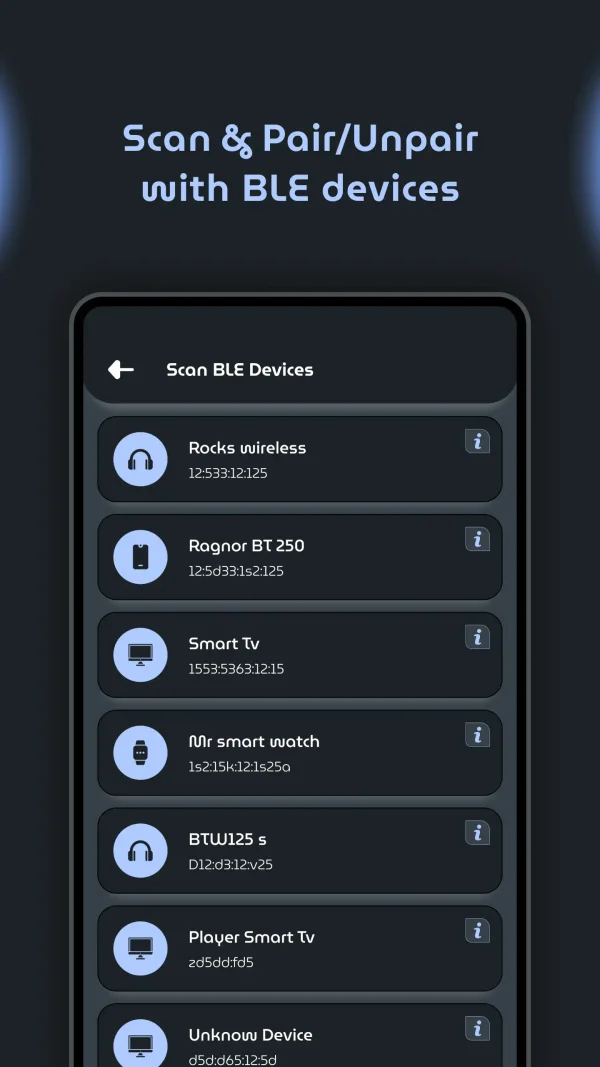
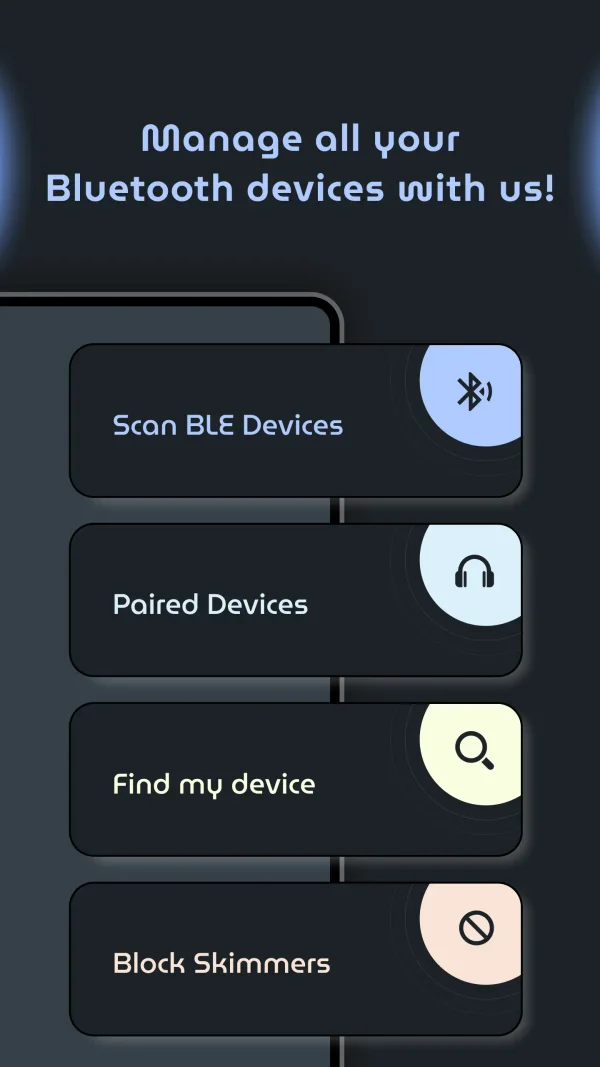
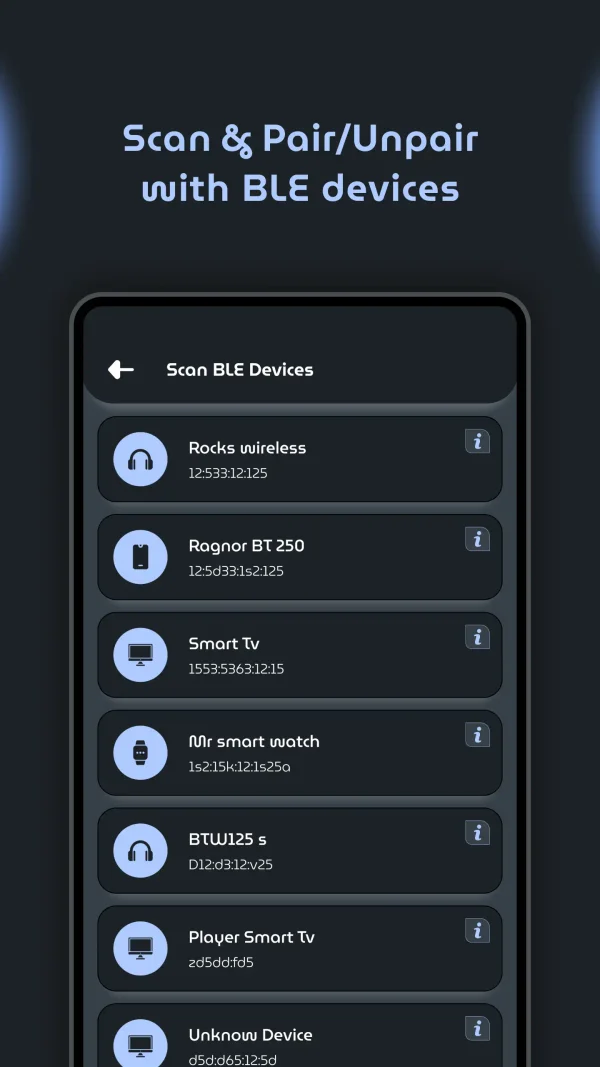
Die Bluetooth-Scanner-Funktion scannt mühelos alle Bluetooth-Geräte in Ihrer Umgebung. Nach dem Scannen können Sie Bluetooth-Geräte in Sekundenschnelle auswählen und koppeln. Ob zu Hause oder unterwegs – die automatische BLE-Verbindung sorgt dafür, dass Ihre Geräte problemlos verbunden bleiben.
🛜Gekoppelte Bluetooth-Geräte verwalten
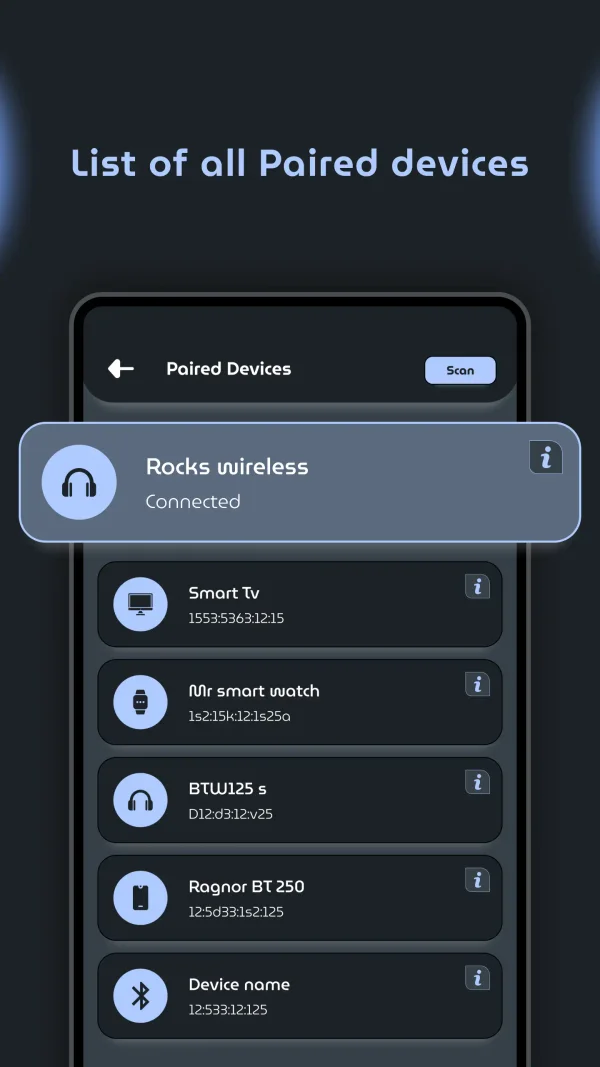
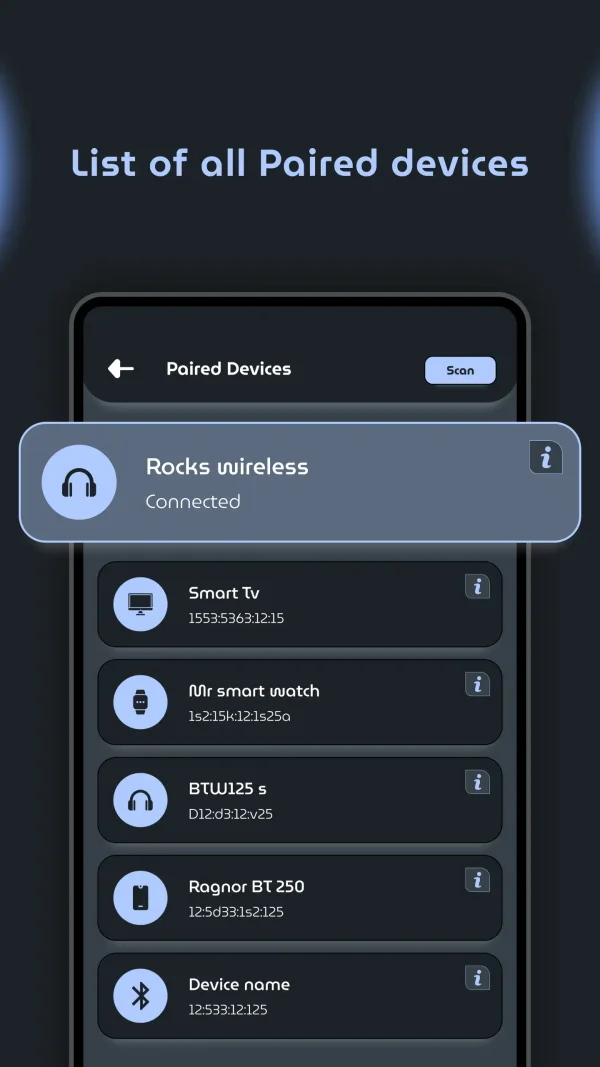
Behalten Sie ganz einfach den Überblick über alle Ihre gekoppelten Bluetooth-Geräte.
🛜Automatisches Verbinden und Trennen
Sie müssen Ihre Bluetooth-Geräte nicht jedes Mal manuell verbinden. Dank der automatischen BLE-Verbindung stellen Ihre Geräte die Verbindung automatisch wieder her, sobald sie in Reichweite sind. Um den Akku zu schonen, trennt die Bluetooth-Pair-App die Bluetooth-Verbindung automatisch, wenn sie länger als eine Minute inaktiv ist.
🛜Verlorene Bluetooth-Geräte finden
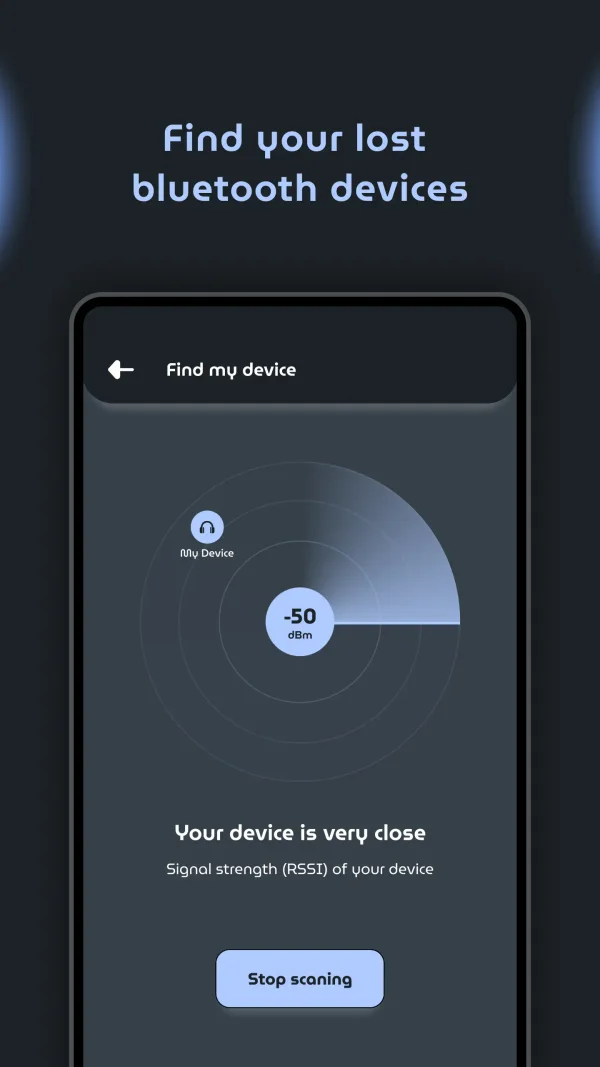
Nutzen Sie die Bluetooth-Finder-Funktion, um Ihre Geräte schnell zu orten.
🛜Sichere Verbindungen
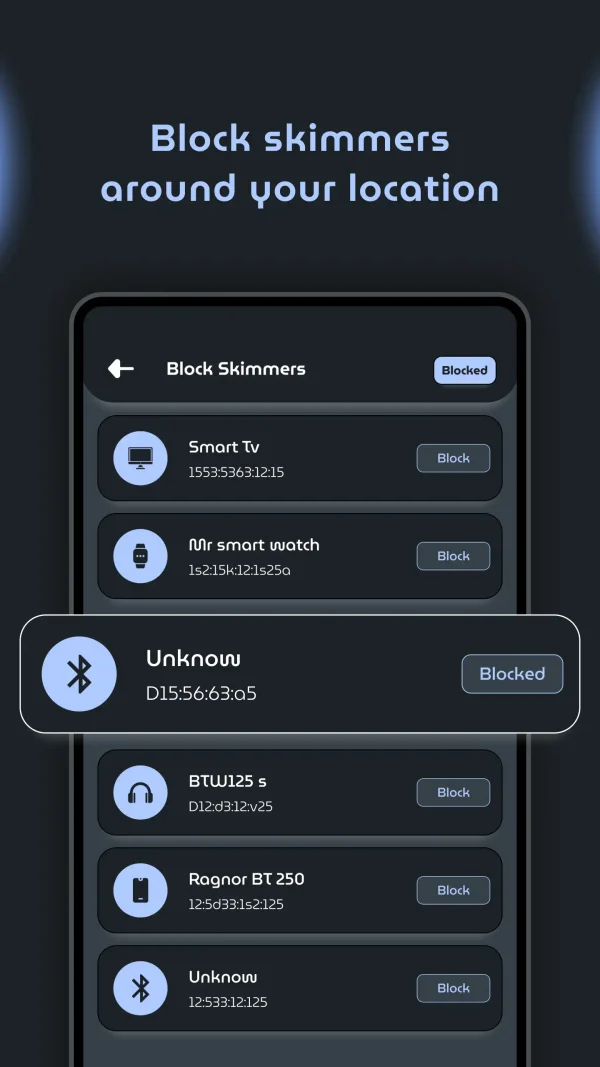
Schützen Sie sich mit dem Bluetooth-Scanner, der unbekannte Geräte in der Nähe erkennt. Versucht ein unbekanntes Gerät eine Verbindung herzustellen? In diesem Fall werden Sie benachrichtigt, damit Sie es blockieren und Ihre Bluetooth-Verbindungen vor unbefugtem Zugriff schützen können.
🛜Benutzerfreundliche Geräteverwaltung
Passen Sie die Lautstärke Ihrer gekoppelten Bluetooth-Geräte einfach an oder legen Sie für jede Verbindung unterschiedliche Einstellungen fest. Benennen Sie Ihre Geräte zur einfachen Identifizierung um und organisieren Sie sie nach Ihren Bedürfnissen.
Warum Sie die Bluetooth Finder & BLE Scanner App lieben werden
Schnelles und effizientes Scannen
Die BLE Scanner App scannt schnell und präzise alle verfügbaren Geräte in der Nähe, sodass Sie Bluetooth im Handumdrehen verbinden und koppeln können.
Freihändige automatische Verbindung
Mit der automatischen BLE-Verbindung müssen Sie Ihre Bluetooth-Geräte nicht bei jeder Verwendung manuell verbinden. Die Bluetooth Scanner App übernimmt dies für Sie und stellt automatisch sicher, dass Ihr Telefon mit Ihren am häufigsten verwendeten Geräten gekoppelt wird.
Vollständige Kontrolle über Ihre Bluetooth-Geräte
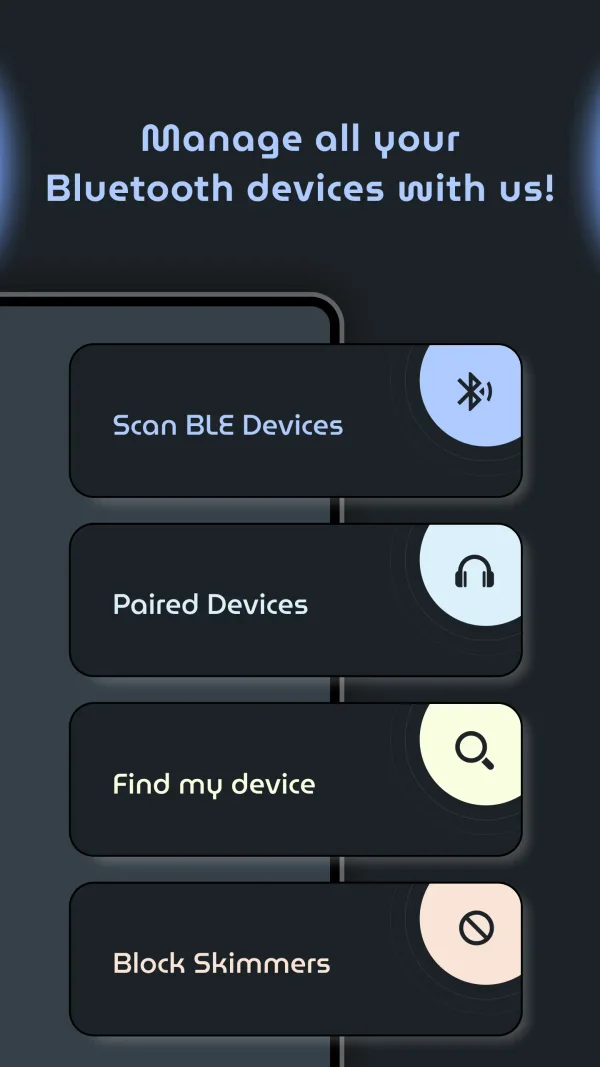
Ob Sie ein Gerät umbenennen, die Kopplung aufheben oder einfach Ihre Verbindungen verwalten – mit dieser BLE-Scanner-App haben Sie die volle Kontrolle über alle gekoppelten Bluetooth-Geräte: Blockieren Sie Skimmer und unbekannte Verbindungen mit nur einem Fingertipp.
Funktion „Mein Gerät finden“
Die Funktion „Mein Gerät finden“ hilft Ihnen, Ihr Gerät zu orten, indem sie dessen Entfernung und Signalstärke anzeigt. So verlieren Sie nie wieder Ihre Bluetooth-Ohrhörer oder Smartwatches.
Warum Sie die Bluetooth Finder & BLE Scanner App brauchen:
Wenn Sie häufig Bluetooth verwenden, ist diese App Ihre Komplettlösung für reibungslose, sichere und problemlose Verbindungen. Der Bluetooth-Scanner erkennt Geräte in der Nähe schnell, während die automatische BLE-Verbindung dafür sorgt, dass Sie verbunden bleiben, ohne jedes Mal manuell koppeln zu müssen. Außerdem sorgen die Funktionen „Bluetooth Finder“ und „Mein Gerät finden“ dafür, dass Sie Ihre verlorenen Geräte schnell finden.
Laden Sie jetzt die Bluetooth Finder & BLE Scanner App herunter!
Ihre Lösung zum Auffinden von allem ist da. Laden Sie noch heute die App „Bluetooth Finder & BLE Scanner“ herunter und übernehmen Sie die Kontrolle über alle Ihre gekoppelten Bluetooth-Geräte. Mit Funktionen wie automatischer BLE-Verbindung, sicherem Scannen und einfacher Geräteverwaltung war es noch nie so einfach, in Verbindung zu bleiben.
Originaltext anzeigen
Bluetooth Finder & BLE Scanner app solves all Bluetooth-related situations.
This Bluetooth scanner app is designed to help you easily pair Bluetooth devices, manage connections, and even locate lost gadgets. 😀🛜This Pair Bluetooth app ensures a seamless experience for Bluetooth headphones, speakers, or any other paired Bluetooth devices.
Never Lose Your Bluetooth Devices Again
Bluetooth Finder is a powerful tool that scans the area for nearby Bluetooth devices, ensuring you stay connected to the correct device every time.With the BLE scanner feature, you can easily locate and connect to any available paired Bluetooth devices, whether your headphones, fitness tracker or a smart speaker.
Key Features of Bluetooth Finder & BLE Scanner App:
🛜Scan and Connect Quickly
The Bluetooth scanner feature makes scanning for all Bluetooth devices in your surroundings effortless. Once scanned, you can select and pair Bluetooth devices in seconds. Whether at home or on the go, BLE auto connect ensures your devices stay connected without any hassle.
🛜Manage Paired Bluetooth Devices
Keep track of all your paired Bluetooth devices with ease.
🛜Auto Connect & Disconnect
There is no need to connect your Bluetooth devices every time manually. With BLE auto connect, your devices will automatically reconnect when in range. Plus, to save battery life, the Pair Bluetooth app automatically disconnects Bluetooth when inactive for over a minute.
🛜Find Your Lost Bluetooth Devices
Use the Bluetooth Finder feature to locate your devices quickly.
🛜Secure Connections
Stay protected with the Bluetooth scanner that detects unrecognized nearby devices. Suppose there’s an unfamiliar device trying to connect. In that case, you’ll be alerted to block it and ensure your Bluetooth connections are safe from unauthorized access.
🛜User-Friendly Device Management
Easily adjust the volume of your paired Bluetooth devices or set different preferences for each connection. Rename your devices for easy identification and organize them according to your needs.
Why You’ll Love Bluetooth Finder & BLE Scanner App
Fast and Efficient Scanning
The BLE scanner app provides a quick and accurate scan of all available devices nearby, so you can connect and pair Bluetooth in no time.
Hands-Free Auto Connect
With BLE auto connect, you don’t have to manually connect your Bluetooth devices every time you use them. The Bluetooth scanner app does it for you, automatically ensuring your phone pairs with your most-used devices.
Total Control Over Your Bluetooth Devices
Whether you're renaming a device, unpairing it, or simply managing your connections, this BLE scanner app gives you complete control over all paired Bluetooth devices: Block skimmers and unknown connections with just one tap.
Find My Device Feature
Find My Device feature helps you track it down by showing its proximity and signal strength. With this, you’ll never lose your Bluetooth earbuds or smartwatches again.
Why You Need Bluetooth Finder & BLE Scanner App:
If you frequently use Bluetooth, this app is your all-in-one solution to ensure smooth, secure, and hassle-free connections. The Bluetooth scanner quickly detects nearby devices, while the BLE auto connect ensures you stay connected without manually pairing every time. Plus, the Bluetooth Finder and Find My Device features ensure you can locate your lost devices quickly.
Download Bluetooth Finder & BLE Scanner App Now!
Your solution for finding just anything is here. Download Bluetooth Finder & BLE Scanner app today and take control of all your paired Bluetooth devices. With features like BLE auto connect, secure scanning, and easy device management, staying connected has never been this simple.
Datensicherheit
Was Galaxy studio apps bei Google Play zu den Daten angibt, die diese App erfasst und weitergibt.
- Diese App kann die folgenden Datentypen an Dritte weitergebenInstallierte Apps
- Keine Daten erhobenWeitere Informationen dazu, wie Entwickler Angaben zur Datenerhebung machen
- Daten werden bei der Übertragung verschlüsselt
- Daten können nicht gelöscht werden
Neue Funktionen
Version 2.1.0 · 22.10.2026
- Solved errors.
Kontakt zum Entwickler
- Websitegalaxystudioapps.me
- E-Mailsupport.bluetoothdevice@galaxystudioapps.me
- Datenschutzerklärunggalaxystudioapps.me
- Adresse8 The Grn Ste 4184 Dover, DE 19901-3618 United States
Informationen
- Angeboten von
- Galaxy studio apps
- Kategorie
- Tools
- Version
- 2.1.0
- Aktualisiert
- 22.10.2026
- Veröffentlicht
- 21.07.2022
- Erfordert
- Android 6.0 oder höher
- Altersfreigabe
- USK ab 0 Jahren
- Preis
- Kostenlos
- In-App-Käufe
- 0,99 €–99,99 € bei Abrechnung über Google Play
- Paketname
- com.kraph.bledevice
Ähnliche Apps
-
 Mein Handy finden
Tools
-
 CloudEdge
Lifestyle
-
 Ham Radio Prep
Lernen
-
 myPhonak
Medizin
-
 Cannondale
Gesundheit & Fitness
-
 Matterhorn
Reisen & Lokales
-
 AmpMe - Speaker Booster
Musik & Audio
-
 Chipolo
Lifestyle
-
 Rheem EcoNet
Lifestyle
-
 Resideo Connect
Lifestyle
-
 Französisch Lernen – Studycat
Lernen
-
 ecobee
Haus & Garten