Classic 8 Informer Mod
WinWatchfaces- USK ab 0 JahrenAltersfreigabe
- PersonalisierungKategorie
- 03.10.2026Aktualisiert
- 0,89 €Preis
Verlinkt auf den offiziellen Google Play-Eintrag von com.watchfacestudio.classic8inf. Zuletzt geprüft am 14.11.2026.
Screenshots




Über diese App
Automatische Übersetzung von Google. Originalsprache: Englisch (Vereinigte Staaten).
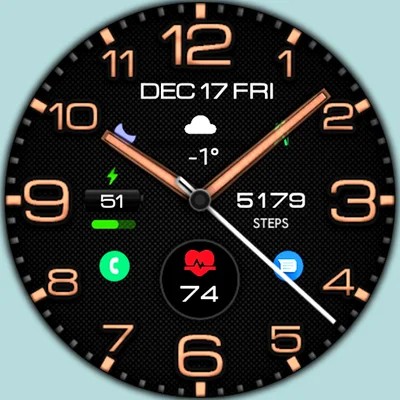
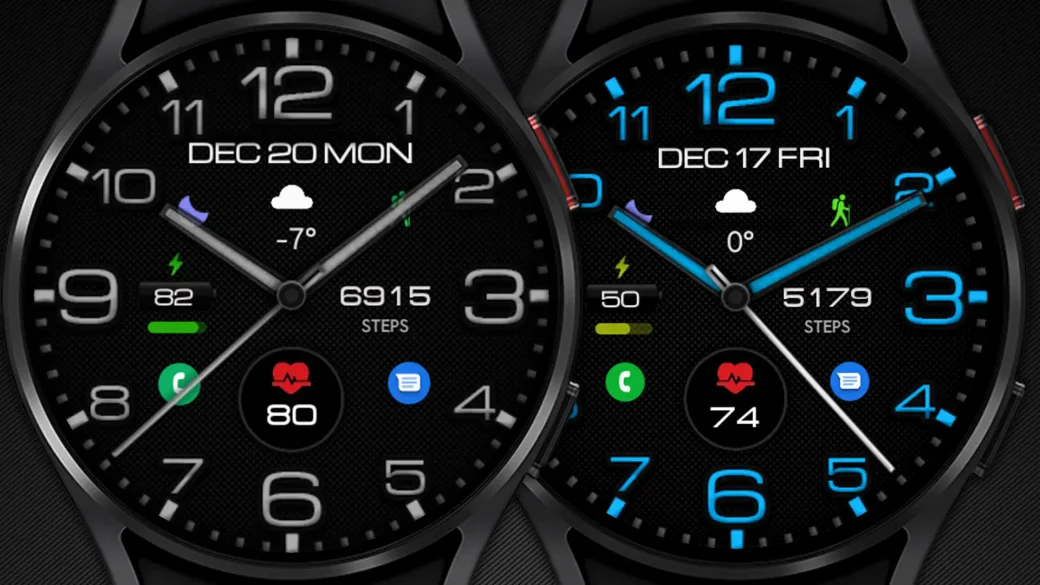
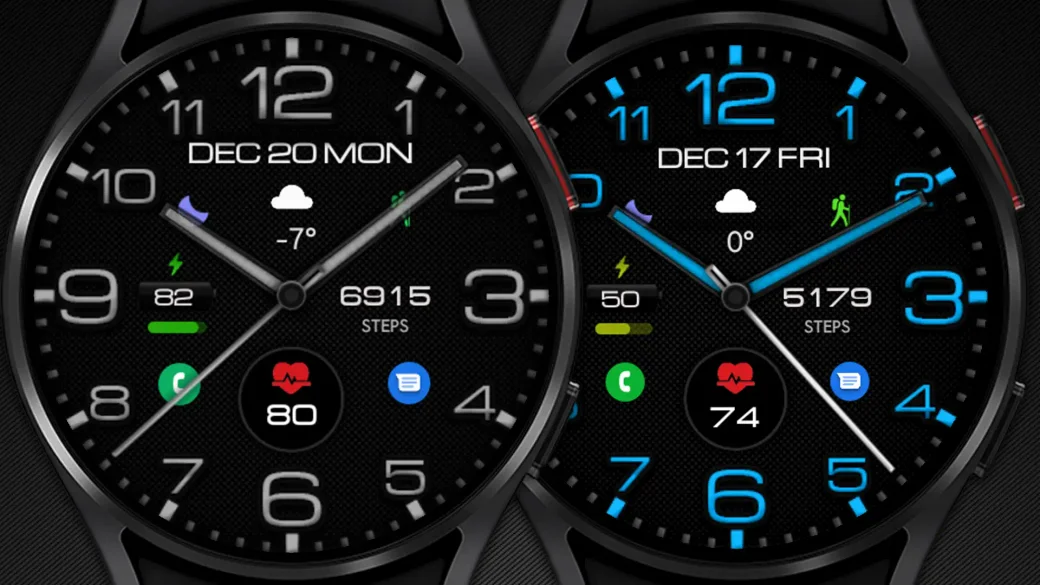
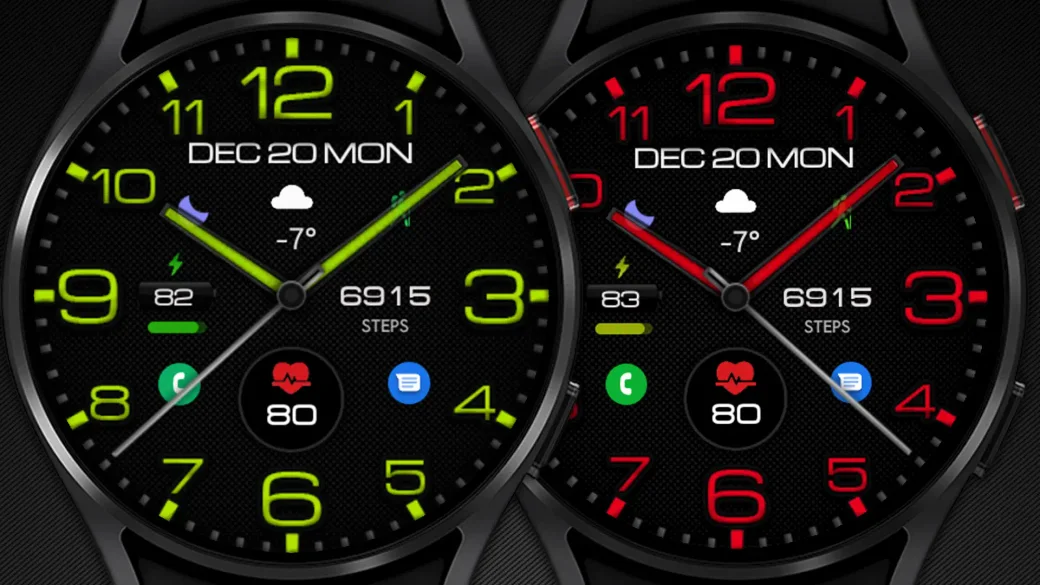
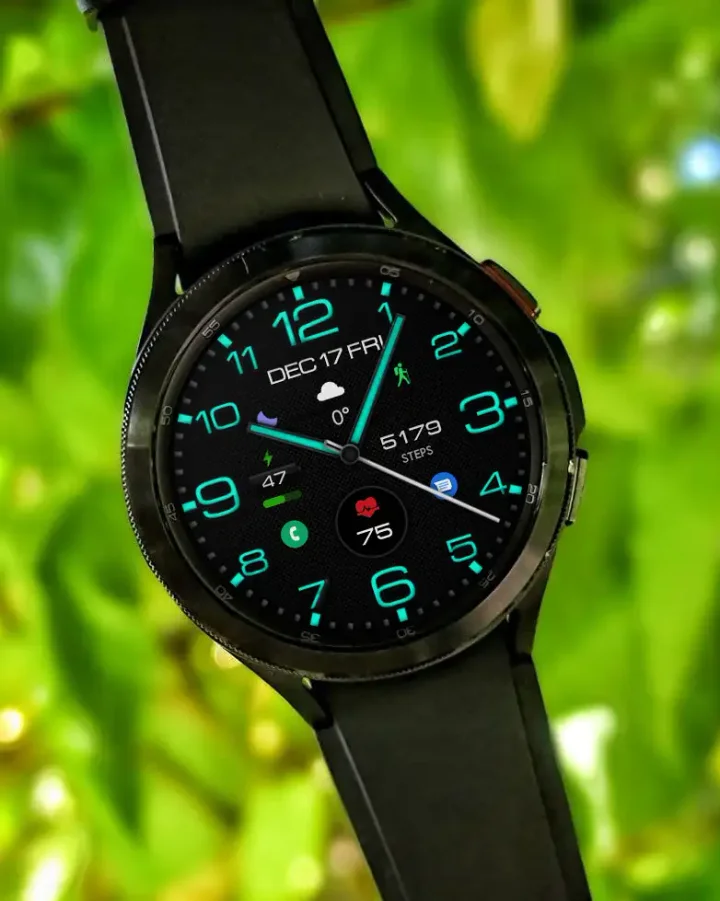
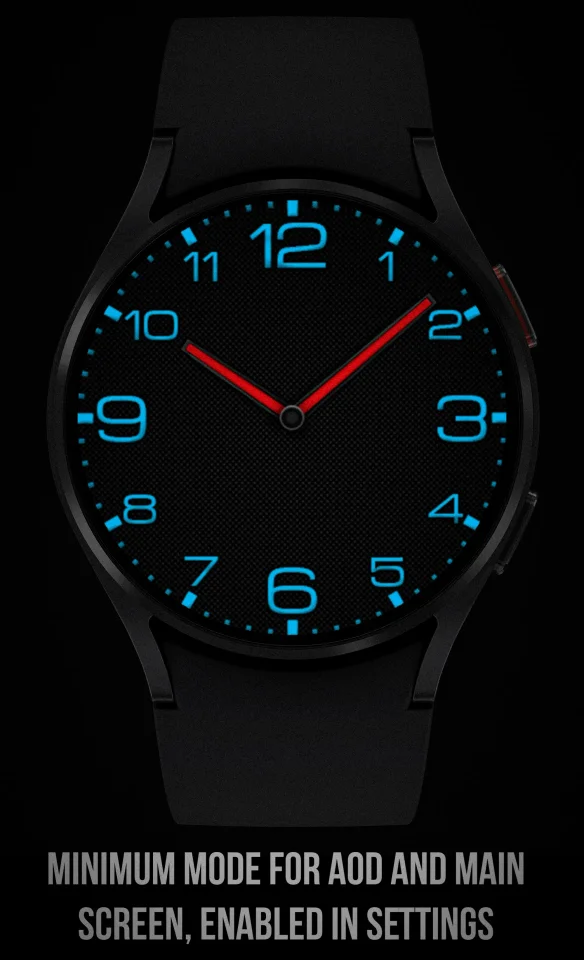
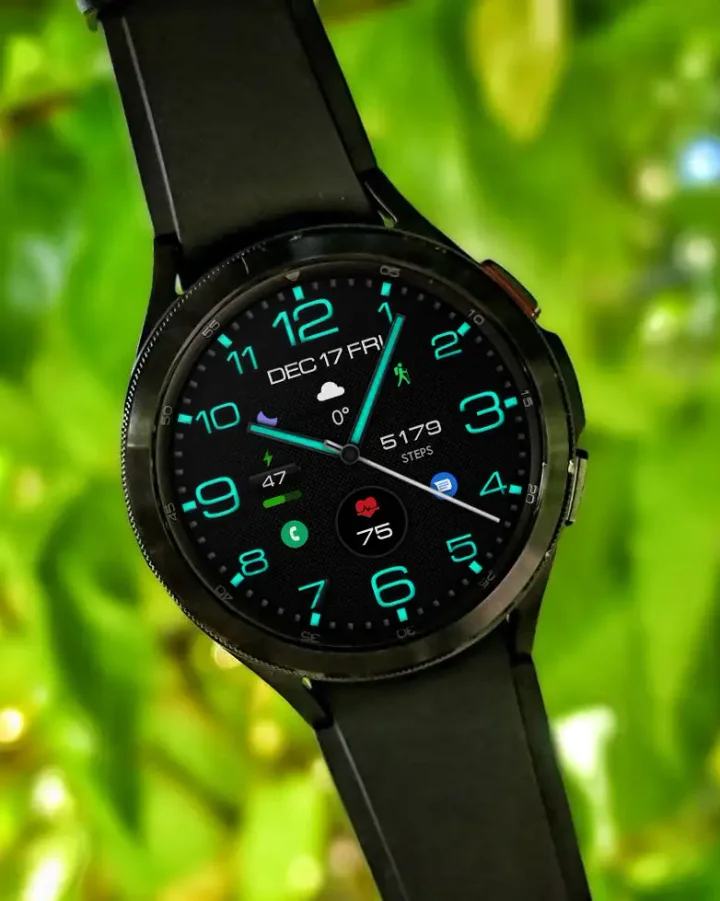
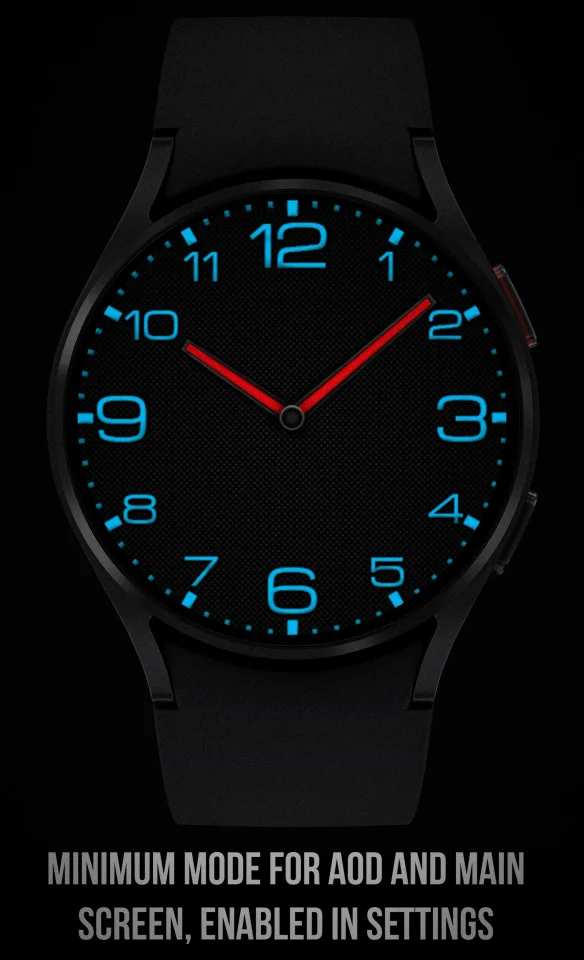
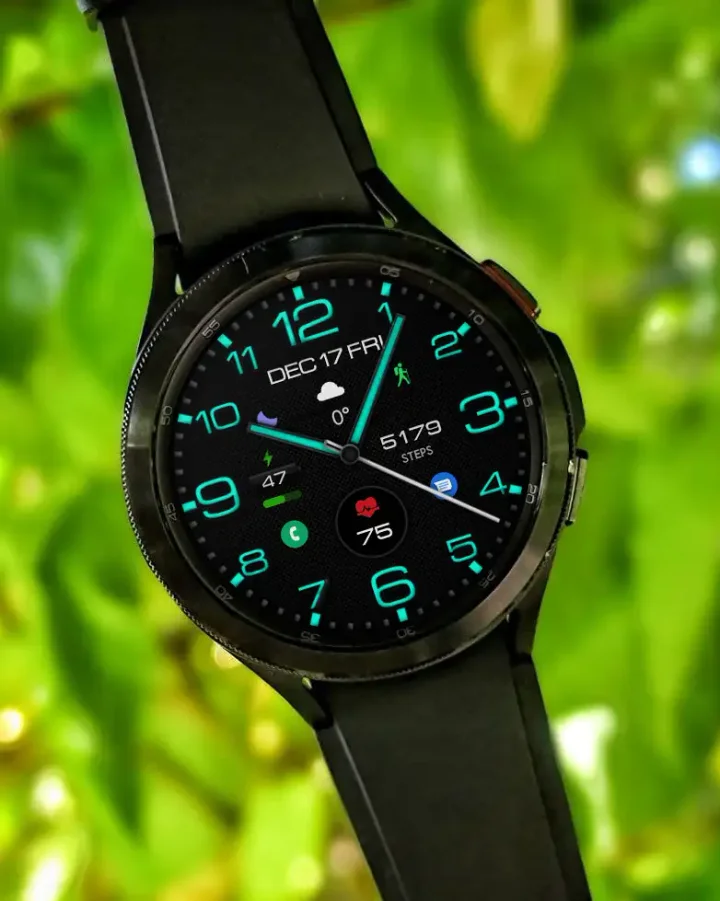
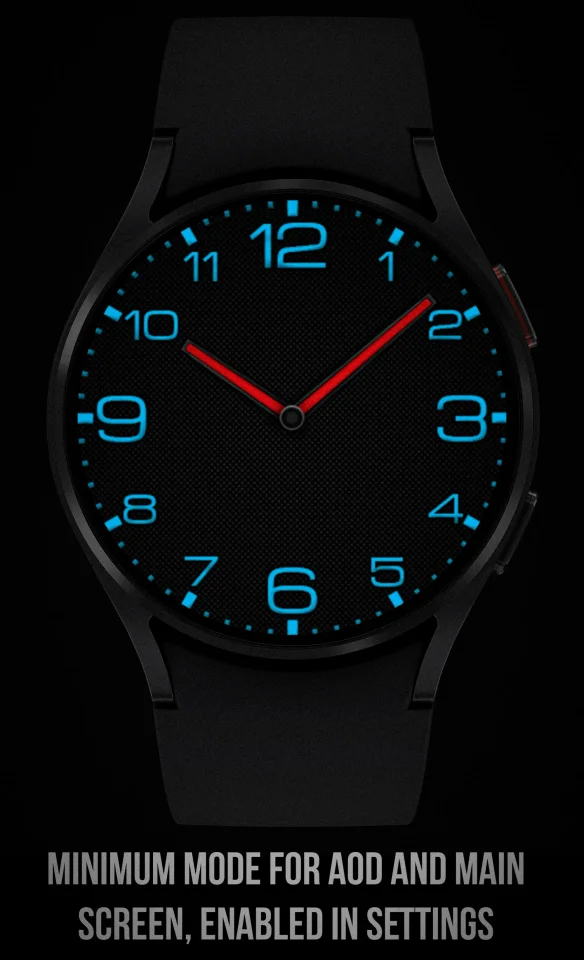
Elegantes Zifferblatt mit Pfeilen in modernem Design
Neues Zifferblattformat
Hallo zusammen! Elegantes Zifferblatt mit Zeigern in modernem, praktischem Design und vielen Einstellungsmöglichkeiten – jetzt auch für Wear OS.
Wichtige Funktionen:
- Hohe Auflösung;
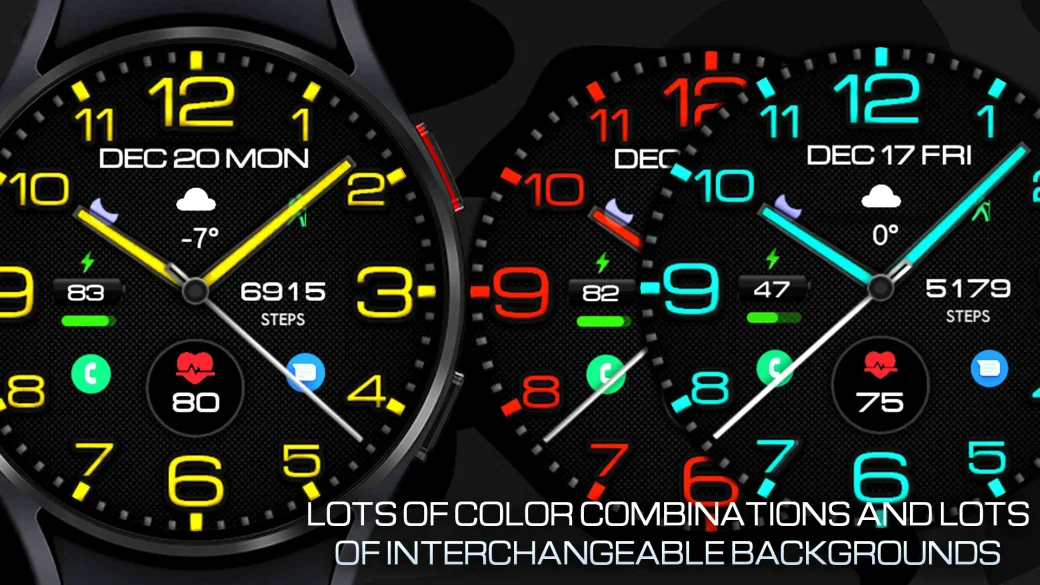
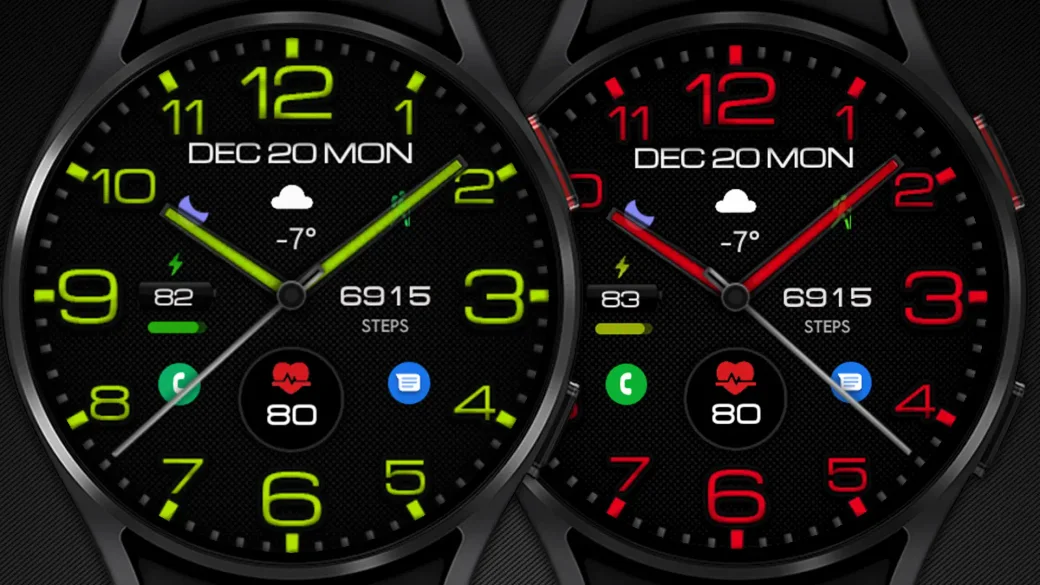
- Anpassbare Farben;
- Farbe der Stunden- und Minutenzeiger ändern;
Hintergründe ändern;
Benutzerdefinierte Komplikationen;
Always-on-Display-Modus (AOD);
Kompatibel mit Wear OS-Geräten ab API-Level 30, einschließlich Samsung Galaxy Watch 4, 5, 6, 7, 8 und Pixel Watch.
**Installation**
1. Installieren Sie die Zifferblatt-App auf Ihrem Smartphone.
2. Stellen Sie sicher, dass Ihre Wear OS-Smartwatch mit Ihrem Smartphone verbunden ist und dasselbe Google-Konto verwendet.
3. Wählen Sie Ihre Smartwatch als Installationsgerät aus und schließen Sie die Installation ab.
4. Wählen Sie nach der Installation das gewünschte Zifferblatt aus Ihrer Galerie.
Falls die Installation verzögert ist, überprüfen Sie die Internetverbindung beider Geräte, warten Sie ein bis zwei Minuten oder starten Sie Ihre Smartwatch neu und versuchen Sie es erneut.
**Anpassen**
• Halten Sie das Zifferblatt gedrückt und tippen Sie anschließend auf **Anpassen**, um die verfügbaren Einstellungen aufzurufen.
• Für ein optimales Erlebnis empfehlen wir, das Zifferblatt direkt auf Ihrer Uhr zu konfigurieren. Videoanleitung:
https://youtu.be/YPcpvbxABiA
**Support**
Bei Fragen oder Installationsproblemen kontaktieren Sie uns bitte unter: srt48rus@gmail.com
**Weitere Zifferblätter von WIN**
Entdecken Sie weitere Zifferblätter:
https://play.google.com/store/apps/dev?id=6789054753742990227
Originaltext anzeigen
New watch face format
Hello friends! Elegant with arrows watch face in a modern, practical design with many settings, now also for Wear OS
Basic moments
- A high resolution;
- Changeable colors
- Change the color of the hour and minute hands
- Ability to change Styles (backgrounds)
- Custom complications
- AOD mode
Compatible with Wear OS devices running API level 30 and above, including Samsung Galaxy Watch 4, 5, 6, 7, 8 and Pixel Watch.
**Installation**
1. Install the watch face app on your phone.
2. Make sure your Wear OS watch is connected to your phone and uses the same Google account.
3. Select your watch as the installation device and complete the installation.
4. After installation, select the watch face from your watch face gallery.
If installation is delayed, check the internet connection on both devices, wait a minute or two, or restart your watch and try again.
**Customization**
• Touch and hold the watch face, then tap **Customize** to access the available settings.
• For the best experience, we recommend configuring the watch face directly on your watch. Video guide:
https://youtu.be/YPcpvbxABiA
**Support**
If you have any questions or installation issues, please contact: srt48rus@gmail.com
**More watch faces by WIN**
Explore other watch faces:
https://play.google.com/store/apps/dev?id=6789054753742990227
Datensicherheit
Was WinWatchfaces bei Google Play zu den Daten angibt, die diese App erfasst und weitergibt.
- Keine Daten werden mit Drittunternehmen oder -organisationen geteiltWeitere Informationen dazu, wie Entwickler Angaben zur Weitergabe von Daten machen
- Keine Daten erhobenWeitere Informationen dazu, wie Entwickler Angaben zur Datenerhebung machen
Neue Funktionen
03.10.2026
Wear OS Update:
- Added the ability to select rain probability in custom complications
- New Watch Face format
Kontakt zum Entwickler
- E-Mailsrt48rus@gmail.com
- Datenschutzerklärungsites.google.com
- Adresseул. Ескалиева, д. 148 кв. 21 090000 Уральск Kazakhstan
Informationen
- Angeboten von
- WinWatchfaces
- Kategorie
- Personalisierung
- Aktualisiert
- 03.10.2026
- Veröffentlicht
- 17.12.2021
- Altersfreigabe
- USK ab 0 Jahren
- Preis
- 0,89 €
- Paketname
- com.watchfacestudio.classic8inf