CNRwatch001
CNRwatch- USK ab 0 JahrenAltersfreigabe
- PersonalisierungKategorie
- 24.07.2024Aktualisiert
- 0,89 €Preis
Verlinkt auf den offiziellen Google Play-Eintrag von com.watchfacestudio.CNRwatch001. Zuletzt geprüft am 17.11.2026.
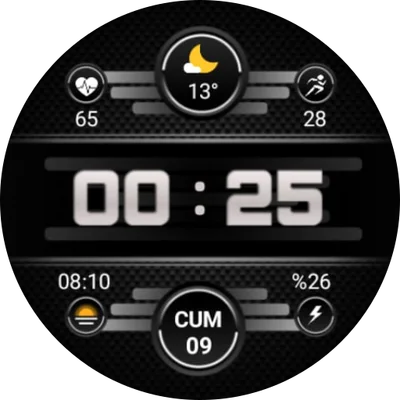
Screenshots

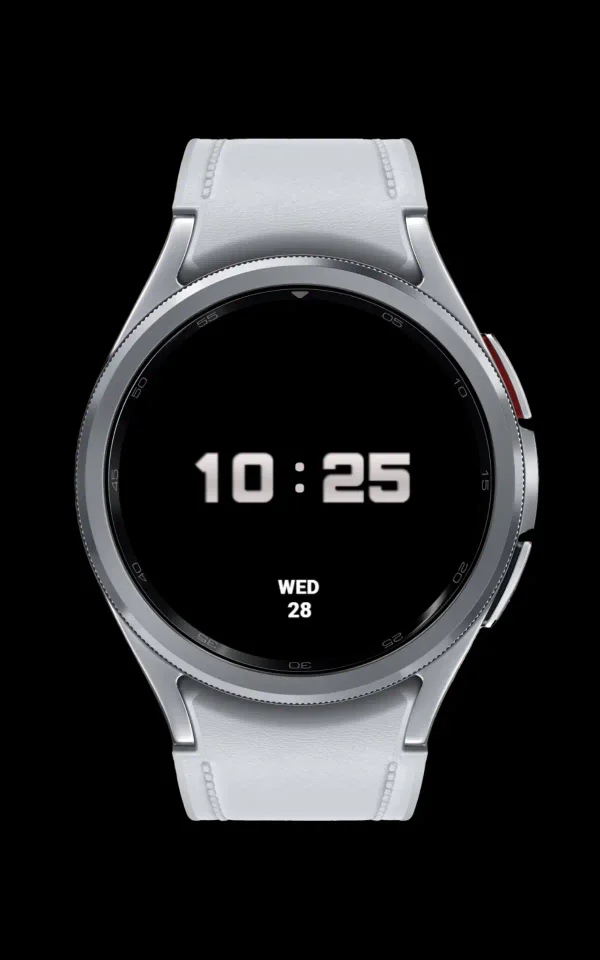


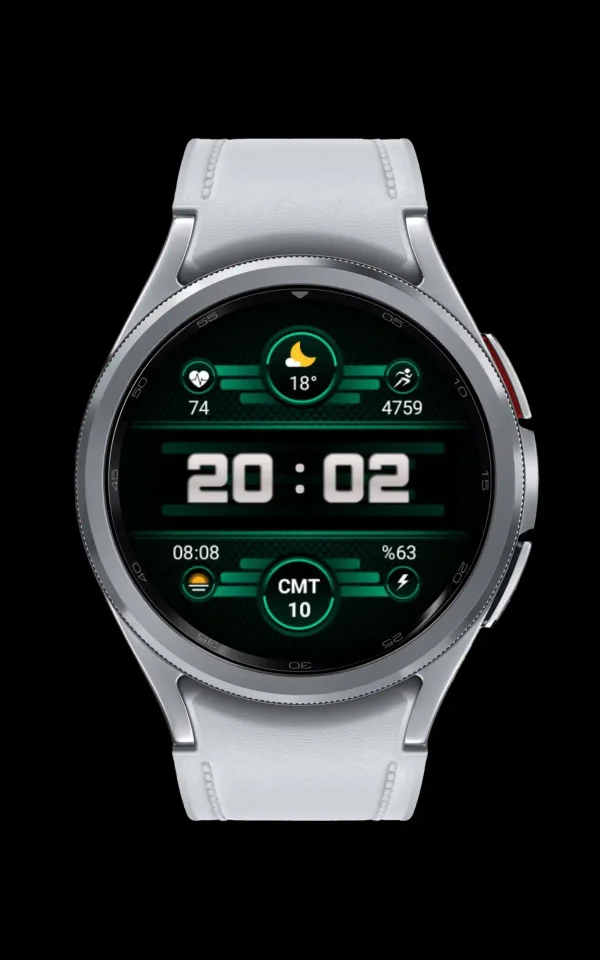
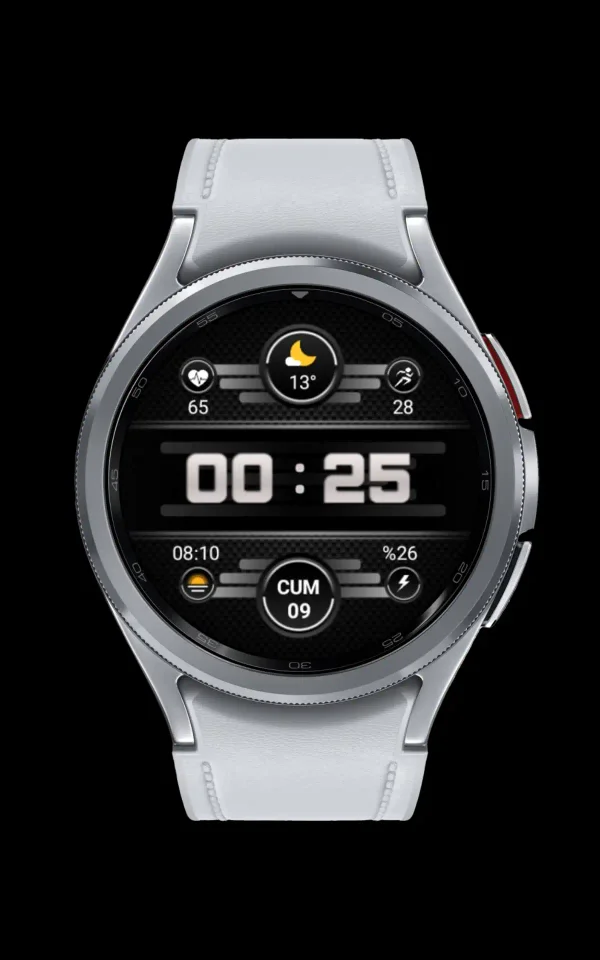
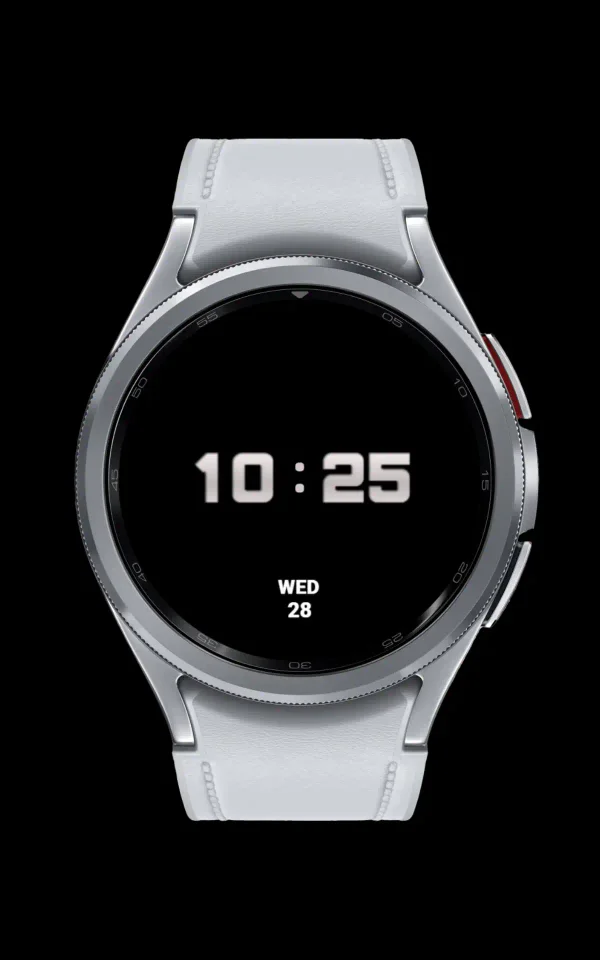

Über diese App
Automatische Übersetzung von Google. Originalsprache: Englisch (Vereinigte Staaten).
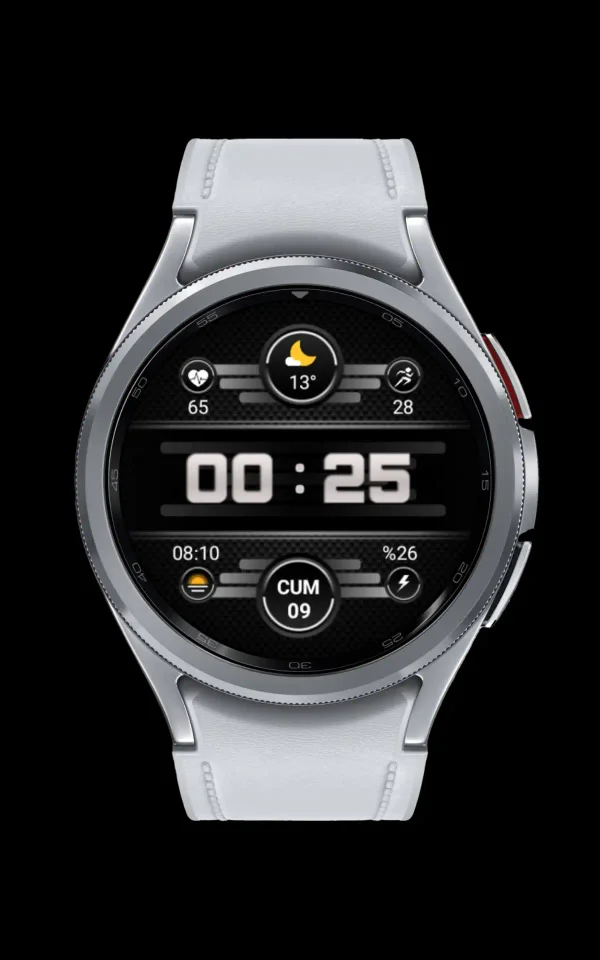
Zifferblatt für Wear Os
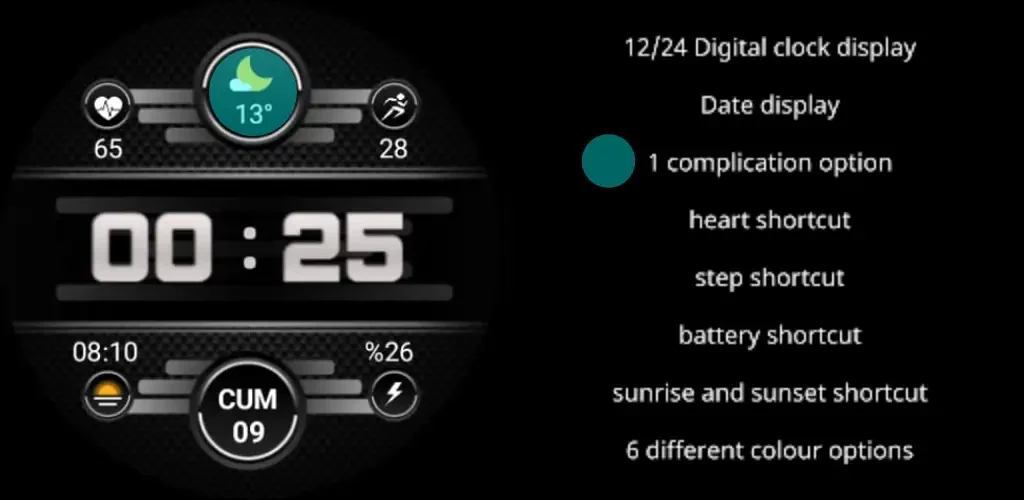
12/24 Digitaluhranzeige
Datumsanzeige
1 Komplikationsoption
Herz-Abkürzung
Schrittverknüpfung
Batterieverknüpfung
Abkürzung für Sonnenaufgang und Sonnenuntergang
6 verschiedene Farboptionen
INSTALLATIONSANLEITUNG ↴
Beim Versuch, ein Zifferblatt über die offizielle Android-App von Google Play zu installieren, können verschiedene Probleme auftreten.
Für den Fall, dass das Zifferblatt auf Ihrem Telefon, aber nicht auf Ihrer Uhr installiert ist, hat der Entwickler eine Hilfs-App hinzugefügt, um die Sichtbarkeit im Play Store zu verbessern. Sie können die Hilfs-App von Ihrem Telefon deinstallieren und in der Play Store-App (https://i.imgur.com/OqWHNYf.png) nach einem dreieckigen Symbol neben der Schaltfläche „Installieren“ suchen. Dieses Symbol weist auf ein Dropdown-Menü hin, in dem Sie Ihre Uhr als Installationsziel auswählen können.
Alternativ können Sie versuchen, den Play Store in einem Webbrowser auf Ihrem Laptop, Mac oder PC zu öffnen. Dadurch können Sie visuell das richtige Gerät für die Installation auswählen (https://i.imgur.com/Rq6NGAC.png).
[Wenn Sie die oben genannten Anweisungen befolgt haben und das Zifferblatt immer noch nicht auf Ihrer Uhr angezeigt wird, öffnen Sie die Galaxy Wearable-App. Gehen Sie zum Abschnitt „Downloads“ der App. Dort finden Sie das Zifferblatt (https://i.imgur.com/mmNusLy.png). Klicken Sie einfach darauf, um die Installation zu starten.
Originaltext anzeigen
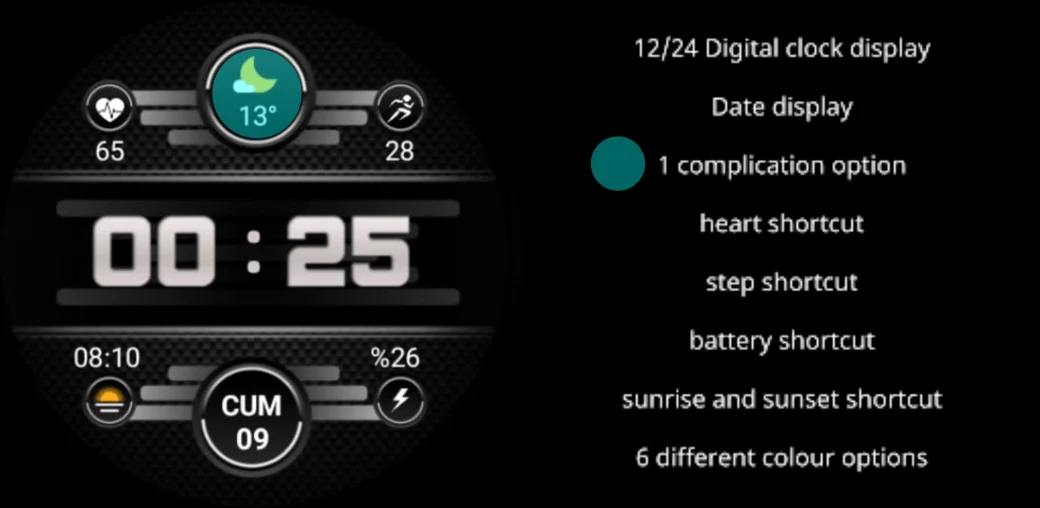
12/24 Digital clock display
Date display
1 complication option
heart shortcut
step shortcut
battery shortcut
sunrise and sunset shortcut
6 different colour options
INSTALLATION MANUAL ↴
You may encounter various problems when trying to install a watch face from the official Google Play Android app.
In cases where the watch face is installed on your phone but not on your watch, the developer has added a helper app to improve visibility in the Play Store. You can uninstall the helper app from your phone and look for a triangular icon next to the Install button in the Play Store app (https://i.imgur.com/OqWHNYf.png). This symbol indicates a drop-down menu where you can select your watch as the installation destination.
Alternatively, you can try opening the Play Store in a web browser on your laptop, Mac or PC. This will allow you to visually select the correct device for installation (https://i.imgur.com/Rq6NGAC.png).
[If you have followed the instructions mentioned above and the watch face still does not appear on your watch, open the Galaxy Wearable app. Go to the Downloads section of the app and you will find the watch face there (https://i.imgur.com/mmNusLy.png). Simply click on it to start the installation.
Datensicherheit
Was CNRwatch bei Google Play zu den Daten angibt, die diese App erfasst und weitergibt.
- Keine Daten werden mit Drittunternehmen oder -organisationen geteiltWeitere Informationen dazu, wie Entwickler Angaben zur Weitergabe von Daten machen
- Keine Daten erhobenWeitere Informationen dazu, wie Entwickler Angaben zur Datenerhebung machen
Neue Funktionen
Version 1.0.1 · 24.07.2024
CNR WATCH FACES Wear OS
Kontakt zum Entwickler
- E-Mailhircingokhan@gmail.com
- Datenschutzerklärungfreeprivacypolicy.com
- AdresseGoncalar Mh. 6029 sokak No : 22 35650 Izmir Türkiye
Informationen
- Angeboten von
- CNRwatch
- Kategorie
- Personalisierung
- Version
- 1.0.1
- Aktualisiert
- 24.07.2024
- Veröffentlicht
- 14.02.2024
- Erfordert
- Android 11 oder höher
- Altersfreigabe
- USK ab 0 Jahren
- Preis
- 0,89 €
- Paketname
- com.watchfacestudio.CNRwatch001