Convert+ Pro: File Converter
Trilokia Inc.- USK ab 0 JahrenAltersfreigabe
- ToolsKategorie
- 22.11.2026Aktualisiert
- 1,09 €Preis
Verlinkt auf den offiziellen Google Play-Eintrag von inc.trilokia.convert.pro. Zuletzt geprüft am 23.11.2026.

Screenshots

Über diese App
Automatische Übersetzung von Google. Originalsprache: Englisch (Vereinigte Staaten).
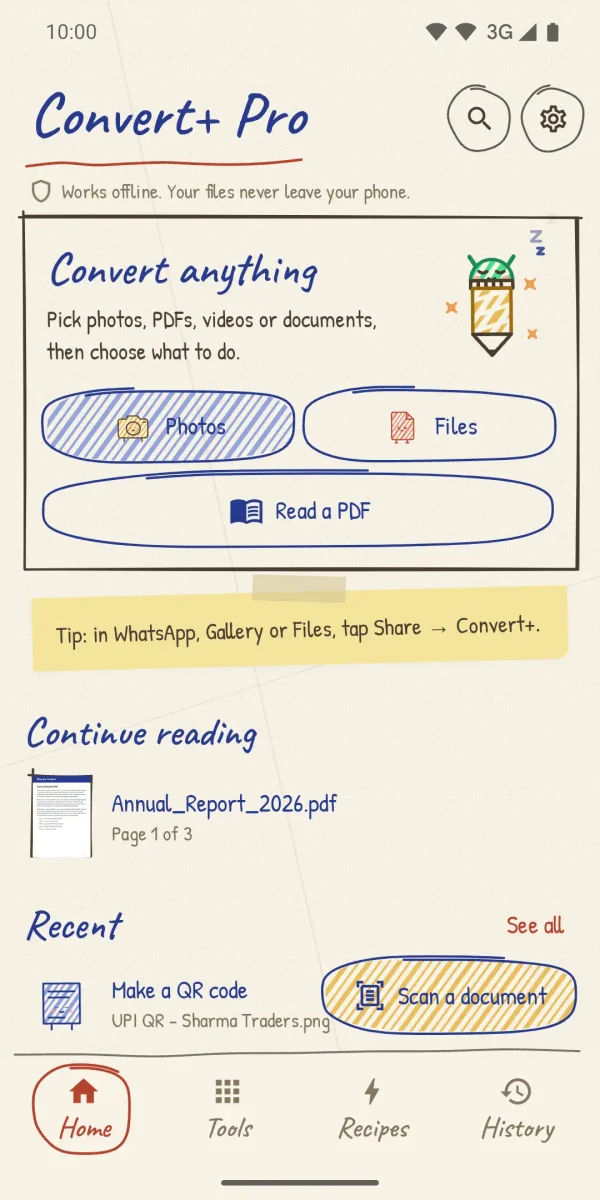
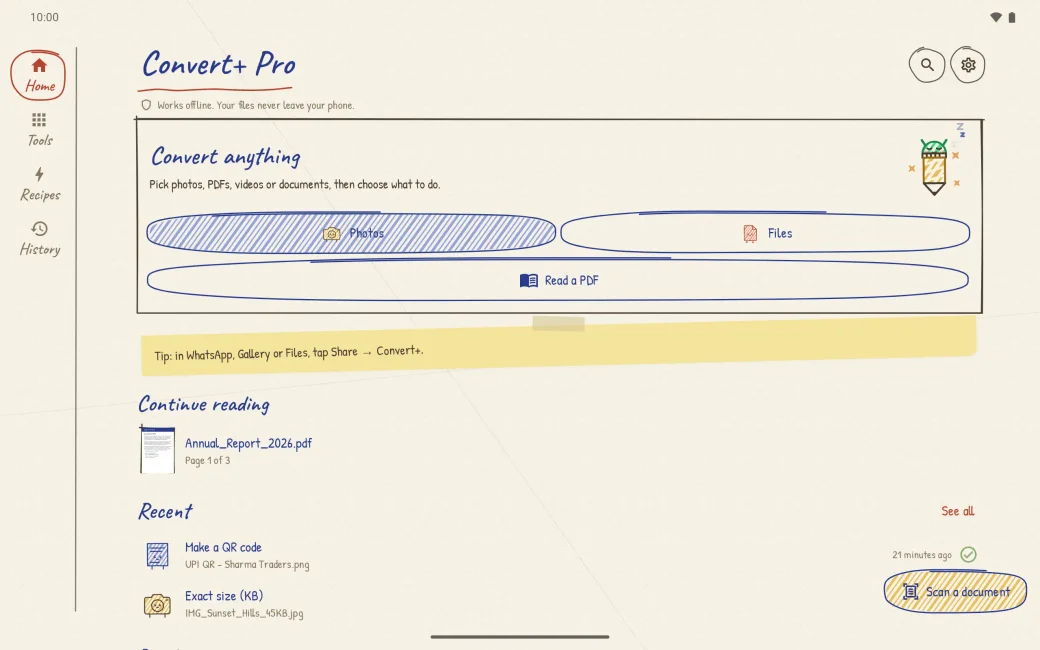
Alle Convert+-Tools in einer App, die keine Internetverbindung benötigt.
Convert+ Pro ist die kostenpflichtige Version von Convert+, dem Offline-Dateikonverter und PDF-Toolkit. Sie bietet exakt dieselben Funktionen wie die kostenlose App. Mit dem Kauf unterstützen Sie einen Entwickler, der Apps ohne Werbung erstellt, und erhalten eine App, die keine Internetverbindung benötigt.
In der kostenlosen Version von Convert+ sind alle Funktionen freigeschaltet. Die Pro-Version bietet keine zusätzlichen Funktionen. Wenn Sie nur die Funktionen benötigen, ist die kostenlose App die richtige Wahl.
ÄNDERUNGEN IN DER PRO-VERSION
• Keine Internetberechtigung. Android selbst verhindert, dass die App online geht. Ihre Dateien und Ihre Nutzung der App können daher nicht übertragen werden. Sie können dies in den App-Berechtigungen überprüfen.
• Keine Werbung: keine Liste „Weitere Apps“ und keine Bewertungsanfragen.
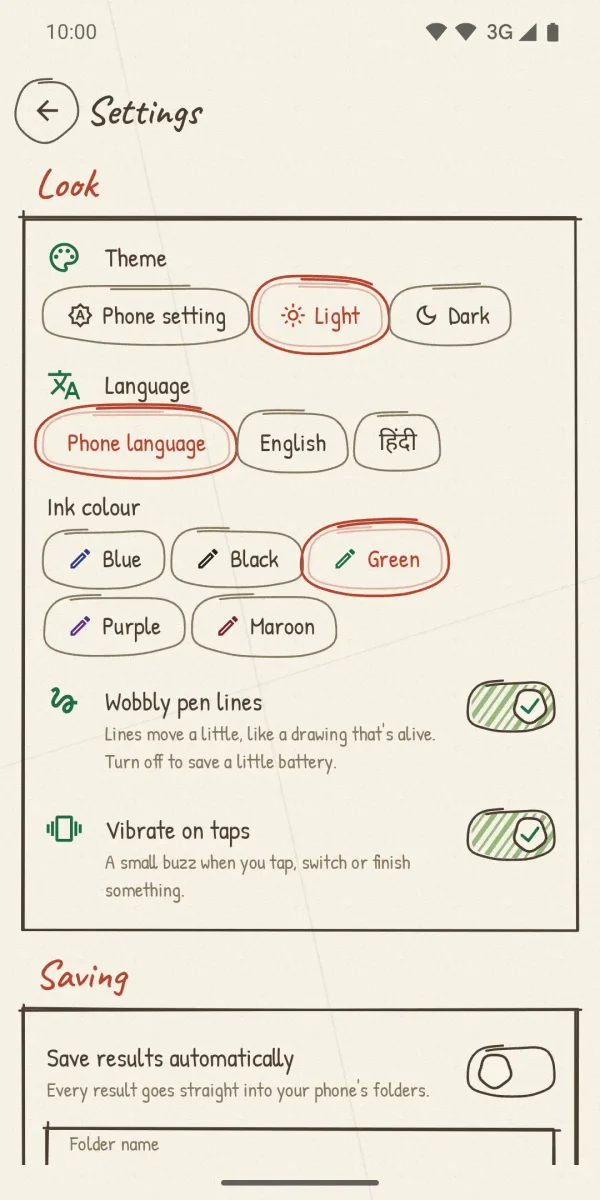
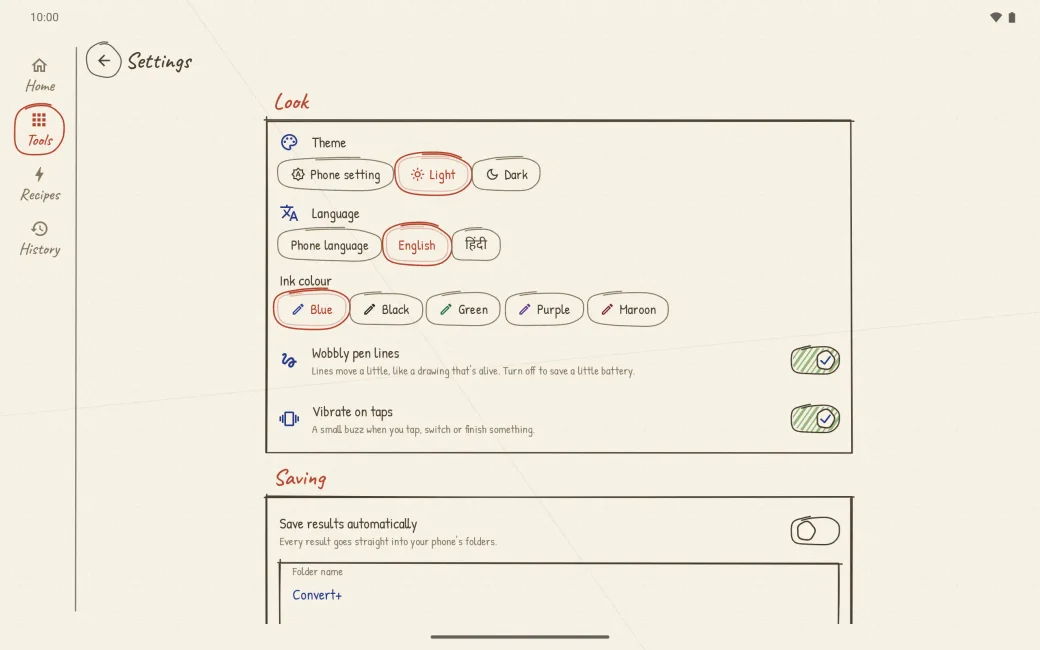
• Ein goldener Robo Jadoo und verschiedene Tintenfarben: Blau, Schwarz, Grün, Lila oder Kastanienbraun.
• Updates werden wie gewohnt über Google Play bereitgestellt.
UMSTIEG VON DER KOSTENLOSEN APP
Öffnen Sie in Convert+ die Einstellungen → Rezepte sichern. In Convert+ Pro öffnen Sie Einstellungen → Rezepte wiederherstellen. Beide Apps können parallel installiert bleiben.
DIE TOOLS (GENAU WIE IN DER KOSTENLOSEN APP)
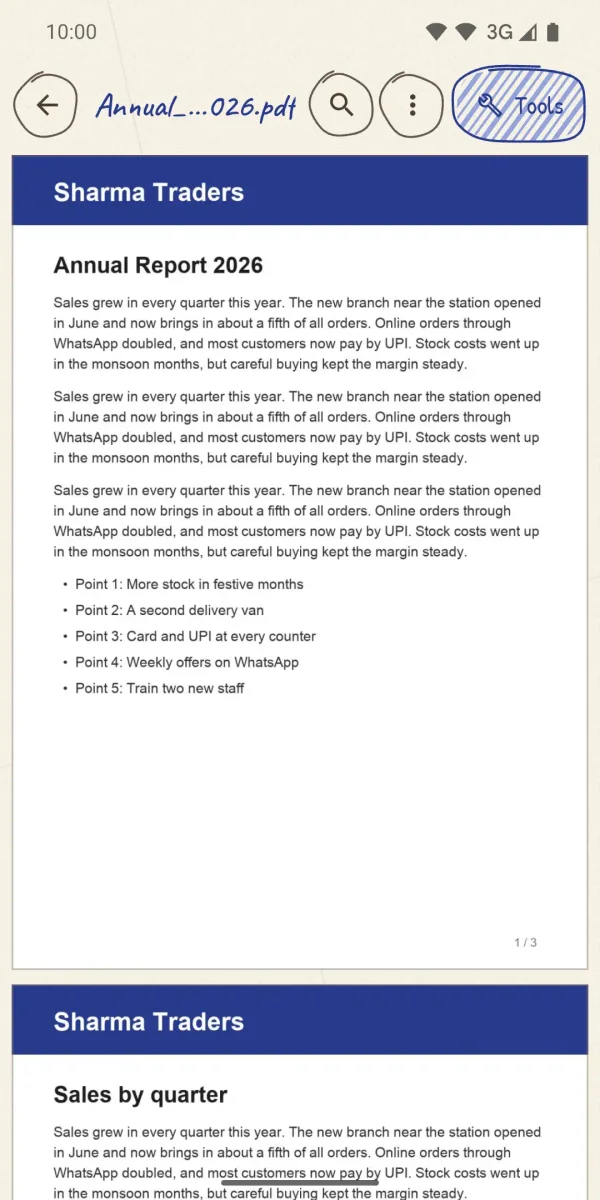
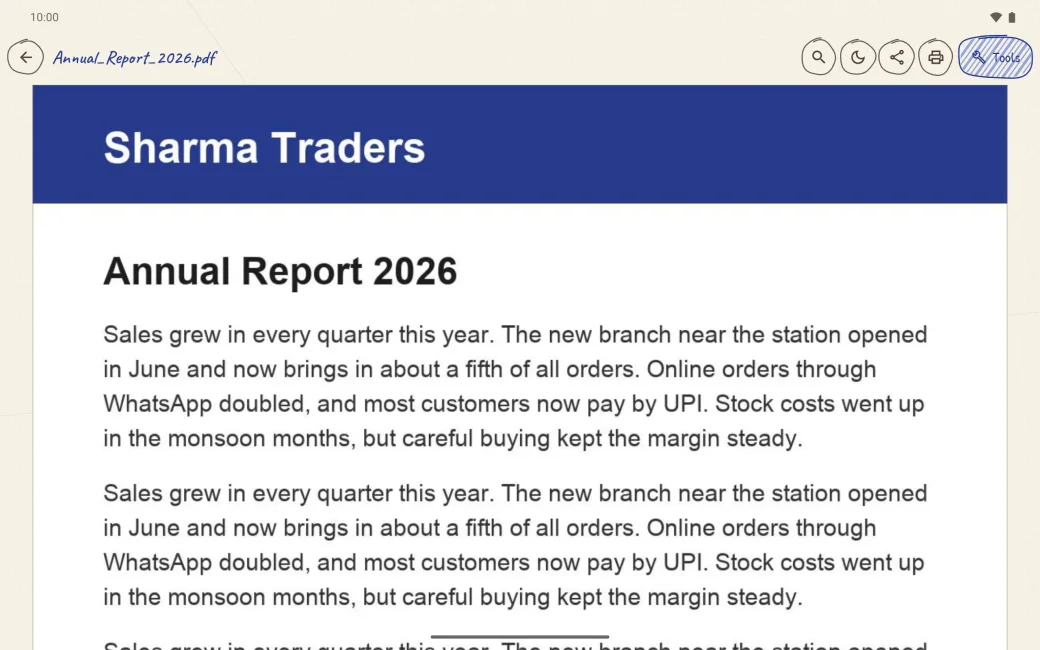
• PDF-Reader mit Zoom, Nachtmodus und Suche
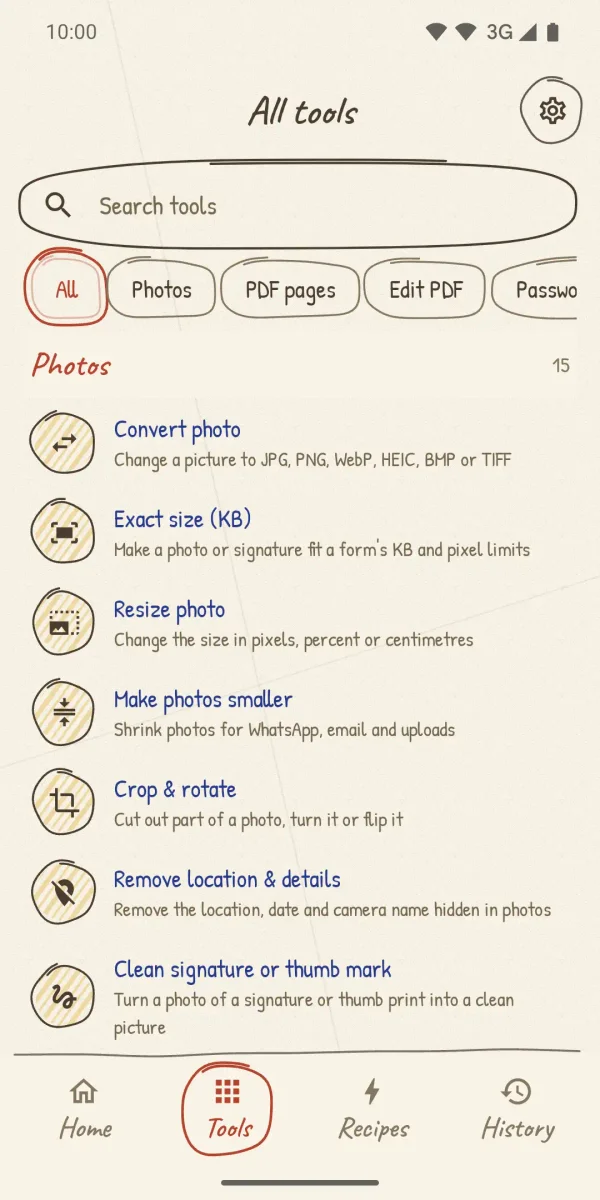
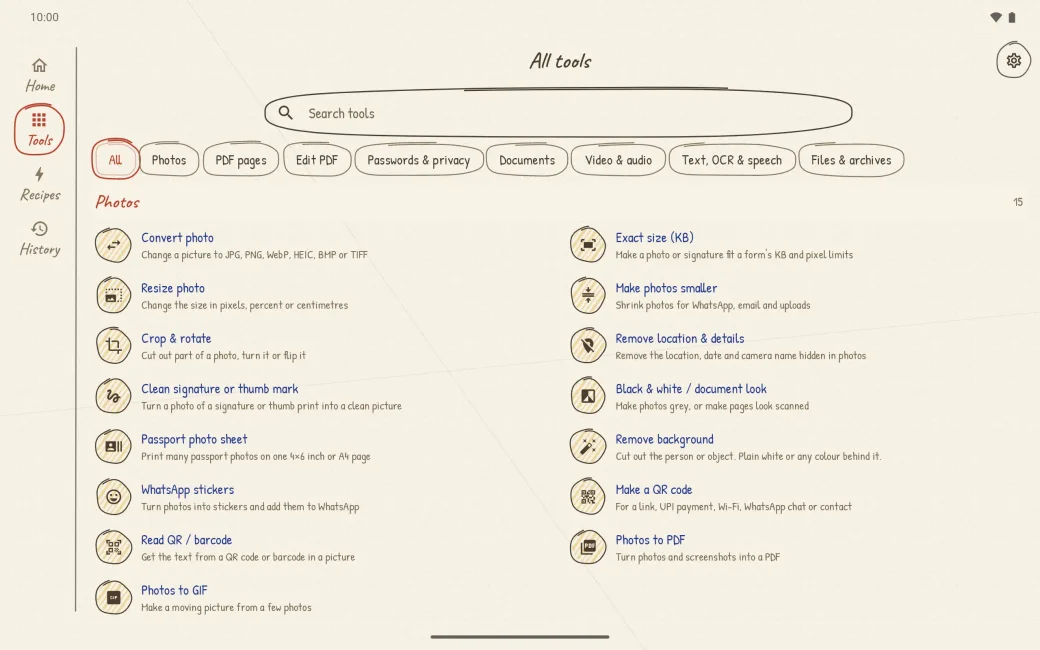
• Foto zu PDF, PDF zu JPG, Dokumentenscanner
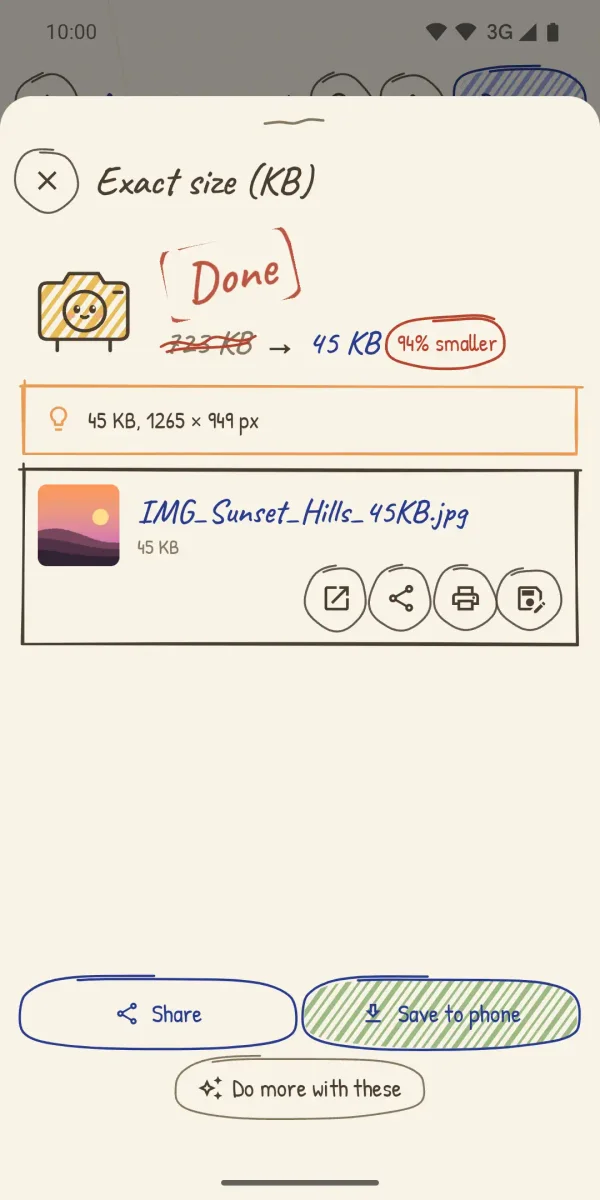
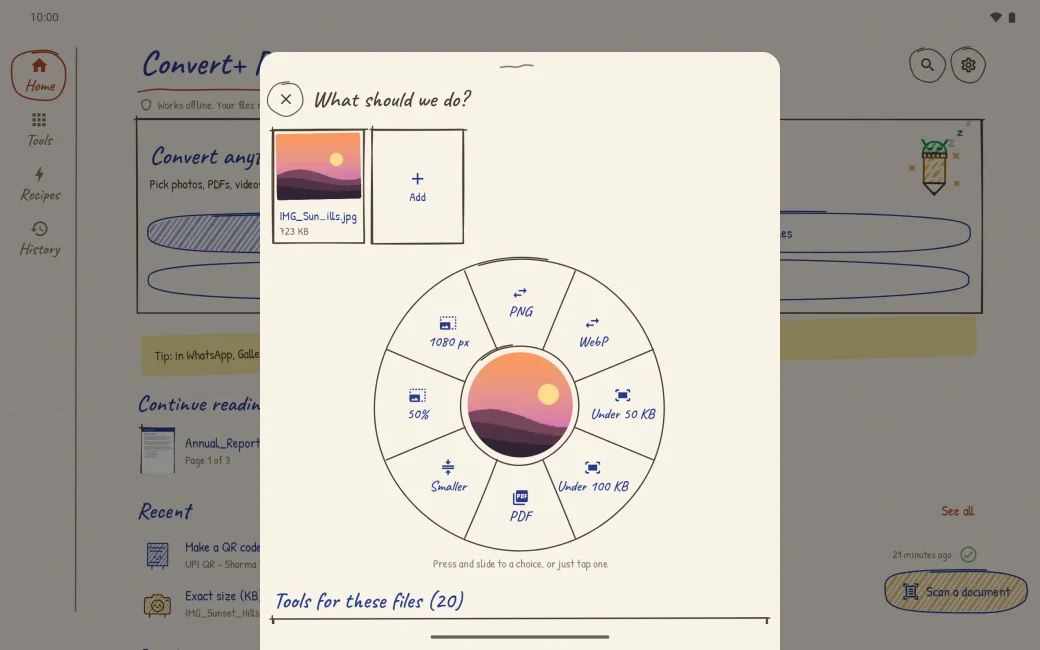
• Fotos auf eine exakte Größe in KB komprimieren, mit Voreinstellungen für SSC, UPSC, NEET, JEE, CUET und Bankprüfungen
• PDFs auf eine Zielgröße komprimieren, mit Voreinstellungen für Einkommensteuer, GST, NSP und andere Portale
• PDFs zusammenführen, teilen, drehen, sperren und entsperren, PDFs signieren, digitale Signatur mit Ihrem DSC (.pfx)
• PDF zu Word, Excel und PowerPoint und zurück zu PDF Kontoauszug in Excel konvertieren
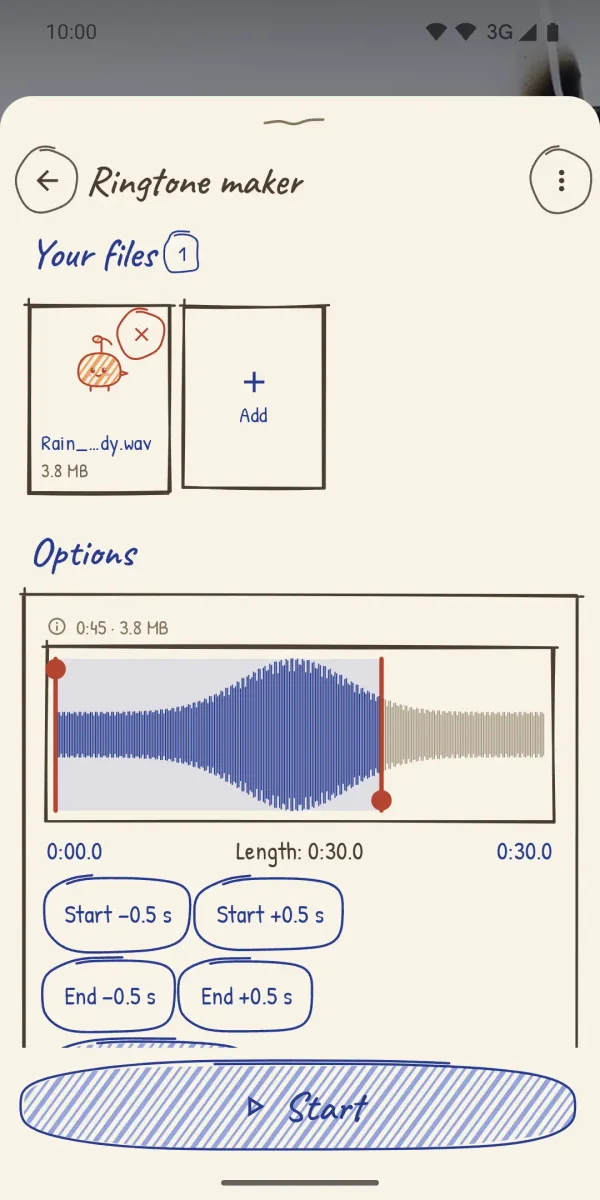
• Video zu MP3 konvertieren, MP3-Dateien schneiden und Klingeltöne erstellen, Video komprimieren, Video zu GIF konvertieren
• WhatsApp-Sticker erstellen, QR-Codes mit UPI QR-Code erstellen, QR- und Barcode-Leser
• Aadhaar-Maskierung, Datenschutzprüfung, Schwärzung, OCR in 10 indischen Sprachen
• ZIP mit Passwörtern, RAR- und 7z-Dateien öffnen, Untertitel, CSV und Excel
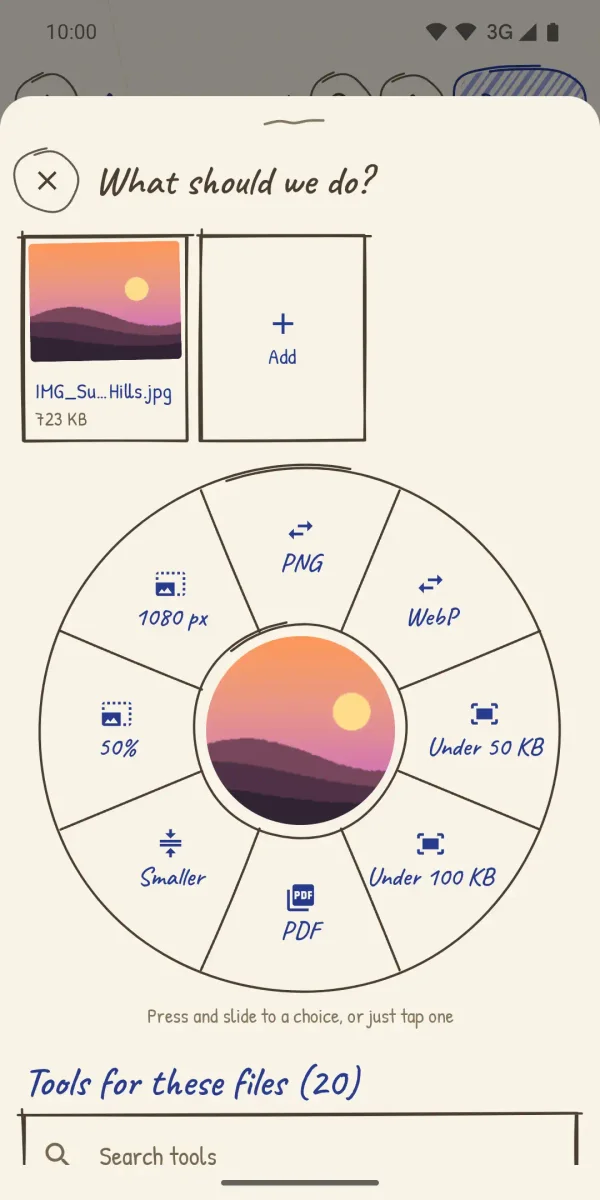
• Rezepte: Viele Schritte mit einem Fingertipp aus dem Teilen-Menü
Alle Tools laufen auf dem Smartphone. Dateien werden niemals hochgeladen.
Die zusätzlichen OCR-Sprachen und Office-Schriftarten werden von Google Play bereitgestellt, nicht von der App. Daher sind sie auch ohne Internetverbindung der App verfügbar.
Convert+ steht in keiner Verbindung zu Regierungsbehörden, Prüfungsausschüssen, WhatsApp oder Adobe.
Originaltext anzeigen
Convert+ Pro is the paid edition of Convert+, the offline file converter and PDF toolkit. It has exactly the same tools as the free app. You buy it to support one developer who makes apps with no ads, and to get an app that cannot go online at all.
The free Convert+ has every tool unlocked. Pro does not add tools. If you only need the tools, the free app is for you.
WHAT PRO CHANGES
• No internet permission at all. Android itself stops the app from going online, so your files and your use of the app can't be sent anywhere. You can check this in the app's permissions.
• No promotion: no "More apps" list and no rating requests.
• A gold Robo Jadoo, and a choice of ink colours: blue, black, green, purple or maroon.
• Updates still come through Google Play as usual.
MOVING FROM THE FREE APP
In Convert+, open Settings → Back up recipes. In Convert+ Pro, open Settings → Restore recipes. Both apps can stay installed side by side.
THE TOOLS (SAME AS THE FREE APP)
• PDF reader with zoom, night mode and search
• Photo to PDF, PDF to JPG, document scanner
• Compress photo to an exact size in KB, with SSC, UPSC, NEET, JEE, CUET and bank exam presets
• Compress PDF to a target size, with Income Tax, GST, NSP and other portal presets
• Merge, split, rotate, lock and unlock PDFs, sign PDFs, digital signature with your DSC (.pfx)
• PDF to Word, Excel and PowerPoint, and back to PDF; bank statement to Excel
• Video to MP3, MP3 cutter and ringtone maker, video compressor, video to GIF
• WhatsApp sticker maker, QR code maker with UPI QR, QR and barcode reader
• Mask Aadhaar, privacy check, true redaction, OCR in 10 Indian languages
• ZIP with passwords, open RAR and 7z, subtitles, CSV and Excel
• Recipes: many steps in one tap from the share menu
Every tool runs on the phone. Files are never uploaded.
The extra OCR languages and the office fonts are delivered by Google Play itself, not by the app, so they still arrive without the app having internet access.
Convert+ is not linked to any government body, exam board, WhatsApp or Adobe.
Datensicherheit
Was Trilokia Inc. bei Google Play zu den Daten angibt, die diese App erfasst und weitergibt.
- Keine Daten werden mit Drittunternehmen oder -organisationen geteiltWeitere Informationen dazu, wie Entwickler Angaben zur Weitergabe von Daten machen
- Keine Daten erhobenWeitere Informationen dazu, wie Entwickler Angaben zur Datenerhebung machen
Neue Funktionen
Version 1.2 · 22.11.2026
New in Convert+ Pro 1.2:
• Split a video or song into parts, like 60-second Status clips
• Speed: slow motion or fast forward
• Volume: louder, quieter or evened out
• Remove background noise from voice notes and lectures
• Fit to frame: 9:16, square or 4:5 without cropping
• Add music to a video, and photo slideshows with a song
• Burn subtitles into a video
• Song details: name, singer, album and cover
• FLAC audio, H.265 video and a save folder you pick
Still no internet permission.
Kontakt zum Entwickler
- Websitetrilokiainc.com
- E-Mailapps.trilokia.inc@gmail.com
- Datenschutzerklärungtrilokiainc.com
- AdresseH.NO.291 SEC.9 NEAR DOGRA SCHOOL NANAK NAGAR GANDHINAGAR Nanak Nagar Jammu, Jammu and Kashmir 180004 India
Informationen
- Angeboten von
- Trilokia Inc.
- Kategorie
- Tools
- Version
- 1.2
- Aktualisiert
- 22.11.2026
- Veröffentlicht
- 12.11.2026
- Erfordert
- Android 8.0 oder höher
- Altersfreigabe
- USK ab 0 Jahren
- Preis
- 1,09 €
- Paketname
- inc.trilokia.convert.pro